Questions & Answers
Page Showing 1-10 of 10 questions
Q: Questioncan this monitor be used to watch cable television when not being used for computer?
Asked by poprr.
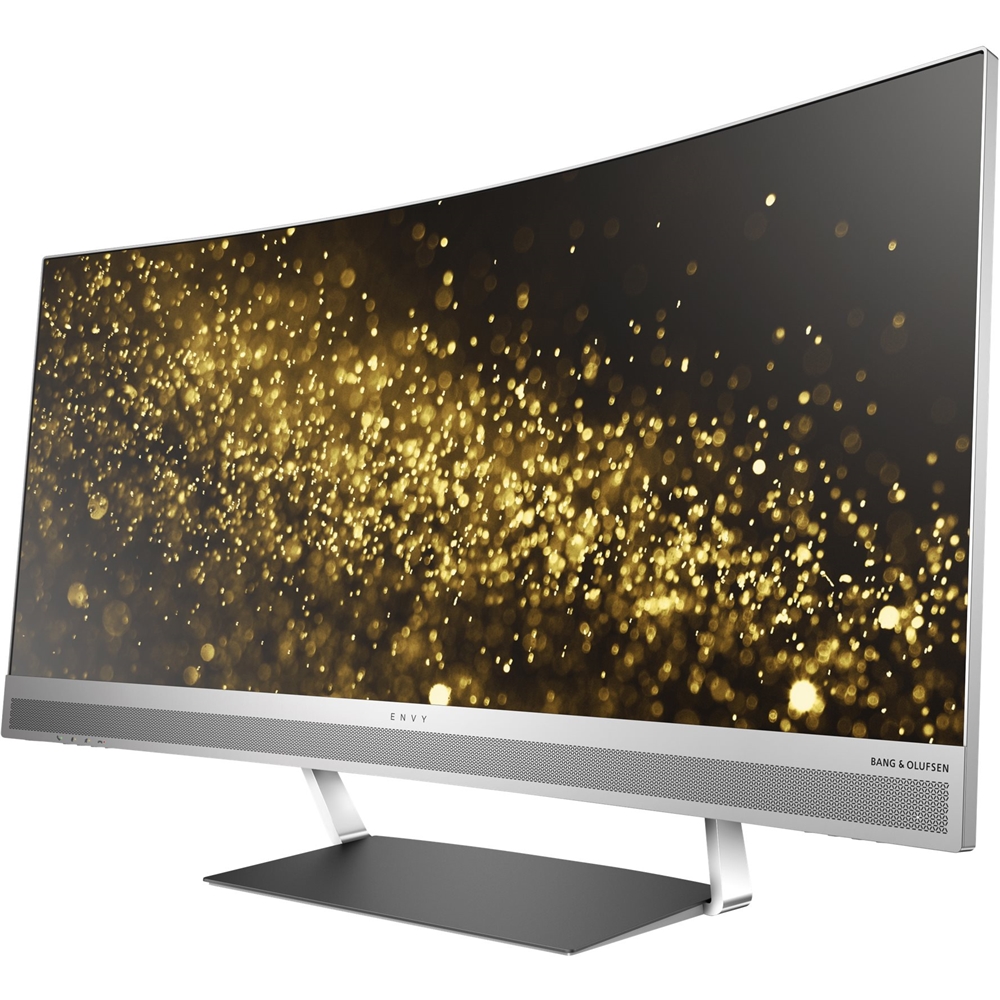
- A:Answer The HP Envy 34" LED Curved HD 21:9 Ultrawide Monitor can be used for viewing TV and other video signals when not be used by a computer.
Answered by CommunityAnswer
Q: QuestionIs this the HP 34" Smart Buy EliteDisplay S340C? B/c that's what the pictures look like, but some of the specs/features don't match.
Asked by Ezekiel2517.
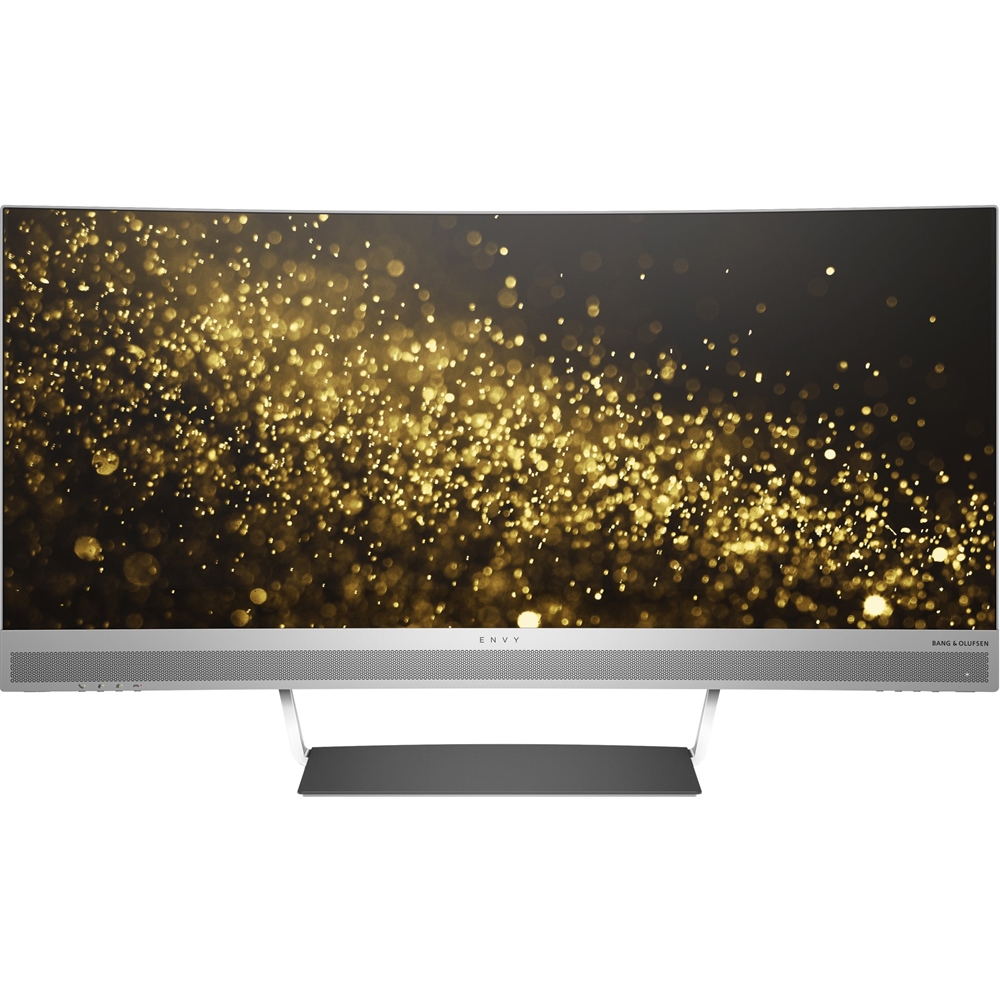
- A:Answer Yes, it actually is the same, as per HP sales support. I asked them the exact same question last week. The only difference concerns the display adapter. The Envy has an HDMI port while the other uses something else, I forget which, plus USB C. Basically, the Envy is more for home use, and the Elite more for business. Other than that, the screen, speakers and body area ll the same.
Answered by Bobb
Q: QuestionDoes it have a webcam?
Asked by Buyer.
- A:Answer Unfortunately, this monitor does not have a built in webcam.
Answered by HP Team

Q: QuestionNeed a 34 inch curved for office work. Will a $400.00 monitor suffice? Is the quality difference justify $400.00 extra?
Asked by Units.
- A:Answer Whether the $400 monitor "will suffice" depends a lot on what you're doing with it. Without knowing more, it's impossible to say
Answered by HP Team

Q: QuestionDo I need a CPU Tower with this Monitor to work?
Asked by Anonymous.
- A:Answer Yes, because this is just a monitor, you will require a computer to plug into it.
Answered by HP Team

Q: QuestionI can't find the system this computer runs on. How many Terabytes and how much gig does it have???
Asked by Shellys07.
- A:Answer This is not a computer. It is only a monitor.
Answered by HP Team

Q: Questionis this a 4k monitor with HDR?
Asked by CC0828.
- A:Answer No, this is not a 4K monitor with HDR.
Answered by CommunityAnswer
Q: QuestionCan this monitor be used with two PC's simultaneously and display both on the single screen? As in the Picture -in- Picture mode?
Asked by Denali.
- A:Answer Yes it can via PIP. It's really hard to see though because both are so small. Better to just switch inputs.
Answered by SodaChanh
Q: QuestionWill this work as a monitor for a MacBook Pro?
Asked by TechMom.
- A:Answer Yes, this will work as a monitor for a MacBook Pro.
Answered by CommunityAnswer
Page 1, Showing 1-10 of 10 questions
Top Rated
- $329.99$329.99The price was $469.99
- $139.99$139.99The price was $149.99
- $299.99$299.99The price was $349.99
- $279.99$279.99The price was $329.99
- $949.00$949.00The price was $1,099.00
- $1,099.99$1,099.99The price was $1,299.99
- $1,499.00$1,499.00The price was $2,799.00
- $79.00$79.00The price was $99.99