A:AnswerYes. You need to modify the print page . Click on modify after you open the paper tray. Select the A3 option when you scroll down the list of paper size options. Click ok and you are ready to print A3. Also must change this setting in the mailing tab of your computer. Select the corresponding paper size in the mailing tab to correlate to the change implemented on the printer. Goodluck!
A:AnswerI think it should. Set it up as a printer choice on your laptop. Mine is set up on a laptop, iPad and 2 mobile phones. I’m able to print from all devices.
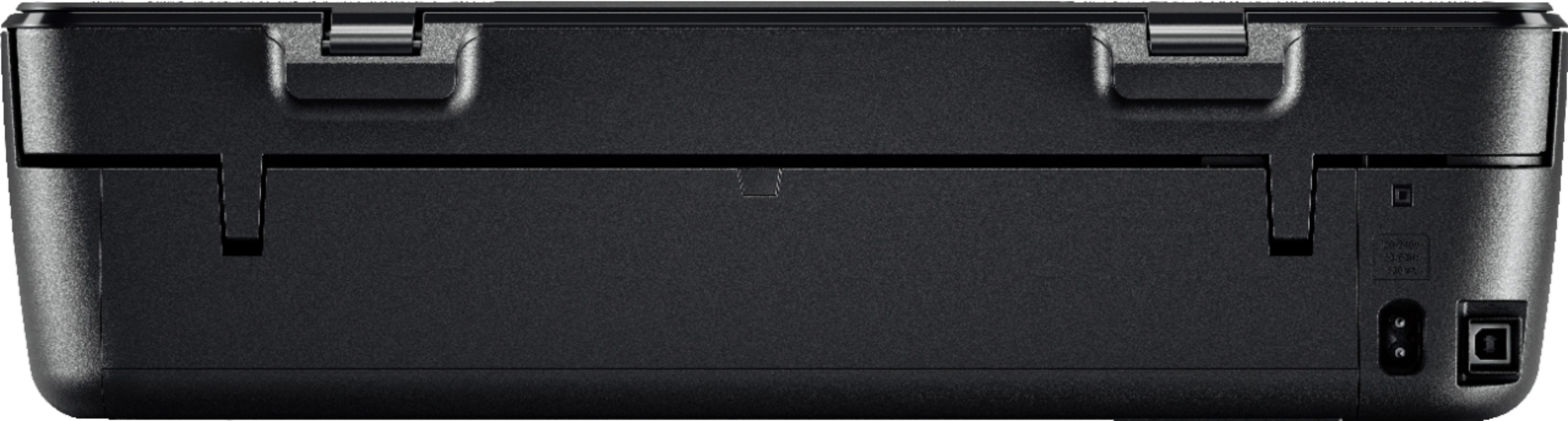
A:AnswerThis is a complex question with no easy answers. There is a usb connection which does do basic printing, but if you are looking to scan in pages, you have to download "apps" for it to scan wirelessly from HP and all the HP instant ink service stuff which I do not intend to do. Read and understand everything before you download it.
A:AnswerNo, there is no fax function on this printer. I recommend looking at any of HP's Officejet or Officejet Pro printers for the fax function. Also, the Envy Photo 7855 printer has a fax.