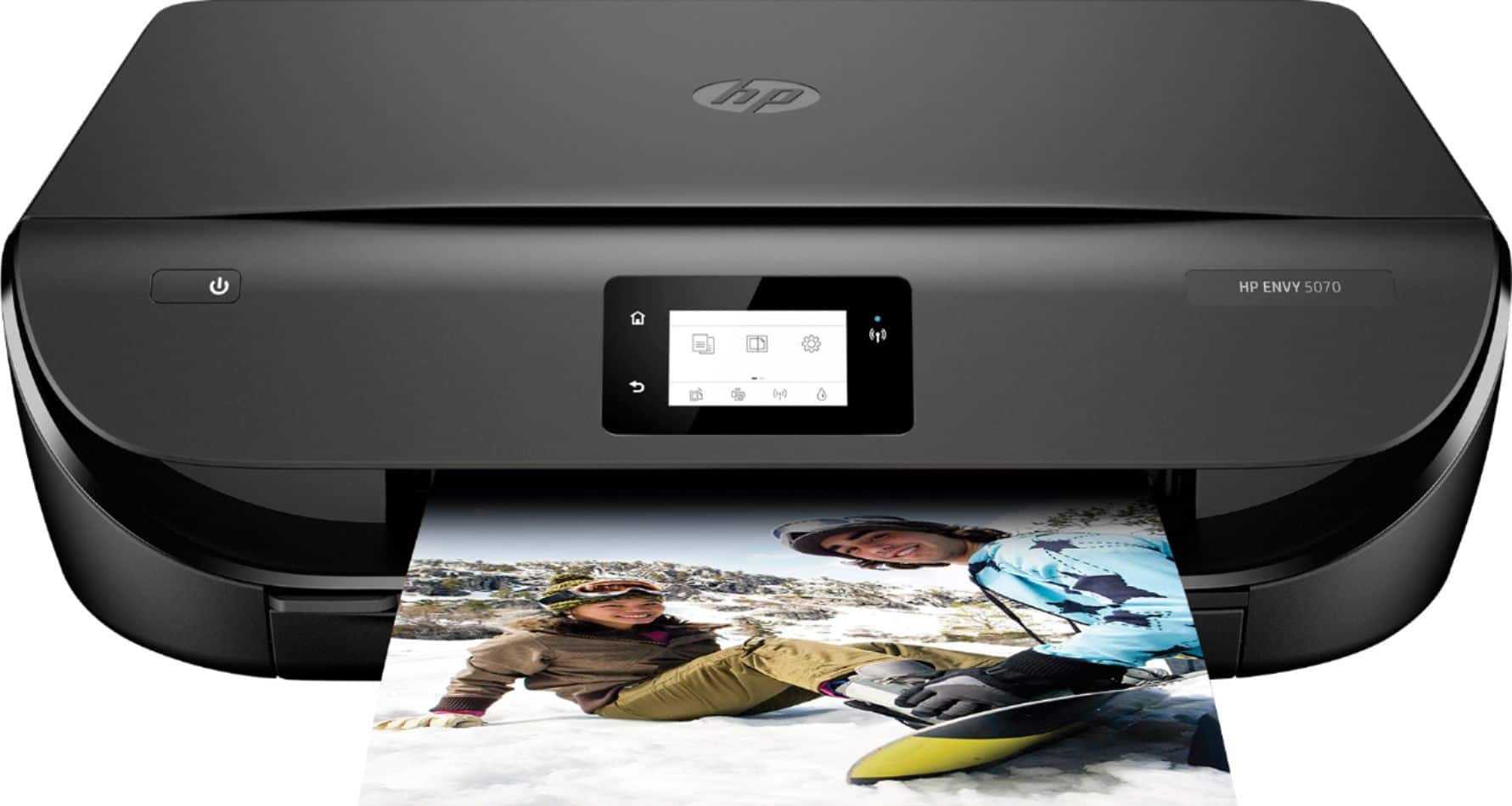
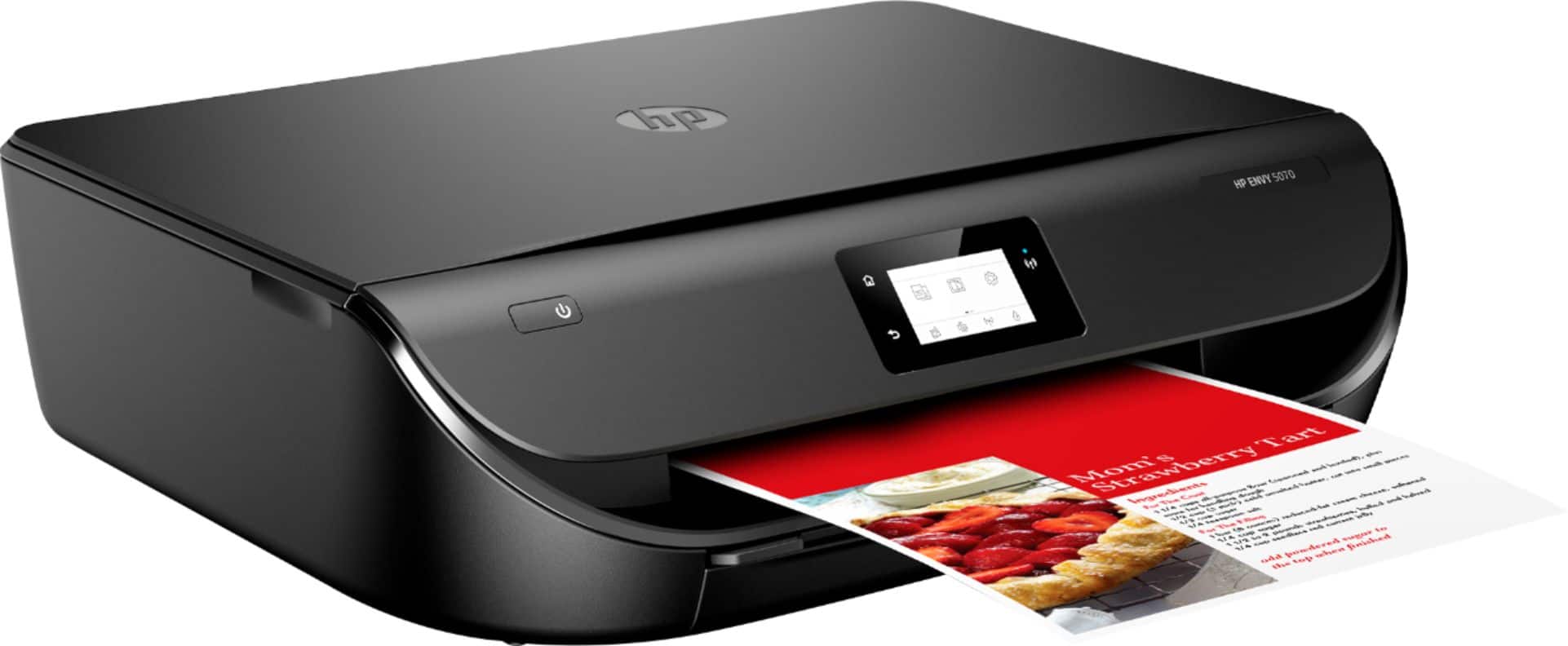
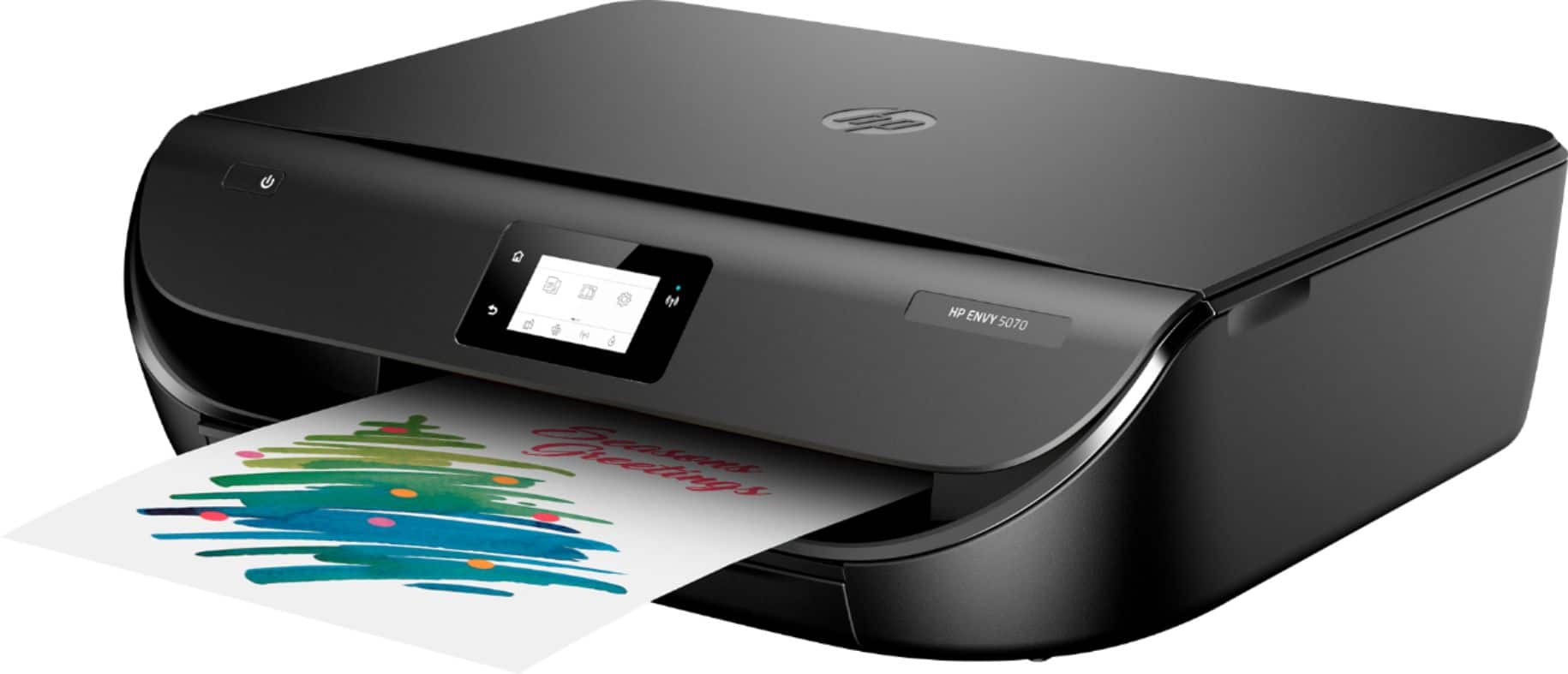
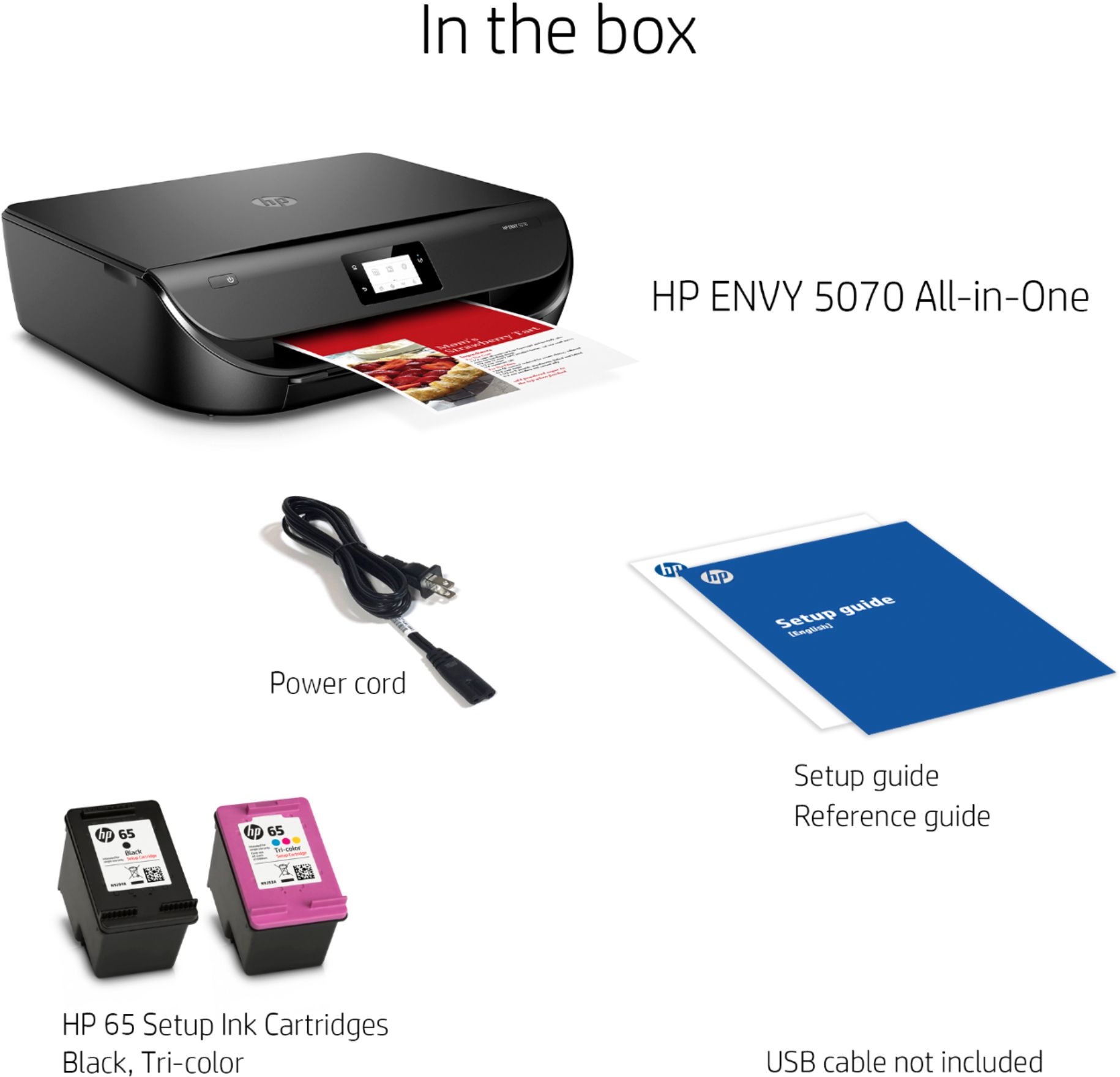
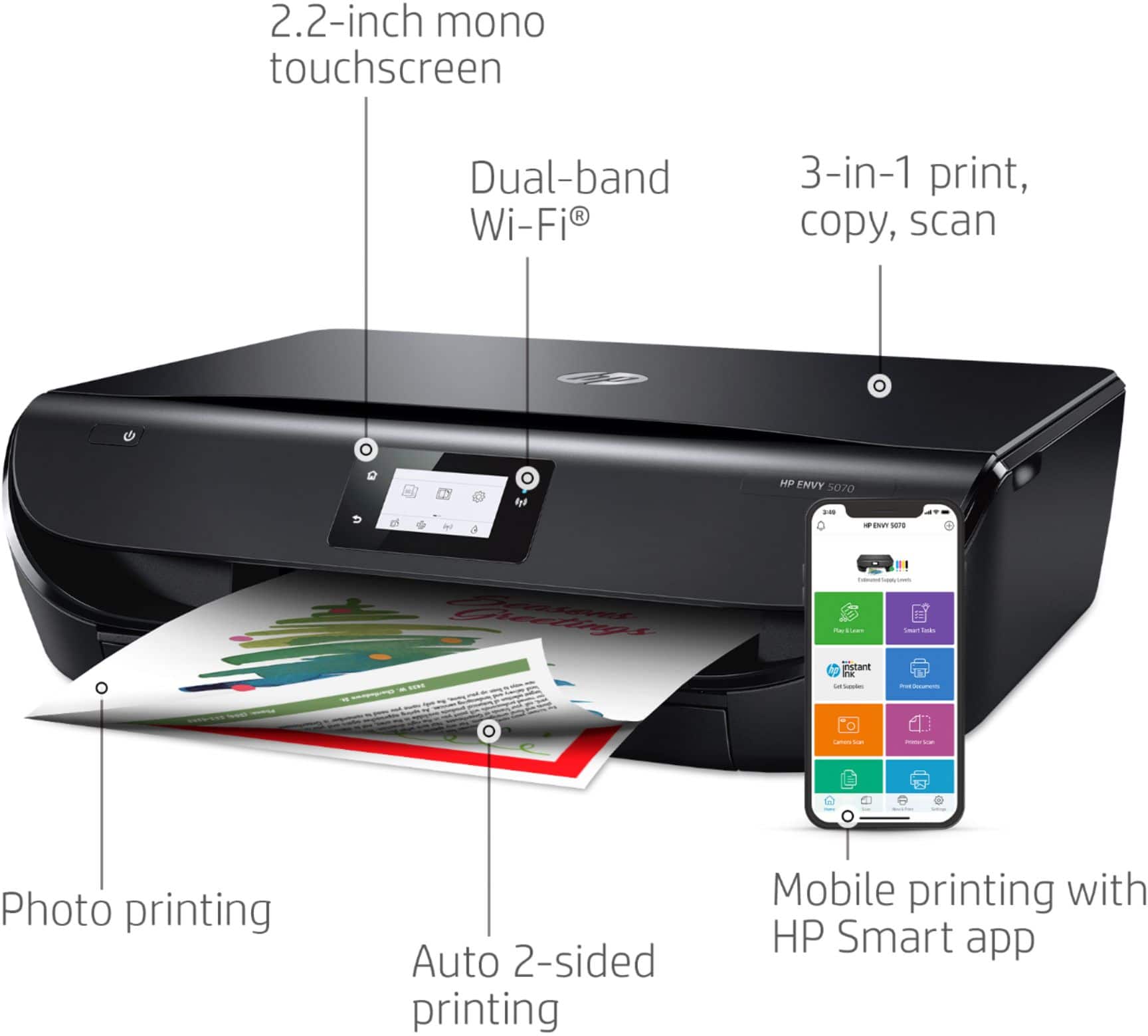
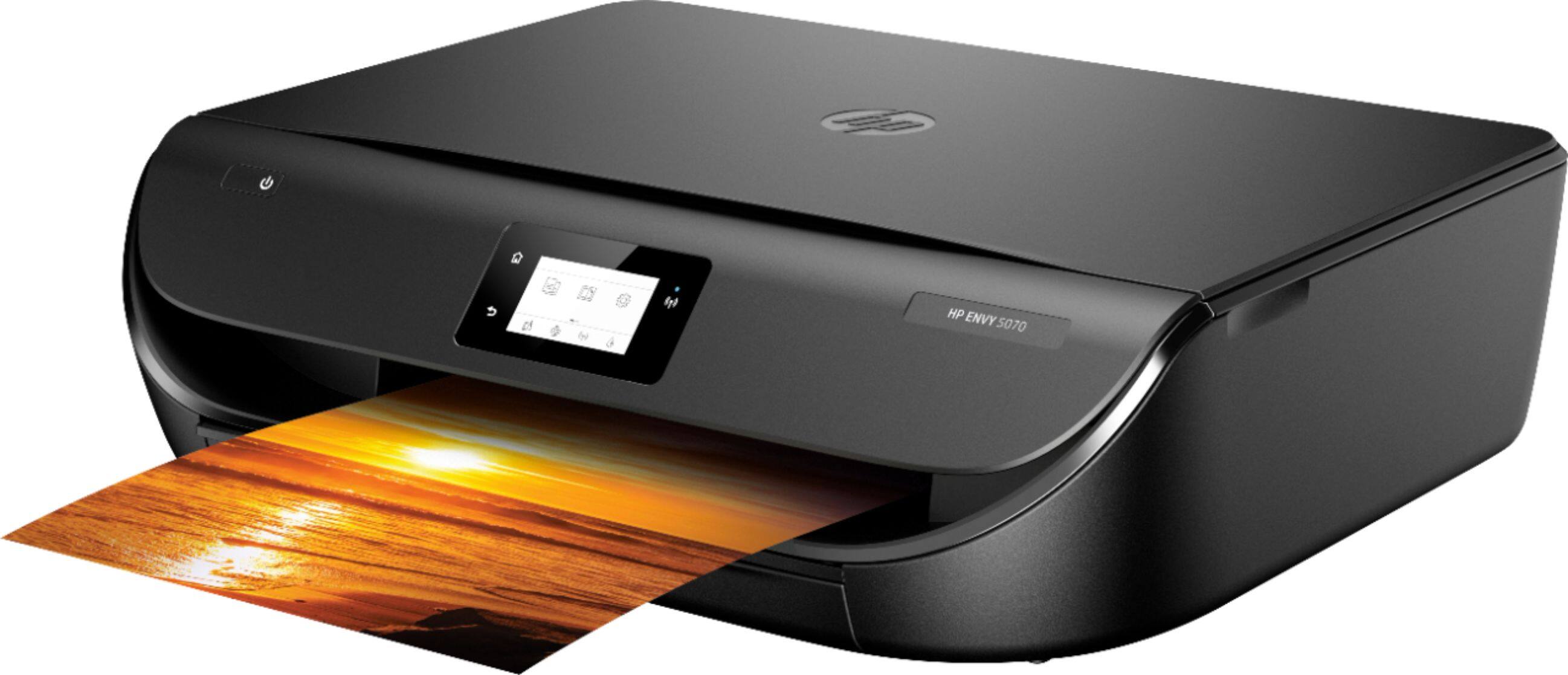
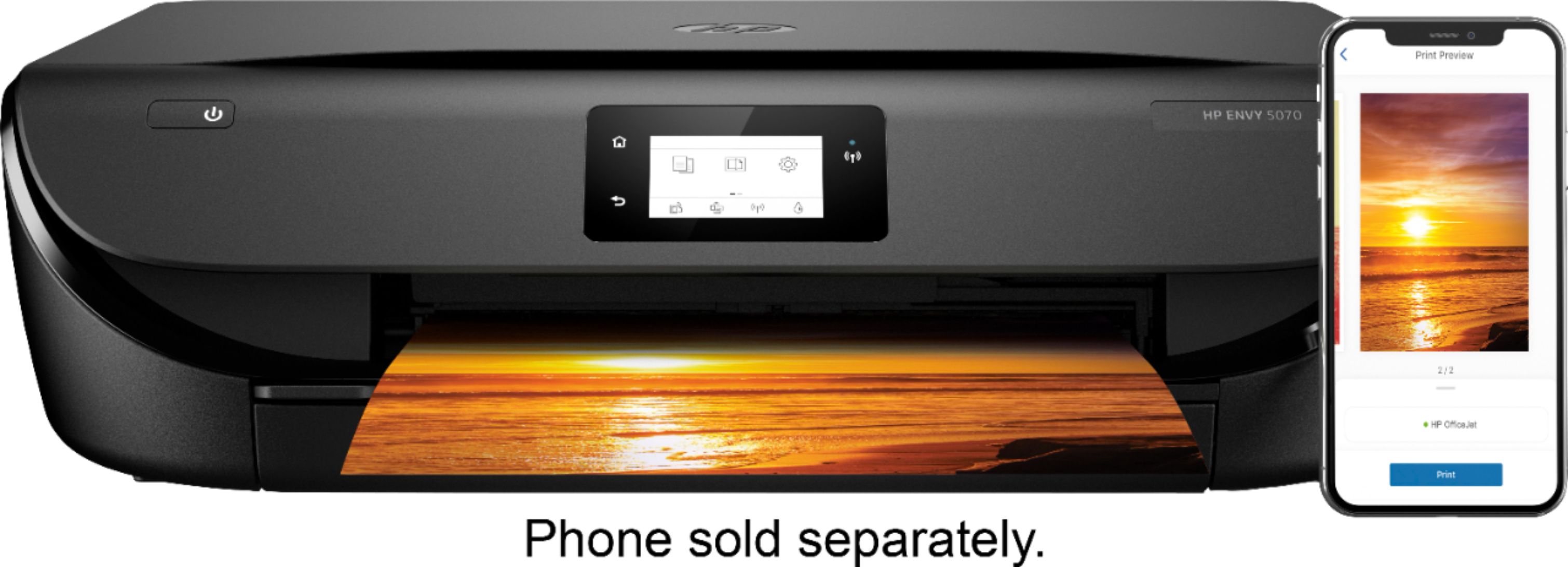
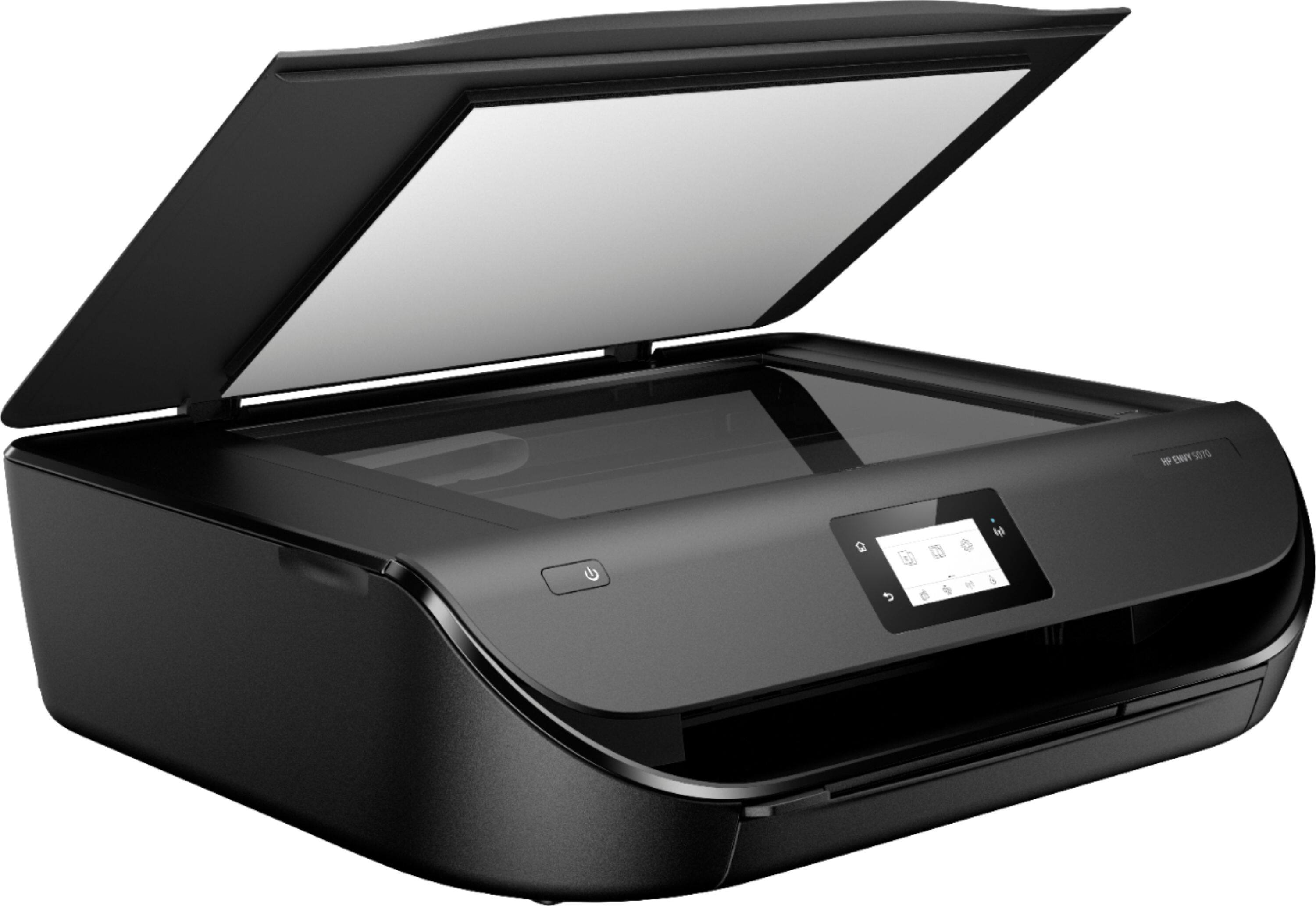
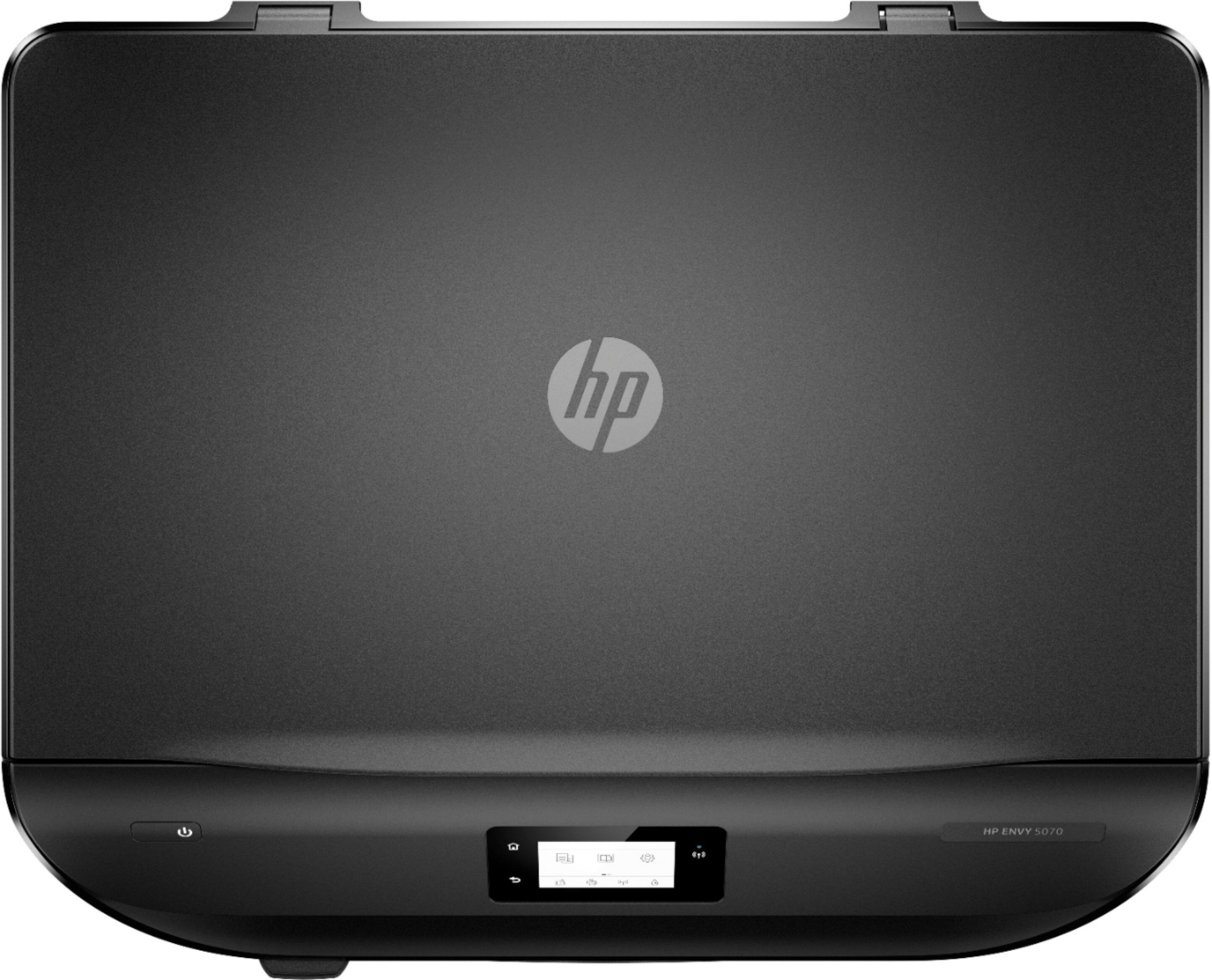
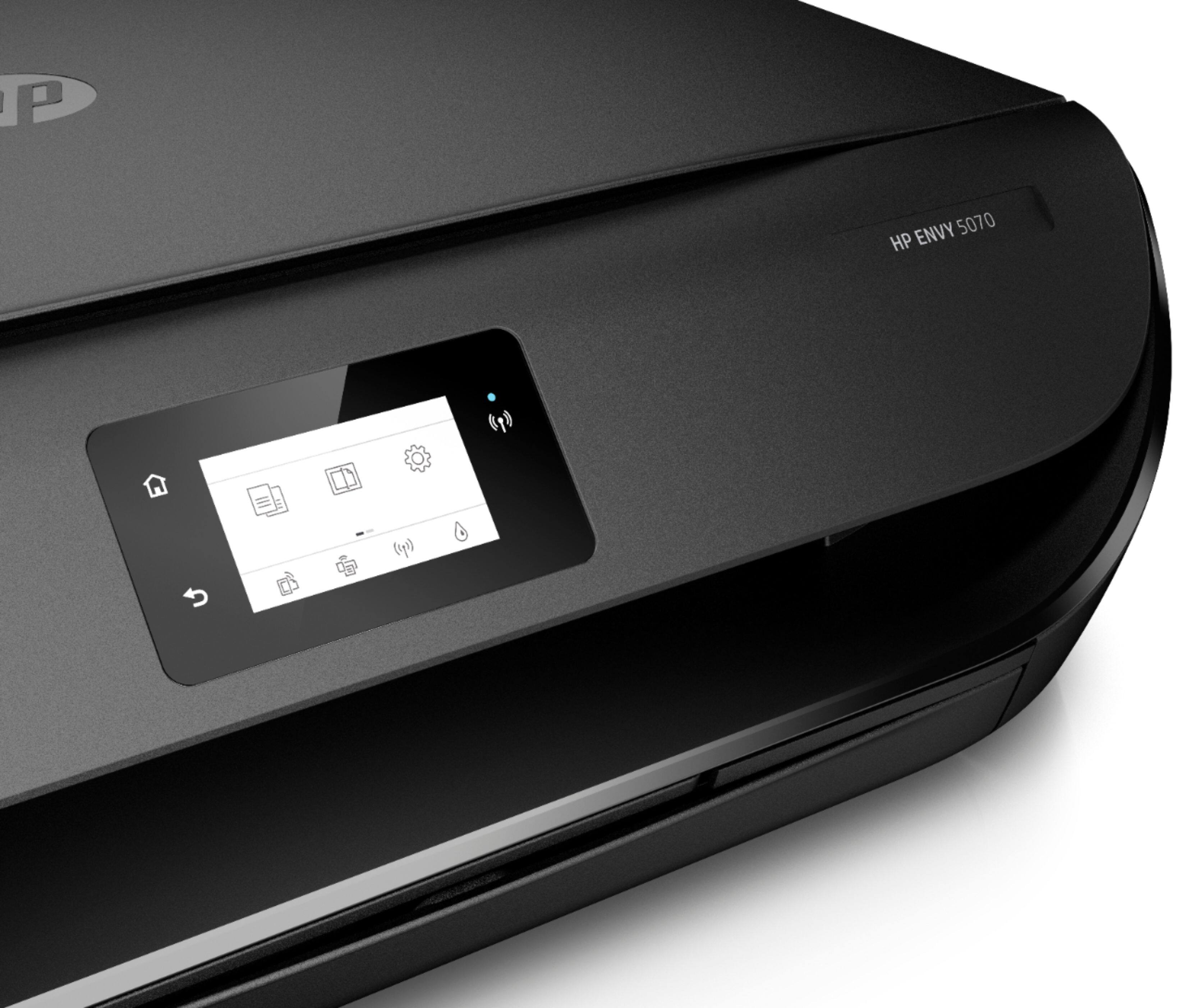
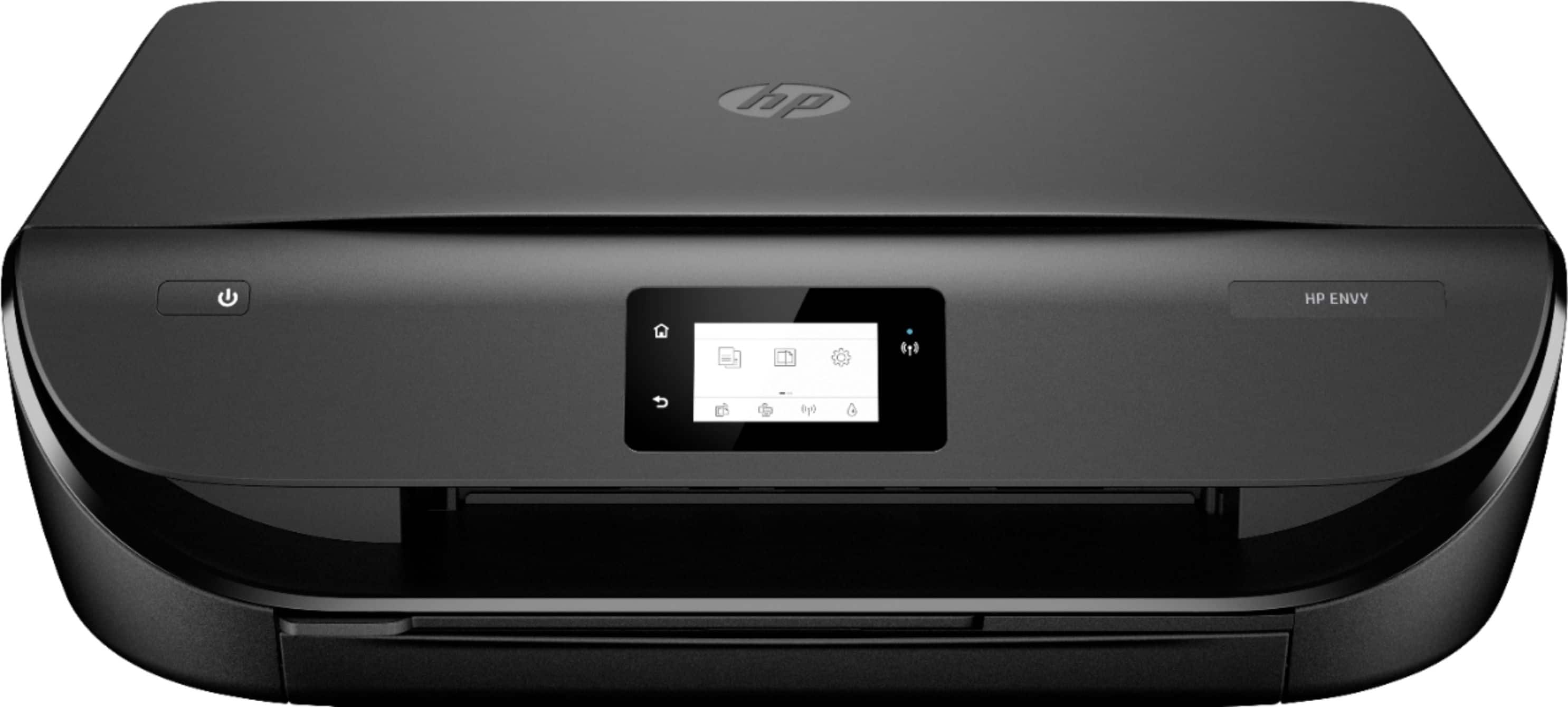
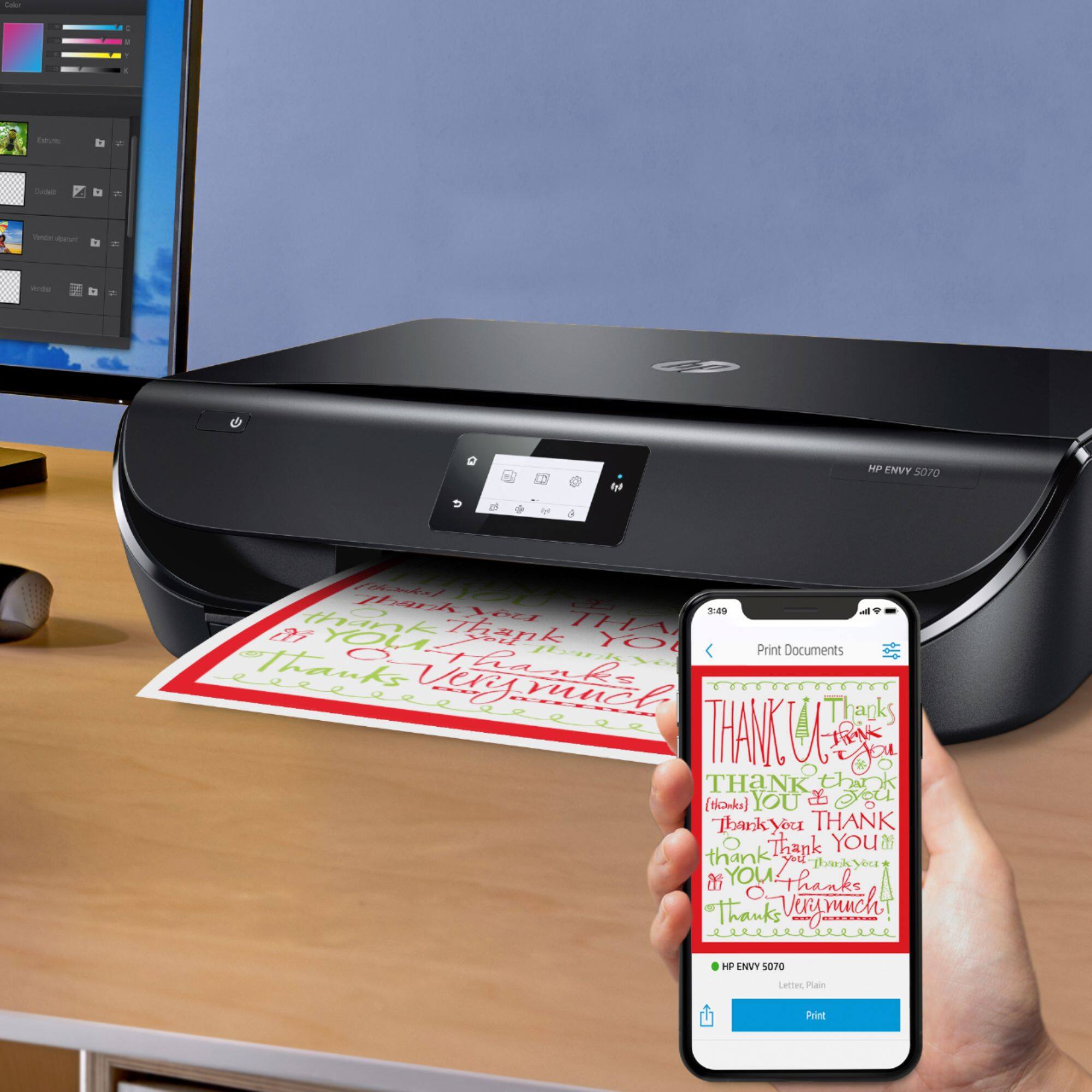
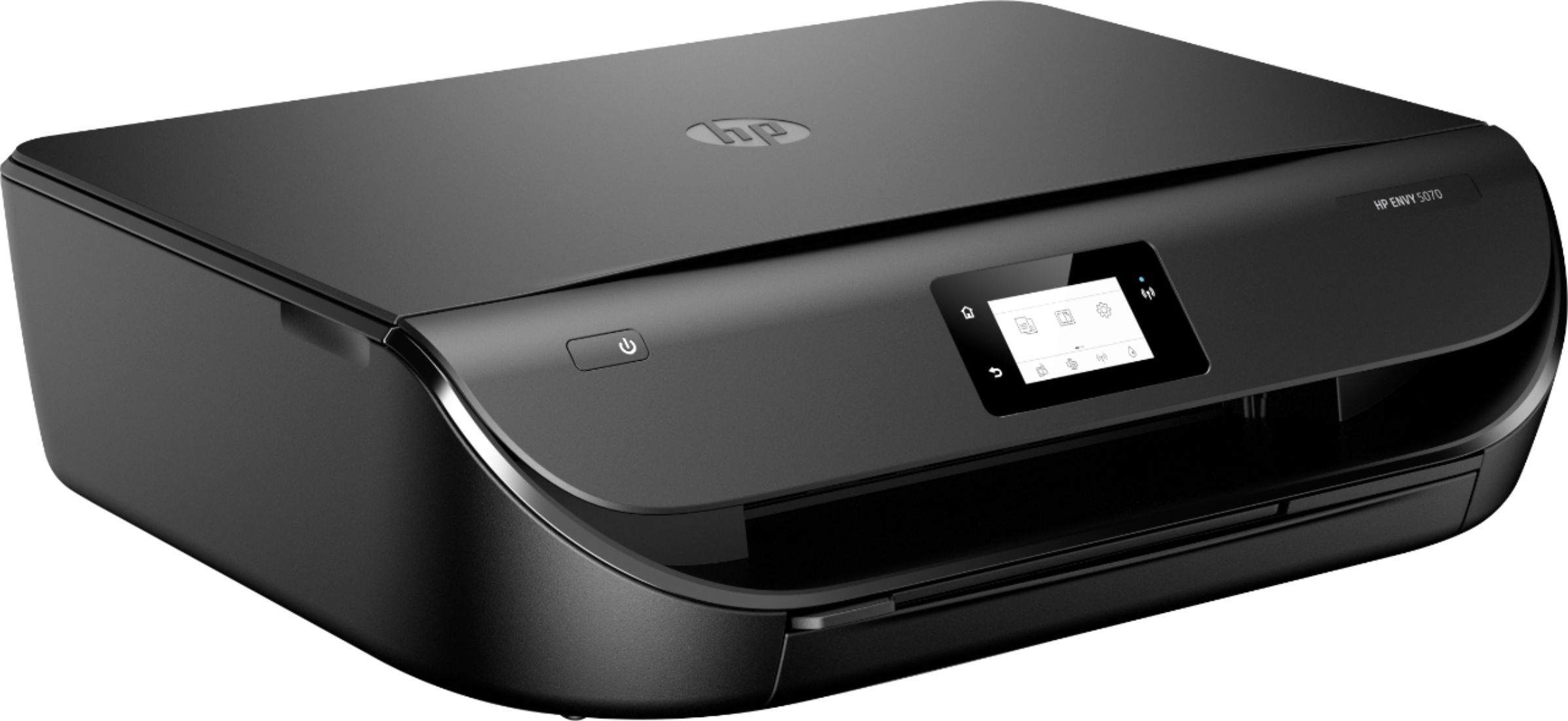
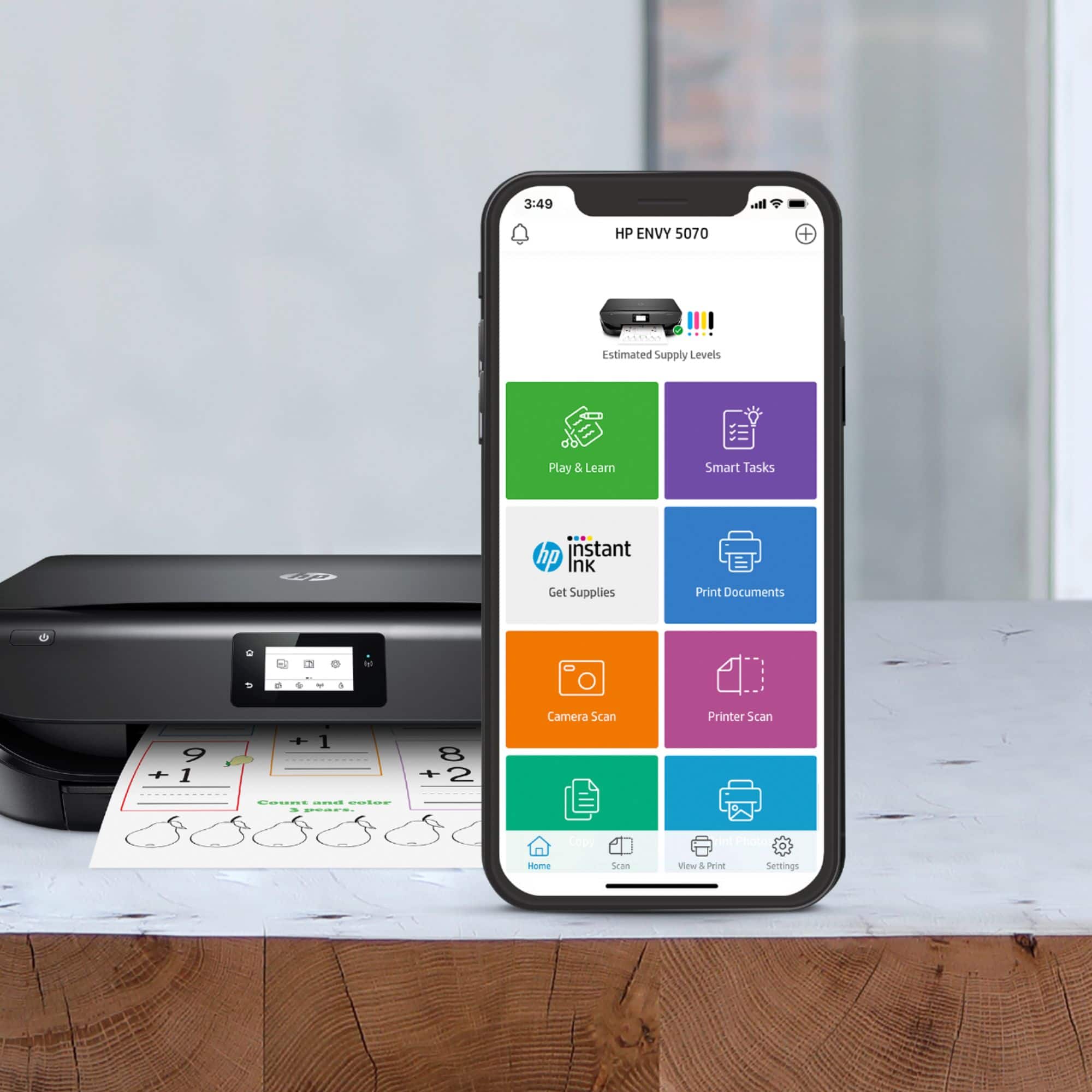
A:Answer Yes, you can. If you scan more than one page on the HP Envy 5070 printer, you can scan the first page. Then, add a page to scan the next page. You would continue until all of the pages are scanned. Then, you can save the document as a PDF. We recommend using the HP Smart app. If you want to automatically scan several pages, I would recommend looking at a printer with an auto document feeder, like the HP Envy Pro 6455 printer. Here is more information on the HP Smart app: https://support.hp.com/us-en/product/hp-deskjet-2600-all-in-one-printer-series/12319824/model/21481524/document/c04675142