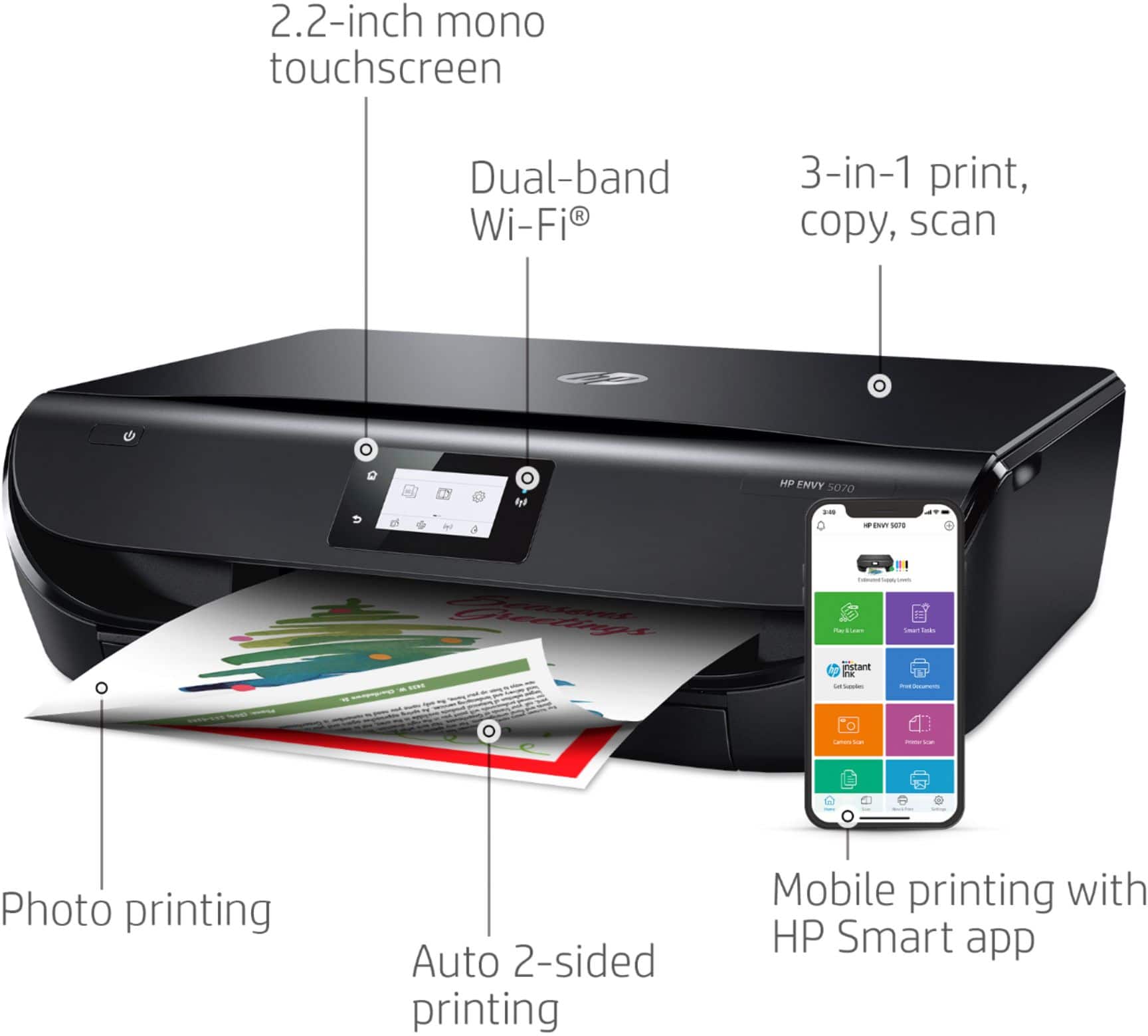
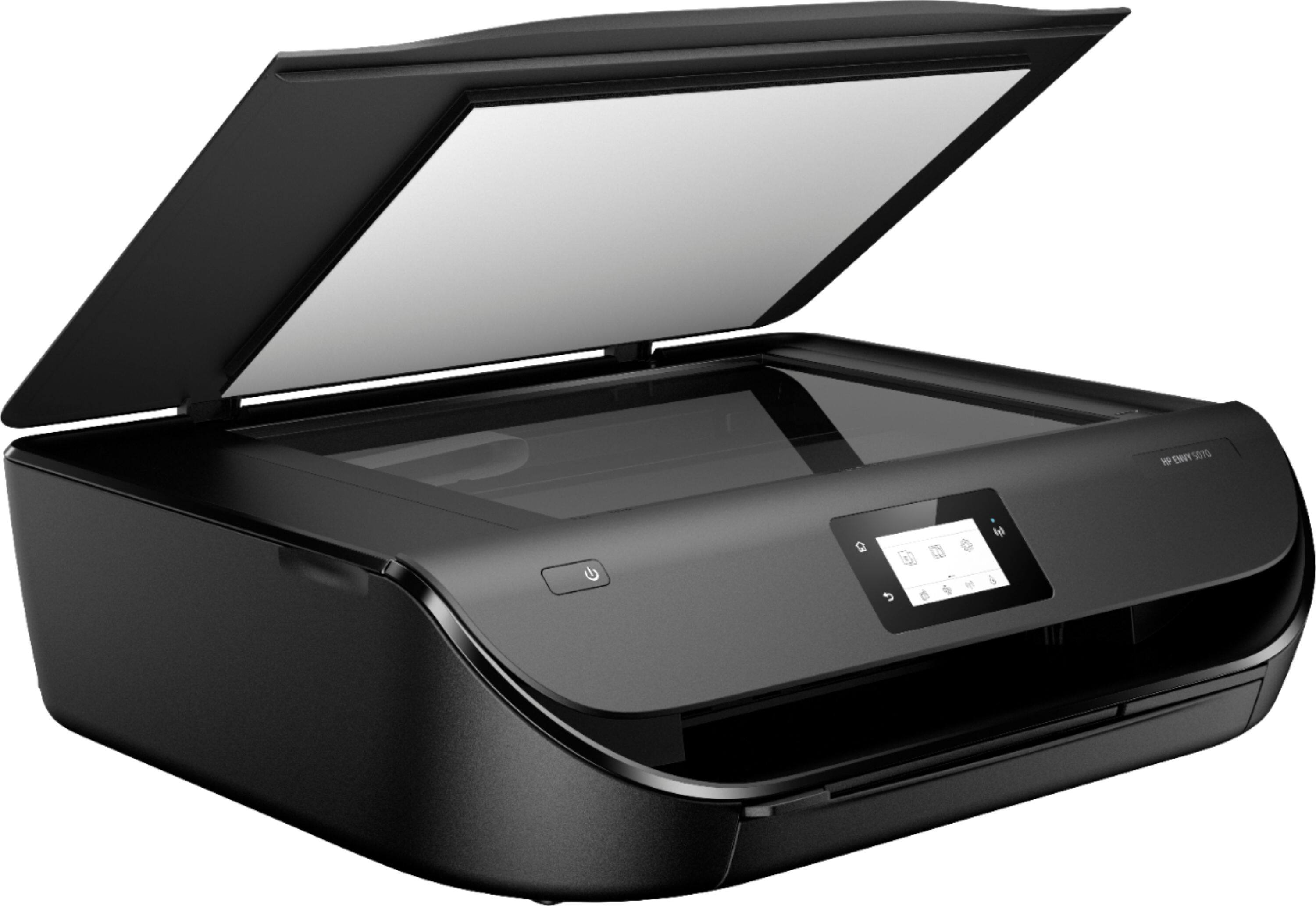
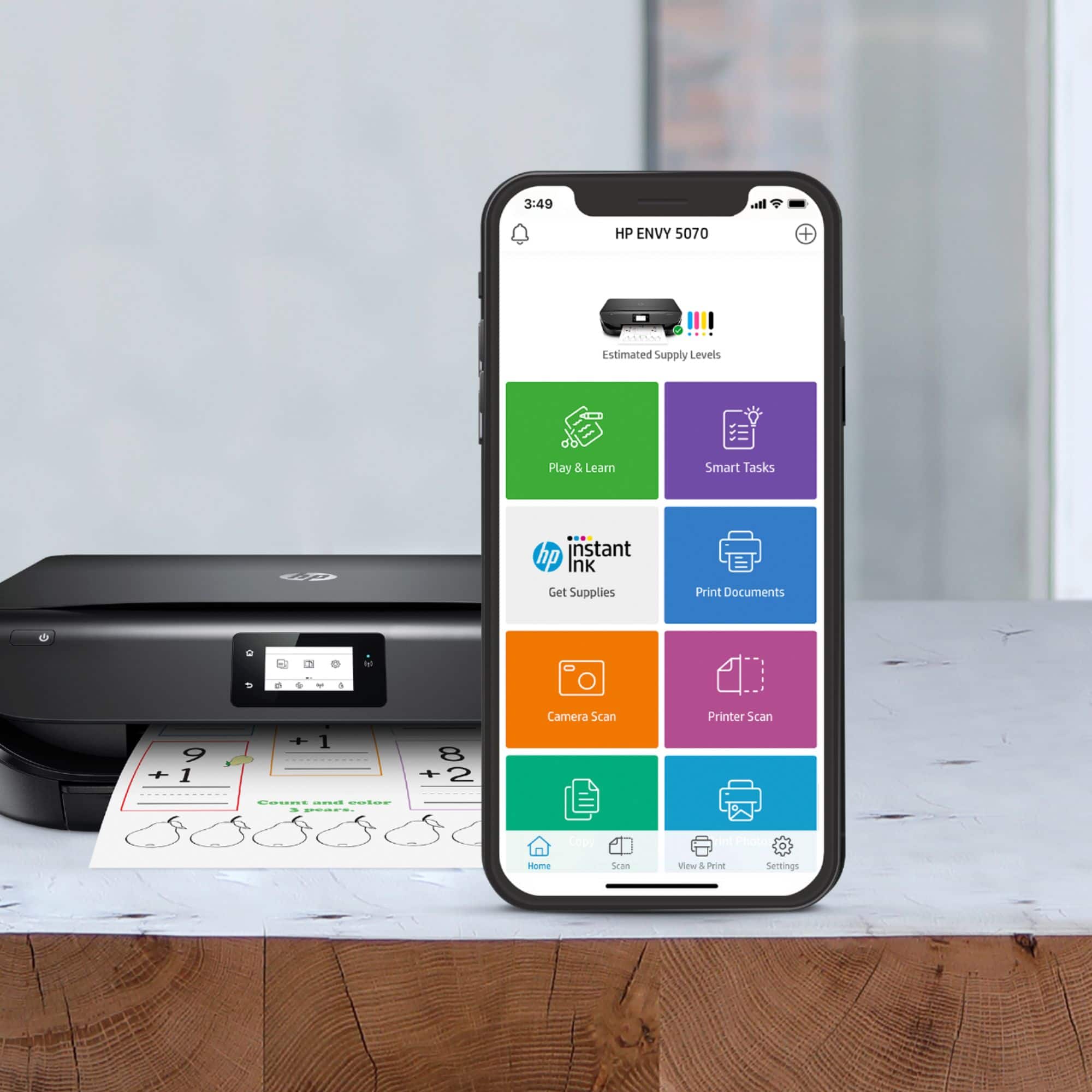
A:AnswerWe recommend using the HP Smart app to scan documents from your laptop.
Step 2 on this webpage gives you more details: https://support.hp.com/us-en/product/hp-deskjet-2600-all-in-one-printer-series/12319824/model/21481524/document/c04675142
A:AnswerYes it does. The cartridges are relatively small so if you print a lot expect to need new ones fairly soon. This printer is eligible for the Instant Ink program which we use and find to to be a nice convenience.
A:AnswerYou can print from your iPad. Just be sure the iPad and the printer are on the same wireless network. We recommend using the HP Smart App: https://support.hp.com/us-en/document/c03561640
A:AnswerYes, you'll be able to load A5 paper into the tray. You'll just need to adjust the paper guides so they hld the paper snugly, not so tight that it will bind the paper as the printer tries to pull it.
A:AnswerThe printer will hold 100 sheets at a time. While the black cartridge is rated at 120 pages and the tri-color at 100, the actual number of pages are going to depend on what exactly you're printing.
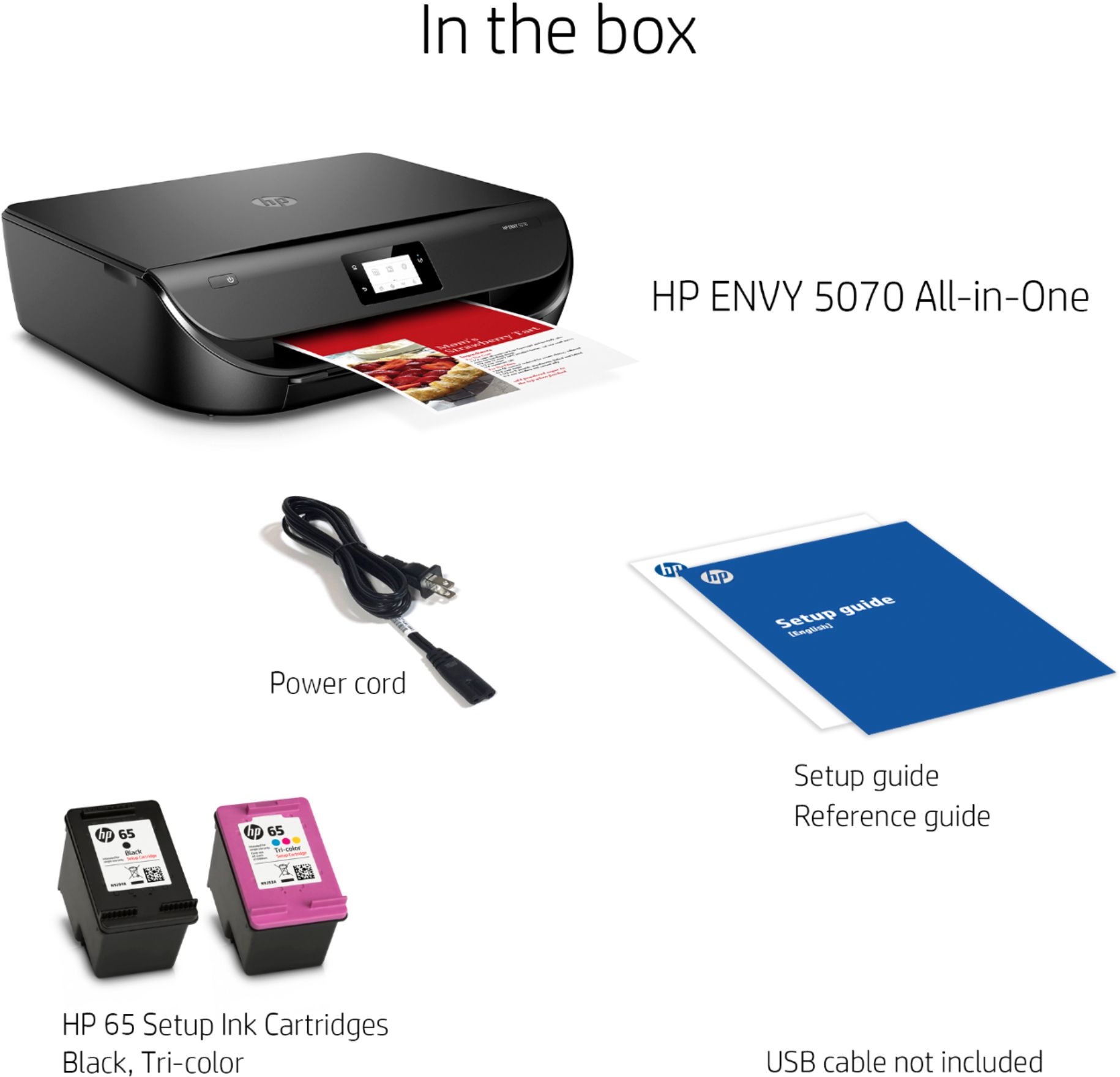
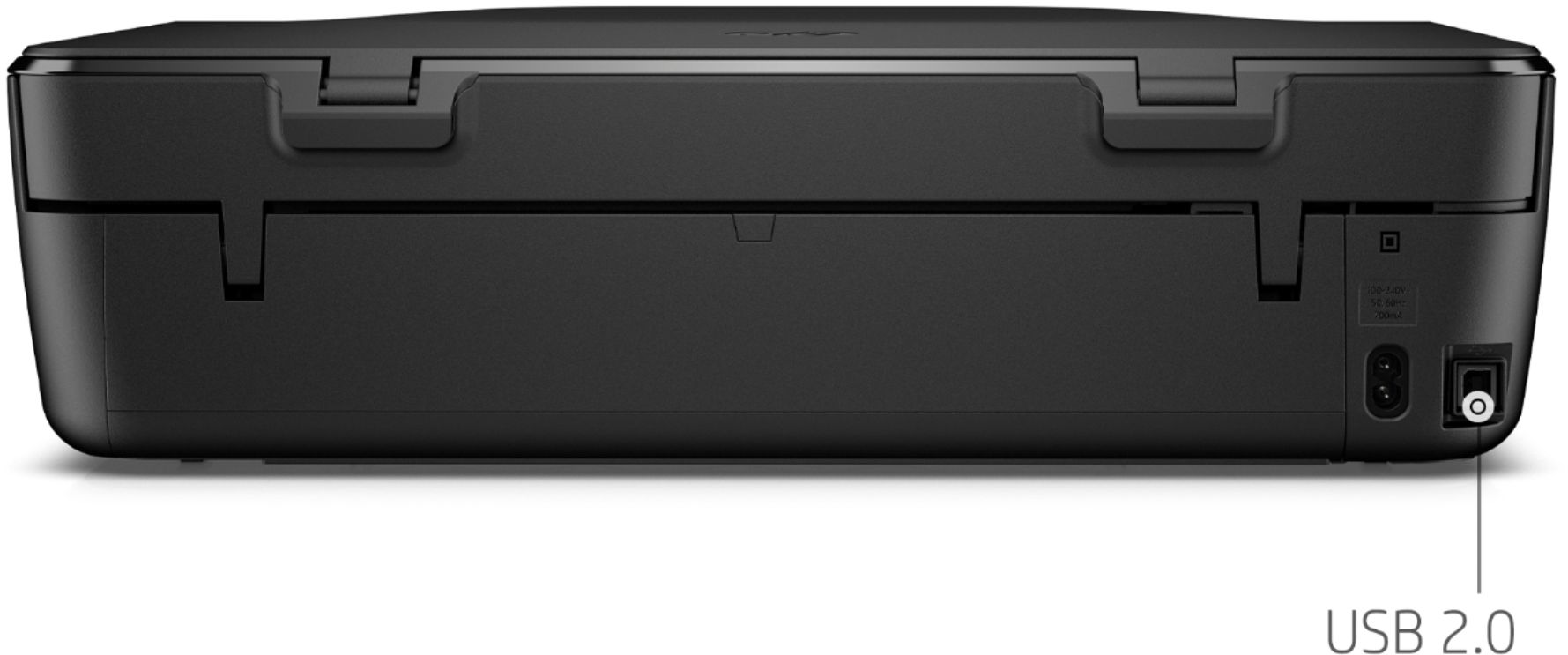
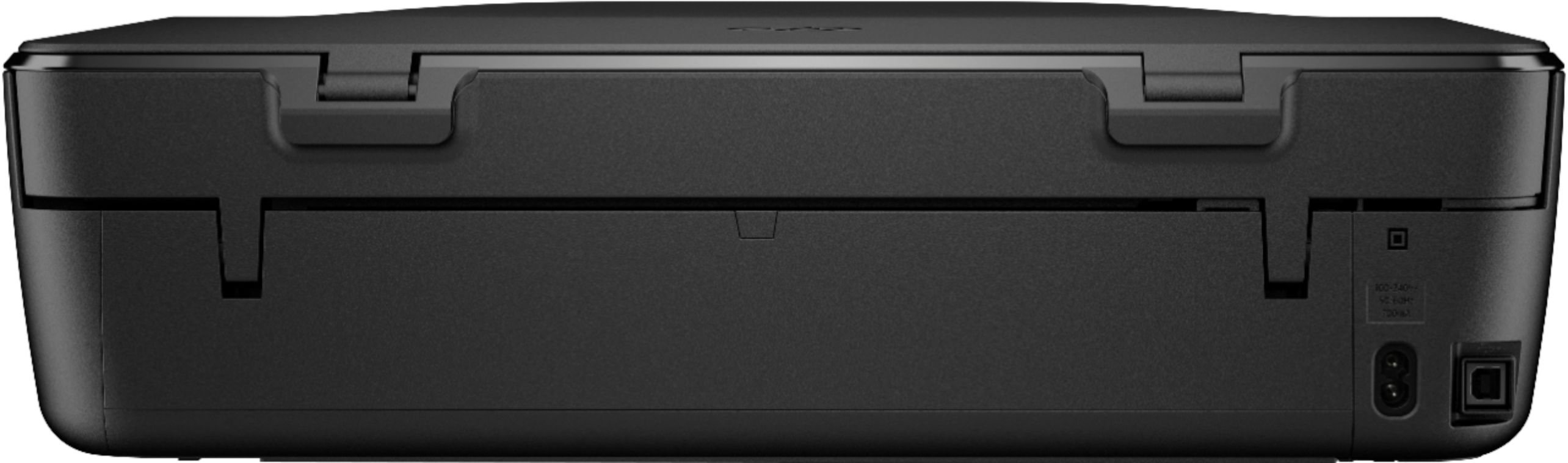
A:AnswerYes, this printer can be connected to a computer either through the wireless network or with the USB cable. If you don't have the USB cable, then you need to purchase the USB A to B cable.