A:AnswerHi! Here is the drivers page for the HP Envy 5070 printer:
https://support.hp.com/us-en/drivers/selfservice/hp-envy-5000-all-in-one-printer-series/14095644
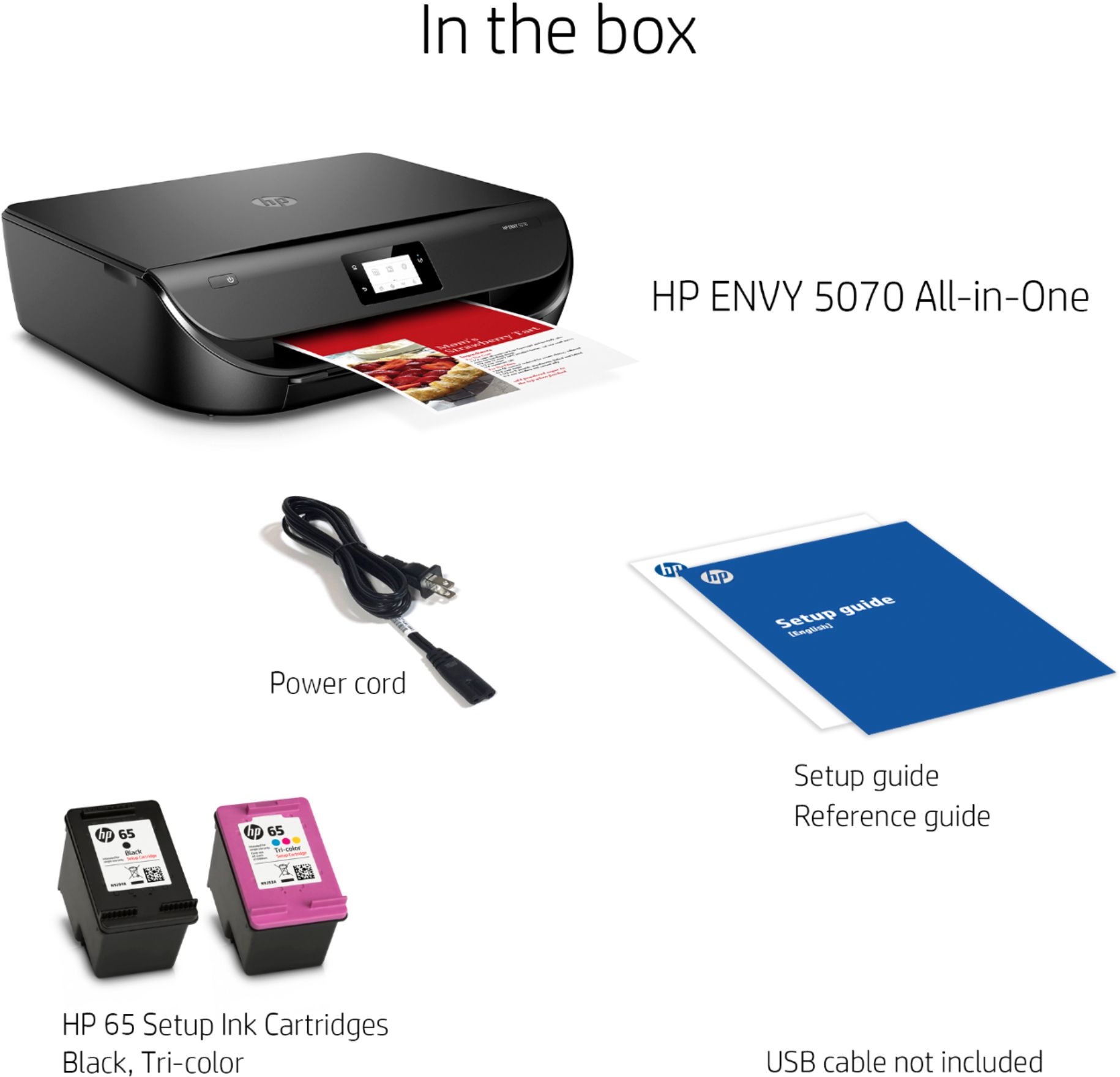
A:AnswerThe HP 65 black cartridge can print up to 100 pages with 5% coverage, so depending on what you are copying, it could be anywhere from 5 pages (full page coverage) up to 100 pages (5% coverage)
A:AnswerThe HP Envy 5070 printer does not have capability to scan to a USB drive that is connected to the printer. If you want to be able to scan directly to a USB flash drive on the printer, we recommend looking at the HP Envy 7855, HP Officejet Pro 9015 or 9025 printers.
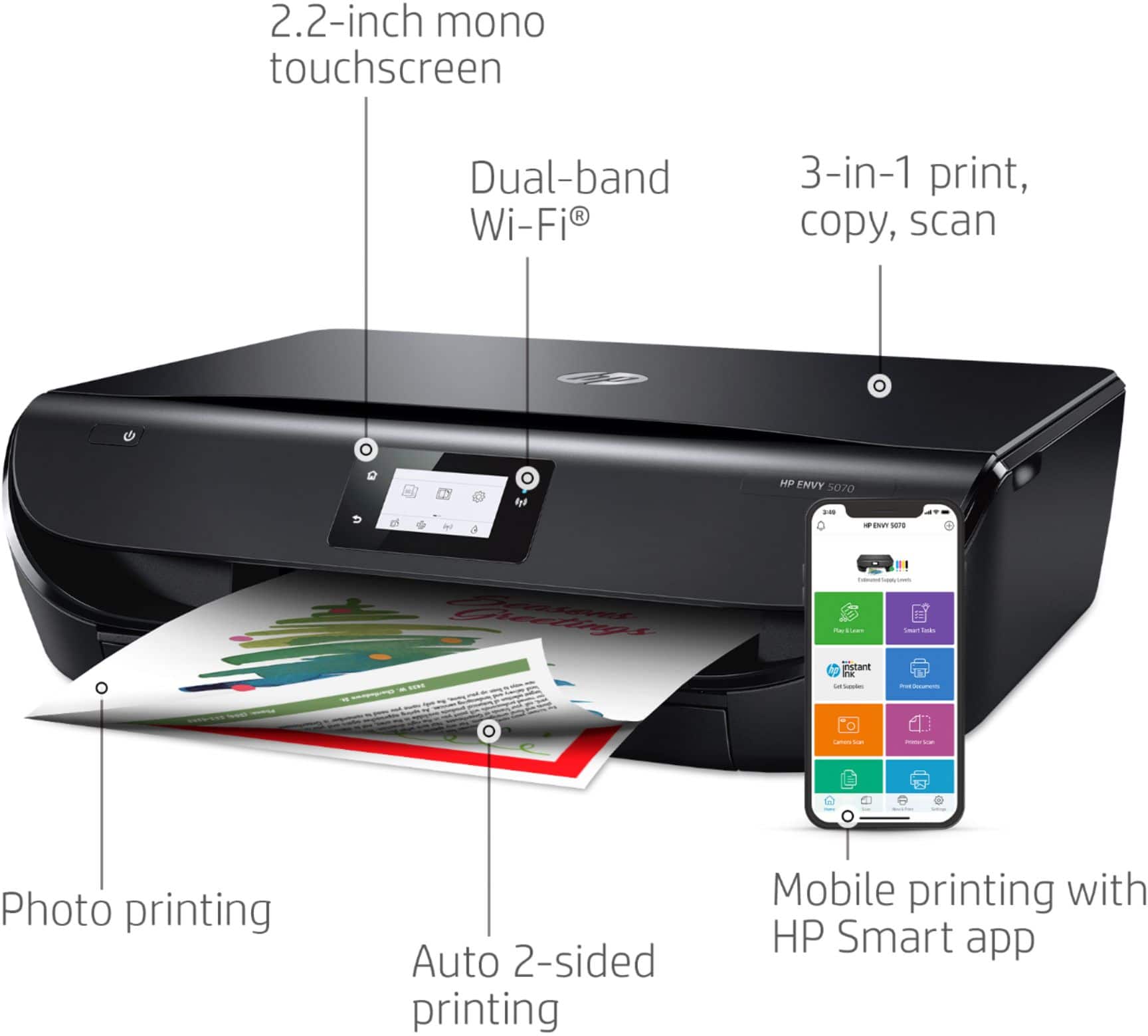
A:AnswerThe HP Envy 5070 prints a little faster than the 5530 at 10 ppm (pages per minute) vs. 8.8 ppm black; 7 ppm color vs. 5.2 ppm. The print resolution has improve on the 5070 printer with 1200 x 1200 rendered dpi (when printing from a computer). The 5530 printer has a resolution of 1200 x 600 rendered dpi (when printing from a computer). The 5070 also uses a different ink cartridge series, the HP 65 or 65XL black and tricolor ink cartridges.