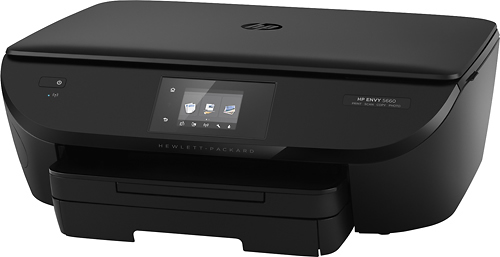
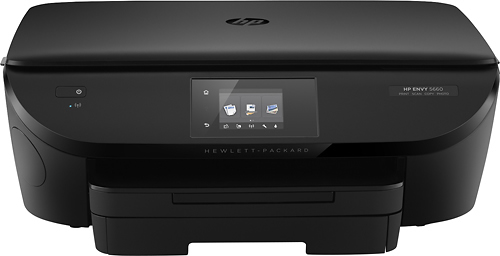
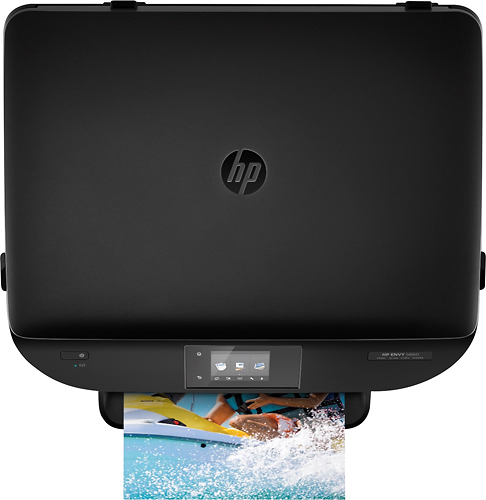
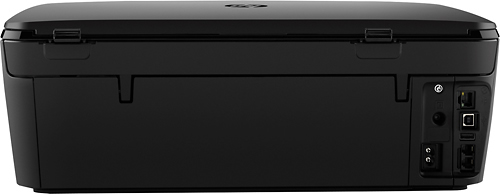
A:AnswerThis HP Printer has automatic Two-sided printing, if you are having trouble with printing two sided automatically I recommend contacting HP Total Care at 1-800-474-6836 for assistance.
A:AnswerPlace your thumb on one of the ridges that stand up on the top of the cartridge. Pull back and down simultaneously. It takes some pressure, but it will come out.
A:AnswerHad similar problem. It seems with Microsoft update the problem persisted. I found that I had Microsoft Edge as my default and the printer does not like it. So I made Internet Explorer my default and all went well. Very frustrating! Hope this resolves your issue..
A:AnswerThe wireless router is the device that the printer must be ‘in range’ with. And the range will vary with factors like walls, interference, signal strength among others. Generally if they are within a couple of rooms of each other it should be fine. If you have an android phone or tablet you can get WiFi analyzer for free and see graphical representations of your signal strength to help judge. Also helps with sorting out interference issues.
Good luck!
A:AnswerCut and past this link into your brower's address bar:
https://support.hp.com/us-en/document/c04024231 entitled HP Printers - Printing from Android Smartphones or Tablets