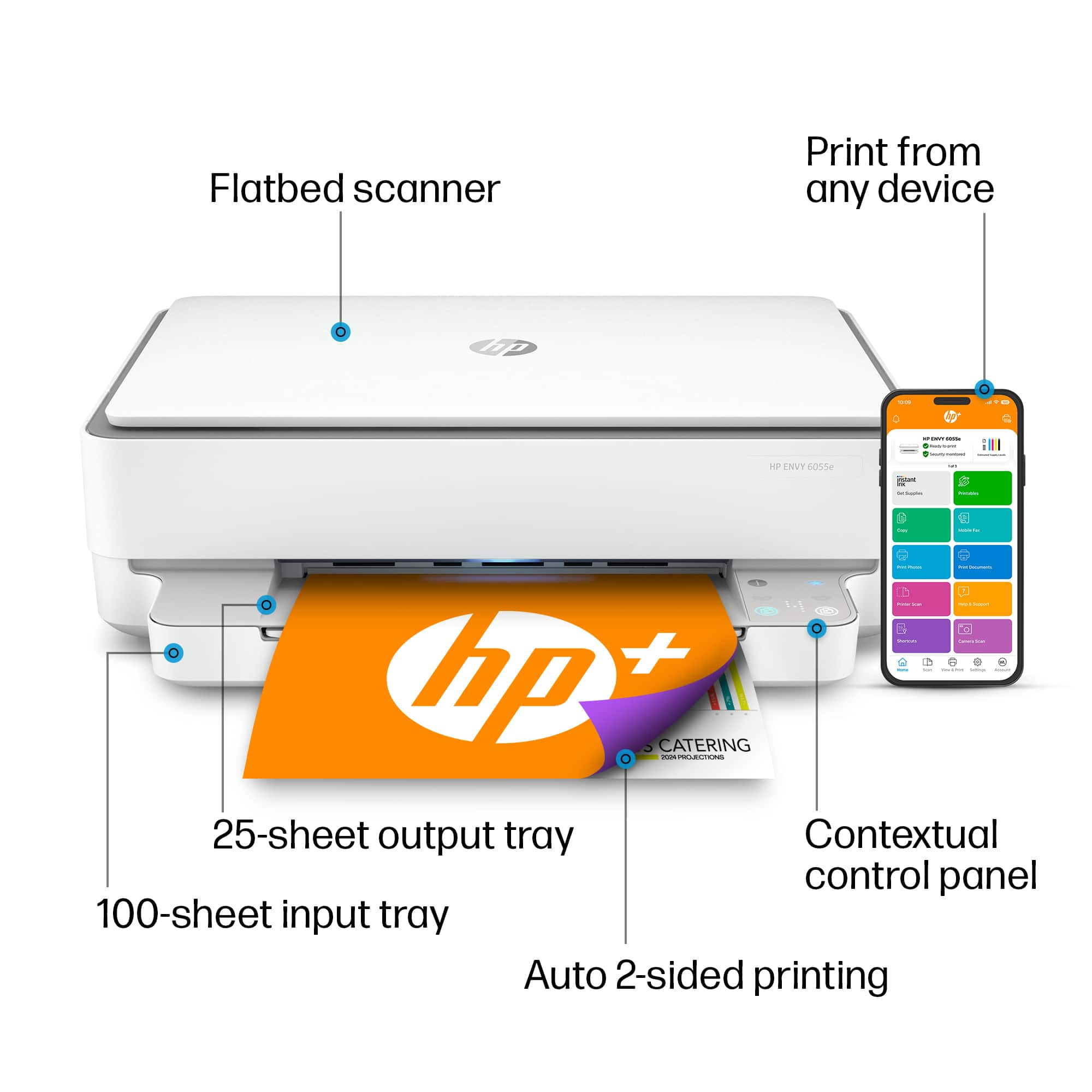
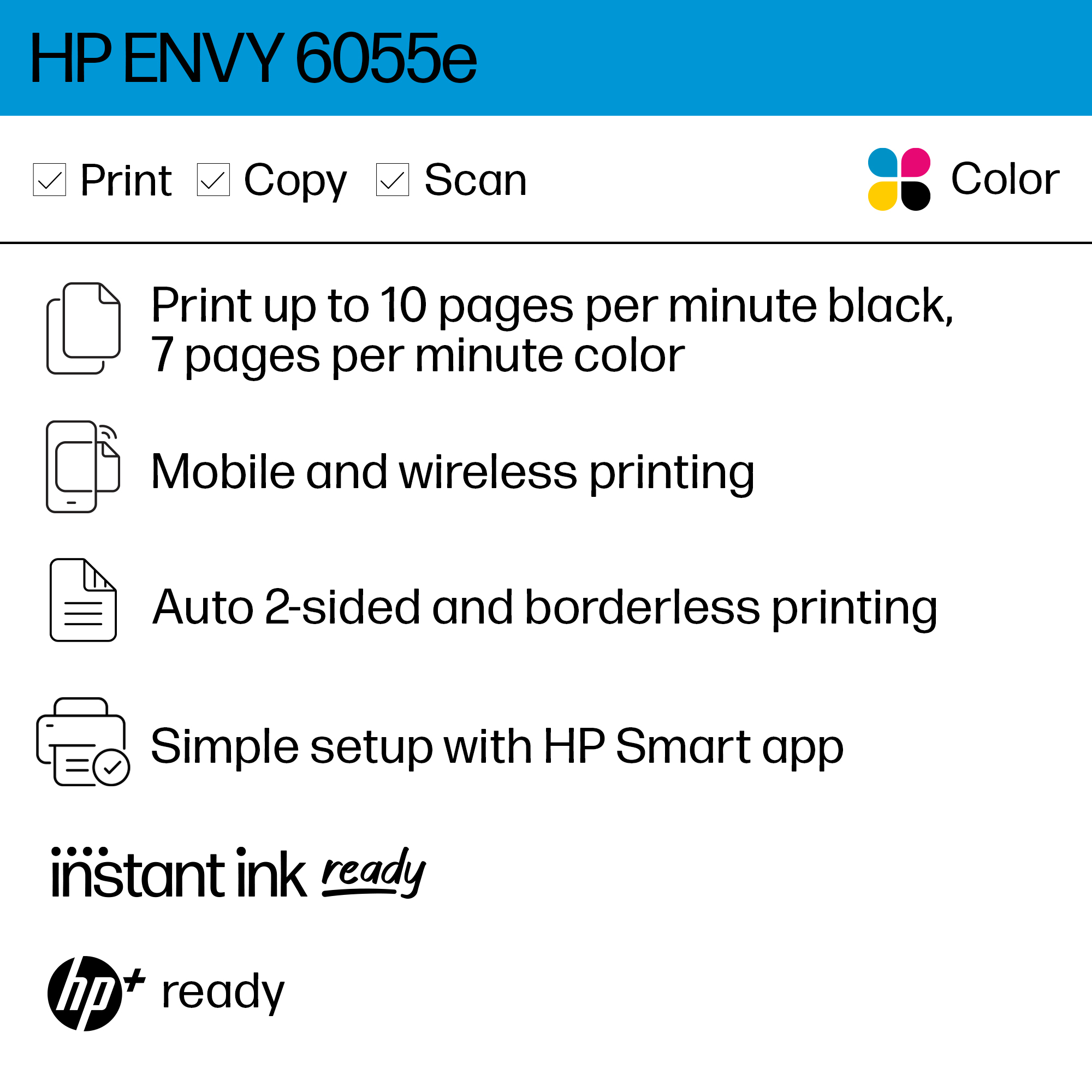
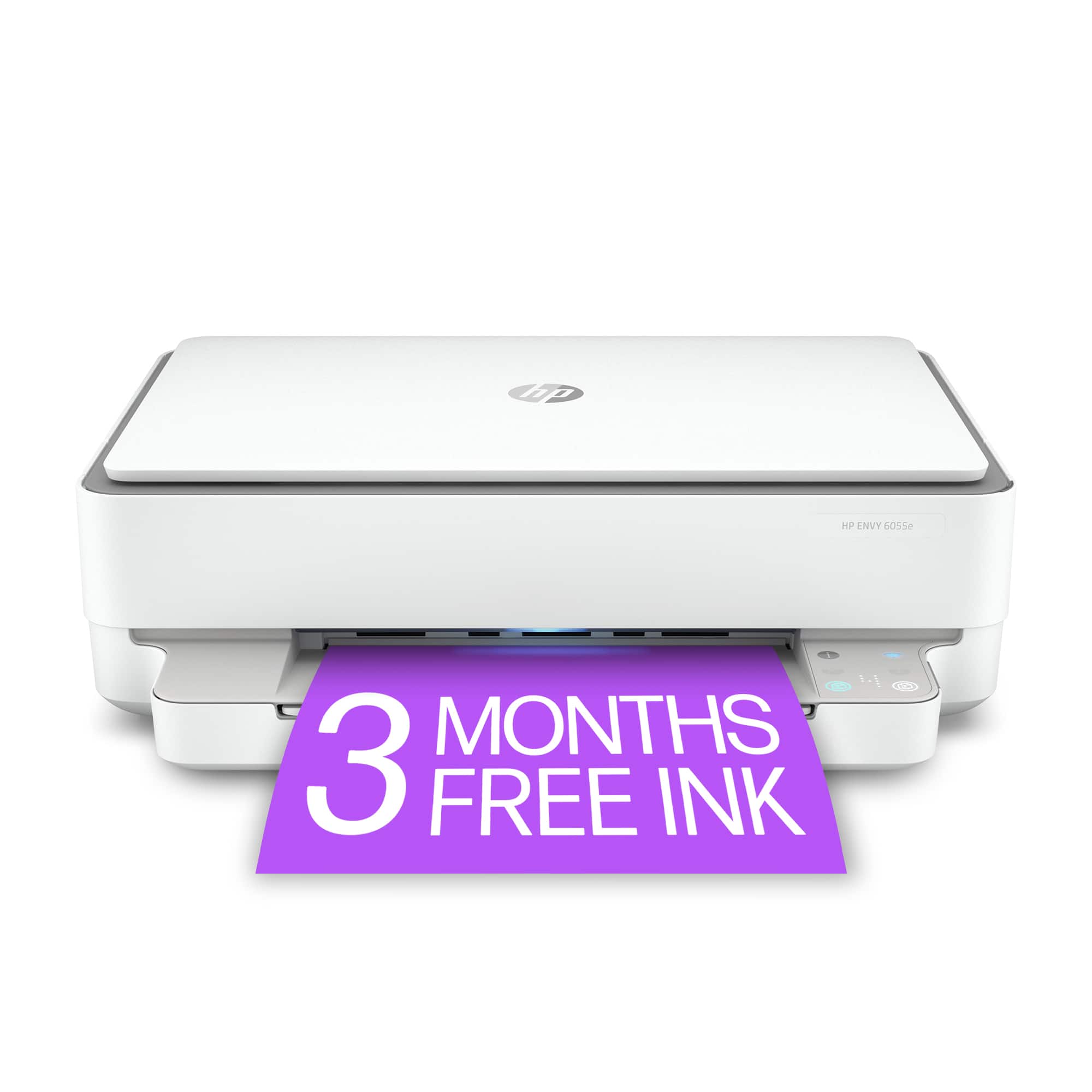
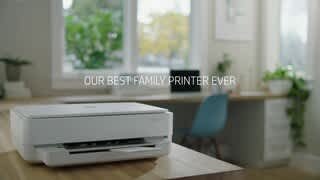
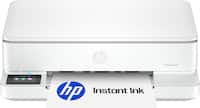
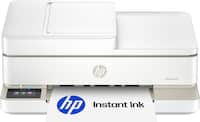
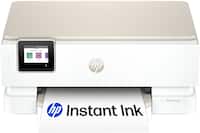
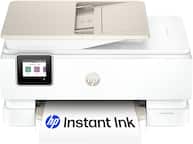
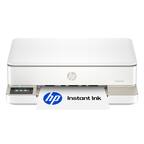
A:AnswerThe Envy 6055e does not have the standard fax feature, however you can utilize the mobile fax feature through the HP Smart App free for 24 months .
A:AnswerThank you for your question! Yes, it will have an electric cord to supply power to the printer. Wireless means it will work with Wi-Fi signals rather than relying on an Ethernet or USB cable.
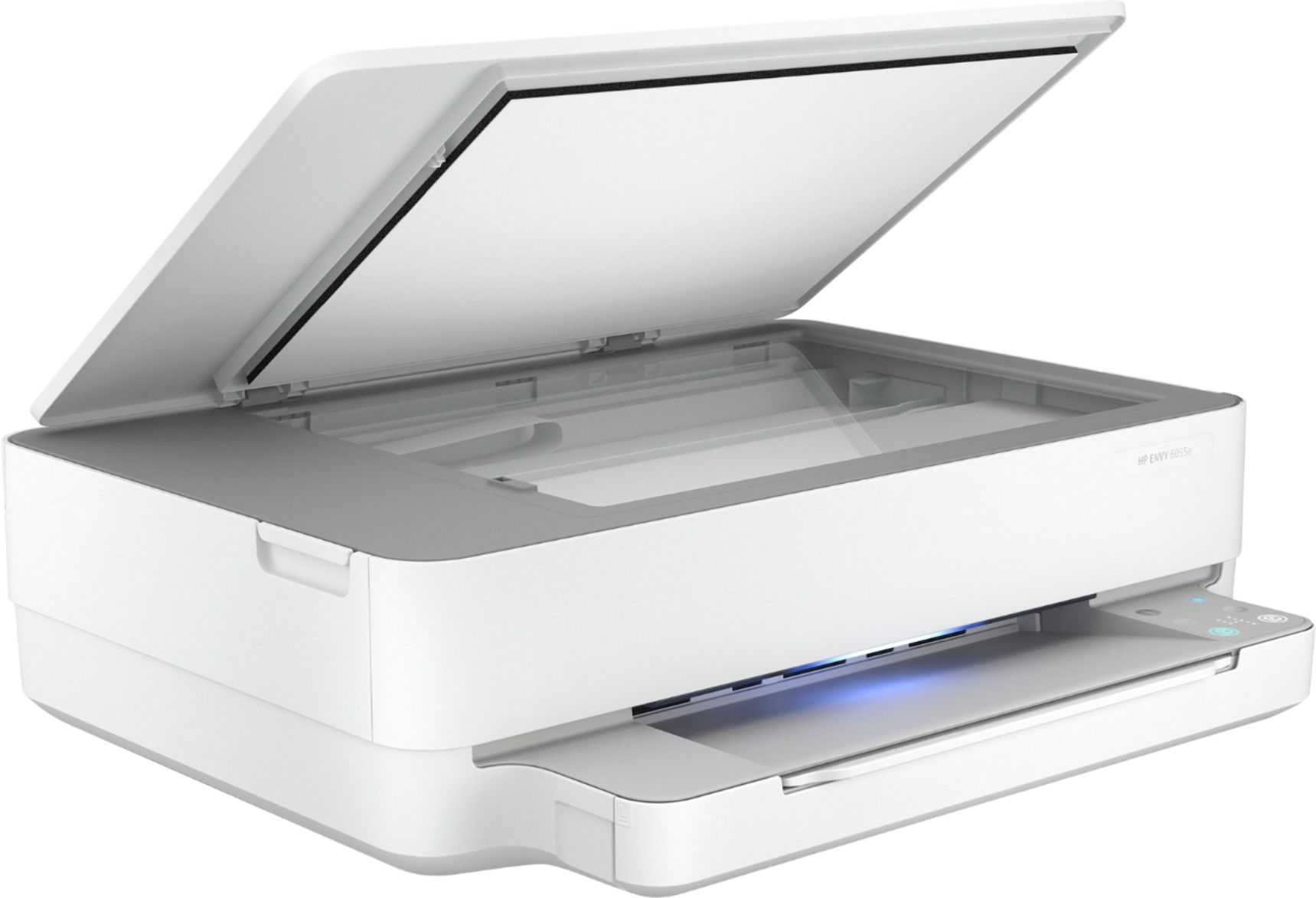
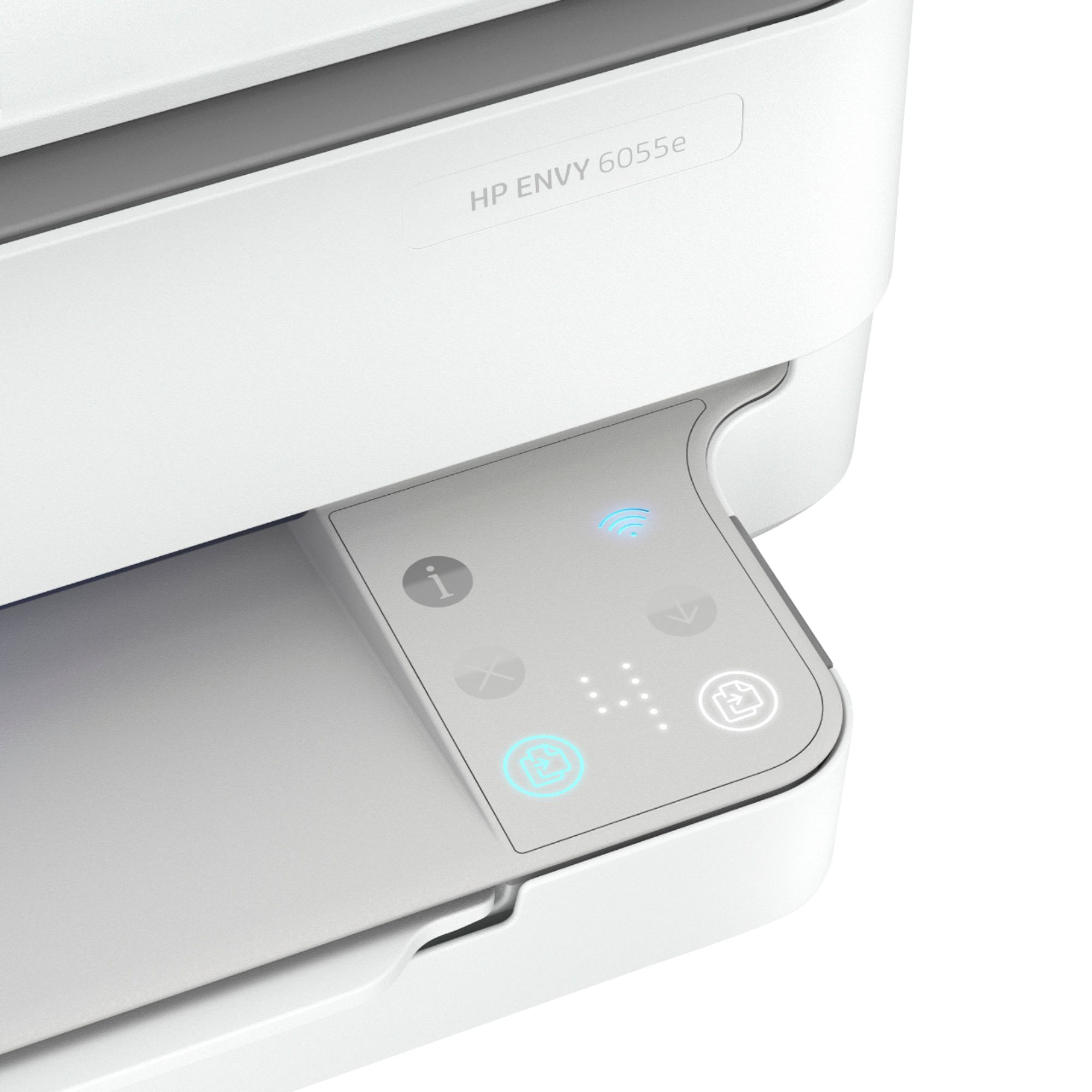
A:AnswerThe Envy 6055e printer can scan, however you need to use the HP Smart App in order to use the scanning feature since there is no scan button directly on the printer .
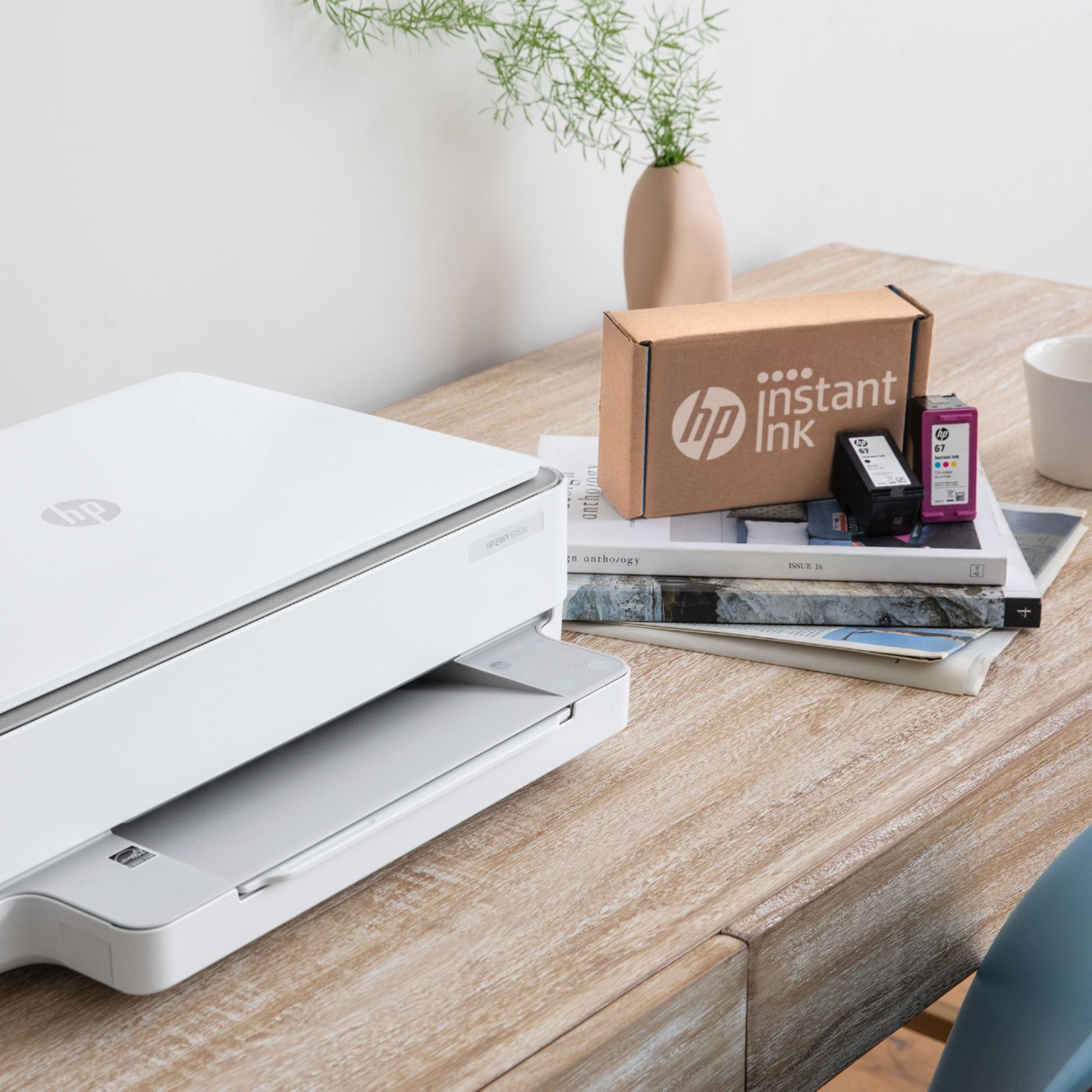
A:AnswerNo. I chose to manage my ink needs based on my own schedule. I also like the flexibility of choosing where I make my purchases as there are always deals at various online stores on authentic HP ink cartridges.
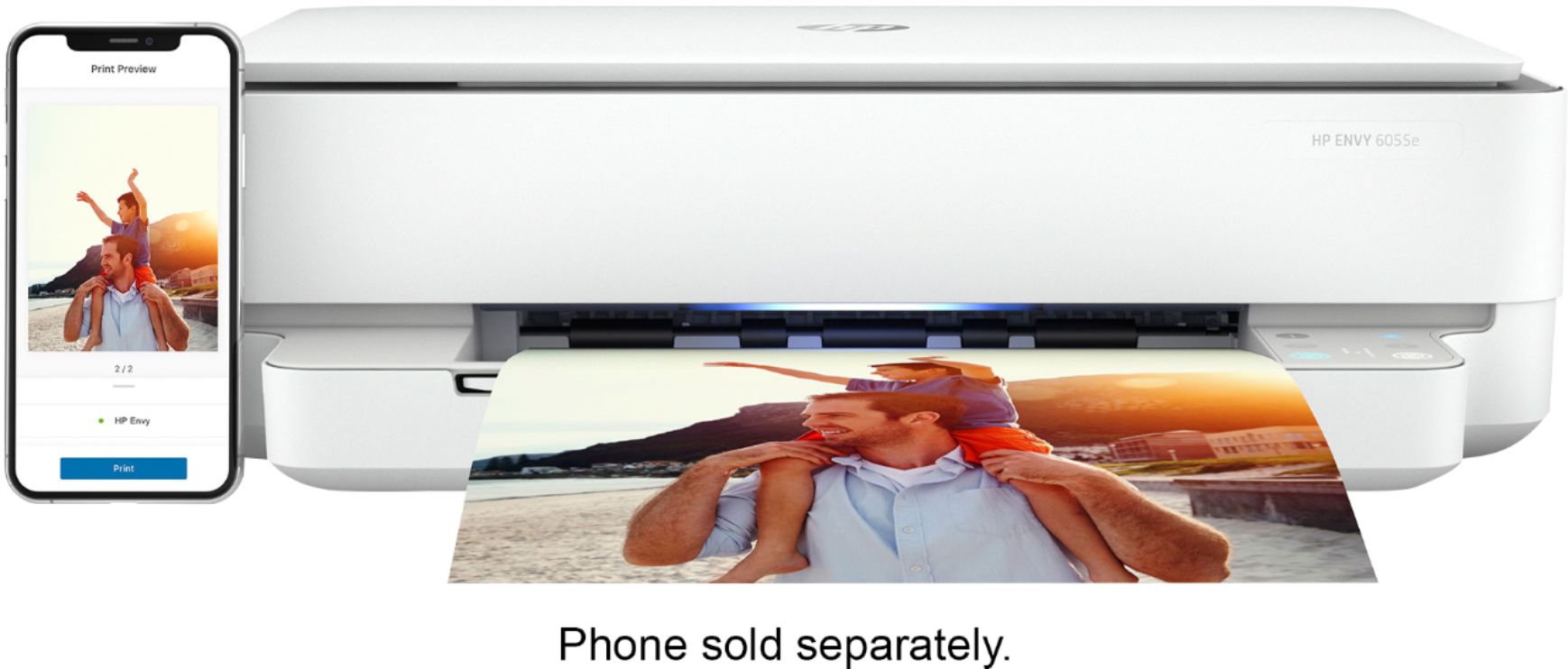
A:AnswerHello. Thanks for your question. We would recommend using WiFi Direct. Wireless Direct (WiFi Direct) allows you to directly connect to a printer from a mobile device or computer without the need for internet access or a wireless network. You would connect to the printer’s wireless direct signal just like you would connect to a wireless network. The printer would have a unique name in your wireless connections, i.e. Direct-04-Printer. For more information, you can go to https://bit.ly/3jqsGQ8
A:AnswerThank you for your question! The minimum system requirements for a Mac to work with this model are listed as: 2 GB available hard disk space and MacOS Sierra v10.12 or later. You will be able to print via Apple AirPrint rather than HP Smart.
A:AnswerYes, this printer works with a chromebook. Beware tho: it is not real easy or seamless to set-up. I had to have a computer nerd get mine talking to each other. Now it is fine!