A:AnswerEven if the computer comes packaged with a wireless keyboard and mouse, it is likely those two devices transmit their signals to a small dongle plugged into one of several USB ports on the back of the computer. Wired keyboards and mice are still very common, and available for purchase at Best Buy and other retailers that deal in computers. Logitech offers several wired keyboard and mouse combinations packaged together in one box
A:AnswerTypically you would get a y connector for the motherboards fan controllers. Otherwise if you connect the fans directly to the PSU they will run at 100% speed at all times.
A:AnswerI am not sure why it would be crashing. The PSU and the GPU are fine, sounds like something is wrong, I would ask on the community forums for the game.
A:AnswerThe GPU is key, without the GPU you will not get amazing performance regardless of what the specs are. On a game like Fortnite I would imagine 60FPS is obtainable on perhaps lower settings. Even adding a basic GPU (and beefier PSU to handle it) later would bump you up to over 120fps.
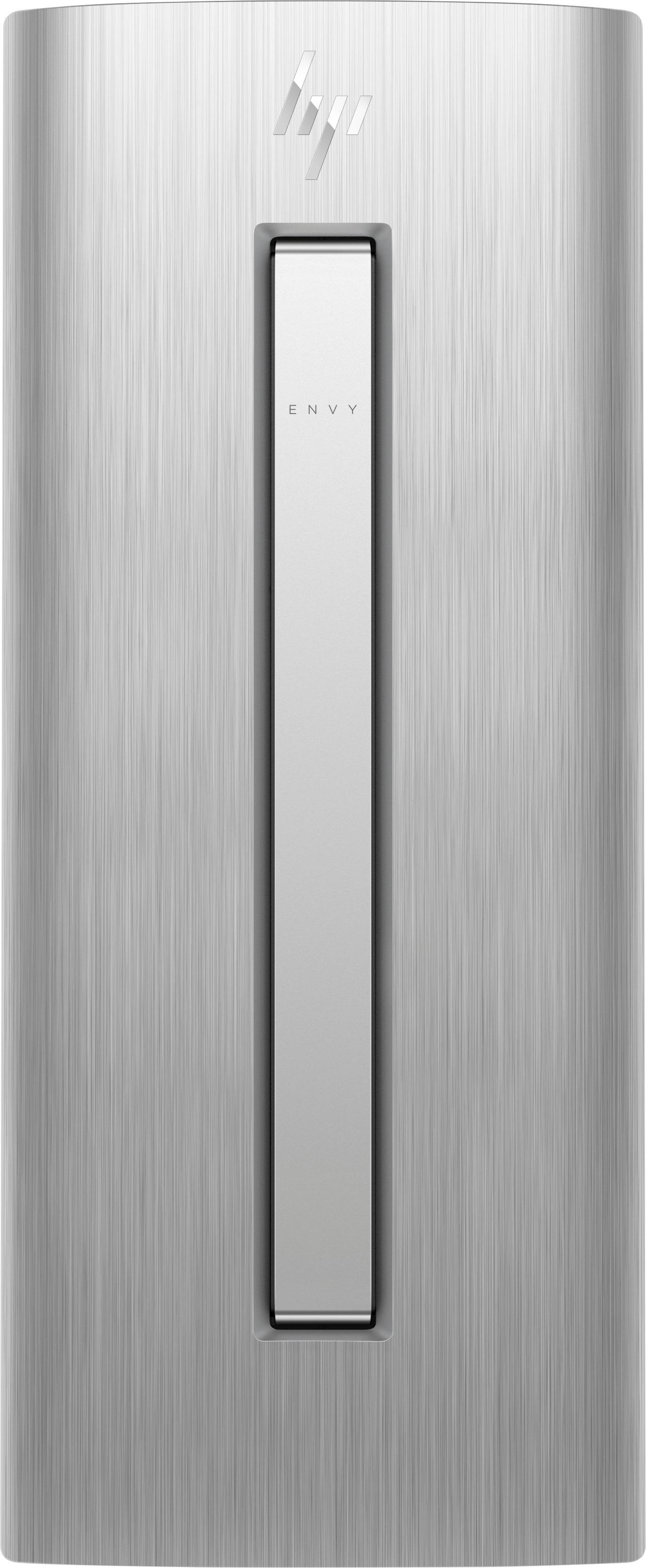
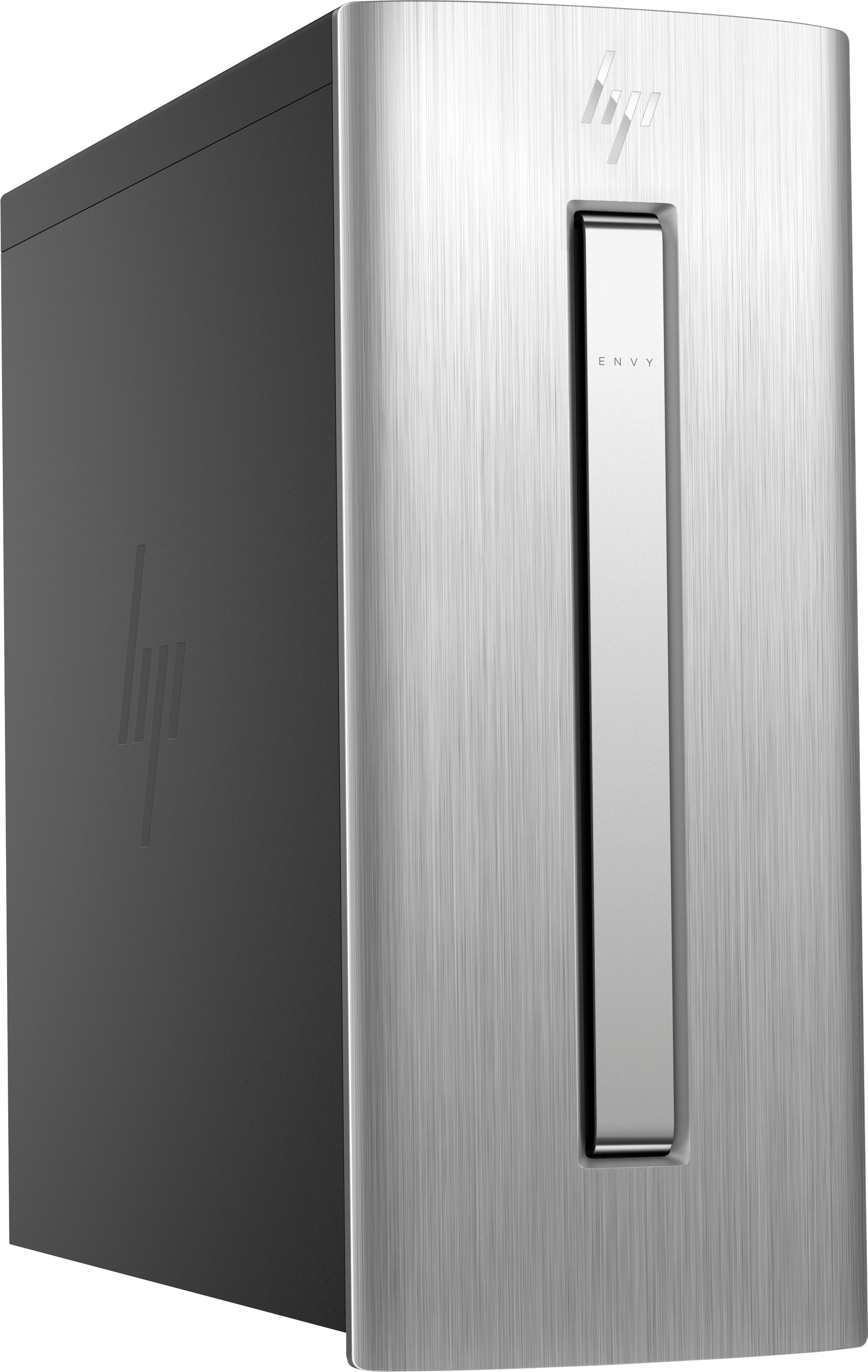
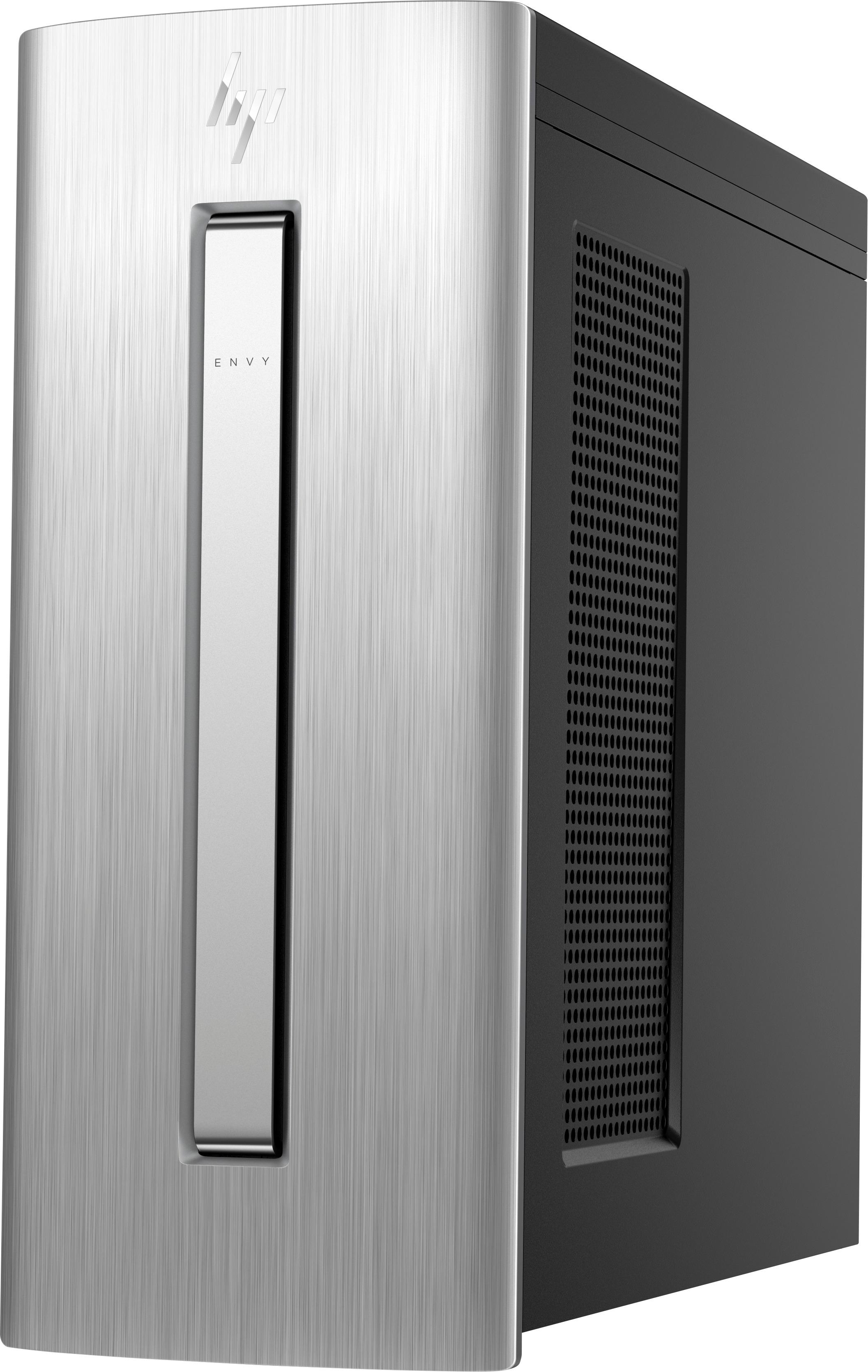
A:AnswerThis model features a 7th Gen Intel® Core™ i5-7400 processor. You can always tell by the number after the - is the generation of the processor. So this i5-7400 processor is a 7th gen.
A:AnswerYou can save on any drive. But the D drive is the larger slower drive. Typically that is where you would save most of your files. The C:\ is primary use is for the operating system. If there are 1 or 2 apps that you use daily, I would just install it on the C: drive as it will load much quicker. Keep in mind 128 GB is not much as windows will take up at least half that capacity. And you never ever want to fill up the drive to max capacity, especially the OS drive.
A:AnswerThank you for reaching out. It is likely the computer remembered the settings of your monitor at home and applied them when you connected it. I would readjust the resolution for your monitor and make sure you are using an HDMI cable if possible.