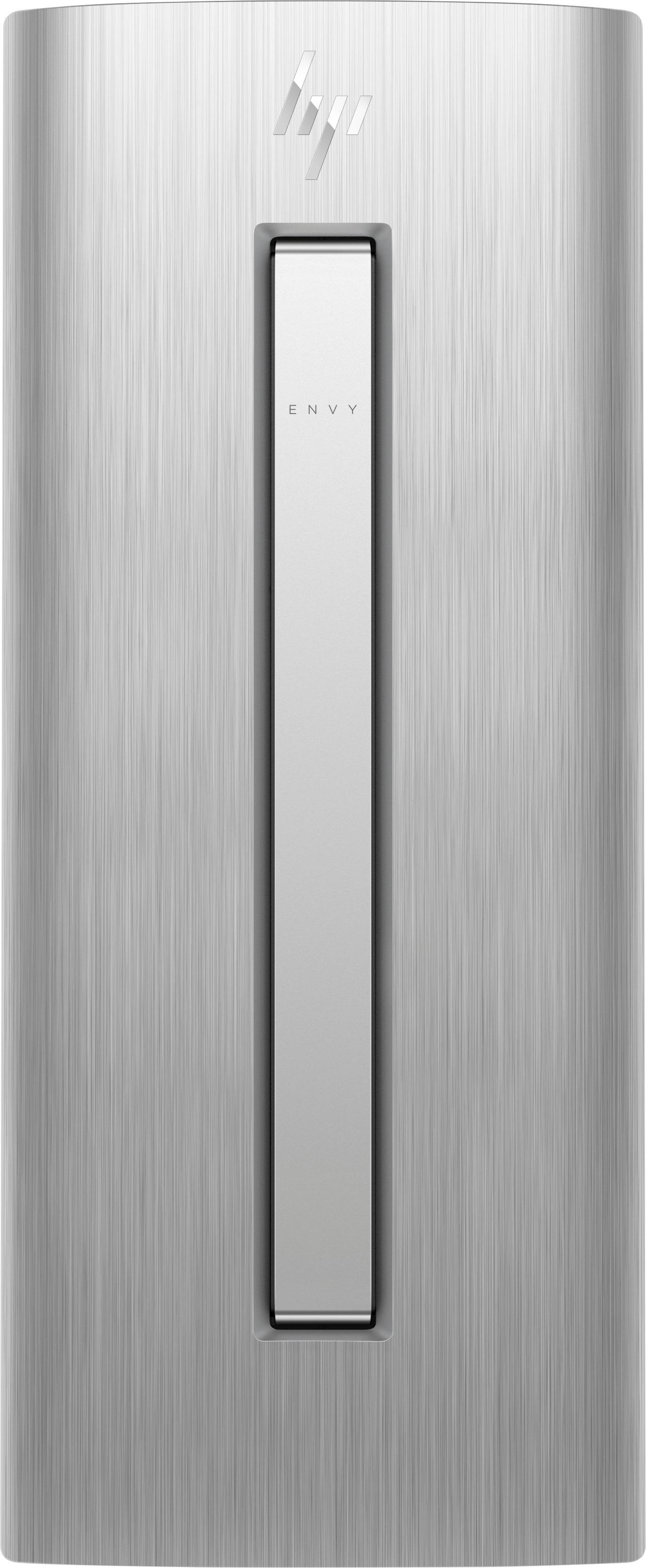
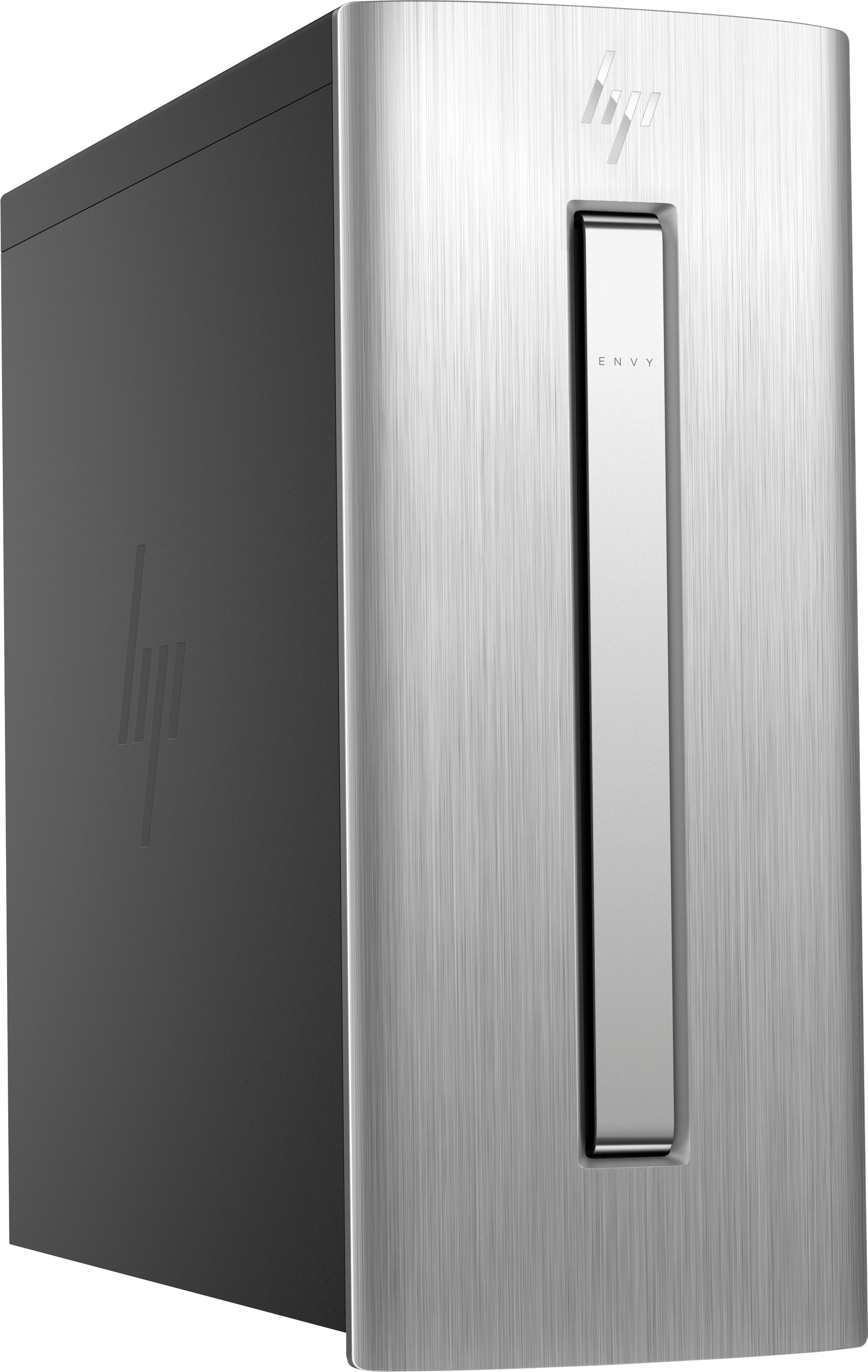
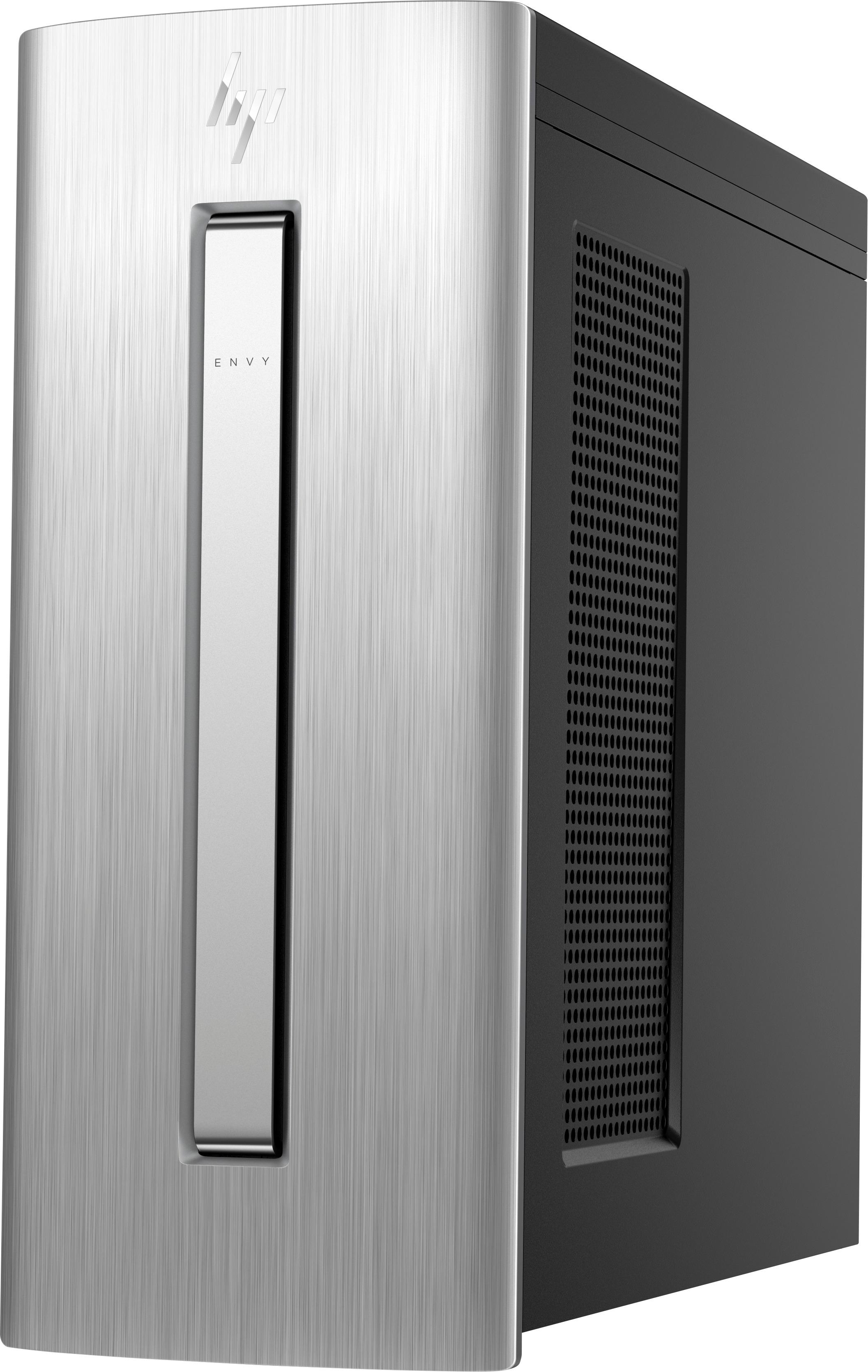
A:Answer There is no external reset button, just a power on button on the top right side towards the front of your physical machine.
You can only reset or reboot your computer by clicking on the start button on the lower left corner of your screen or by pressing the windows key on your keyboard to open the start menu. The windows key is on the lower left corner of the keyboard just to the right of the control key right in the corner.
Behind the windows key is a hidden panel where on the right are application tiles, in the center are applications by title plus some extra stuff but in the left column at the bottom is a power icon. Click on the power icon to see another hidden panel are three options. 1, sleep, 2, restart and 3, shutdown. Always use of these choices to reboot, shutdown or put it in to sleep mode.