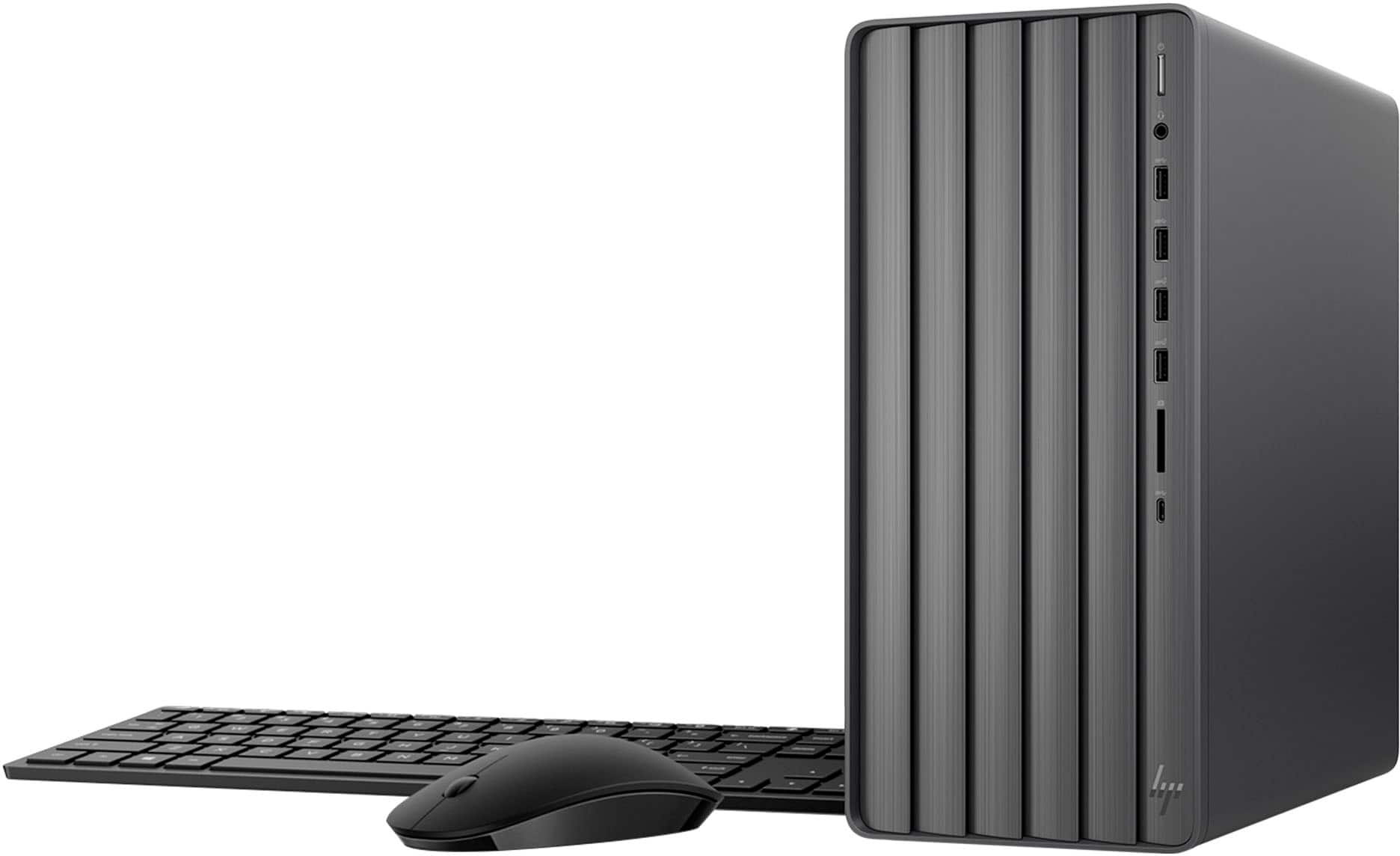
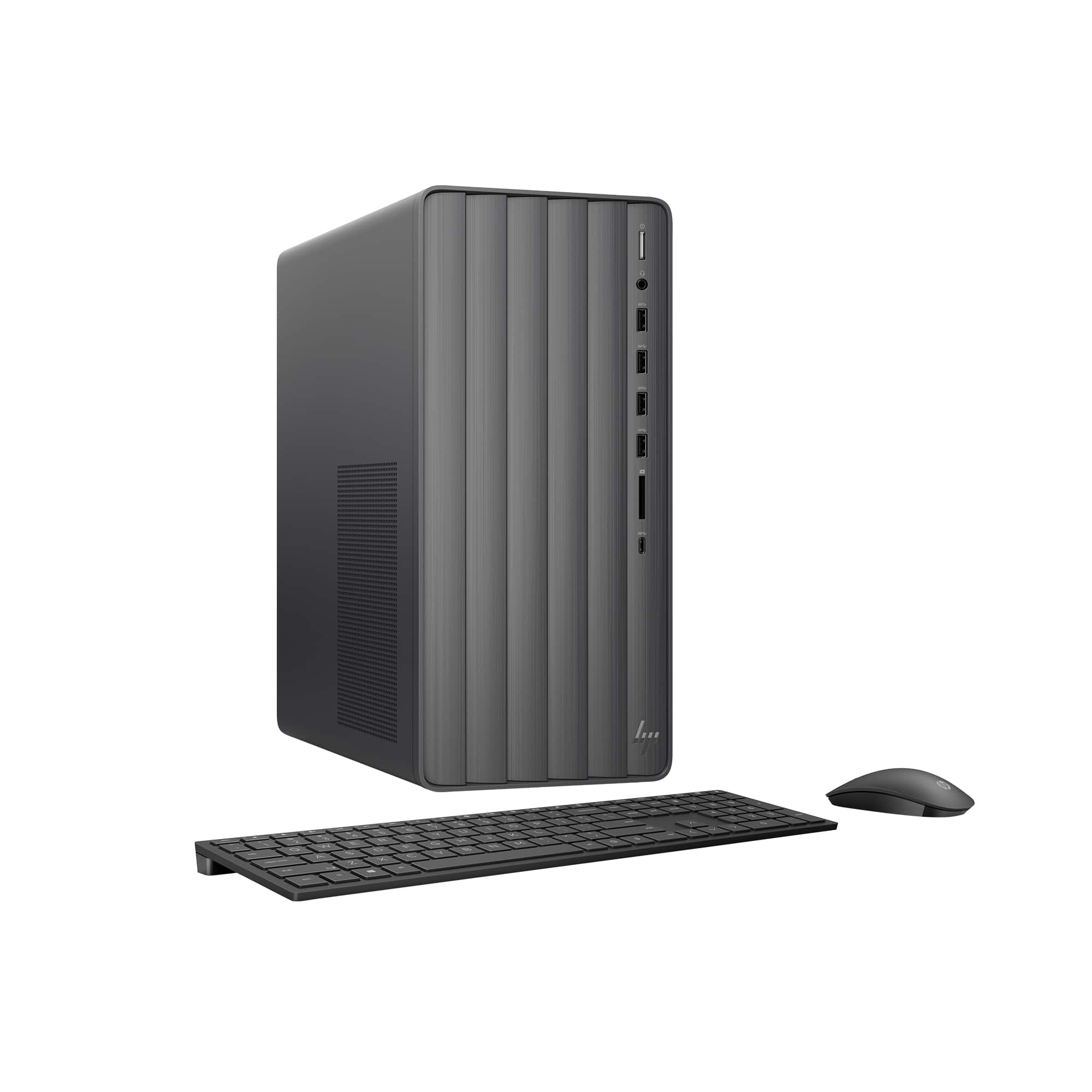
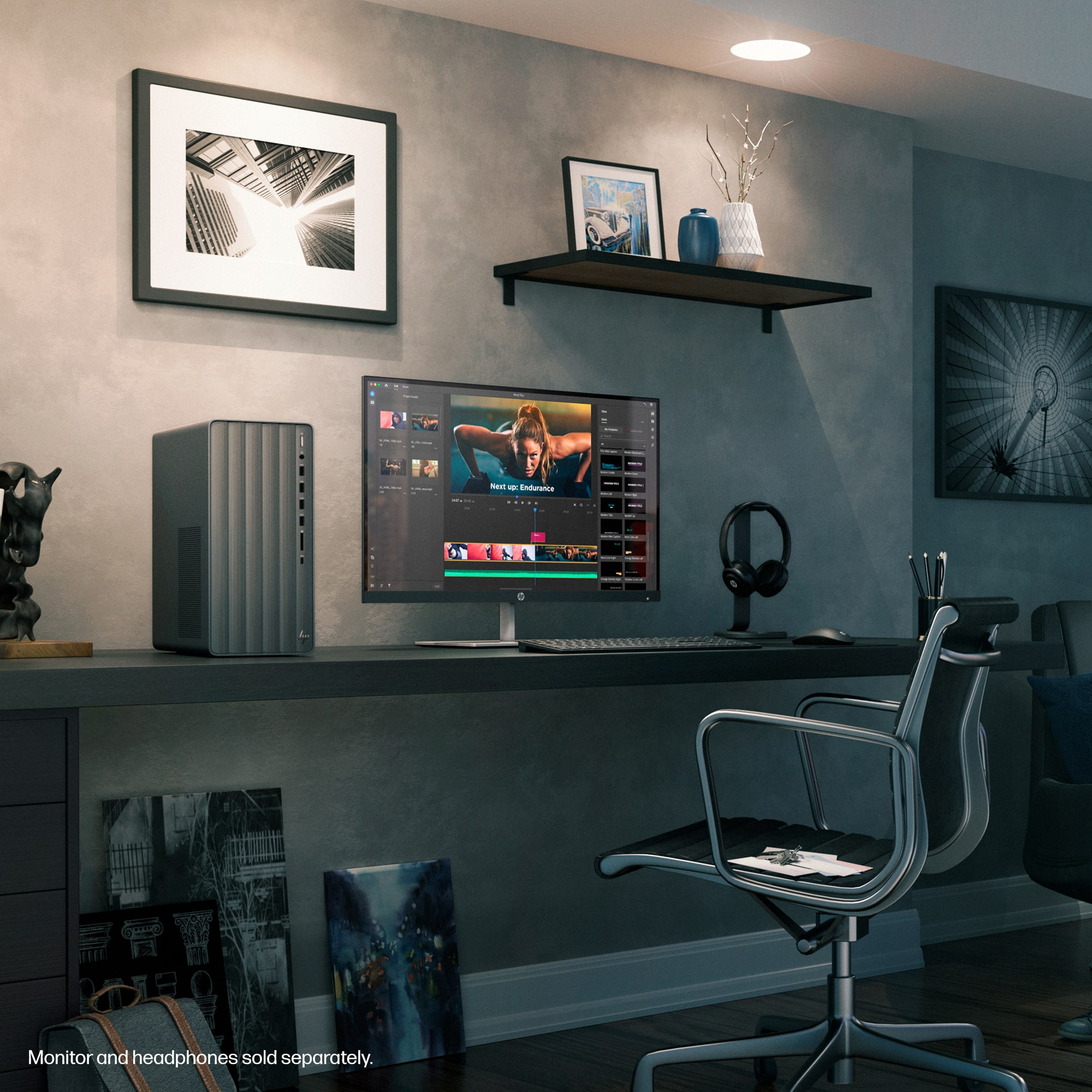
A:AnswerThank you for your interest in this HP Envy desktop tower computer! This is equipped with only one M.2 2280 slot. You can add a SATA drive to this as well as external drives for additional storage.
A:AnswerHi there! Thank you for the question on this HP Envy Desktop. This particular model does not come with a DVD player (or optical drive), and while one cannot be added to the machine itself, you can purchase an external DVD player (USB) from your Best Buy to play DVDs on this device. If you need assistance, don't hesitate to ask HP Support or your Best Buy Geek Squad!
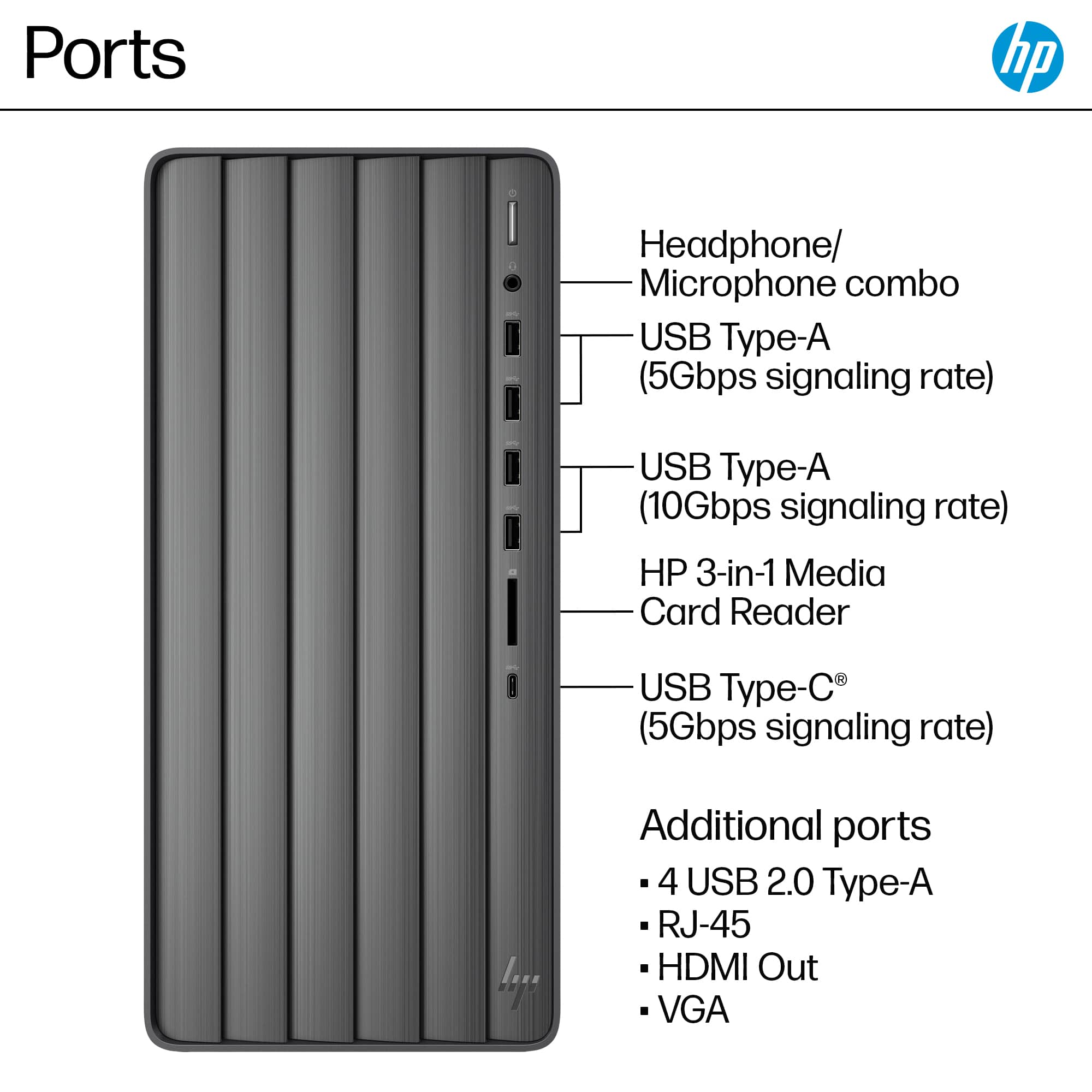
A:AnswerHello and thank you for asking. The HP Envy TE01-5354 computer has an HP 3-in-1 memory card reader supports SD, SDHC, and SDXC cards. It can support microSD cards with an adapter (not included, purchased separately). It also has an open PCI-E x16 slot for a graphics card. Please be aware that it has a 310 Watt power supply which may or may not have enough power for the computer once the graphics card is installed. Please contact HP Support or the Best Buy Geek Squad if you need further assistance.
A:AnswerHello and thank you for asking. The HP Envy TE01-5354 has an open PCI-E x16 slot for a graphics card like the GTX 1050. Please be aware that it also has a 310W power supply which may or may not have enough power for the computer once the graphics card is installed. Please contact HP Support or the Best Buy Geek Squad if you need further assistance.
A:AnswerThank you for your concern about the more technical aspects. Store specifications do not list the read-write speeds of the computers, along with the manufacturers. I checked the main specifications and was not able to find any read-write speeds or even what the exact model of the drive is.
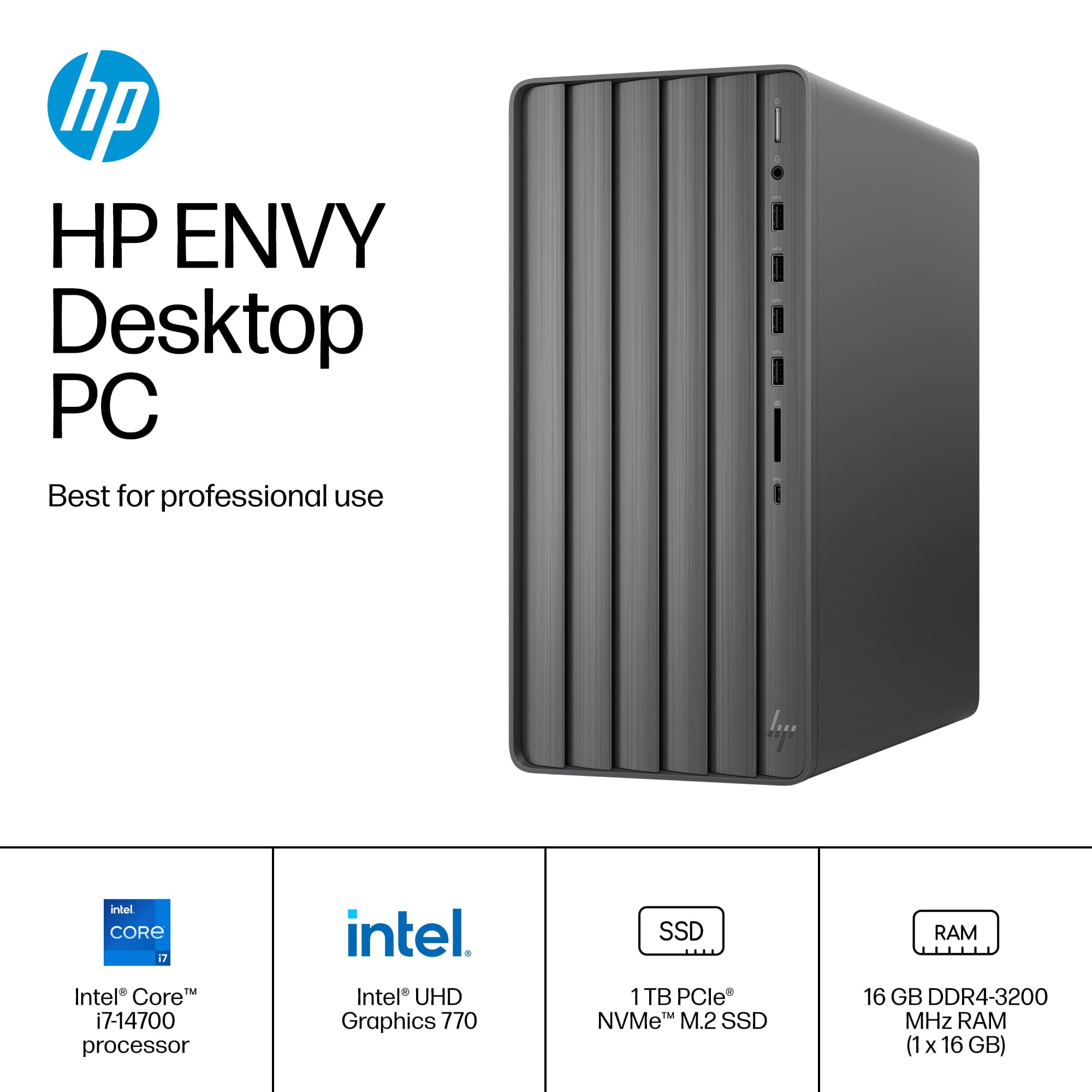
A:AnswerThank you for the question. The Envy TE01-4000 series mini towers were introduced in January 2023 and are still being manufactured as of this writing. The Envy TE01-5354 under which this question is classified was introduced in January 2024 and is also still being manufactured as of this writing.
A:AnswerHi Anne, thank you for bringing this issue to our attention. CD and DVD disc drives have largely been phased out from most desktop and laptop models due to the increasing popularity of streaming and downloading software online. If you prefer using CDs or DVDs, affordable USB CD/DVD drives are widely available. Moreover, most programs you'd want to install can likely be downloaded online.
A:AnswerThank you for the question. Any USB Type-A port on the desktop PC will connect to the printer. You may need to update the driver, but since you're setting the printer up on a new PC, the updated drivers should automatically download. Use the free HP Smart App; it's simpler and faster. If you are still experiencing problems after installing the printer on your new PC, please contact HP Support for assistance.
A:AnswerThanks for asking about this HP Desktop today. This model will work great for that type of software. The computer will be fast and nice to use.
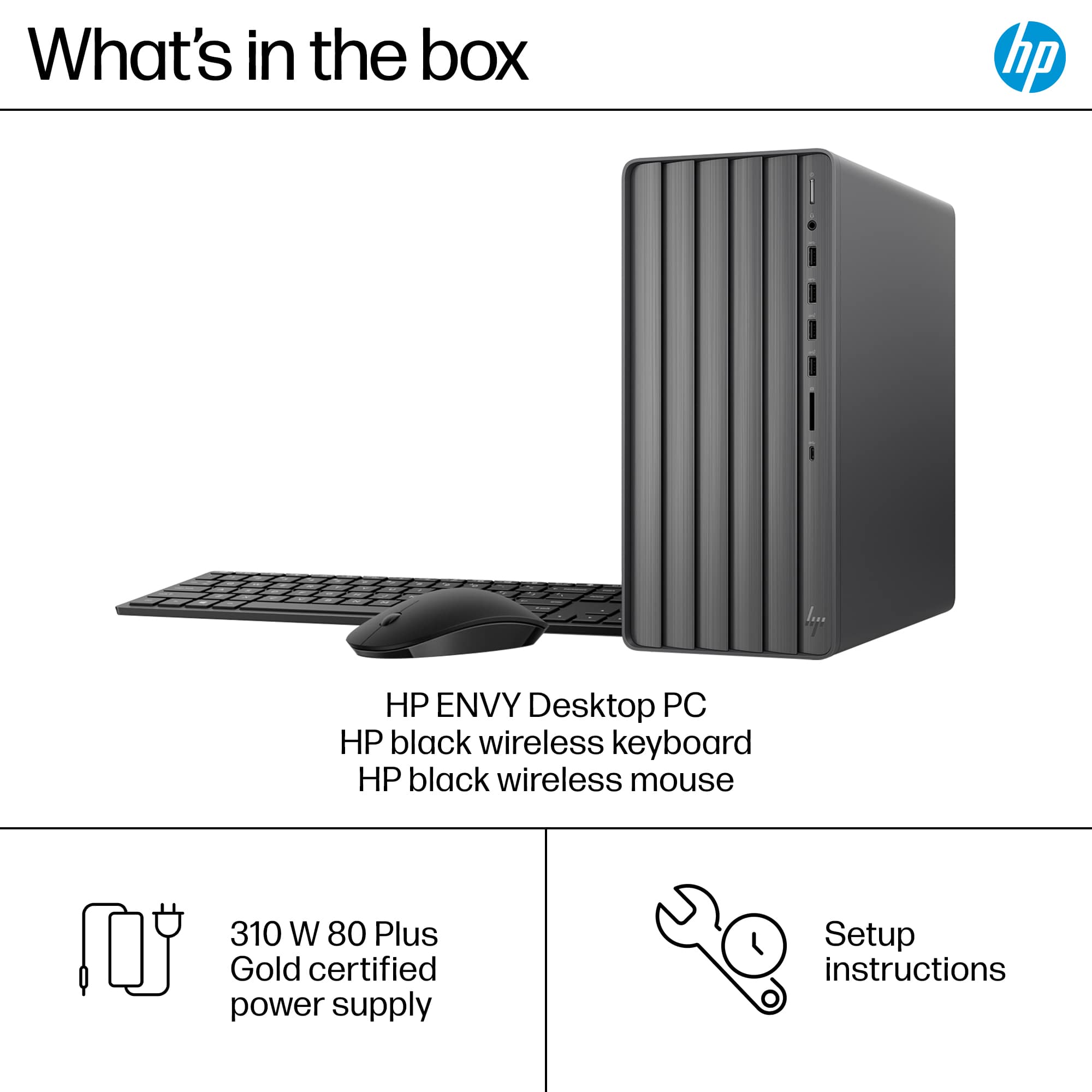
A:AnswerThank you for your question on this HP Envy Desktop! Yes, you will be able to install a GeForce RTX 3050 card, which calls for at least a 300W power supply. This desktop computer is equipped with a 310 watt power supply unit.
A:AnswerPhil, thank you for your question on this HP Envy desktop! This has two memory 280-pin UDIMM DDR4-3200 slots that support up to 16GB per slot for a total of 32GB of memory. Additionally, Best Buy also carries a version of this that has 32GB already installed.
A:AnswerThanks for your question, Chris! The HP Envy desktop with Intel Core i7 does not have a built-in disc drive and would need to be purchased separately.