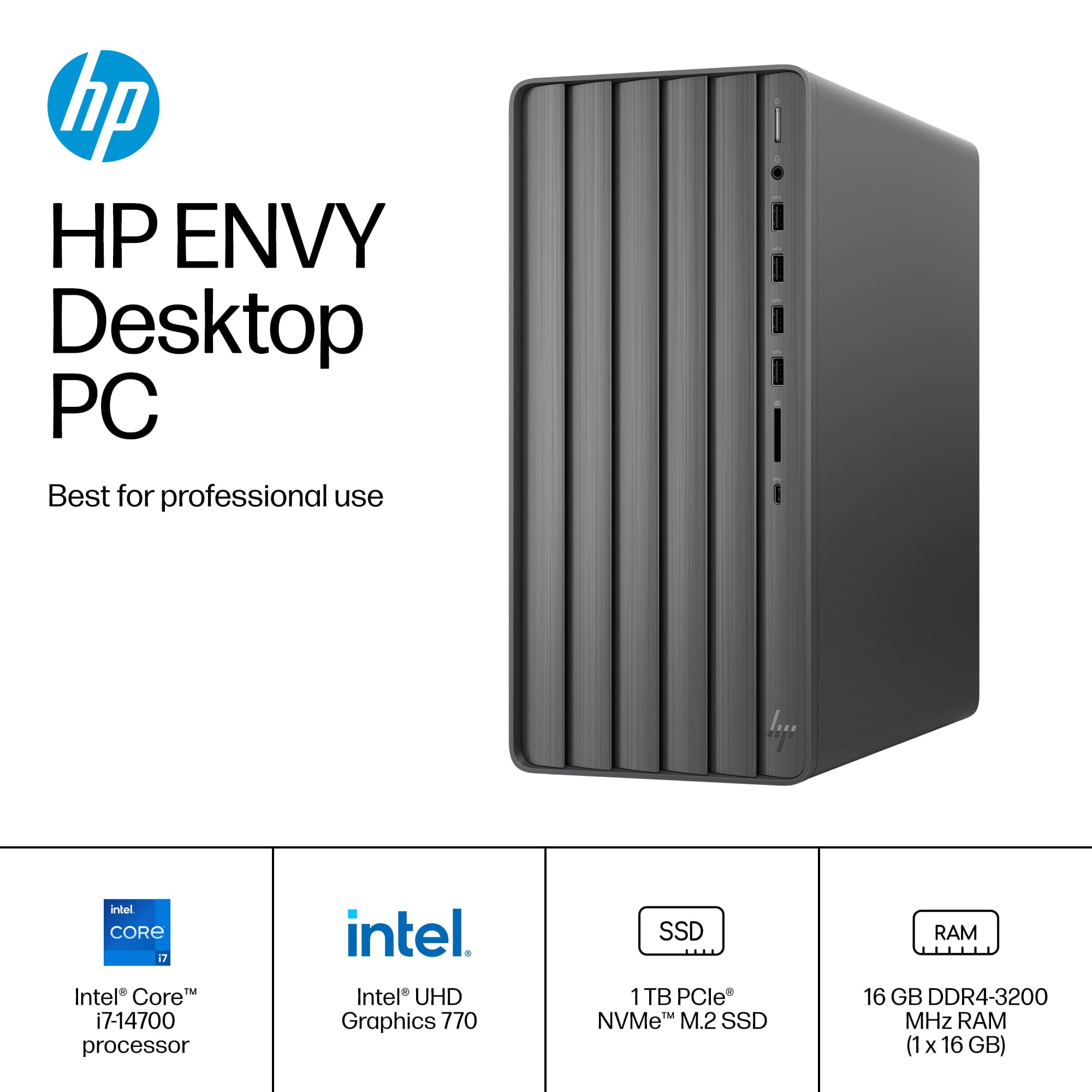
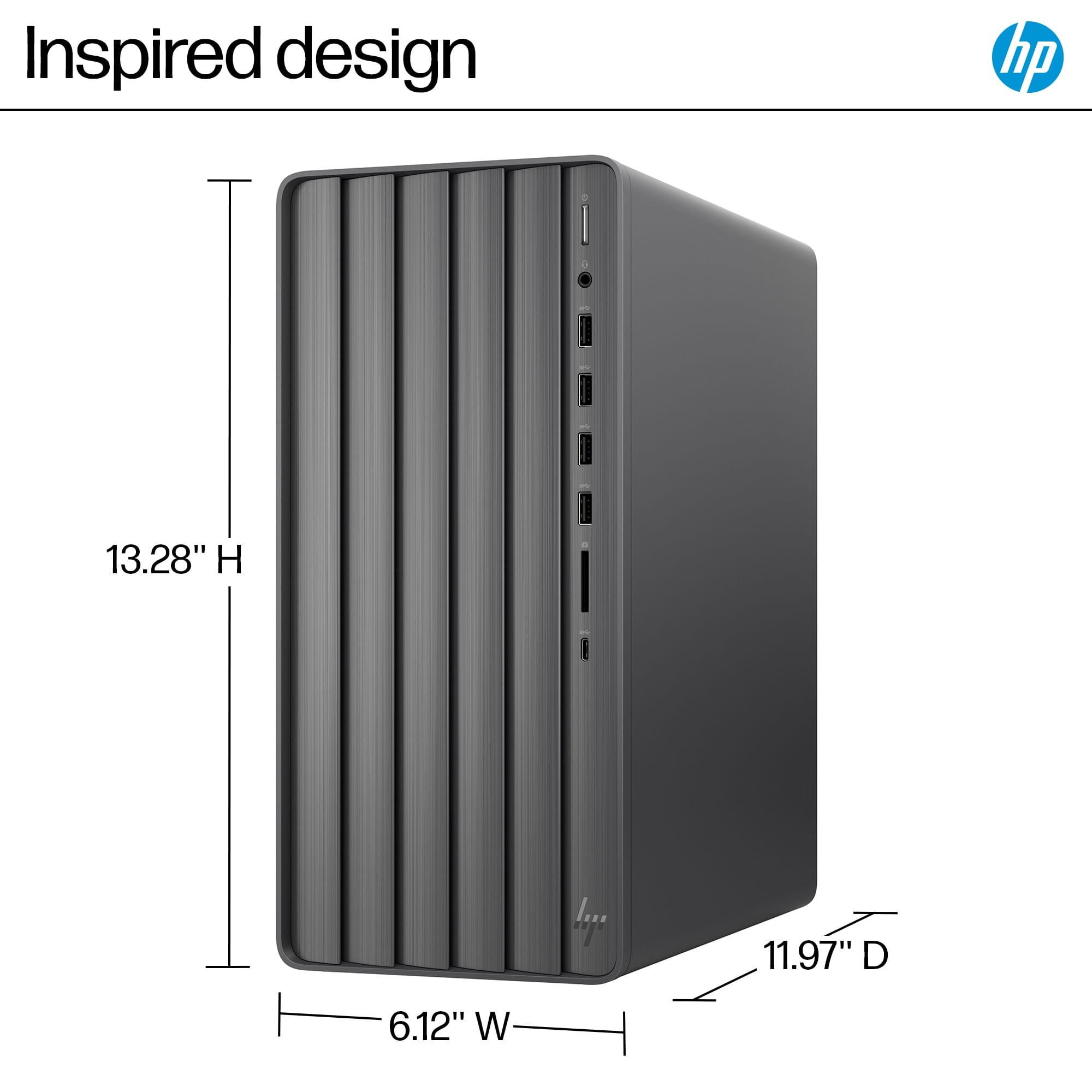
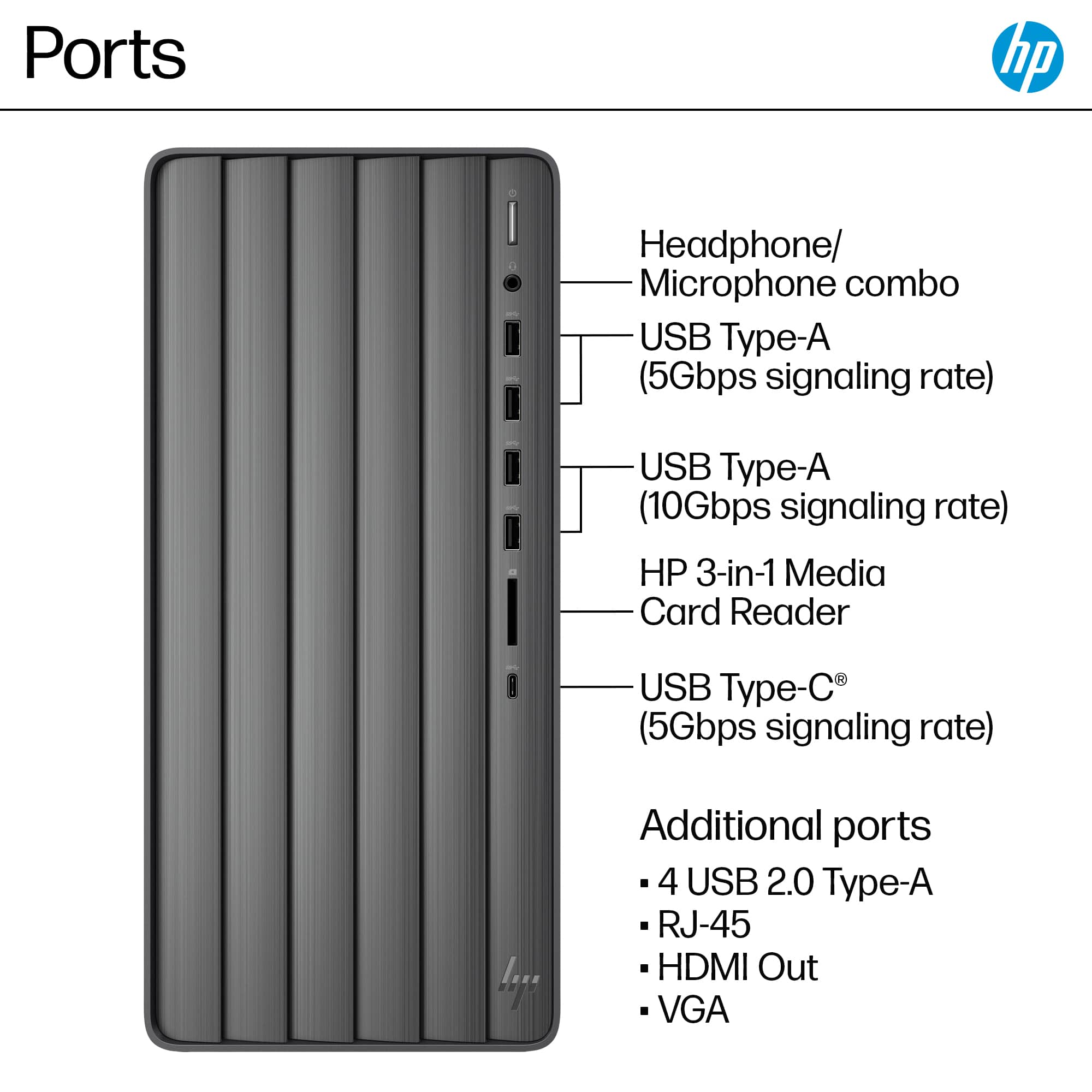
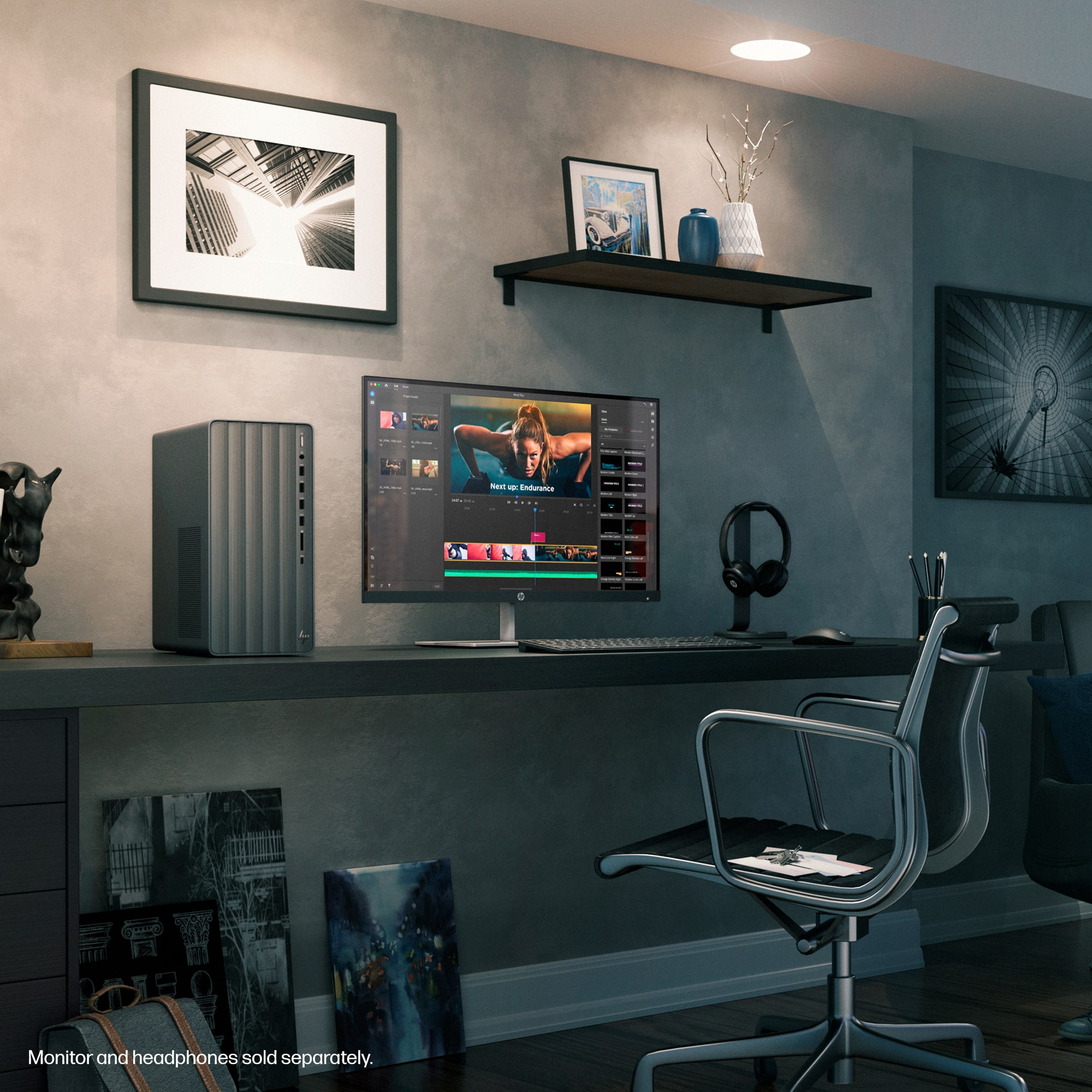
A:AnswerHello, Doug! This HP Envy Desktop (TE01-5354) does not have an internal speaker, similar to most standalone desktops. It does have all the necessary ports to adds speakers however, if you're looking for an HP desktop with built-in speakers you'll want to look at our HP All-in-One models carried right here at Best Buy. Thank you for your question!
A:AnswerHi, Trish, and thank you for asking the question. No, current computers don't come with a CD player, but the good news is that you can buy an external CD/DVD drive that will plug into the computer
A:AnswerHello Mike! This HP Envy TE01-5354 desktop does not have an optical drive built into it, but we recommend reaching out to Best Buy's Geek Squad to help you find the one that has the features you wish to have. Thank you for your question.
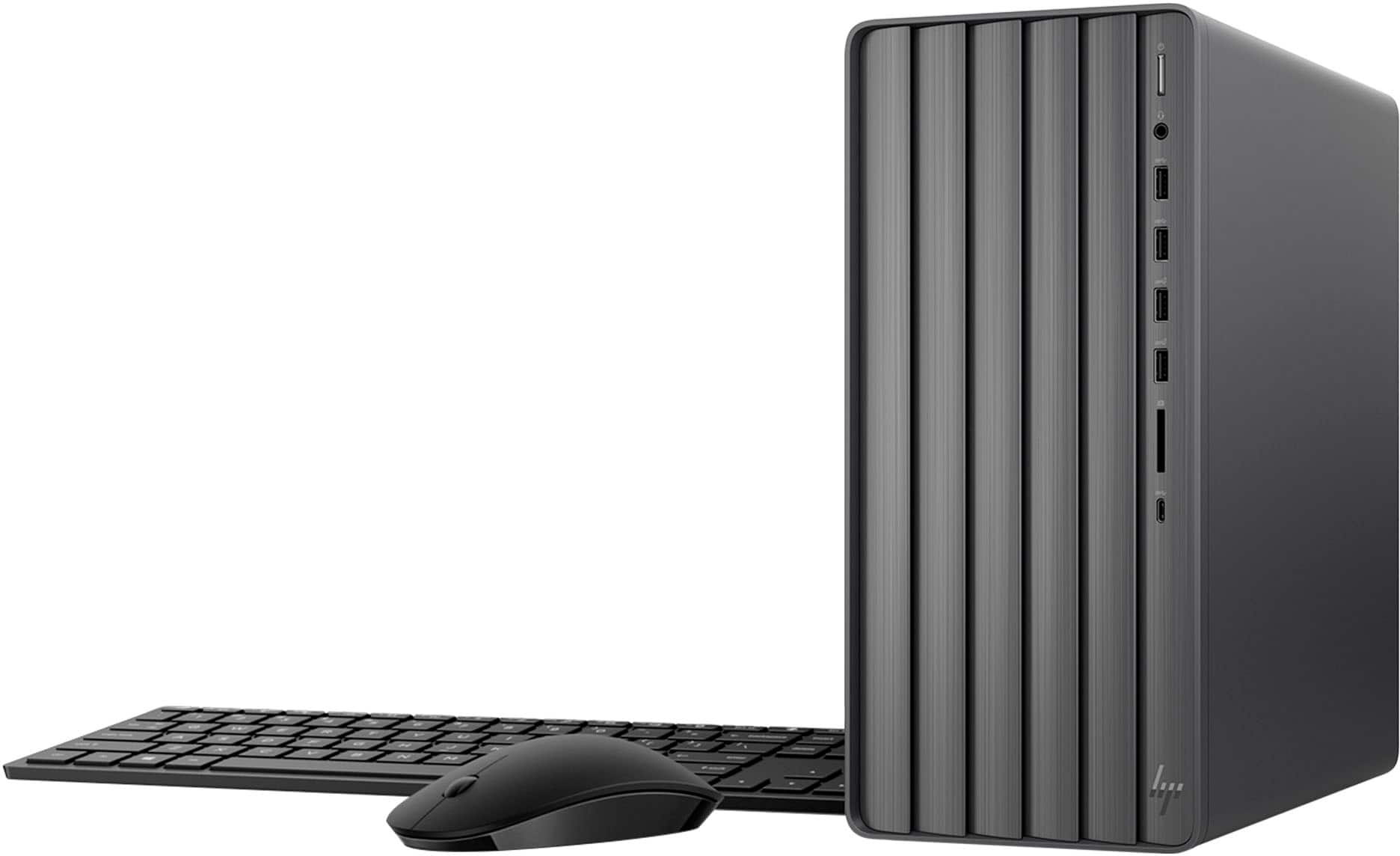
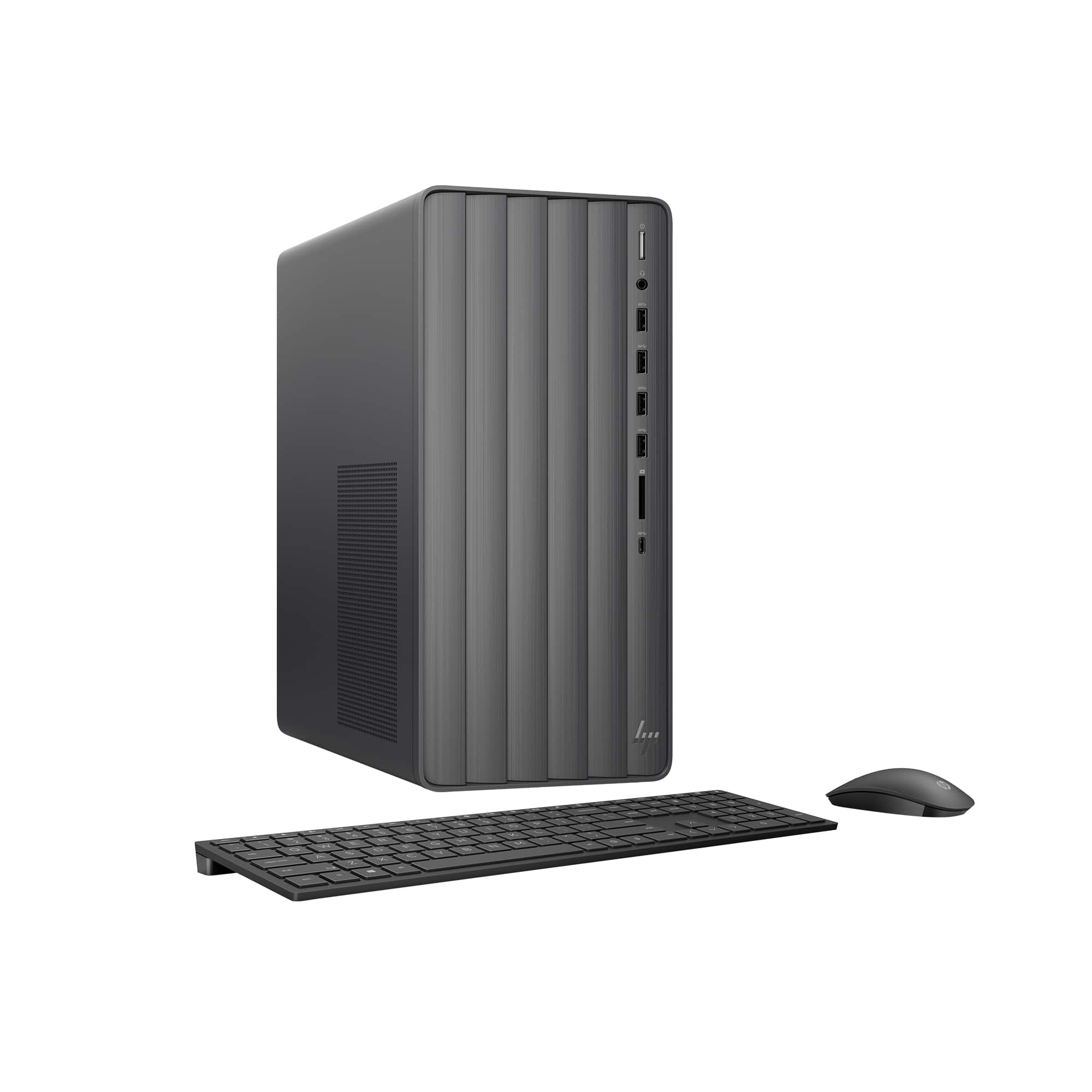
A:AnswerThank you for your question, to see the ports for the TE01-5354. Click show full specs and look under connectivity to see the ports for this model.
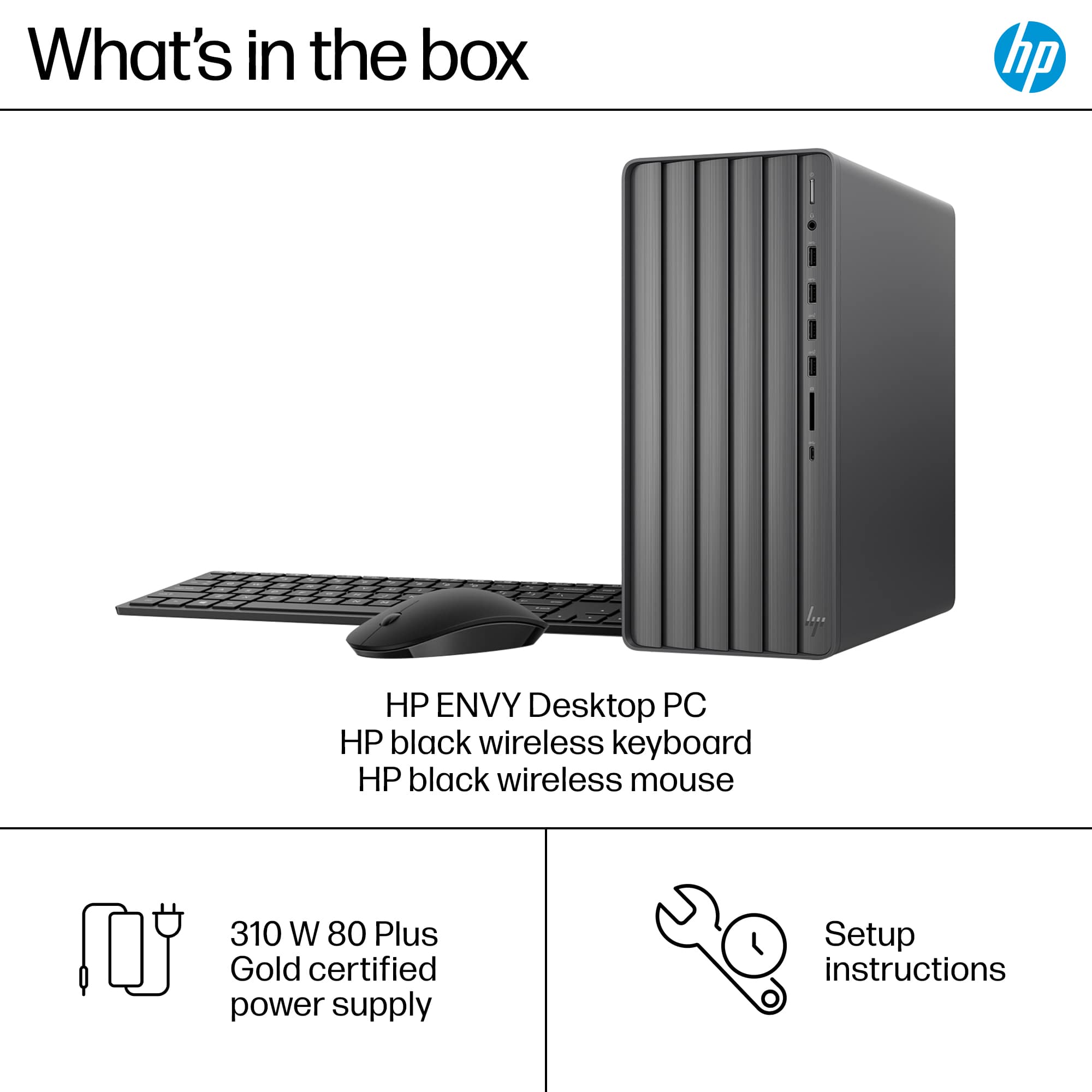
A:AnswerHello and thank you for asking, The HP Envy TE01-5354 desktop PC can use any USB or wireless computer keyboard and mouse sold at Best Buy, including ones from HP or Logitech.
A:AnswerThanks for your question. This is a dust cover for the VGA port and it can be removed. The do not remove is just if you want to keep the port covered up to keep dirt and dust out. The wording is a bit weird, sorry about that.
A:AnswerHi, Jim. Thanks for your question. This HP Envy computer does not have a CD/DVD drive. You can use an external USB CD/DVD drive with this computer.
A:AnswerThank you for your question on this HP Envy Desktop computer and its display capabilities. This computer does not support three monitors in extended mode as it lacks the connections required. You would need to add a video card that has at least three ports on it, which may also require an upgrade to the power supply. For a desktop computer that can support 3 extended-mode displays, look for one that has a dedicated graphics card, which you can find on some Envy models, along with the full selection of Victus and Omen gaming desktops.
A:AnswerThank you for your question about the number of drives. The spec sheets and the service manual gave no indicators to the number of SATA ports on the board, but show SATA drives as options for this series. That shows one SATA drive from the board.