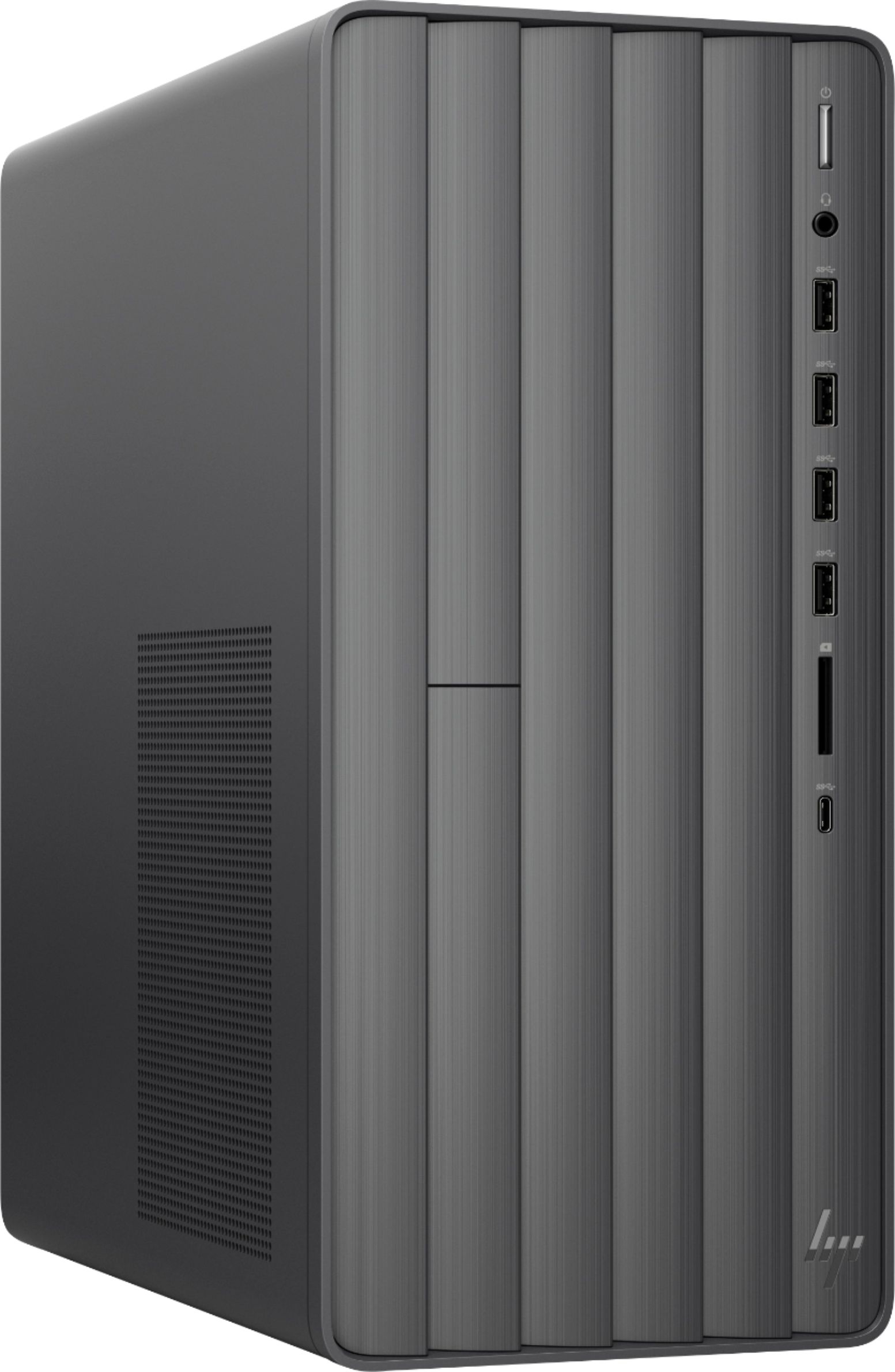
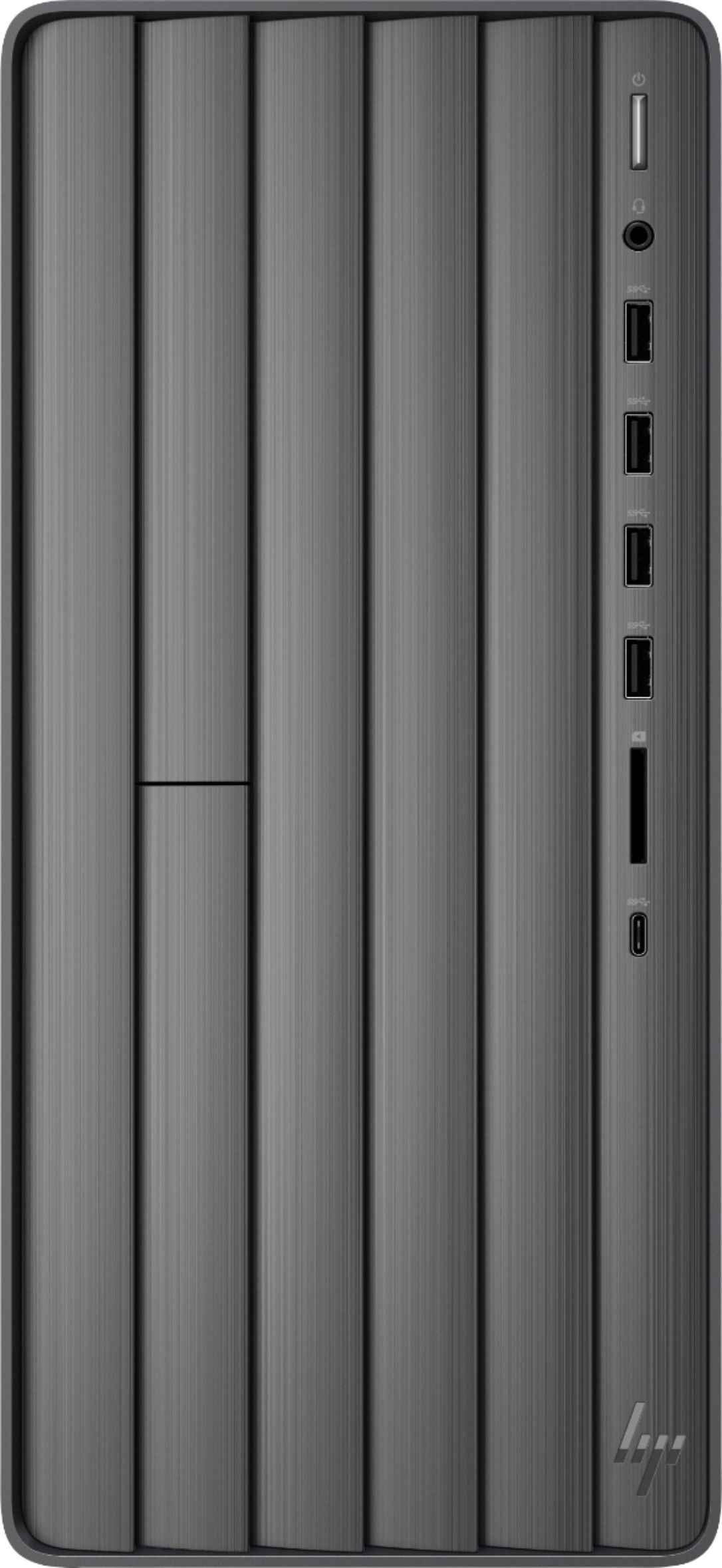
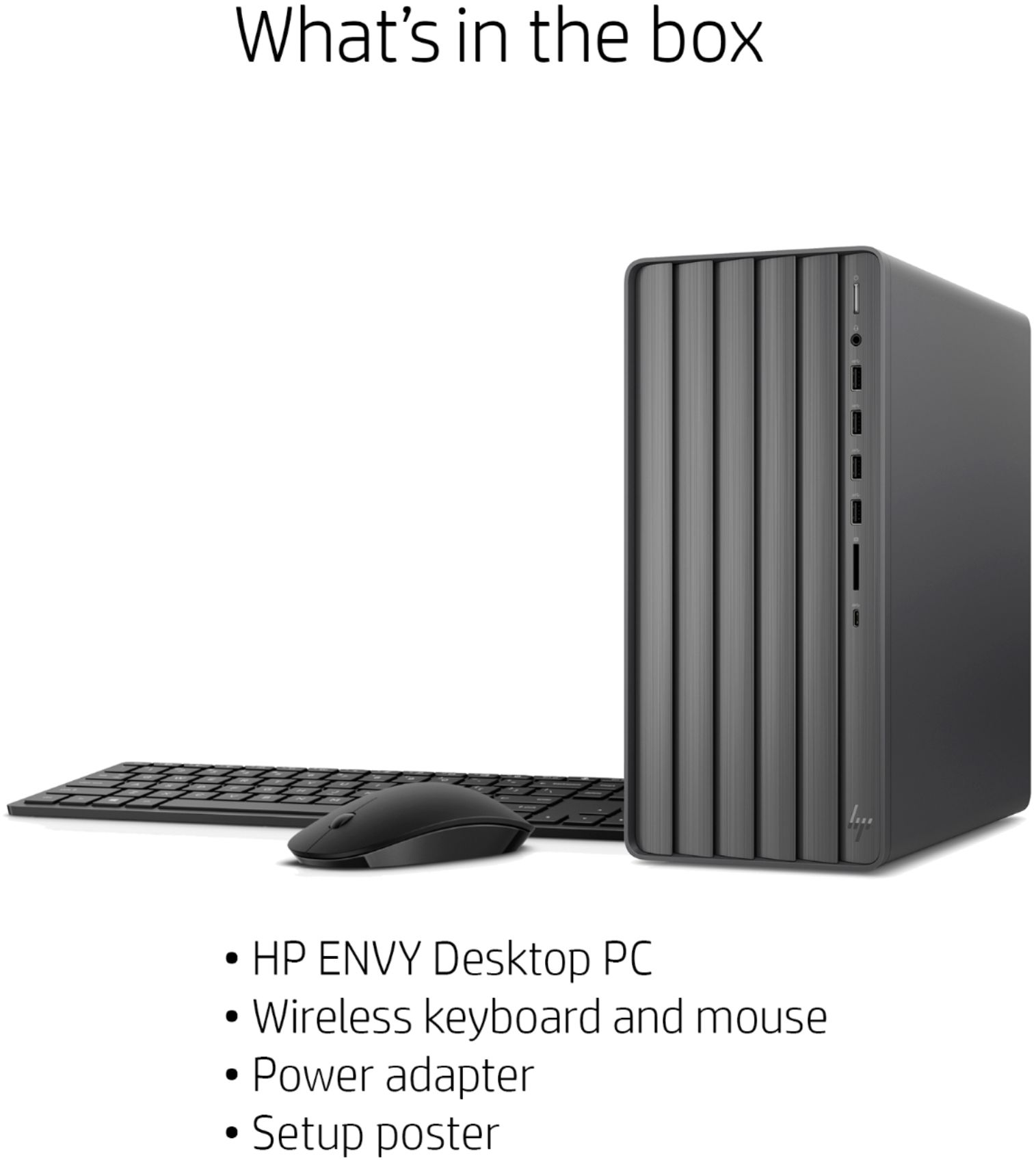
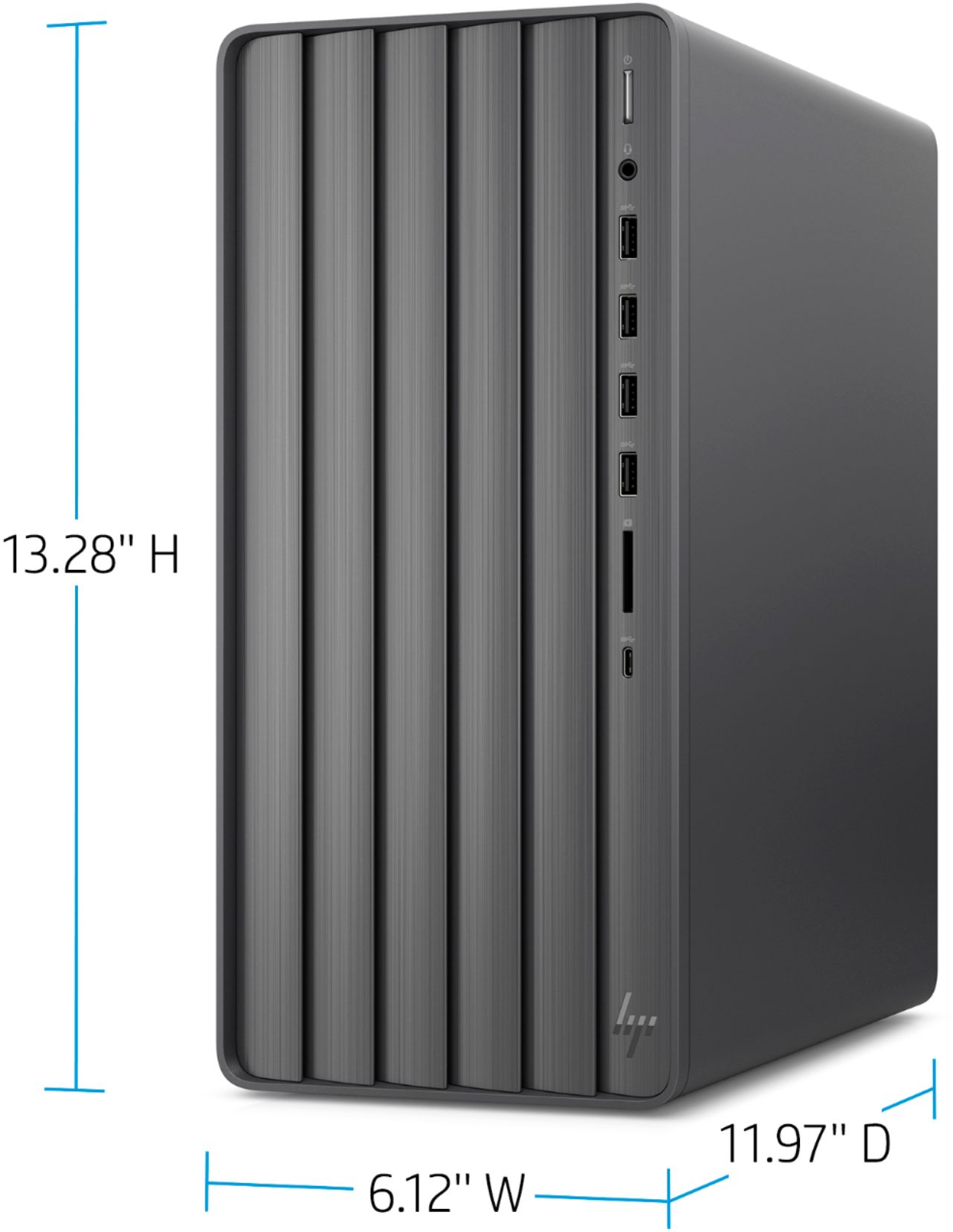
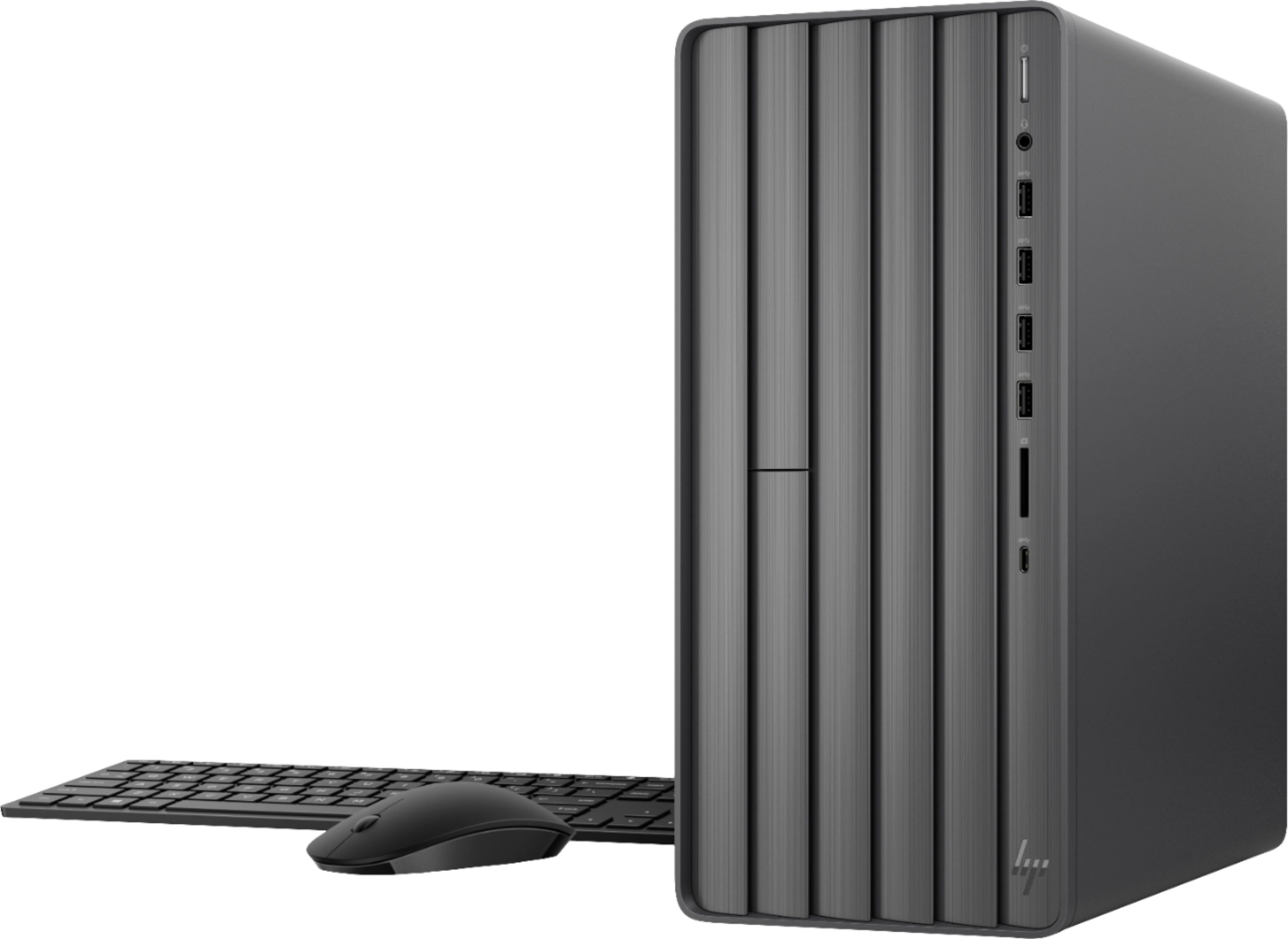
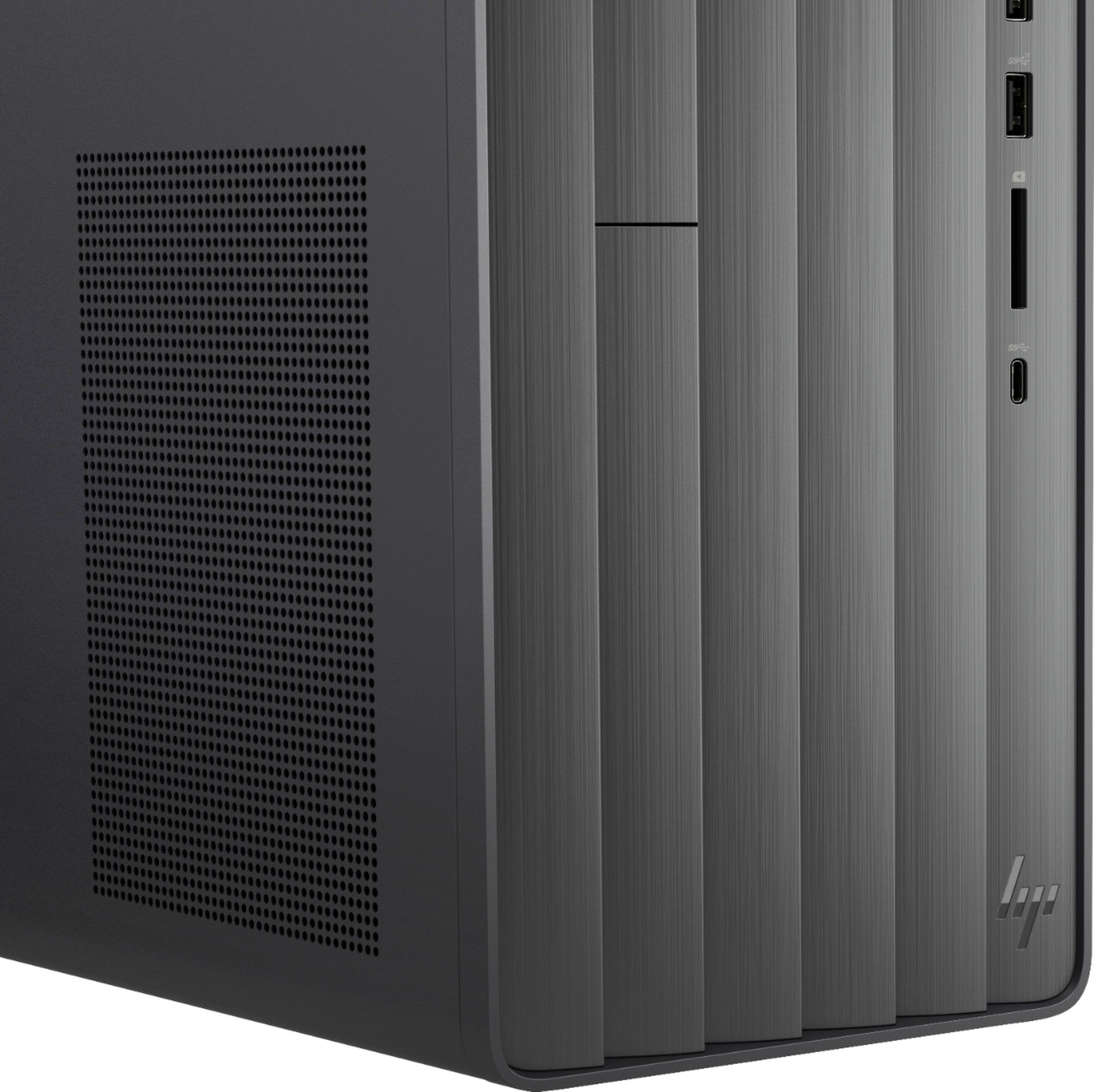
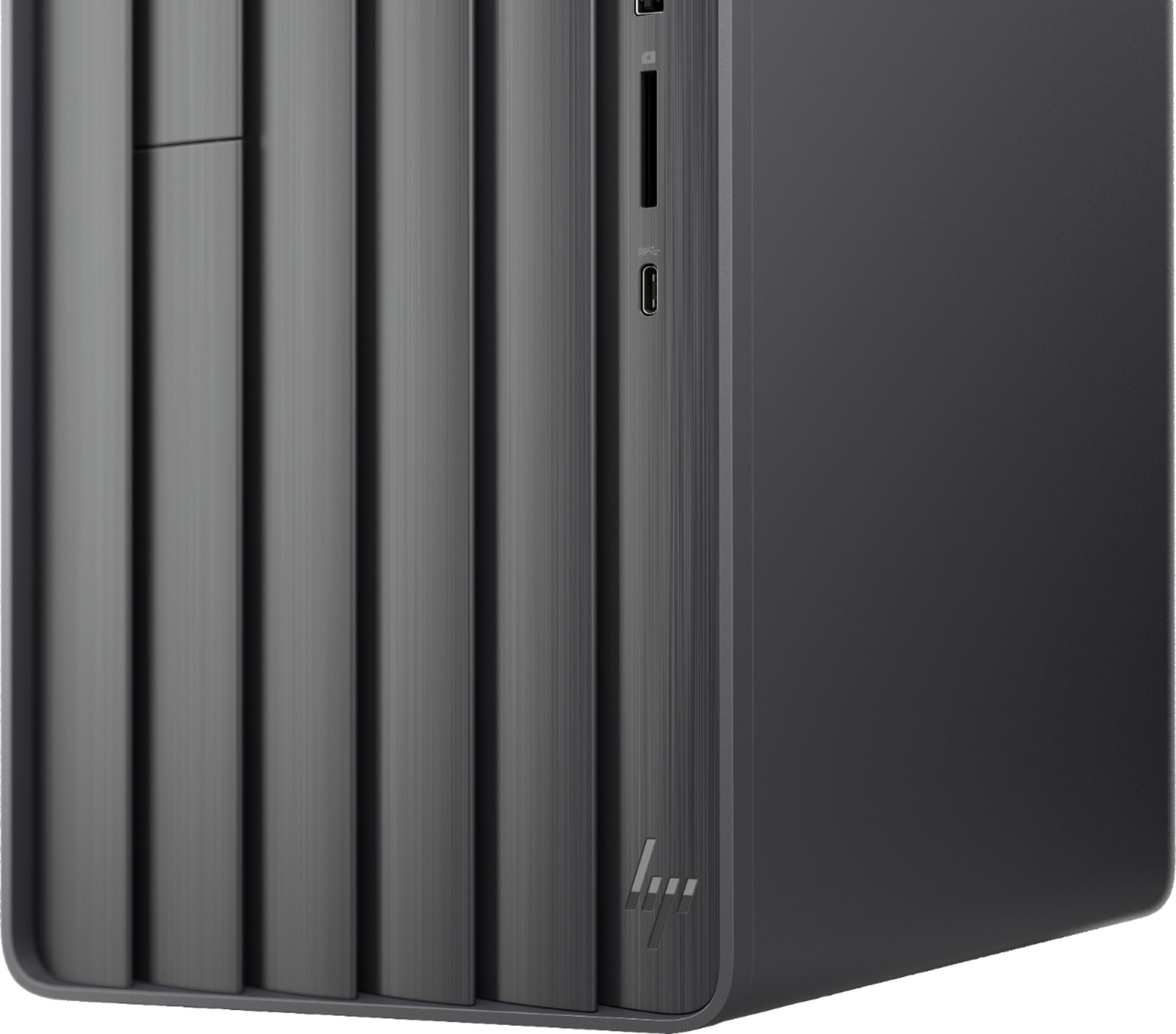
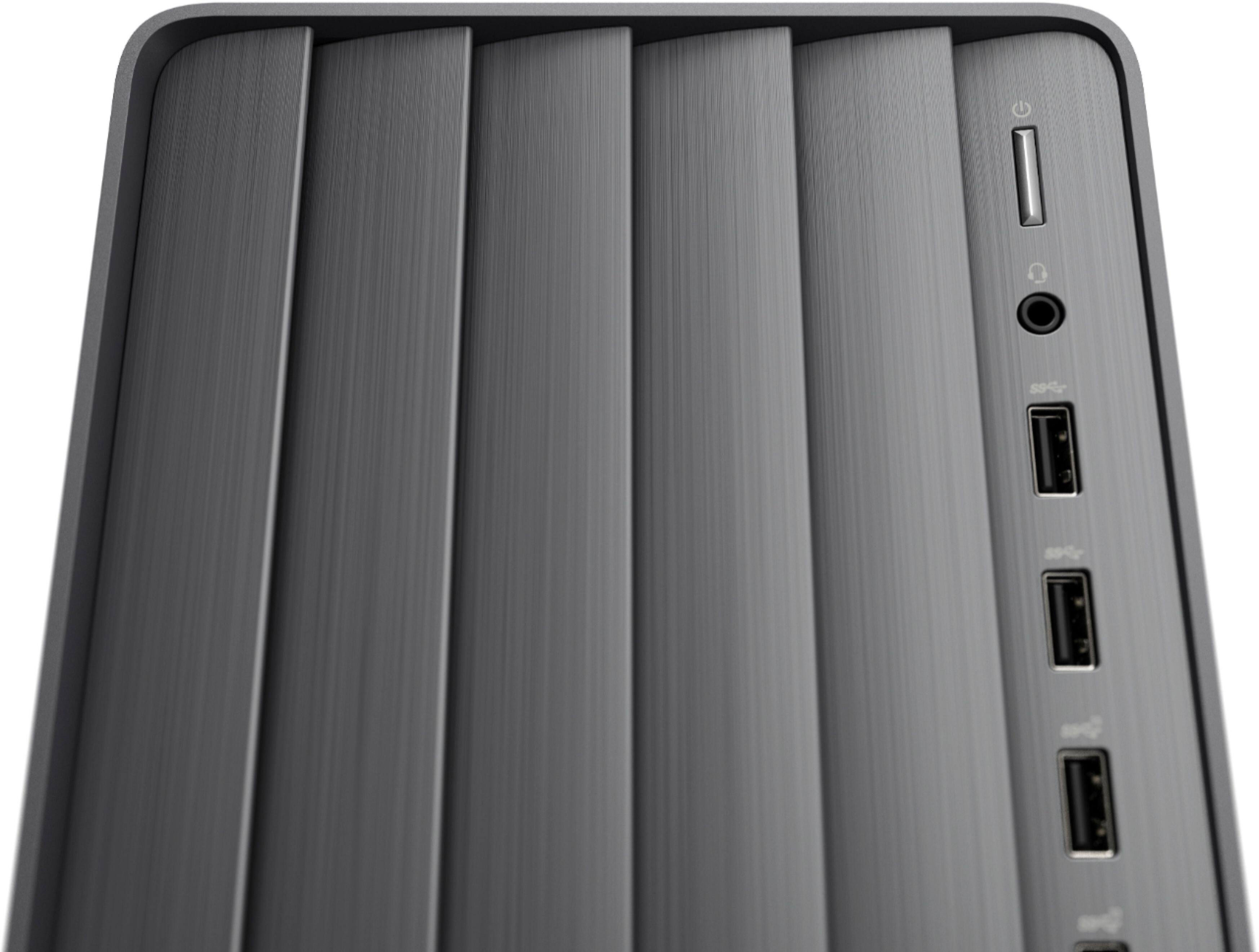
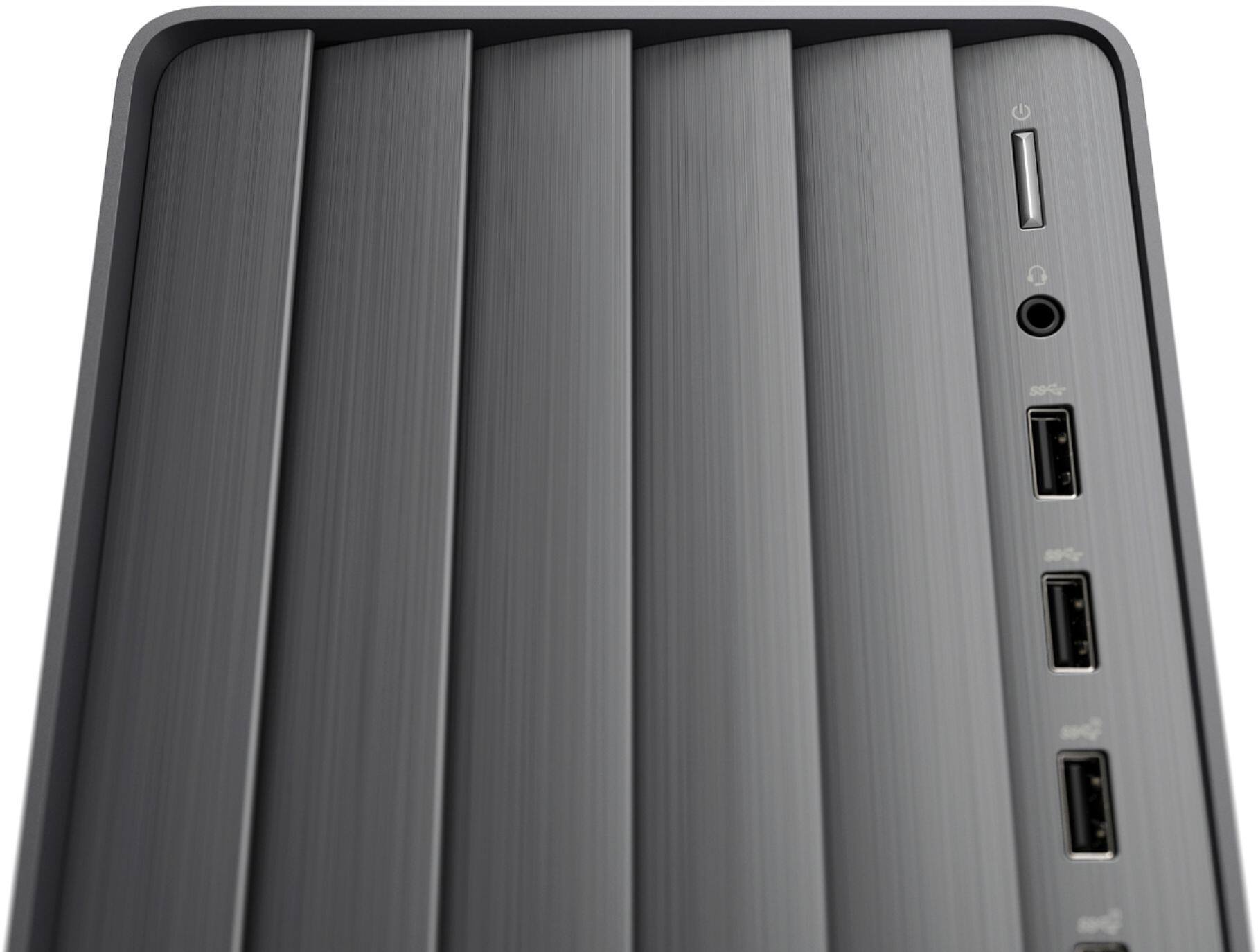
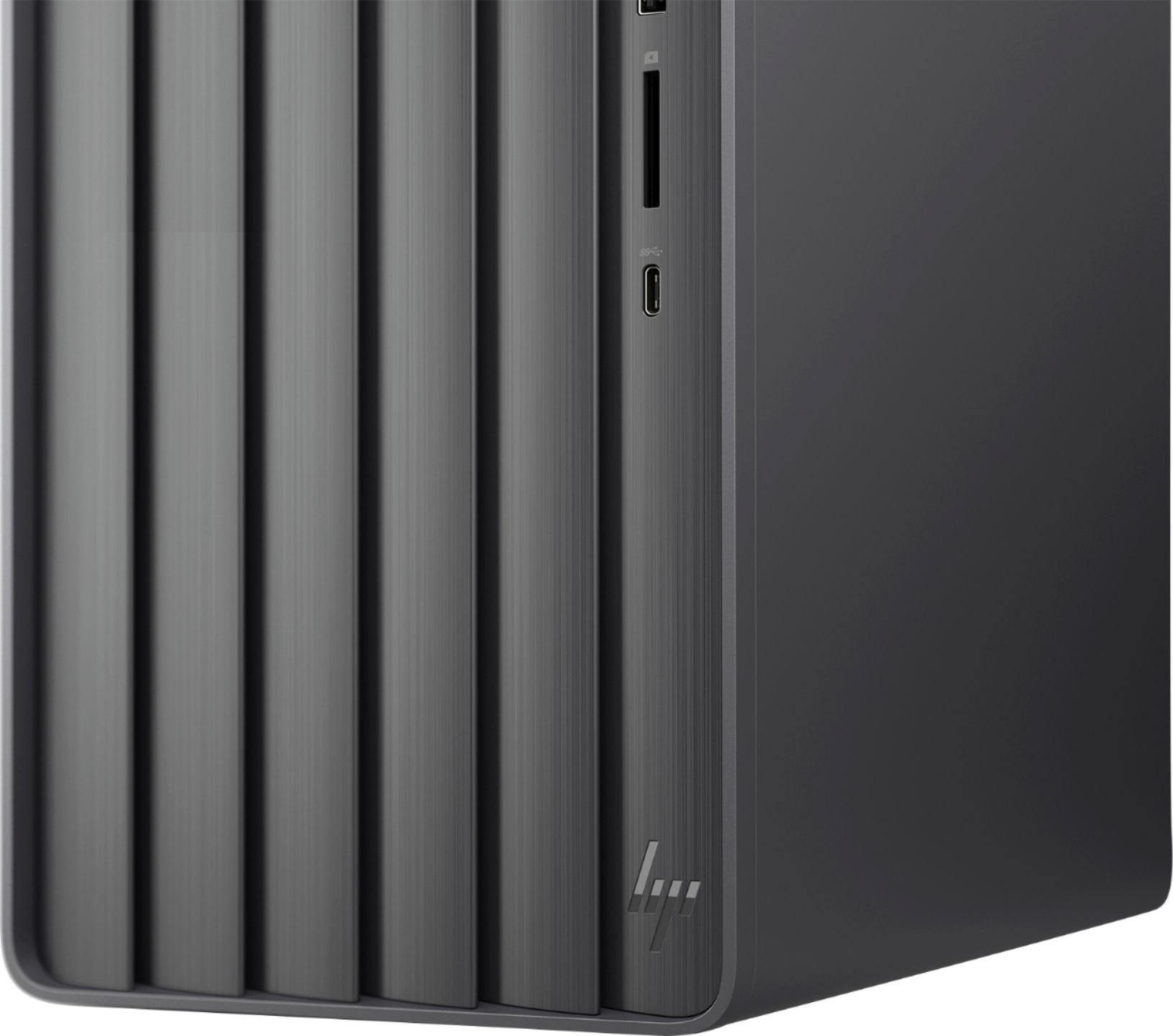
A:AnswerHello, Cathy. This HP ENVY Desktop TE01-1254 computer does not have a CD/DVD drive. You can use an external USB CD/DVD drive with this computer.
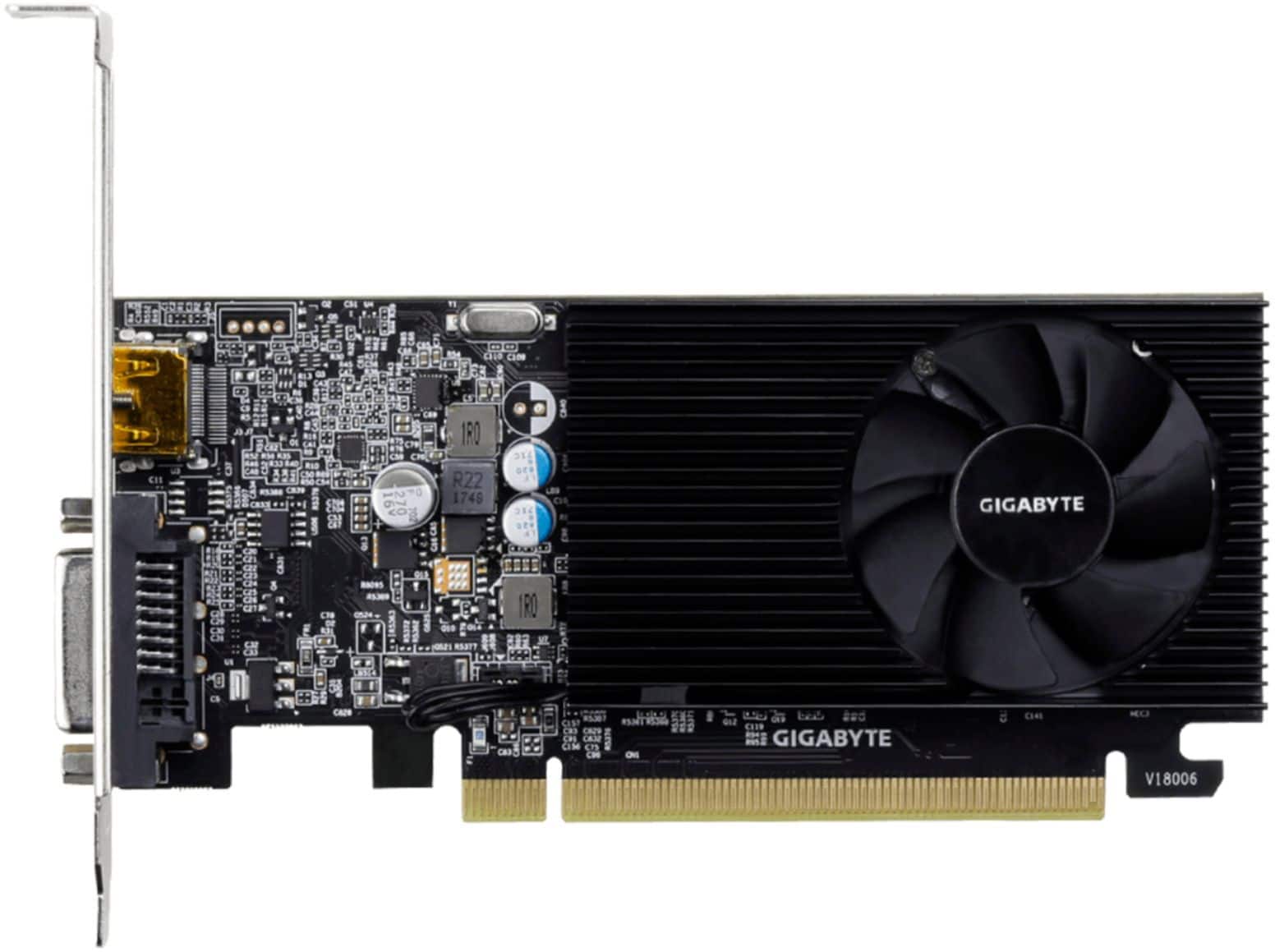
A:AnswerNo it's not 4K capable. Only supports up to 1080. You will need another video card. I got the GeForce GT1030 and a 4K capable HDMI and it works smoothly as it doesn't draw too much power. Anything bigger, you may have to replace the power supply. At that point, you should just build a PC. Great for productivity, but if you want to game with it, it's not so good. At that point, I'd recommend building a PC or buy a gaming PC. I bought the ASUS ROG STRIX Z590-E mother board which can use the Intel I7 10700 that came in the HP as well as the 1tb nvme storage in the new mother board. Bought new case, ram, power supply, aqi cooling, and sourced an GeForce 3060 Ti graphics card. All said in done I would have gone that route first.
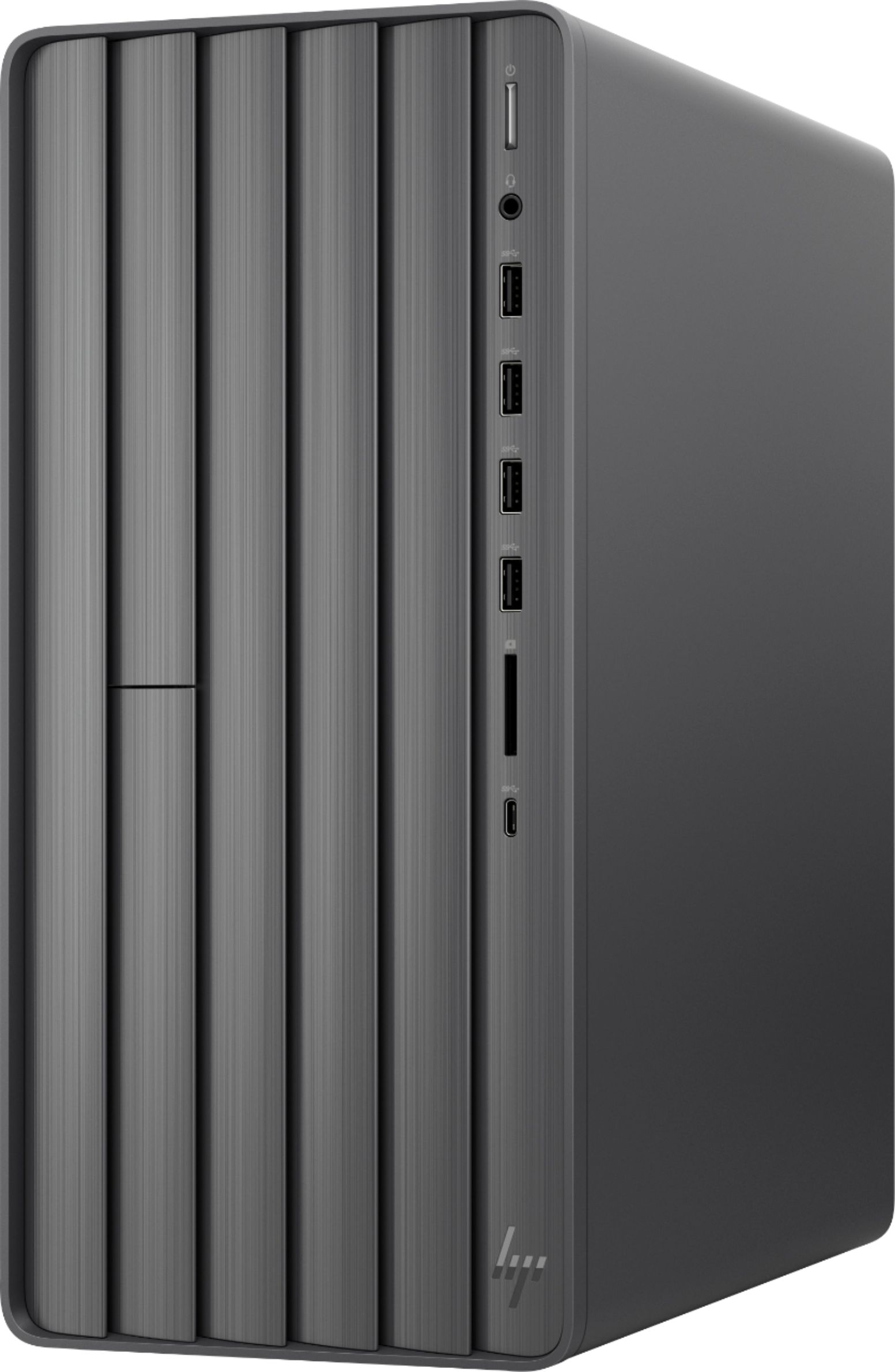
A:AnswerTHE ONLY REASON TO BUY THIS PC IS TO GET WINDOWS 11 and the security features. Windows 11 is just a sharpened version of Windows 10 DON'T fear it. If you do want Windows 10 Pro there are way better deals around check Amazon. I wanted a factory supplied box so I was sure I got the TPM and all safety options turned on for my first Windows 11 PC, (I have since bought a Surface Pro-X with Win11 too) Some late model PCs can be upgraded but Safe Boot etc. has to be turned on manually and for some that is hard to do. Also as with all HP PCs it comes with all their crapware/trackware. So a clean install just after getting it cures that issue!
This PC WILL run Windows 10 if that was required for some reason, but you lose the HARDWARE security and there are much better Windows 10 PCs for value available.
A:AnswerLooks like there are SATA connections that could be used. However, I had read elsewhere that another SSD could be added via an available M.2 port. I bought an extra 2TB SSD and opened the case to find that there was not an M.2 port available - just the one where the OS SSD drive was. But there is a PCIe x16 port and a PCIe x4 port. So, I bought a NVMe Adapter M.2 PCIe SSD to PCI-e x4/x8/x16 Converter Card, plugged the SSD into that and then plugged it into the PCIe x16 slot and I now have an extra 2TB.
I wanted to mention this because before I purchased I knew I wanted to add an SSD, and nowhere clearly indicated to me that I would need the adapter. The good news is that it was only about $12 for the adapter.