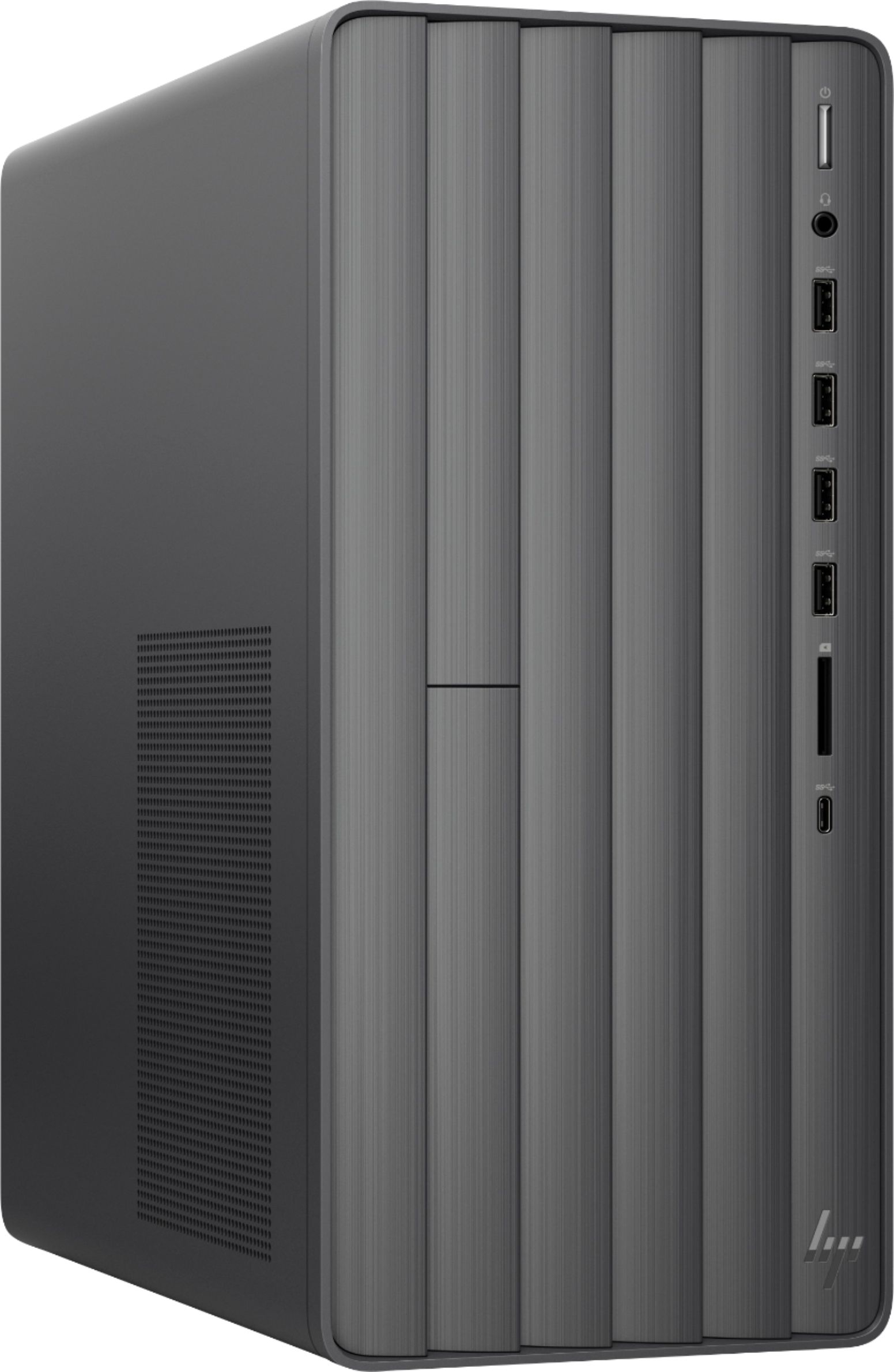
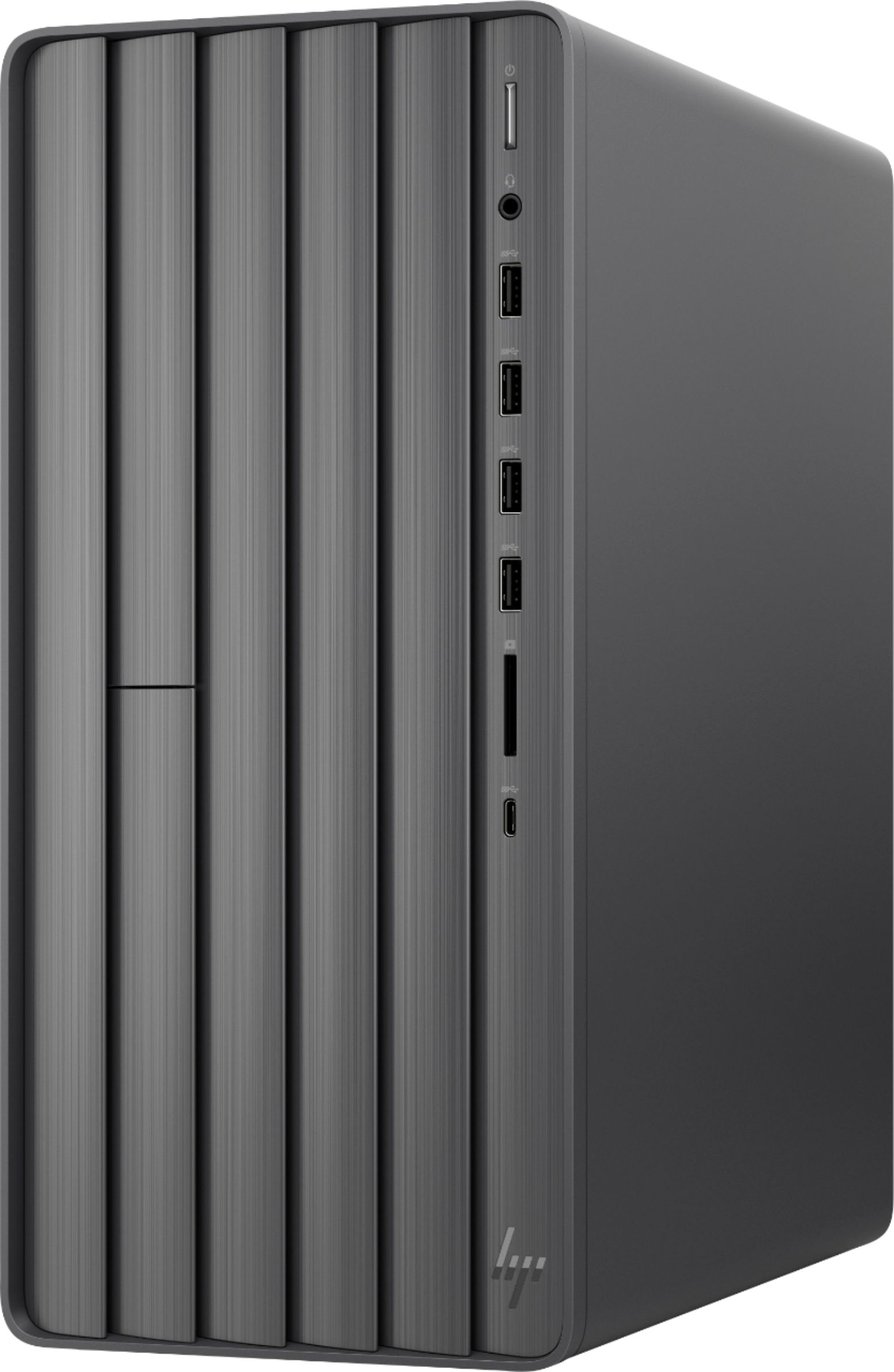
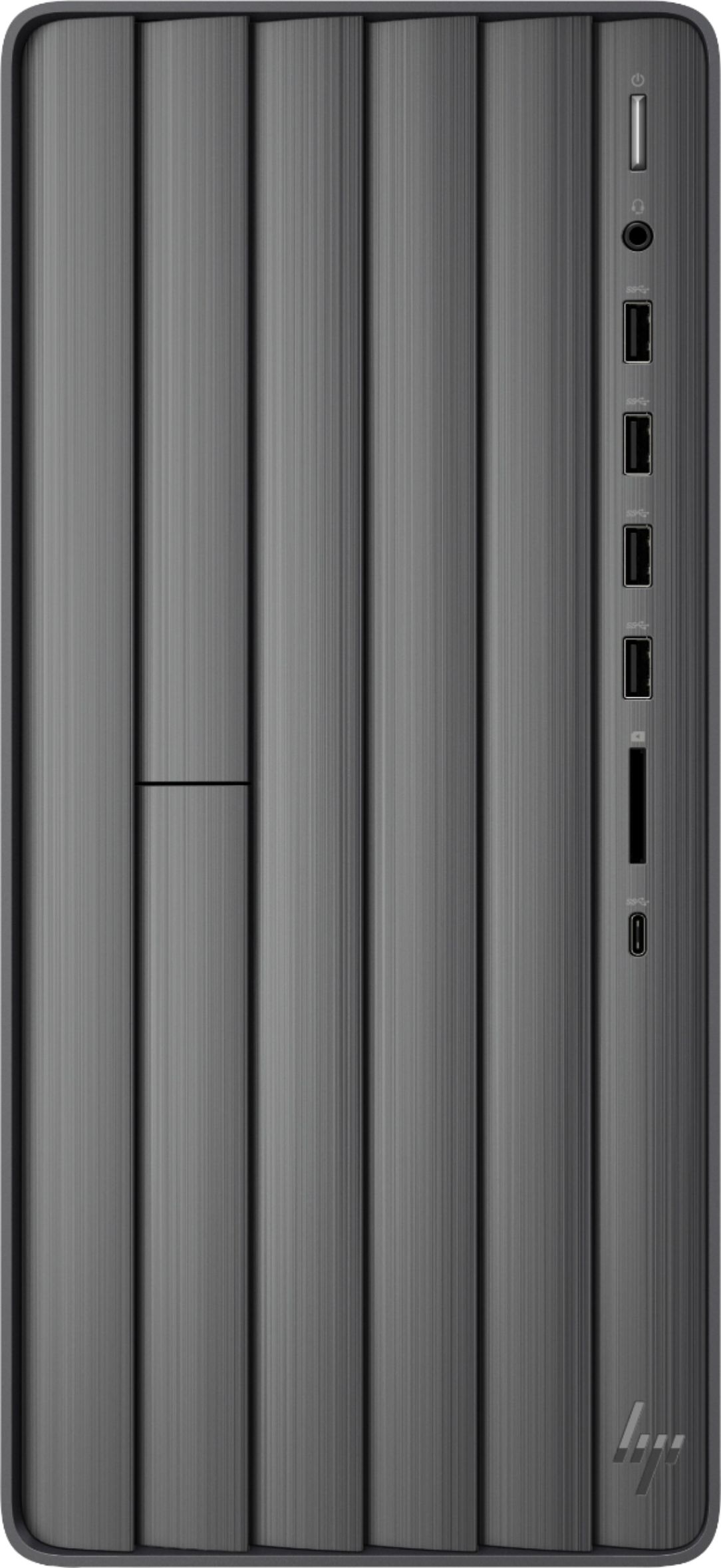
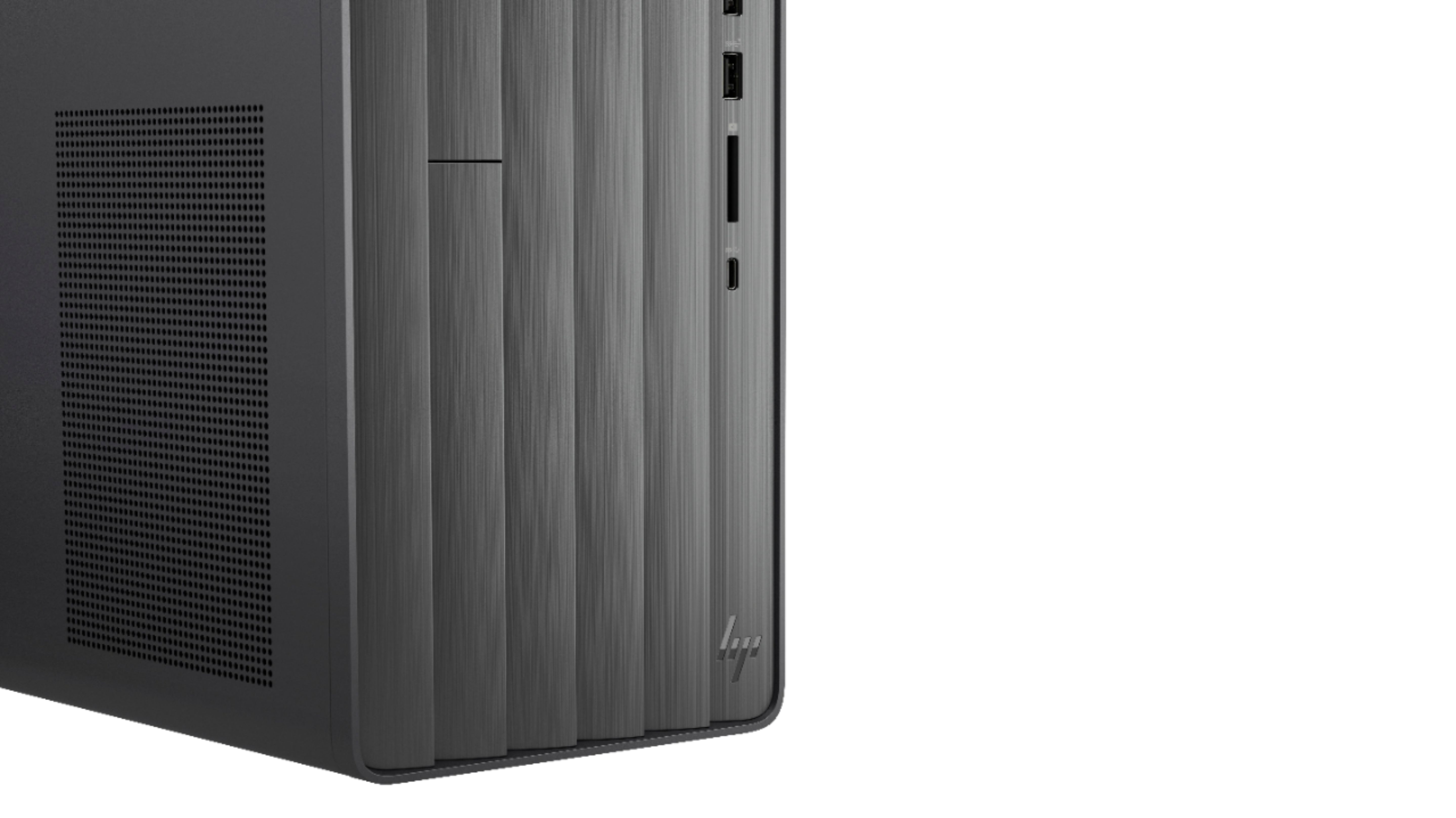
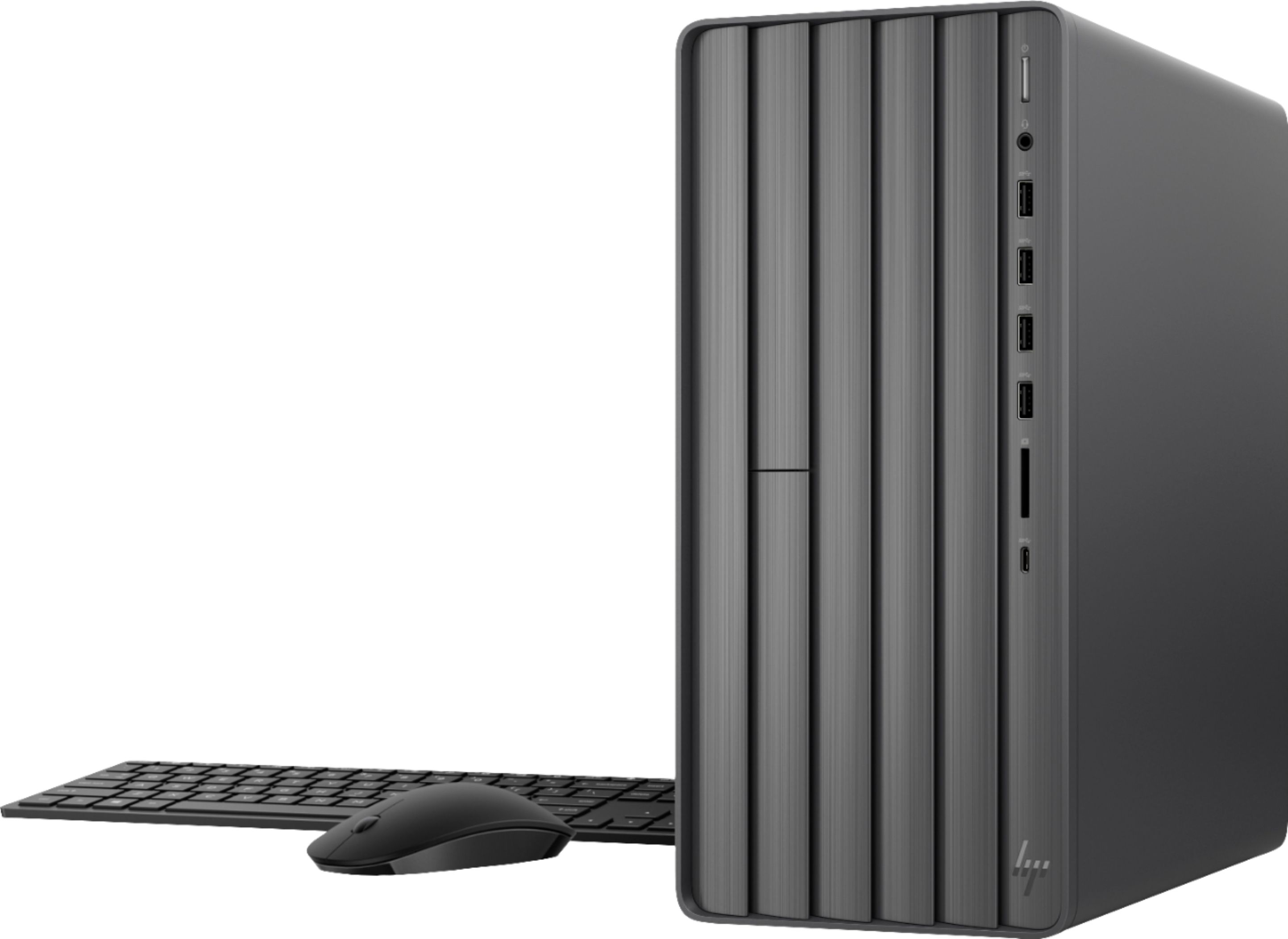
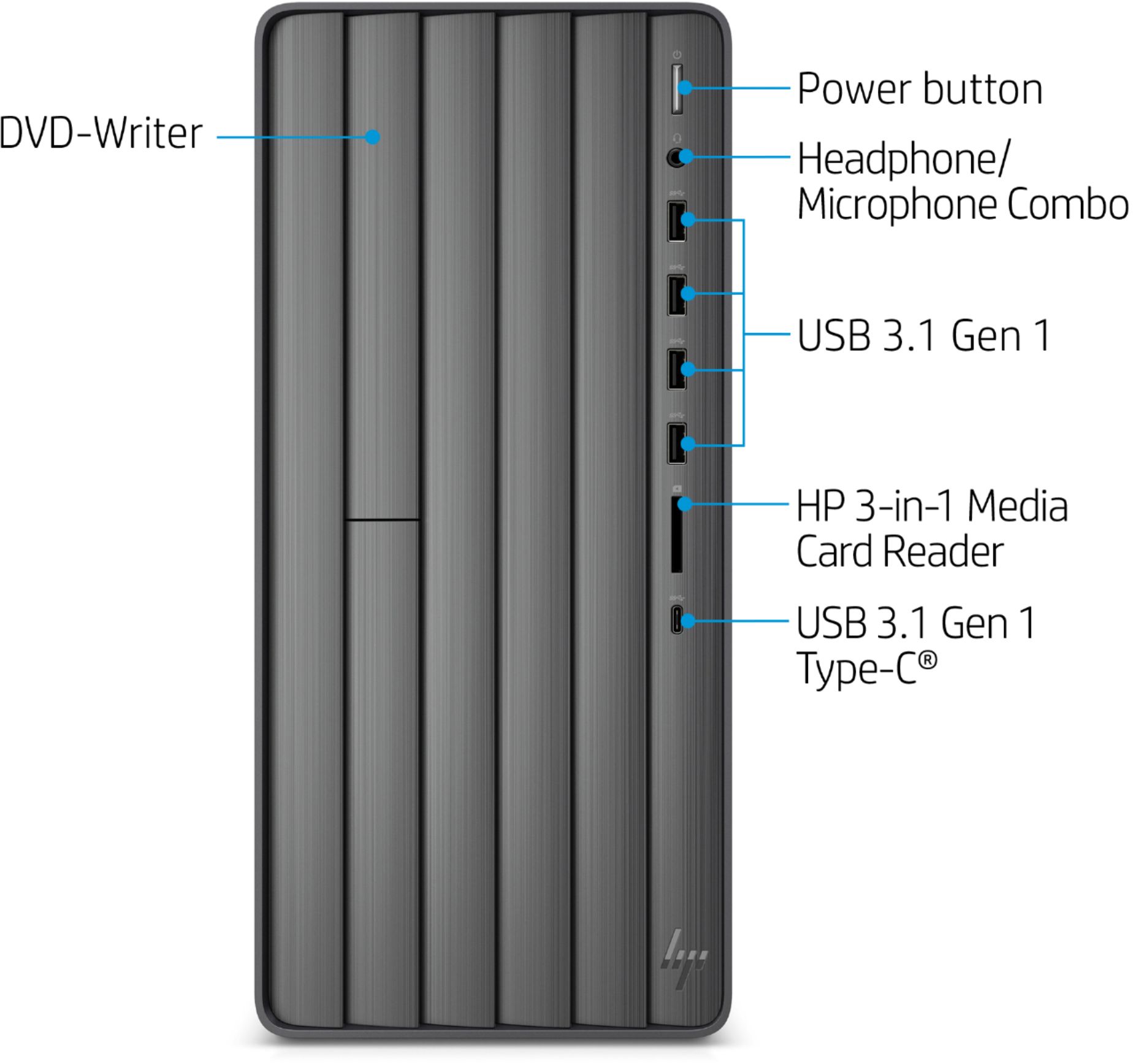
A:AnswerOn the front face of the PC (where the USB slots and power button are), push in the upper left area. This will activate the CD eject. You will see an area that looks different from the rest, like it was cut in half. That upper section is where the CD drive is located.
A:AnswerThe power supply is only 180 watts so if you were going to add a dedicated video card your options would be seriously limited. The motherboard is custom and does not have the standard 20 or 24 pin ATX connections so replacing the power supply would be more difficult and need to come from HP. They do make a larger power supply for this model (it comes with a video card iinstalled), but I am not sure how to go about ordering or obtaining one. I am interested in buying it as well as I would like to add a dedicated video card.
A:AnswerYes, you can add a second 16 GB memory module in the available slot. According to HP support, "The part number for the 16GB RAM is 934255-800." But good luck in finding it.
A:AnswerSorry, I do not have a soundbar so I cannot directly answer your question. However, I do have an external amplifier and speakers connected to the PC so I surmise that your soundbar would work with a cable attached to the "audio out" port on the computer.
A:AnswerYou can get that resolution or that frame rate with the built in graphics, but not both. You'd need an upgraded video card, and probably an upgraded power supply to handle the added demands of an add on video card.
A:AnswerThis is only the CPU, so it does not have camera or microphone. For those two, you need to get them with your monitor (or buy separately and attach to your current monitor if you re using an older monitor that does not have them already built in).
A:AnswerNot really. This is a very minimalist design. No markings on anything. Front ports are version 3 but do not have the suggested blue inserts.
Just have to take the HP teams word for it but have found no way to tell 3.0 from 3.1.
A:AnswerThe one in the front appears to be only for headphones or stereo speakers (output). I have not tested a mic on the front jack. There are 3 - 3.5mm jacks in the back. Speakers (x2 for standard right and left stereo and surround sound) & a Microphone input jack,