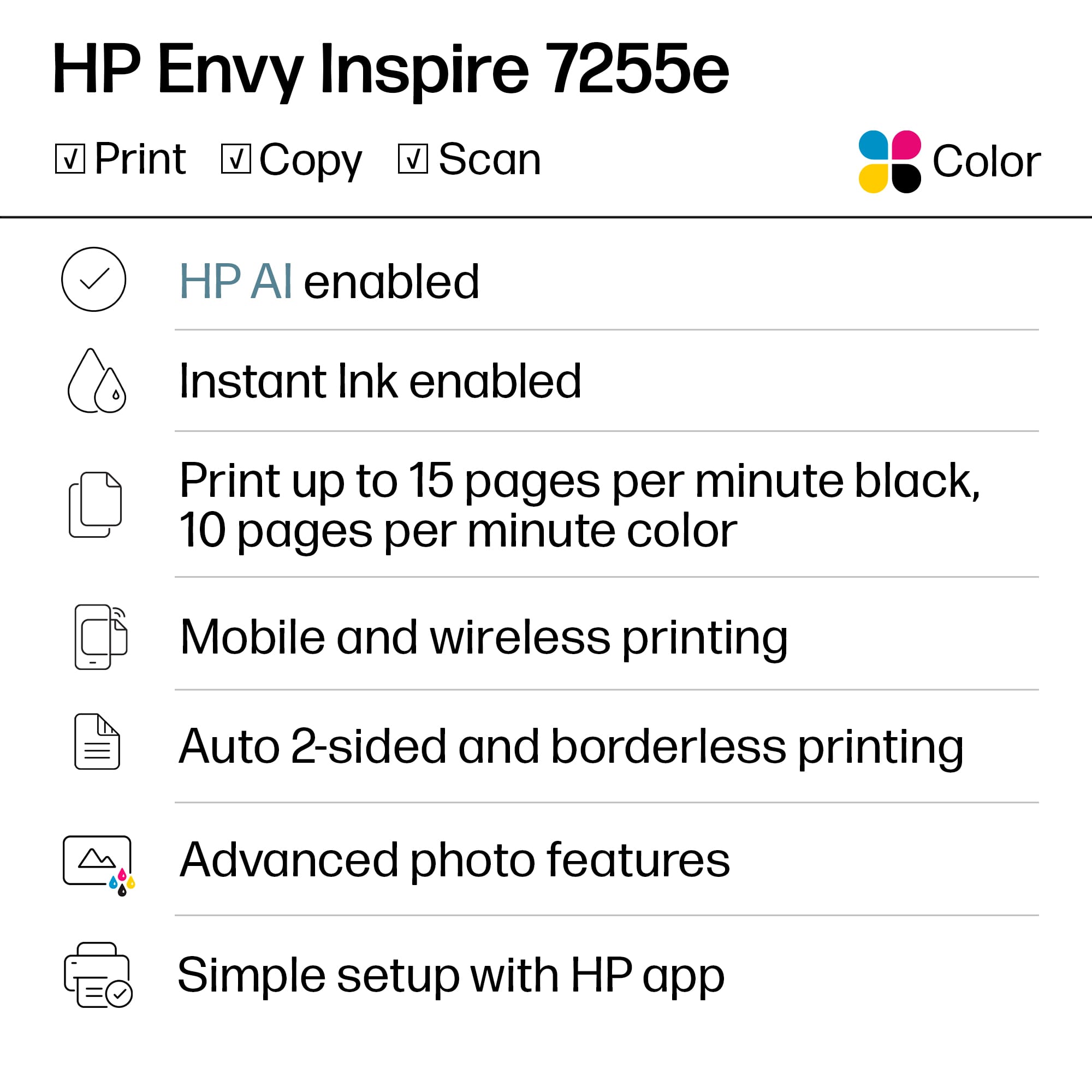
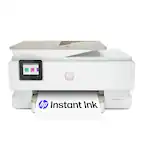
A:AnswerHi Charlie! Thank you for your question. You will need to only download the HP Smart App for the HP ENVY Inspire 7255e Printer. This app can be downloaded on smartphone, tablet or computer.
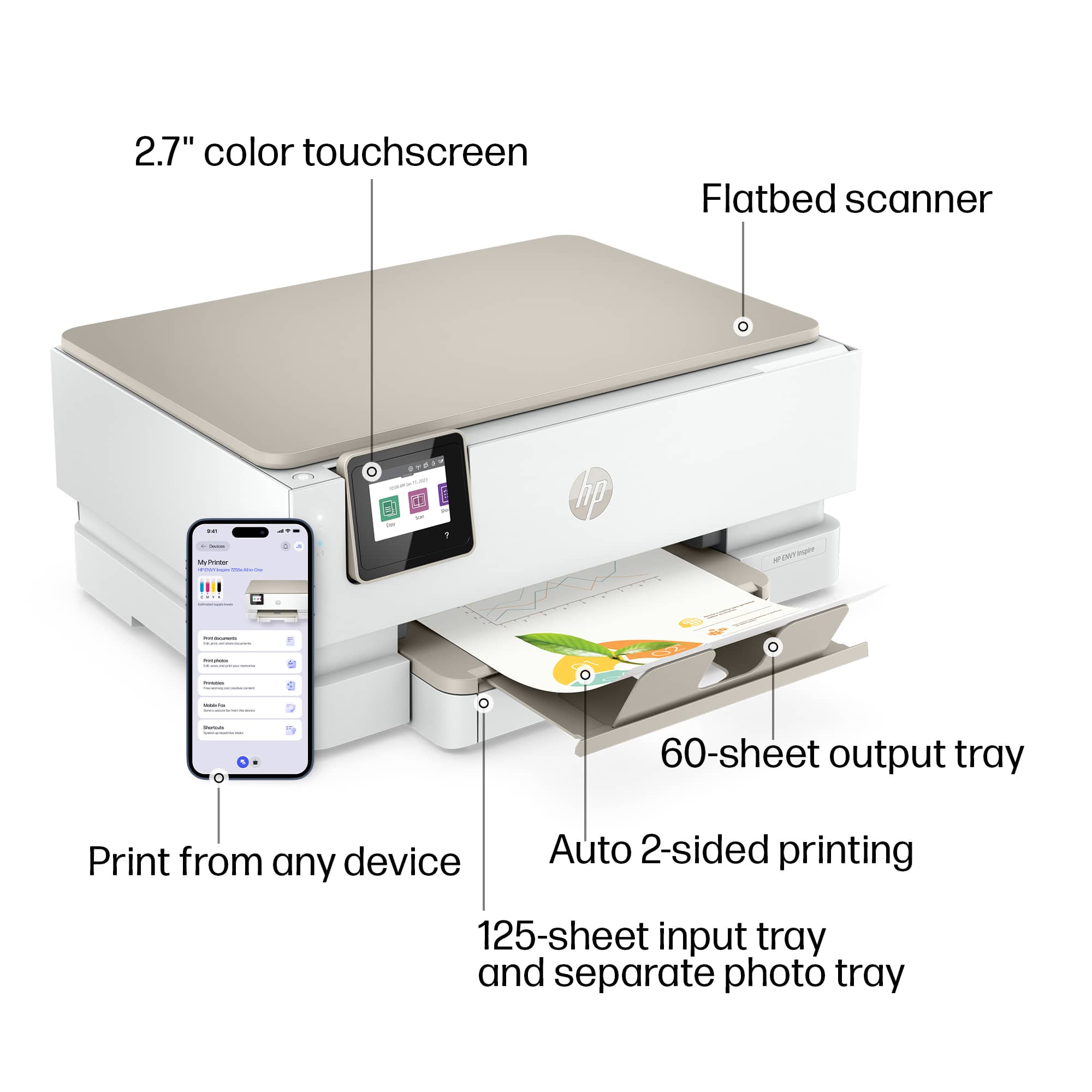
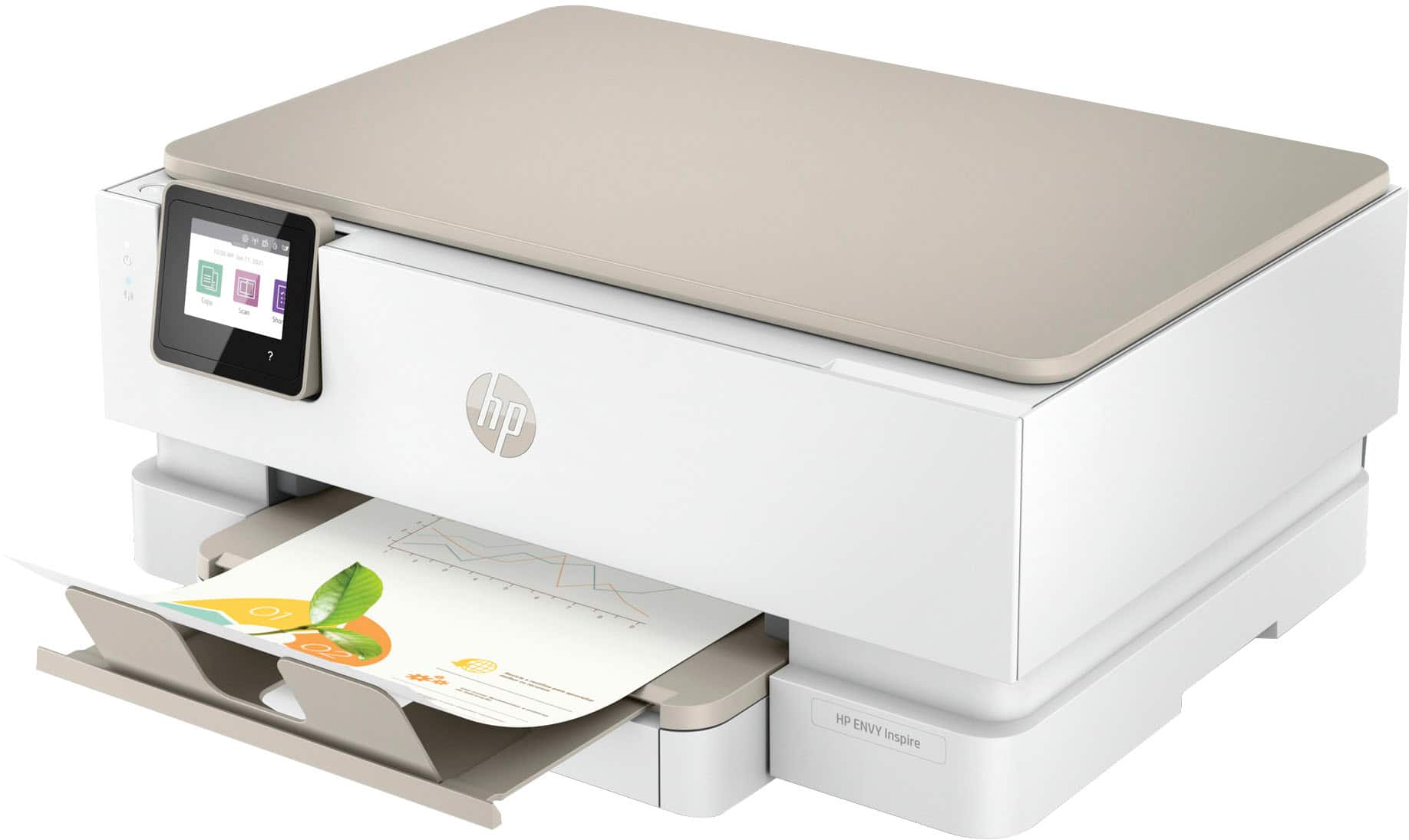
A:AnswerHello. Thanks for your question. The paper tray is located at the front of this HP Envy Inspire 7255e printer. You can see how to load the paper into this printer at the 3:10 minute mark in this video: https://youtu.be/xGvb_EAEd3U?t=190
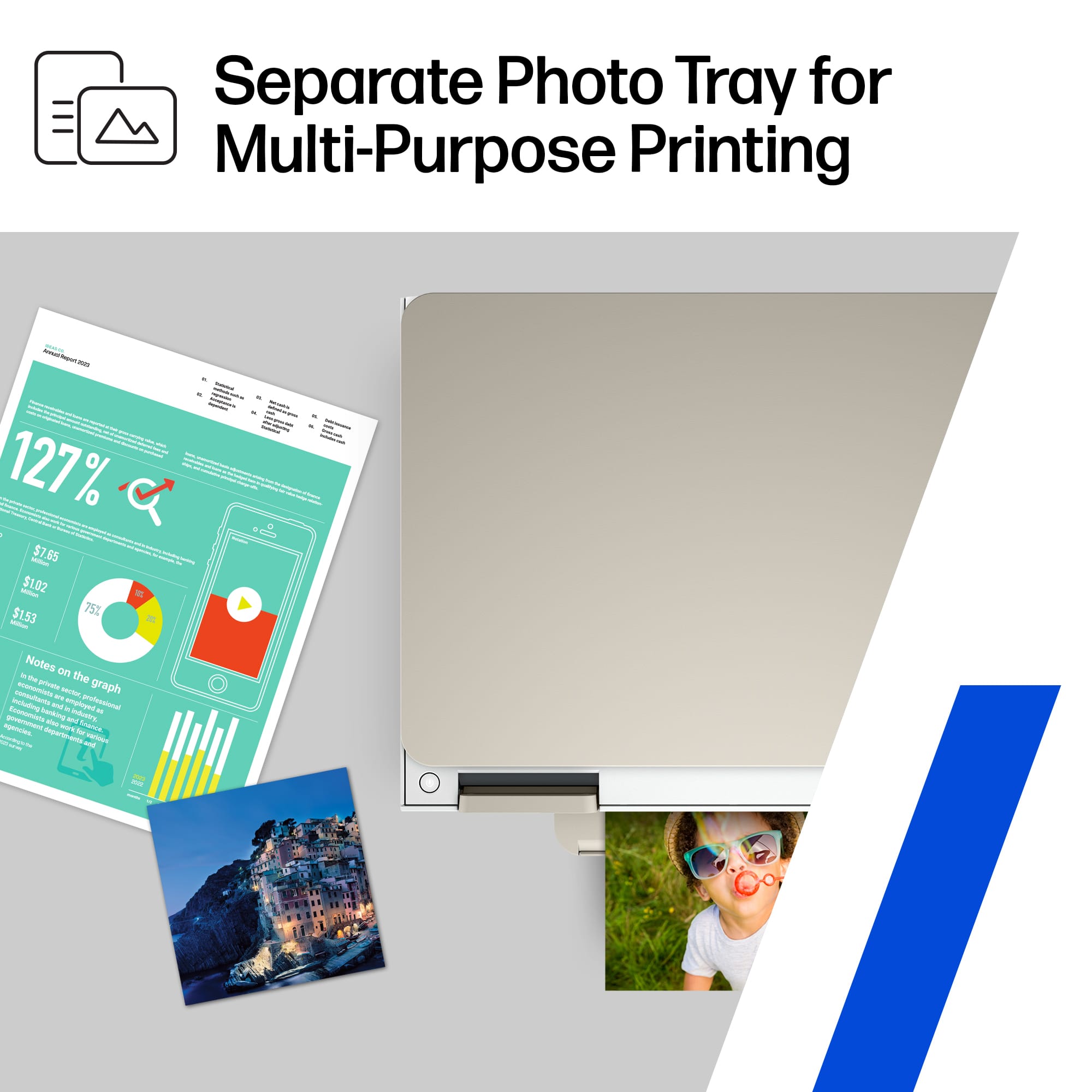
A:AnswerThank you for the question. You can use typical 20# plain paper for printing documents. We recommend HP Paper with Color Lock technology. The Envy Inspire excels at printing photos on photo paper, and will accept cardstock, brochure paper, and other specialty papers up to 80#.
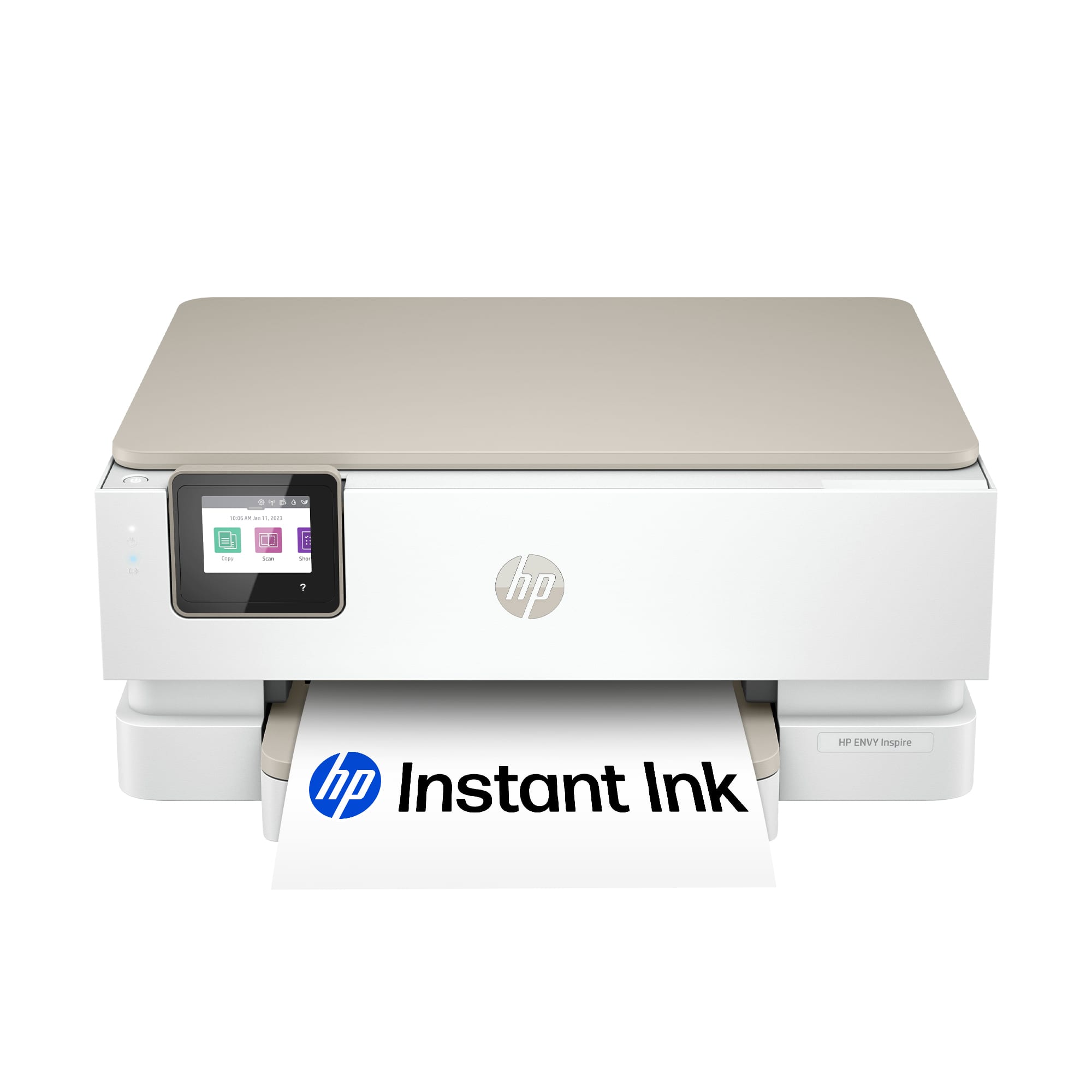
A:AnswerProbably not since in theory you need a specific printing head to do sublimation printing and not commonly found on HP printers at least in this category. If you search for sublimation printing on the net you will find what could work in other printer lines.

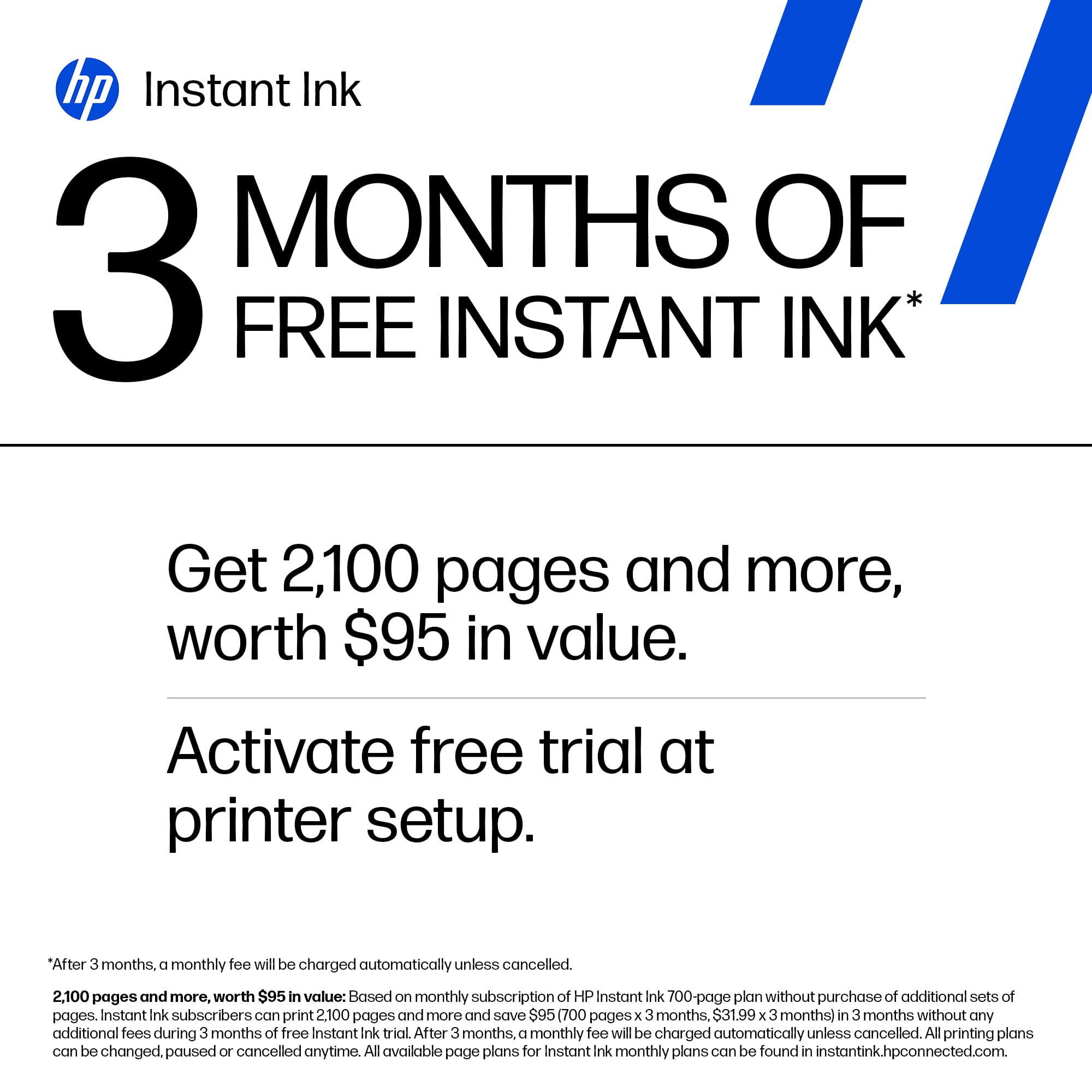
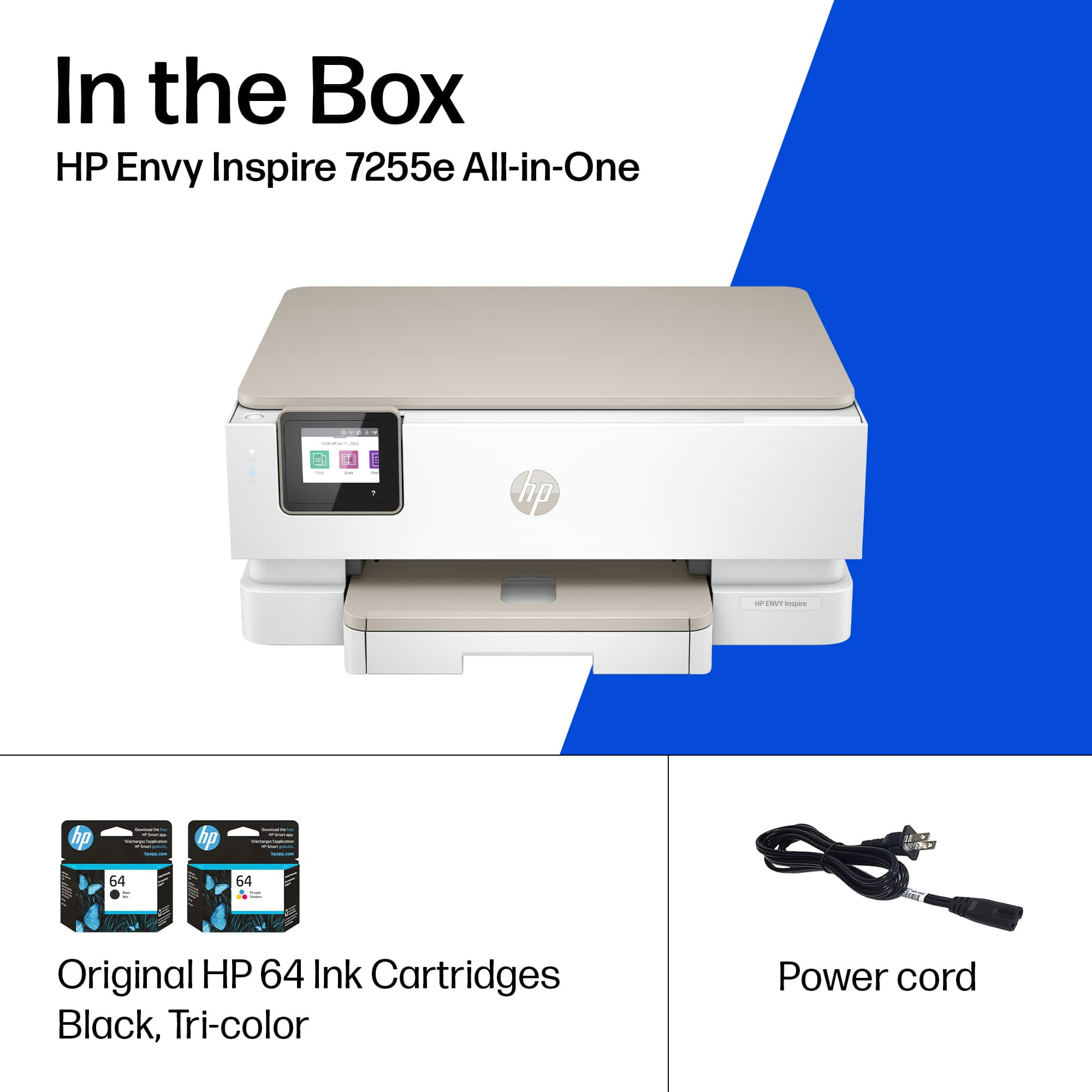
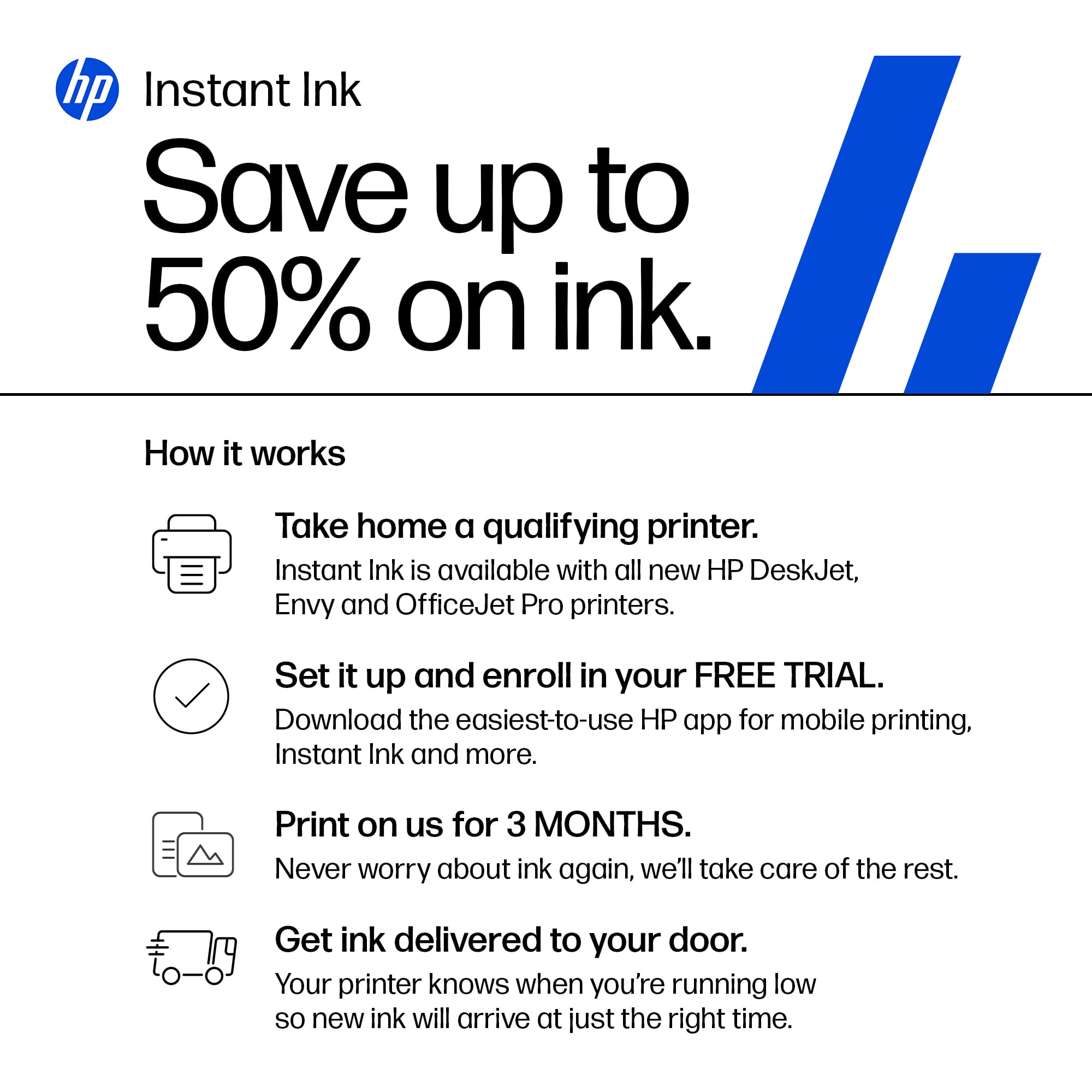
A:AnswerOn the Best Buy site if you click on Specifications and go to Ink, it shows you the compatible options for the printer model. In this case the printer uses the 64 ink cartridges. The 65 ink cartridges will not work on the 7255e. You also have access to HP Instant Ink as an option which would allow you to pay a monthly cost based on the number of pages you print per month rather than for ink itself and no shipping cost. You can chat with HP or Best Buy's computer team if you have more questions about Instant Ink or if you need help finding 64 ink cartridges.
A:AnswerHello and thank you for your question. No, the Instant Ink service is an optional, cost saving program but not required in order to use this HP ENVY Inspire 7255e.
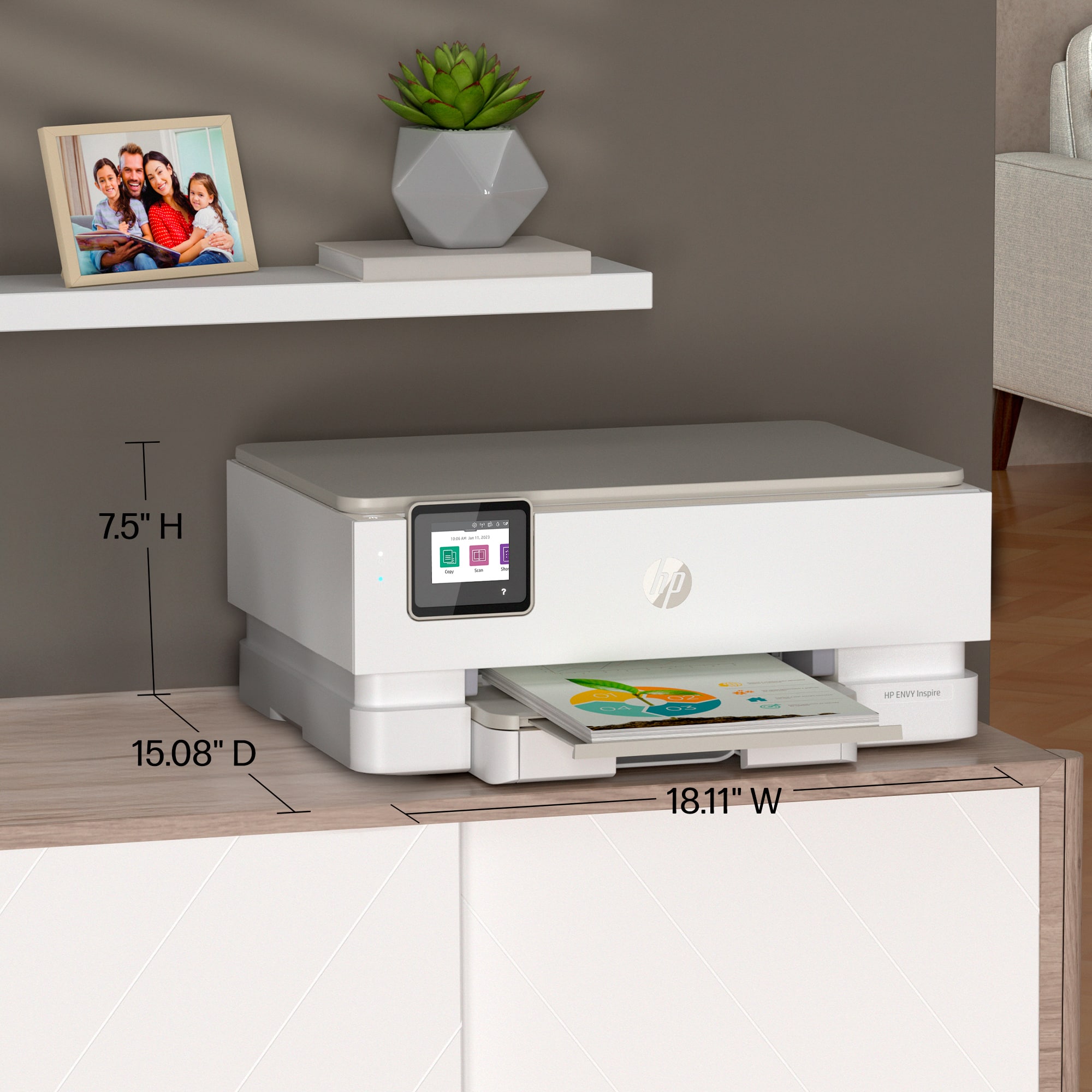
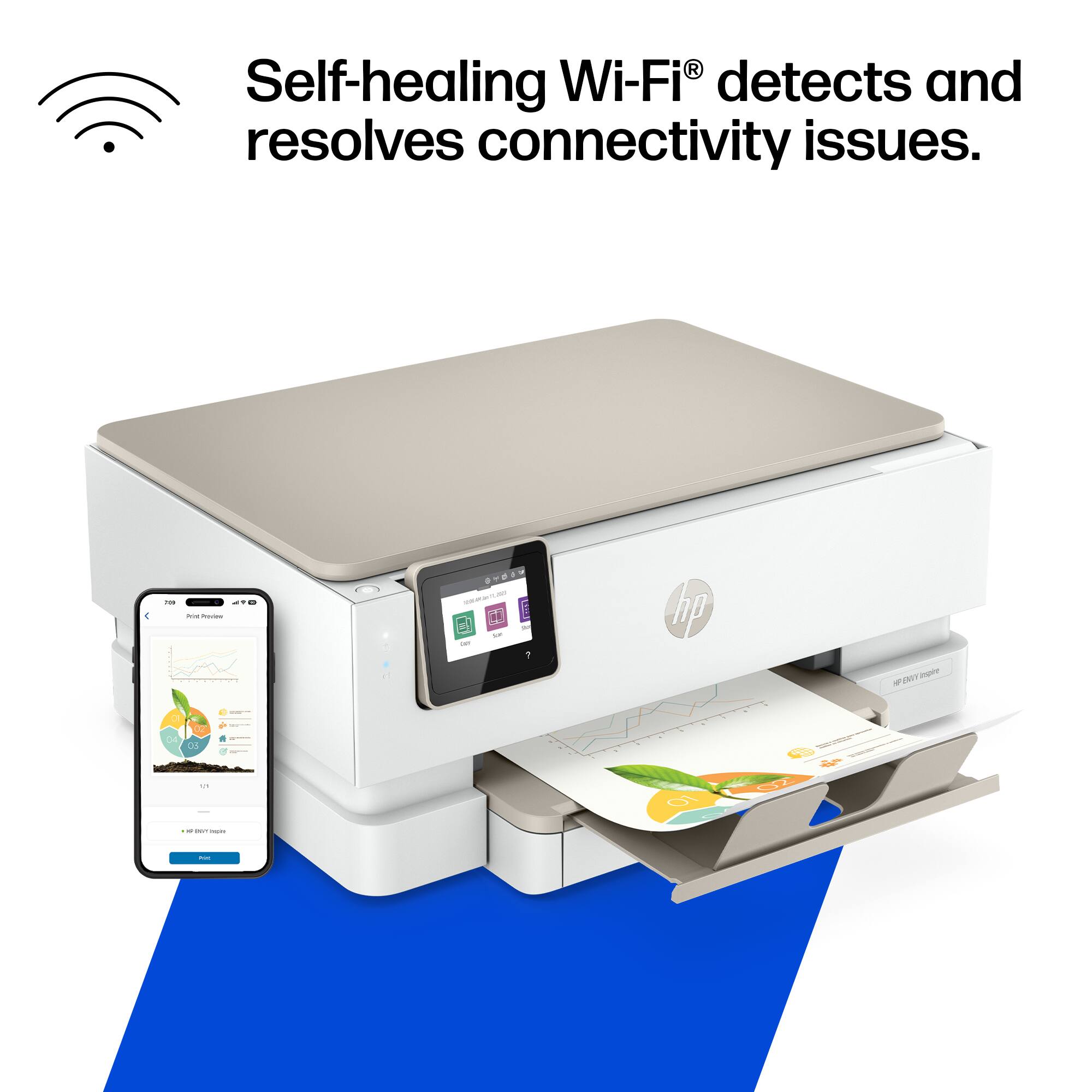
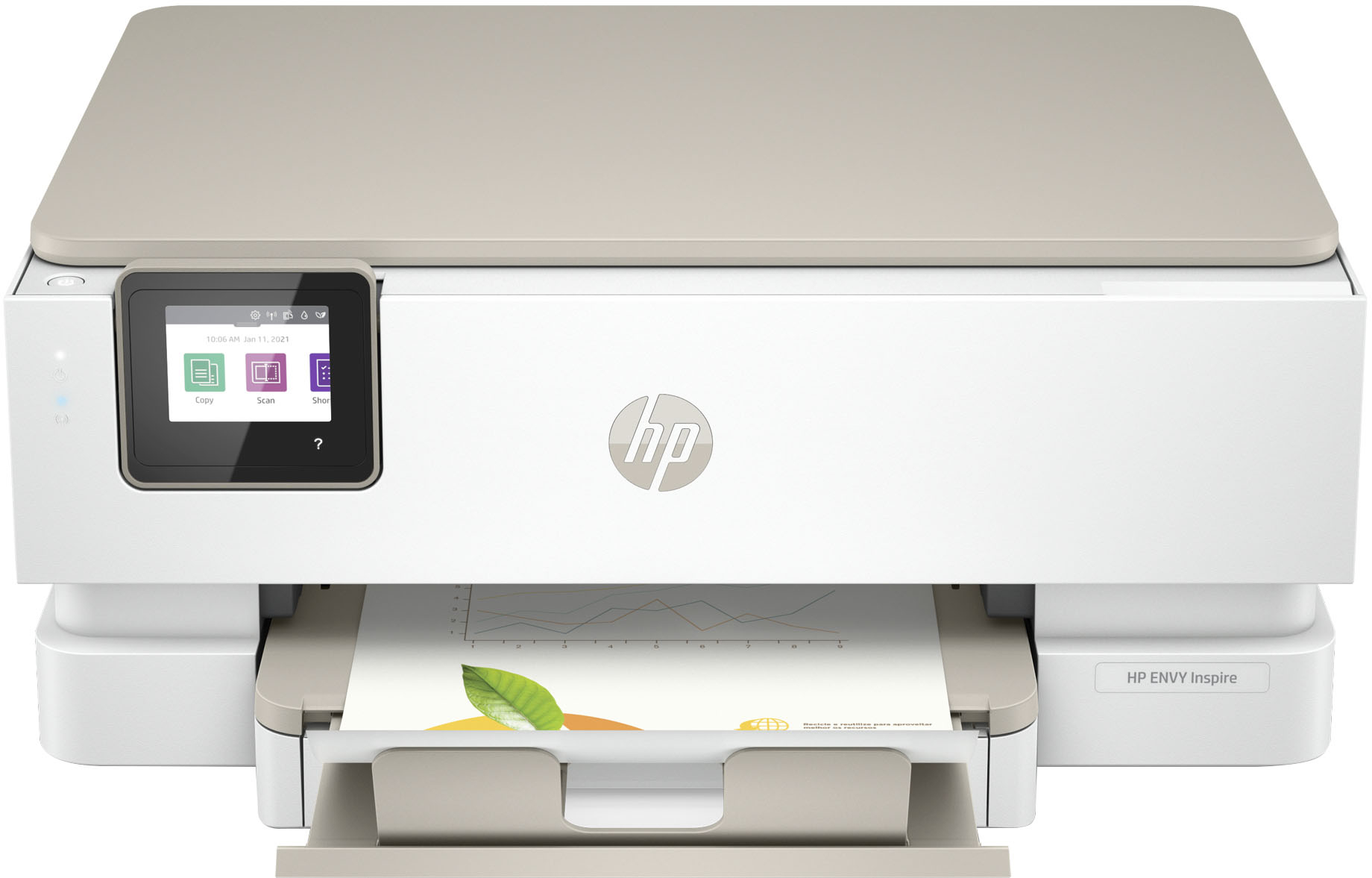
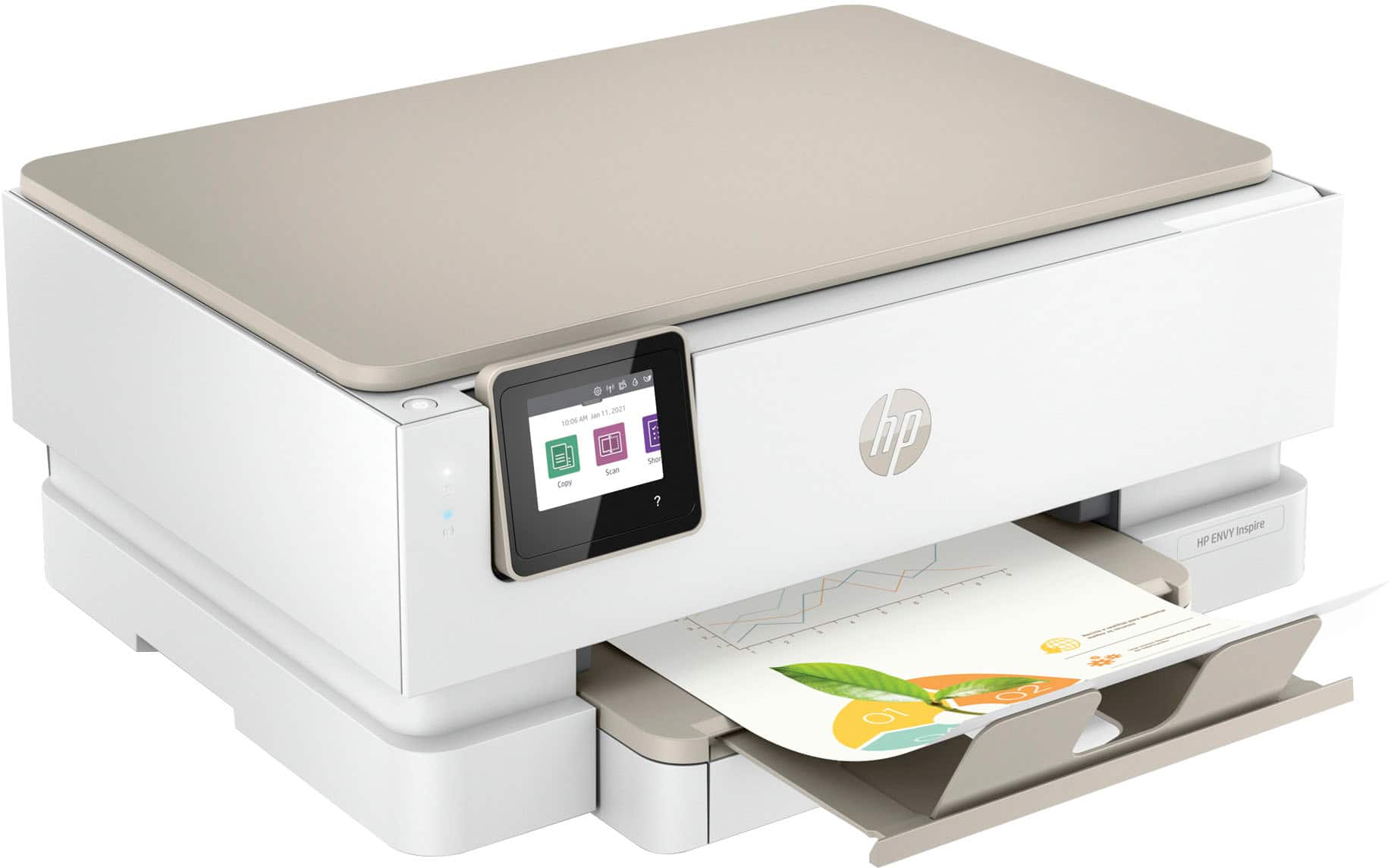
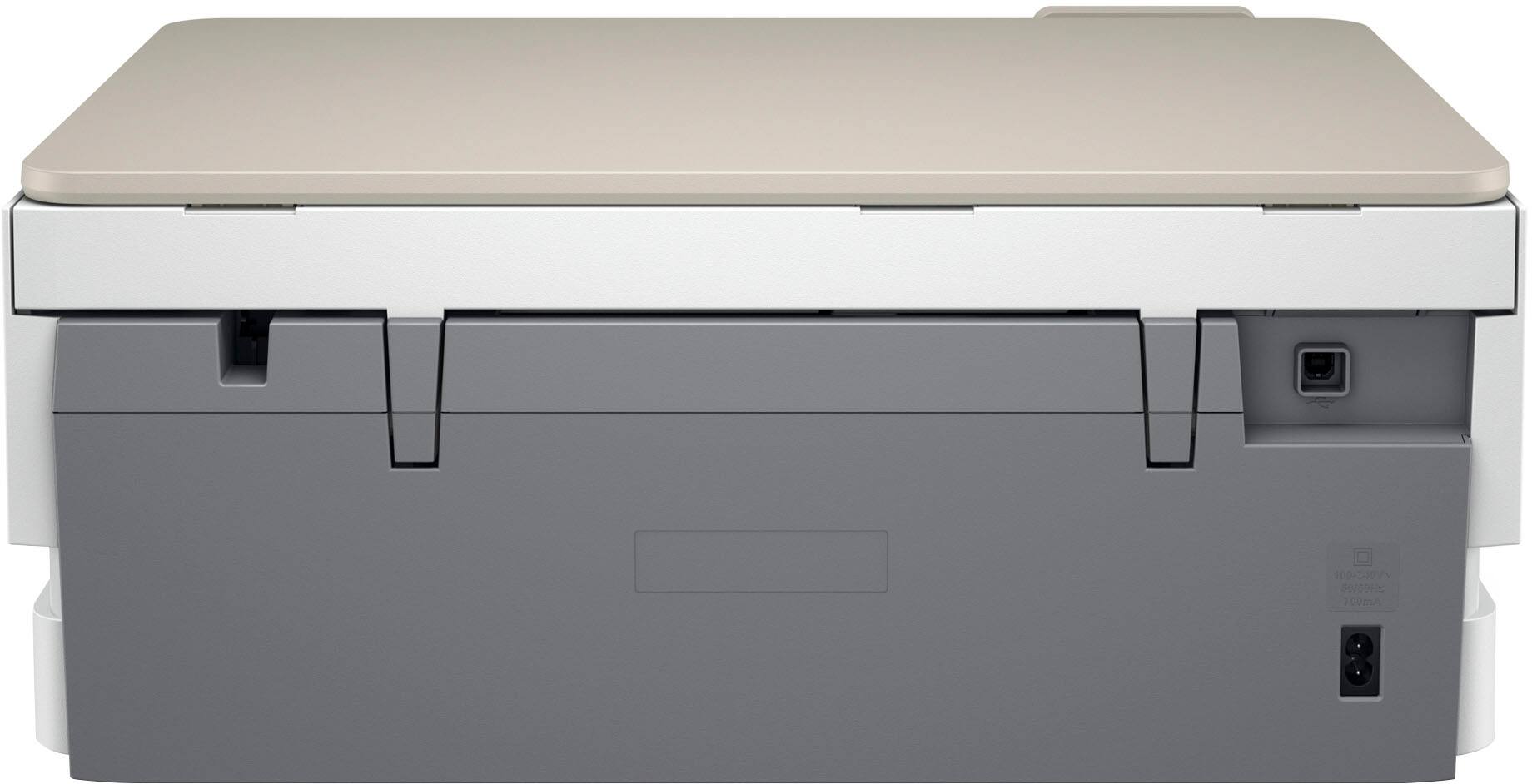
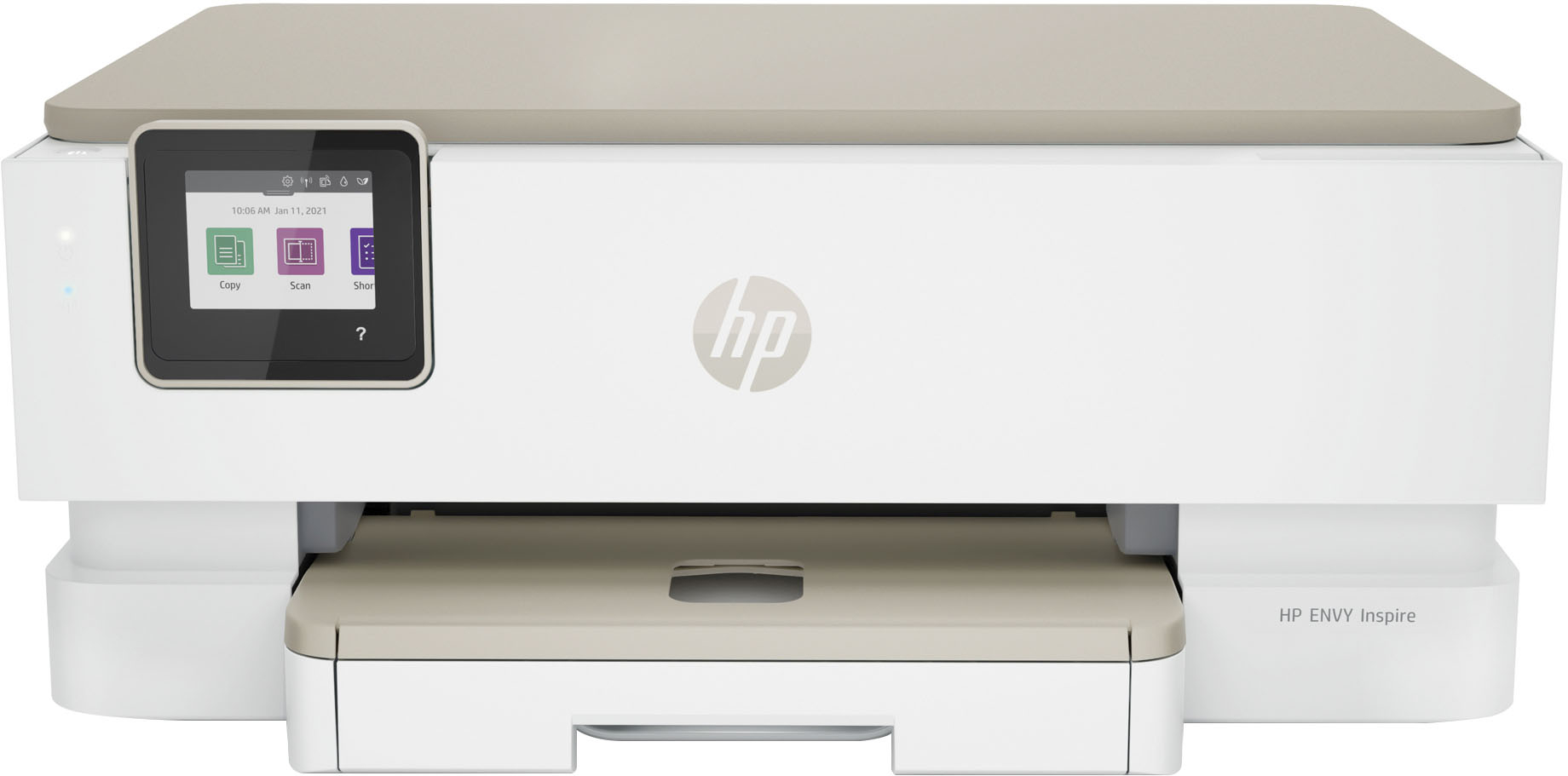
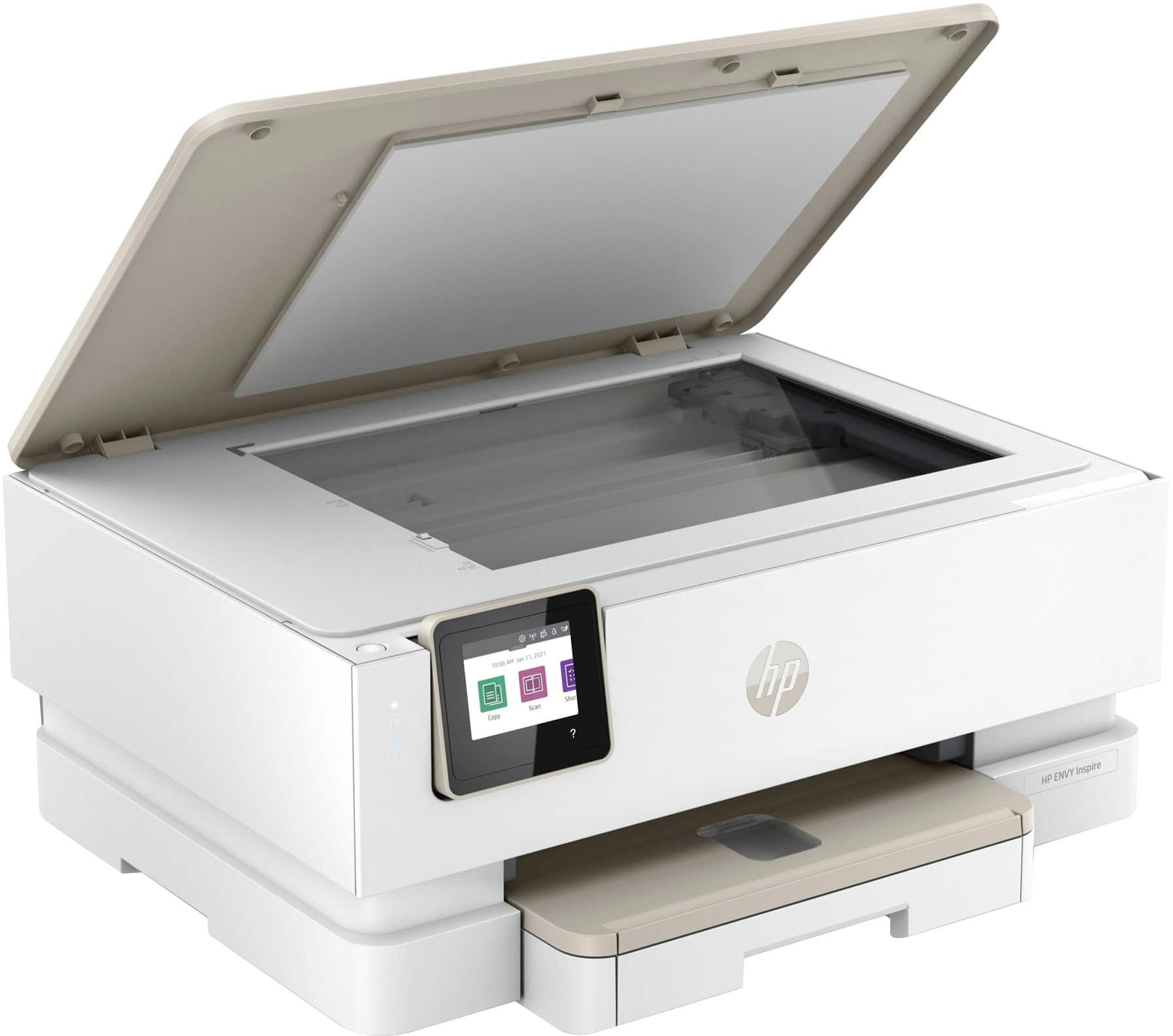
A:AnswerHi Cindy, thank you for the question. The Envy Inspire 7255e measures 18.11" wide, 7.5" high, and 15.08" deep (20.1" deep with output tray extended).