A:AnswerWell, in this case i would advise you to get the specific battery for this model. Since electronics can be a little too sensible with voltage and so.
A:AnswerThank you for the question. Compressed air may only distribute the dust or debris to other areas. Clean the outside of the speaker enclosure with two microfiber clothes, one SLIGHTLY dampened and one dry. For more thorough cleaning in extreme cases, you can disassemble the laptop being careful not to disturb the lithium-ion battery. Do not use commercial cleaners.
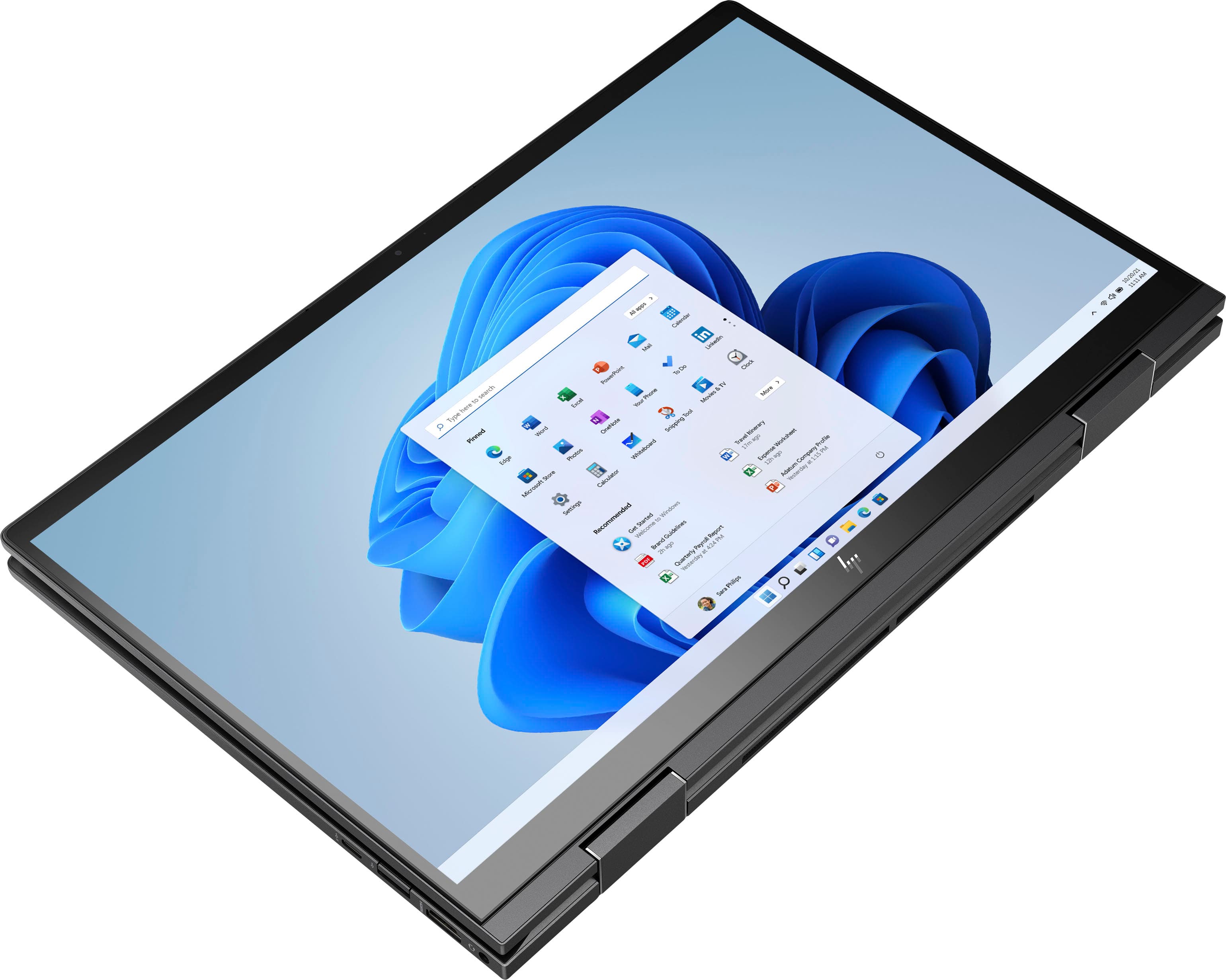
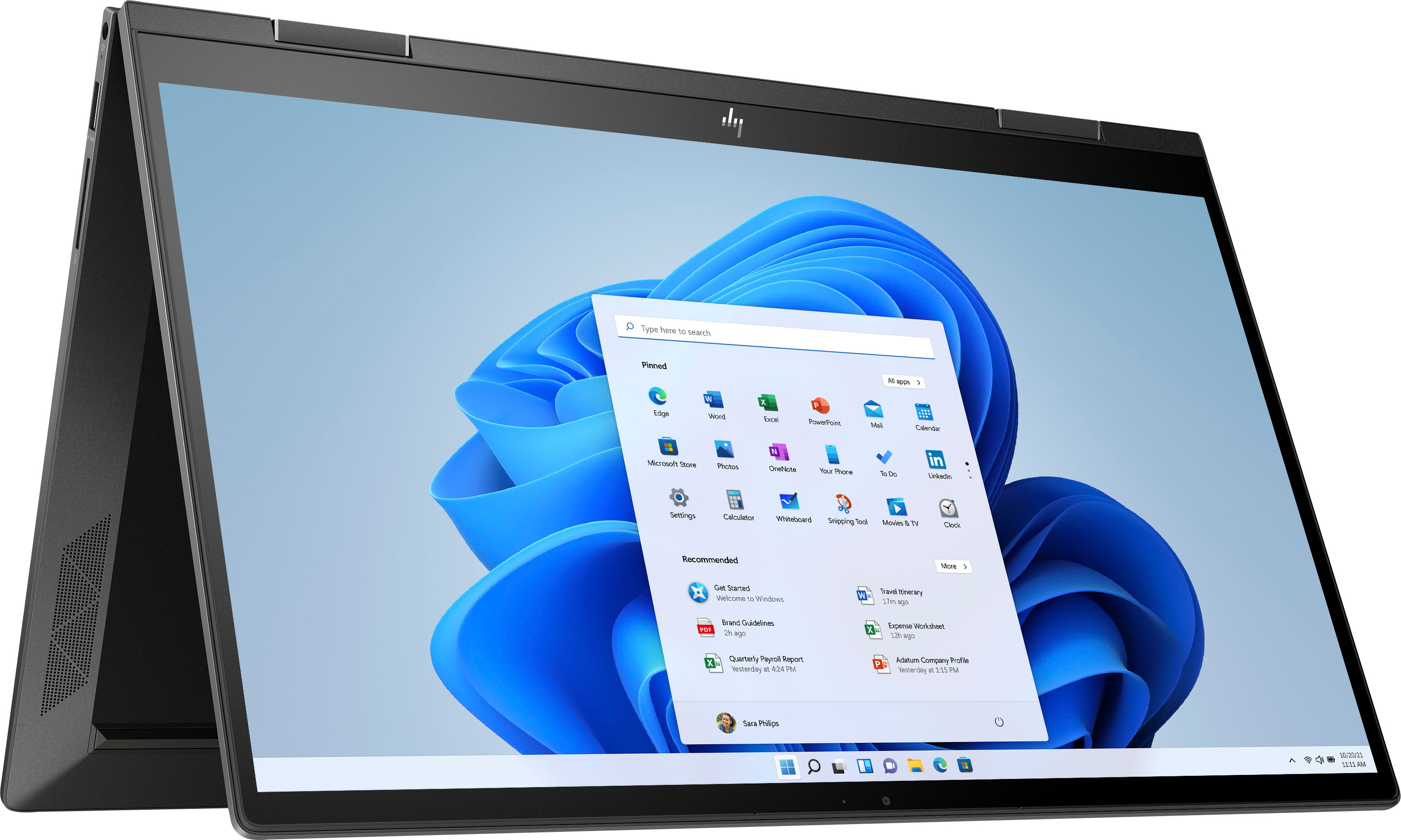
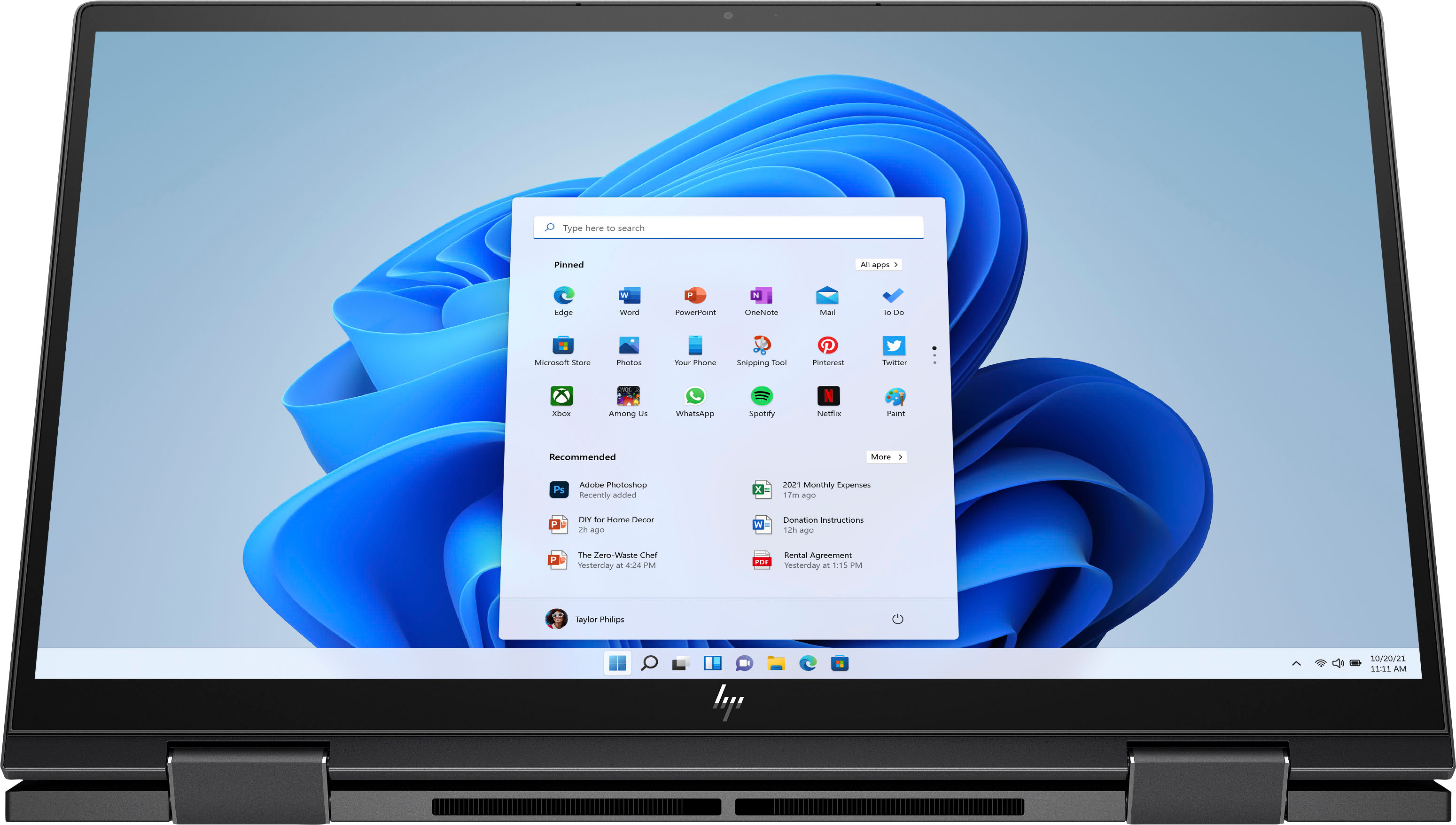
A:AnswerThat happens to me aswell. It seems that is more about the gyroscopic sensor that determines when it is i tablet mode or not… you can quick fix it by turning into tablet mode and back to laptop mode or just closing it.
A:AnswerIt could be any one of several things. The fastest way to get an answer is to contact the HP support team directly so they can troubleshoot the issue with you in real time.