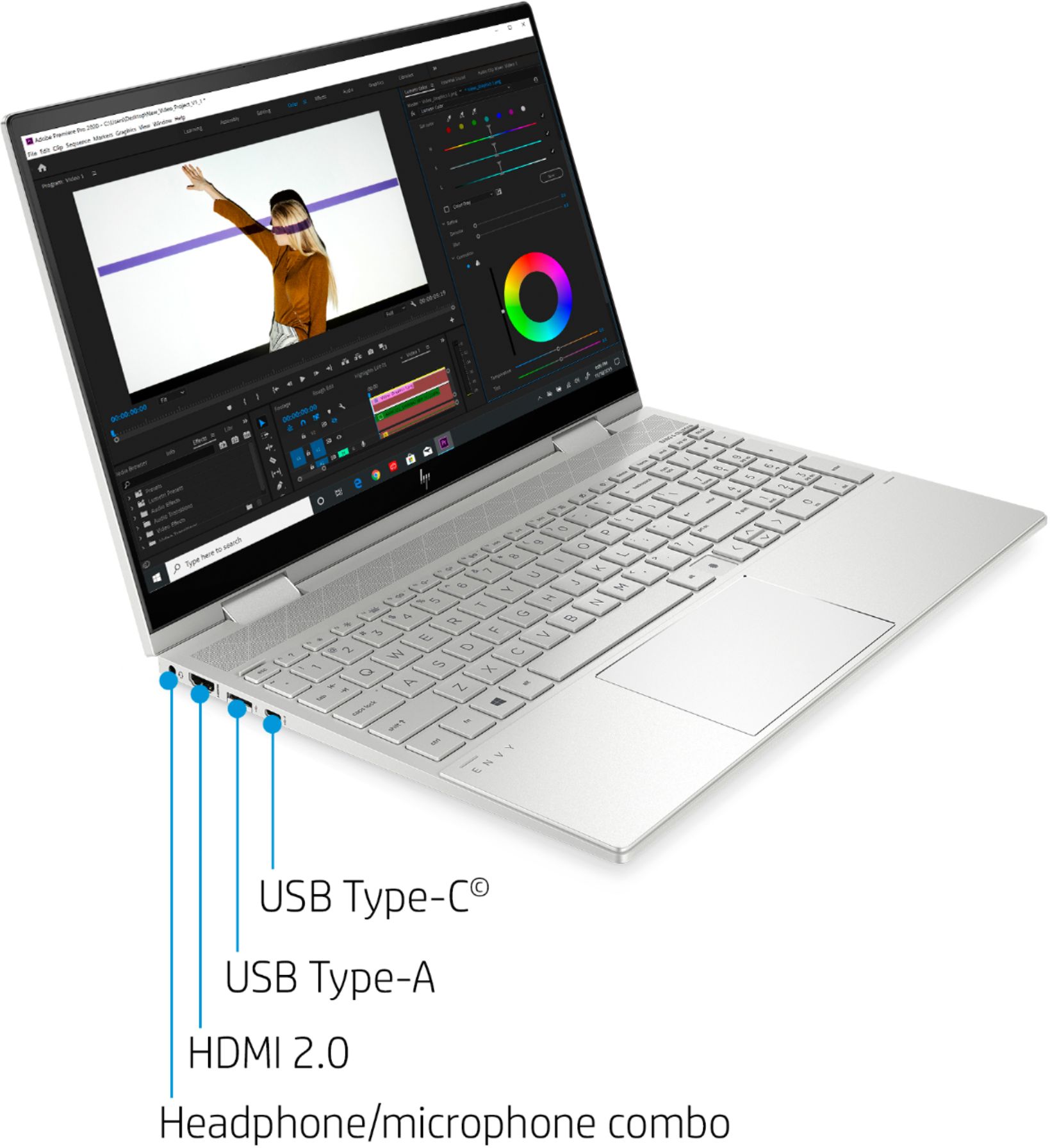
A:AnswerThe laptop has plenty of power to run Adobe photoshop, but their new system requirements list a discrete graphics card which this laptop does not have. Here is a link to their requirements:
https://helpx.adobe.com/photoshop/system-requirements.html
A:AnswerThe quality of Envy and Pavilion is very similar. The HP Envy laptop offer more high end finishes and features than Pavilion. Envy laptops can be thinner and lighter.
A:AnswerThere is a 30 day trial of Microsoft Office on the laptop. We recommend buying the Microsoft Office with this laptop, so you can save $20 on the Microsoft Office.
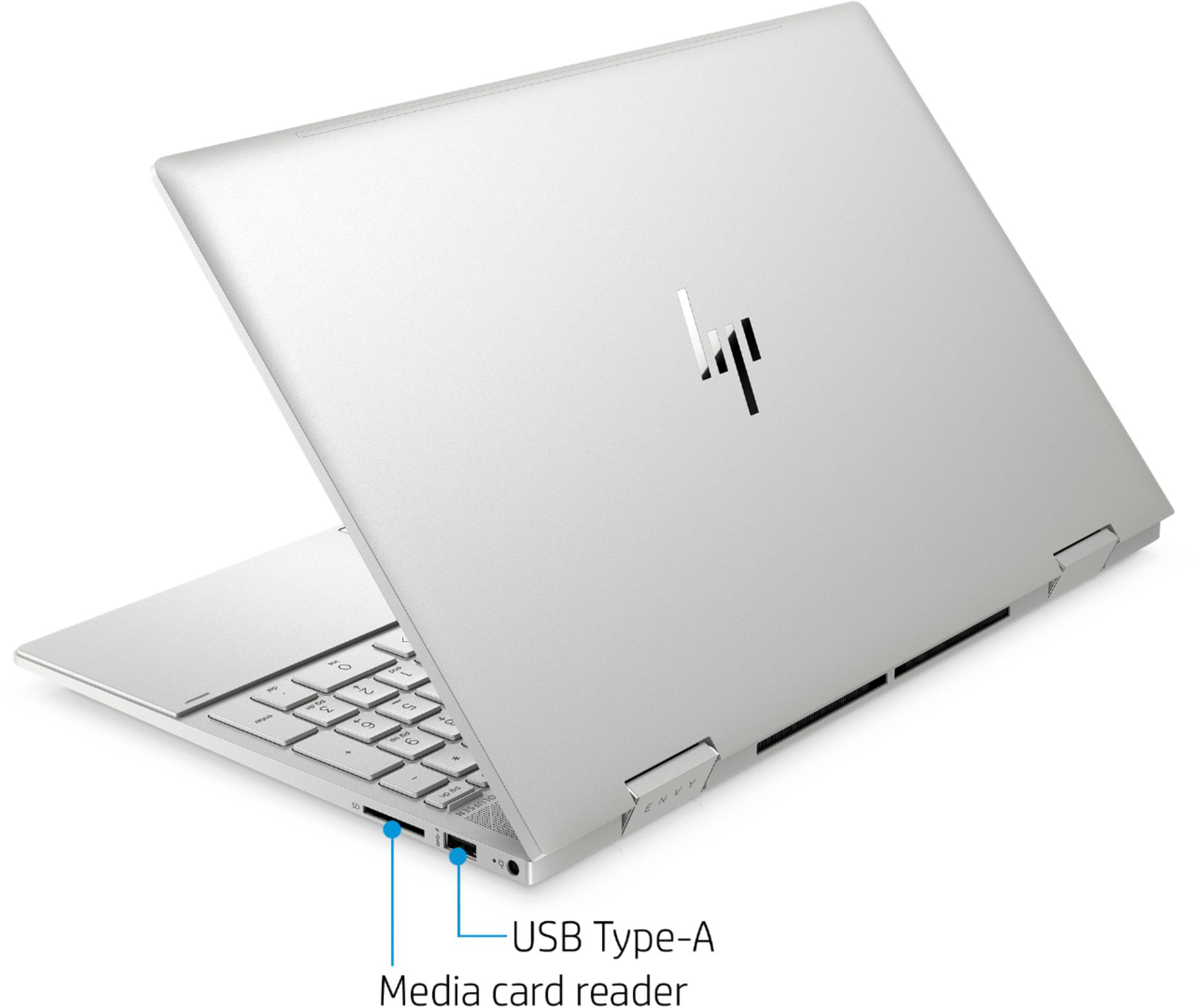
A:AnswerNo it does not. You can however, use any USB-C docking station. Here is an example of one:
https://www.bestbuy.com/site/j5create-usb-type-c-mini-dock/6409212.p?skuId=6409212
A:AnswerThe battery life for the Envy x360 is up to 12 hours. Battery life will vary depending on various factors including product model, configuration, loaded applications, features, use, wireless functionality, and power management settings. The maximum capacity of the battery will naturally decrease with time and usage.
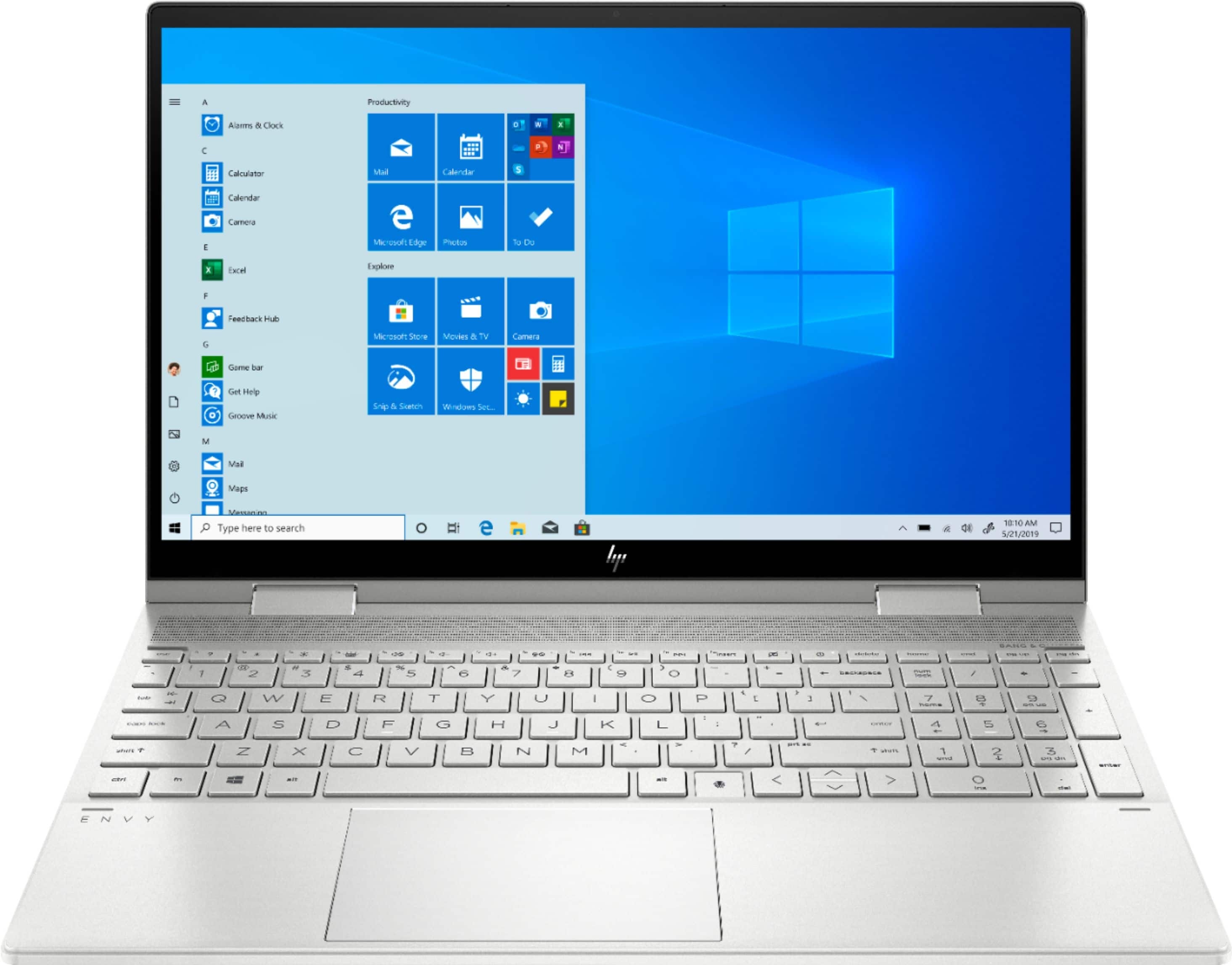
A:AnswerOn Windows 10, there are a few ways to do screenshots. The easiest method is to press the Windows key which is to the left of the spacebar, then the Print Screen button. Or you can use the Snip & Sketch app. You can download it for free from the Microsoft Store. In the Snip & Sketch app, you would select New, then use your mouse to make a box over the area you want to capture. Here is more information on Snip & Sketch: https://blogs.windows.com/windowsexperience/2019/04/08/windows-10-tip-snip-sketch/
A:AnswerThis laptop will work for using 1080P video with Adobe Premiere. If you are going to be working with 4K video, you will need a model that has a dedicated GPU.