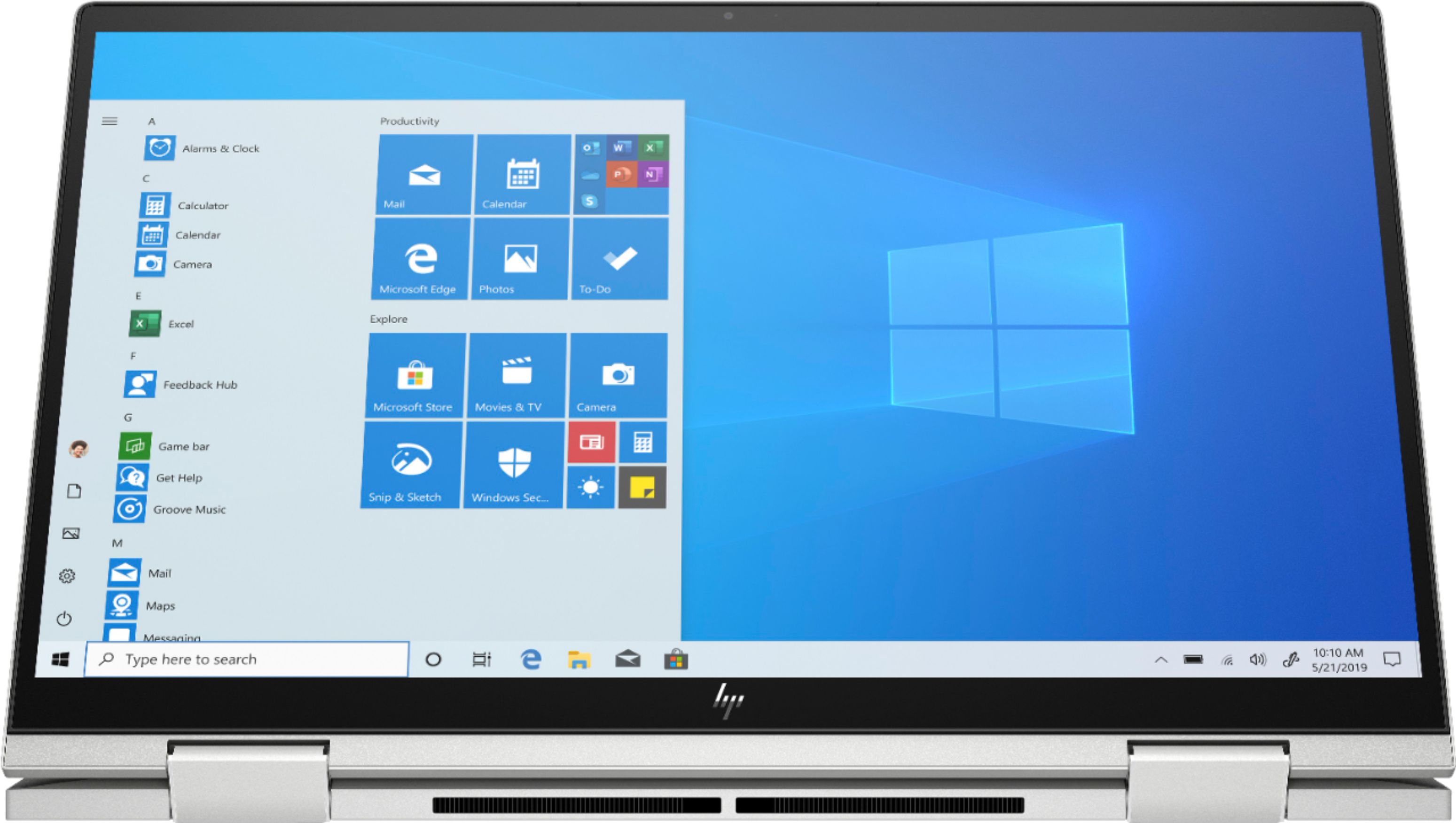
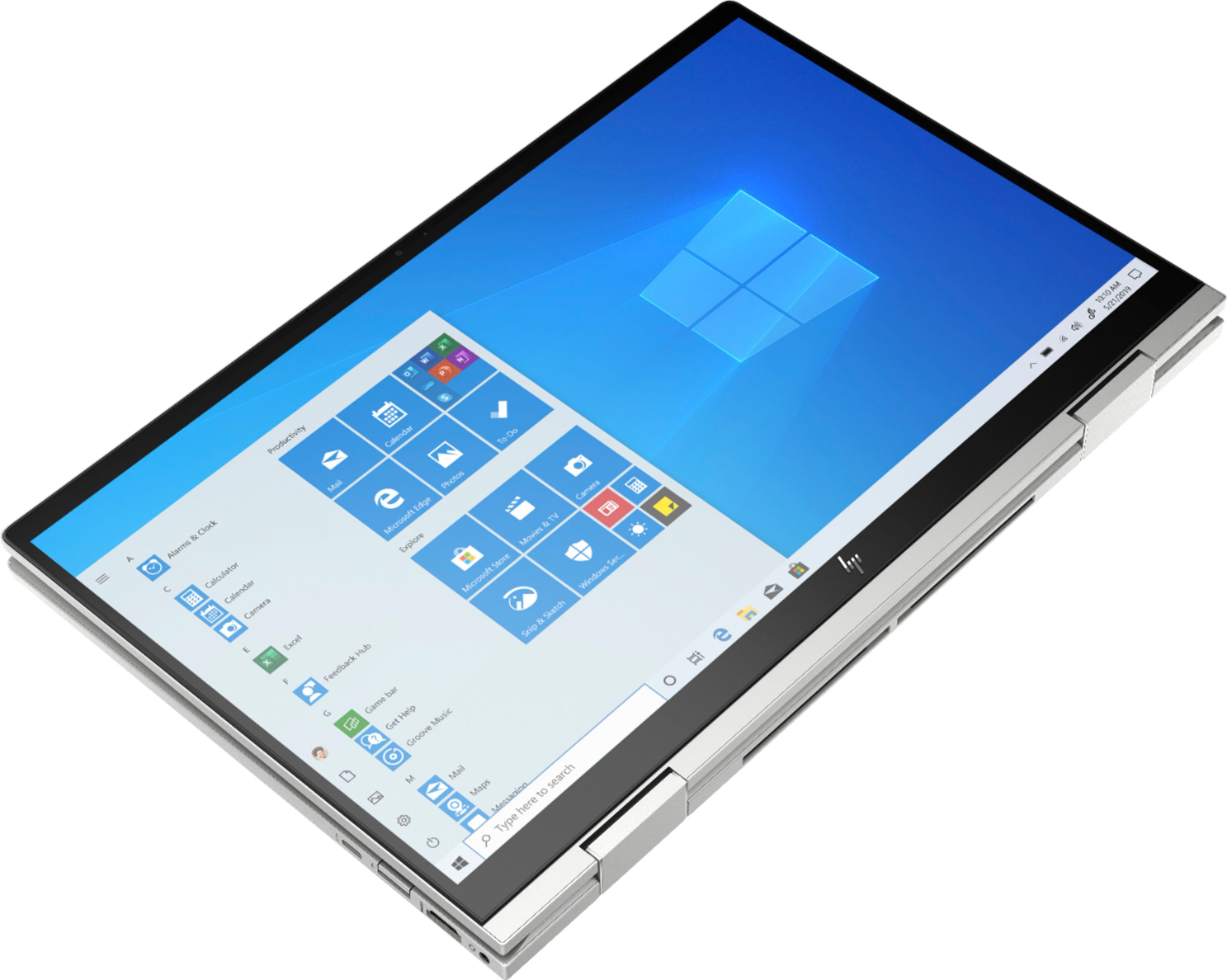
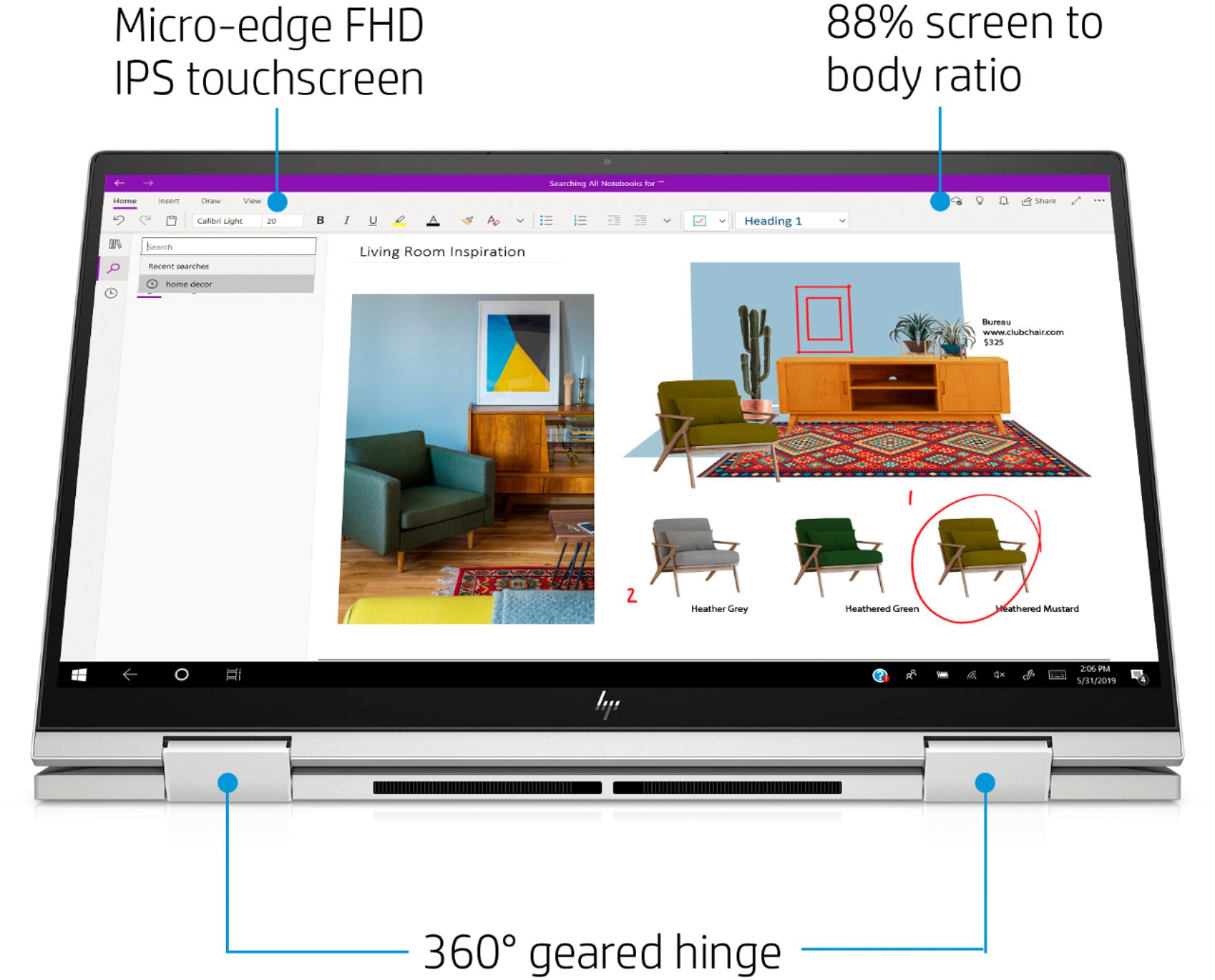
A:Answeryes you can turn off the touch screen. Search for device manager > on device manager find Human Interface Devices > look for the touch screen and disable it.
Also my old 2in1 started coming up on the side. But that also happened with a non 2in1 i had as well. Kind of strange. These were non hp tho.
A:AnswerHP does not list the battery life for this model, just that it is a 3-cell, 51 Wh Li-ion battery. Windows 10 does have energy-saving options built-in.
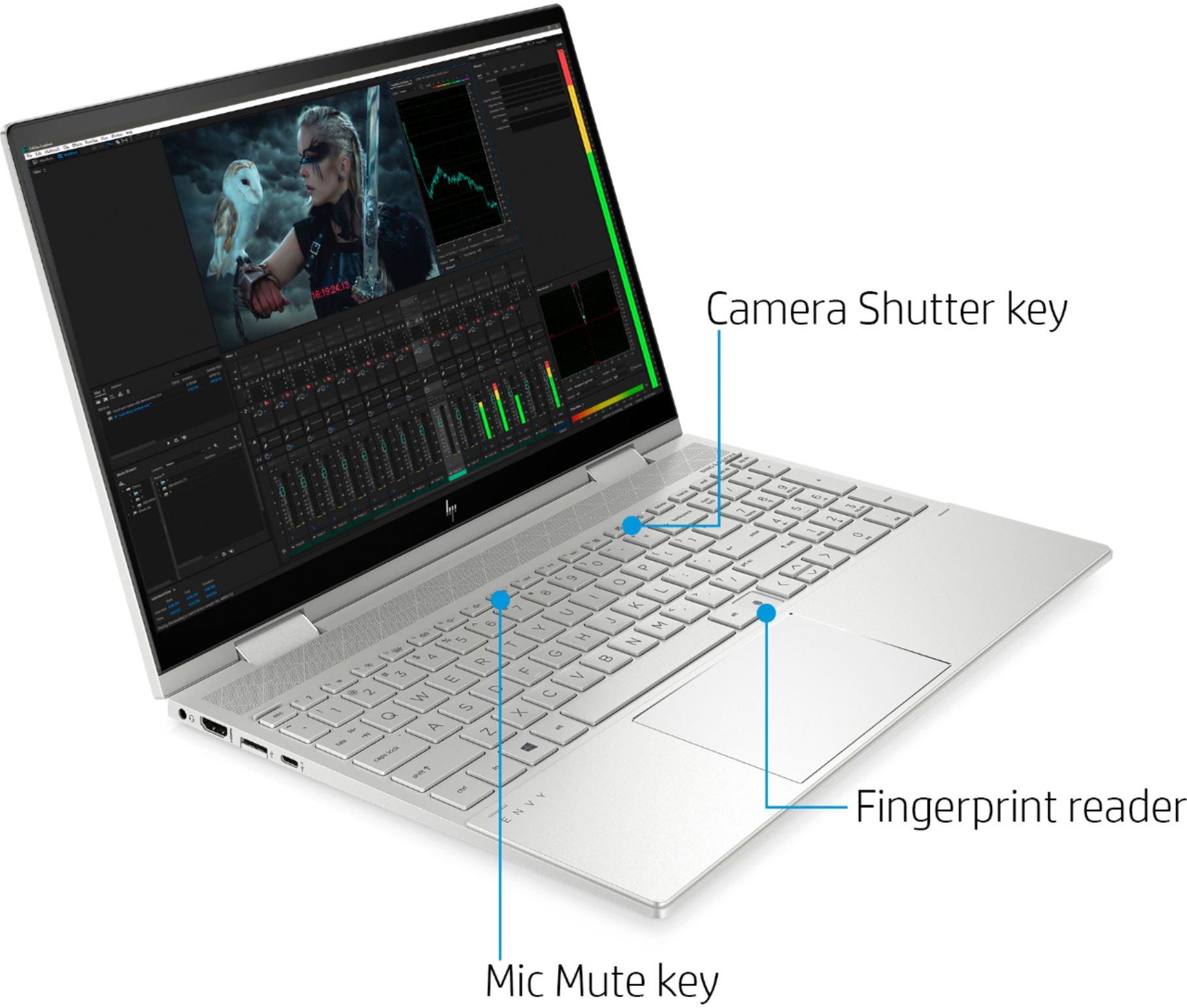
A:AnswerThe 512GB SSD is PCIe. There are not other slots for memory, but you can have an authorized service provider replace the 512GB SSD with a larger storage SSD. The Intel optane memory is not storage, it is a pre-fetch buffer for the hard drive.
A:AnswerThe charger will always heat up to some degree when it's being used. If you feel it's an excessive amount of heat, you need to contact the HP support team so they can troubleshoot it.
A:AnswerI had the same problem. I went to Office Max for supplies and asked the guy who was helping me with my pick up order about it since I was already there. He showed me a Logitech headset with mic and they work. I cant remember how much they were exactly, but I think it was either $16 & $26. Best Buy probably has the same ones.
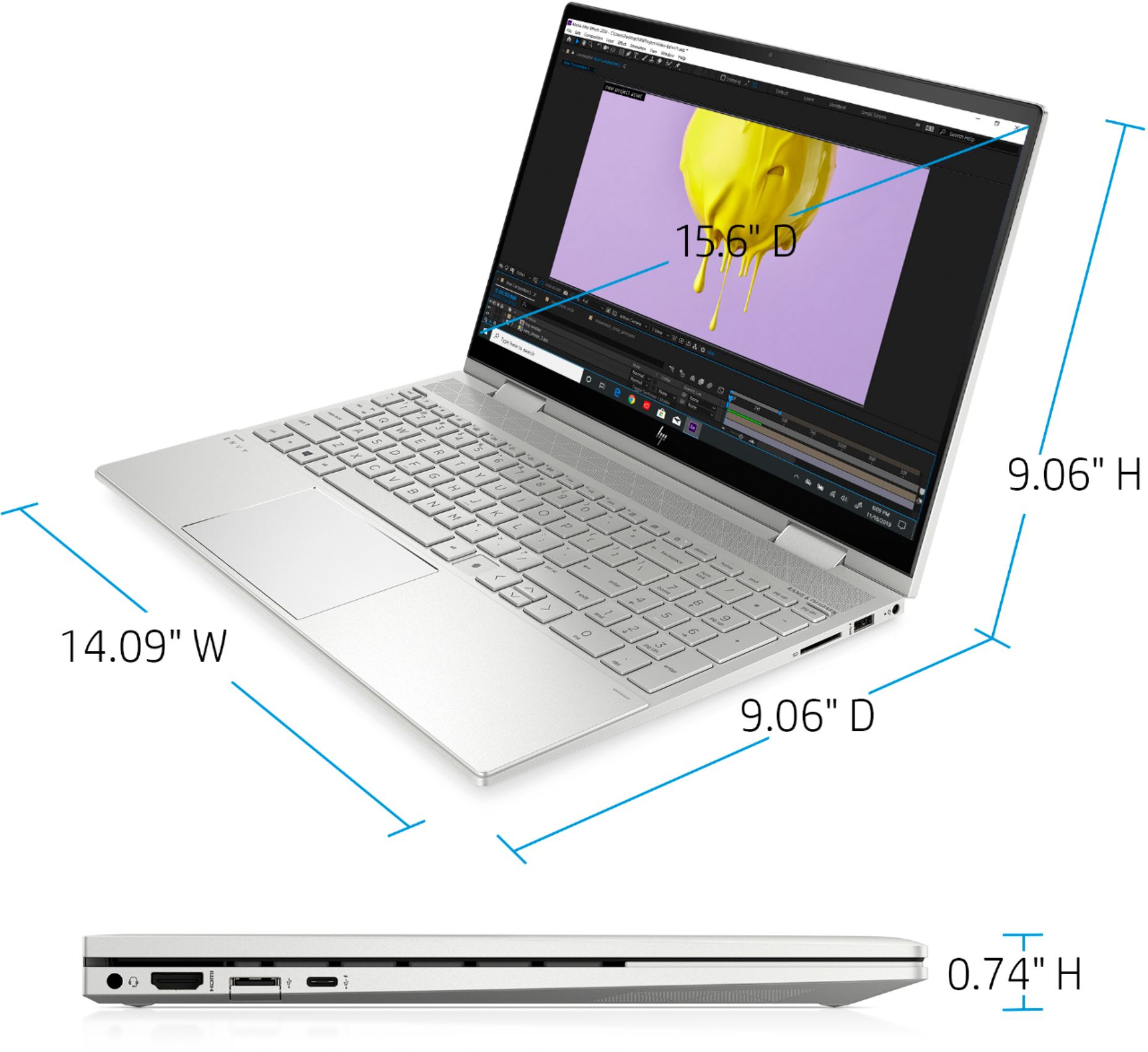
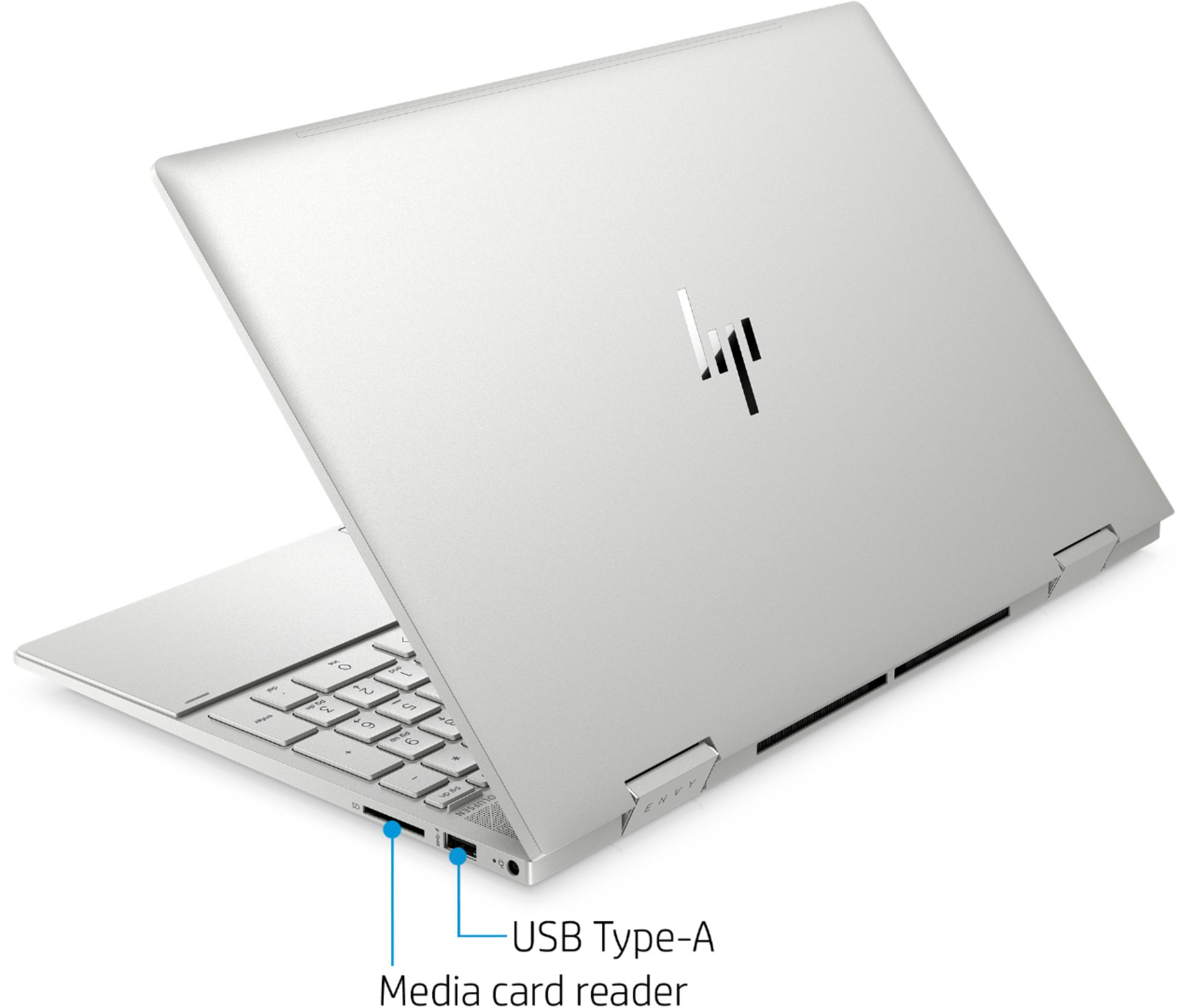
A:AnswerYes. You should be able to use the USB-C to VGA cable for one monitor and use the HDMI port for the other. Windows will have to detect the monitors and then you can manage which displays are primary, secondary and tertiary in Windows and manage the extension. If it were me I would use a simple HDMI splitter and connect both monitors via the HDMI port.
A:AnswerThis x360 laptop includes a trial of McAfee LiveSafe. Also, Windows 10 includes Windows Defender as part of the operating system. If you wish to use a different security solution, it will be a separate purchase.