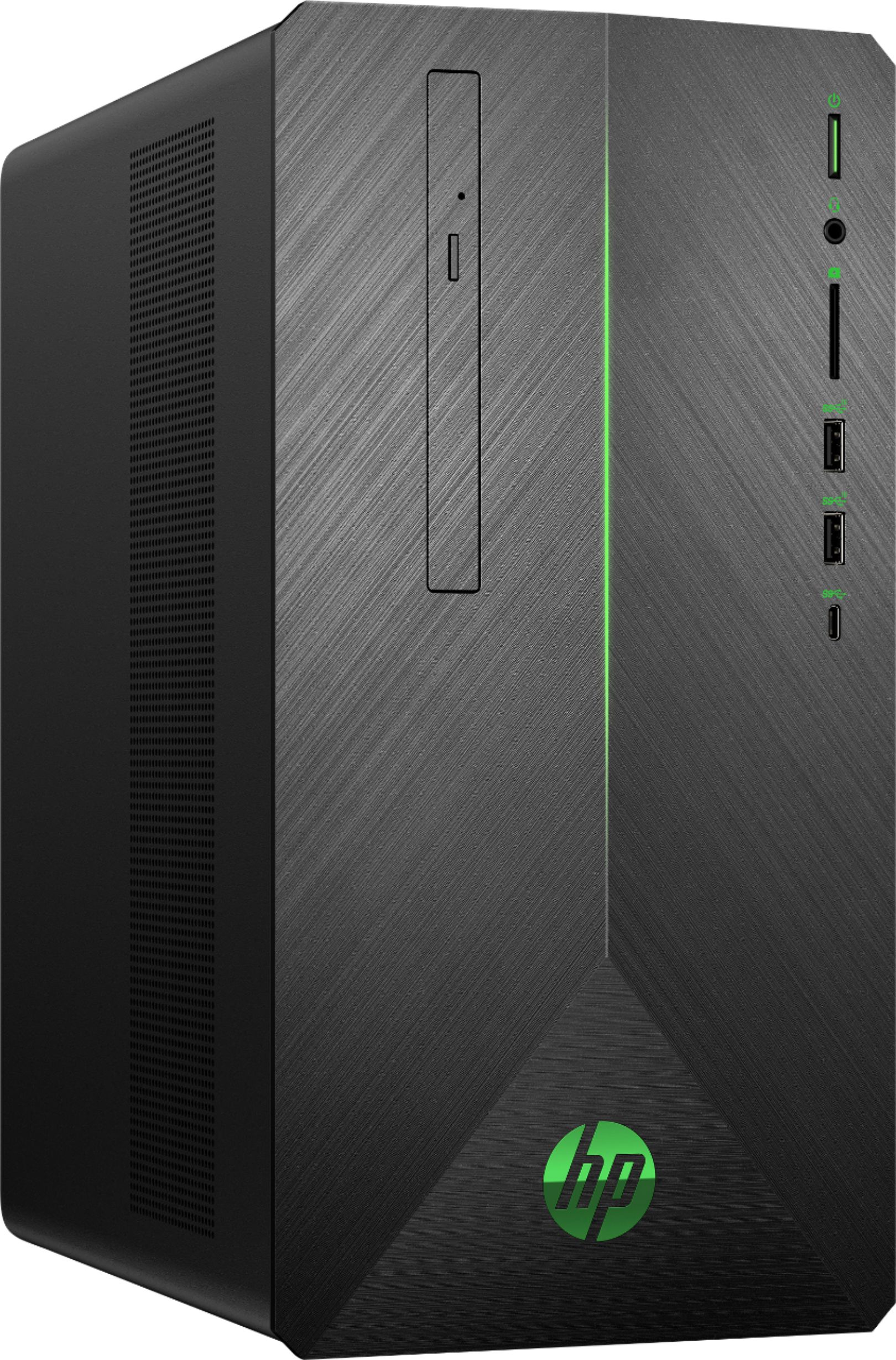
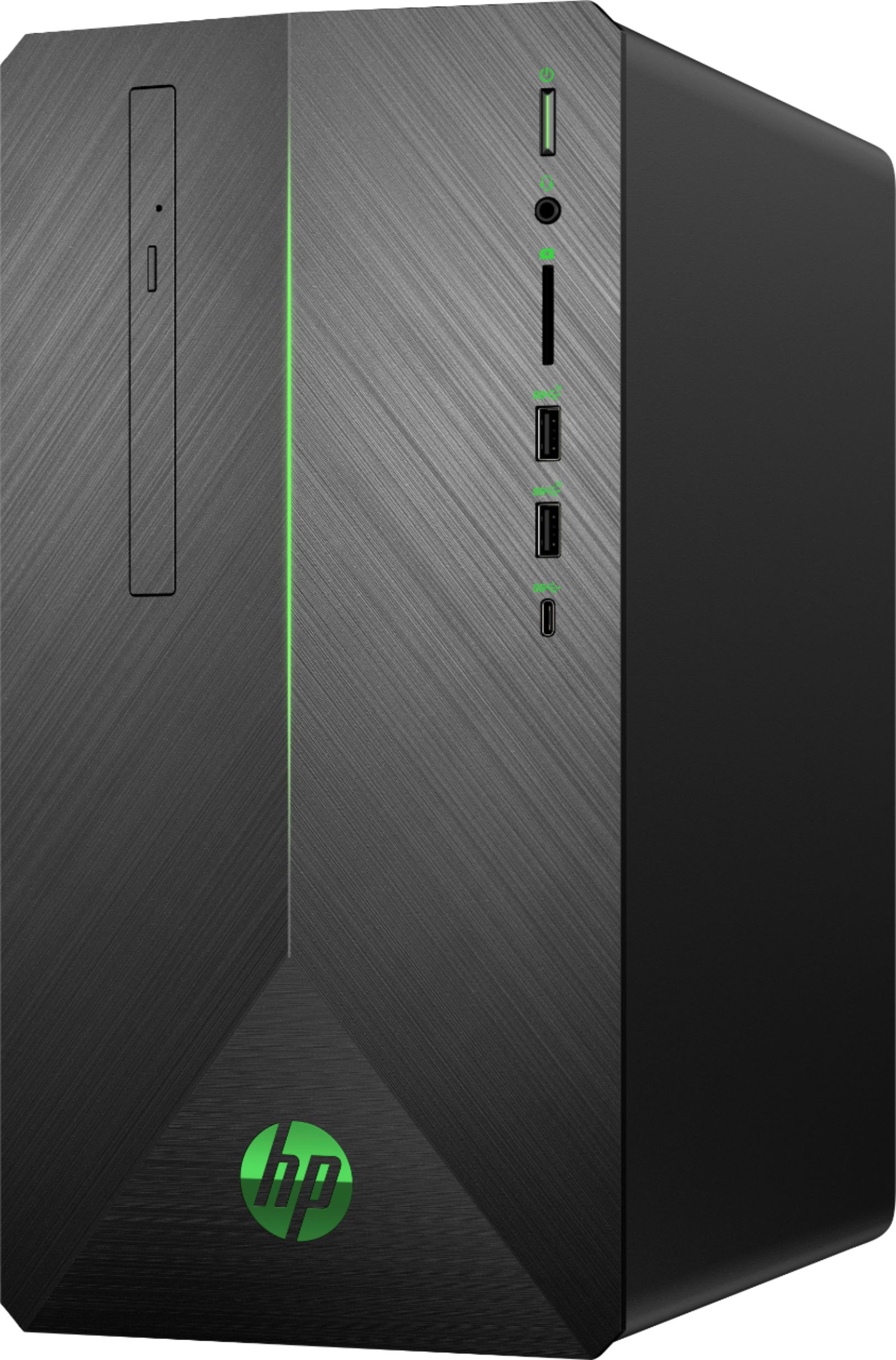
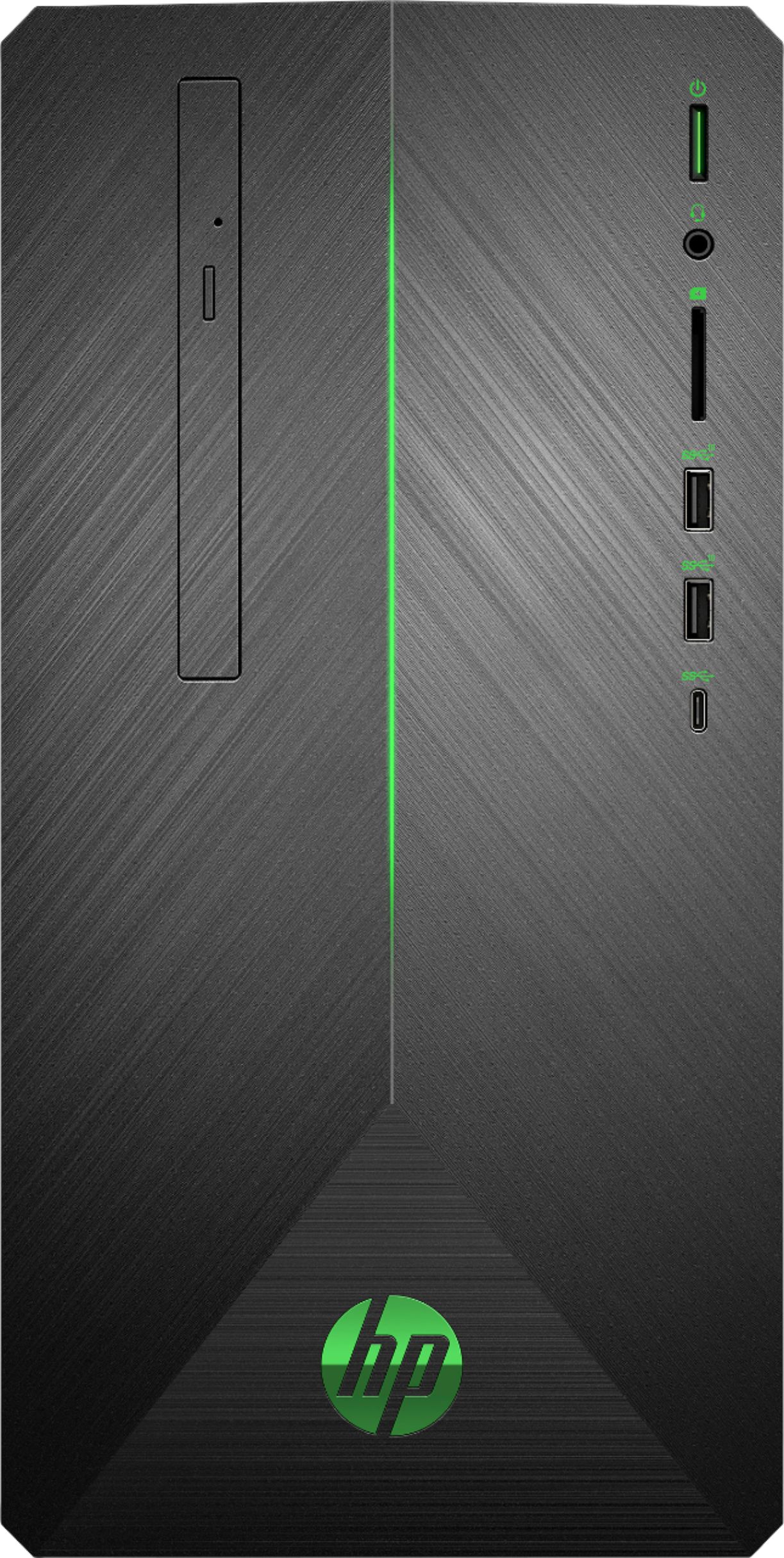
A:AnswerThis model has a 400W Platinum efficiency PSU. I would recommend reaching out to your preferred GPU manufacturer and get their recommendations.
A:AnswerSo long as the SSD has the same connection and physical size, yes; keep in mind, your OS is loaded on the SSD, so swapping the 128G for a 1TB will require some more intensive computer assistance with managing the operating system and personal files.
A:AnswerWhile this computer does meet the recommended requirements for that game, we do not have information on the FPS as it can vary greatly based on title played, programs installed and other factors.
A:AnswerThe temperature you are getting may not be accurate. If you believe there is an issue with your model I recommend reaching out to HP support or the Best Buy Geek Squad directly.
A:AnswerWhen you open your computer, type "Recovery Media" into the search box on the bar at the bottom of your screen. It will take you the settings, where you can make your recovery media, currently a 32 GB plus flash drive is recommended.
A:AnswerYes. The vent holes are conveniently placed on the correct side for this to work. There are catches in the disk tray to help hold the disk when either orientation.
A:AnswerI just received this pc aug 1st and im running mine on my 75in sony 4k tv 900e model, it looks amazing and my son and i have tried to bog this pc with many demanding games set on highest settings and it is performing flawlessly,, i love it
A:AnswerWe always recommend cross-referencing the recommended specifications with the desktop's configuration, but yes, it should support it just fine.
A:AnswerI bought two AOC 27 IPS LED 1920 X 1080 monitors, mainly because they were inexpensive hand had a good reviews. They work fine for what I do and I am happy with them, but are likely not the best one can buy. I also do not use this computer for gaming, but processing videos. I will note that these monitors only have an HDMI input. Therefore for this computer I used the HDMI port and then had to purchase a cable that converted a display port on the computer to HDMI for the other display.