A:AnswerIf you go over your allotted amount, you will automatically be bumped to the next tier for just that month. Following month will return to whatever plan was initially picked
A:AnswerYou just buy the printer, sign up, and when the ink runs out from the cartridges that came with the printer, you install the ones that come in the mail.
A:AnswerCorrect, its not a scam. You can also sign up for a $4.95, or $2.95 monthly depending how many pages you need to print a month. HP, automatically ships the cartridges' when it starts running low. Also, your not charged until you install the new cartridges.
A:AnswerIf you go over the pages on your plan, you will get an email and advising you that you have either hone over or close to going over. It is an additional charge that is added to that momth's regular charge. I went over 50 pages and it was like $8.99 instead of $2.99.
A:AnswerYou don't get any papers to print in with this program. You are alloted to print up to 50 pages without going over with the 2.99 plan. You supply your own paper, hp supplies the ink.
A:AnswerAs I understand the program, you can carry over to the following month your unused portion of the 50 pages. If you do not print a lot, you picked the correct plan at $2.99 / month. You will still pay the monthly fee unless there was a promotion when you bought it - you will just have more pages available to print.
A:AnswerIn my opinion Best Buy program is better as you will get your new ink when your ink it’s really done and not after you have printed the number of pages you are allowed in the HP program.
A:AnswerYou will be sent one of both of the cartridges, depending on which ink is running low. The printer automatically sends the information to HP Instant ink. I have never run out of either of the cartridges, and I've used the program for about 18 months.
A:AnswerNo, you don't have to buy a new printer to start the program. All you need is a compatible printer. As long as you have one, you can start instant ink at any time.
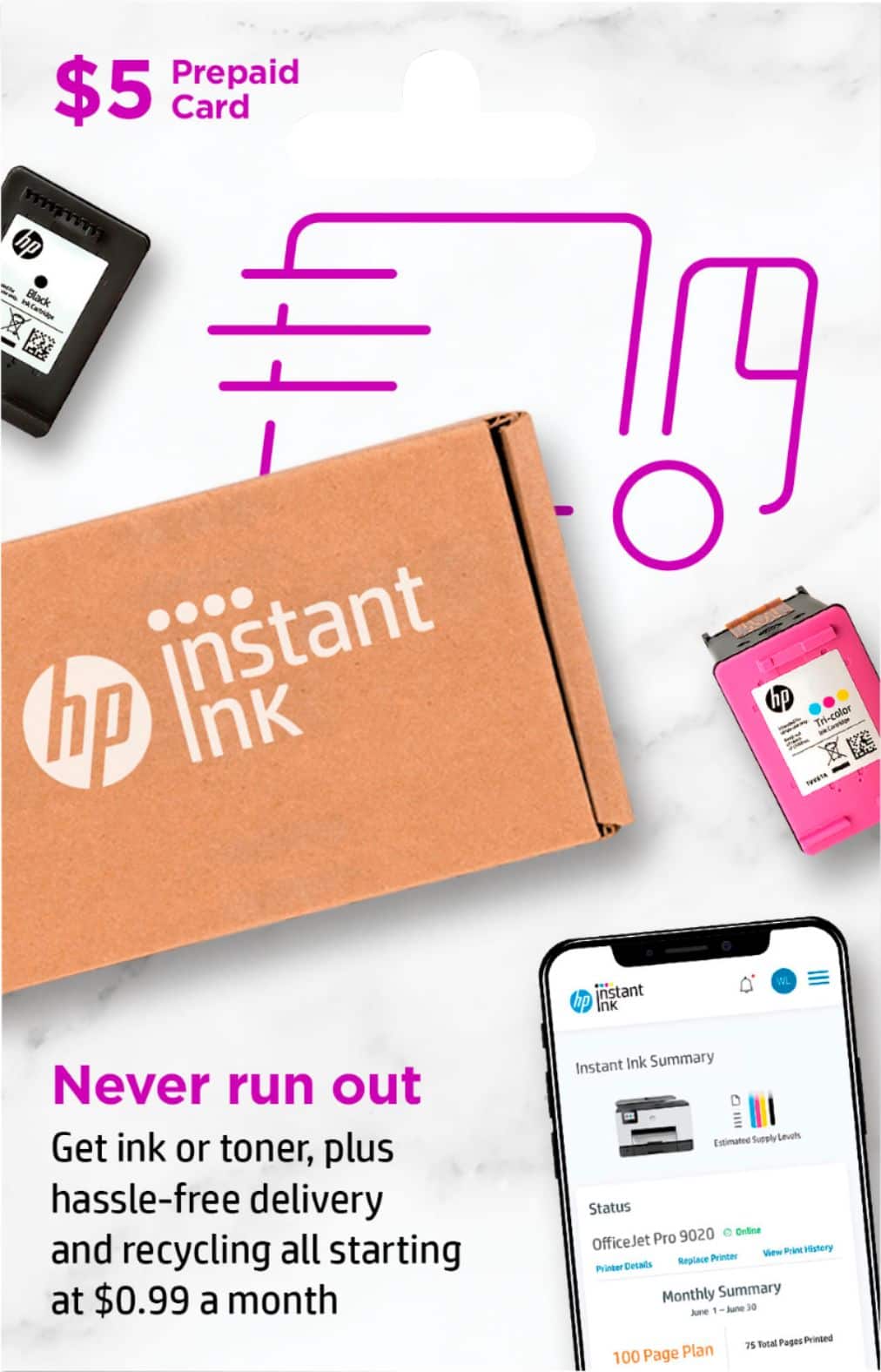
A:AnswerYou can certainly use the card to add money to your Instant Ink account at any time. The program will use the money in the account before it pulls from your credit card.
A:AnswerYou log into your "Instant Ink" account online, and from there it will tell you how many pages you've printed, as well as several other things. It all online.
A:AnswerYou must enroll the new printer in your hp account through the website. It was a little tricky finding the claim code but my printer was already set up and I spent time with the virtual assistant in working it out. You can and should go to the website and read the instructions to replace your printer.
A:AnswerWhen you get your printer home, sign up for HP+ which is signing up for HP Instant Ink. You will need to be OK with HP seeing how often you use your printer. When the printer starts to get low on ink, they send you a box with new ink. The price per month depends on how many pages you think you will print. I believe $4.99 a month is for 50 pages. I find it saves on ink costs and I am very happy with the service.
To answer your question, after you sign up and get it going, the service is free for six months and you will be charged on the seventh month.
A:AnswerThank you for the question. Instant Ink will send new cartridges when the printer signals that it's running low on ink, and that may not be monthly. You can roll over up to two months of unused (unprinted) pages too.
A:AnswerHi Eddie, thank you for reaching out. Your monthly fee is automatically deducted from the balance on the pre-paid card. When the card reaches a zero balance, you'll be prompted to enter a new payment method if you opt to keep the service. If you entered a pre-paid card and it's not reflected on your account, please contact Instant Ink customer service for assistance at 1-855-785-2777.