A:AnswerHello and thank you for asking. I am unable to assist you with this. There are videos on the YouTube HP Support channel that show this procedure, or you may contact HP Support for assistance.
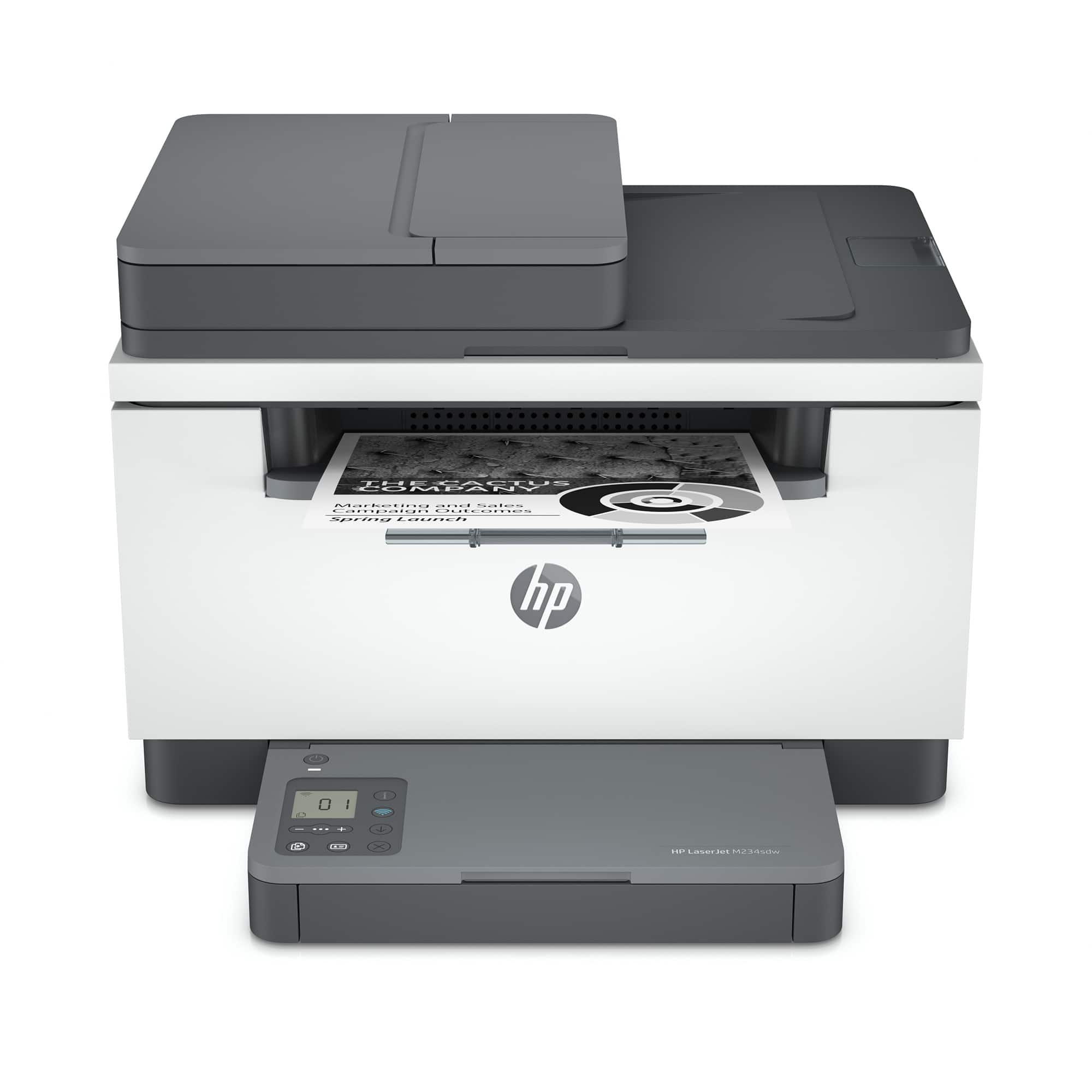
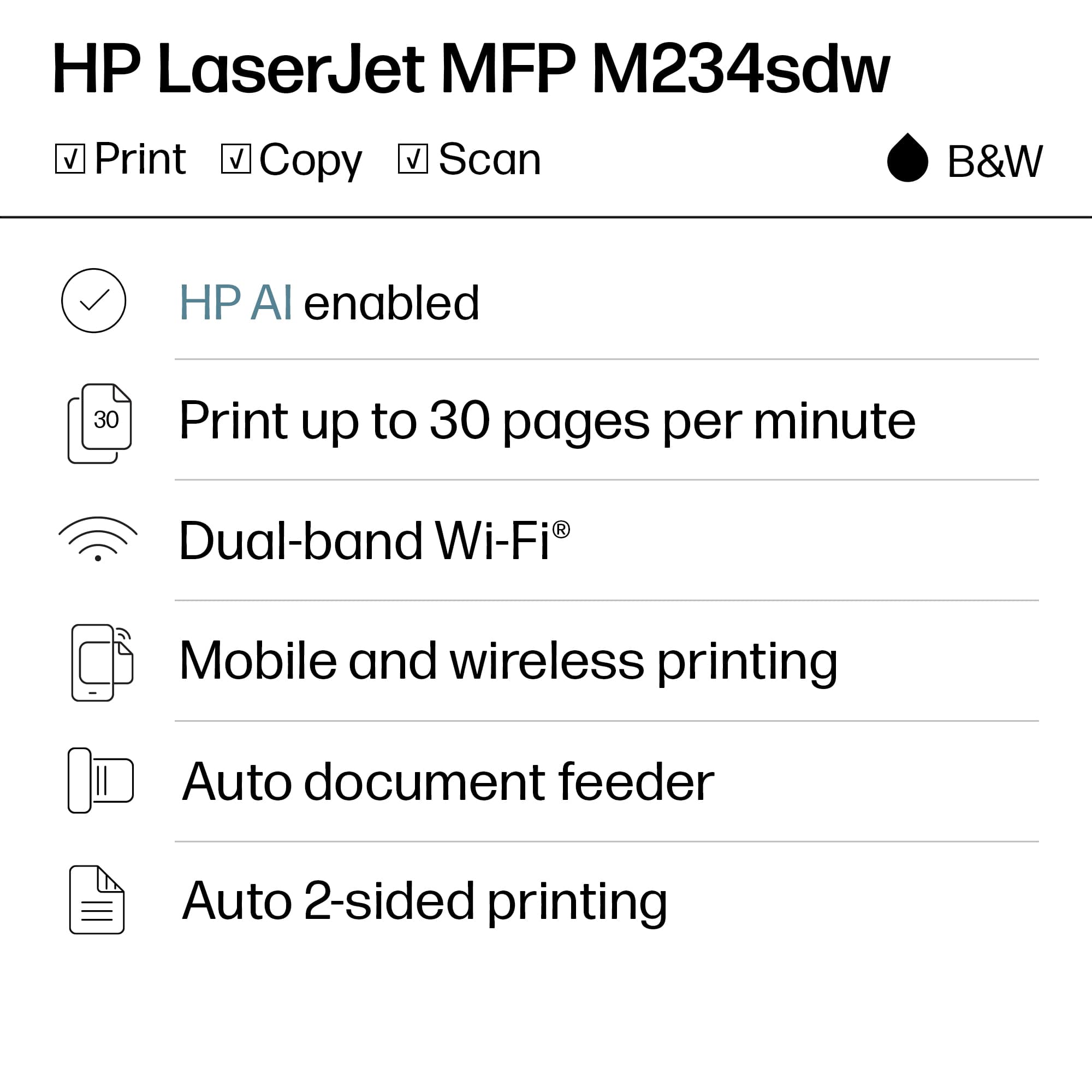
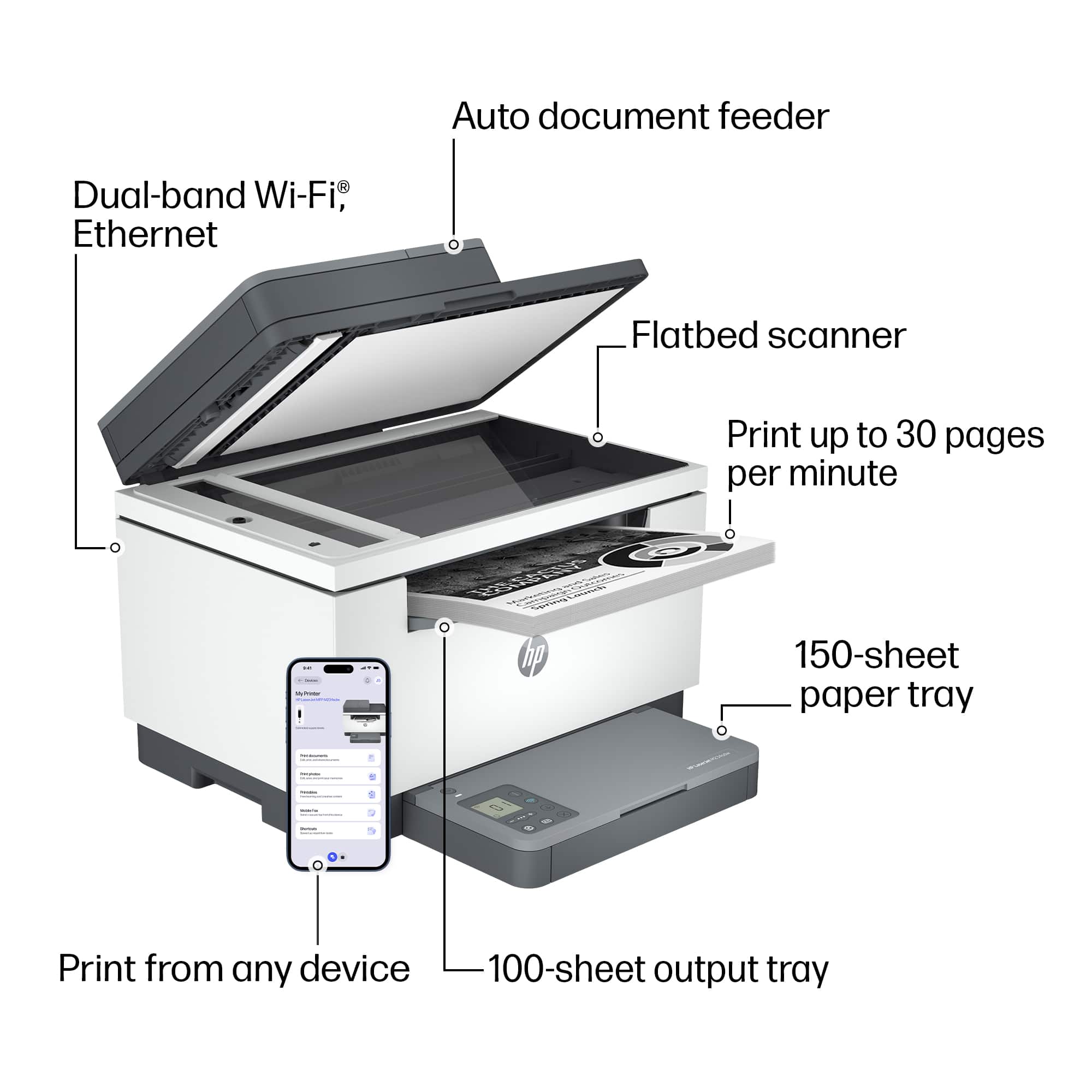
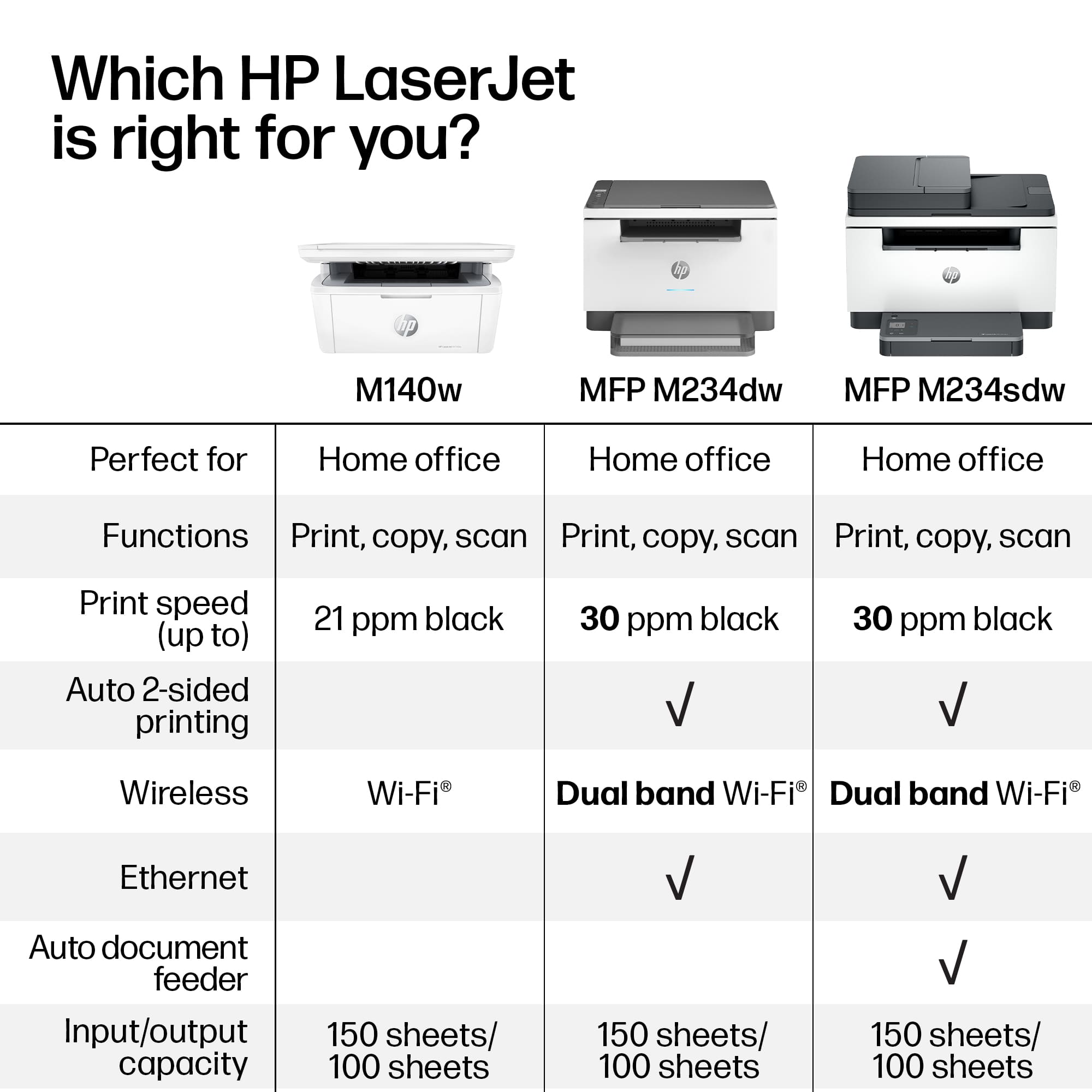
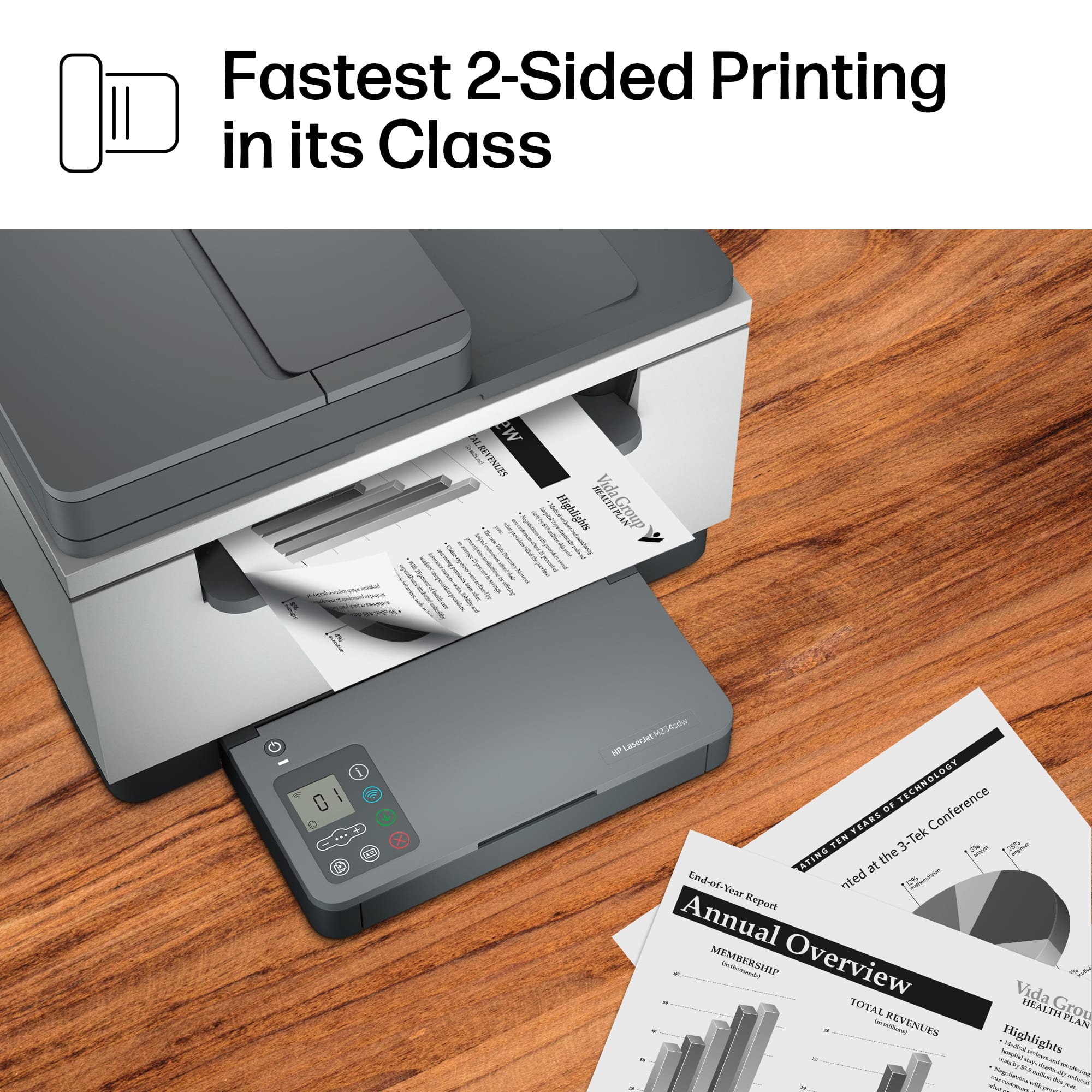
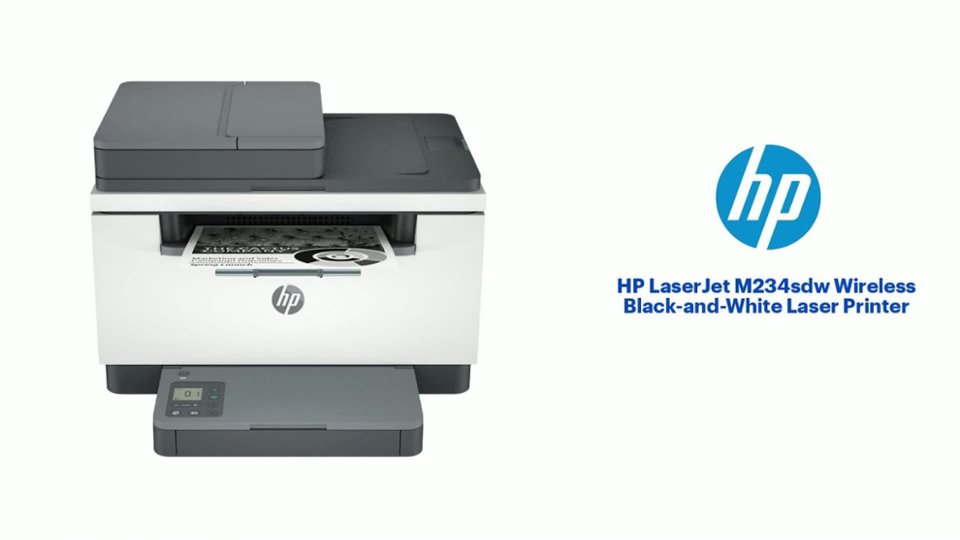
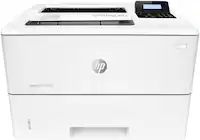
A:AnswerHi, AC and thank you for asking about the printing speed on the M234sdw printer. The printer is capable of printing up to 29 pages per minute in one sided printing, and 18 pages per minute in duplex mode (printing both side of the paper)
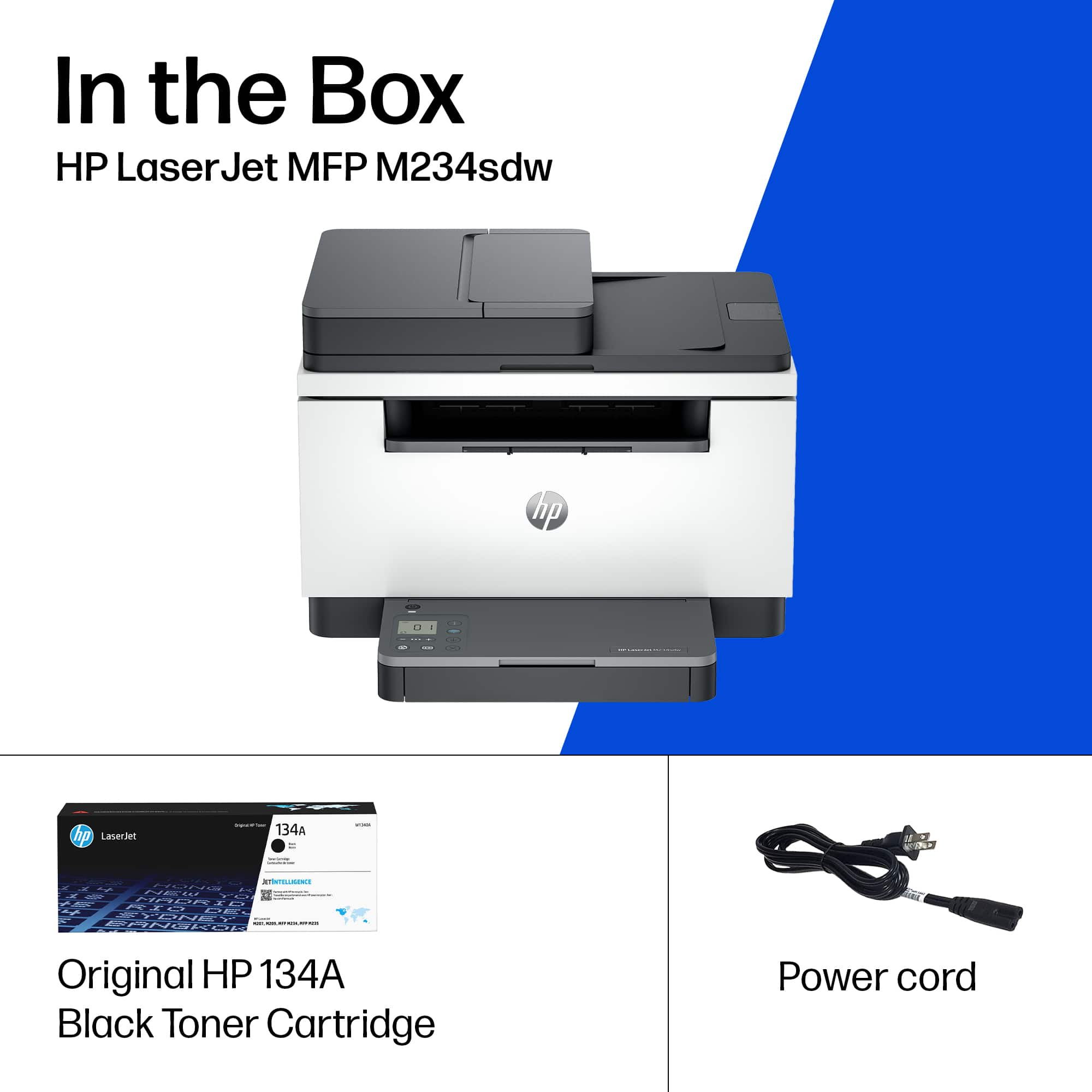
A:AnswerHello Robin and thank you for your question. This HP LaserJet M234sdw printer can use the HP 134X toner, which is estimated at up to 2,400 pages or the HP 134A toner which is estimated at up 1,100 pages.
A:AnswerThank you for your question. The Laserjet M234sdw printer is compatible with the following Mac operating systems: macOS High Sierra (v10.13) macOS Mojave (v10.14) macOS
Catalina (v10.15).
A:AnswerHello Steve and thanks for asking. The HP LaserJet M234sdw uses Wi-Fi 2, 3 or 4, (802.11b, g, or n) which are only compatible with WPA2. WPA3 is only supported on Wi-Fi 5 and 6.
A:AnswerInstructions come with the new toner cartridge-it’s very easy to get to and replace. Just make sure the toner cartridge is the one for your specific model printer.
A:AnswerBecause it's a laser printer it doesn't have an "ink tank". The best thing to do is to replace the toner cartridge. You can get a replacement at https://www.bestbuy.com/site/hp-134a-standard-capacity-toner-cartridge-black/6474703.p?skuId=6474703
A:AnswerHello Joe, the HP LaserJet M234sdw Laser Printer utilizes the HP 134A Black Standard Size Toner Cartridge and the HP 134X Black High Yield Size Toner Cartridge.