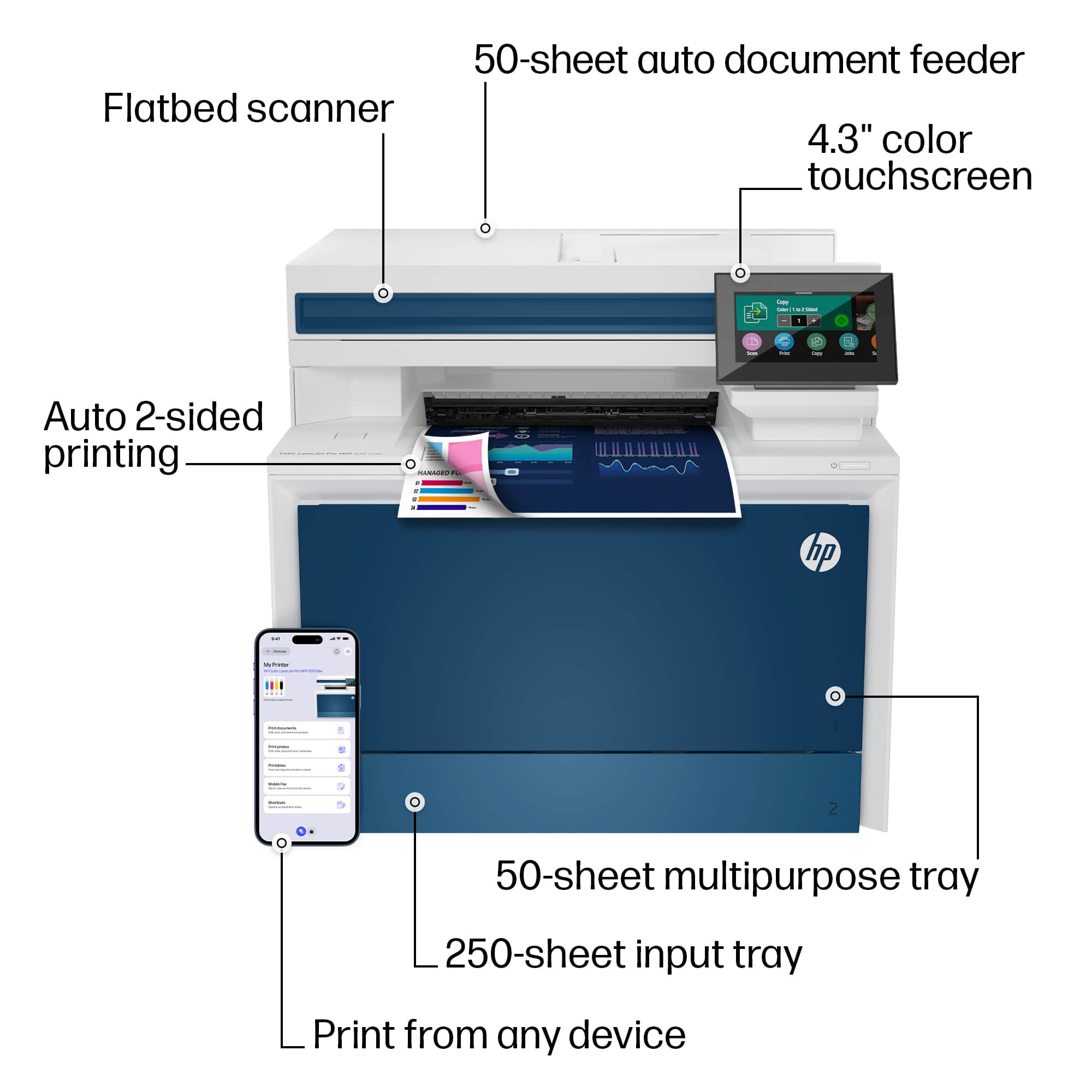
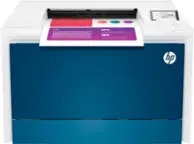
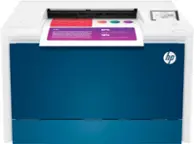
A:AnswerThanks for your question about this HP LaserJet Pro 4301fdw printer, Adam! You would need to use the flatbed scanner, and flip the ID over manually, as it would cause issues going through the automatic document feeder.
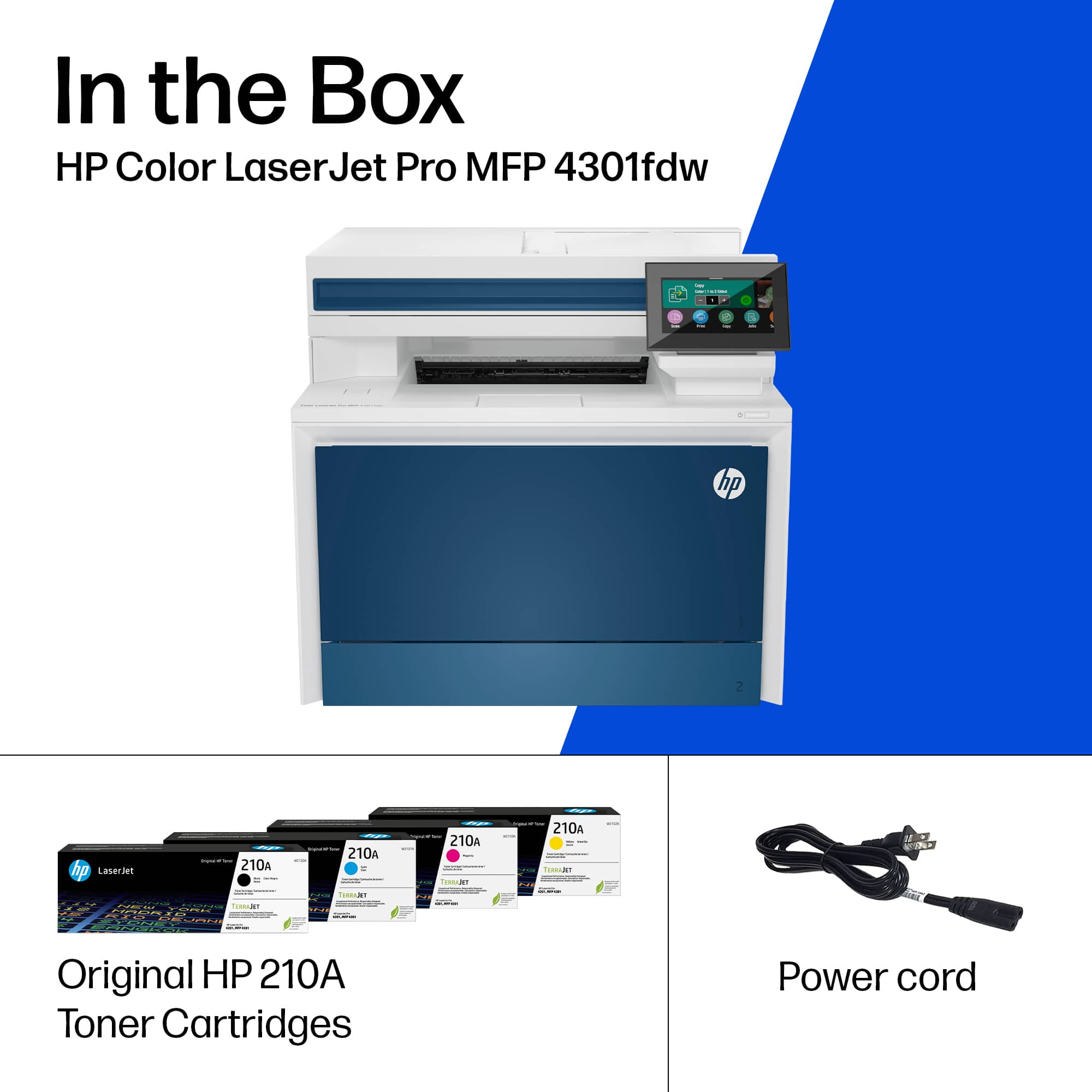
A:AnswerThis printer uses two different capacities of toners: 212A and the 212X. The 212X holds more than triple the toner of the 212A. The 212A toner series for this is 6 cents per page and the 212X series toners are 3.6 cents per page, which makes the 212X the best value for your money.
A:AnswerThank you for the question. Whether from the scan bed or the automatic document feeder, you'll load your document, navigate the screen to copy, and select your copy settings.
A:AnswerYes. It has a drawer that's just for regular paper and a separate drawer with slides that adjust for papers of different sizes, including photo paper and envelopes.
A:AnswerHello. Thanks for your question. You can use the scan option on the HP Smart app. Here is more information on the HP Smart app: https://support.hp.com/us-en/document/c03561640
A:AnswerYes I’ve printed 100# no issues I imagine you can go even heavier than that. I’m doing business cards on those so it’s dimensionally accurate so not getting messed up in the rollers
A:AnswerThe trays on this machine can print different sized envelopes depending on the software you're using. The following sizes fit the print specifications of this model: Tray 1: 3x5 to 8.5x14 in; Tray 2, optional; Tray 3: 3.93x5.82 to 8.5x14 in; Duplex (all trays): 5.82x5.82 in to 8.5x14 in.
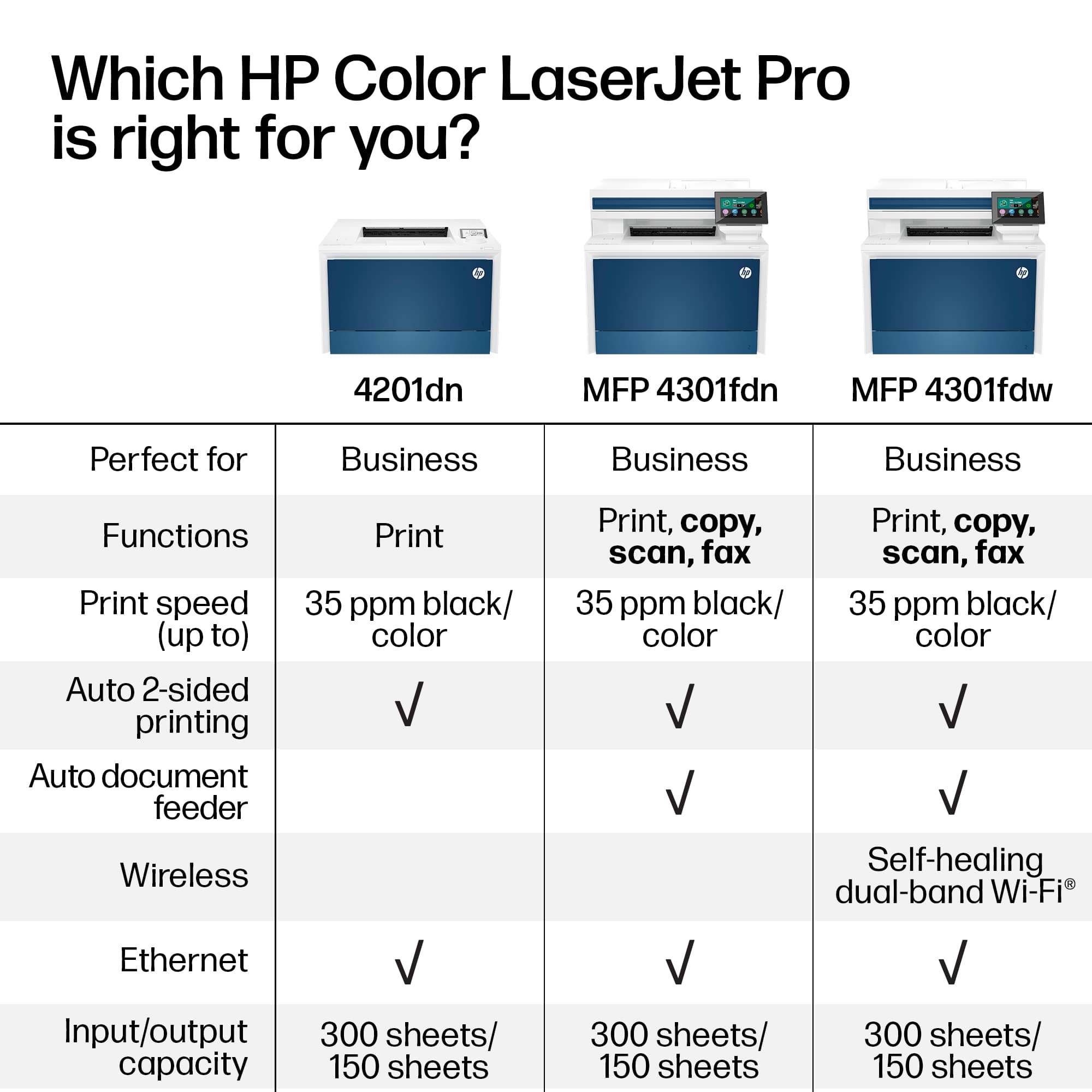
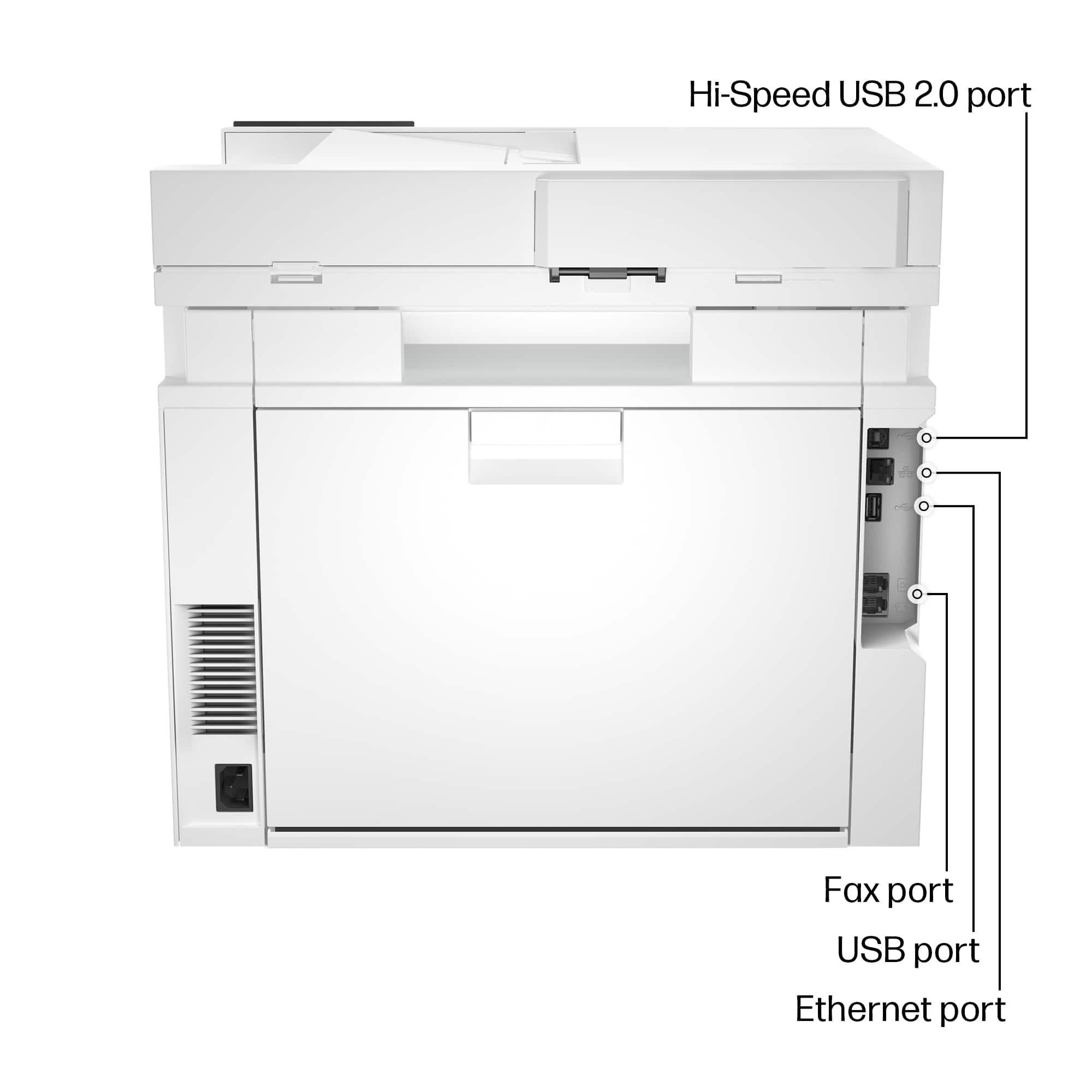
A:AnswerThank you for your question! This HP - LaserJet Pro 4301fdw Wireless Color All-in-One Laser Printer has a built-in fax modem you can directly connect via phone line. This will be compatible with distinctive ring ready. Distinctive ring ready is a service via your phone provider.
A:AnswerHello, Reggie. Thanks for your question. You can scan up to 8.5 x 14 inches through the ADF (Auto Document Feeder) on top of this HP Laserjet Pro 4301fdw printer.
A:AnswerThank you for asking. The LaserJet Pro 4301fdw has a recommended monthly volume of up to 4000 pages. The duty cycle (absolute monthly maximum) is 50,000 pages.