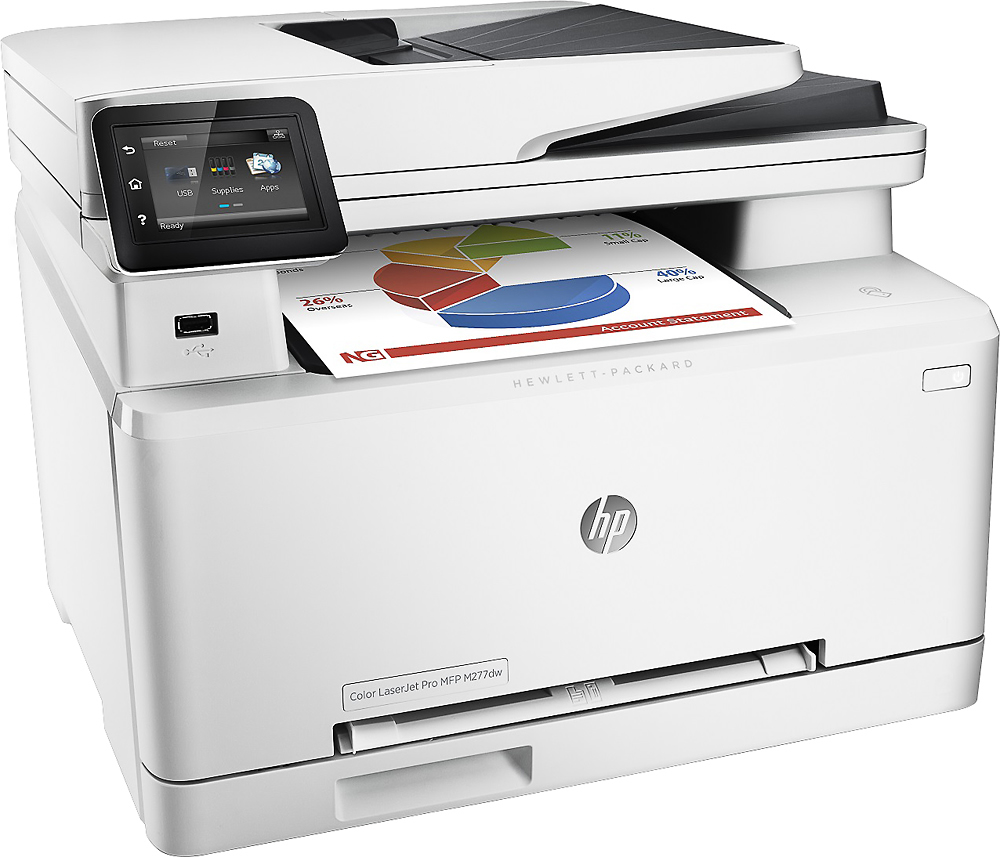
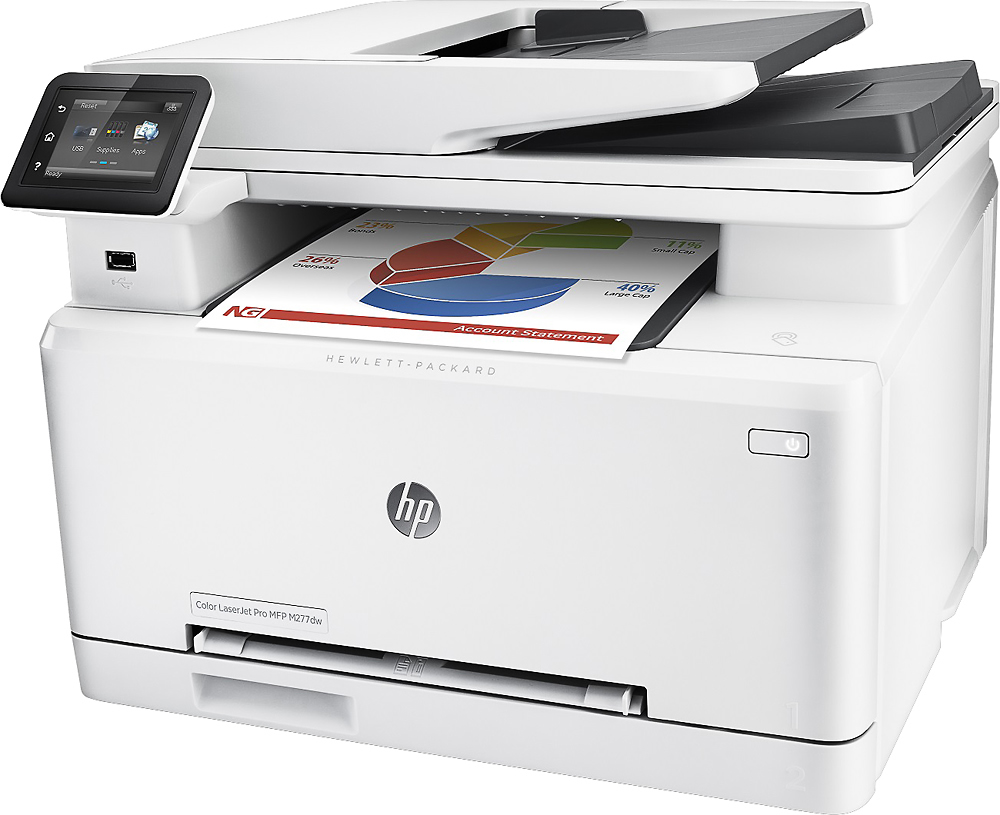
A:AnswerThere are some (relatively expensive) glossy laser paper products out there that work, but you should not (you will not get good results) use regular glossy photo paper. That type of paper is really intended for inkjets. I don't believe the paper will damage the printer, but the photos will be washed out as most of the toner wont "stick" to it. Even if you get the glossy laser printer, photos just wont have the same "resolution" (sharpness) as with inkjets. They're OK for brochures/presentations but I wouldn't call them OK for framing.
A:AnswerI do own the m277dw but I am still becoming familiar with it. This is a question you should probably ask HP sales and support directly. I didn't see the specific TWAIN driver available for Windows in the downloads for this m277dw printer and I have seen TWAIN drivers available from HP for previous models. A TWAIN driver may or may not be part of the Full Install package. for Windows. There is a complete software installation for Windows 7, 8, 8.1, 10. It might scan directly into Quickbooks if you are using Windows 7 or later. Scanning directly into Quickbooks may depend on which version of Windows and which version of Quickbooks you are using. There are Windows XP drivers available for this printer but the Full Software Solution and installation from HP is limited for XP because it is no longer officially supported by Microsoft. Mac OS X 10.11 compatible drivers for fax, scan and print for this printer are available for download from HP.
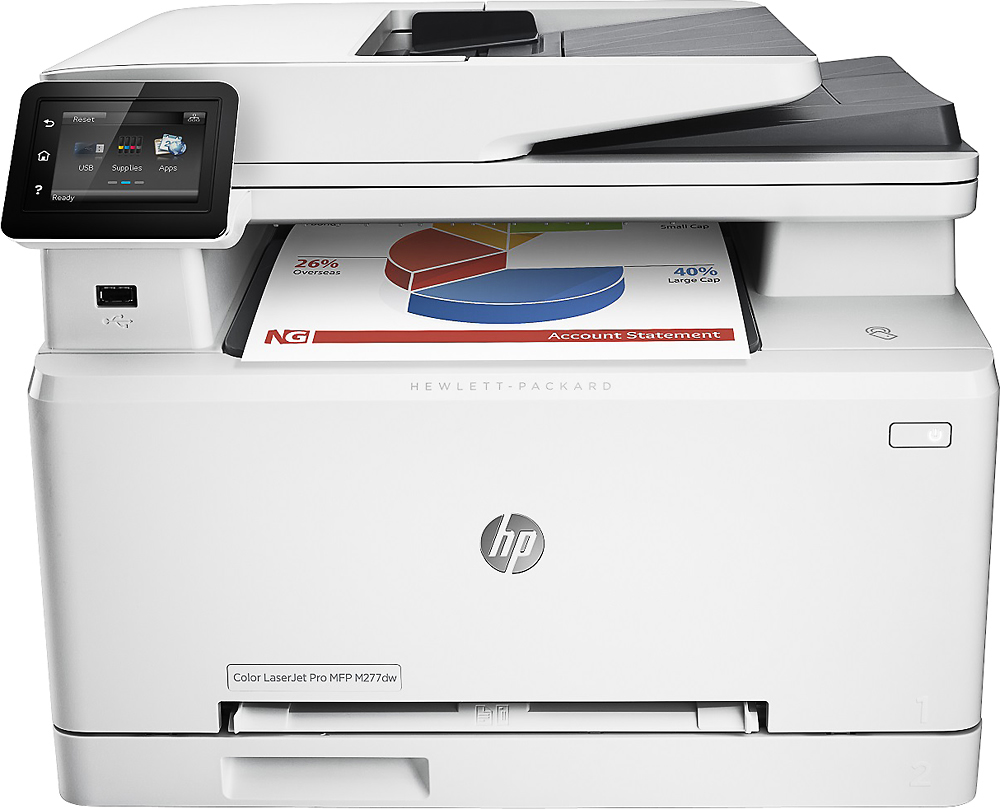
A:AnswerMy guess would be your wireless is not set up right. You may also not be using the correct password from the router. Other than that, it could be the age of the AT&T U-verse router. Not all routers are made alike; they can have subtle differences in wireless codes and programming. Getting a new AT&T U-verse router would be suggested.
Best of luck.
A:AnswerHello, I see that you are interested in knowing if you will be able to send fax from your cell phone to the Hp laserjet pro M277dw. The answer is yes. If you have either an Android or iOS you will have to download an app called eFax, and from there you will be able to send fax from your phone to your Laserjet pro.
Hopefully that helps you out, and thanks again for choosing HP.