A:AnswerHello. There is very high quality HP laser paper that will give you photo-like quality. There is no laser printer photo paper that is equivalent to the photo paper you may be familiar with for inkjet printers. However, any paper that you insert into a laser printer must say 'laser printer compatible' to ensure the continued reliable use of your HP LaserJet printer.
A:AnswerThank you so much for your question! Unfortunately, the M479fdw is unable to automate the tasks that you have described. You would need to manually reduce the page and then make the copies.
A:AnswerHi, thank you for the question. Yes, the LaserJet Pro M479fdw will accept A4 (8.3"x 11.7") paper. In fact, it will accept media up to 8.5" x 14". Yes, there is an optional 550-sheet tray that can be added. The HP product number for this tray is CF404A.
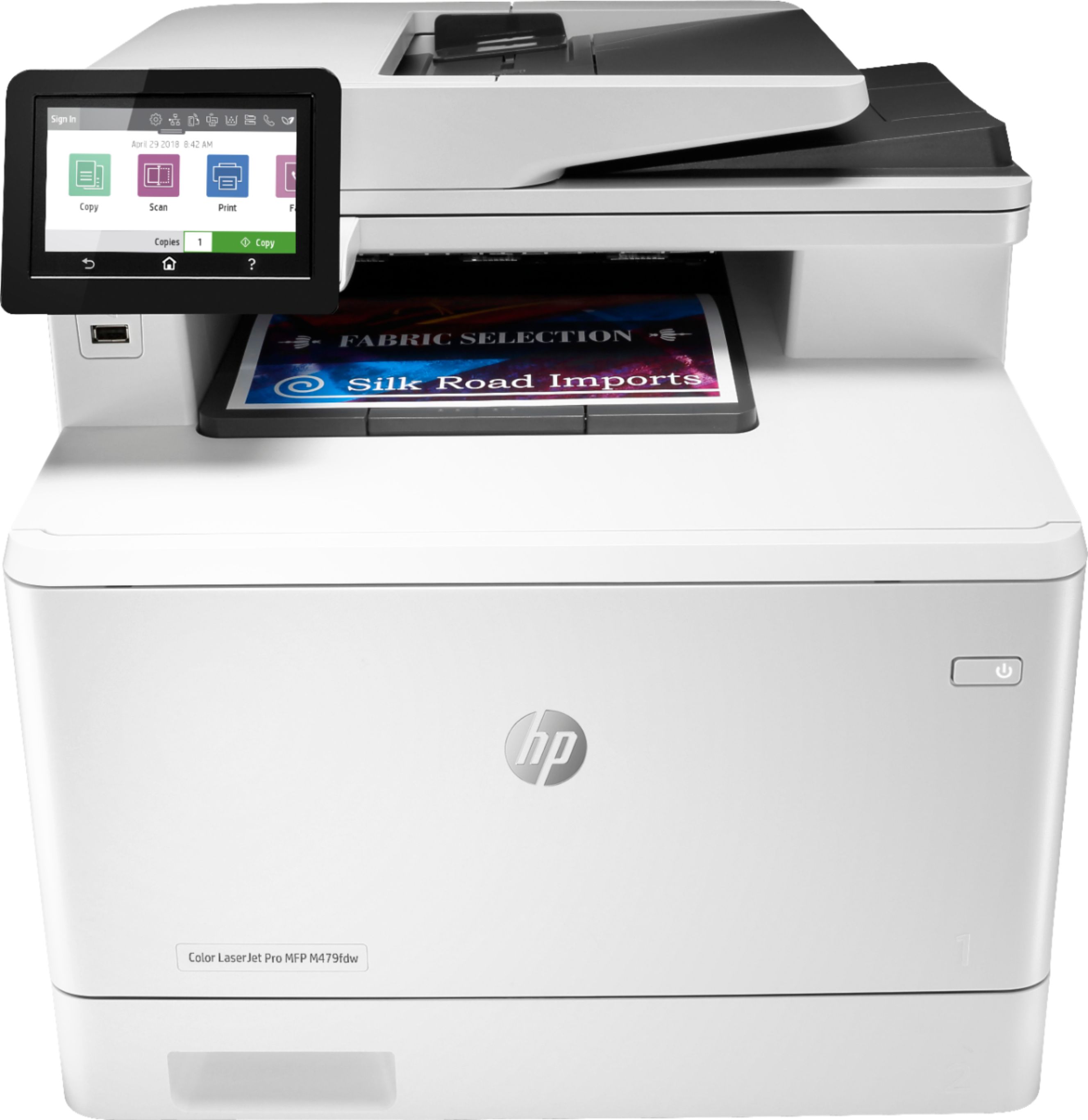
A:AnswerHi Tammy, thank you for the question. For graphics-heavy printing, inkjet printers typically provide sharper, crisper images. The Envy Photo 7855 will produce the results you're seeking: https://www.bestbuy.com/site/hp-envy-photo-7855-wireless-all-in-one-instant-ink-ready-inkjet-printer-black/5961901.p?skuId=5961901.
A:AnswerHi Morgan. No, this model from Best Buy has a US 110-volt input voltage: 110 to 127 VAC (+/- 10%), 60 Hz (+/- 3 Hz). The printer would need to be ordered with an option to have a different internal power supply for 220-volt input voltage: 220 to 240 VAC (+/-10%), 50/60 Hz (+/- 3 Hz) (The printer is not dual voltage. The power supply varies by part number with # Option code identifier).