A:AnswerEvery paper size supported for this printer can be found on HP website below:
https://support.hp.com/us-en/product/hp-color-laserjet-pro-m453-m454-series/19202530/document/c06390259
A:AnswerThe only parts you will need to replace are the toner cartridges! There are no other parts what will need replaced as the design of our toner ensures all the maintenance is performed on each cartridge replacement.
A:AnswerI have used this printer to print on HP Glossy Photo Paper. Not sure which brand / type of media you want to use with it, but it should work as long as the size of the media is within the size requirements of the printer.
A:AnswerThe short answer is yes. If you have a mainstream account (Gmail and such) it's easy. If you do not you will need to find the servers and ports to plug into the system. Initial scan to email functionality setup was a bit more complicated than expected. Once complete the device is intuitive to use.
A:AnswerThis model works with the optional 550 sheet paper tray. It is model number CF404A. This tray is different than the one used on your M553 printer. The M553 uses the B5L34A model number tray.
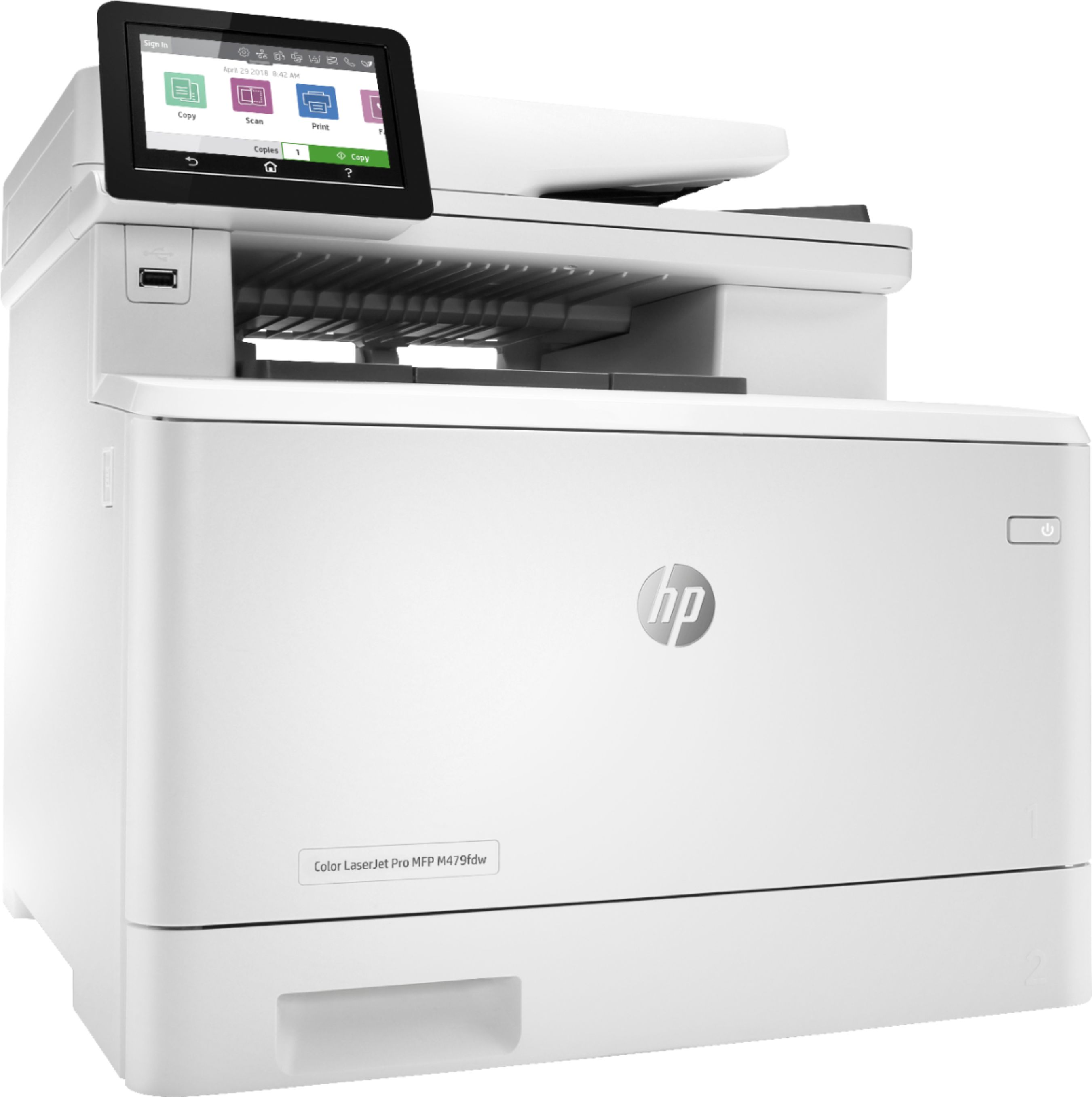
A:AnswerYes, the M479fdw model is a new version. One difference you will find with the newer model, is that the M479fdw printer can print double-sided documents automatically.