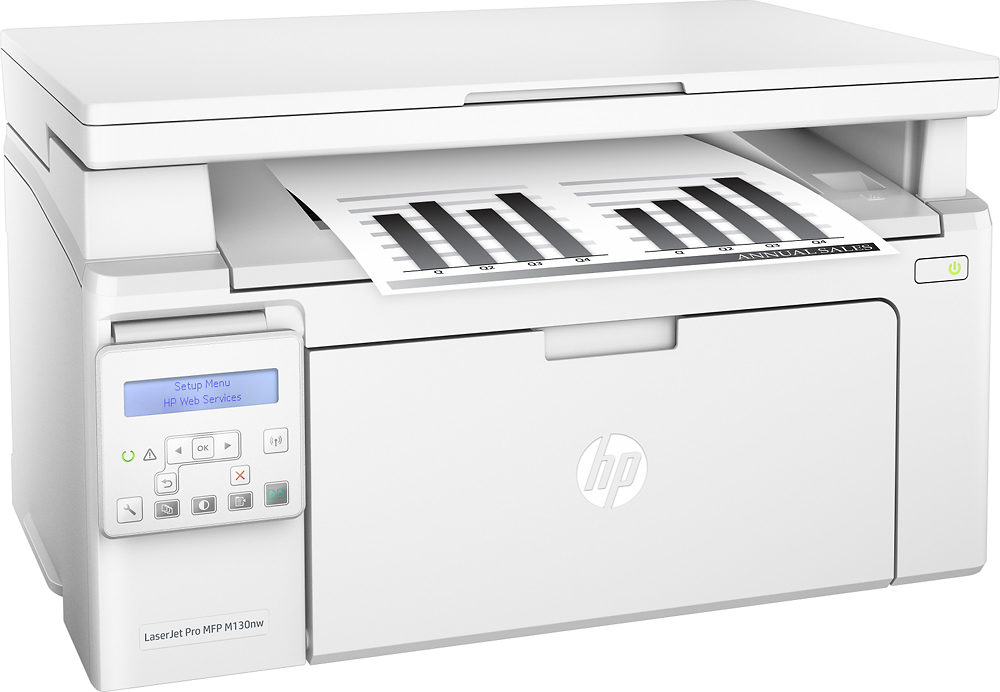
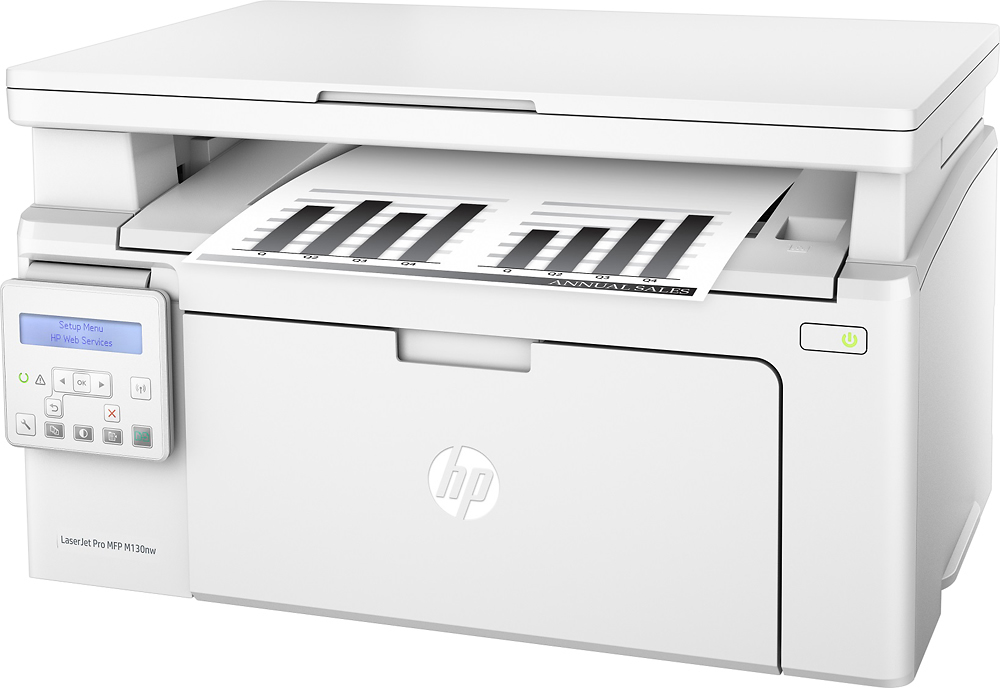
A:AnswerChoose Original HP 17A Toner cartridges specially designed to work with your printer and avoid frustrating reprints, wasted supplies, and delays. Cost is $60 currently.
http://www.bestbuy.com/site/searchpage.jsp?st=HP+17A+Toner+&_dyncharset=UTF-8&id=pcat17071&type=page&sc=Global&cp=1&nrp=&sp=&qp=&list=n&af=true&iht=y&usc=All+Categories&ks=960&keys=keys
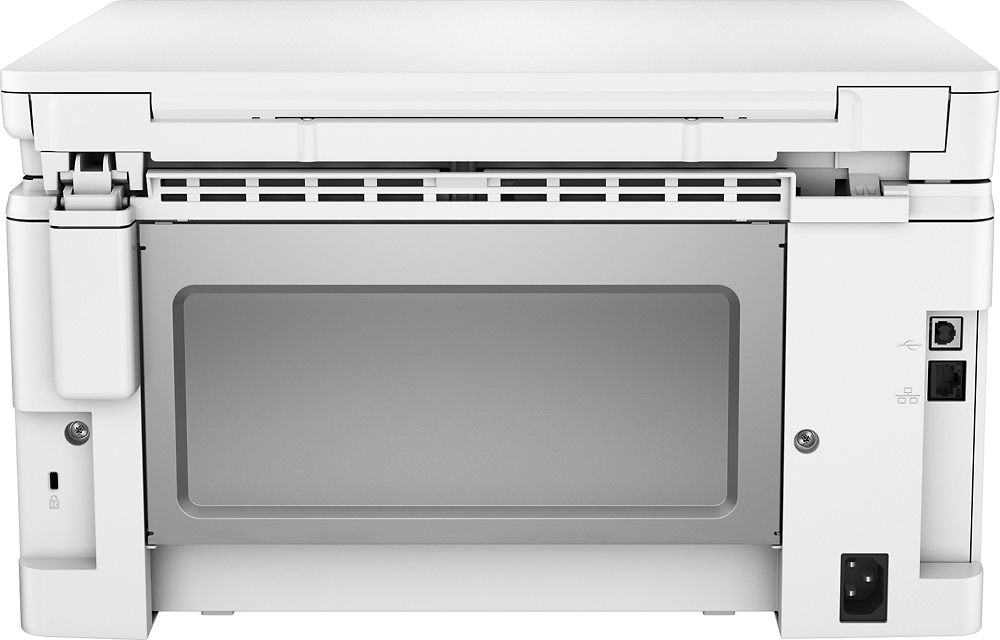
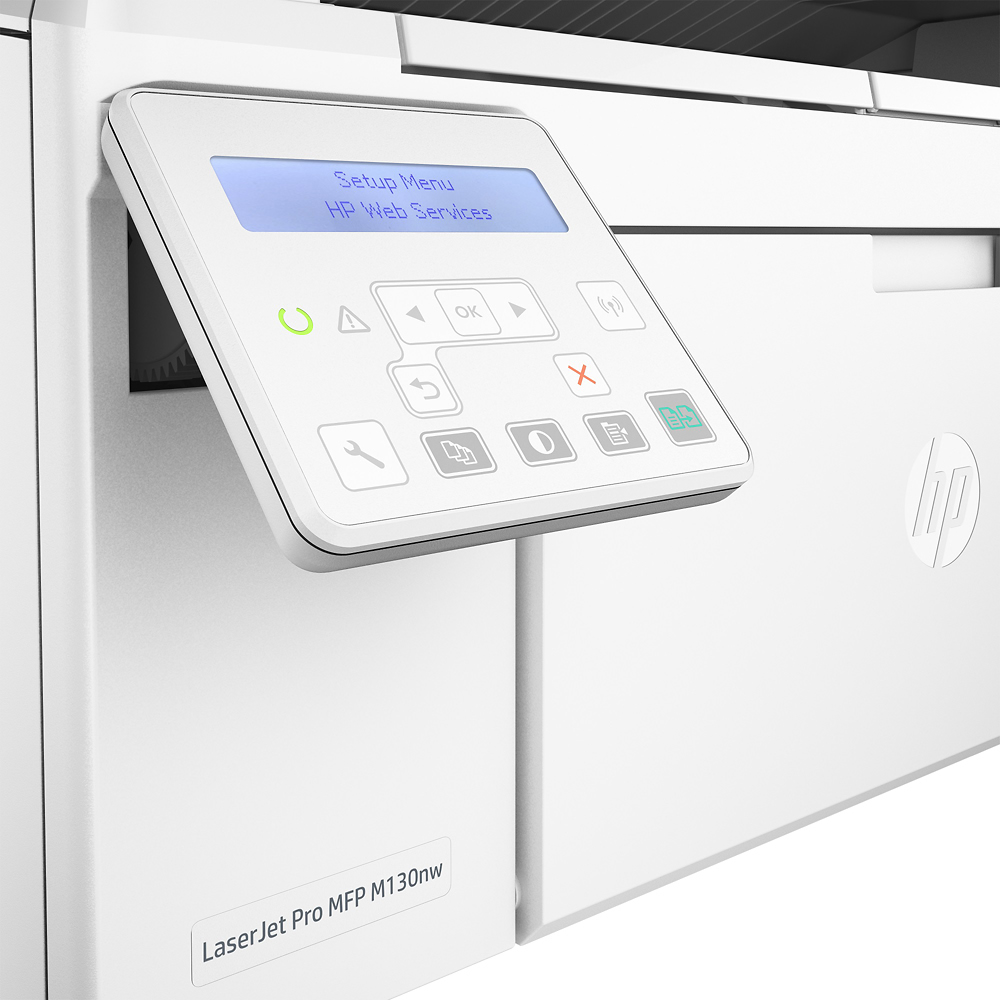
A:AnswerThere is only one USB input, I suppose one could try a hub to connect more than one computer using the USB local method. Connect as many computers as needed using Ethernet, Wireless, and Mobile. I have PC, iMac, Chrome book and Smartphone (Android) connected .Really nice all-in-one. Intuitive software interface.
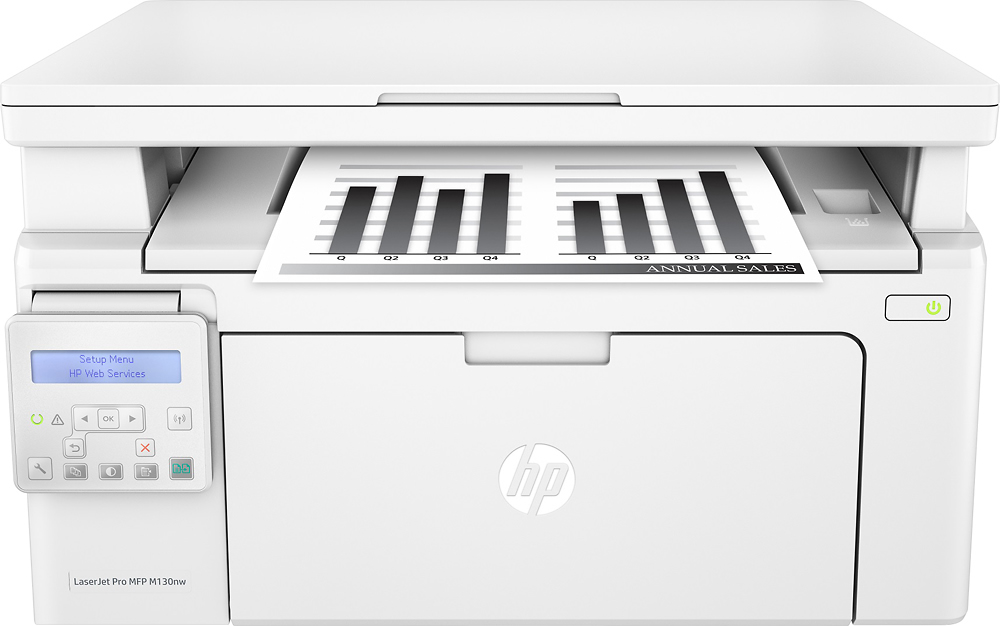
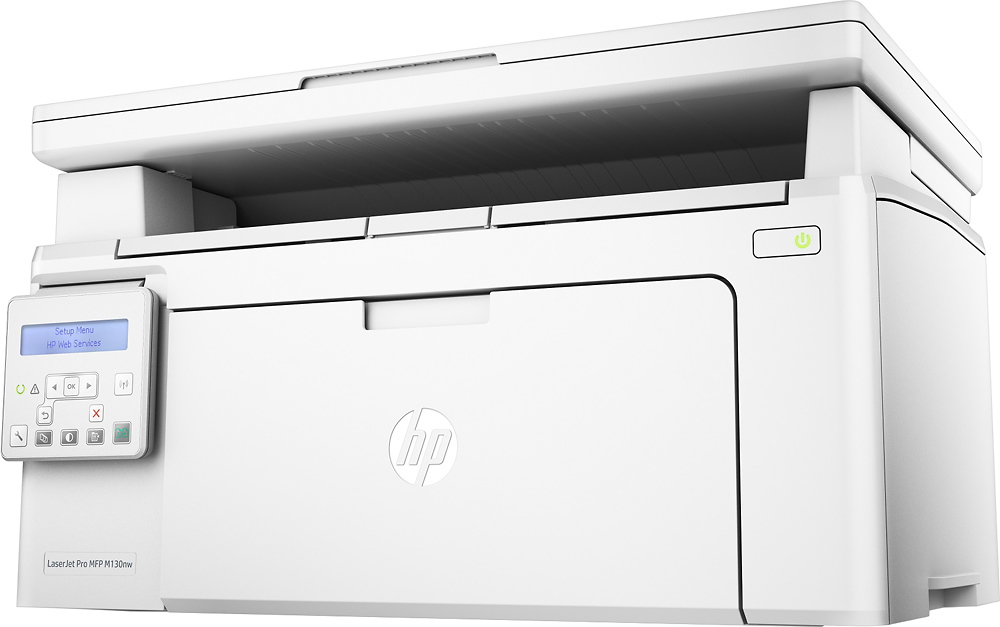
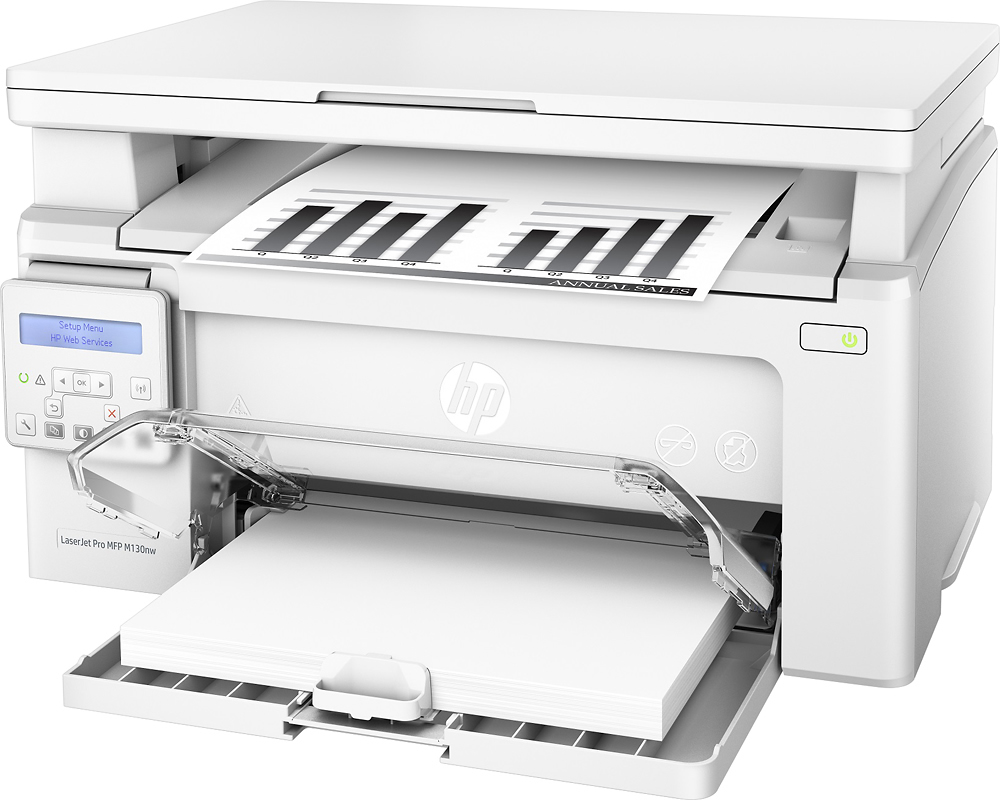
A:AnswerWhen loaded with paper the door remains open.
I have had this printer for several weeks, and am quite happy with it. I found it easy to set up on my Mac, and it has worked flawlessly using a wifi connection.
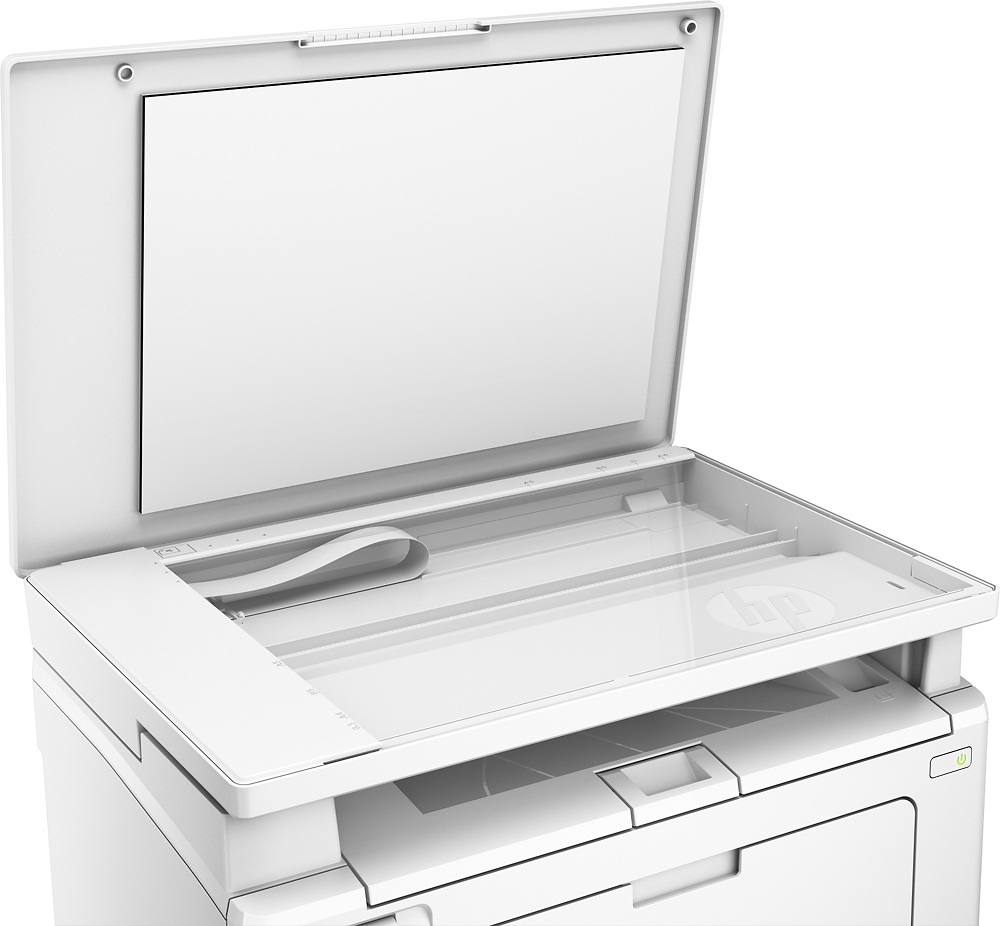
I was a little unhappy with the scanner at first, but once I used it a few times I am fairly pleased with it. It too works well using wifi--directly to my desktop. It scans quickly, and is quite simple.
I am used to a more expensive printer--but it died as all good things do. I purchased a second laserjet for color; giving me a backup printer too. At the cost--I am very pleased.
A:AnswerI'm not sure of the maximum size but there is an option to have multiple pages contained in one scan. However you must scan each page manually. You cannot scan to email with this model (M130nw), you can with the touchscreen control panel models.
A:AnswerAssuming it is the model that I have NO it is not fax capable (no phone hookup or dialpad but, there are internet fax services that you can upload and send scanned items through