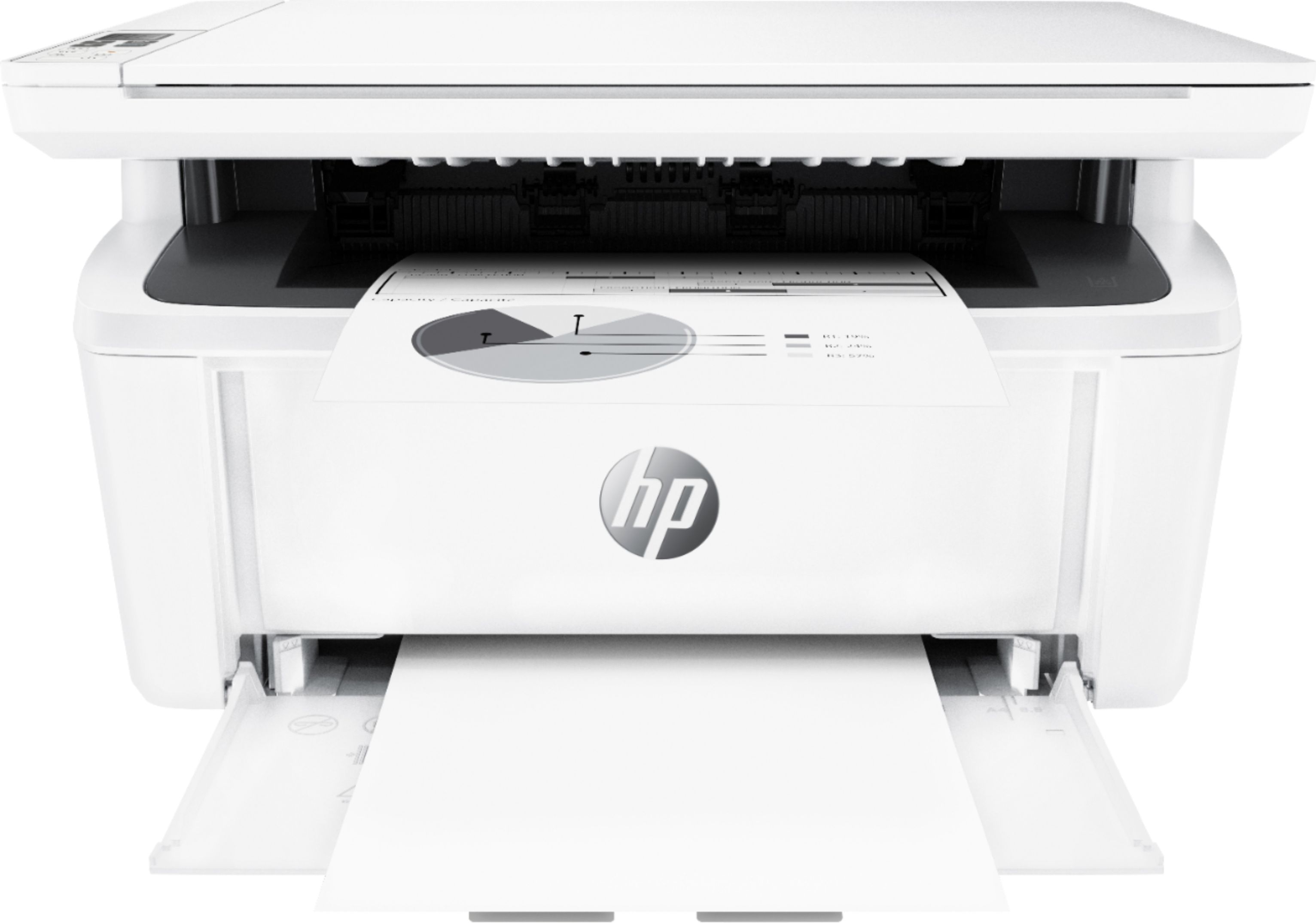
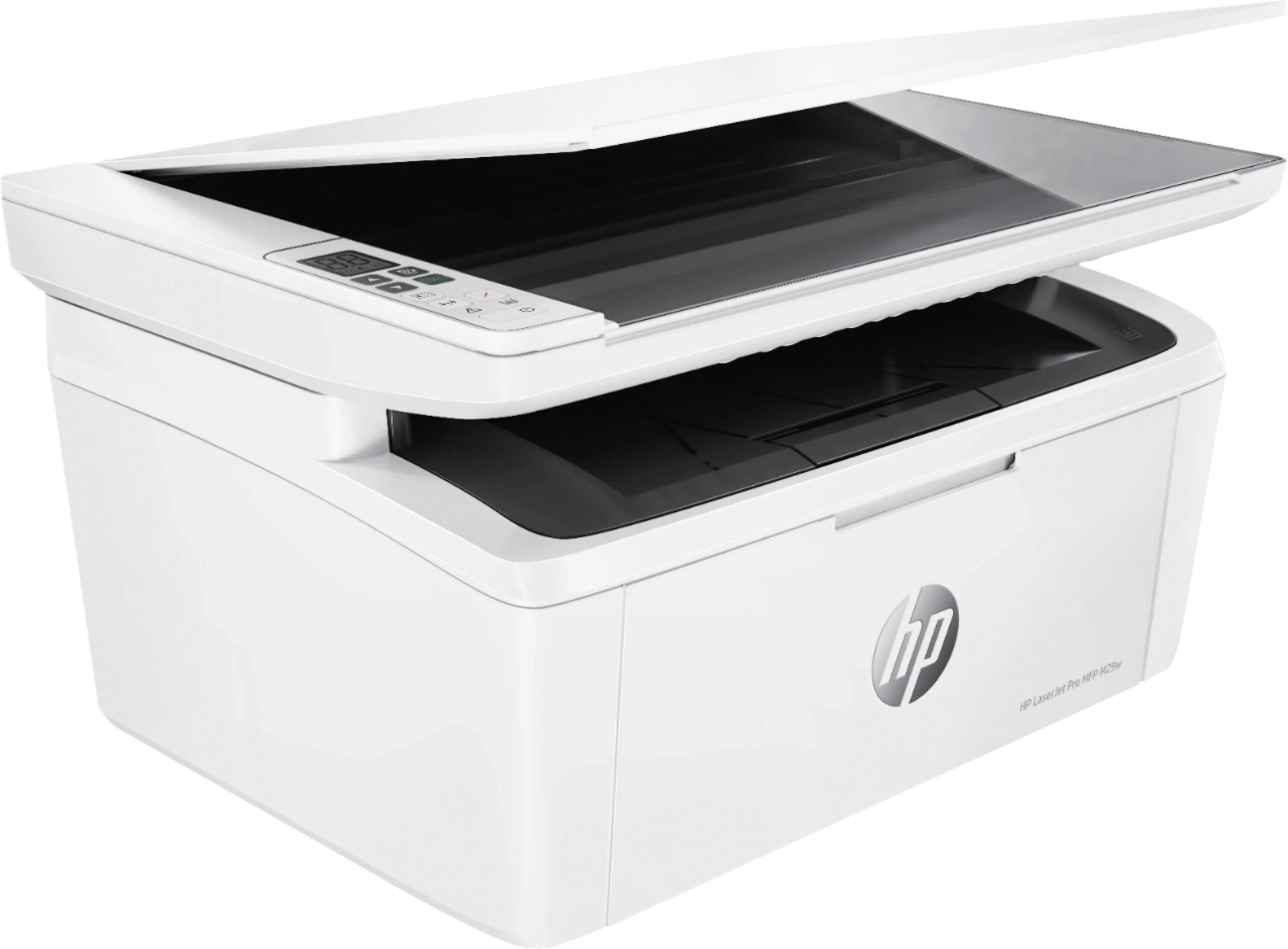
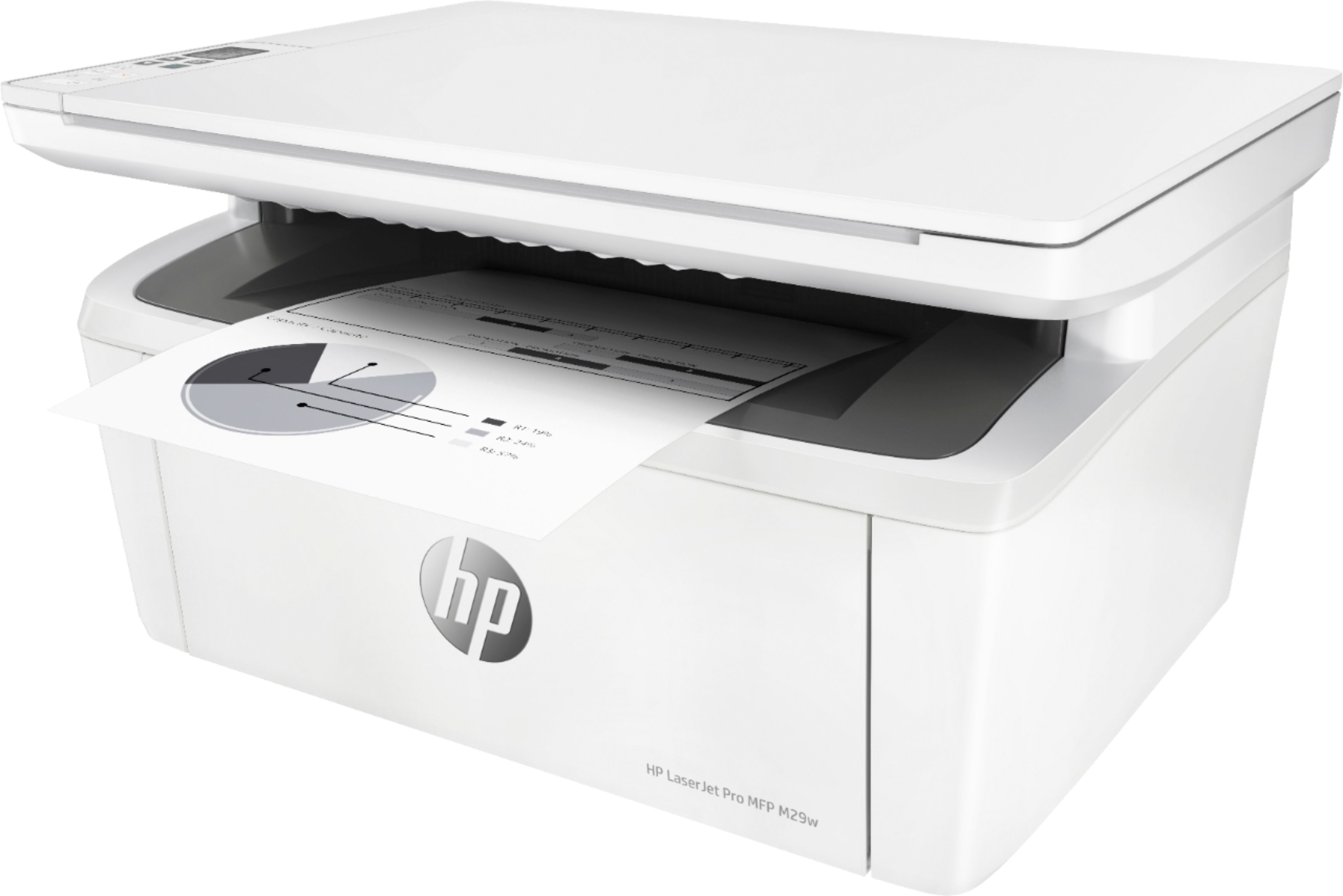
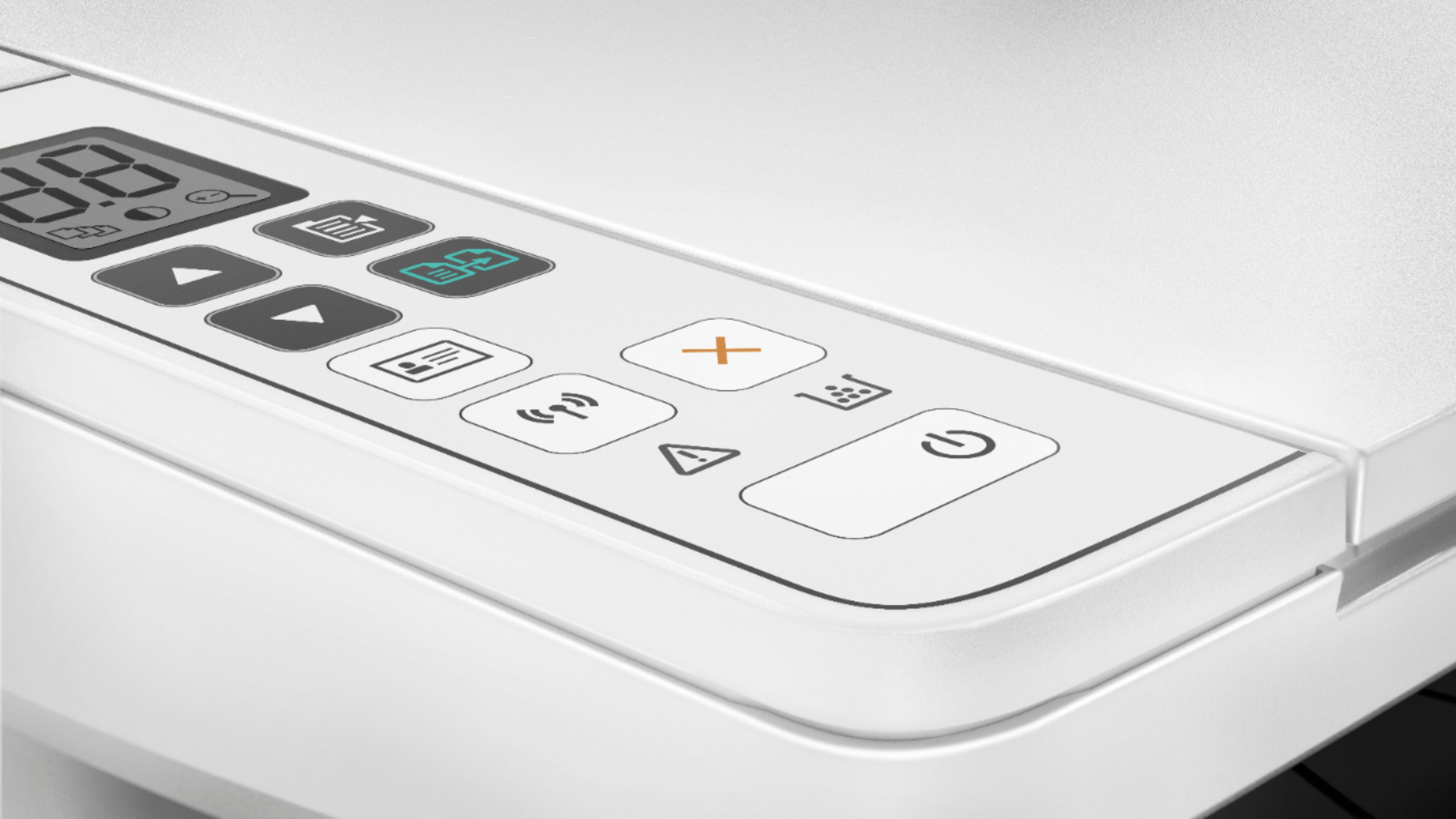
A:AnswerThank you for the question. The LaserJet Pro MFP M29w will print the fonts built into the Windows OS drivers. Please review your drivers to know if they support Hindi.
A:AnswerI am using with my macbook but HP has universal driver which can be install on chromebook, I dont have Cheomebook so dont take my words for granted.
A:AnswerHere is the power consumption info on this printer: 363 watts (active printing); 2.12 watts(ready); 0.55 watts(sleep); 0.55 watts(Auto Off/Wake on USB); 0.06 watts (Auto-off/Manual-on); and 0.06 watts(Manual-off).
A:AnswerYes, you set up to print from the Samsung Galaxy 6 Tablet. We recommend using the HP Smart app: https://support.hp.com/us-en/document/c03561640
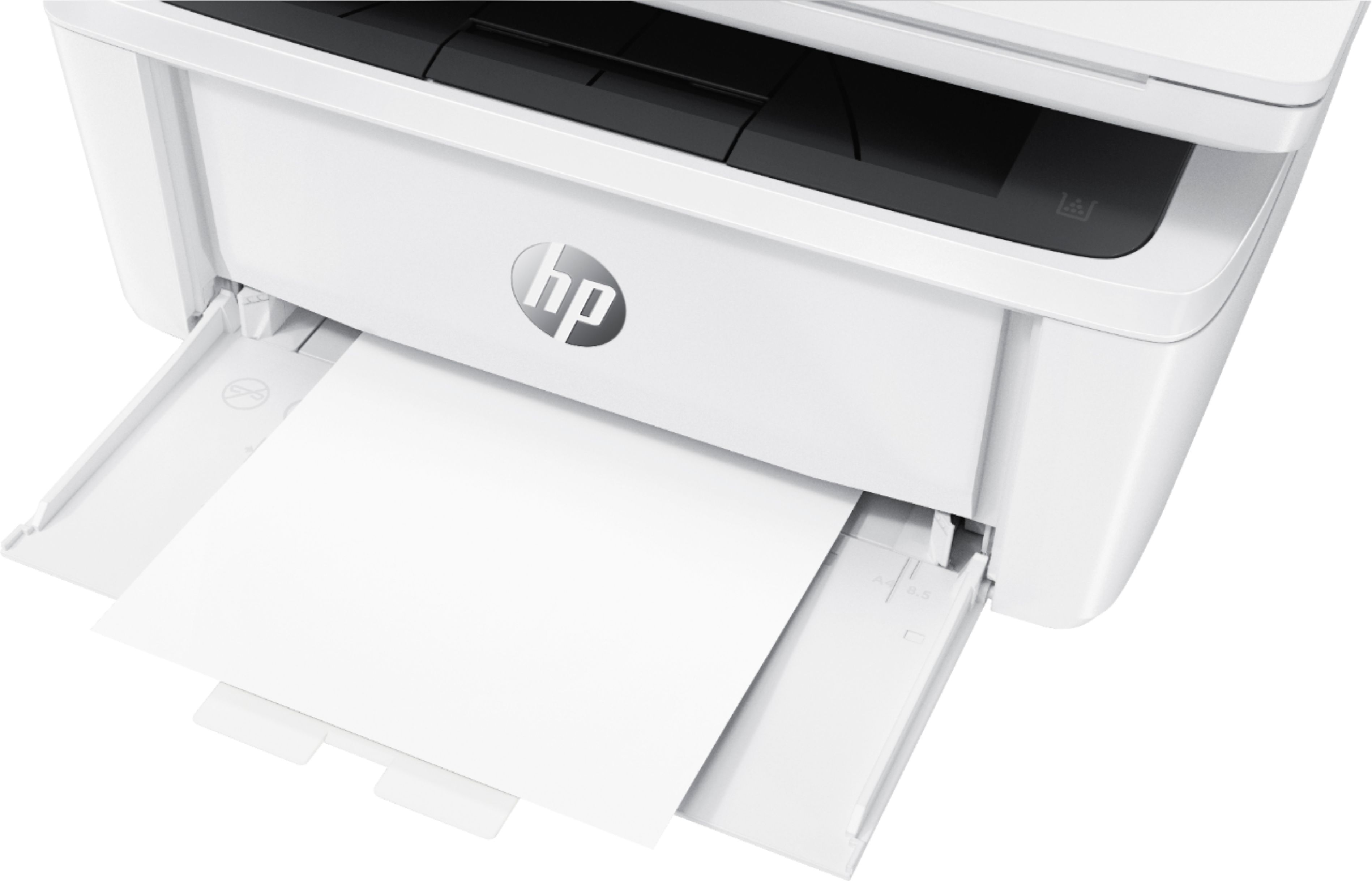
A:AnswerNo it can not. Here are the paper types and weights you can print with this printer:
Media types Plain paper, envelope, postcard, Label
Media weight supported (U.S. standard) 17 to 32 lb
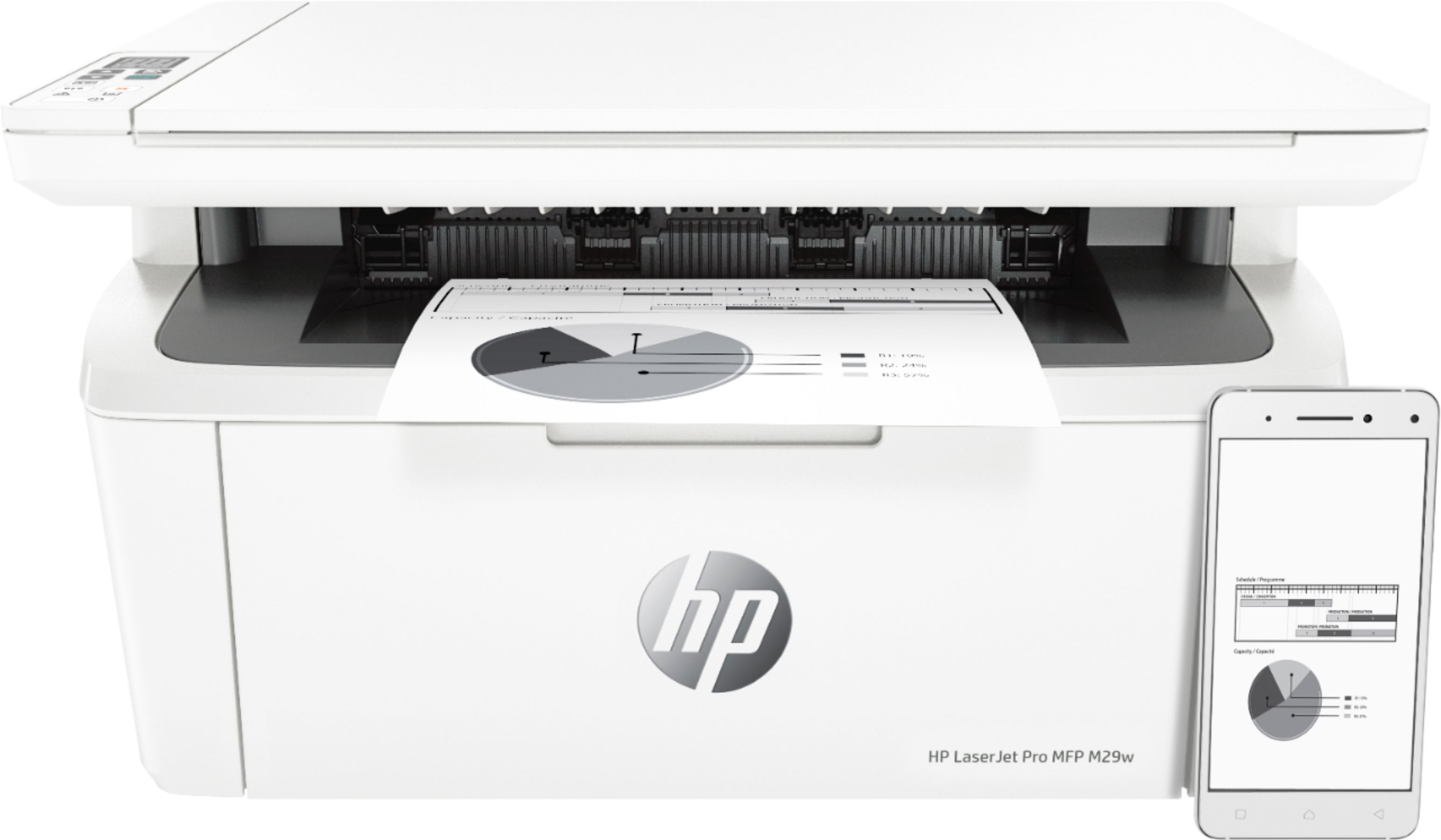
A:AnswerHere are the mobile printing options available for the M29w: Mobile printing services
Apple AirPrint™; Google Cloud Print 2.0; Mopria-certified; Wi-Fi Direct, HP Smart App. You can contact HP support at https://support.hp.com or call them at 1-800-HPINVENT.