A:AnswerI'd suggest revising the answer about Google Cloud Print given that it will be turned down at the end of 2020 - https://support.google.com/chrome/a/answer/9633006?hl=en
It looks like this printer will work anyway without that (see the CUPS section in that link) but I'm not sure.
A:AnswerYes it will.
Compatible Operating Systems Windows® 10, 8.1, 8, 7: 32-bit or 64-bit, 2 GB available hard disk space, CD-ROM/DVD drive or Internet connection, USB port, Internet Explorer.
A:AnswerHere is the information:
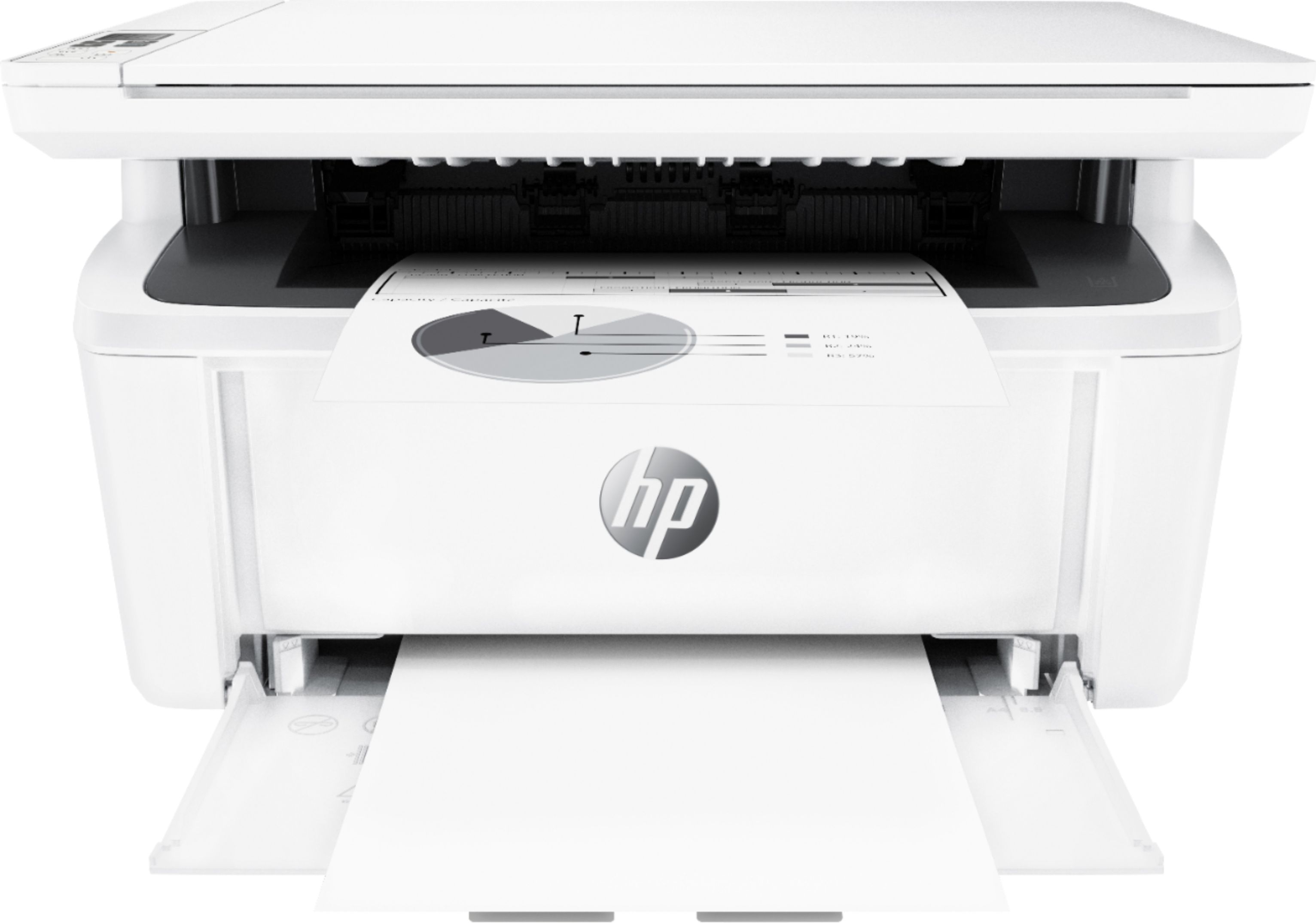
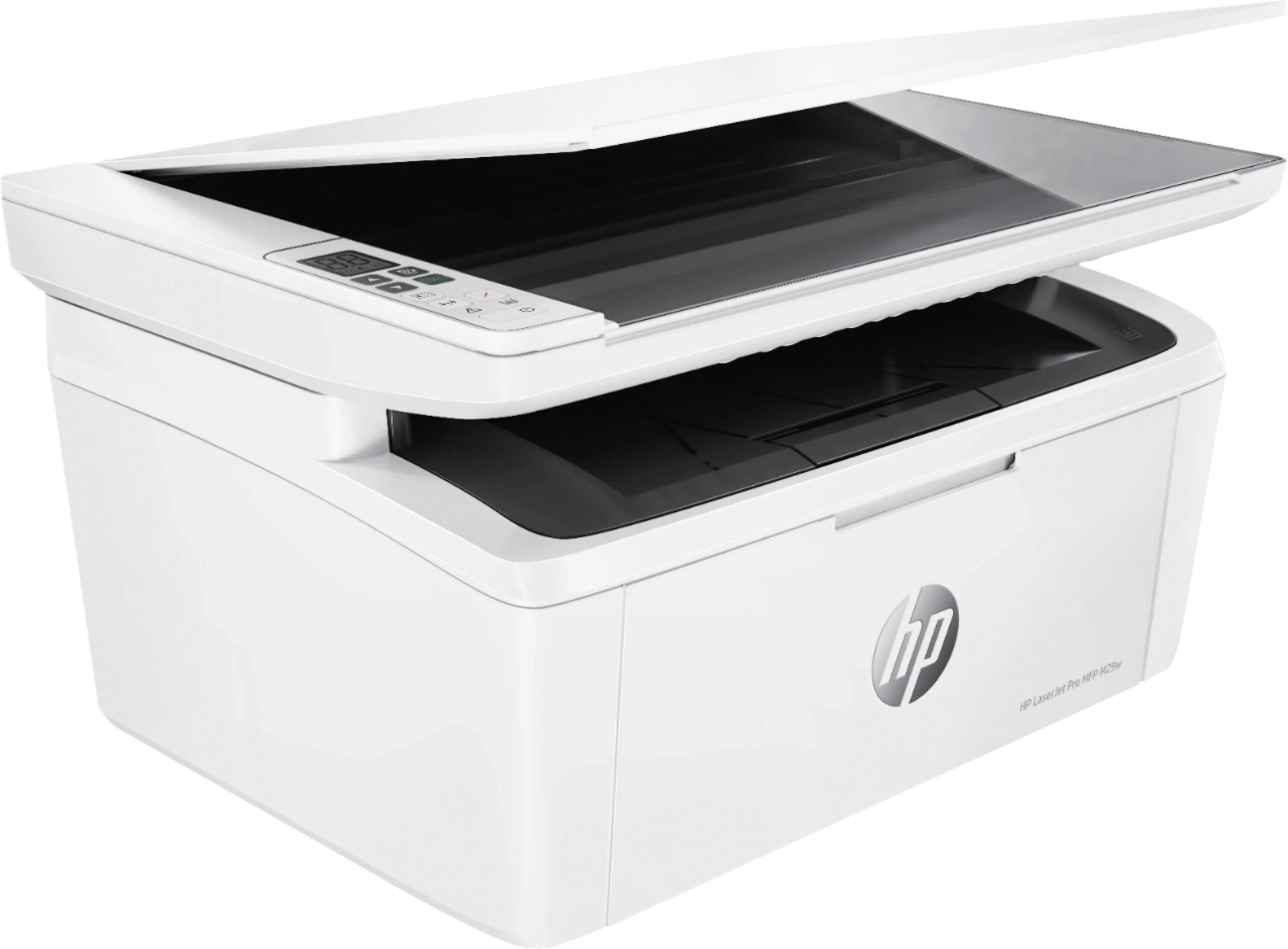
Product Dimensions W x D x H: 14.2 x 10.4 x 7.8 in; Maximum: 14.2 x 16.8 x 13.7 in (with scanbed lid and front tray open/extended)
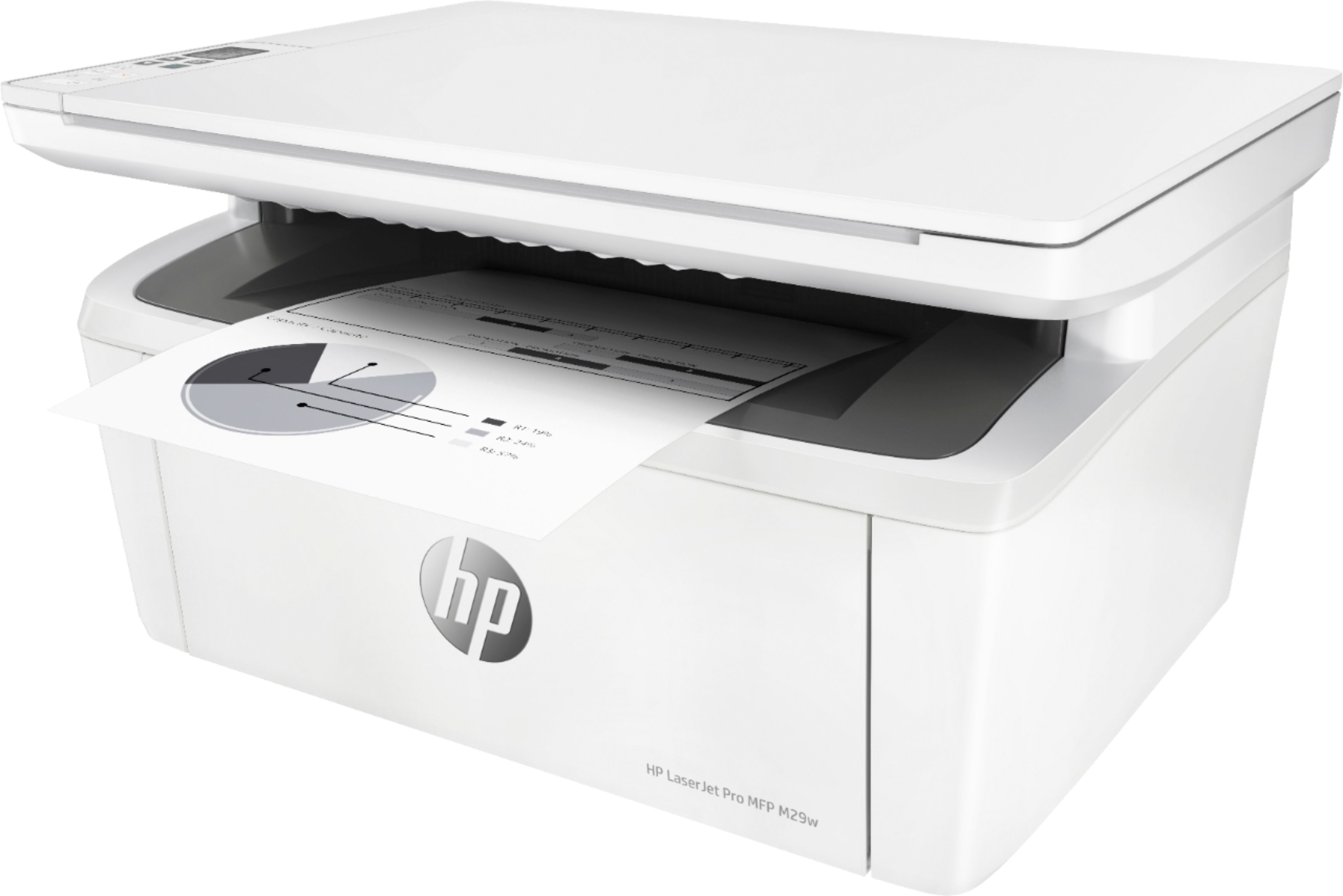
A:AnswerHi - here are the dimensions for the HP LaserJet Pro MFP M29w all in one printer.
Product Dimensions W x D x H: 14.2 x 10.4 x 7.8 in; Maximum: 14.2 x 16.8 x 13.7 in
https://cdn.cnetcontent.com/syndication/mediaserverredirect/97233252e52051f97aa2f1adfa18f5cb/original.pdf
A:AnswerYes You Can, Its Really Easy Just Fallow The Instruction. I First Set Up Mines Trought My School Loptop Which Doesn't Have A CD Drive, But Its Easier Trought Your Smart Phone, Just Download 2 Apps
HP Smart - Has Many Useful Features
HP Print Service Plugin
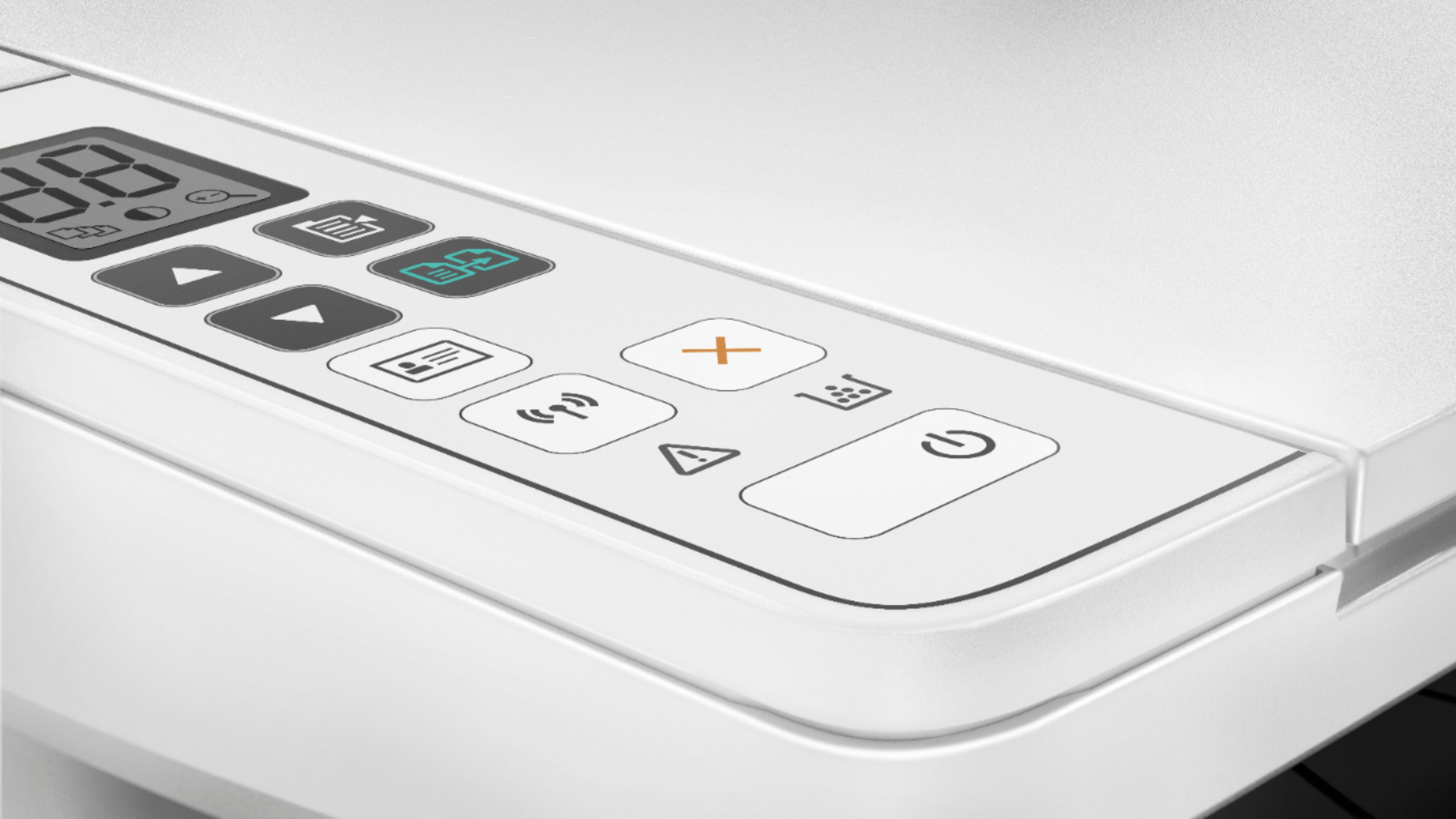
A:AnswerI use the HP Smart app to control my printer. You can change the print quality from low to normal to best which gets progressively darker. Low would be lighter.