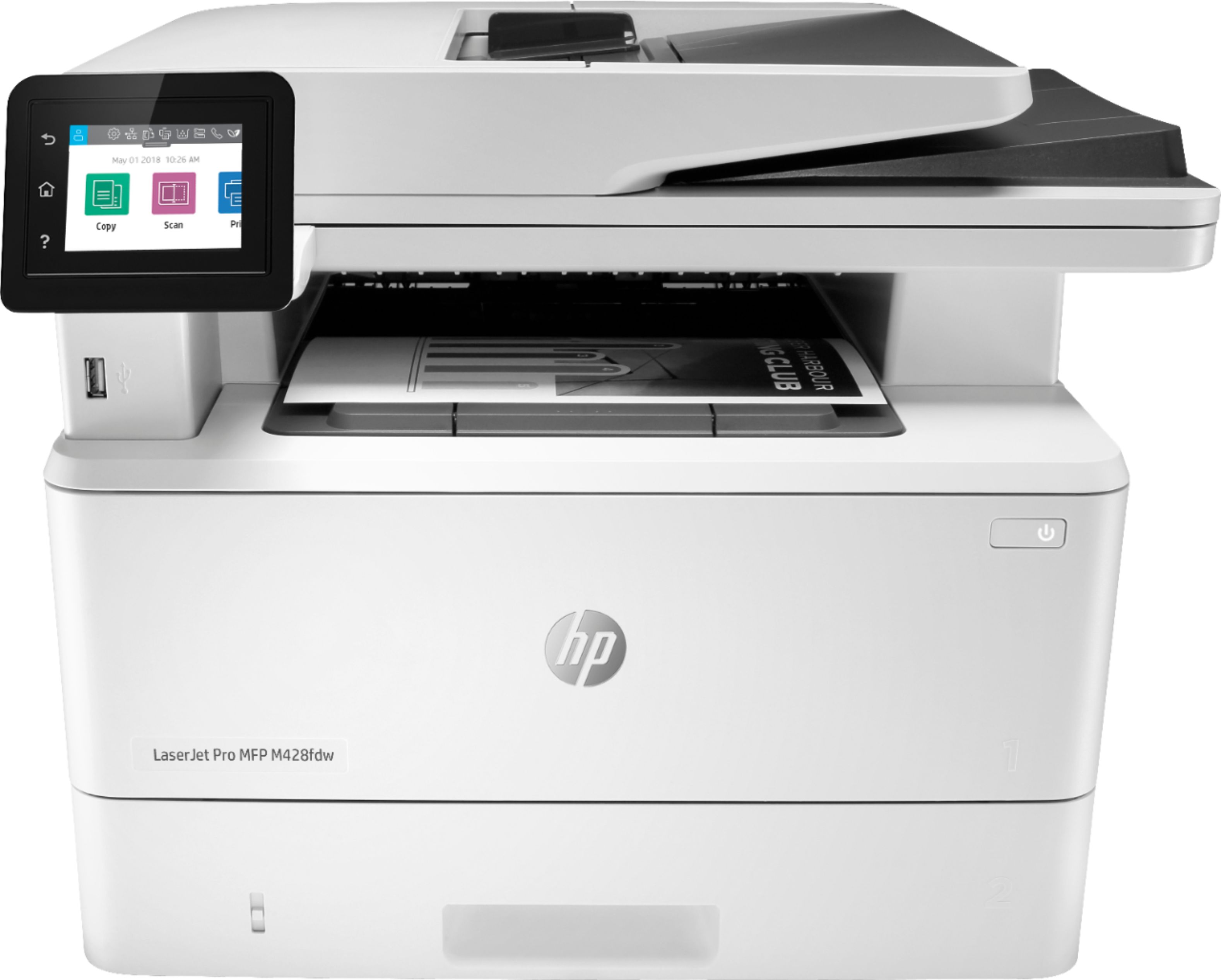
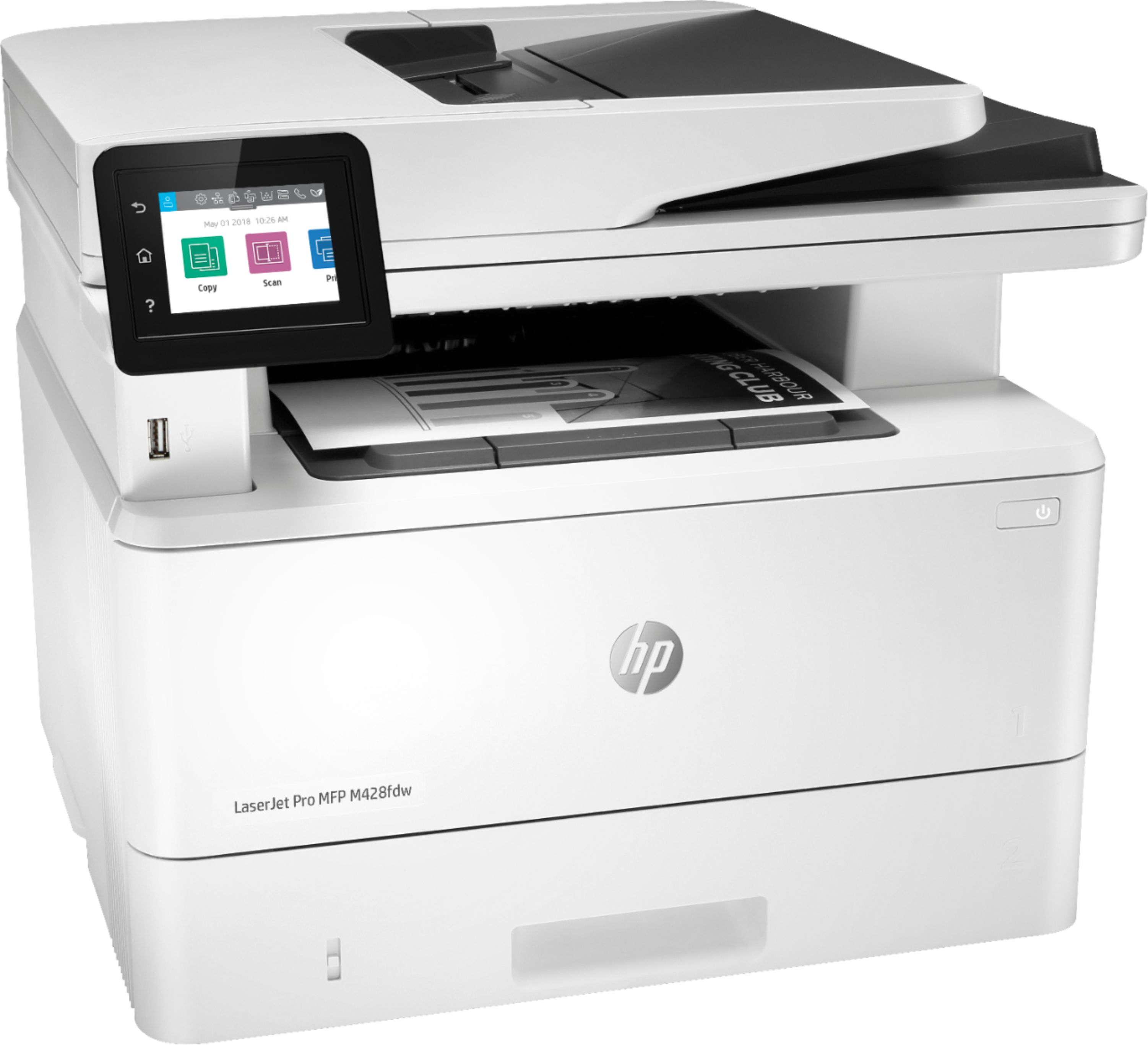
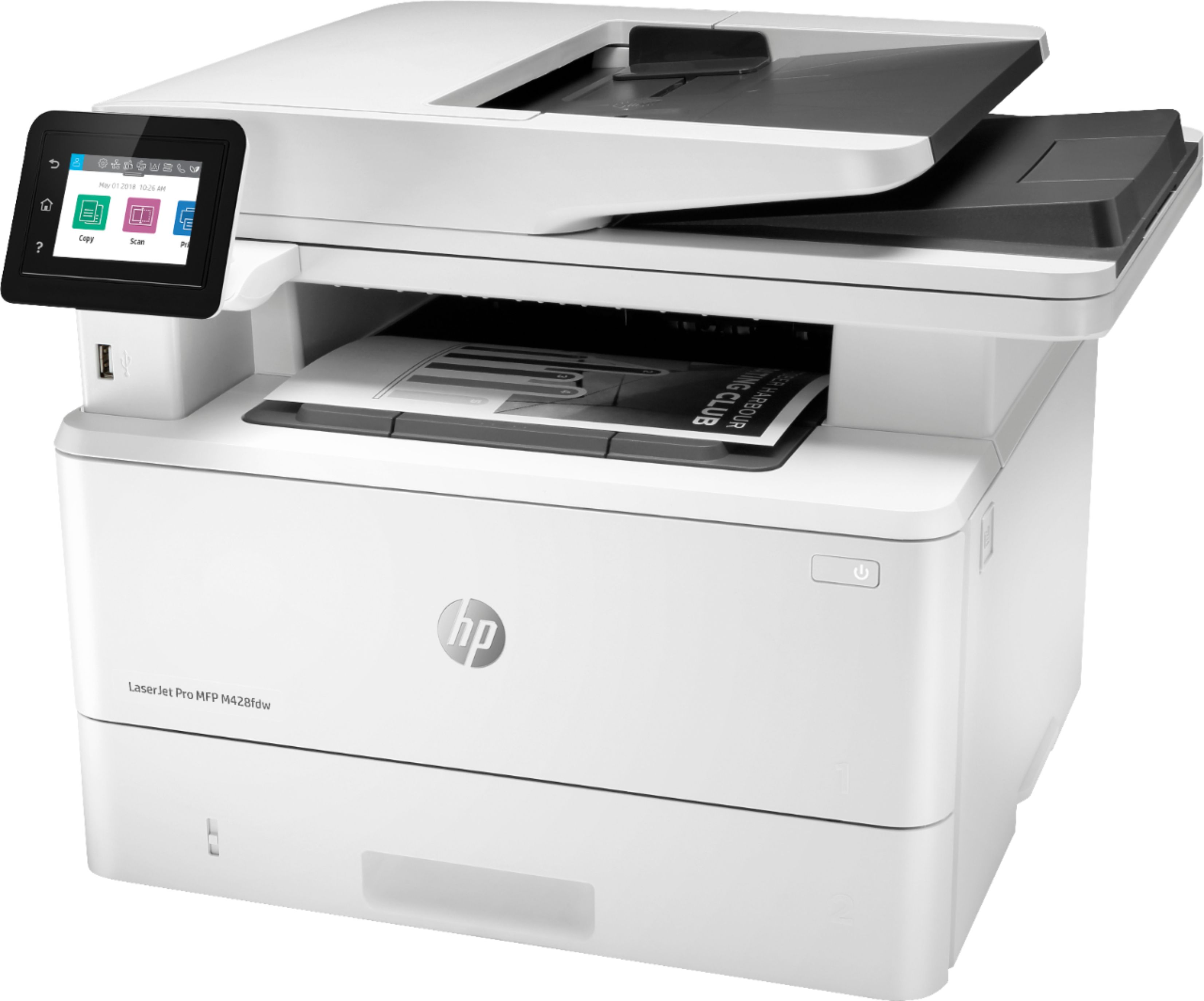
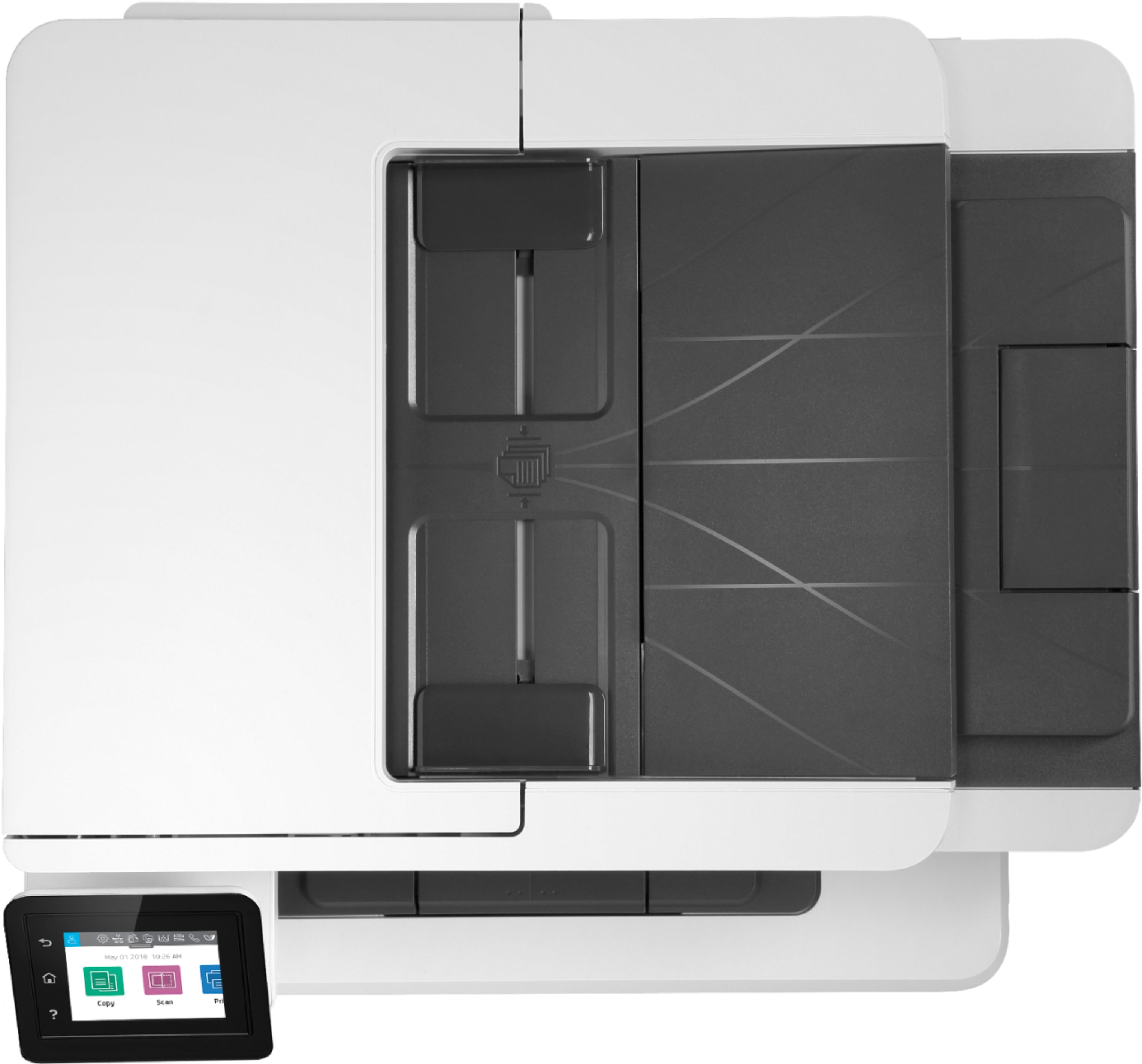
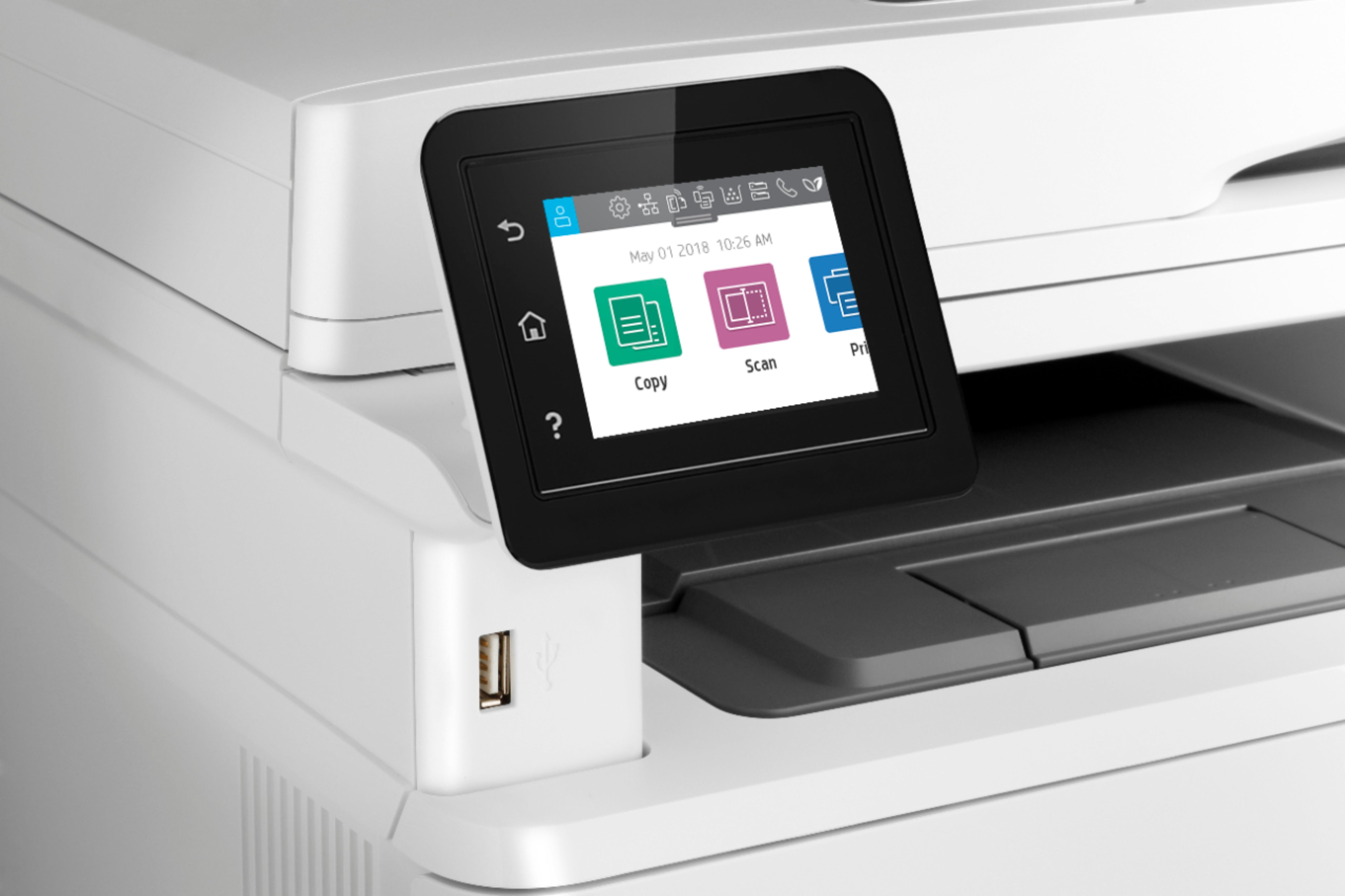
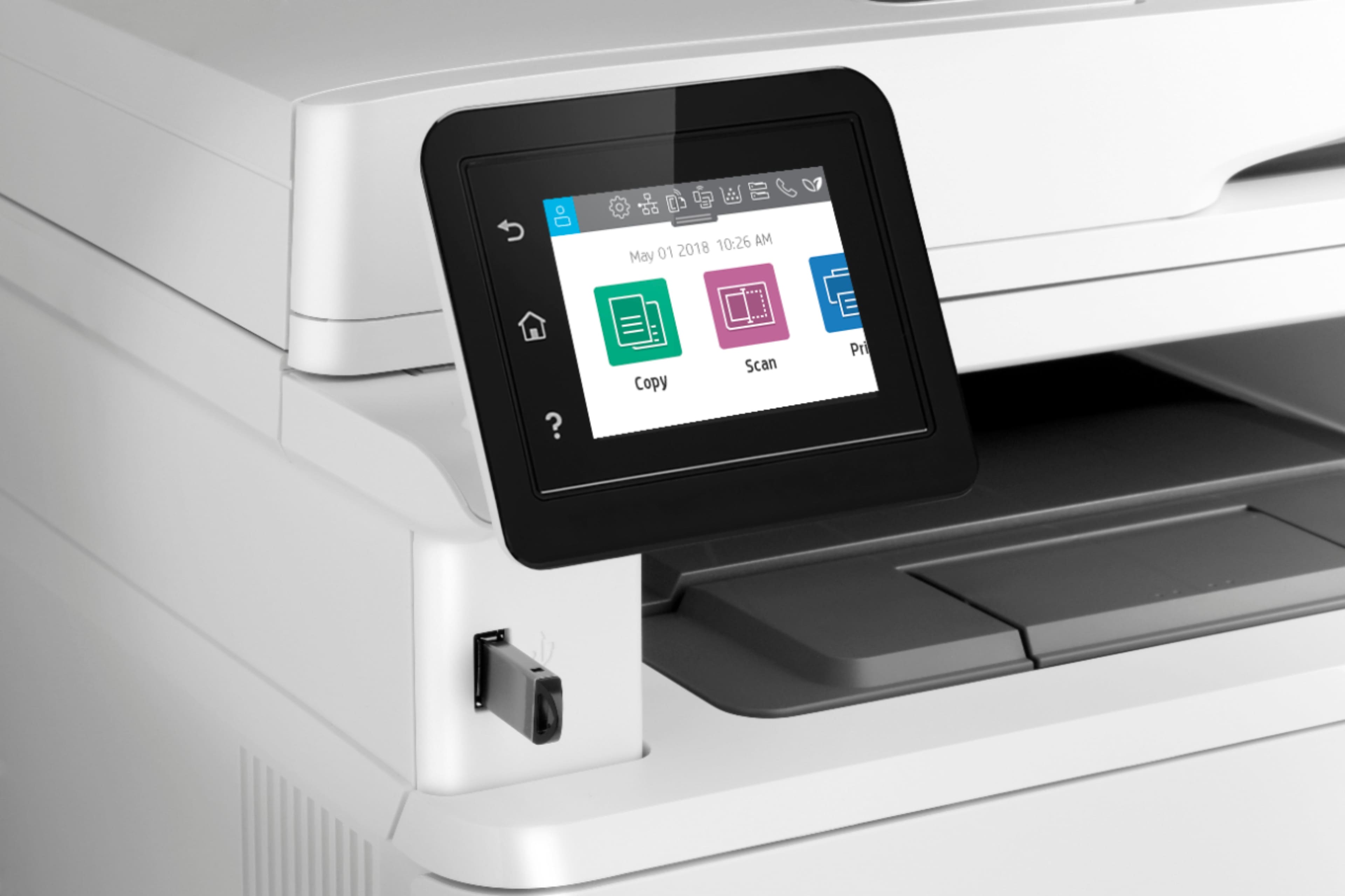
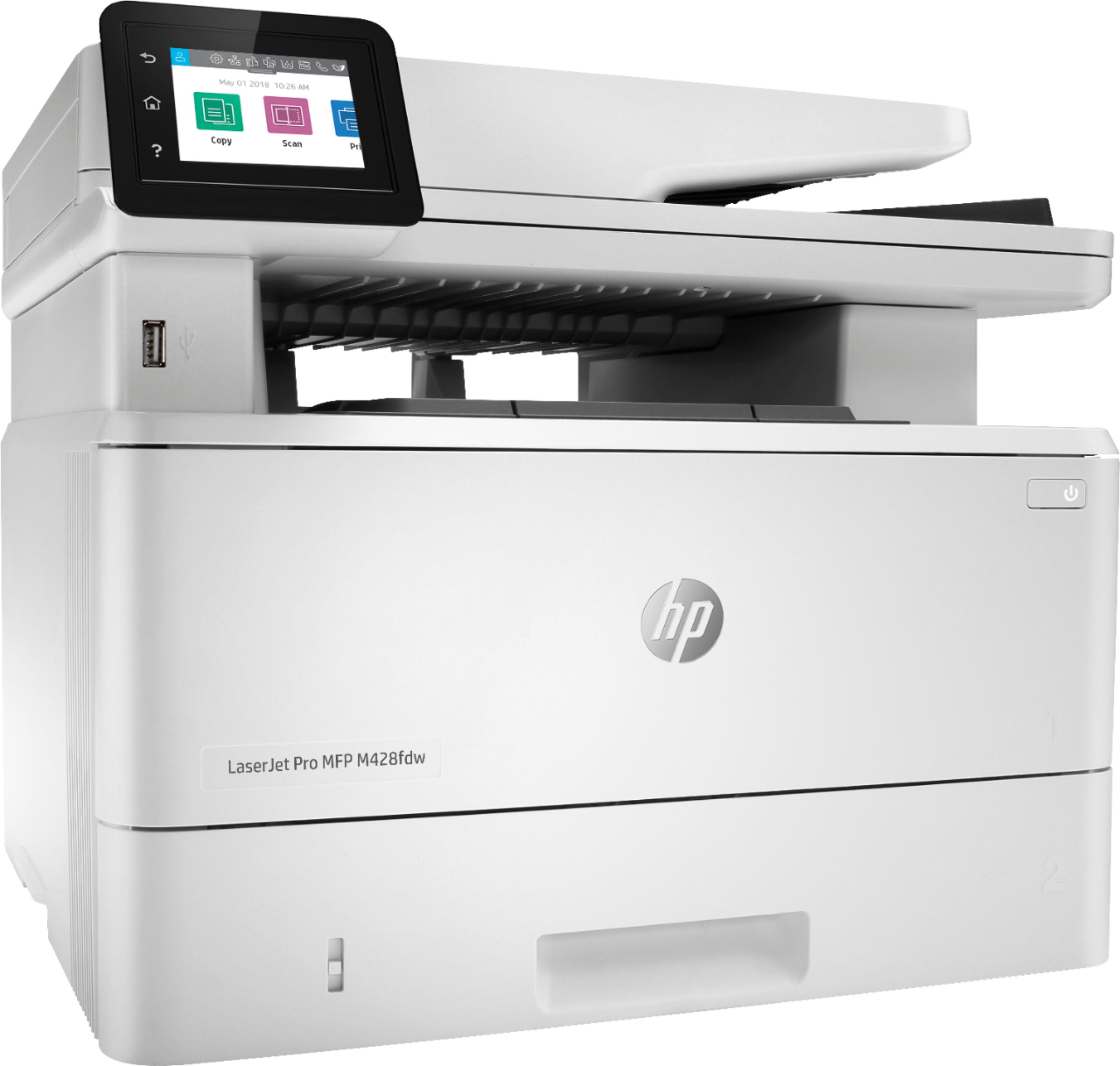
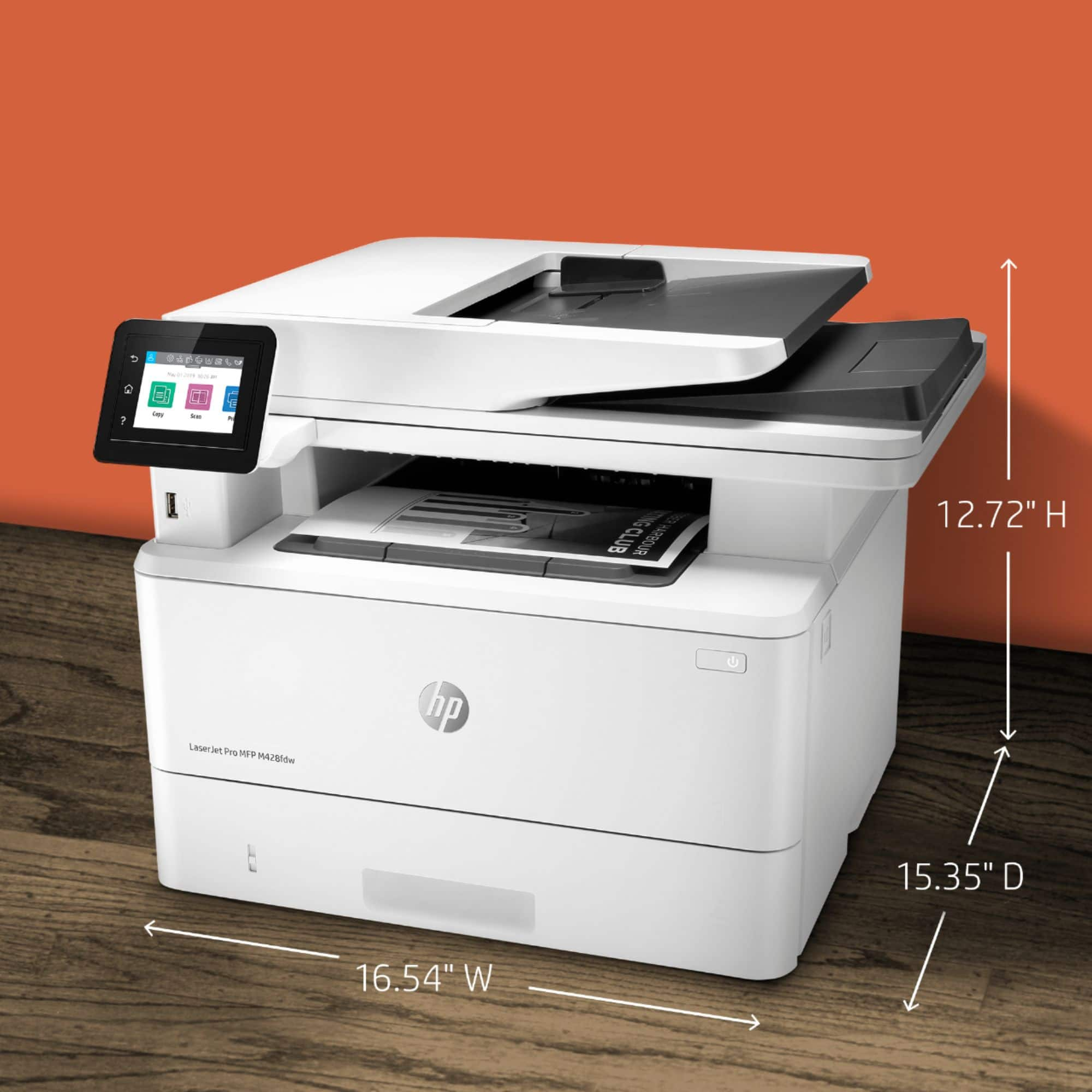
A:AnswerYes, there is a sheet feeder in addition to the flatbed, which works for both copying & scanning. I’m very pleased with the quality & speed of copies.
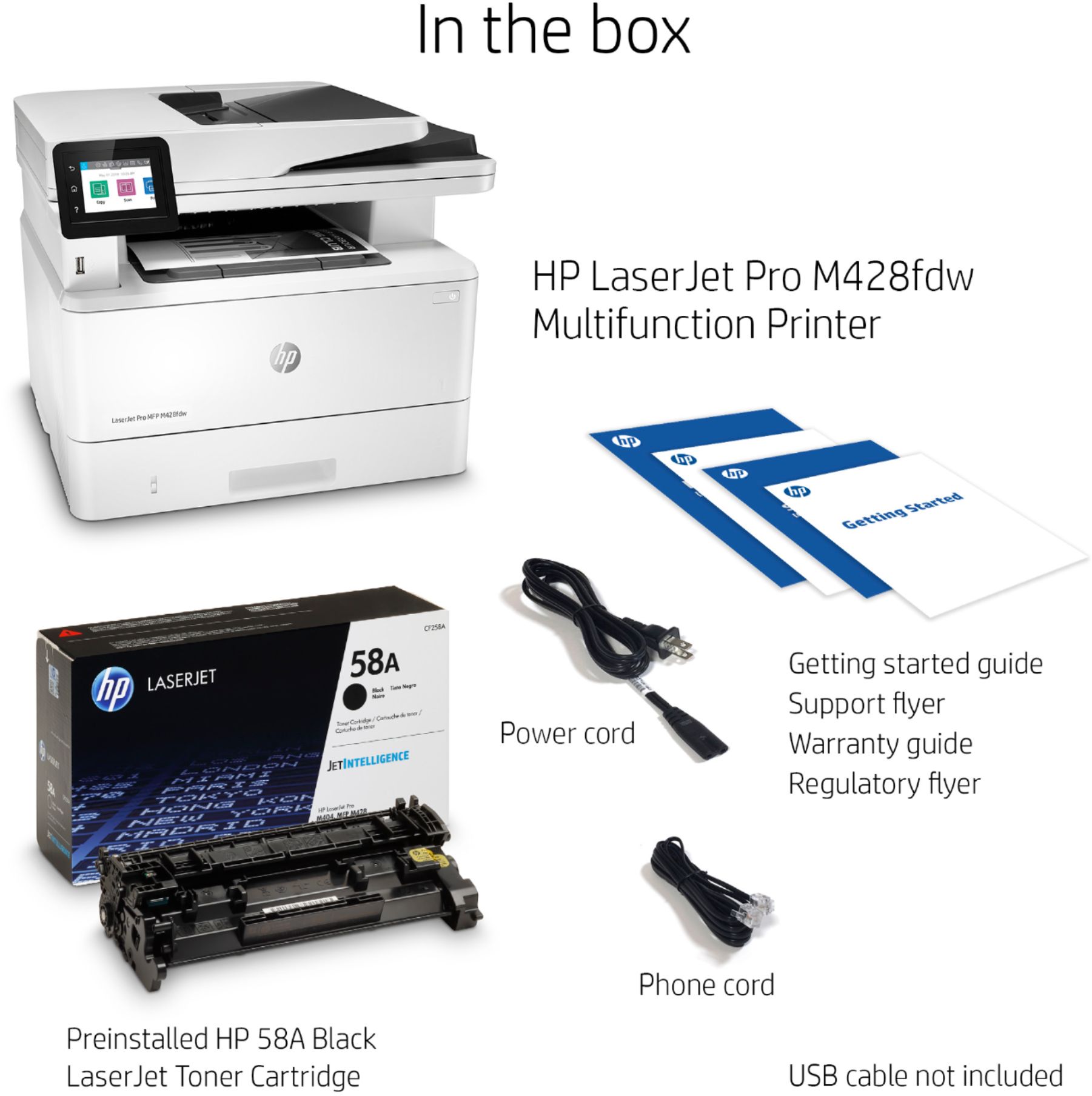
A:AnswerThat printer uses the HP 58A toner, and there are MICR versions of that available. As long as the toner they were recommending is equivalent to the 58A, it should work just fine.
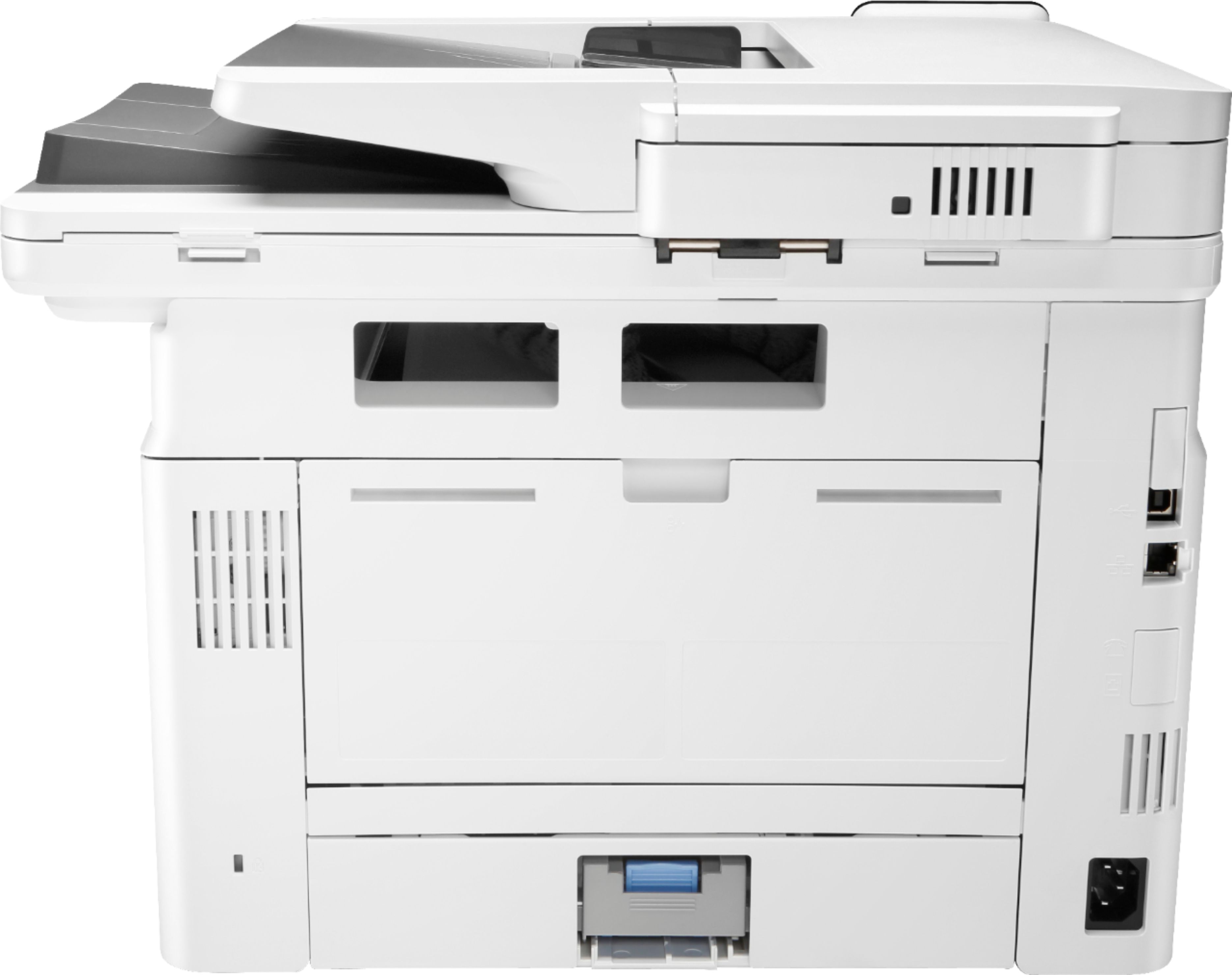
A:AnswerYou can manually assign the IP address of the printer either from the control panel or by logging into it.
As far as opening a specific port, I'm not sure what you mean by this - In the printer? Opening a port is something that you do in your router.
A:AnswerHello. Thanks for your question. You can print various items, i.e. lined notebook pages, checklists, through the Printables option through the HP Smart app. You will be able to search for the items in the Printables option.
A:AnswerNo. You will need to go through your checks and resort them so the lowest number is face down when on the top of the stack.
I think some check-writing software can account for this and you can change it in settings, but otherwise refer to the instructions above.
A:AnswerThe LaserJet Pro M428fdw printer can handle up to 10 envelopes at a time in tray # 1 of the following types: Envelope #10; Envelope Monarch; Envelope B5; Envelope C5; Envelope DL
A:AnswerYes it allows for feeding checks but I still have to work out the alignment. It needs adjustment but I think it is a software issue not a printer issue. I also separately feed envelopes of varying sizes.