Questions & Answers
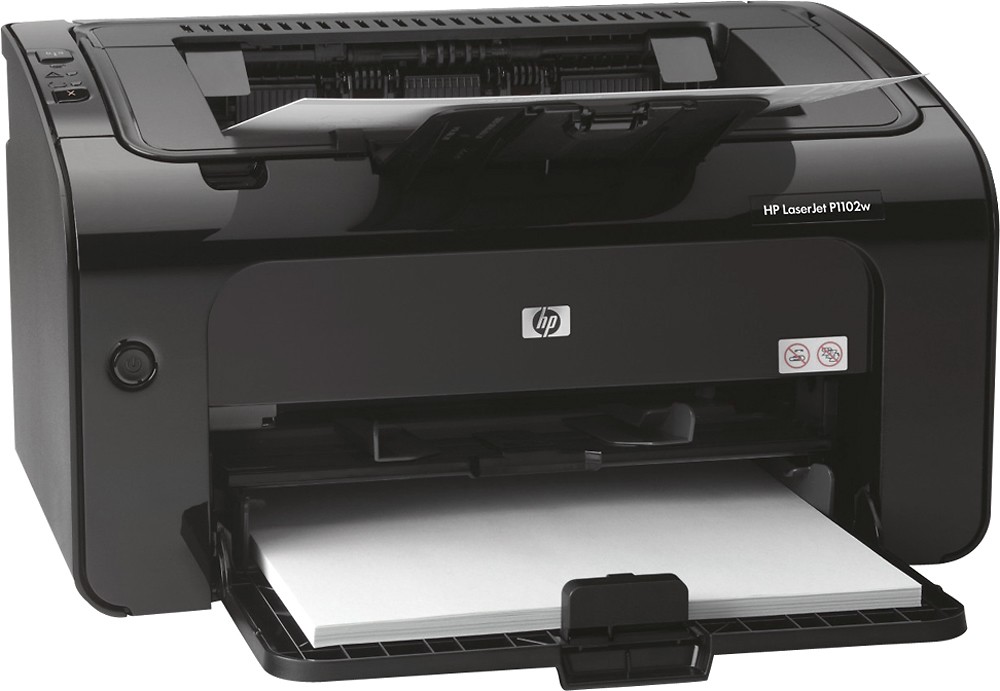
- Model:
- CE658A#BGJ
- |
- SKU:
- 5471522
Highly rated by customers for: Print Quality, Ease of use, Wireless
Page Showing 41-45 of 45 questions
Q: Questioncan I print half size letter paper without been jammed?can I print half size letter paper without been jammed?
Asked by jomil.
- A:Answer Yes you can.
Answered by brandon
Q: QuestionCan it reduce and enlarge when copying?
Asked by HarrysCookie.
- A:Answer No, it is not a scanner. What you see on your computer screen is what prints in black and white.
Answered by RhondaN
Q: Questiondoes it print google cloud printDoes it print to google cloud print
Asked by Anonymous.
- A:Answer Yes, this HP printer has the ePrint technology feature.
Answered by HP Team

Q: QuestionI changed the router and suddenly, wireless network did not work for printer.I used this printer for a few years through wirelss. I changed the router and after the change, the printer does not work even if I reinstall all softwares again. Any suggestion?
Asked by Anonymous.
- A:Answer I would check your router to make sure it is backward compatible with 2.4 networks. Did you go through the wireless setup on the printer using the software from HP. If it recognizes the network then it should print.
Answered by Tazdevil
Q: QuestionDo I connect the P1102W to the Verizon D-Link modem?If I connect the printer to the modem, can I then print from my Mac?
Asked by Maggie.
- A:Answer My experience with the printer and network printing from any Osama has been pretty good you just have to connect the printer via USB and run the setup utility for the network configuration again and you're golden. The Mac (or at least in my case) automatically finds it.
Answered by Mtorres
Page 3, Showing 41-45 of 45 questions
Top Rated
- Ultimate Deal$299.00$299.00
- $329.99$329.99The price was $469.99
- Ultimate Deal$139.99$139.99
- $121.99$121.99The price was $129.99
- Ultimate Deal$299.99$299.99
- Ultimate Deal$1,099.99$1,099.99
















