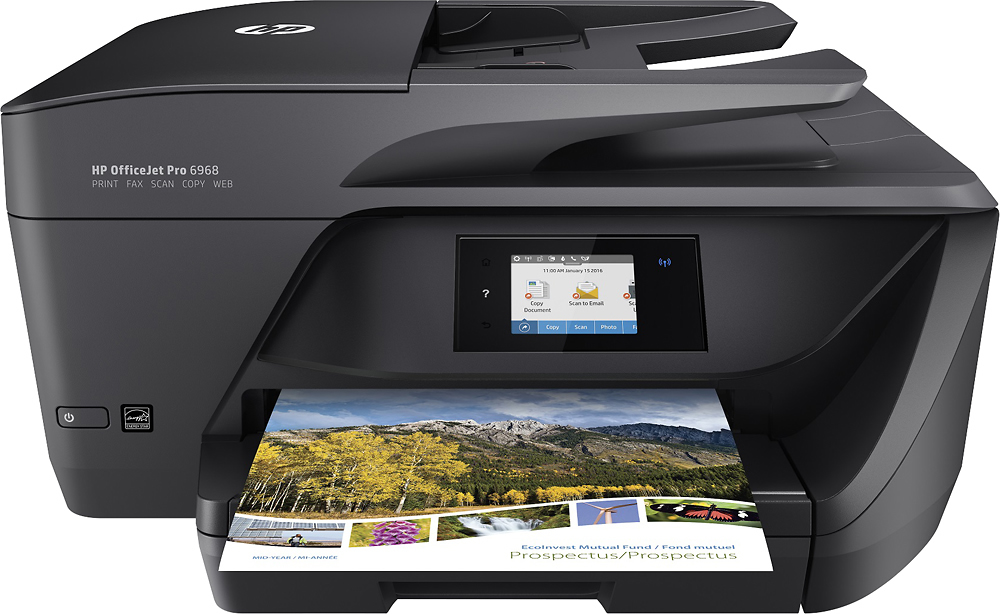
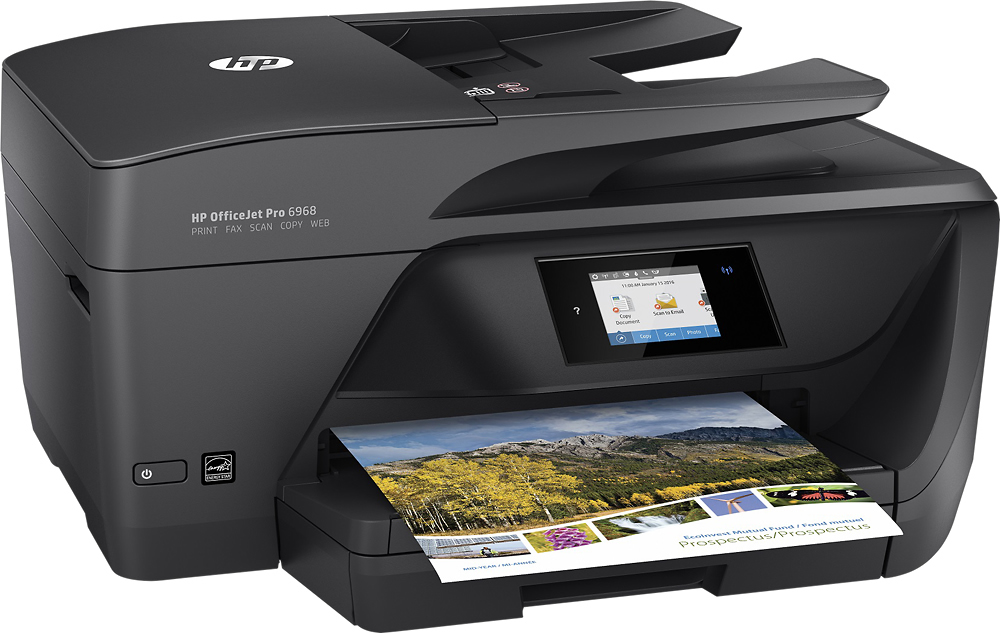
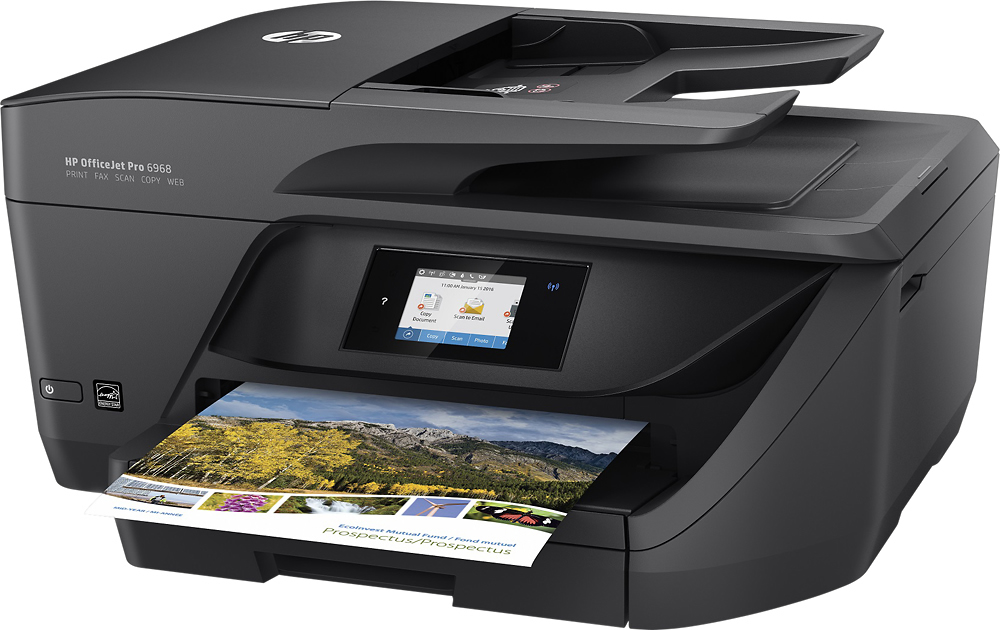
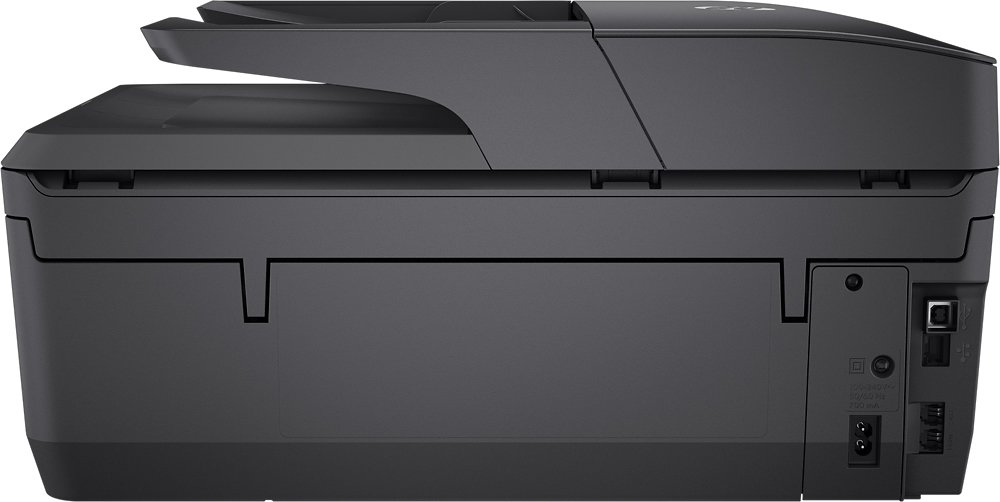
A:AnswerIf you do a Wireless Network hookup I believe this one will be great. Also, any printer that can hookup to a wireless network should be OK. I saw something about this in the instruction booklet.
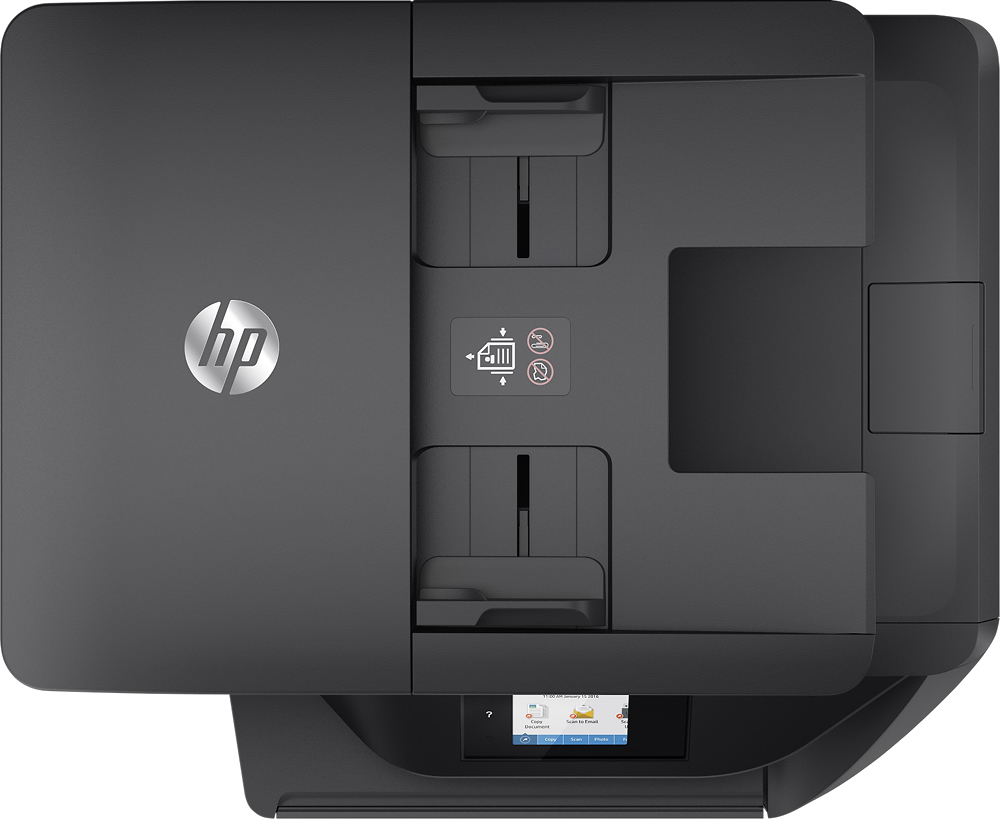
A:AnswerIf you just want to print a copy from the machine, place the page face down on the glass then push Copy Document on your panel. If you want to print a copy of something other than a Document push Copy and it will then bring a different window up which will allow you to choose whatever you want to print.Then the next window will ask how many and if you want black/white or color. As you'll see it also says start in front of Black or Color. Hope this helps.
A:AnswerYes, but it seems to have issues waking up the printer and printing a print job from the sleep mode the printer enters when it is just sitting unused. I have to turn the printer off and on manually for the print job to complete.
A:AnswerOur printer came with stater ink cartridges. We joined the HP Instant ink plan and a few days after we had our printer operating a fresh set of ink cartridges came it in mail so we have them when we need them. Very happy so far.