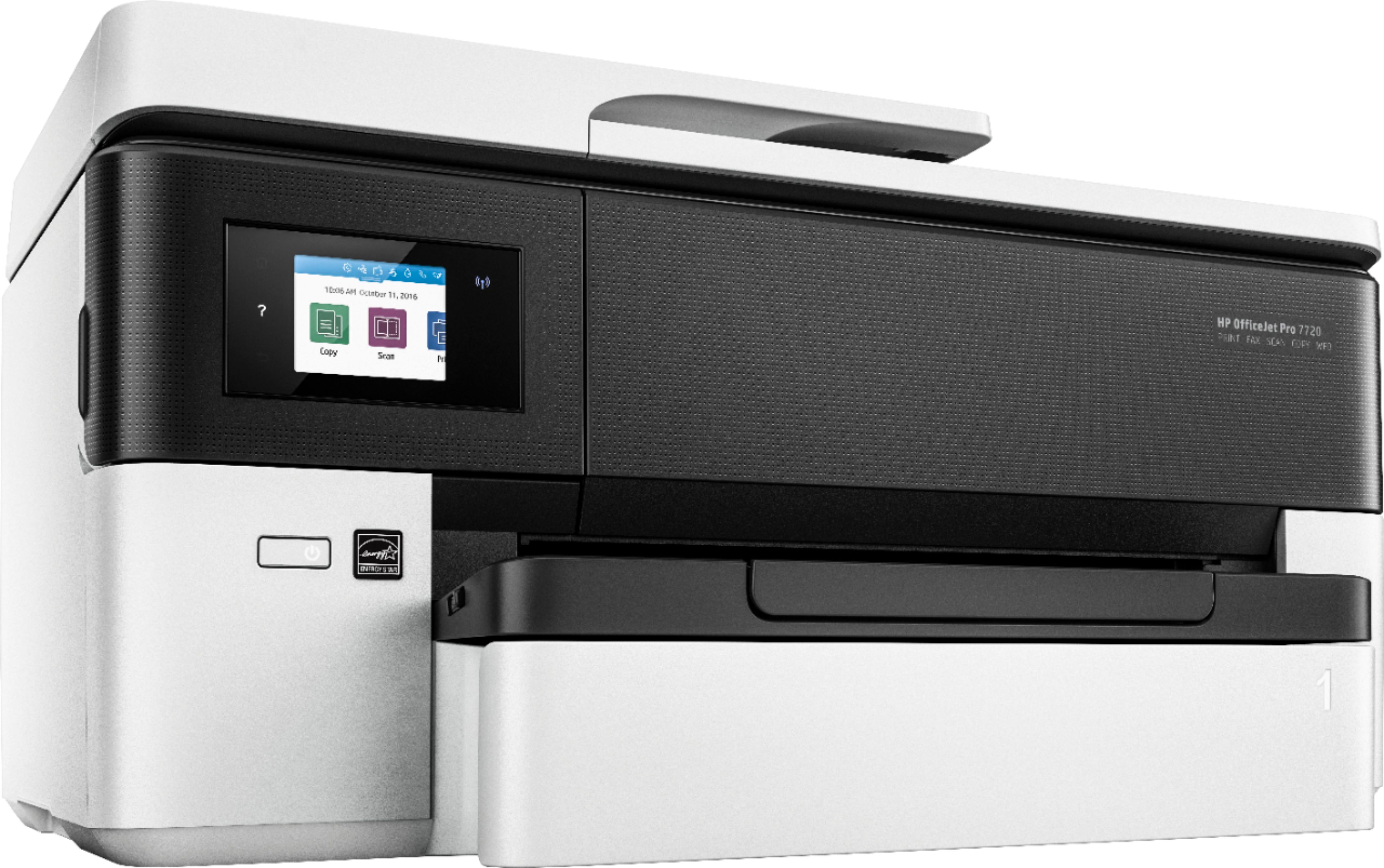
A:AnswerIt's slower than normal, so it's probably a settings issue. Check to make sure you're not printing at the highest possible quality, which will also be the slowest.
A:AnswerI haven't tried that yet but I would imagine once you open up from your email you could save the pages you want
for different attachments using the print function on your computer. I would save the numbered pages I want for each
different attachment as a PDF then name that document so I could find it to attach it to the email. Hope that helps.