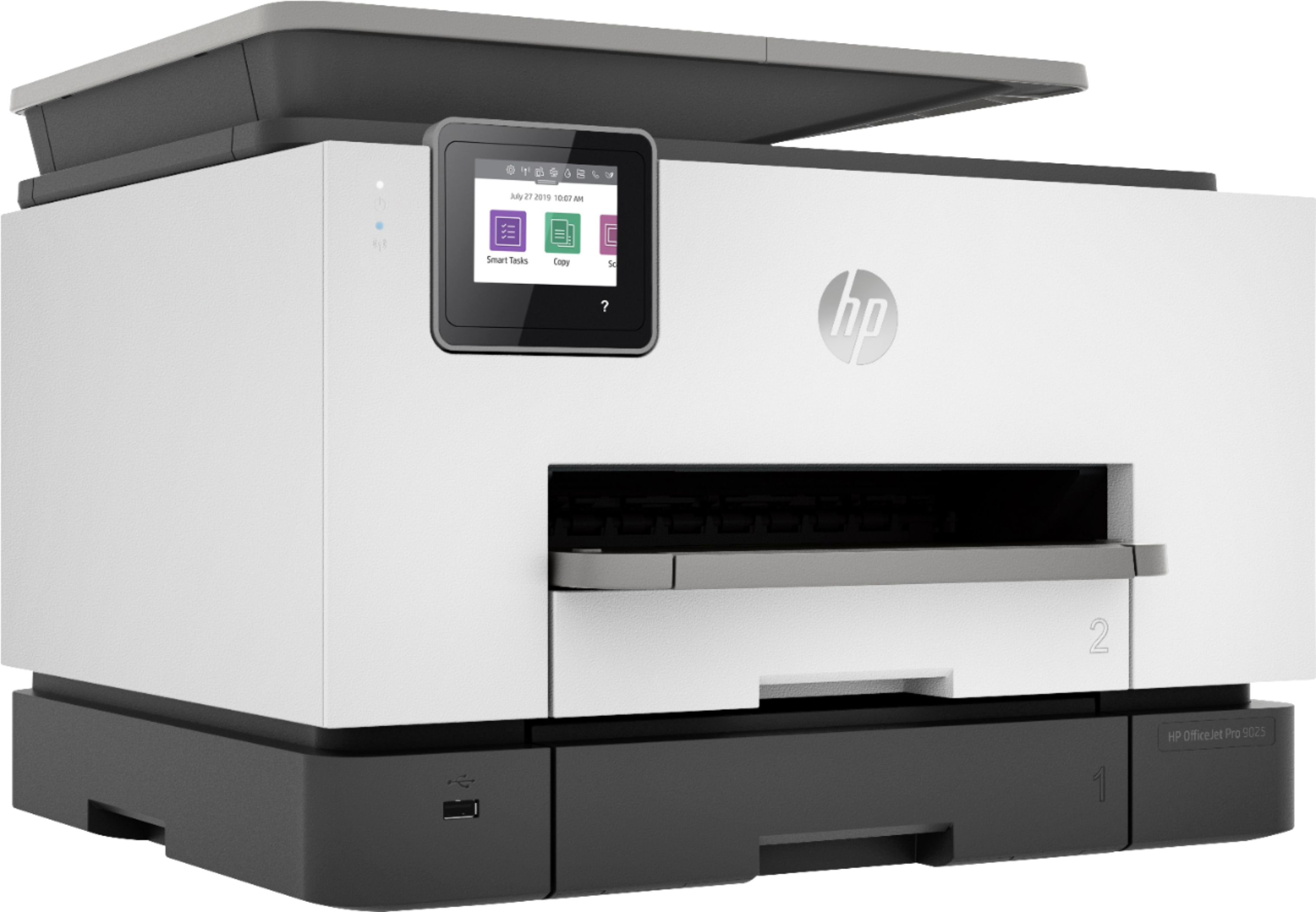
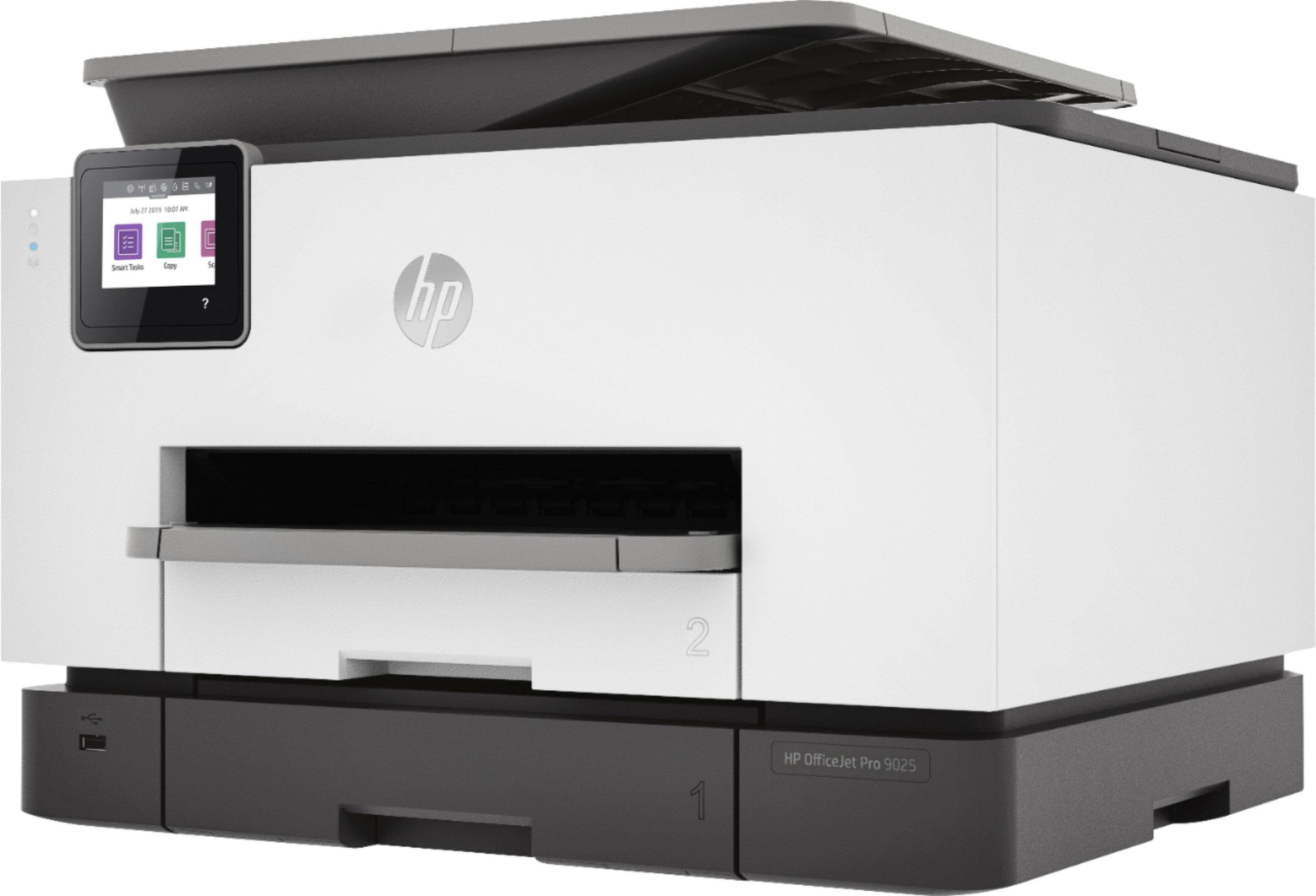
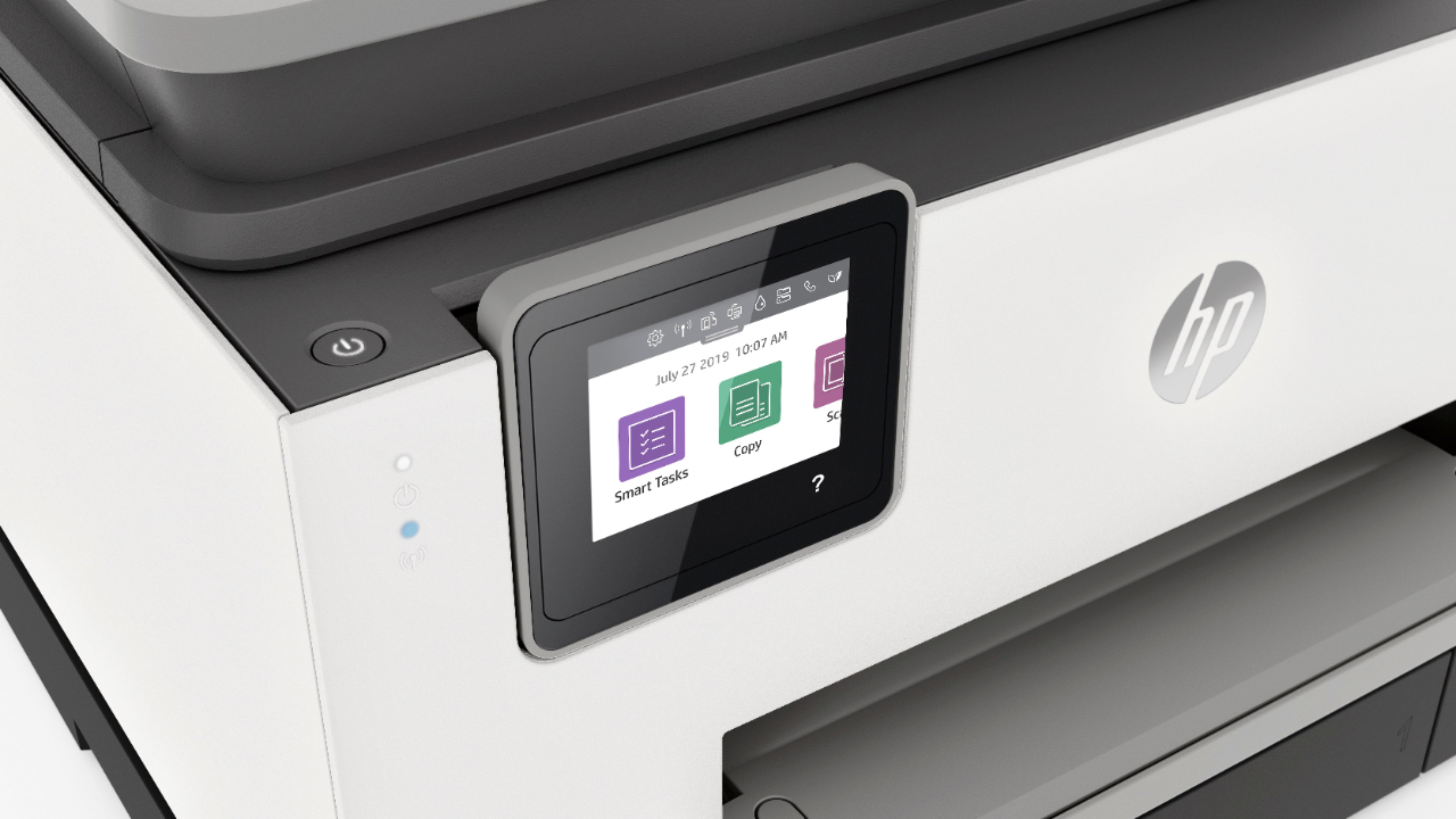
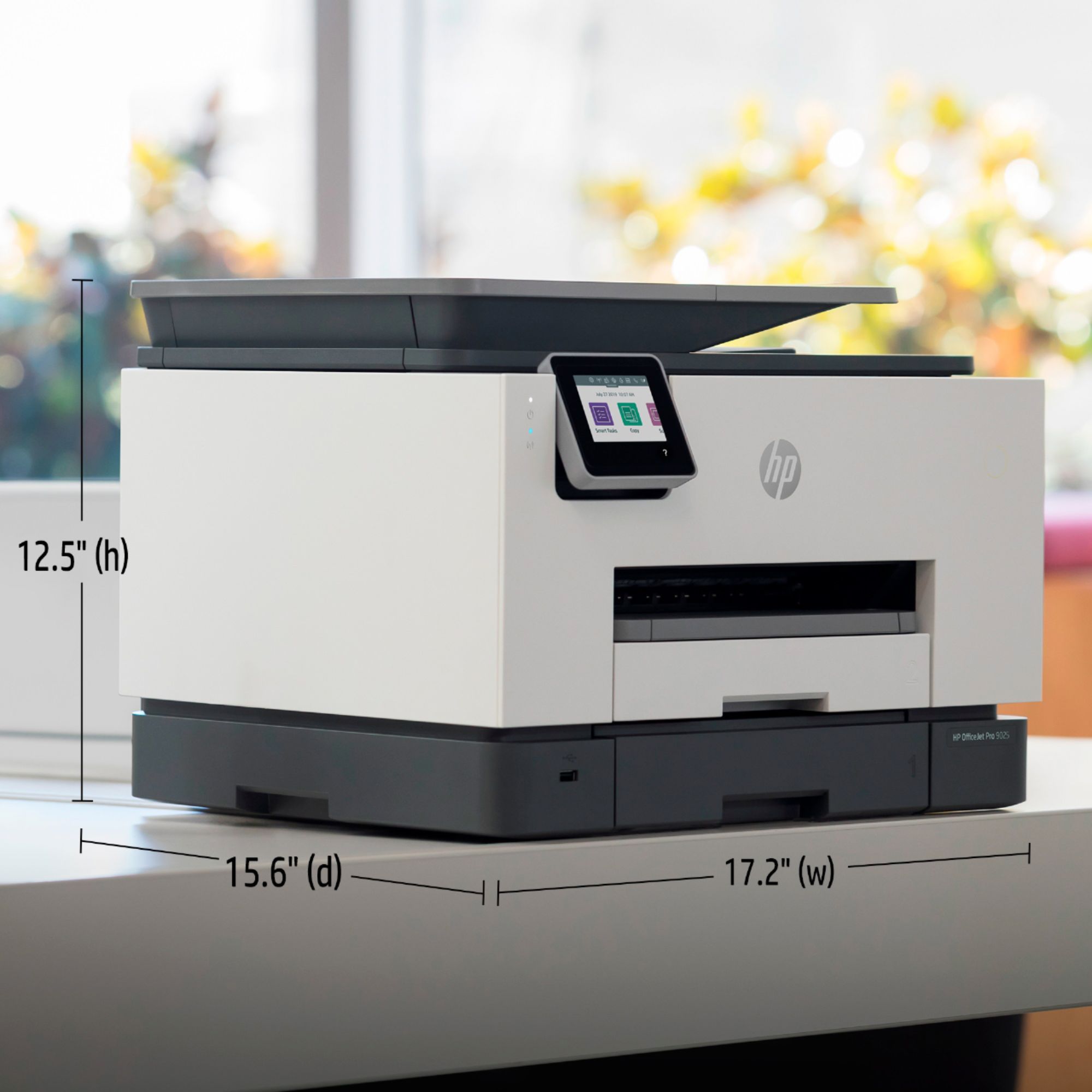
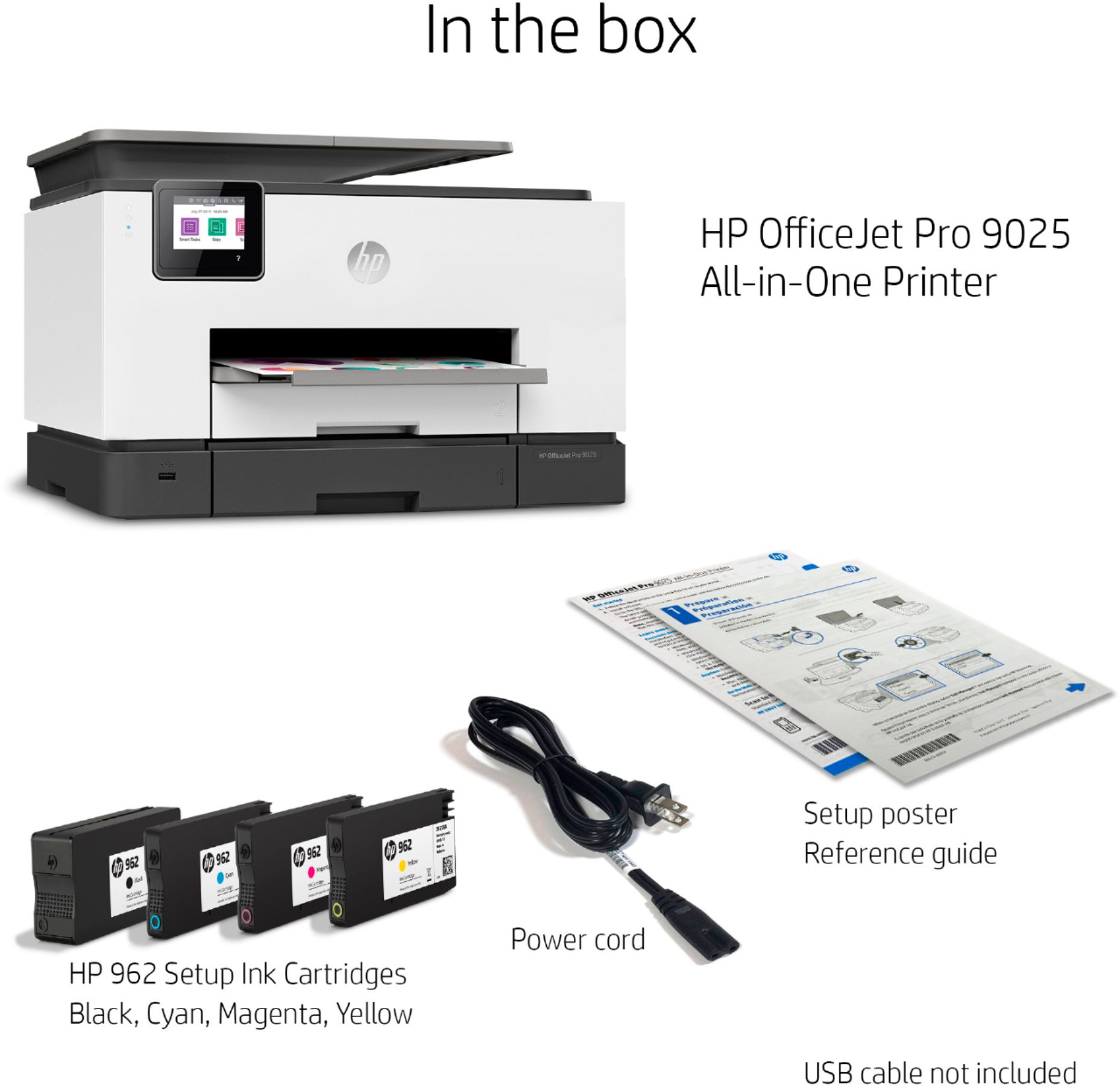
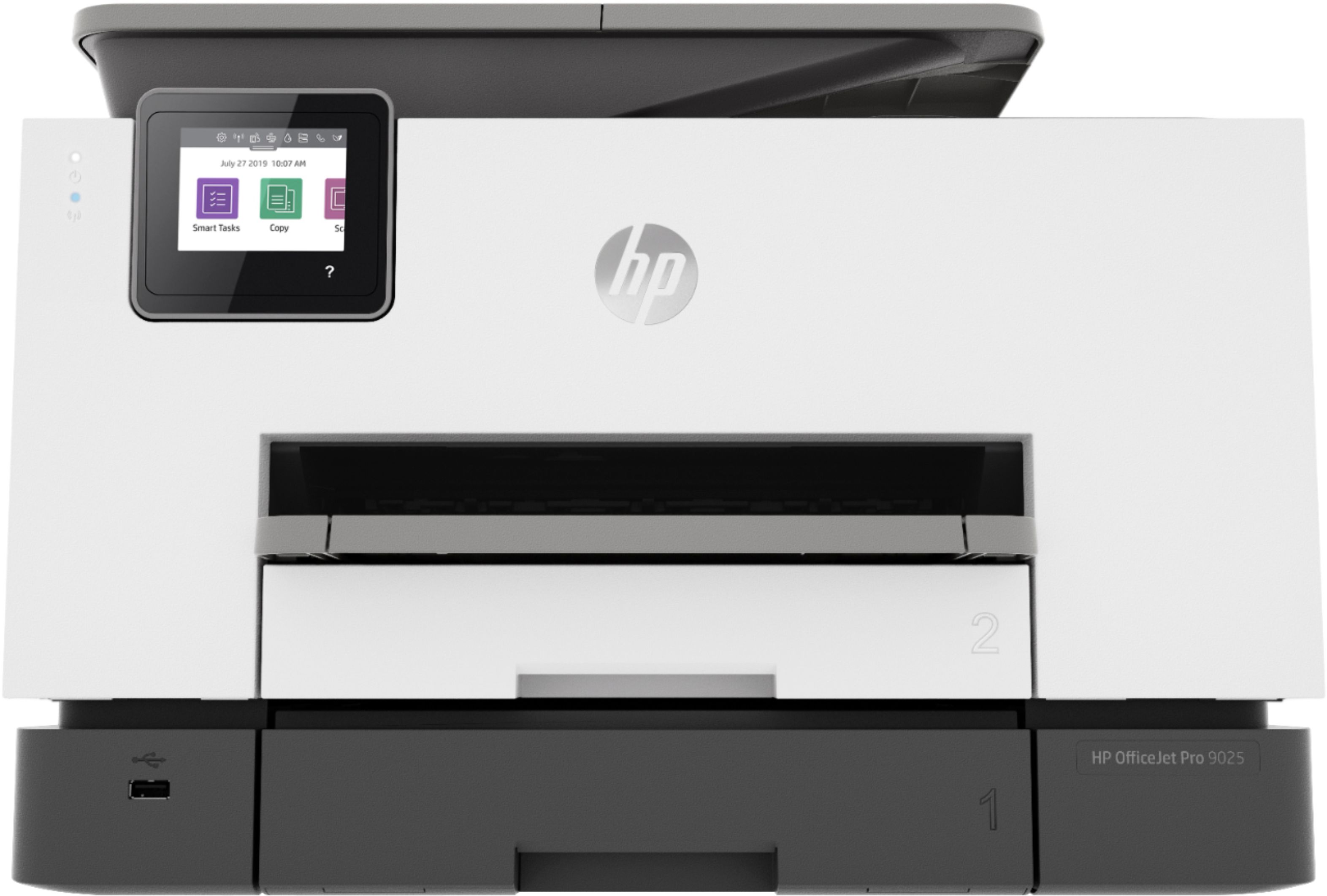
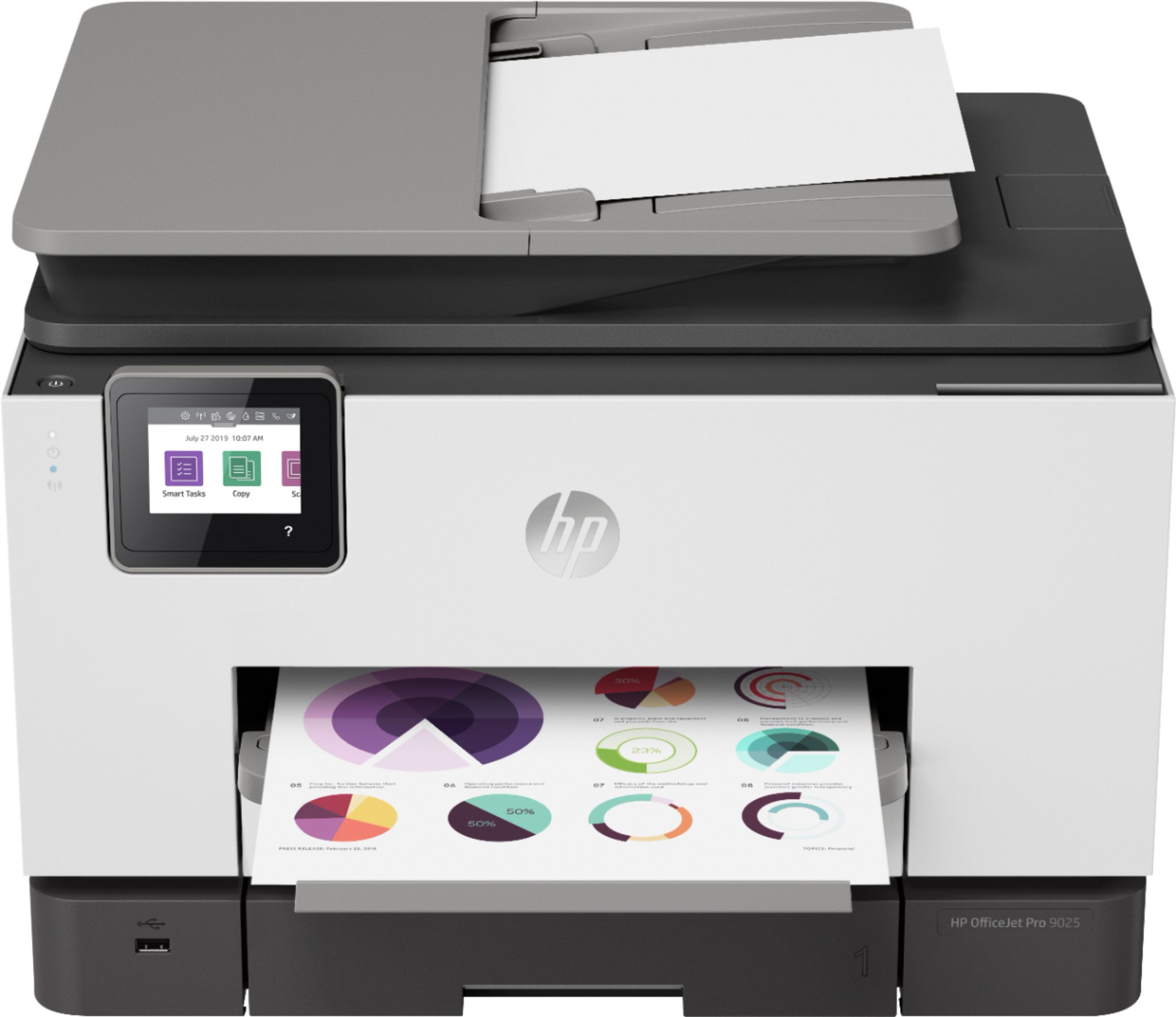
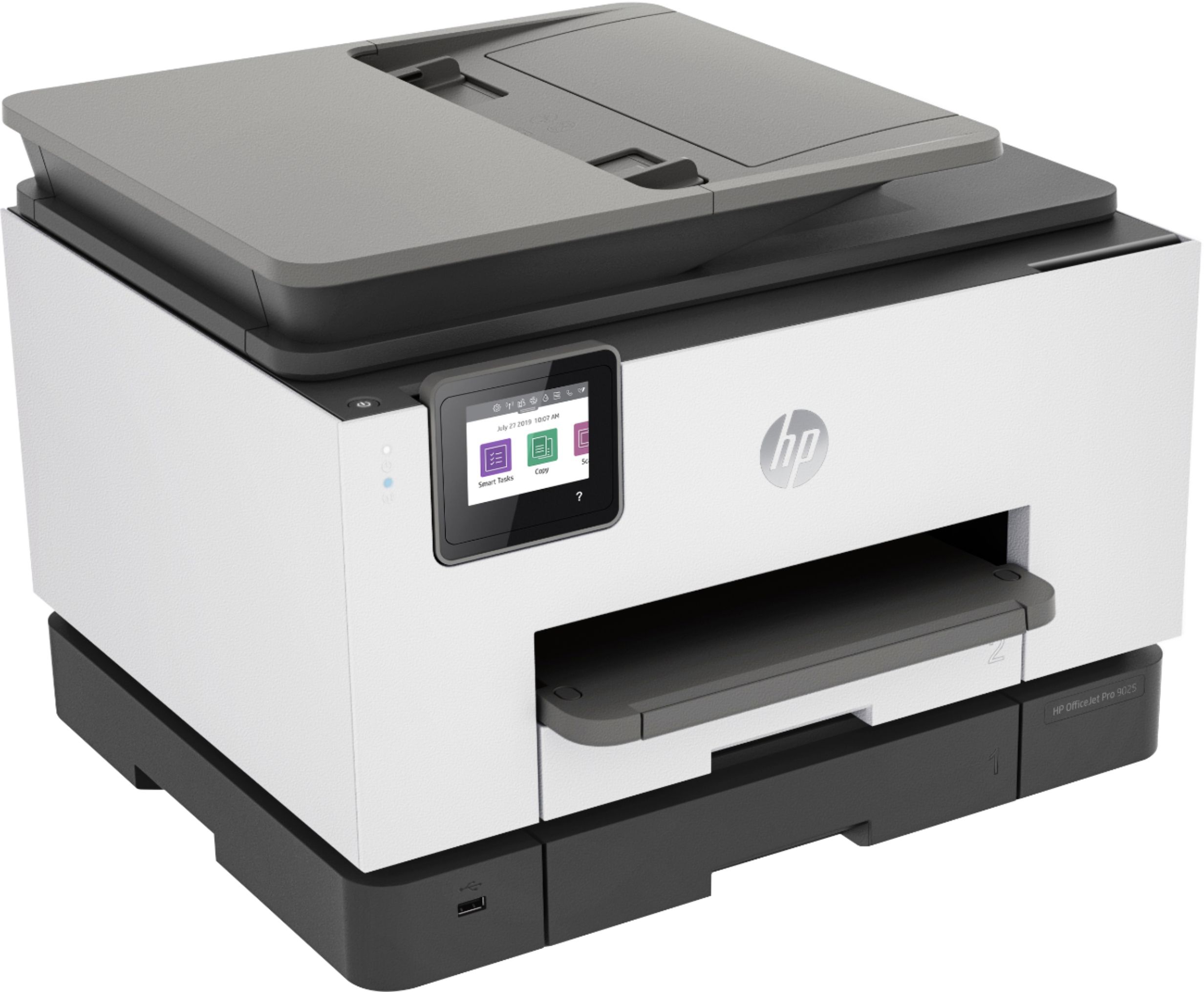
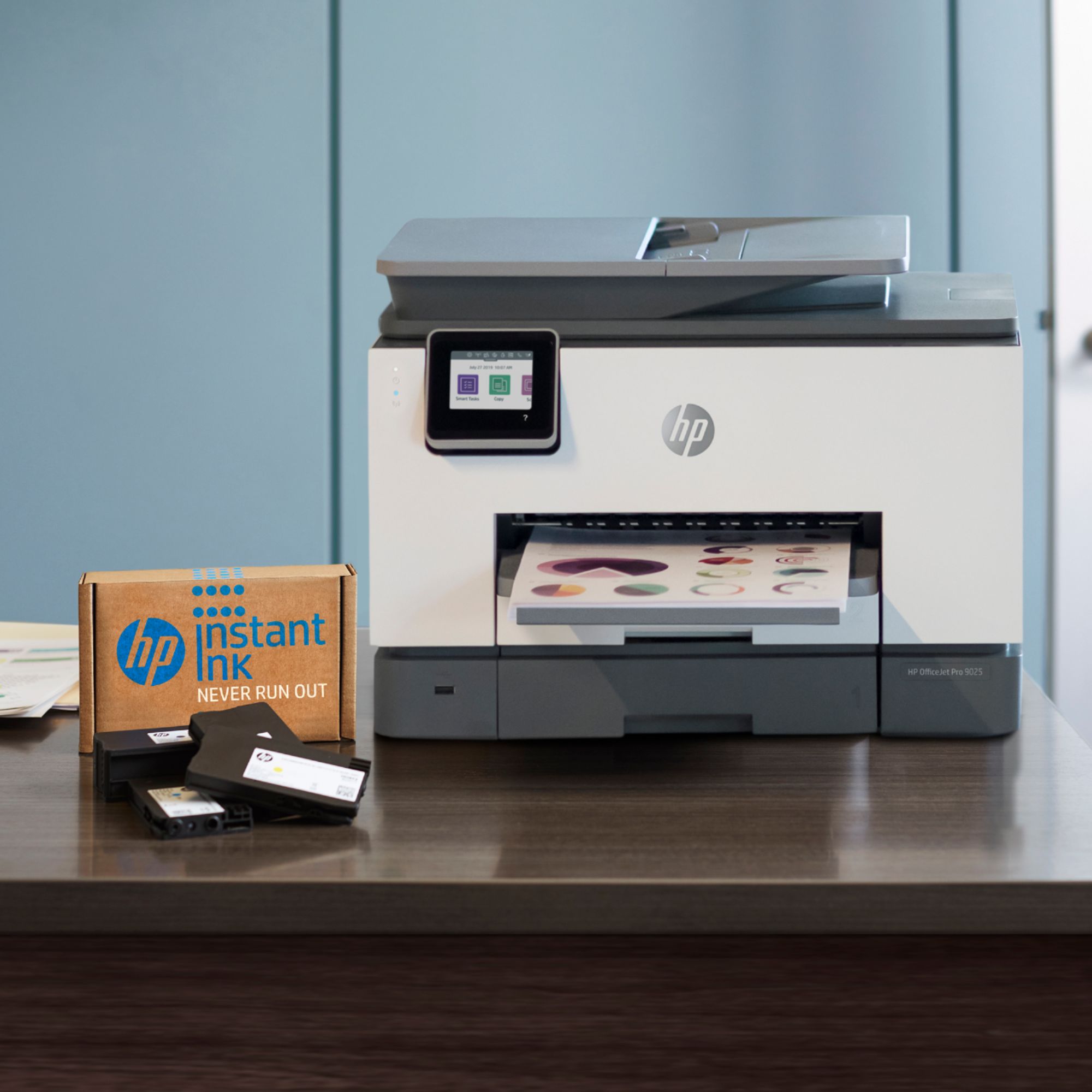
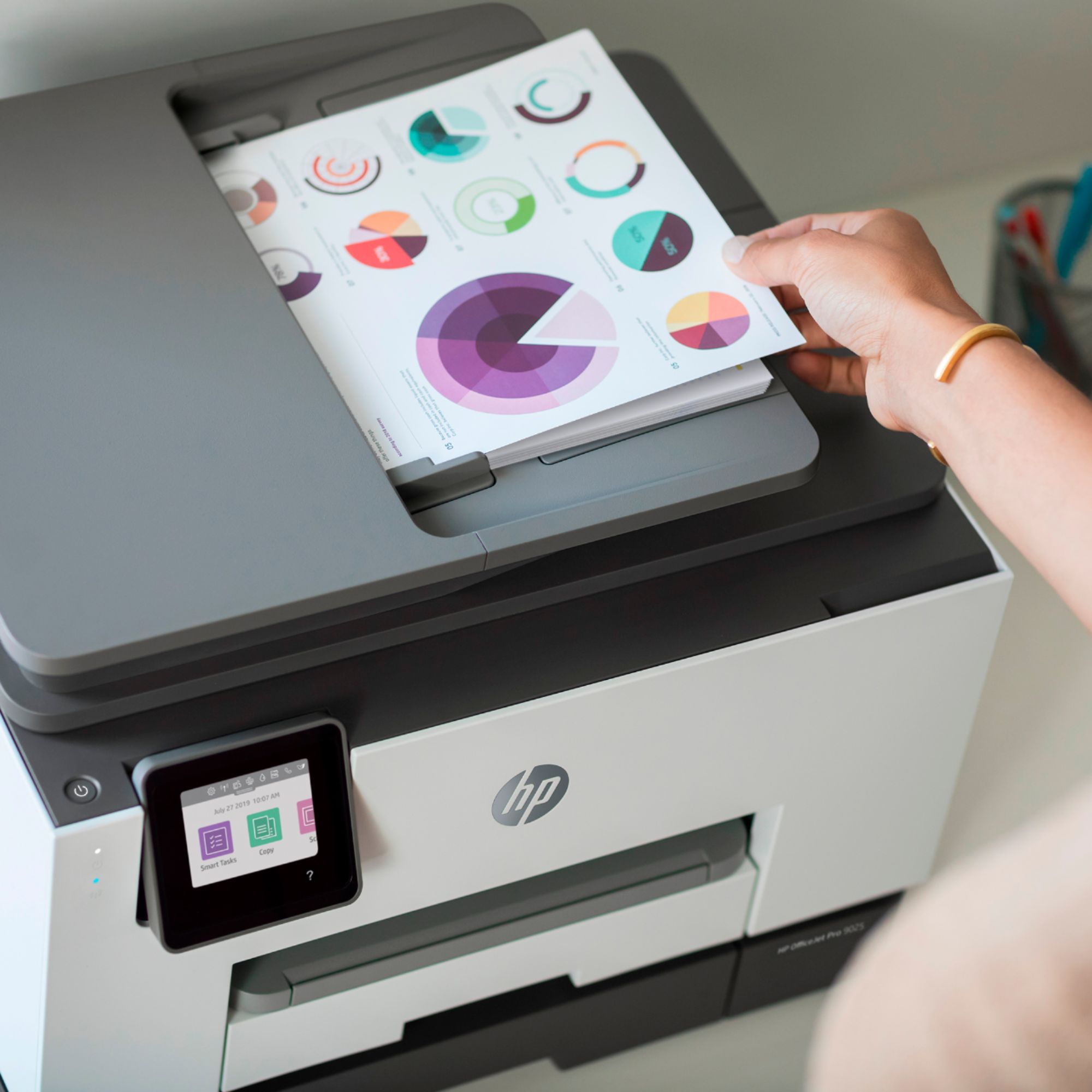
A:AnswerHello! Thank you for your question. Models with the 'e' in their model number are HP+ compatible. HP+ models qualify for a free extended warranty by opting into only using HP original cartridges during the setup process. As a bonus, all HP+ models come with a 6-month promotion of Instant Ink service. There is no added cost for opting into HP+ and the only requirement is to maintain an internet connection to verify the cartridges installed are HP Original. The HP 9025 and 9025e are the same core printer except for the HP+ difference.
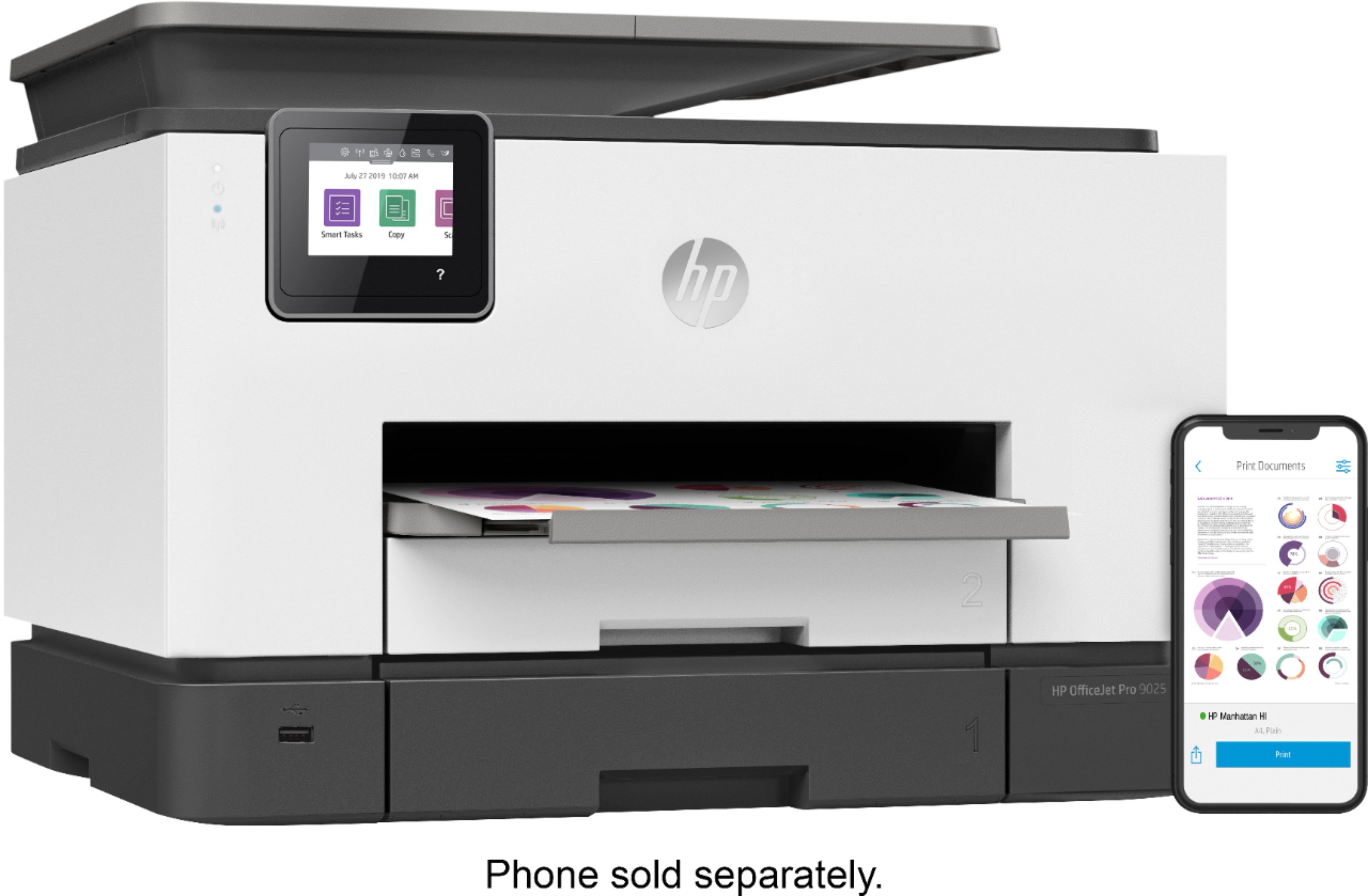
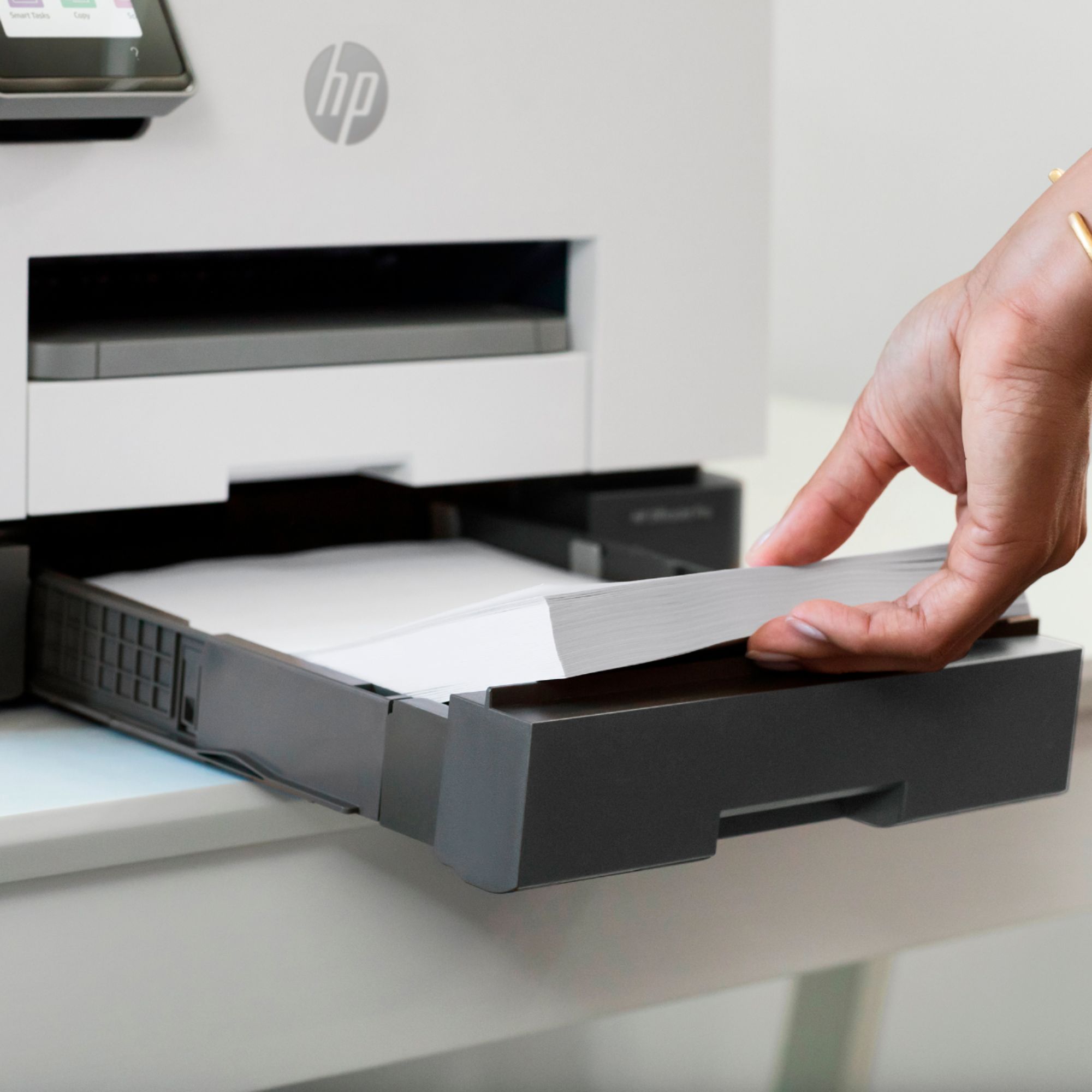
A:AnswerHello. Thanks for your question. There are only a few differences between the HP Officejet Pro 9015 and 9025 printers. The 9025 can scan or copy in a single pass double-sided on the auto document feeder. The 9015 printer can scan or copy both sides in multiple passes. The 9025 printer has 2 trays that hold 250 sheets in each tray. And the 9025 has an option for a larger black ink cartridge, the 966xl black. The 9015 printer nnly has one paper tray that can hold up to 250 sheets of paper.
A:AnswerWe use this printer in our office with 24# stock and have no problems. Hope this helps. You could also just bring some card stock to Bestbuy and put it in the floor model to test it by copying something onto it and see how it works. That’s what I would do!
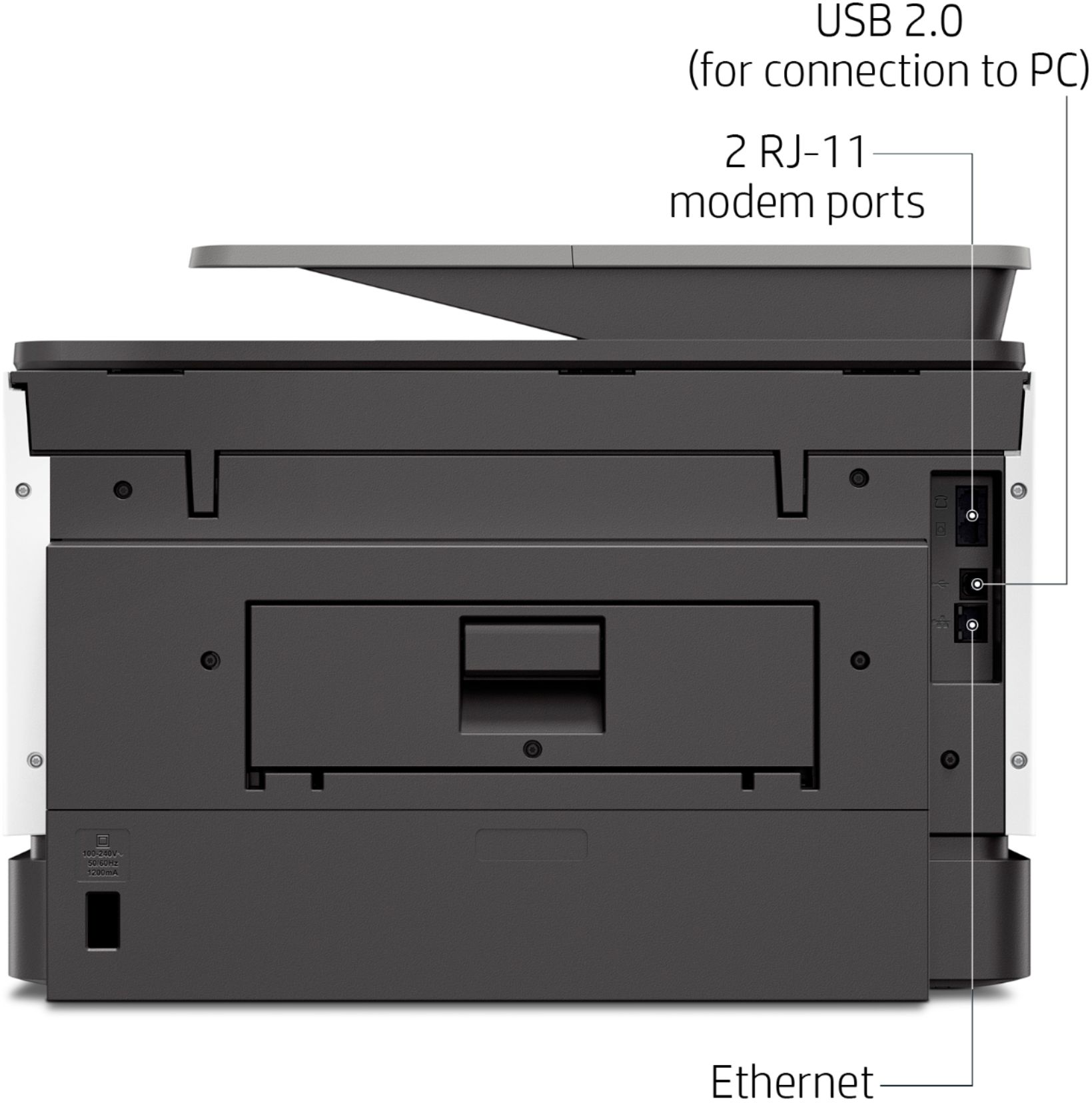
A:AnswerYes, you can. You'll need to make sure that the printer and phone are on the same wireless network so they can communicate, and if it's an Android phone, you'll also need to download the free HP Smart app.
A:AnswerHi Patricia! The HP OfficeJet Pro 9025 and 9015 printers provide laser quality print and laser speed in a very compact package. The printer is not unusually noisy. The printers use the same print cartridges and provide the same print quality.
A:AnswerRe the HP OfficeJet Pro 9025 all-in-one printer....I don't know about the bit drivers but I have the MAC Catalina OS on my MacBook Pro and this printer works fine with it. The printer is wireless. I really like this printer. It prints faster than any of the previous HP printers I had in the past and the quality is very good. Hope this helps.
A:AnswerI have only had the printer for a week or two but I have used cardstock in tray 2. Doesn't seem to want to use it in the main tray, but worked fine in the other one and printed very nice invitations for a business event.
A:AnswerThe HP Officejet Pro 9025 printer, the printer is compatible with Windows 10. For your current printer, the HP LaserJet Pro P1102w Printer, you can get the Windows 10 drivers by going to https://123.hp.com/setup. Or you can get the drivers from this website: https://support.hp.com/us-en/drivers/selfservice/hp-laserjet-pro-p1102-printer-series/4110394/model/4110306 If you are still having issues, I would recommend using the HP Print and Scan Doctor to help diagnose the issue. Here is the link:
https://support.hp.com/us-en/topic/printscandoctor
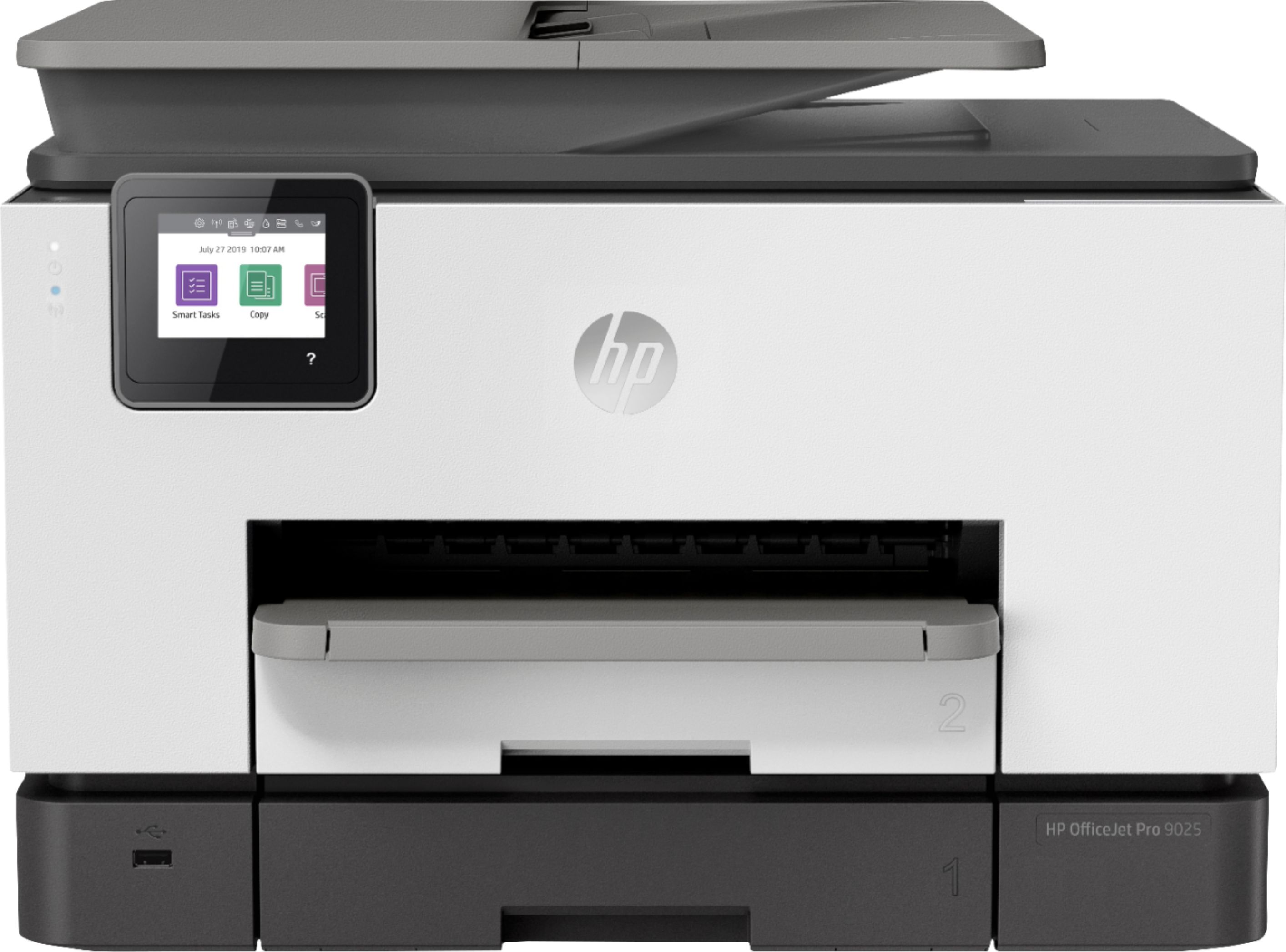
A:AnswerYes you can- I had the same issue in that I wanted a dedicated tray for envelopes and was able to do that. There is a main tray/ tray 1 and tray 2. You can set the perameters for the trays in the printer preference settings. You can even lock the paper tray to prevent erroirs too. It is hard to search for a printer that has 2 trays as that isnt in the search terms, nor is envelope tray :). It will also let you set the default tray. It has taken me more time to set up and get used to as I had my last printer for 5 years.