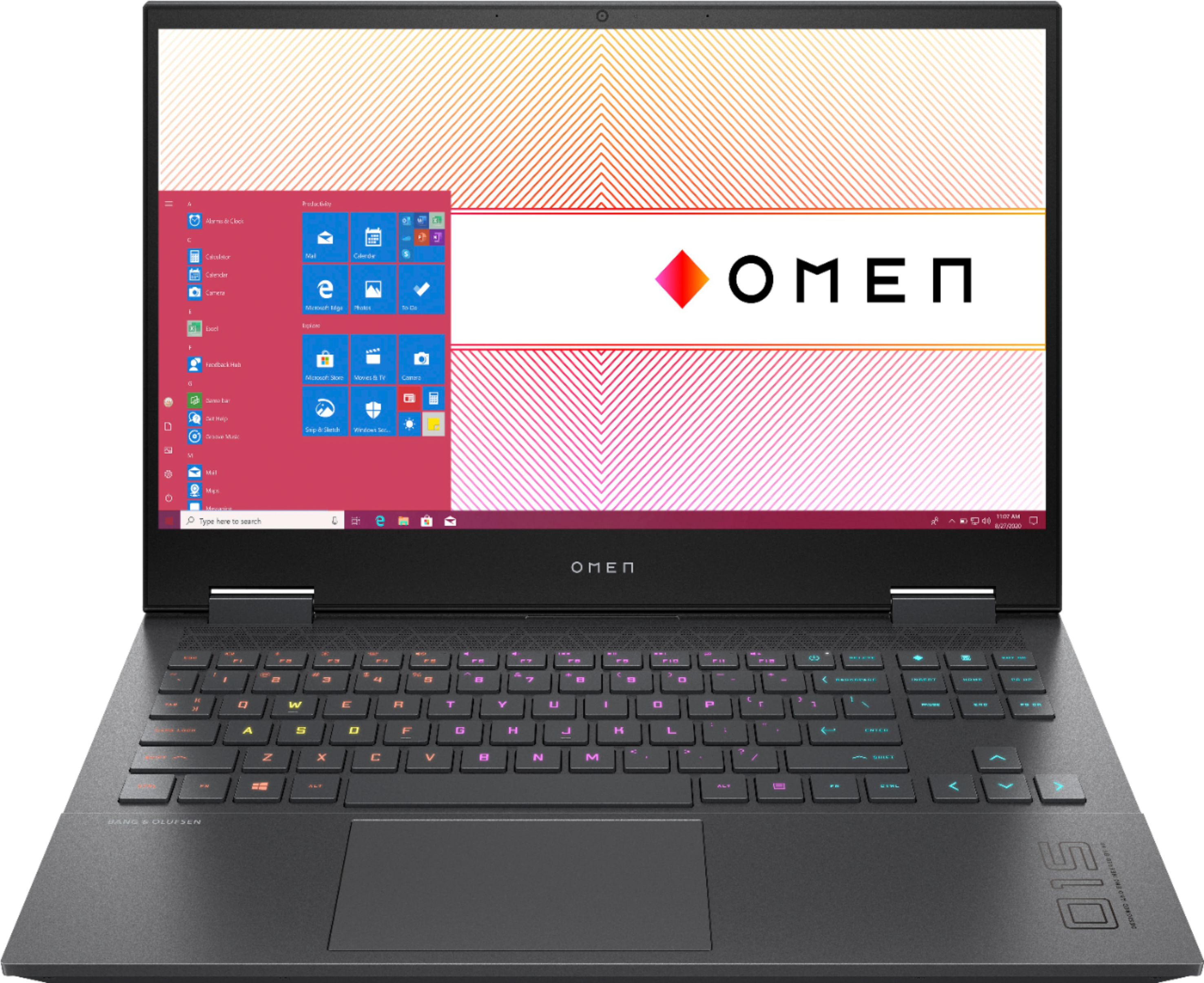
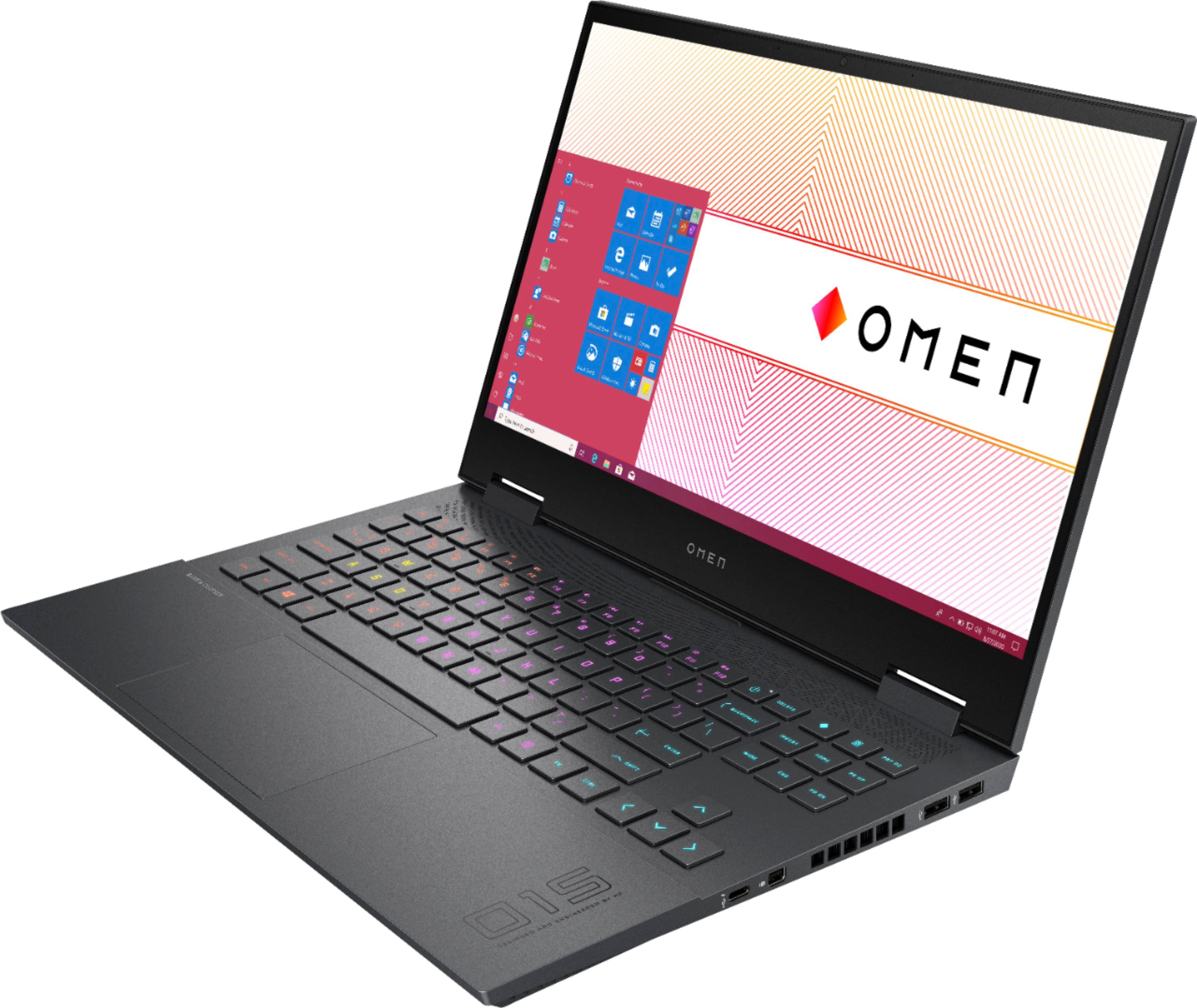
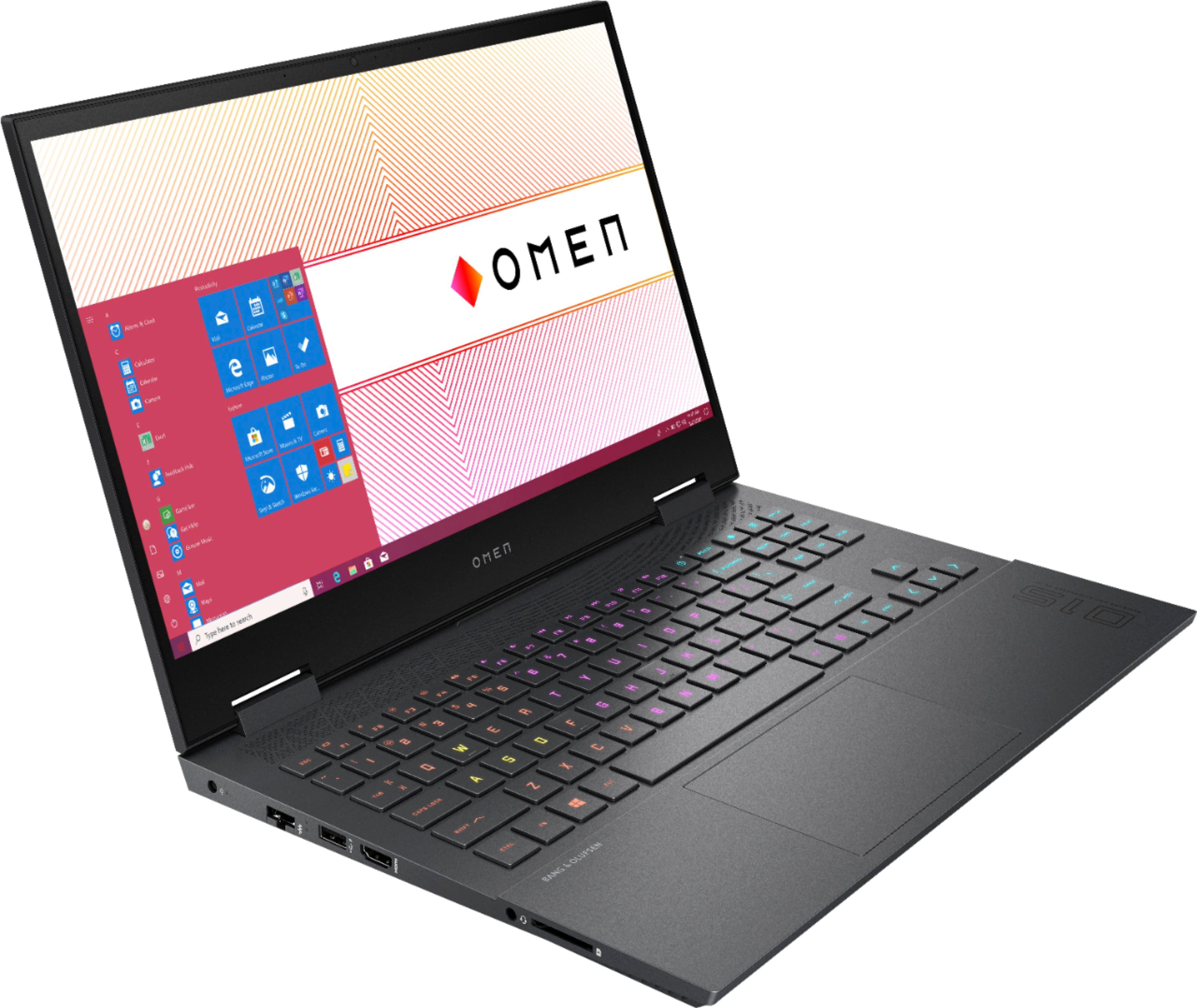
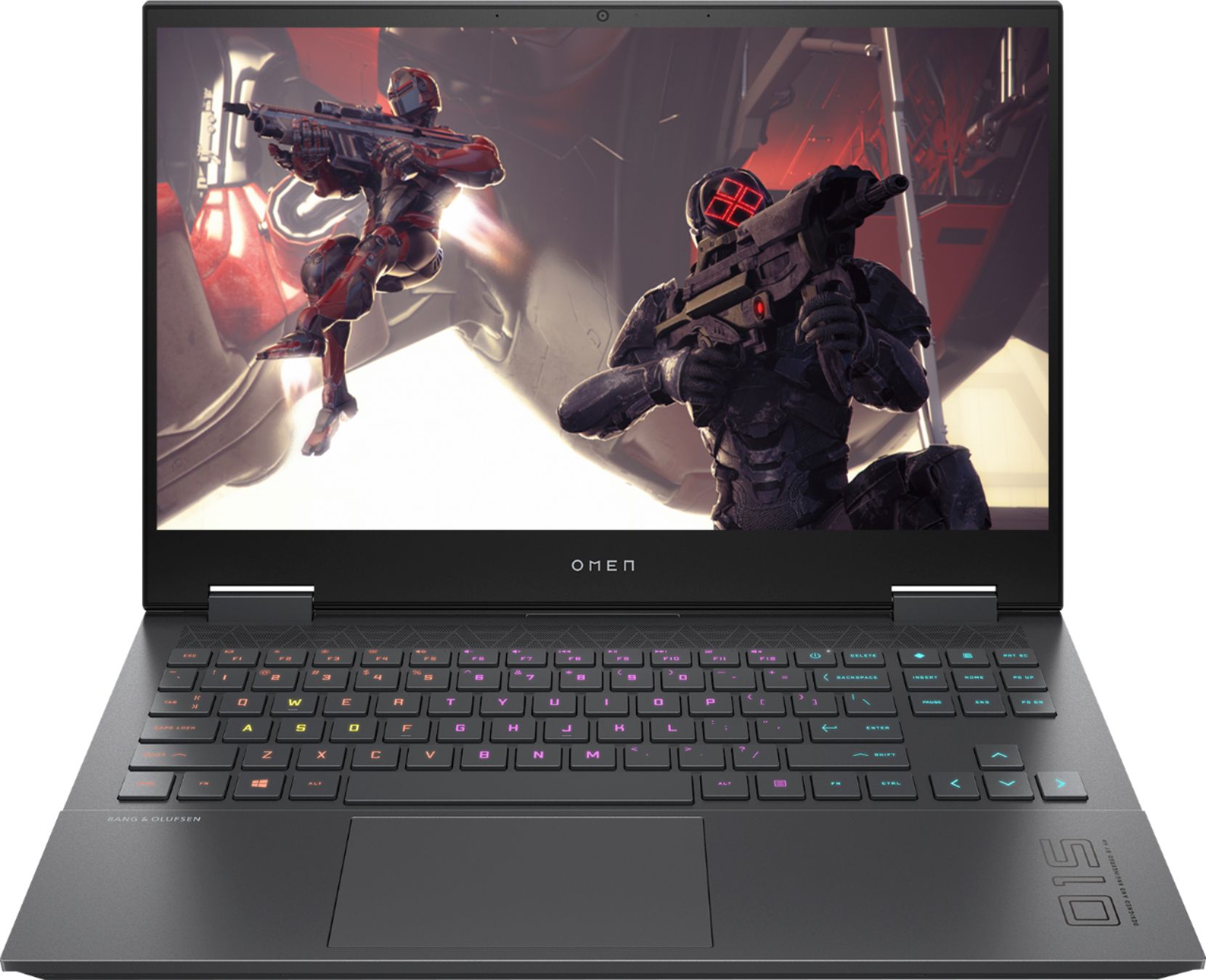
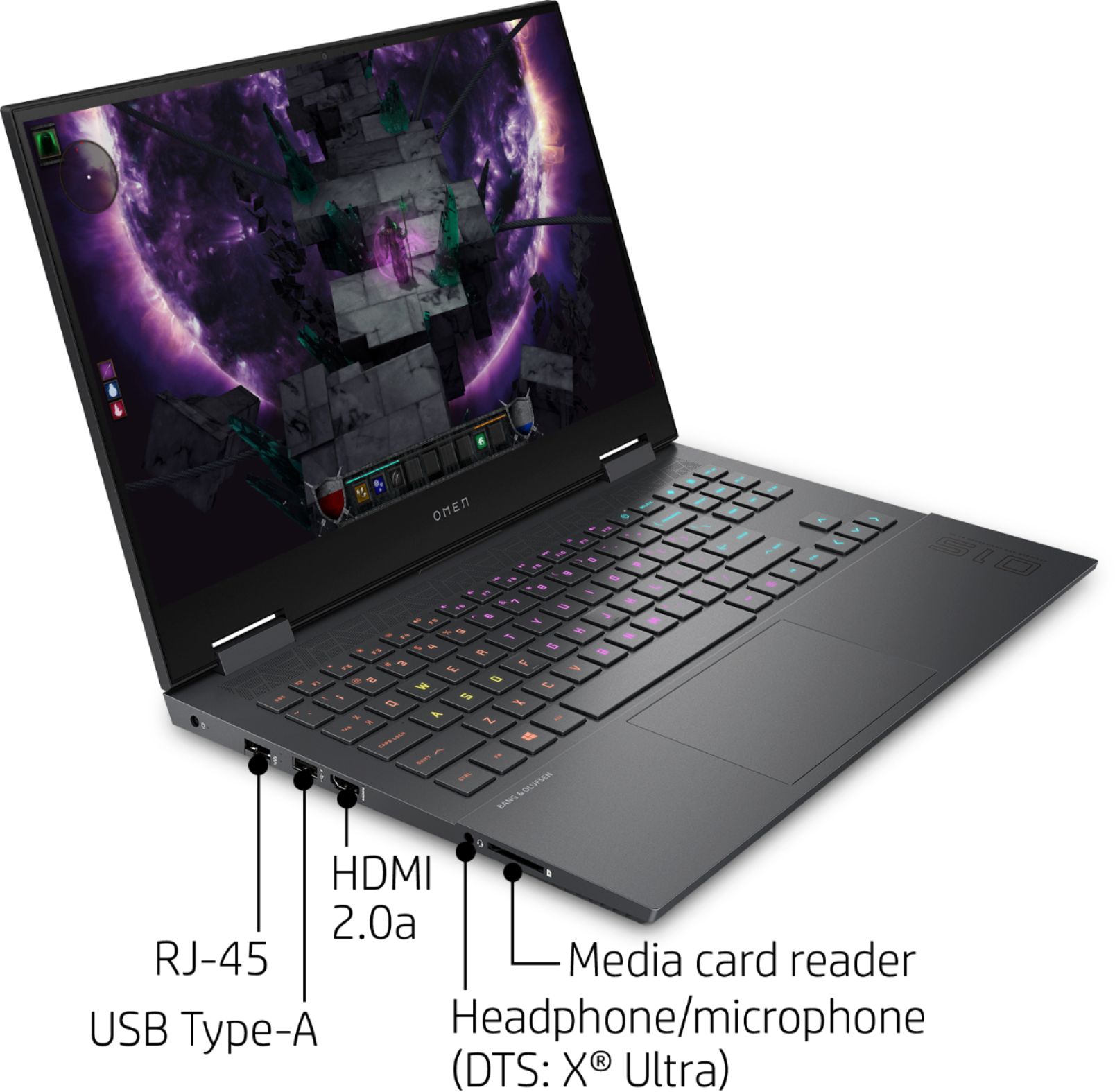
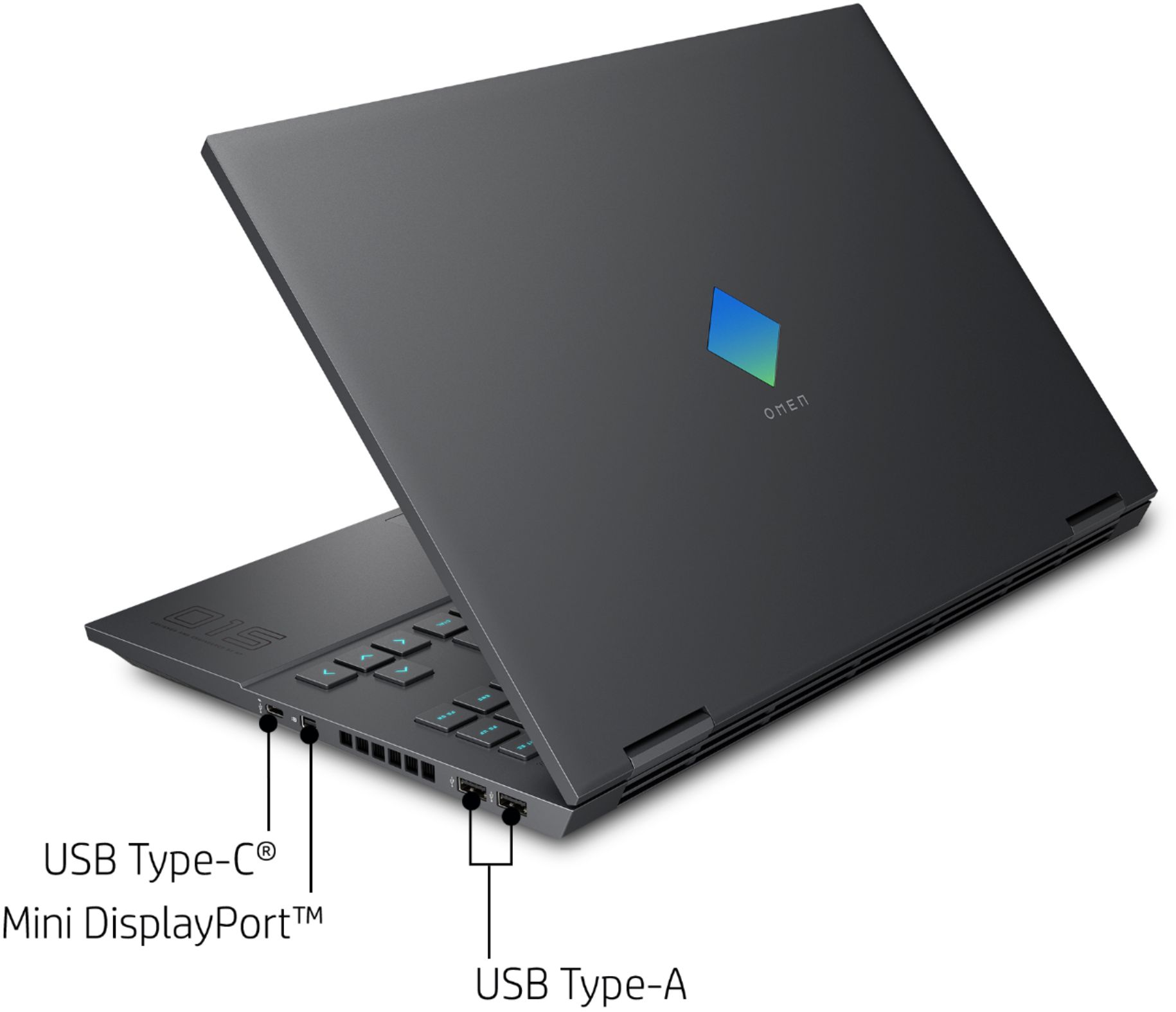
A:AnswerI'm not sure if there is a dock for this laptop. You will probably could find one that uses USB? I have been using this laptop for a couple of months without a dock but connected to external keyboard, mouse and 2 27inch monitors. One via hdmi and the other mini displayport to displayport adapter. It has worked great! The performance and cooling even while the lid is closed is phenomonial ! The 4800H is a fantastic cpu. It's a beast and the 1660ti is more than enough power to power multiple monitors and run applications. My recommendation is upgrade the ram and add a 2nd M.2 drive. This laptop is super easy to take the bottom cover off and upgrade your self. Just take your time and be careful are the plastic clips and you will be fine. Hope this helps.
A:AnswerYes. It is Function Key F5. You would have to press FN and F5 to activate Mute by default unless you change the Function key behavior to perform the action key by default. (do this by going into the BIOS (F10 before boot) and changing it under Configuration.
A:AnswerIt does support 64GB RAM. I did it with two (2) Mushkin Enhanced Essentials 32GB 2666 (PC4 21300) MES4S266KF32G. The great thing about the Mushkin 32GB RAMs is they actually rune at at 3200 inside the laptop, not 2666 as spec. Good luck!
A:AnswerThe slower RAM _should_ work, although you may have to go into the computer BIOS and adjust some of the settings. Having said that, you'll get better performance if you replace the existing RAM with 2 8 gigabyte modules that run at 3200 MHz.