A:Answer Since you've already ruled out the monitor itself, let's work through the most common causes:
First, the basics:
Check the cable connection - Make sure the cable is firmly seated in both the monitor AND the computer. Try unplugging and reconnecting both ends.
Try a different cable - DisplayPort, HDMI, etc. cables can be defective even when new.
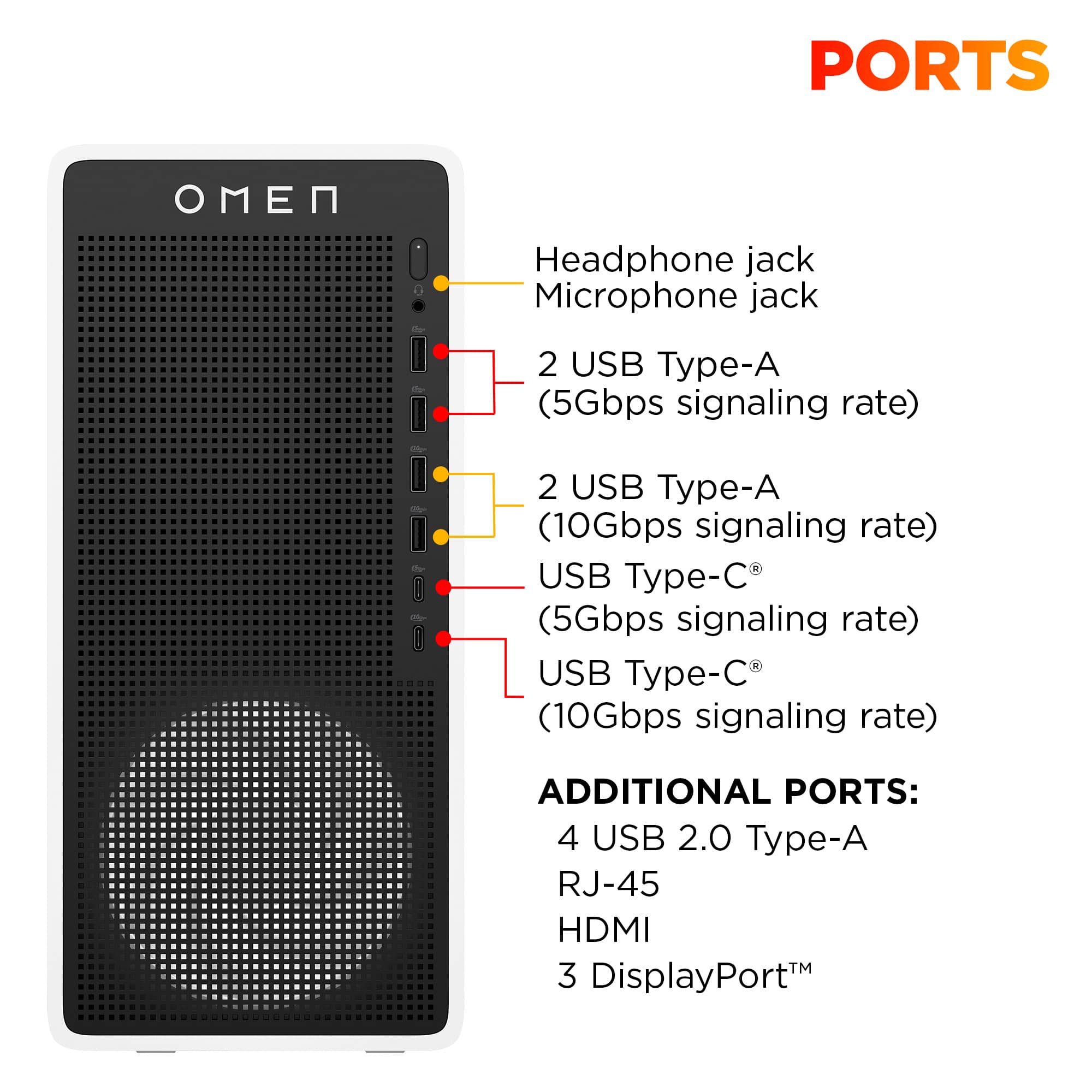
Try a different port on your computer - If your computer has multiple video outputs, test each one.
Check your computer's graphics setup:
Does your computer have both integrated graphics (built into the motherboard) AND a dedicated graphics card? If so, make sure you're plugging into the graphics card ports (usually in the middle/lower part of the back of a desktop), not the motherboard ports.
If you have a laptop, some models have limitations on how many external displays they can support.
Windows display detection:
Right-click on your desktop → Display Settings
Scroll down and click "Detect" under Multiple Displays
If it still doesn't show up, try manually selecting "Extend" or "Duplicate" from the dropdown