A:AnswerWhat is your graphics card and display settings on your laptop? I used it with my gaming laptop before my desktop arrived and it worked great! I just connected it with my HDMI cable and it worked great.
A:AnswerMy question was for the Xbox one X. I purchased this monitor and it will only allow 1080 p at 120 hz. When I bump it up to 1440p it drops to 60 hz
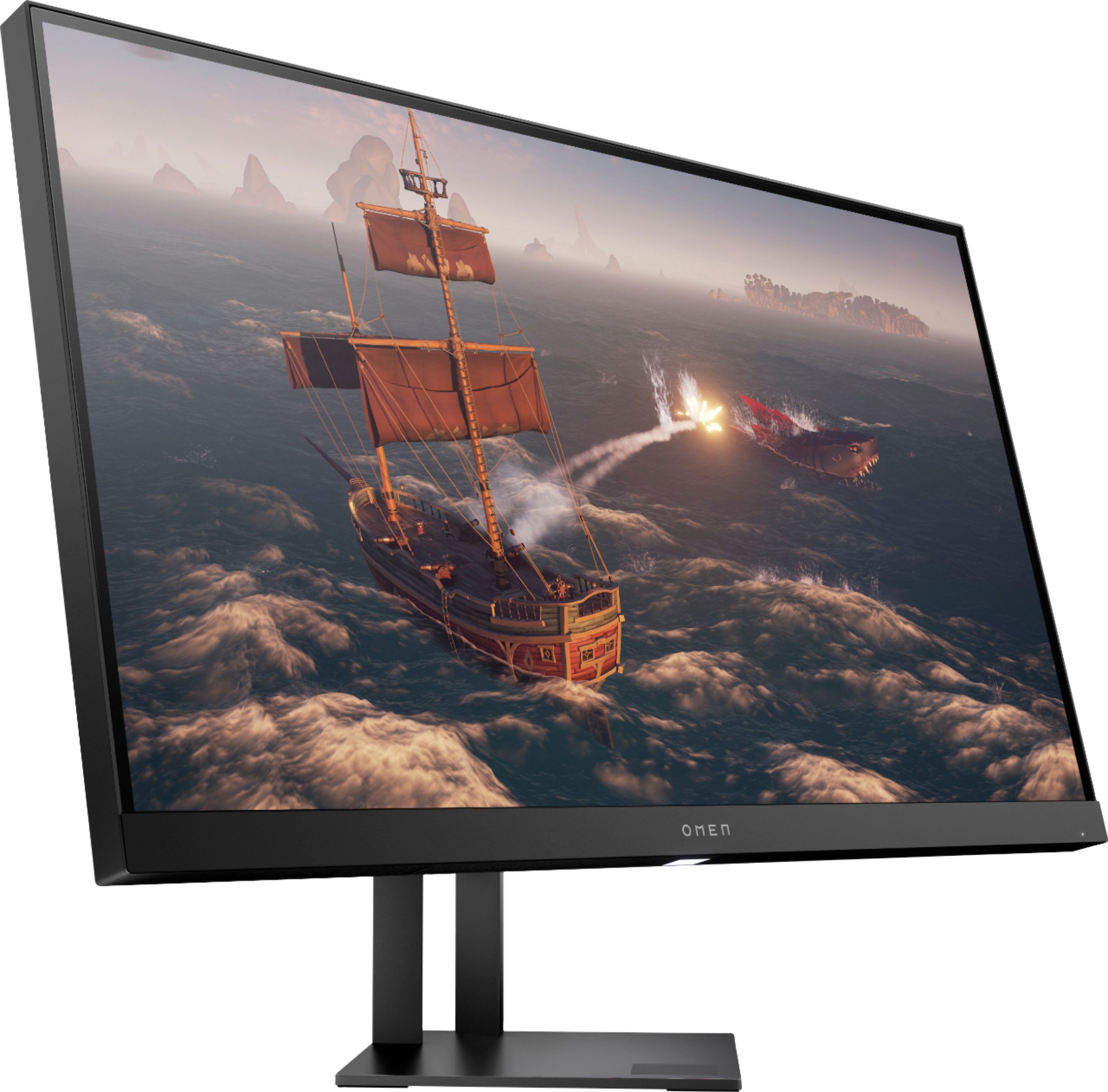
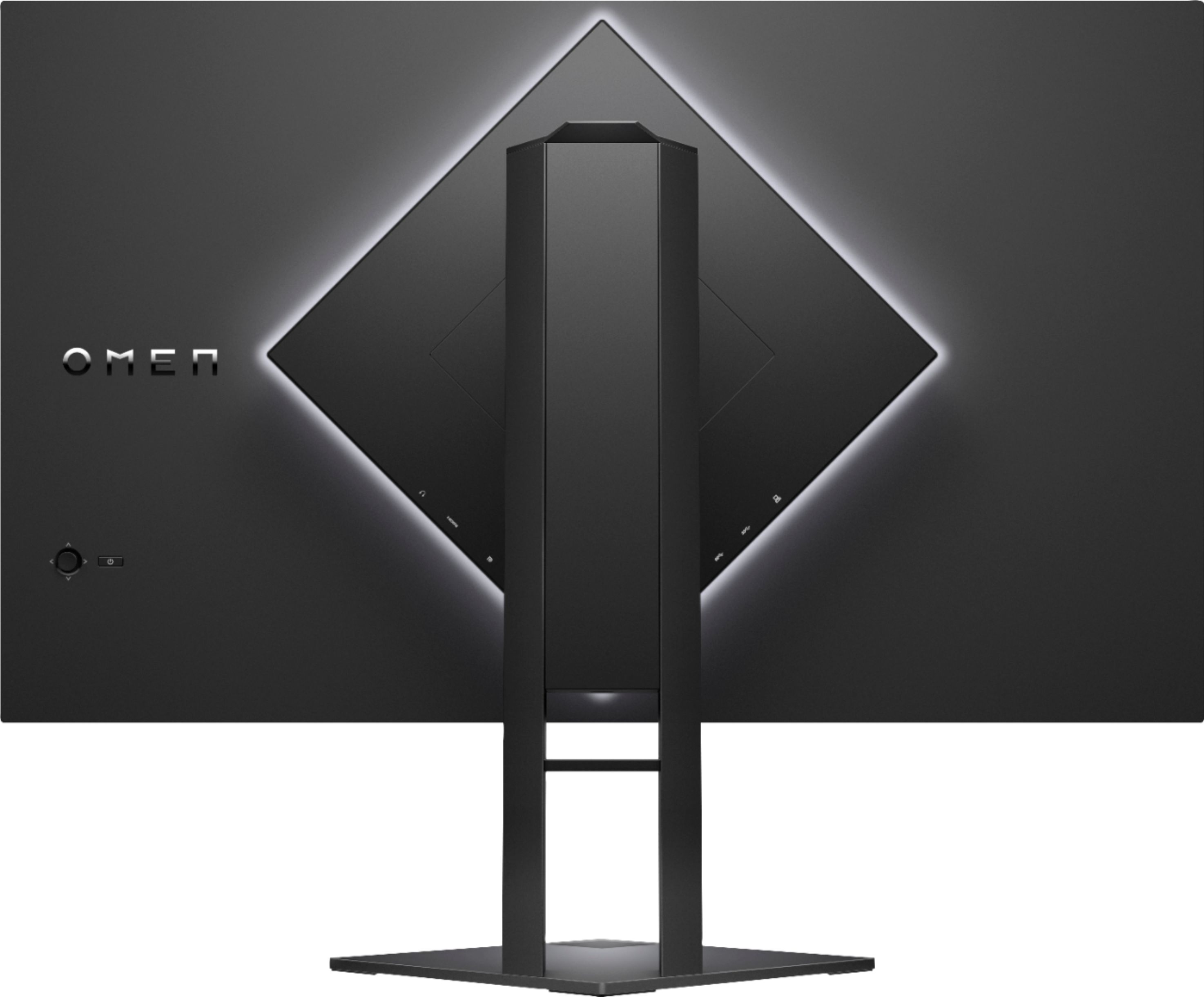
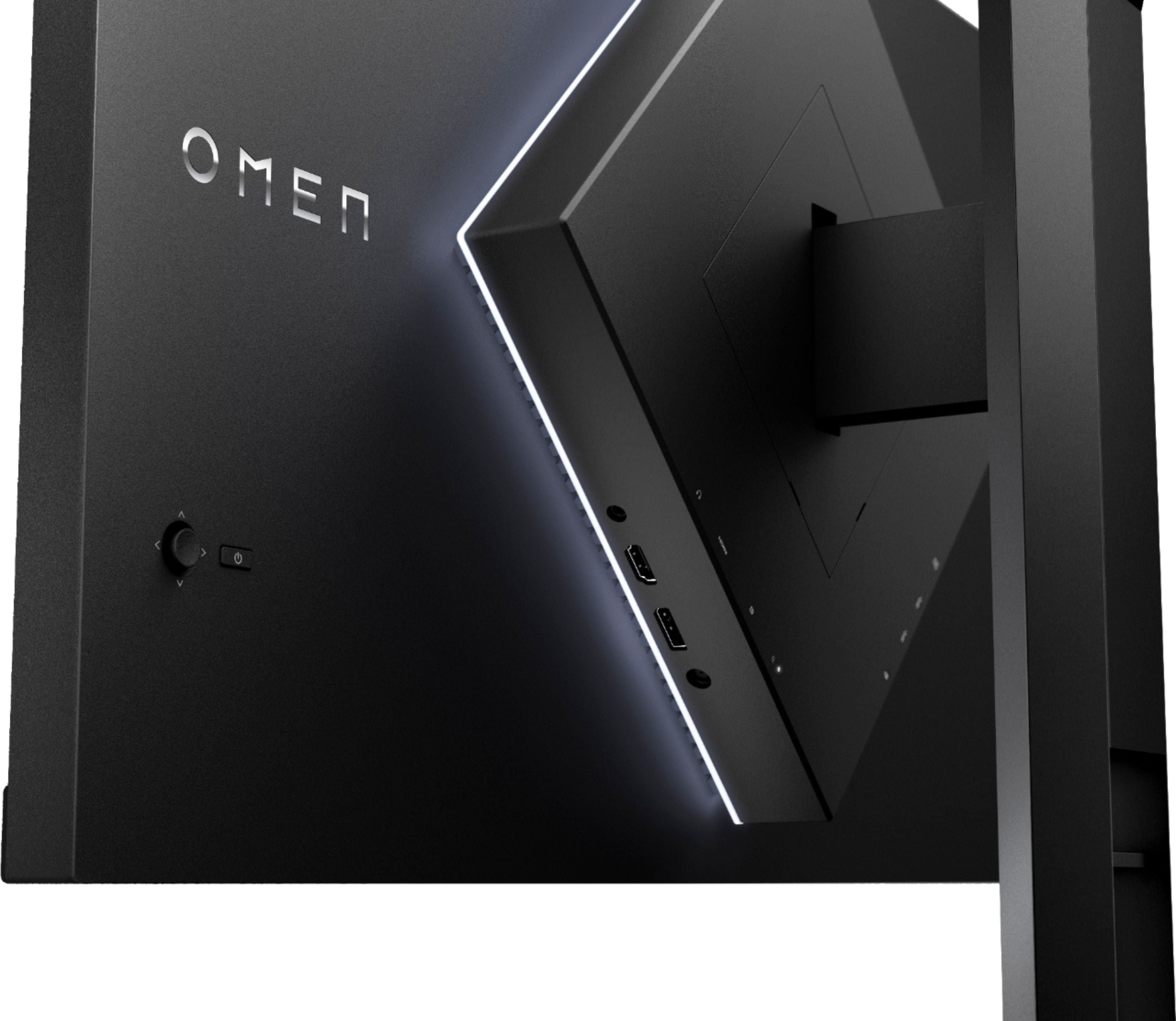
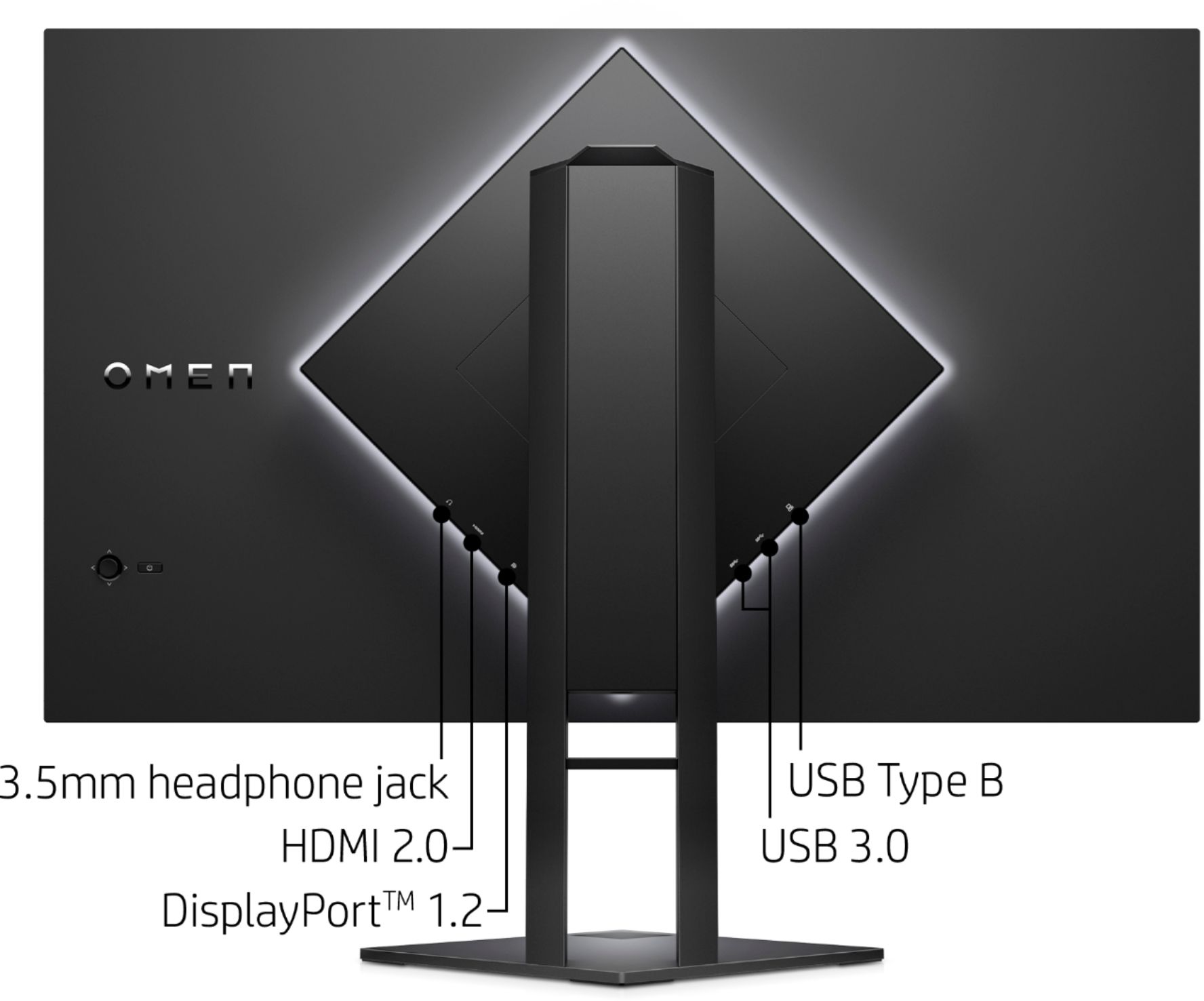
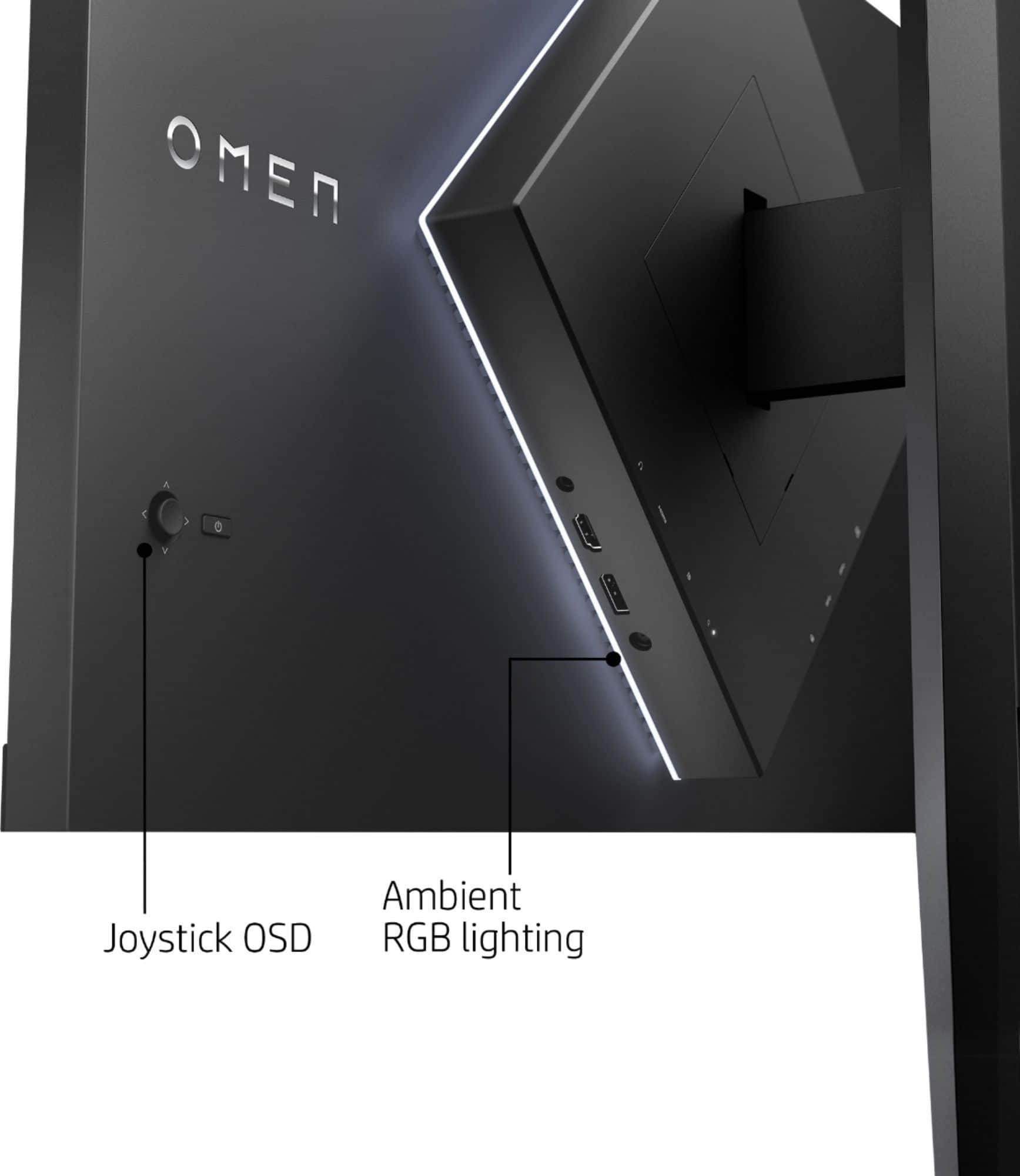
A:AnswerYes, their info is poor. However, it is not a problem to VESA mount, you just have to pull open the panel in the back and unscrew the included mount. Your VESA mount also has to be able to rotate to match the position on the back of the monitor. Personally, I think the diamond shape was a dumb idea.
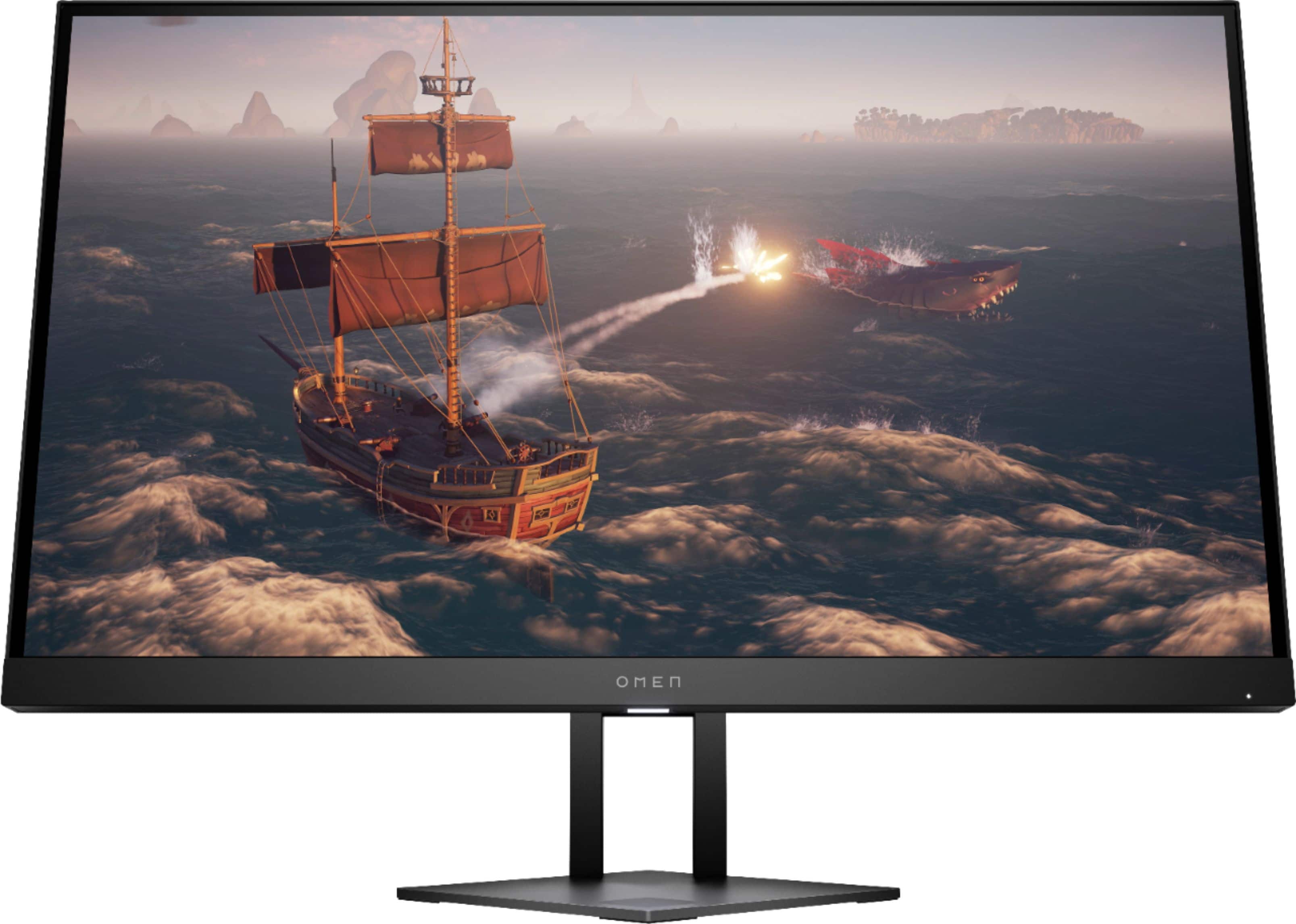
A:AnswerI use this monitor for PC gaming. Does the Xbox have a display port? I know If you only use an HDMI port you may not get the higher refresh rates that your looking for, I may be wrong though. I use a display port that came with the monitor and connected that to my PC. When I connected it via HDMI port it locked at 60 hz. I might have to mess with it more but that is my experience so far. Hope this helps
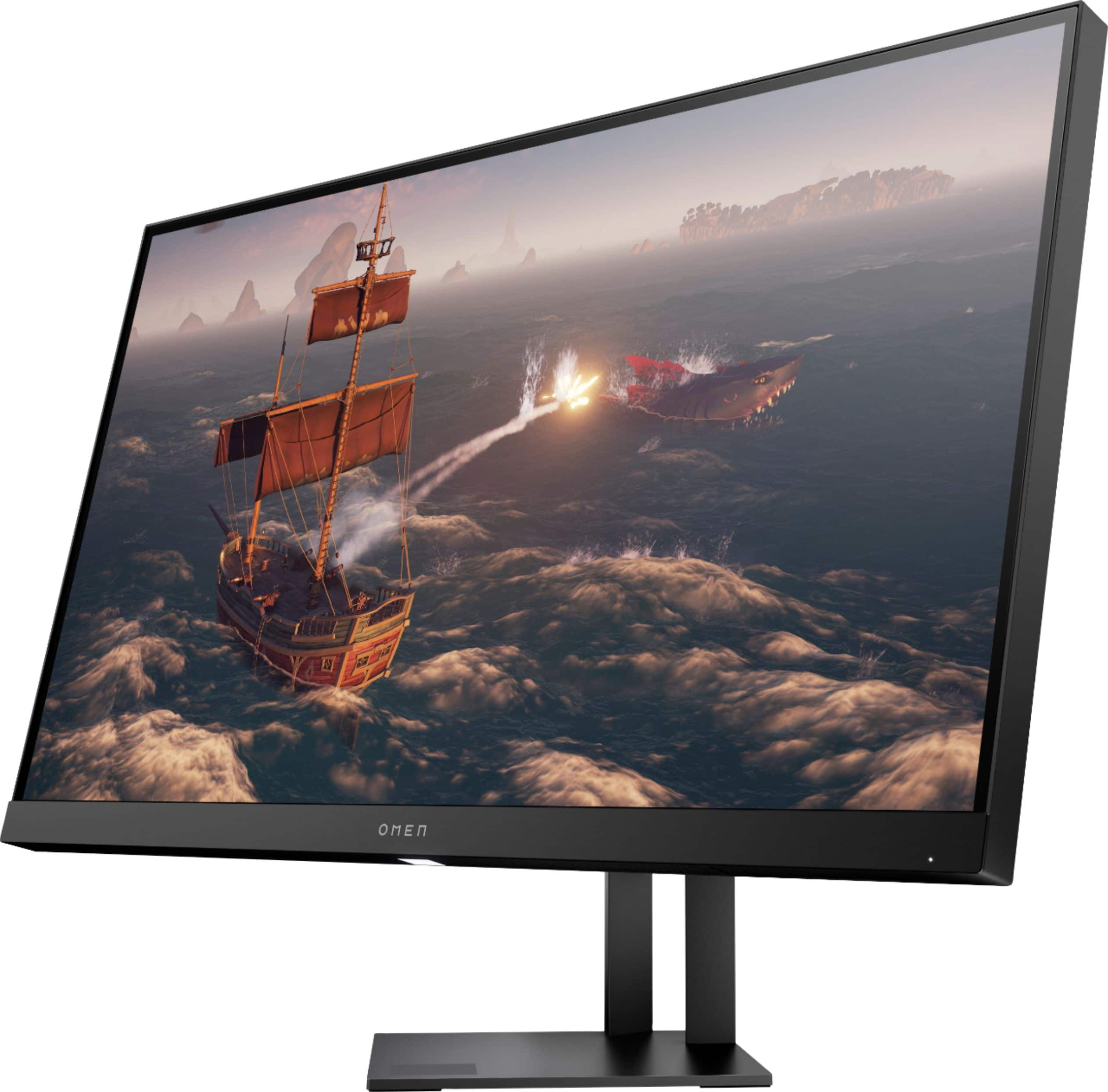
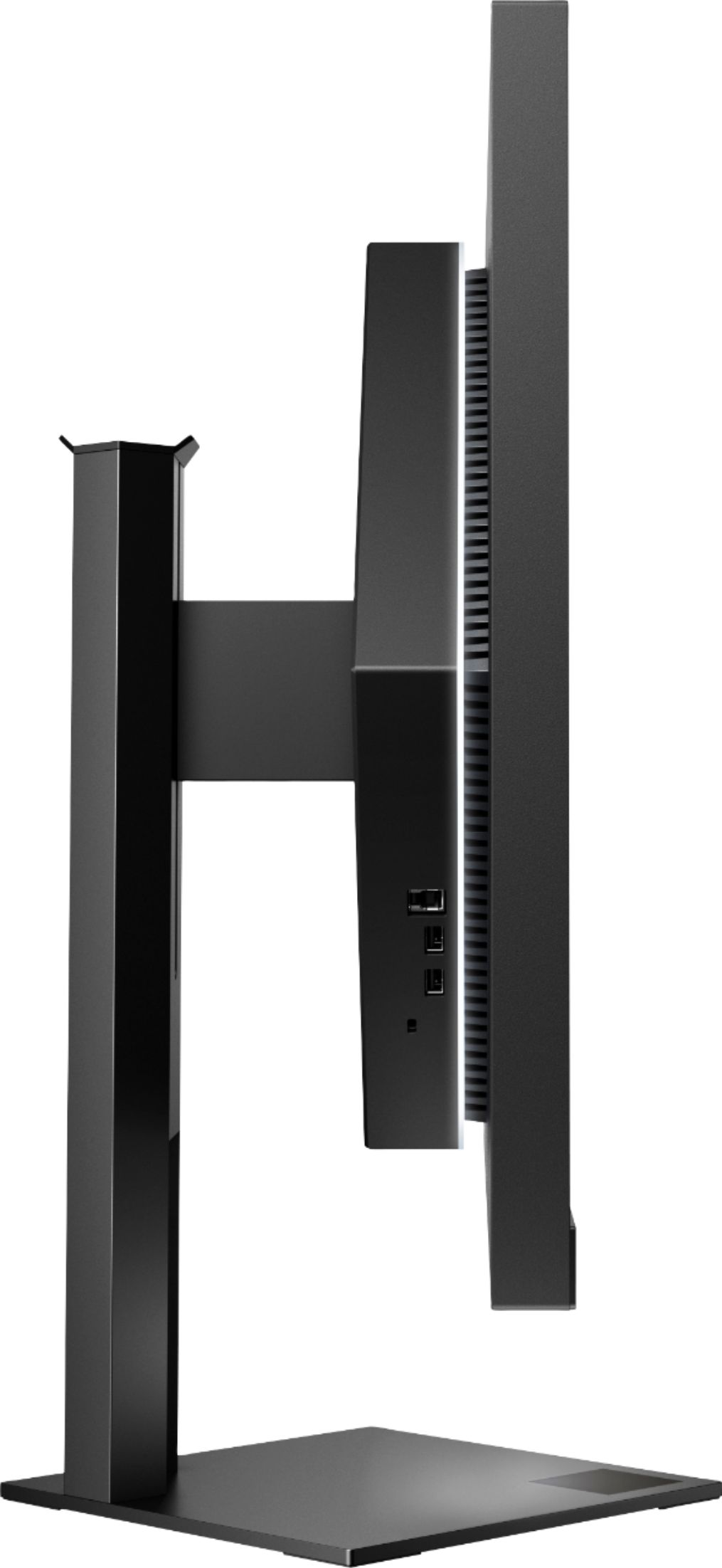
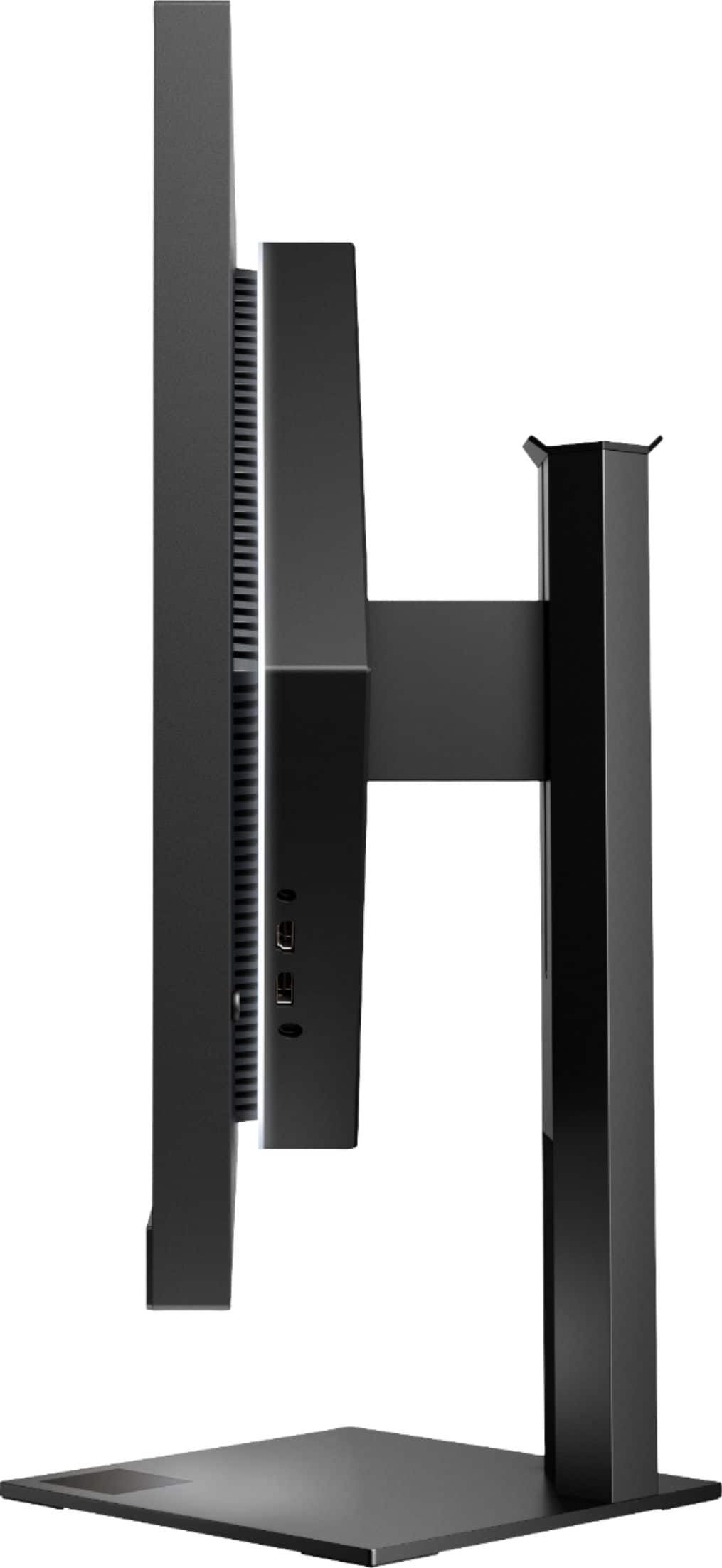
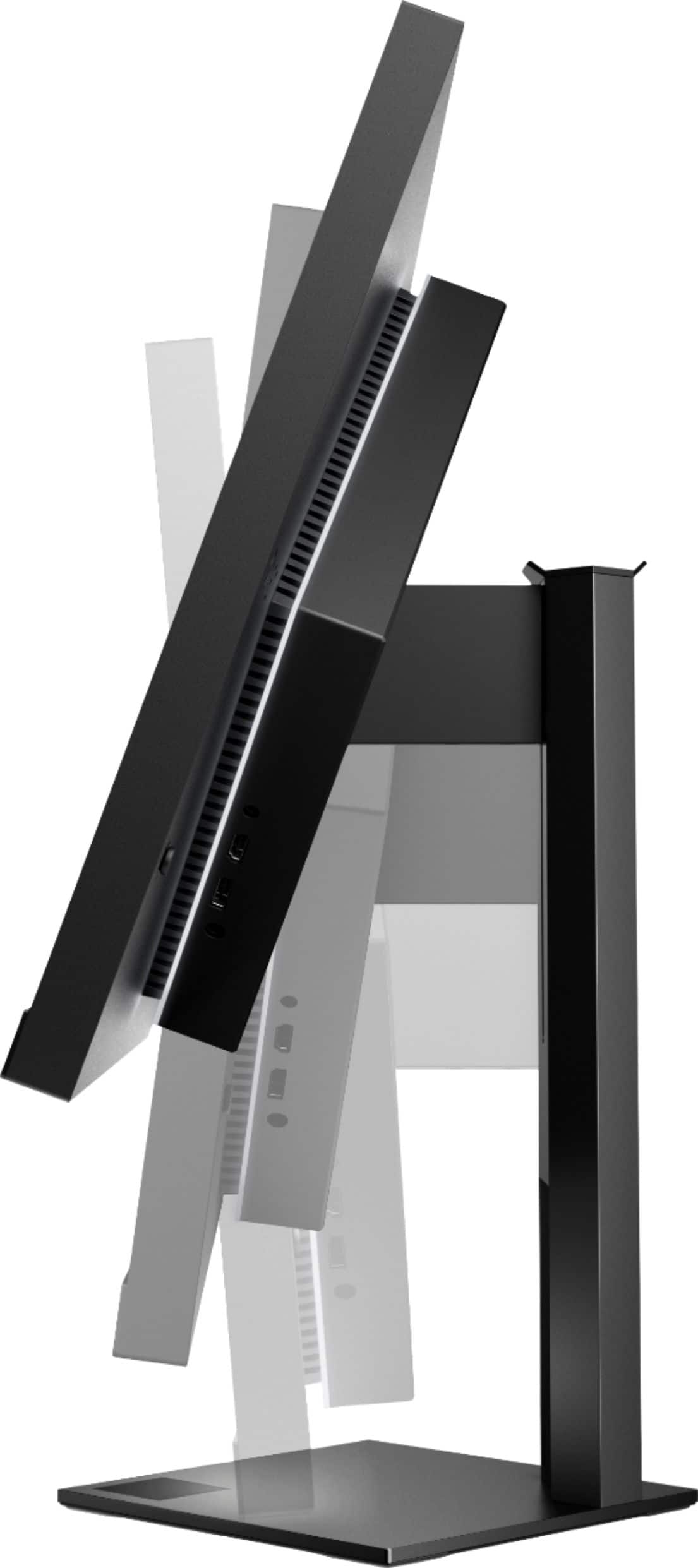
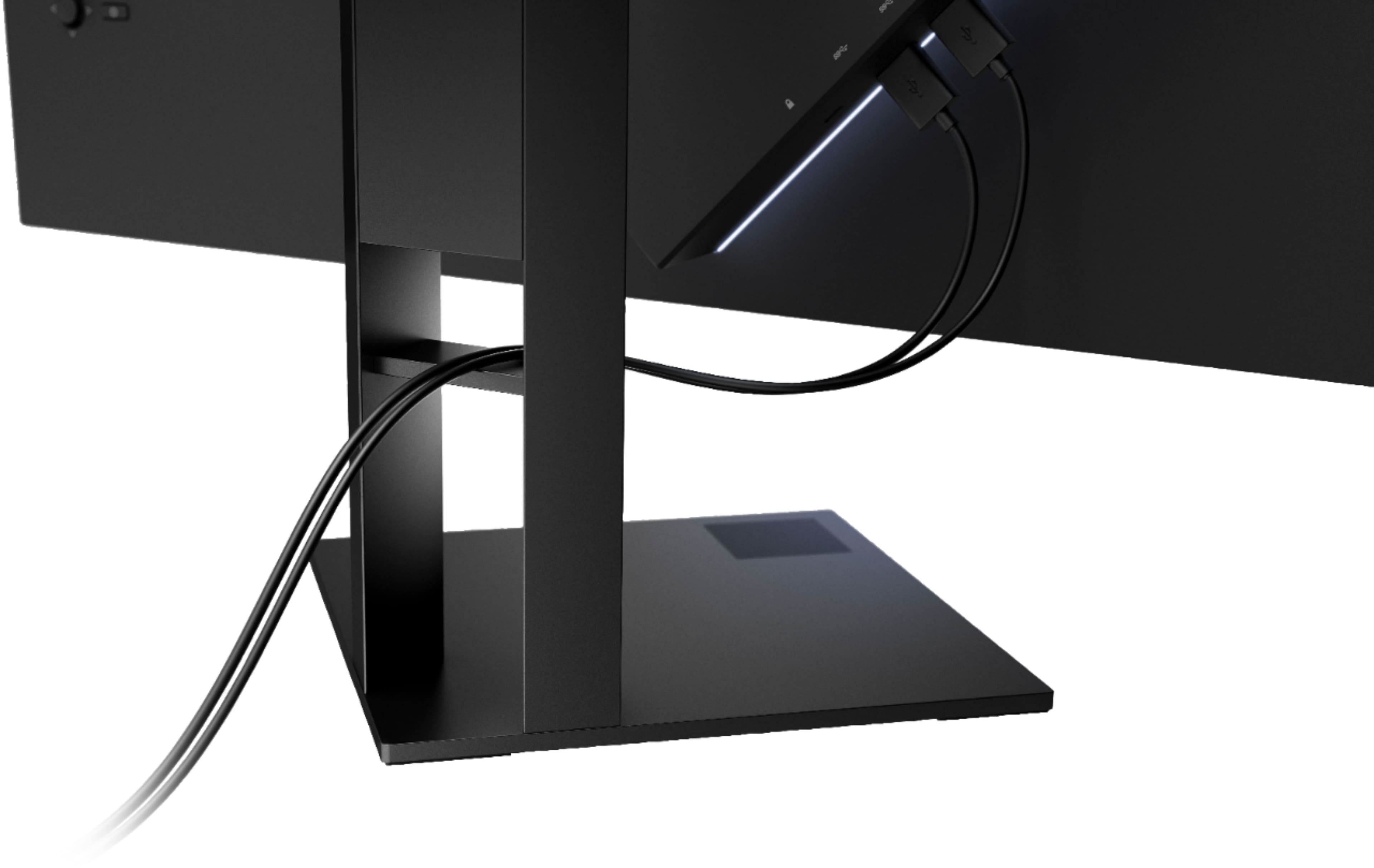
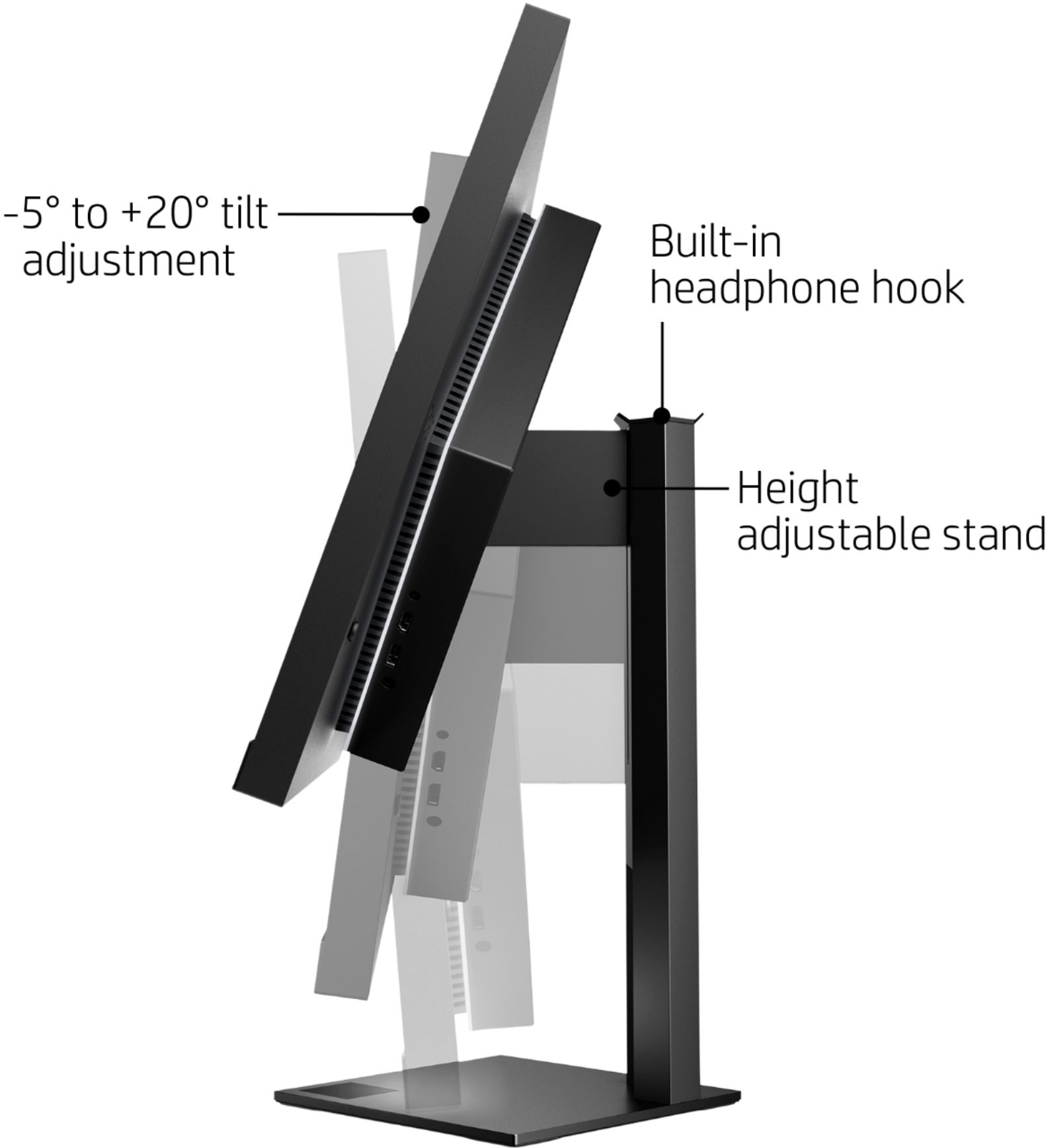
A:AnswerThis model doesn't come with the adapter. Also, the stand is a solid single post rather than two posts like the picture. It allows a VESA mount in a diamond pattern. You're good if your mount can rotate.
A:AnswerYou need a small flathead or similar and carefully pop off the plastic cover on the back. There is a small tab for you to slip a flat edge into for this purpose. Behind the panel there is a standard VESA threaded plate you have to remove. Your VESA mount must be able to rotate 45 degrees, assuming you have the newer OMEN with the diamond shaped back.
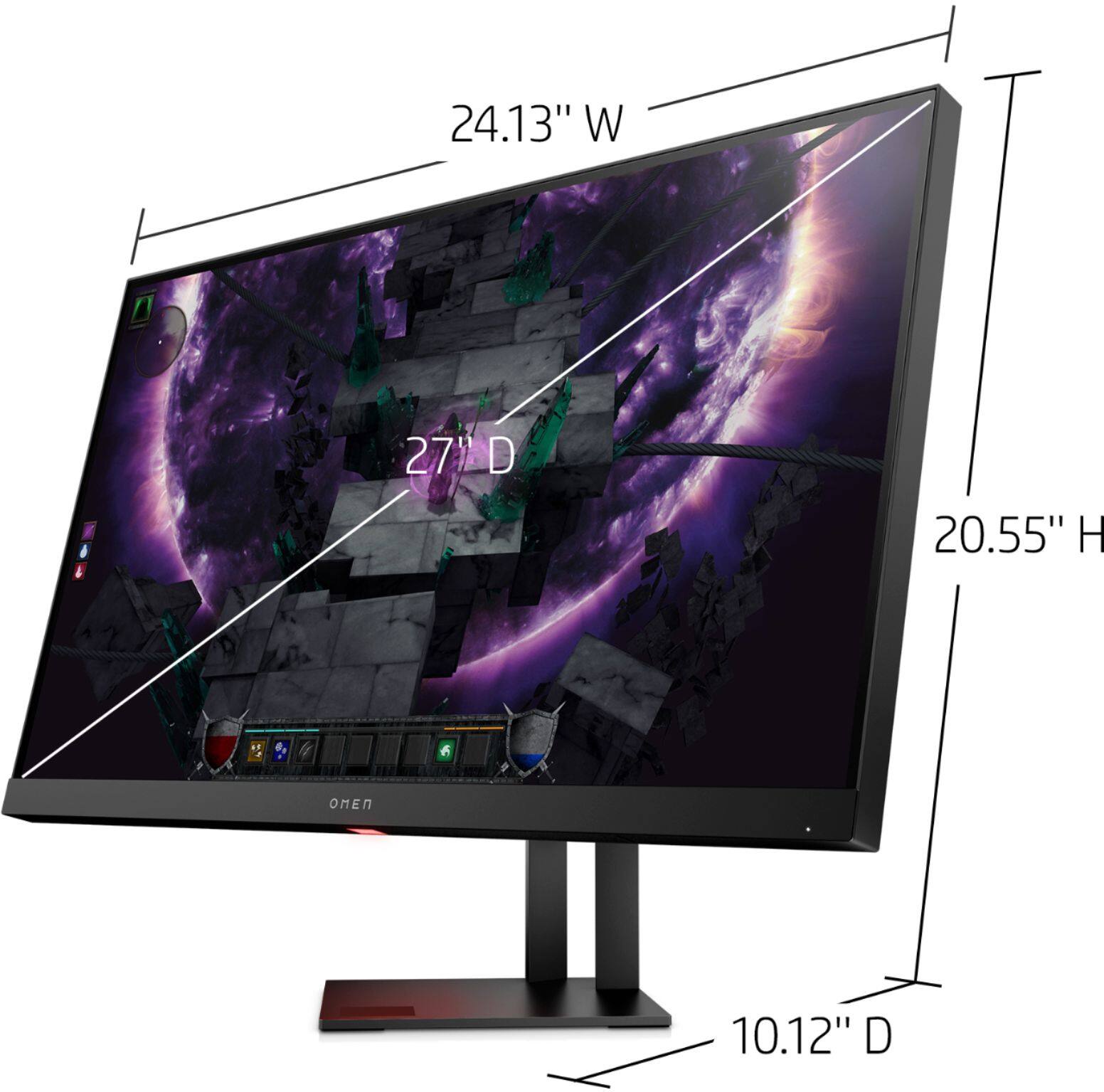
A:AnswerUnfortuantely, the data sheet doesn't break out the weight of the monitor separately from the stand. The total weight is 17 pounds, so if the stand can hold that, you'll be fine.