A:AnswerAnswering my own question, after I did some googling. This motherboard supports both types of SSD B&M or just M style memory. I bought an external SSD M.2 housing and cloned drive since it was the drive that contains Windows OS to my new samsung evo 970 using samsung data mitigation software. After it's done cloning the computer shuts off and you can swap the internal SSD. Sorry if it was a dumb question but I'm new to all this. Hopefully this helps anyone else that might have a similar question.
A:AnswerThis desktop has the Moria3 motherboard. Here are the details on the motherboard: https://support.hp.com/us-en/product/omen-30l-gt13-0000a-desktop-pc-series/33802663/model/34128633/document/c06611431
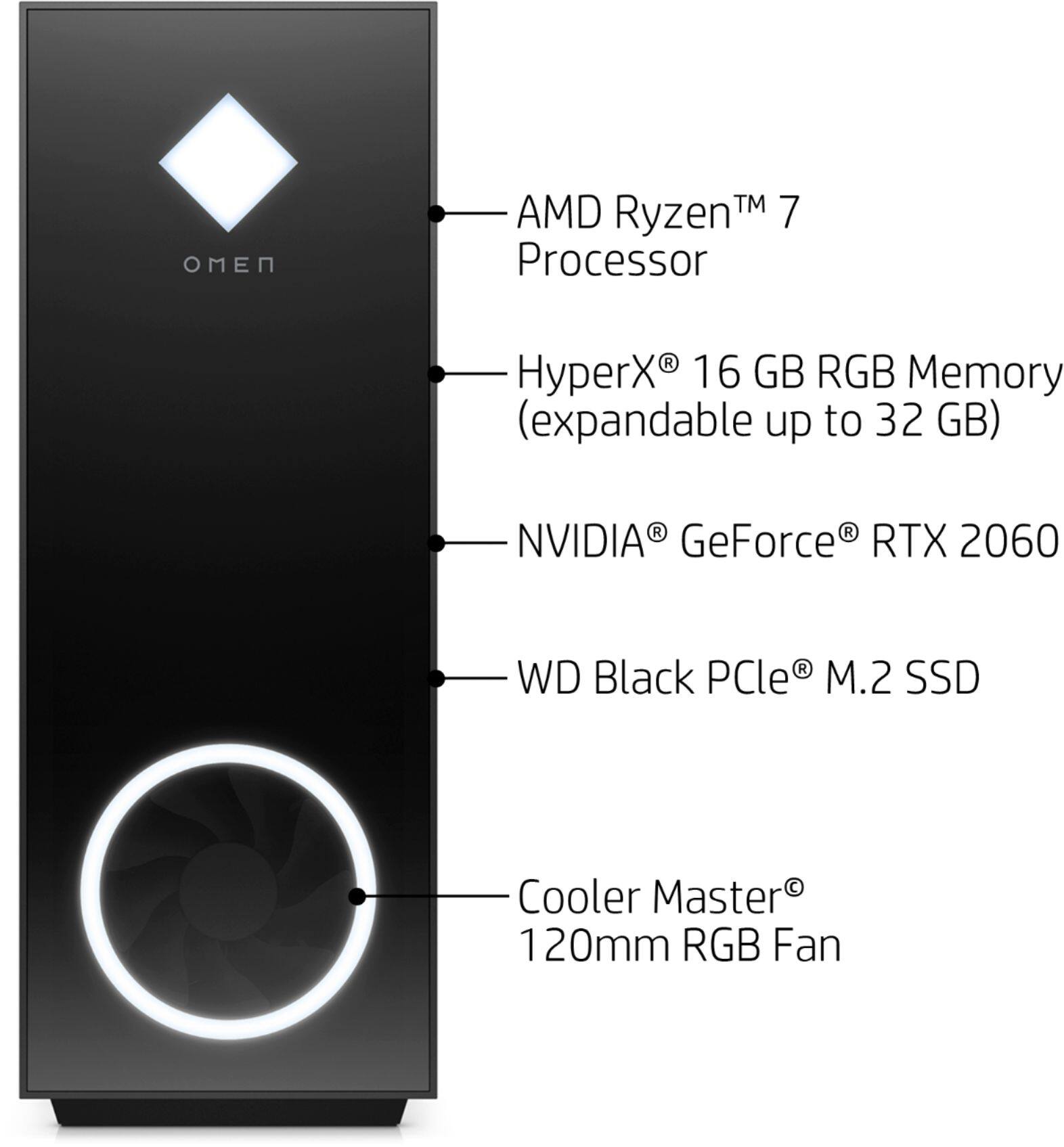
A:AnswerThe motherboard is an HP Moria 3. Despite what HP support says in their other answers, there is only space for one SSD. The first thing I did was clone the 256 GD drive and replace with a Sabrent 1 TB SSD. The 256 GD drive that was included was a Western Digital drive. I am unsure what speed it would is, I thought all SSD's are the same read/write speed. I believe the 1TB storage drive was a Western Digital as well, but I swapped that out for two 4TB drive as well.
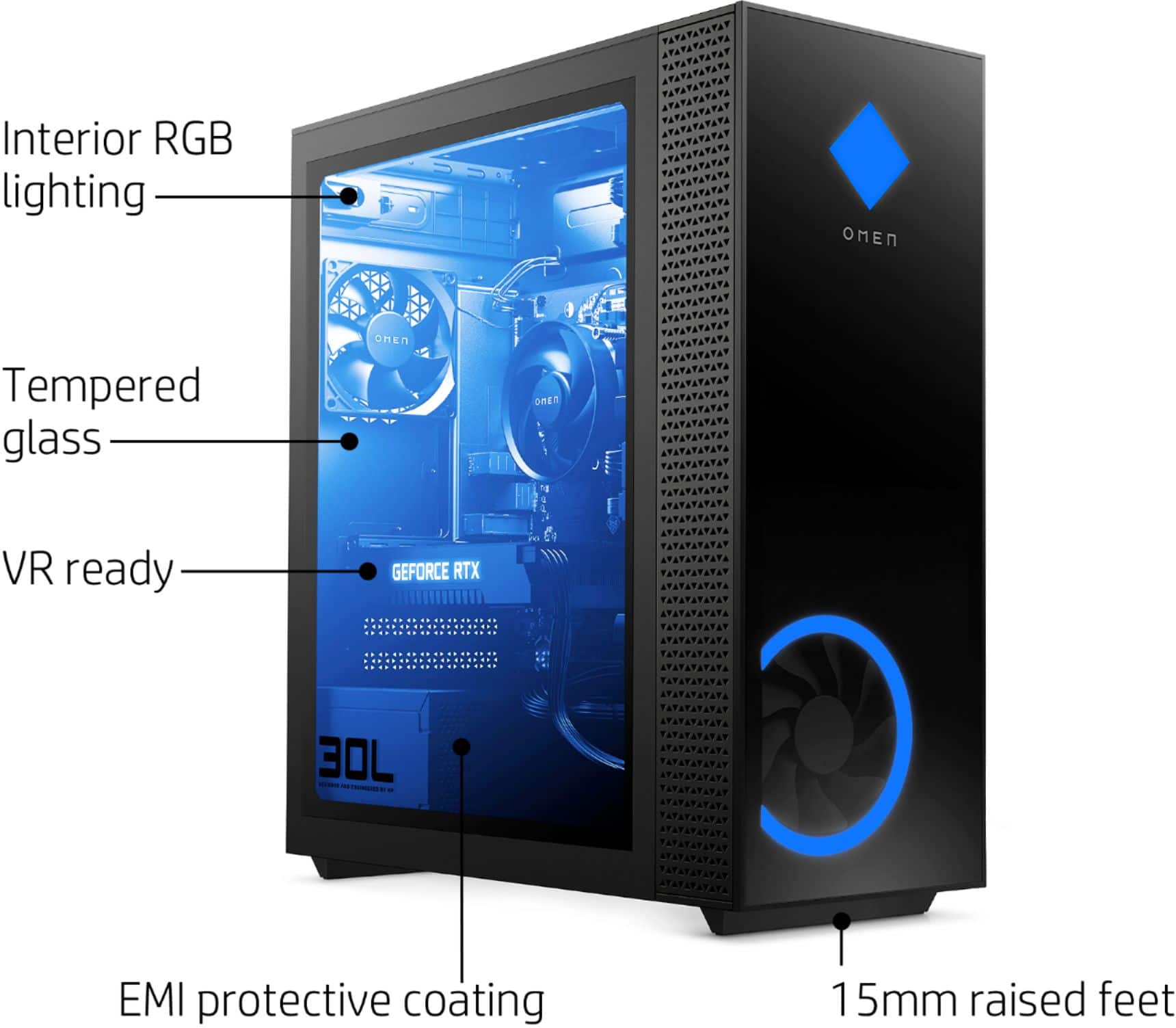
All cooling is by case fans, no liquid cooling is included.
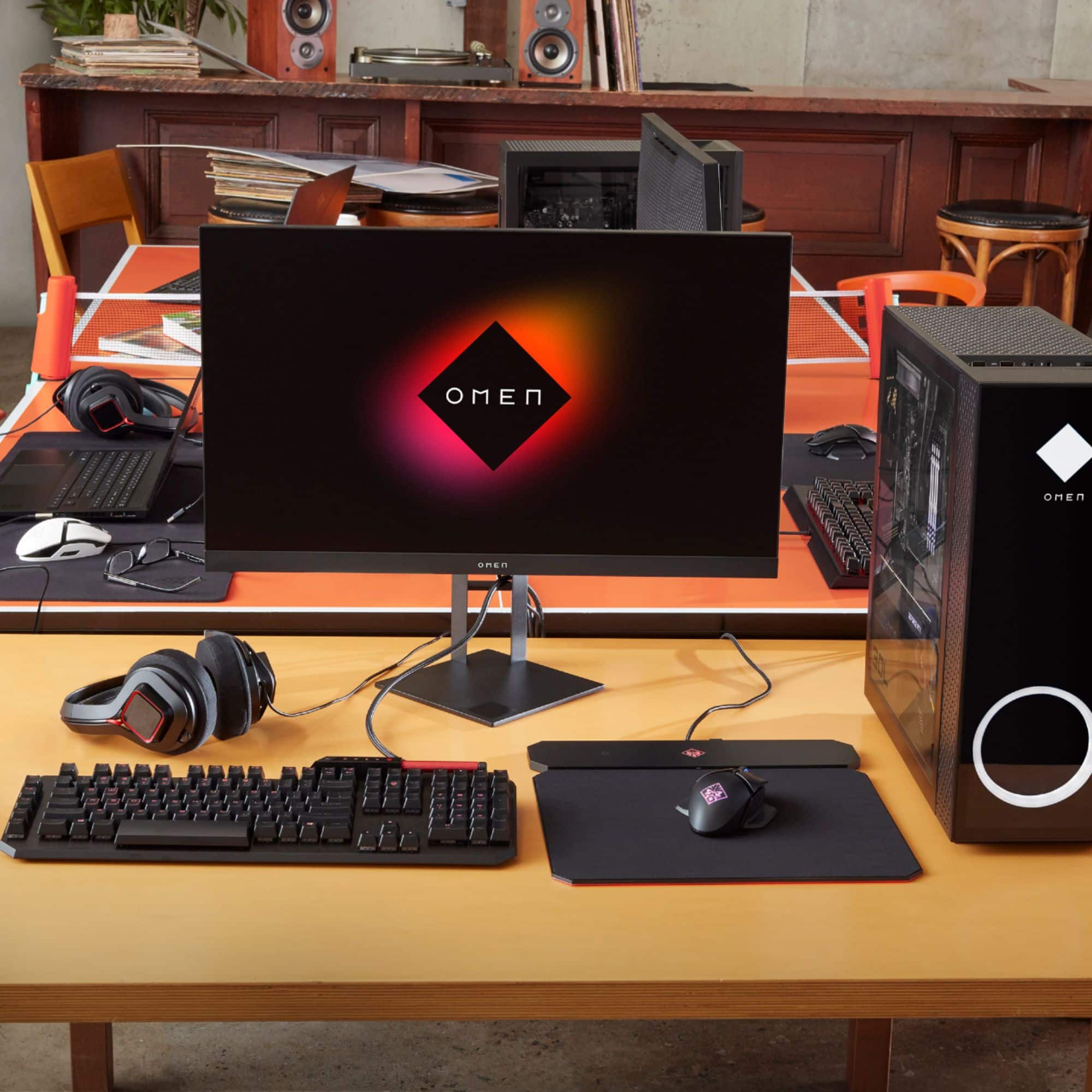
Mouse is a standard HP optical mouse, no frills there. I am still using an 8 button gaming mouse I bought a couple years ago, so I didn't even open the bag for it.
Other than the upgrades storage space that I felt were necessary, I am otherwise pleased with the PC so far.
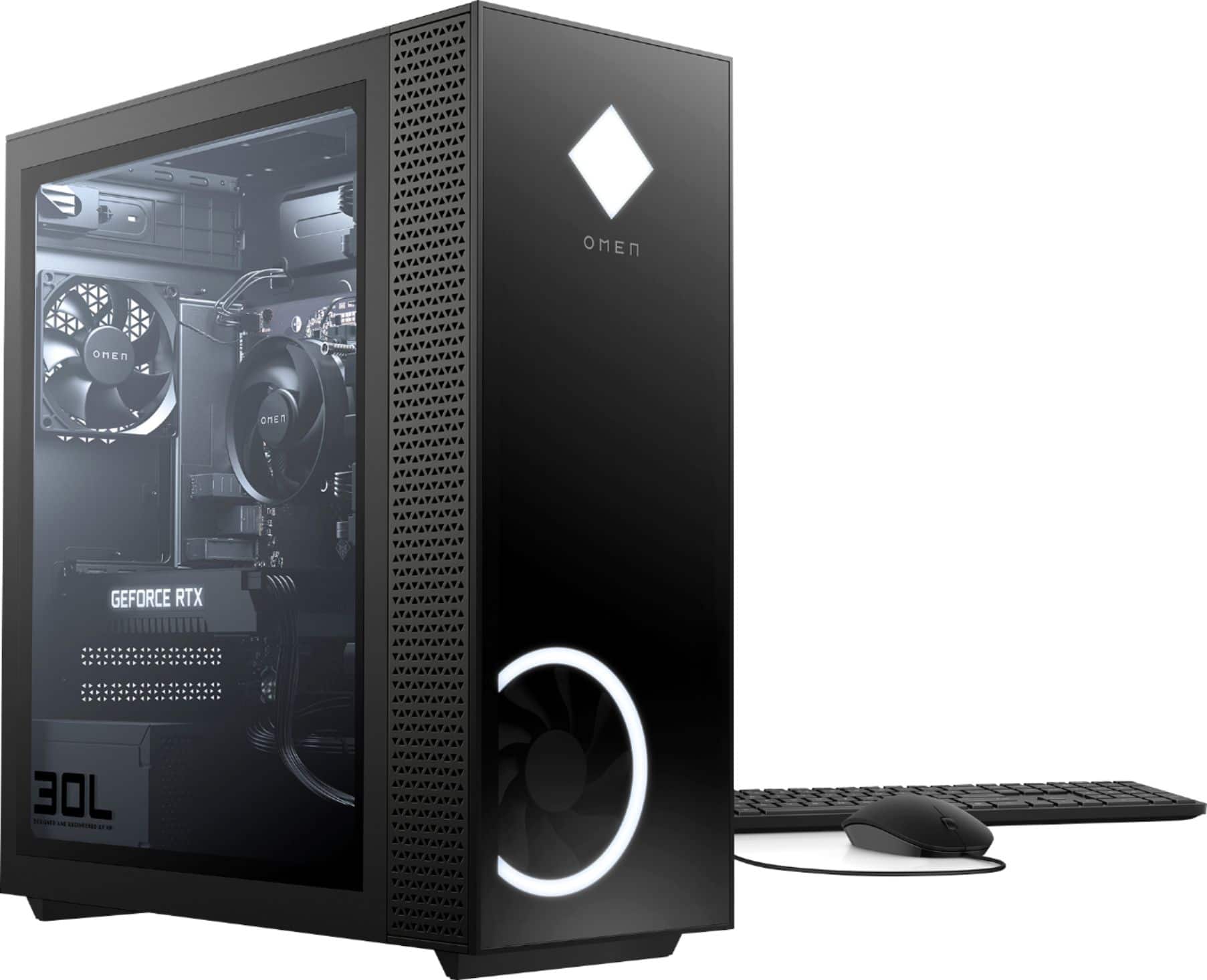
A:AnswerYes, the HP OMEN 30L Desktop - GT13-0024 has 1 DisplayPort; 1 HDMI; and 1 DVI-D port. Your first monitor can be connected to either the HDMI port, DisplayPort or the DVI-D port. Your second monitor would be connected to the port you did not use with the first monitor.
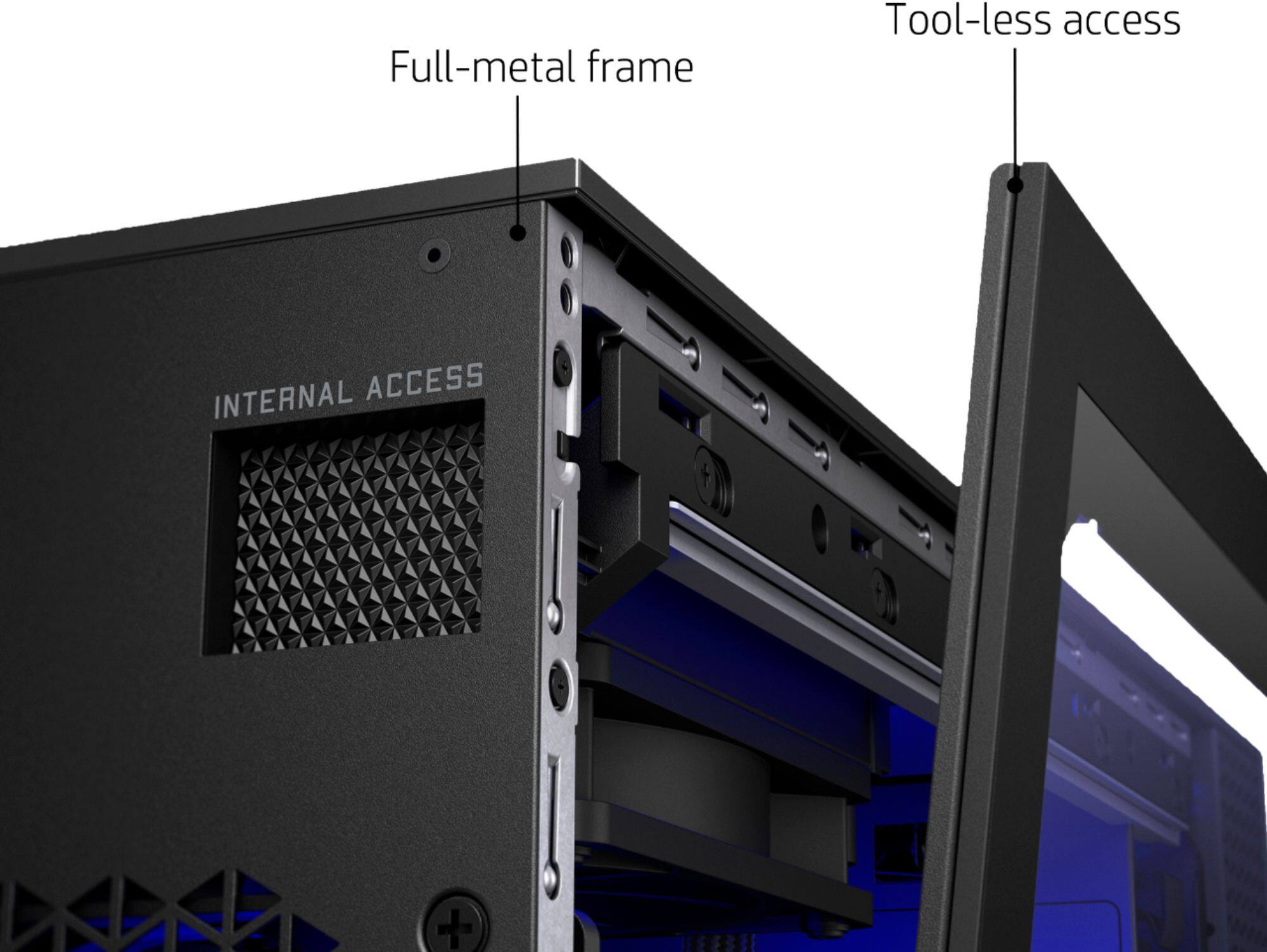
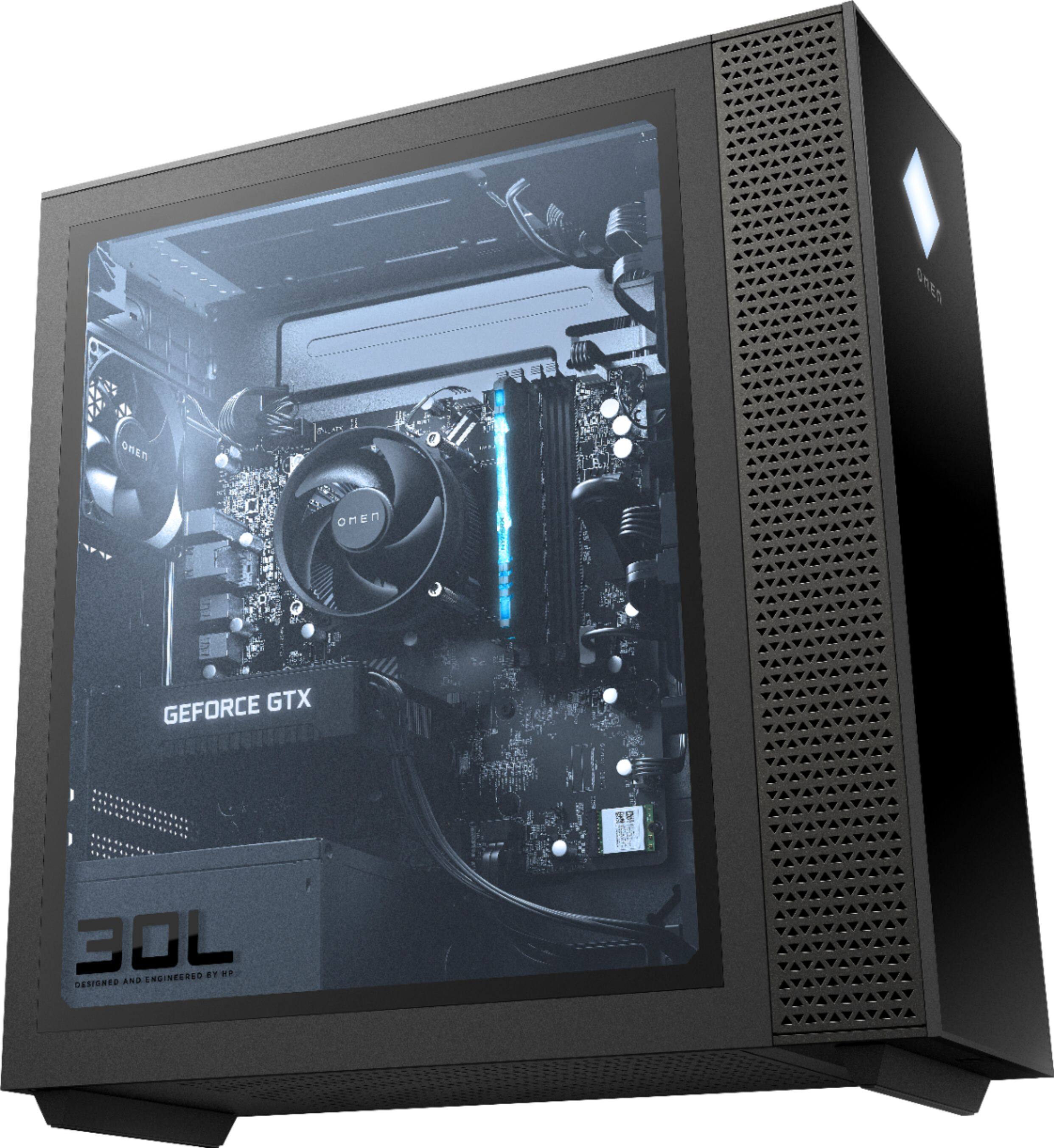
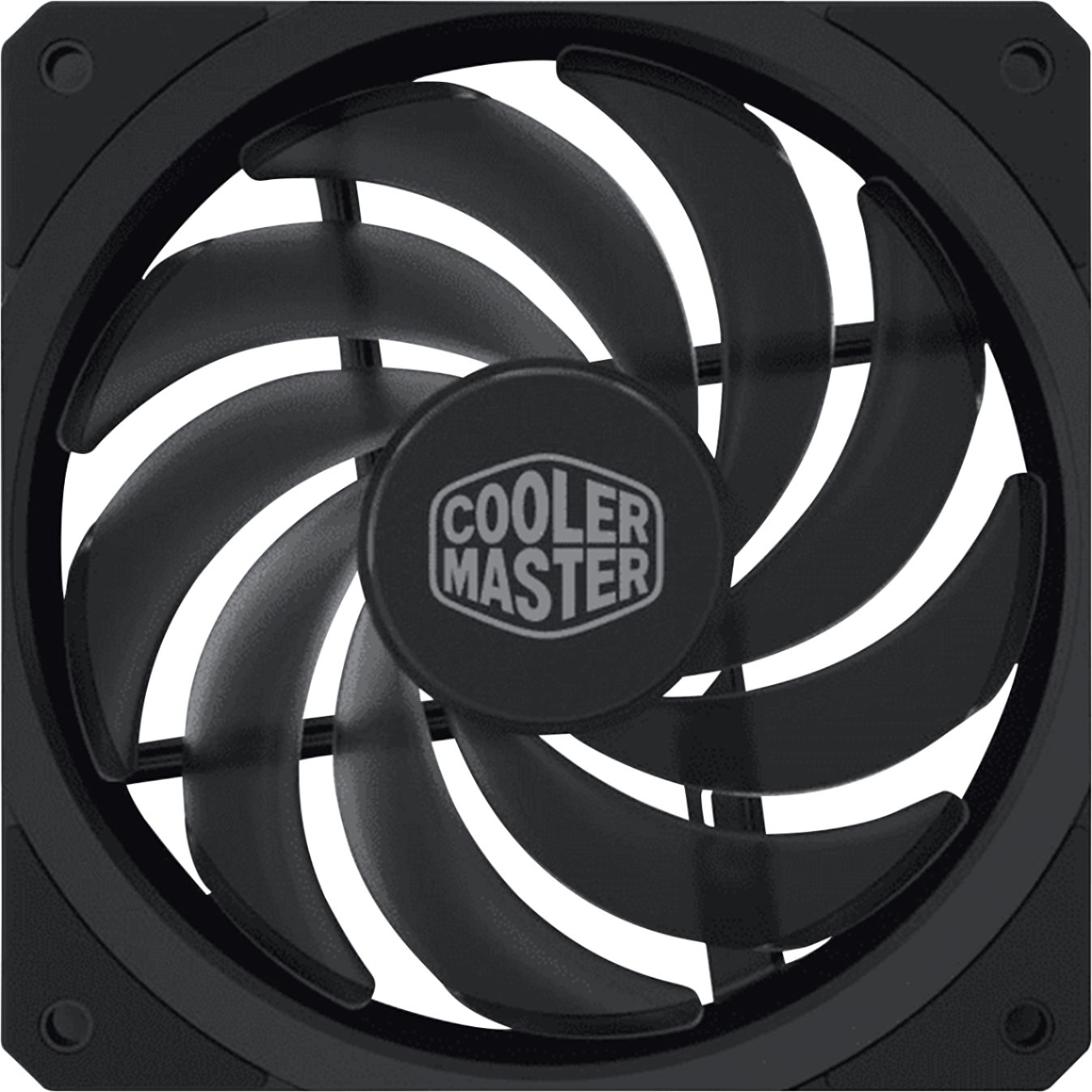
A:AnswerI added an extra 120mm fan to mine, Open the side panel and look up and you will see a panel just unscrew that panel. I have included pictures below, I only noticed a 5-10 degree difference with the extra fan. I also included a link to a few cool Cooler Master fans sold by bestbuy
A:AnswerHi. If you are going to upgrade the graphics card to either the RTX 2070 Super or 2080 Super, you should upgrade the PSU to a Cooler Master’s 750W Platinum power supply.
A:AnswerWell based on the "HP Team" answer I bought this PC and the aforementioned additional M2 SSD. Unfortunately "HP Team" misled me. There are two M2 slots, both occupied. Apparently one is for WiFi which I don't need. Hopefully I can install my ssd in place of wifi. Here's how I learned the truth. Should have looked here before I spent $1200.
https://h30434.www3.hp.com/t5/Desktop-Hardware-and-Upgrade-Questions/Where-to-install-second-m-2-SSD-drive/td-p/7624946