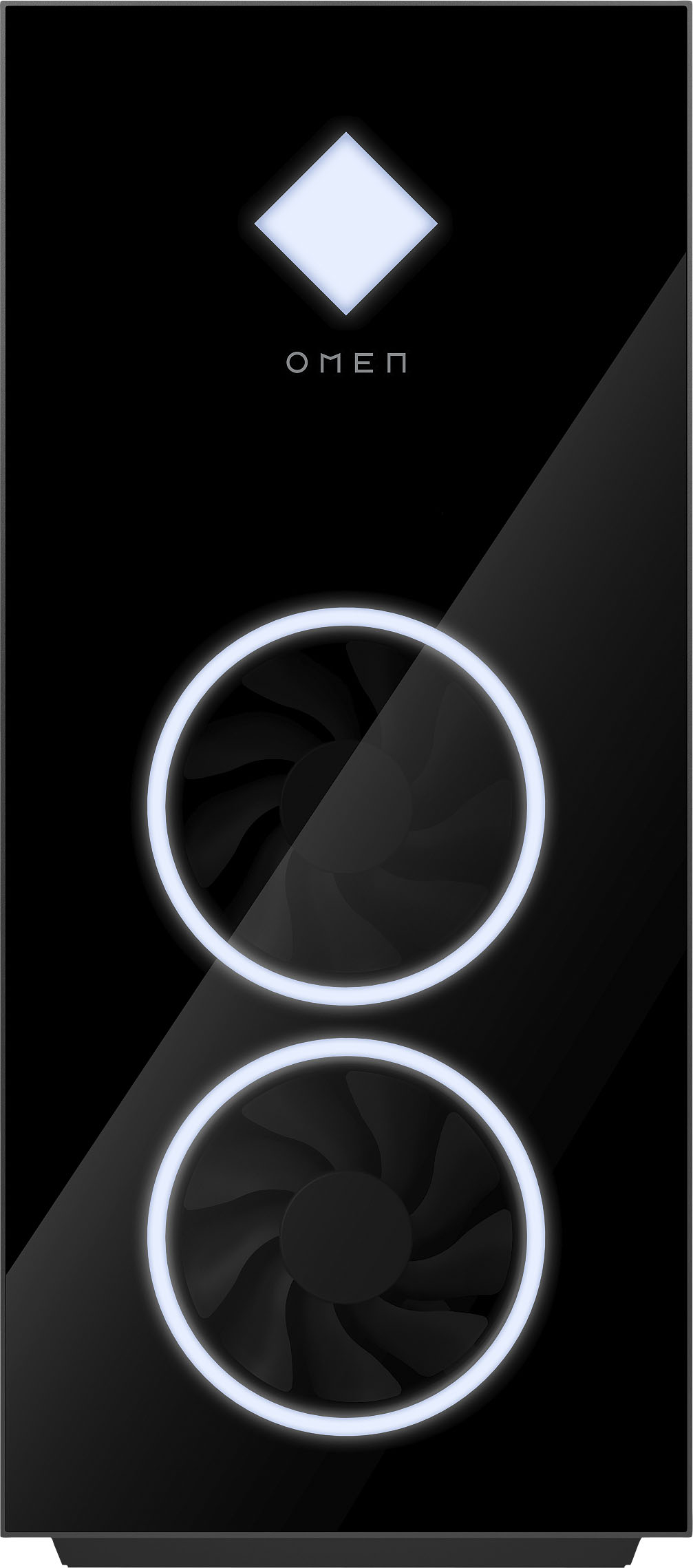
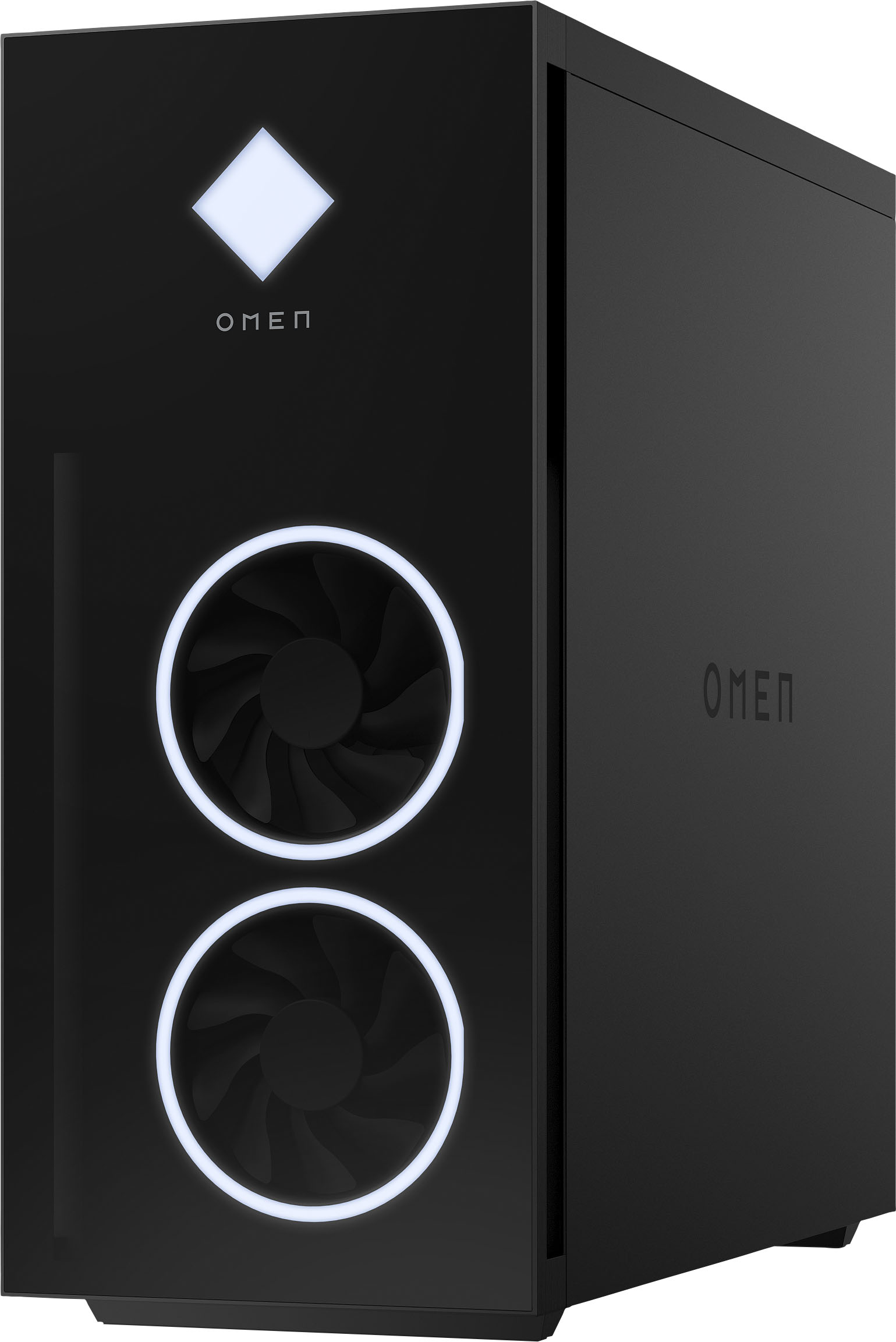
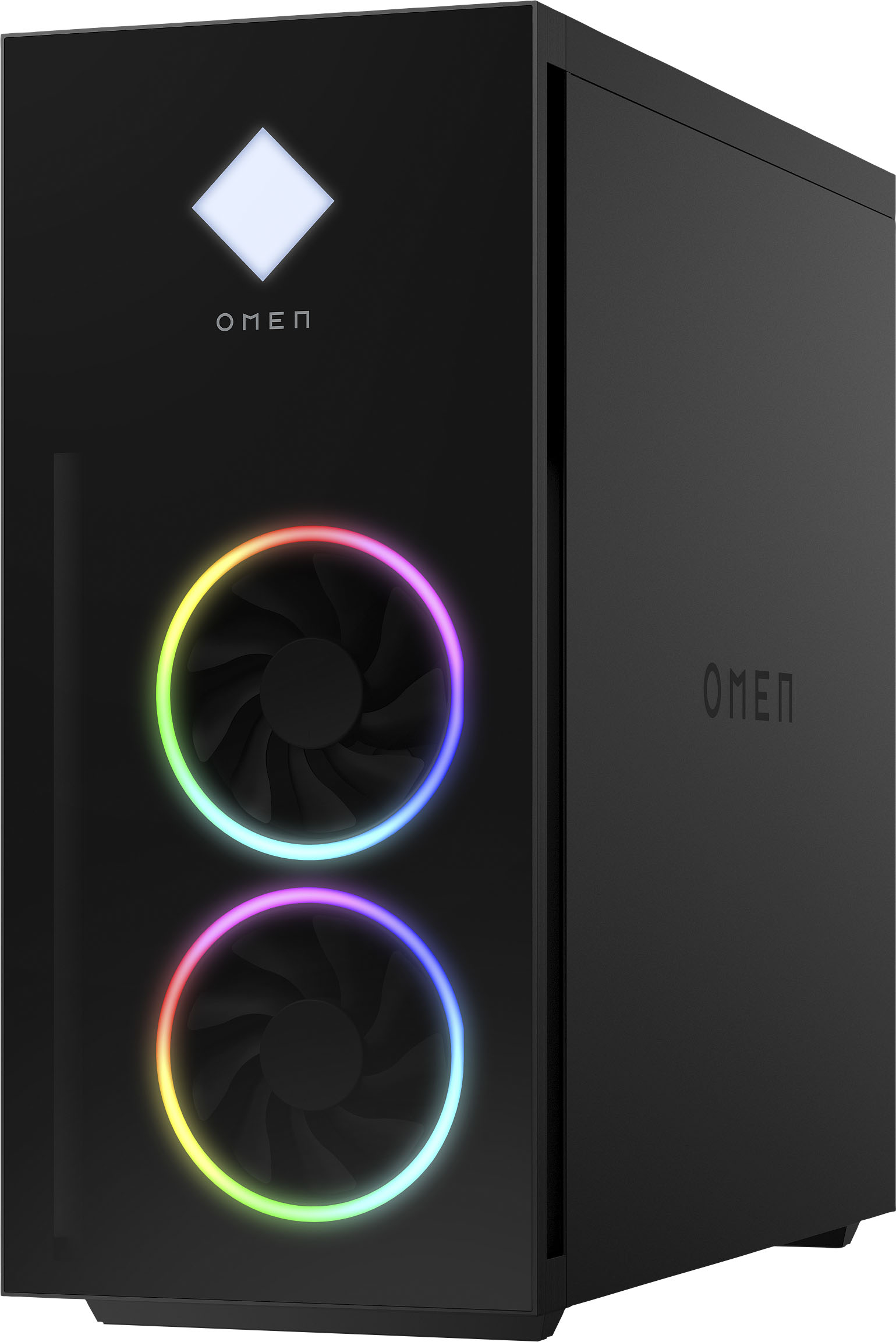
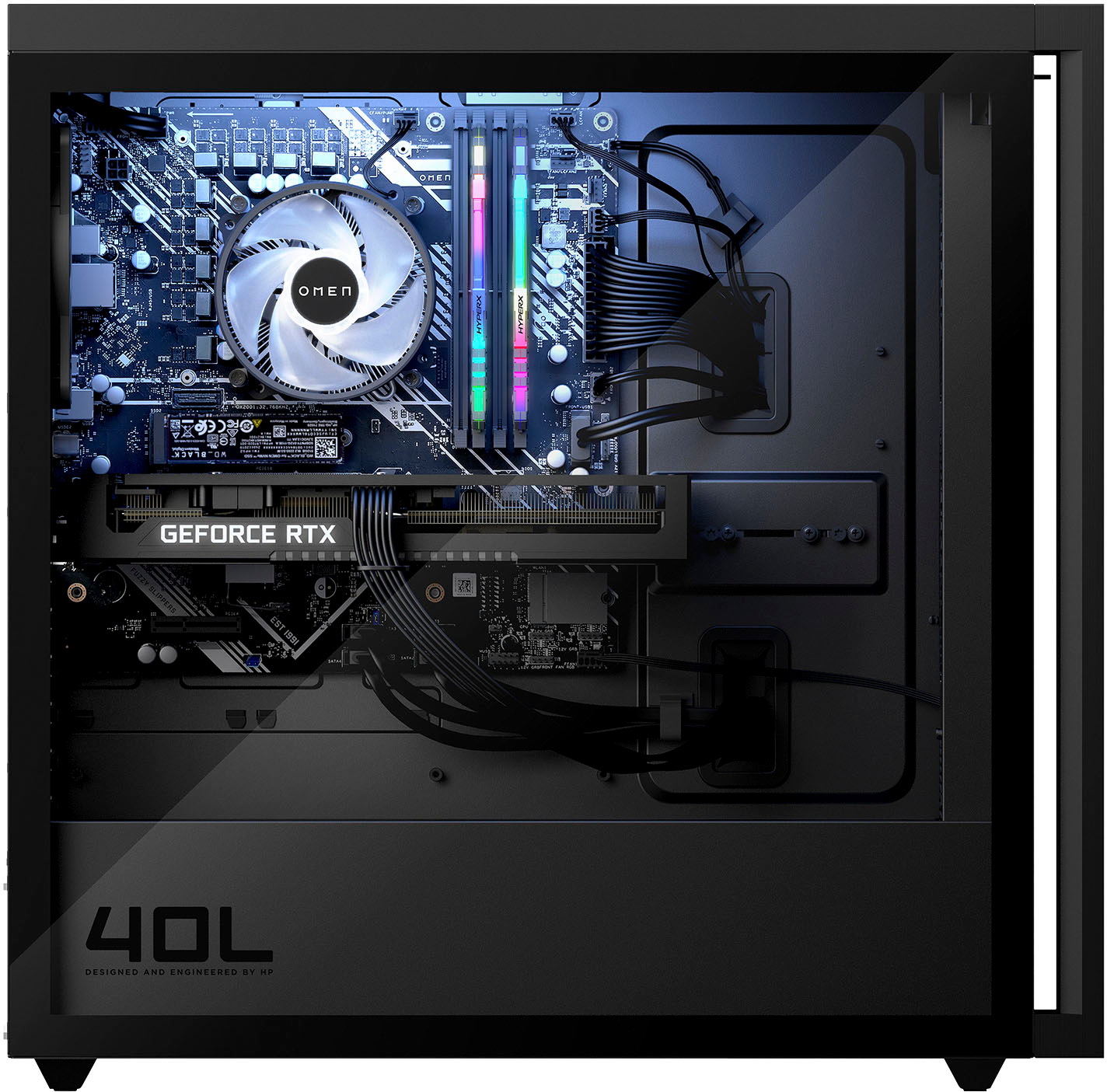
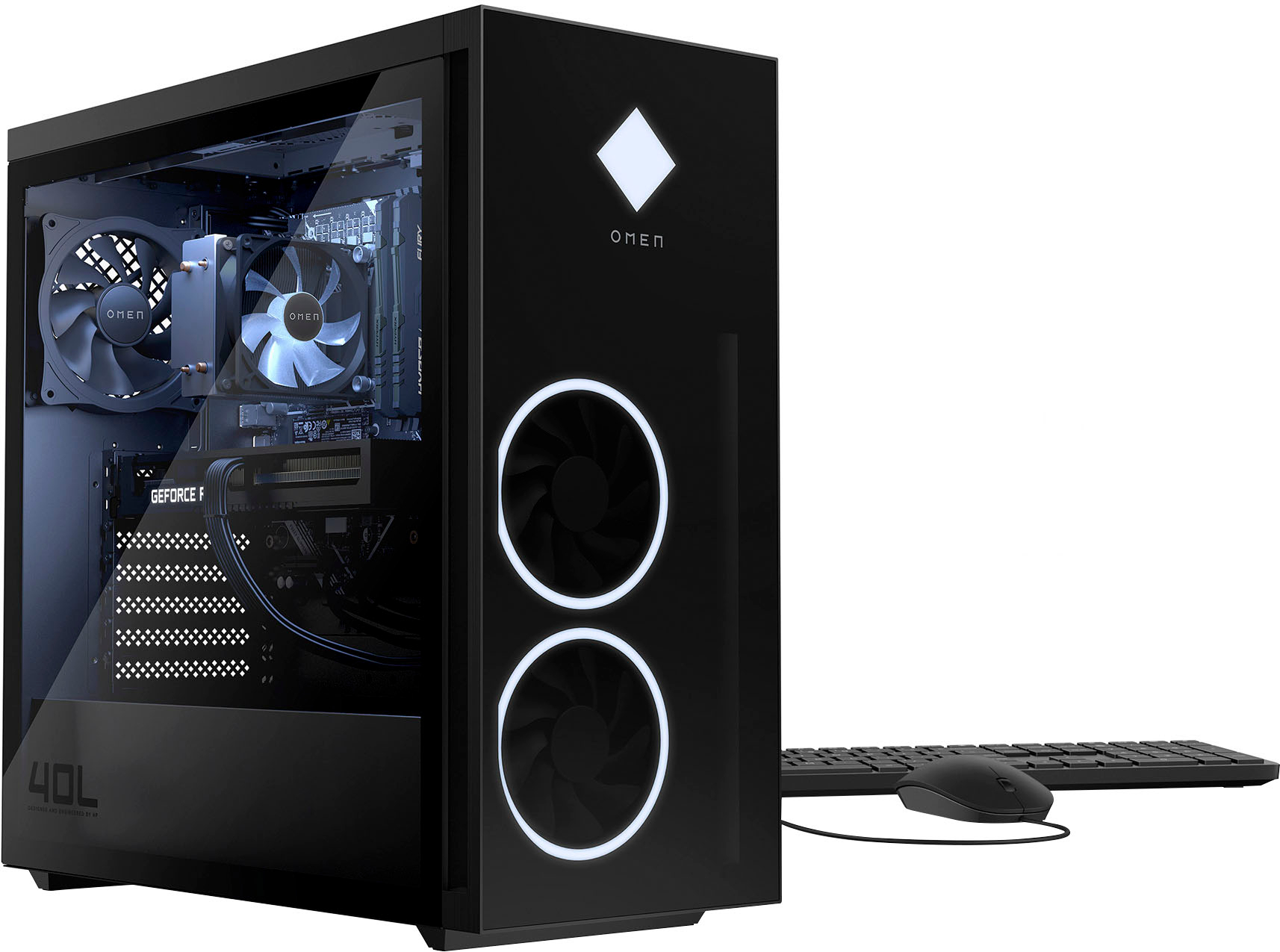
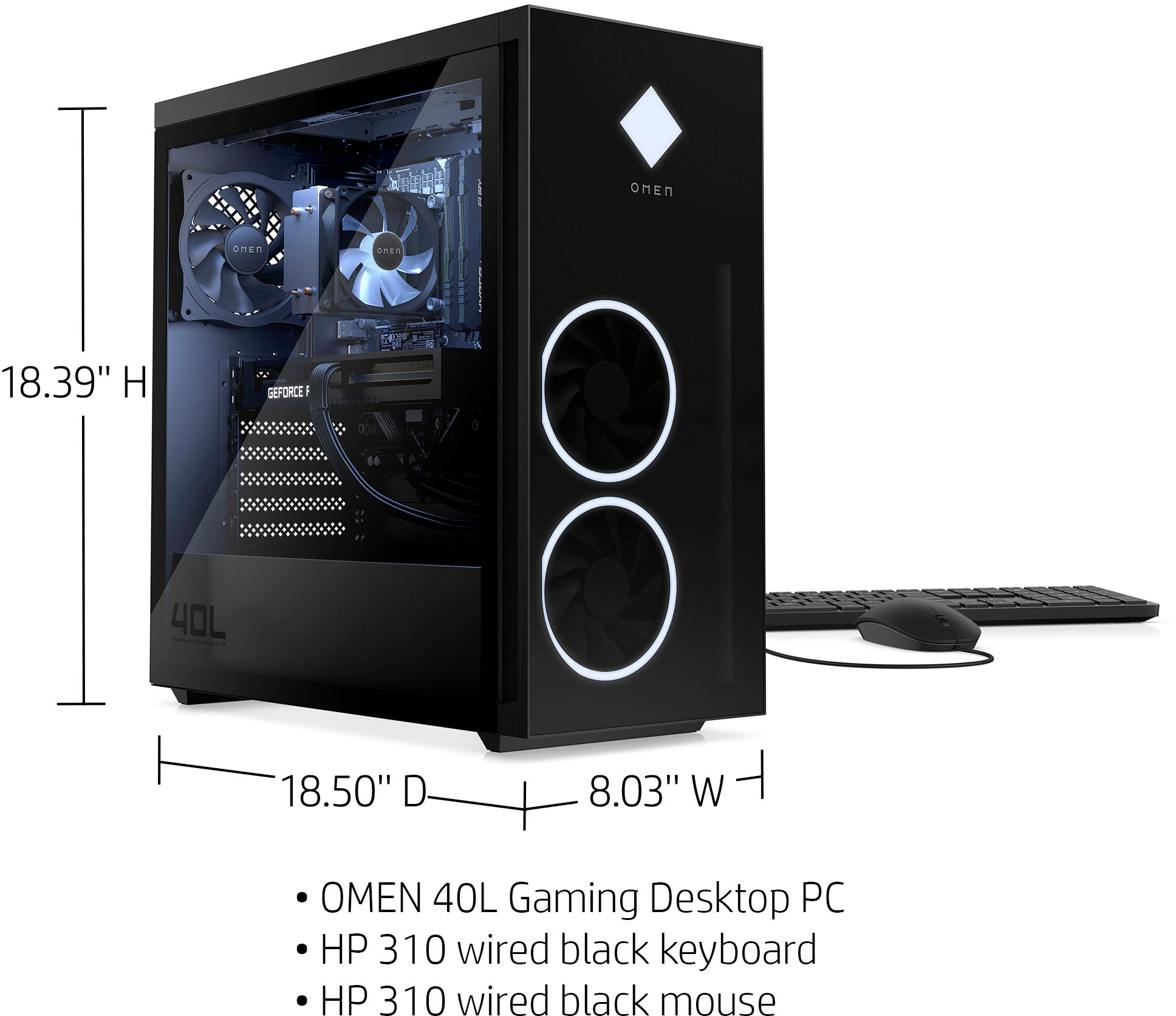
A:AnswerThank you for the question. The GT21-0074 Omen 40L Gaming Desktop has 3 M.2 expansion slots (2 for SSD, 1 for WLAN) in addition to 1 PCIe x16 and 1 PCIe x4.
A:AnswerThank you for the question. Desktop PCs are highly upgradeable, and users who wish to change or add components to their own specifications may find the Upgrade and Maintenance manuals very useful.
A:AnswerThank you for being an HP customer. We consistently endeavor to bring useful and innovative products to market, and we'll forward your feedback to our designers and engineers. The 12th-generation i5, i7, and i9 processors can multi-task better than ever, whether you're gaming, creating., or working. This is a good example: https://www.bestbuy.com/site/hp-omen-45l-gaming-desktop-12th-generation-intel-core-i9-12900k-32gb-hyperx-memory-nvidia-geforce-rtx-3080-ti-1tb-ssd-jet-black/6492563.p?skuId=6492563
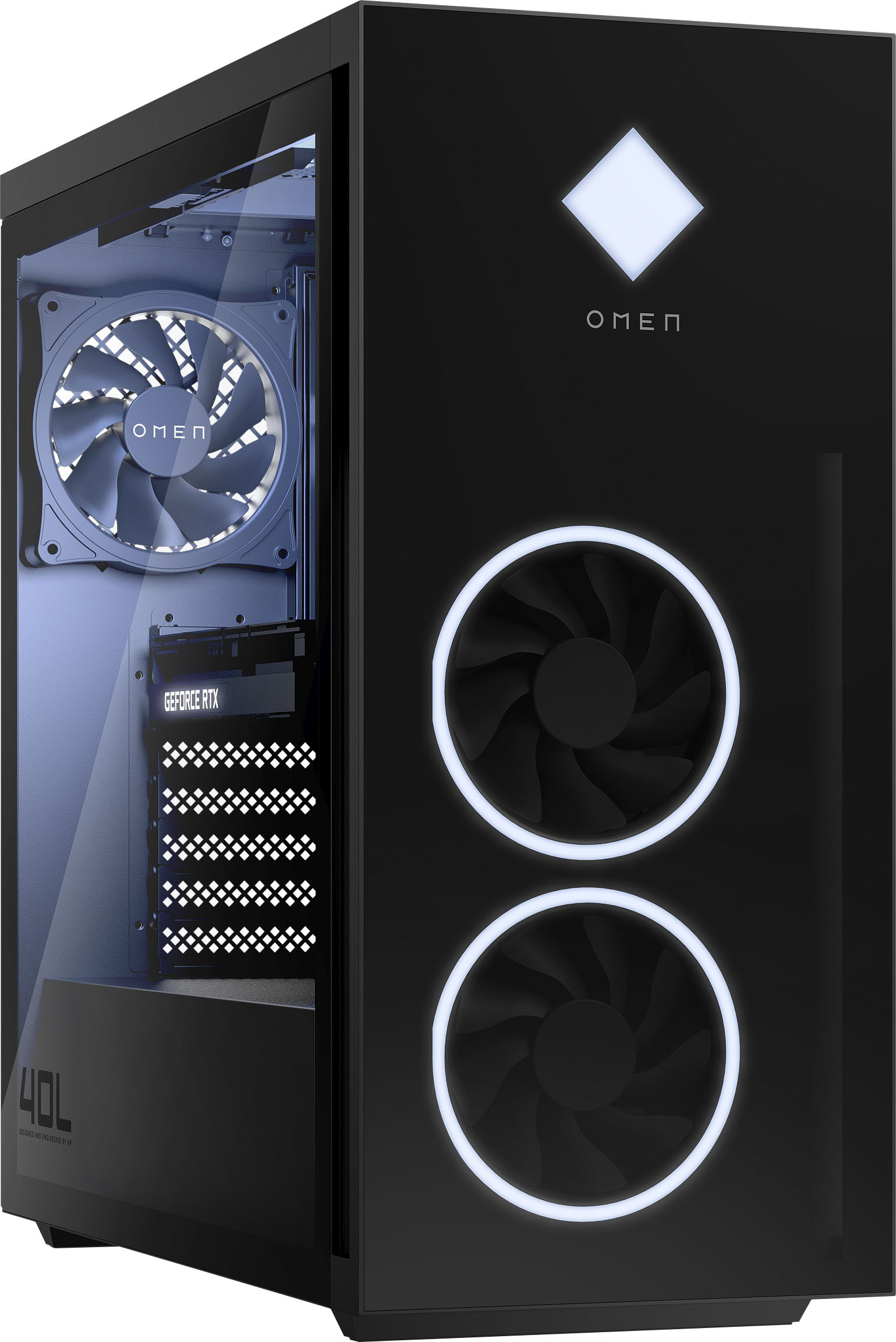
A:AnswerThank you for the question. The HP warranty covers your unit based on the build from the date of purchase. It will not be affected by recent hardware manufacturer's developments.
A:AnswerYes, it supports Secure Boot, and TPM 2.0. The RTX 3070 Ti graphics card is DirectX12 compatible and supports WDDM 2.0. Honestly, unless you're using the computer for very specialized applications, a computer with more than 64 or even 32 gigabytes of RAM won't give you any better performance.
A:AnswerMine came with PC4-29800 DDR4 (3200) SDRAM, two 8GB sticks. Since there are four slots, I could add two more 8GB sticks to get 32GB. According to the hardware reference manual, the RAM should be XMP (HyperX DDR4-3733 Intel® Extreme Memory Profile) memory.
A:AnswerThe motherboard is listed under the code name "BlizzardOC". The memory slots are for DDR4, so you won't be able to add DDR5 RAM, and the NVMe m.2 slot is generation 3
A:AnswerFor the RAM, there are two modules of HyperX 8 GB DDR4-3733 MHz XMP Heatsink RAM. The brand of the RTX 3070 ti is not listed in the documentation.