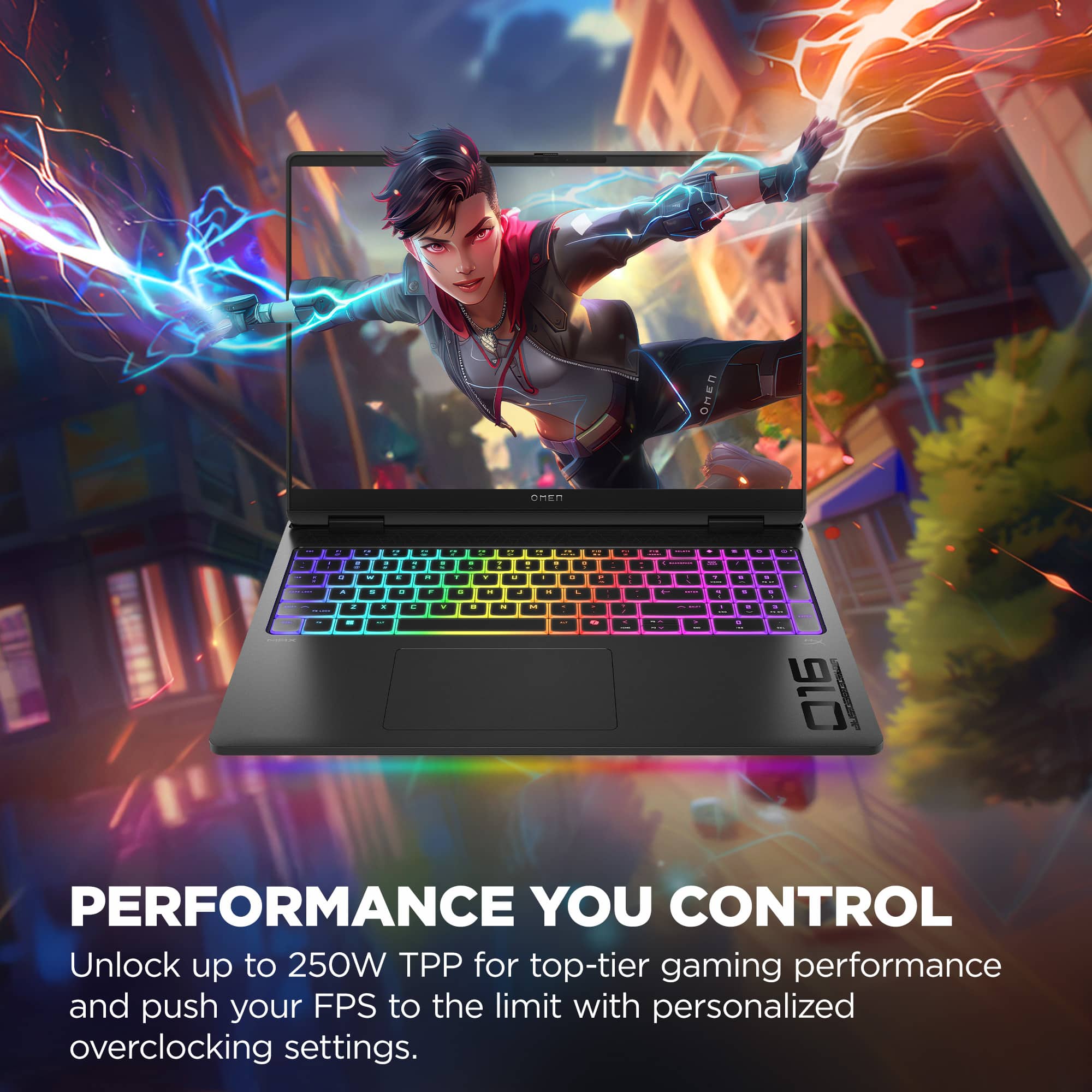
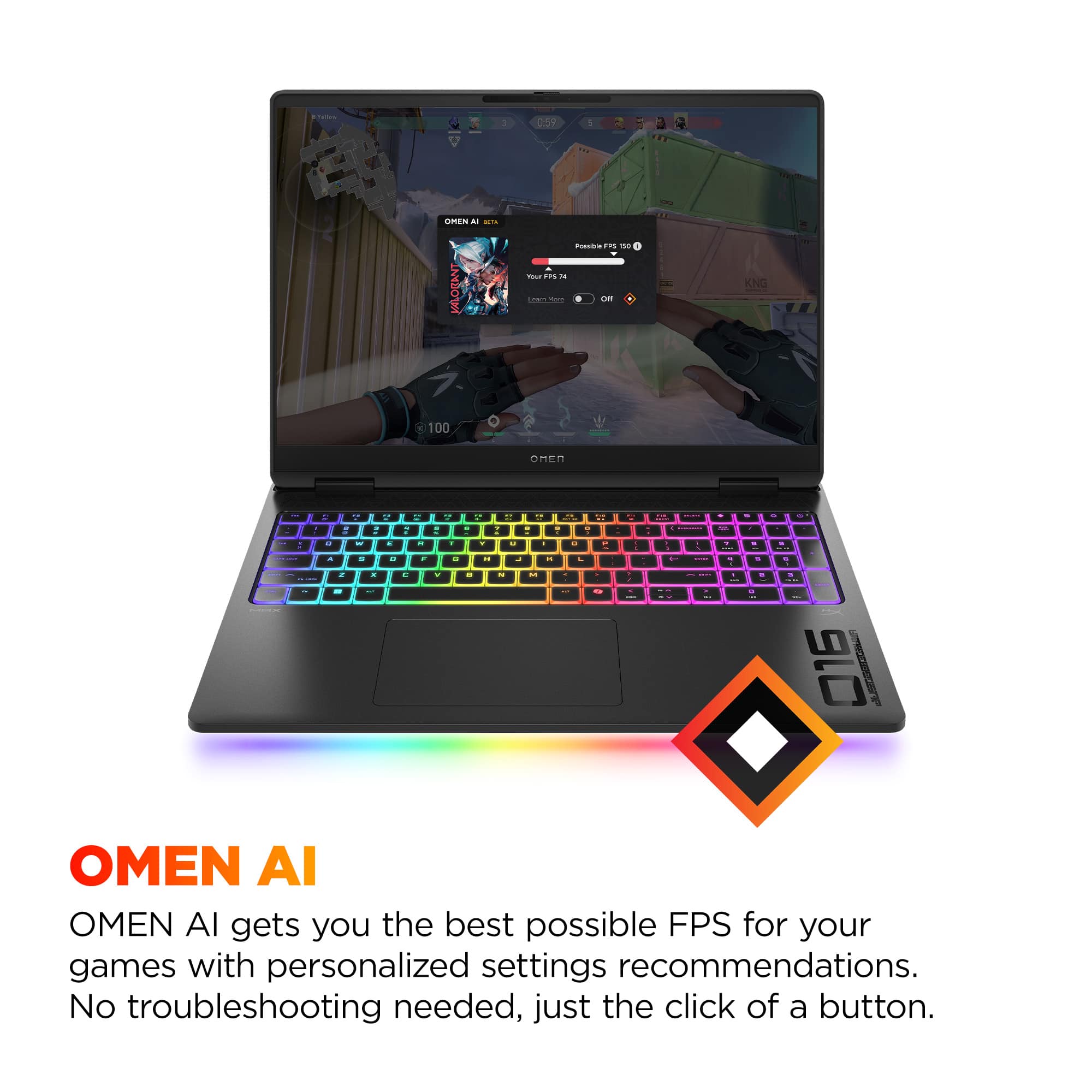
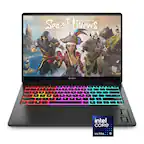
A:AnswerApologies for what you're experiencing. Your laptop includes HP software. Please open the Omen Gaming Hub to optimize gaming performance and customization. The User Guide has other instructions and information, and can be downloaded from HP Support.
A:AnswerHi Joey, thank you for the question. Switching to the 990 pro, you'll have the benefit of faster read and write speeds. That's beneficial to high-end computing, gaming, and professional workloads.
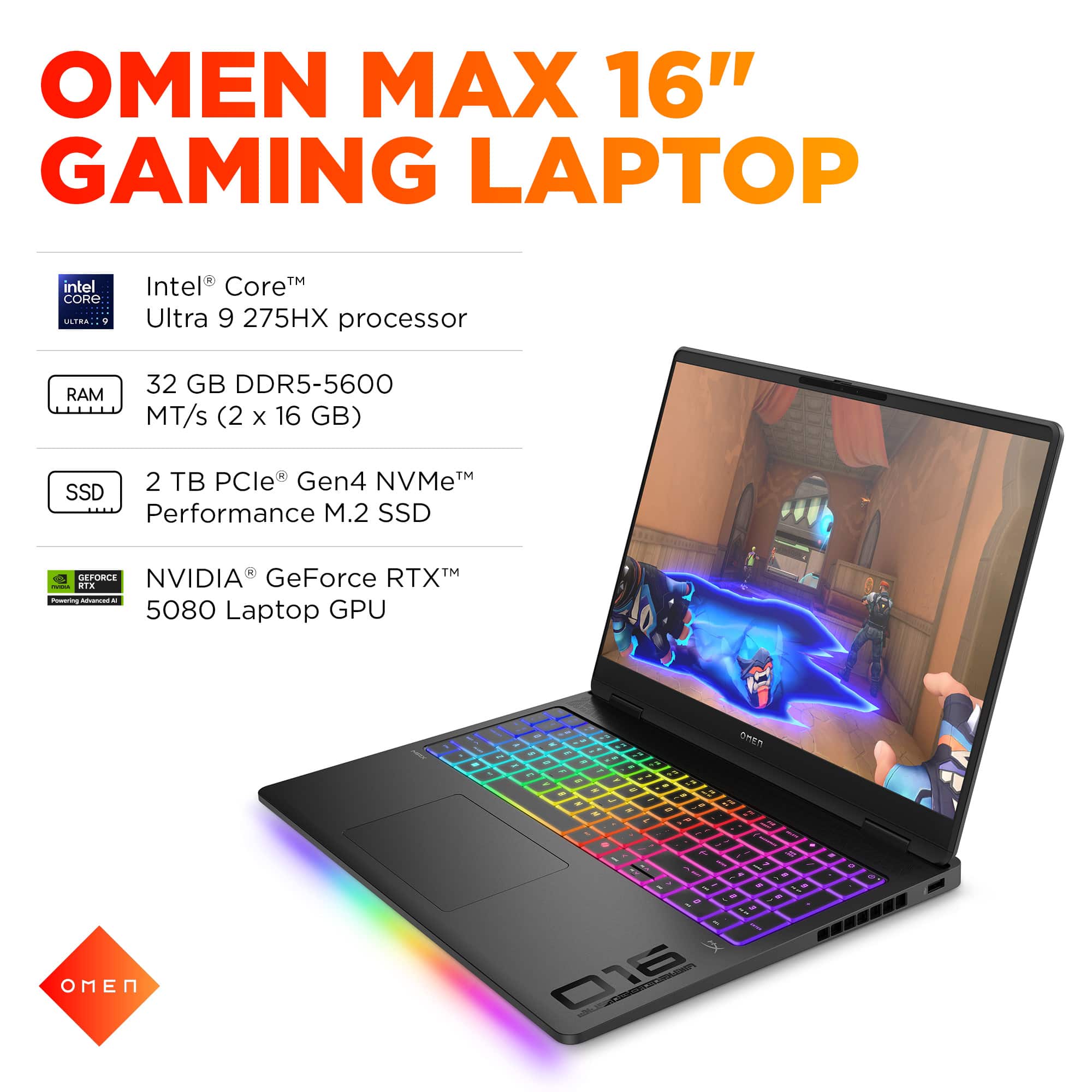
A:AnswerRam, thank you for your question about this HP Omen laptop! The service guide only offers up to 64GB in a 2x32GB configuration. The laptop has not been tested above that.
A:AnswerHi David. The Omen 16-ah0043dx supports dual NVMe M.2 SSDs with a maximum capacity of 2 TB per slot. You could use more than the supported SSD volume with some considerations - firmware support, partitioning, and physical fit - some high-capacity SSDs have chips on both sides, which could affect compatibility in tight spaces.
A:AnswerThank you for your question about the memory for this HP Omen gaming laptop! This uses DDR5-5600 SODIMM and is tested for up to 64GB in a 2x32GB configuration with dual-channel support.
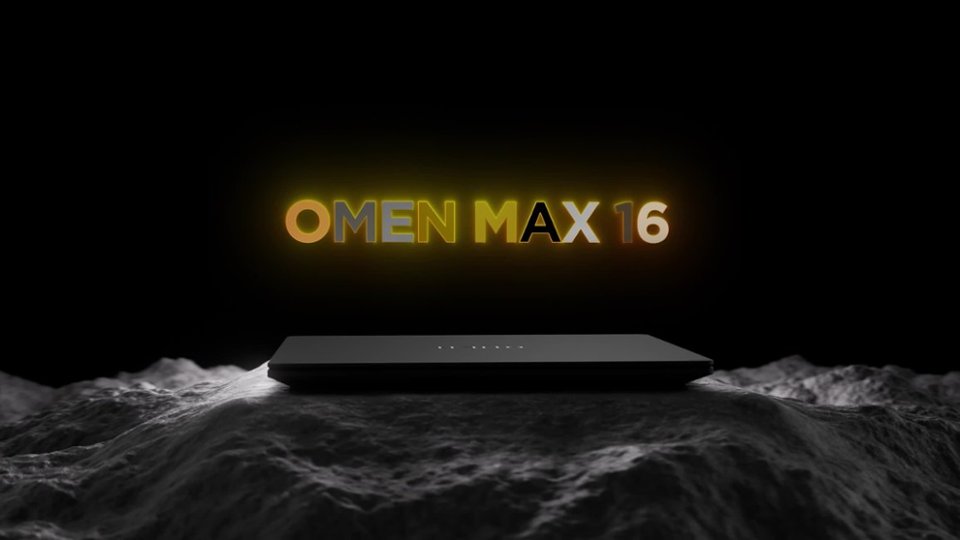
A:AnswerSorry that the HP customer rep didn't answer your question properly. He was confused between the memory slots and the available storage slots. Yes, the Omen Max 16 has two NVMe slots! Have fun with your upgrade!