A:AnswerThis is my 2nd omen. My first a 2019. Ran like a champ. And i bought this based on that experience. And this pricing. I am not bashing ome in general with this answer. But this set up here you should avoid at all costs with your needs. I have been using this for 1 week. And glitches , i can barely keep up with the event logs. In one week i have over 56,000 logged events of mostly glitches. So far my research has uncovered this. The ryzen 5700g has an integrated gpu. Whivh would be fine if you were using something like a $600 hp envy to browse and email. So the question is what dong dong at hp decided to put this cpu into a framework thst was intending on having a dedicated gpu. The ryzen 5700g does not work appropriately with the RTX 3070... hope you read this in time. And i saved you the $1200 that i wasted. And now need a new computer that works without a minute by minute headache of glitches
A:AnswerYes you can put any brand as long as it is ddr 3200and the same pin configuration. However you will want to either add 2 x 8gb. Total of 33gb. Or Discard the originals and add 2 new of any matching size . Or 4 new of any matching size..
A:AnswerBeing able to game and stream at the same time will often depend on what you're playing, what the settings are, what your streaming settings are, and your internet capabilities. You can check the requirements for the software you would like to use by looking up the system requirements for it from the publisher's website. You will want to make sure that the device you want to use it on meets the minimum requirements. Updates and modifications can impact what settings you can run the software on or if you can use the software at all. This machine does meet the minimum requirements for OBS Studio.
A:AnswerWith this omen, there are some strange things going on. First is the gpu. You can upgrade to a 4090. The 3070 uses 220watts in power consumption while the 4090 uses 450watts.
Now the cpu no you cannot change from ryzen to intel. Different motherboards. Leads me to. If you upgrade the gpu you willnred yo some systemchanges and settings to hopefully get the best usage of the gpu.
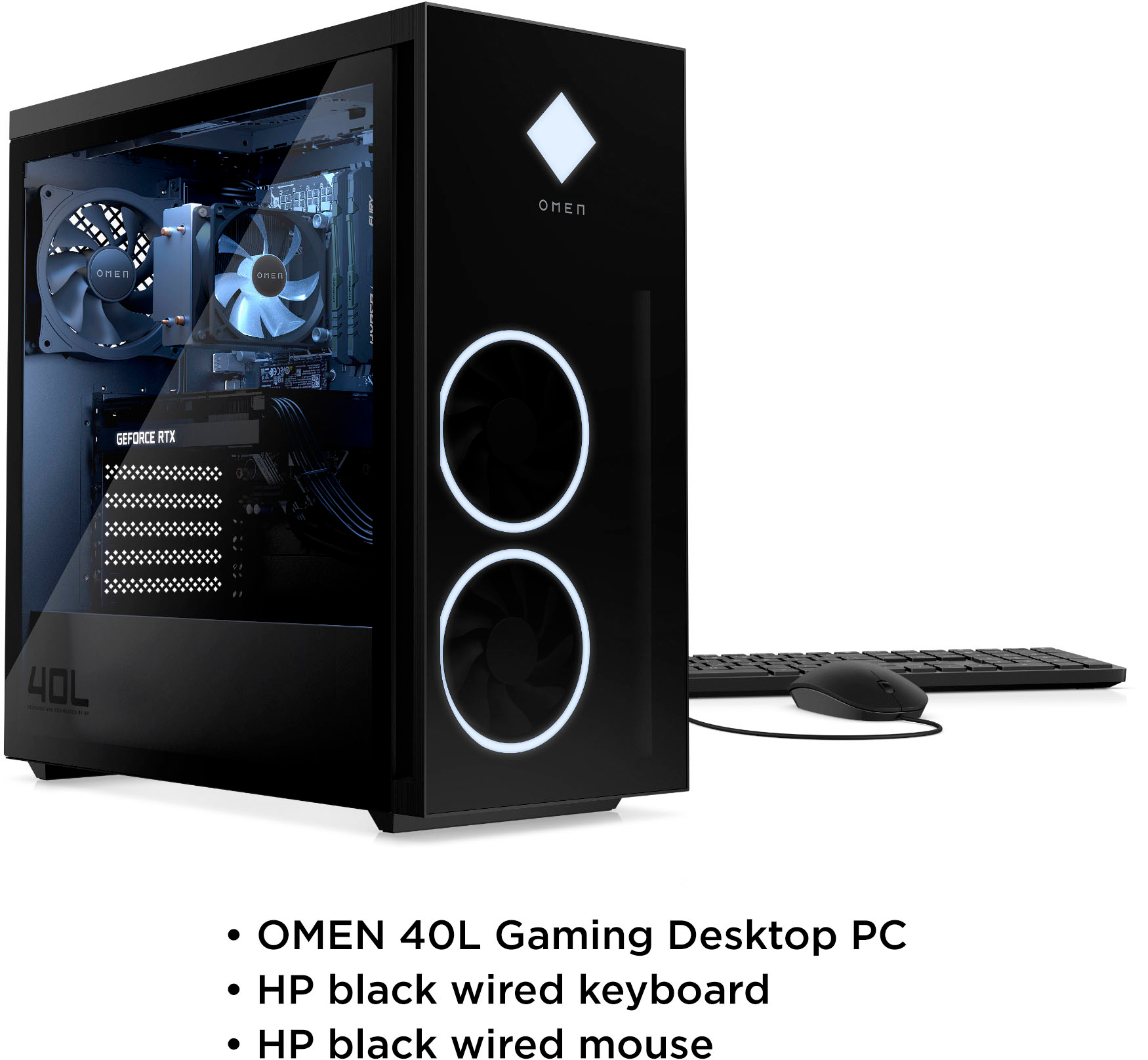
A:AnswerCords for your monitor are typically purchased separately from your tower. This model will come with a tower, a keyboard and a mouse, and the accompanying cords for power. The cords to the monitor may come with the monitor, but more frequently have to be purchased separately. This model comes with one HDMI 2.1 port and you will have access to three DisplayPort™, so you will want a monitor that uses one of those ports.
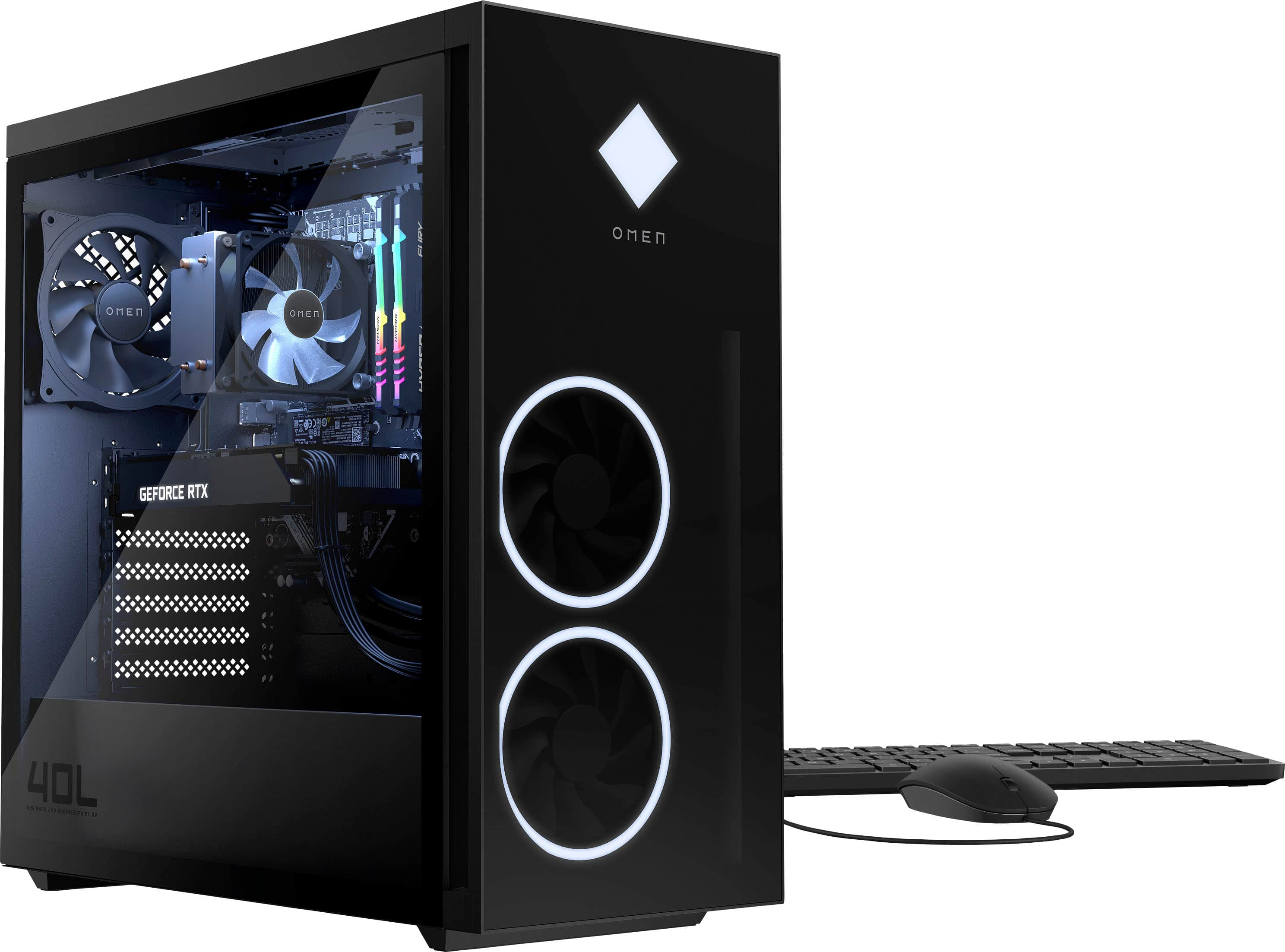
A:AnswerHello. Thanks for your question. This HP Omen desktop can be upgraded up to 128 DDR4-3733. If you get faster RAM, it will be lowered down to 3733 MHz.
A:AnswerYou will want to check the system requirements from the software publisher's website. Updates can change system requirements which can impact what settings you can run the software on or if you can use it at all. FPS depends drastically on not only the computer's hardware but also background software running, as well as the game's settings, like resolution and other graphics-heavy features.
A:AnswerSystem is super quiet and I am a heavy gamer. I did add more memory but have had no issues with it heating. Has remained super cool. Love this system