Questions & Answers
- Model:
- 16-ar0013dx
- |
- SKU:
- 11916750
Q: QuestionIs this sufficient for gaming?
Asked by Crowdaddy.
- A:Answer Only very light gaming
Answered by IbraheemM
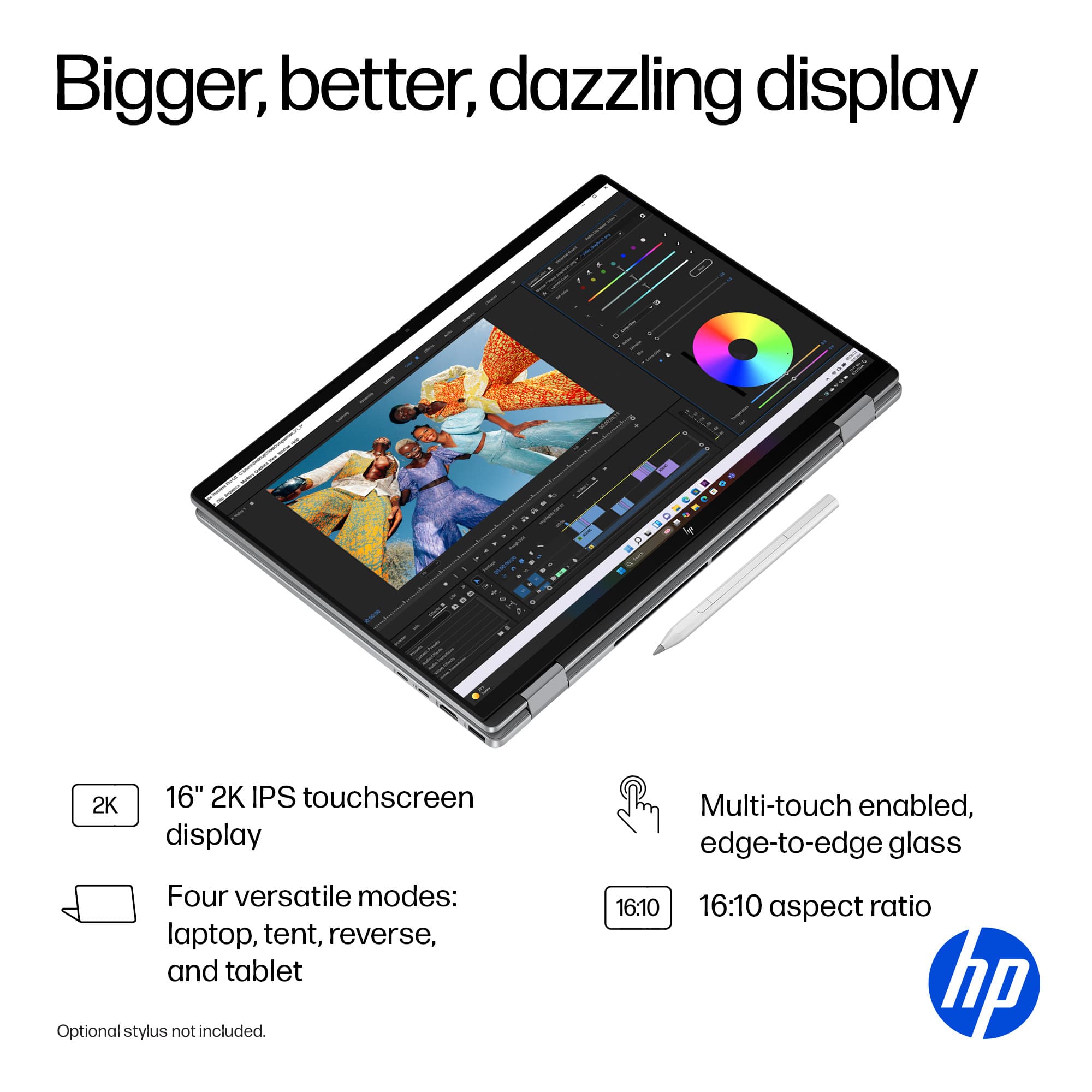
Q: QuestionDoes this model come with the HP stylist?
Asked by Stylist.
- A:Answer No it doesn't
Answered by IbraheemM
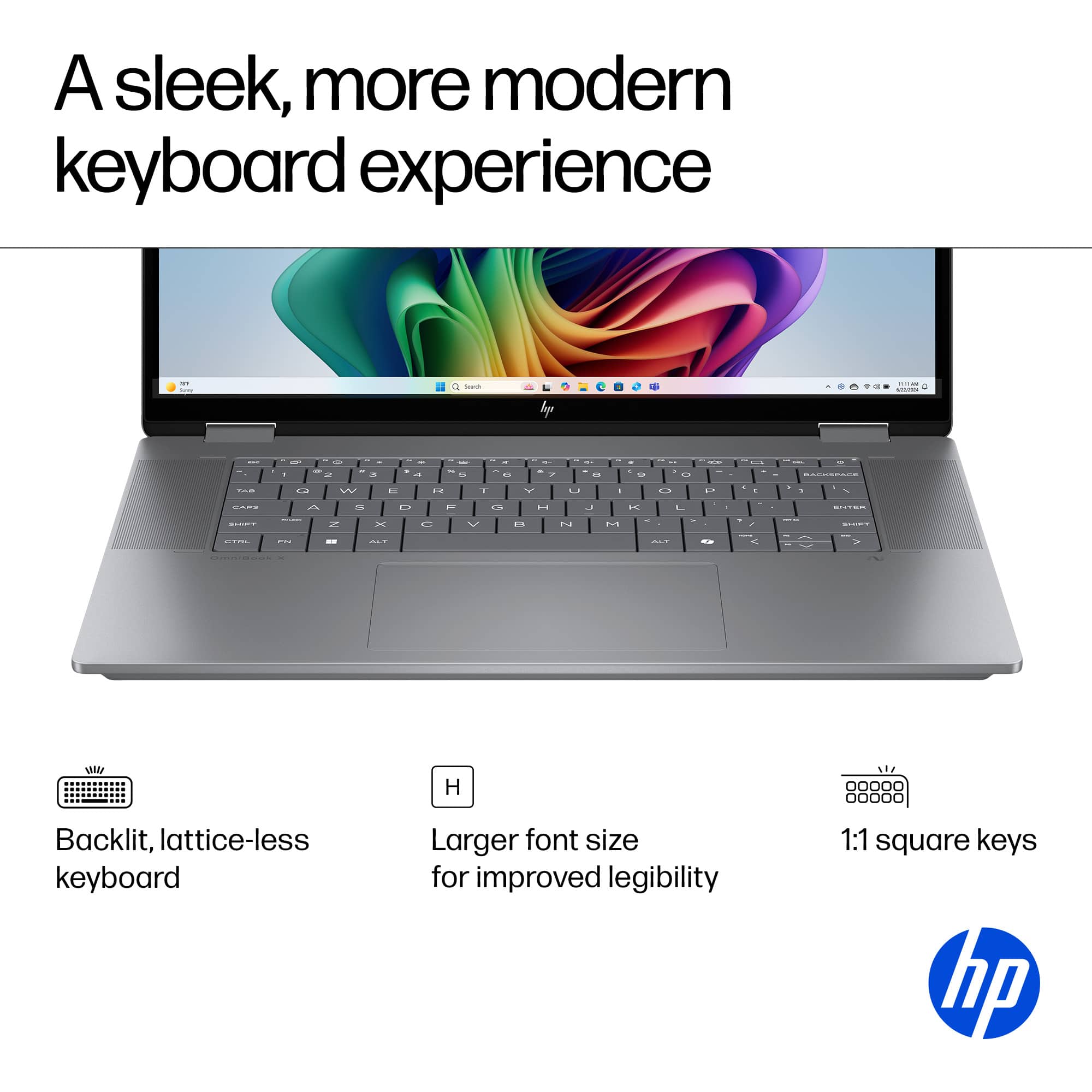
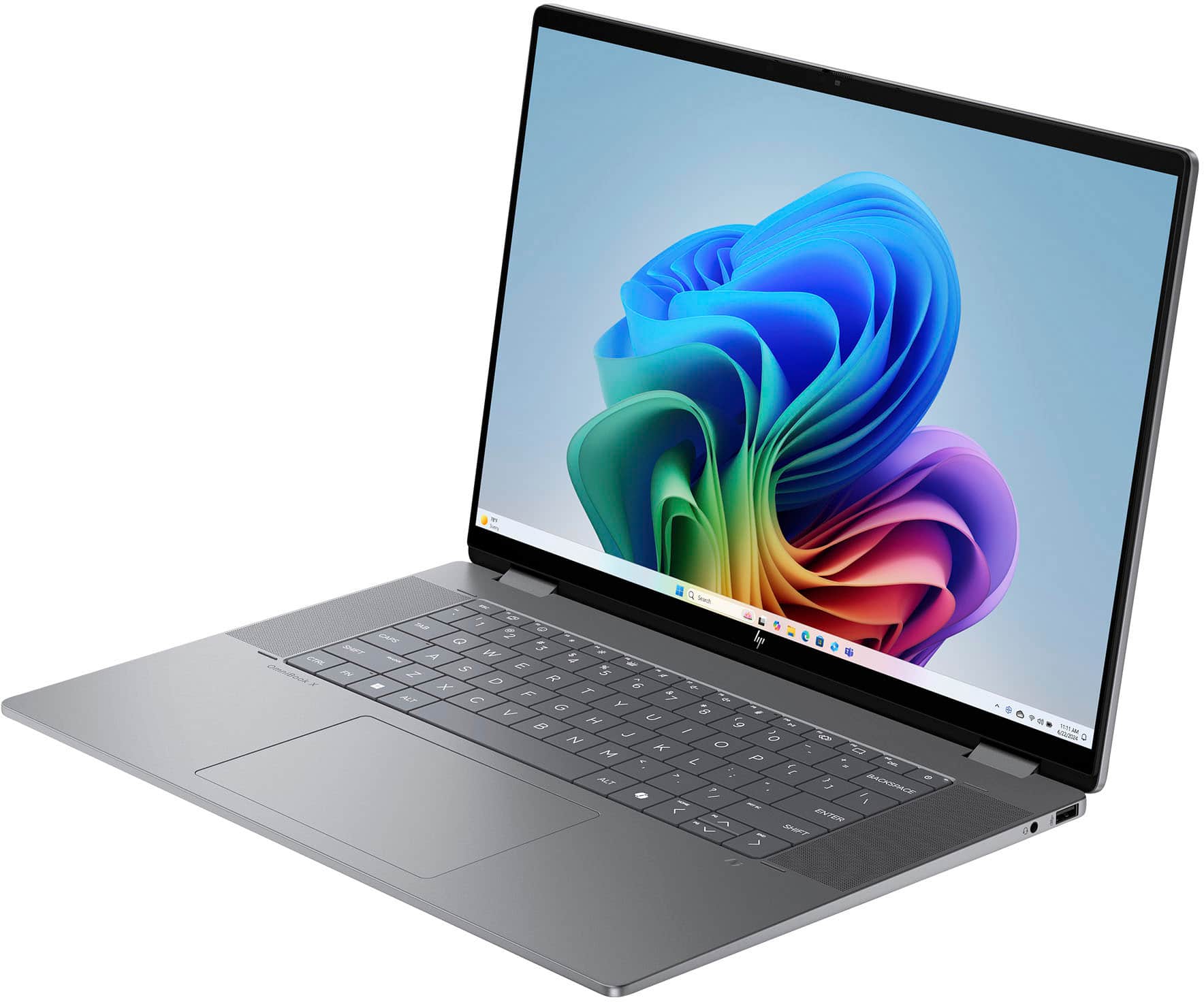
Q: QuestionI do not see the information of how to activate the num lock on the keyboard, the information with any of the materials included with purchase.
Asked by Donna.
- A:Answer There is no num lock because the keyboard does not have a numerical keypad.
Answered by Jeff
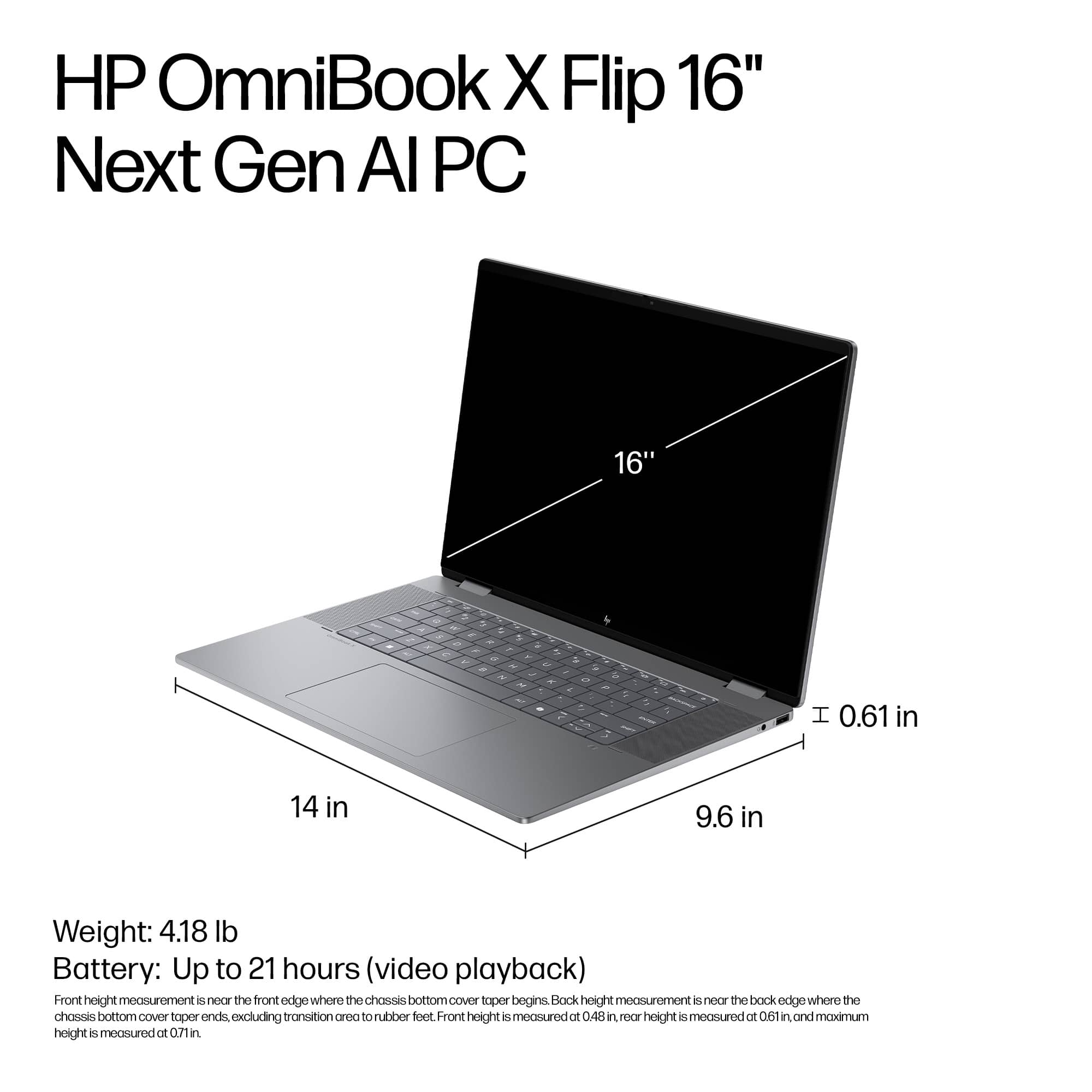
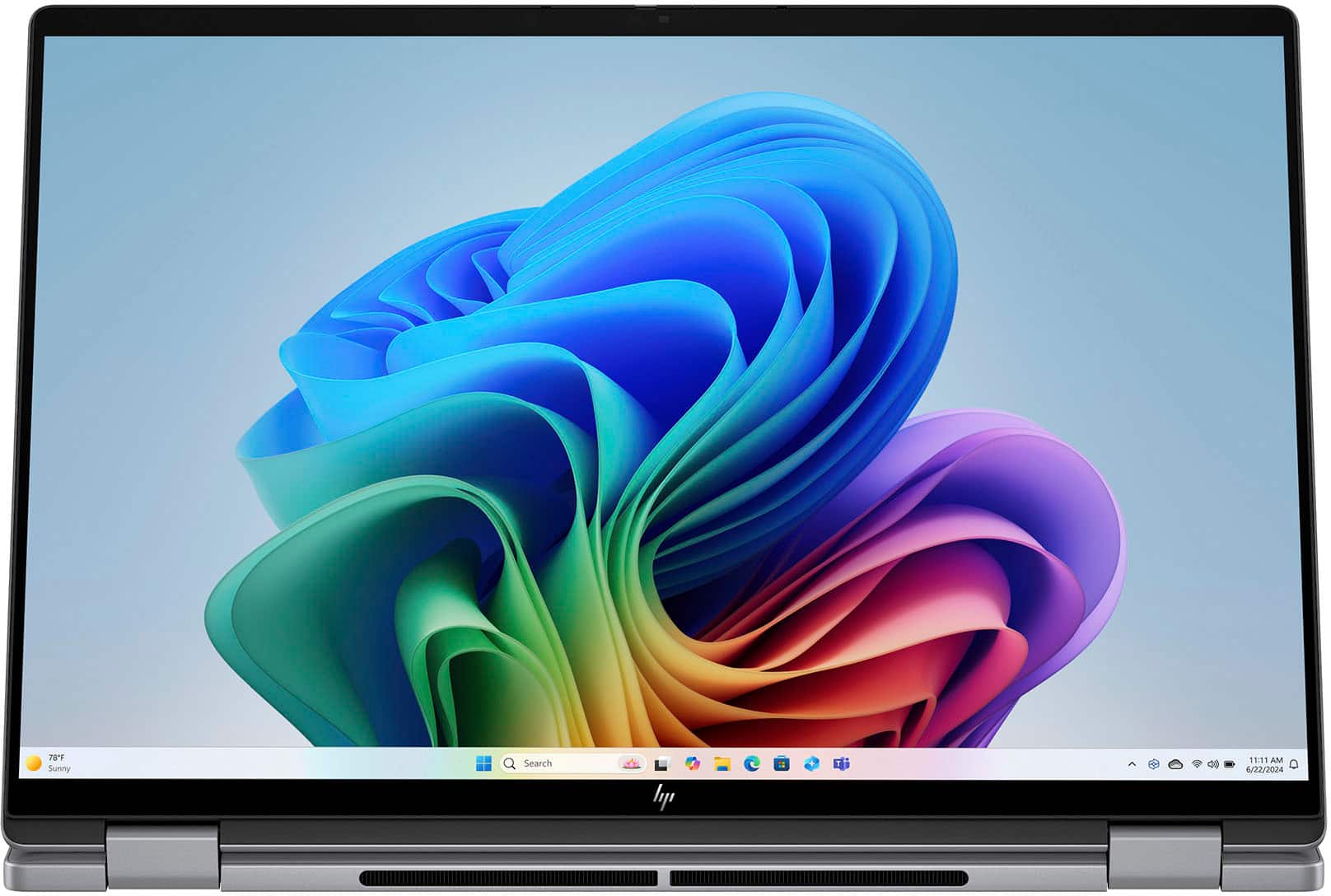
Q: QuestionHow long and wide is this computer
Asked by Furby.
- A:Answer The dimensions are listed in the product specifications. However, 0.61" H x 14.02" W x 9.67" D.
Answered by Jeff
Q: QuestionCan I use the hp active pen g3 with this laptop?
Asked by Anonymous.
- A:Answer Yes it was very easy to use
Answered by RonaldT
Q: QuestionCan i play fortnite on this?
Asked by Cj.
- A:Answer You can but you would have to optimize it a lot and lower the settings a lot but I wouldn't recommend it
Answered by IbraheemM
Q: QuestionDoes this come with a pen or stylus?
Asked by Me.
- A:Answer No, You need to buy one. There are aftermarket pens so do your homework as the pens (Non OEM) typically do not have all the features of the OEM, but are priced lower. If your goal is artwork and creativity, go with the OEM
Answered by Jakesdad
Q: QuestionDoes it come with the stylus pen?
Asked by Wolfie30.
- A:Answer No HP Active Rechargeable Tilt Pen MPP 2 This one is the one i use for it
Answered by CASS
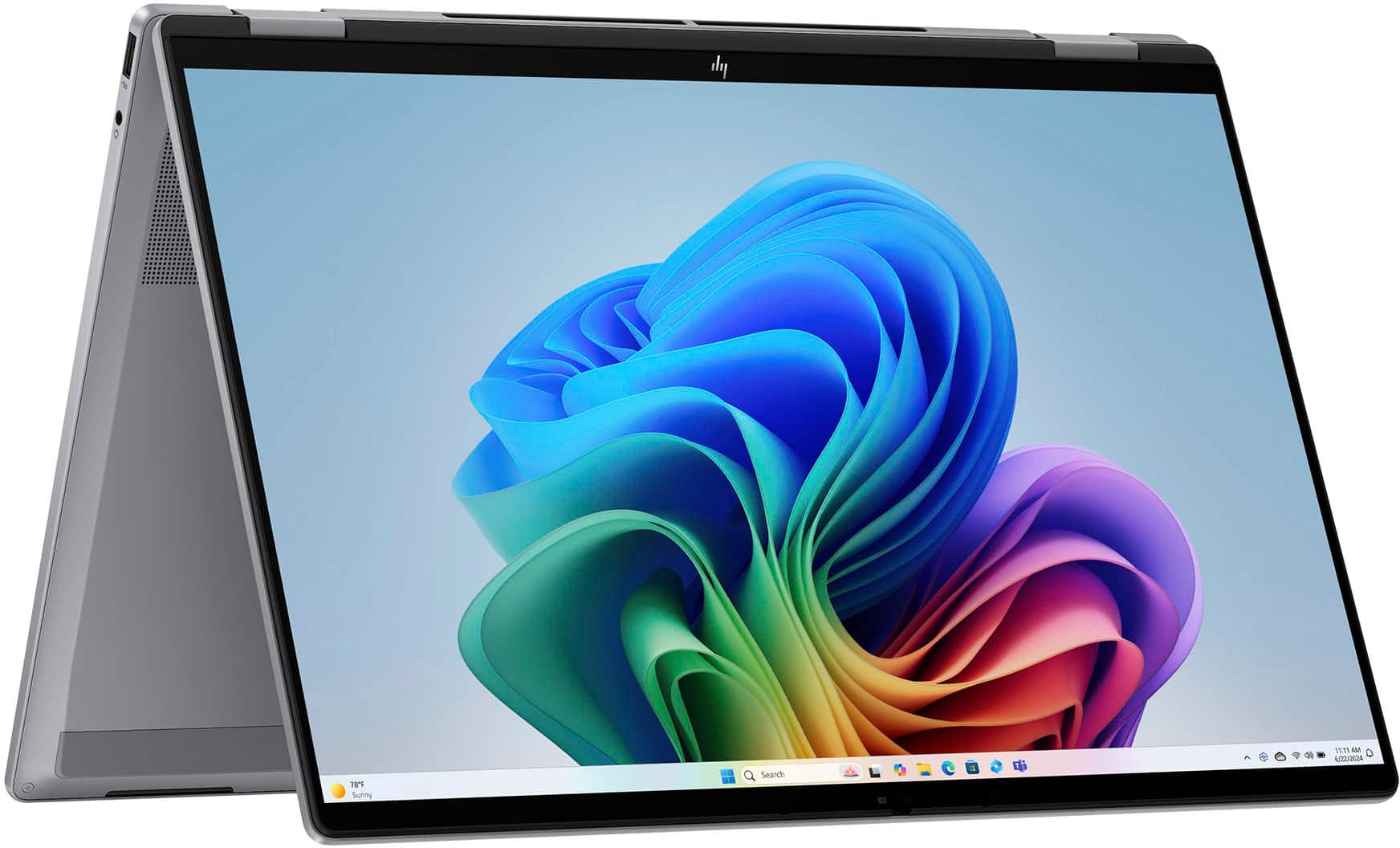
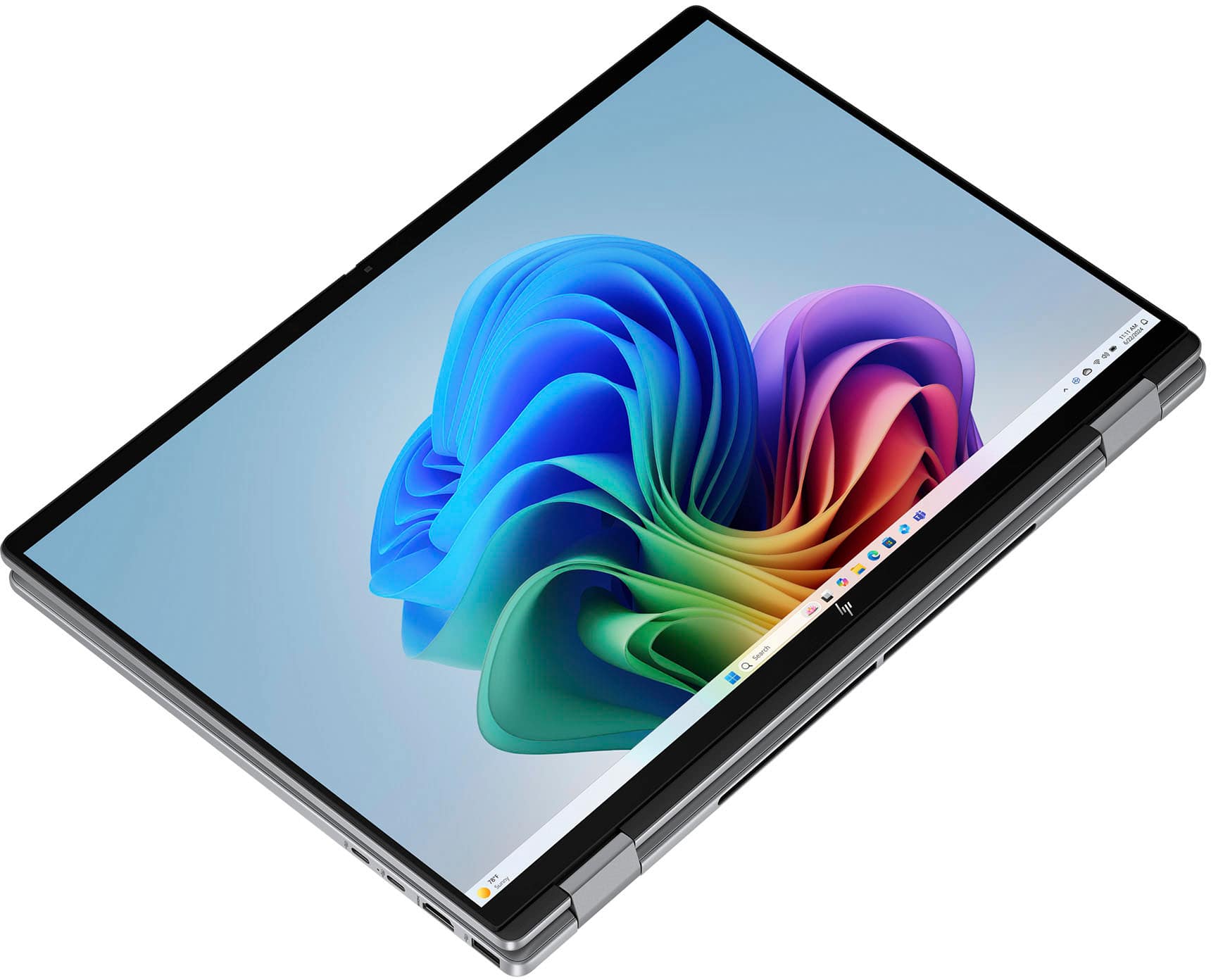
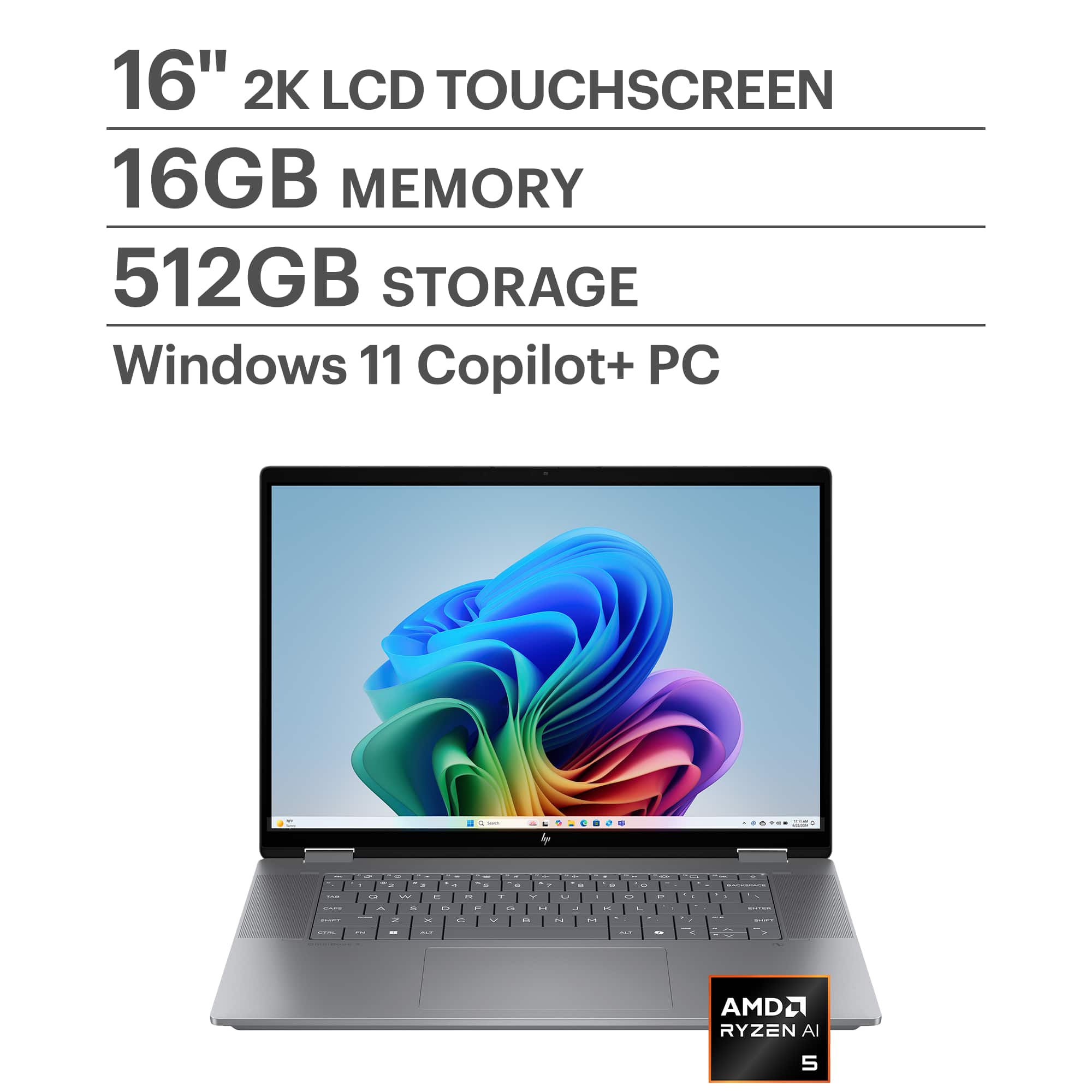
Q: QuestionDoes it come with a pencil as shown in pictures
Asked by Rexy.
- A:Answer No But this is the one i got somehwere else HP Active Rechargeable Tilt Pen MPP 2
Answered by CASS
Q: QuestionWhat kind of stylus pen would work with this?
Asked by Bassrunnin.
- A:Answer HP Active Rechargeable Tilt Pen MPP 2
Answered by CASS
Q: QuestionWhat HP stylus is compatible with this laptop?
Asked by Elliot.
- A:Answer HP Active Rechargeable Tilt Pen MPP 2
Answered by CASS
Q: QuestionIn the space for the folder path and files a the message x Error appears before the folder/file list. It says a sync error to outlook classic. The 2 arrows indicate that syncing is in process, but it has been like this for a few days.
Asked by Anonymous.
- A:Answer It sounds like Outlook is stuck in a continuous sync state, which usually happens due to corrupted cache, connection issues, or a problem with the OST file. Here are some steps you can try to resolve it: ✅ 1. Restart Outlook and Your Device Close Outlook completely (check Task Manager to ensure it’s not running in the background). Restart your computer and reopen Outlook. ✅ 2. Check Internet Connection Make sure you have a stable network connection. A weak or intermittent connection can cause sync delays. ✅ 3. Clear Offline Cache In Outlook Classic: Go to File > Account Settings > Account Settings. Select your account and click Change. Disable Use Cached Exchange Mode, restart Outlook, then re-enable it. This refreshes the OST file. ✅ 4. Repair the OST File Close Outlook. Navigate to: C:\Users\<YourUsername>\AppData\Local\Microsoft\Outlook Find the .ost file and rename it (e.g., old.ost). Restart Outlook; it will create a new OST file and resync. ✅ 5. Use Inbox Repair Tool Run SCANPST.EXE (found in your Office installation folder). Select your OST file and repair it. ✅ 6. Check Add-ins Disable unnecessary add-ins: File > Options > Add-ins > Manage COM Add-ins > Go Uncheck any non-essential add-ins and restart Outlook. ✅ 7. Update Outlook Ensure you have the latest updates installed via File > Office Account > Update Options. If these steps don’t resolve the issue, the next option is to create a new Outlook profile or check if your mailbox is oversized, which can also cause sync problems. Hope this helps you. If it continues or these steps are too difficult, then I would suggest going to Microsoft.com and choose support. You can chat with the Microsoft bot and can ask to be transferred to a real person. If you have a subscription Microsoft 365 then your support will be free. Merry Christmas John A.
Answered by jwakers23
Q: QuestionIs this good for a begiu3d printer?
Asked by Anonymous.
This question was asked about the related product: HP - OmniBook X Flip 2-in-1 - Copilot+ PC - 16" 2K Touch-Screen Laptop - AMD Ryzen AI 5 340 2025 - 16GB Memory - 512GB SSD - Meteor Silver
- A:Answer Yes
Answered by BillyG
Q: QuestionMy sound quality is not very good. Is there anything I can do to make it better?
Asked by Ble226.
This question was asked about the related product: HP - OmniBook X Flip 2-in-1 - Copilot+ PC - 16" 2K Touch-Screen Laptop - AMD Ryzen AI 5 340 2025 - 16GB Memory - 512GB SSD - Meteor Silver
- A:Answer First, make sure it is updated to the newest audio drivers. If that doesn't improve things you might try either headphones or external speakers. The sound quality on mine is pretty good.
Answered by Jeff
Q: QuestionDos this laptop coming with a pen for screen
Asked by Anonymous.
This question was asked about the related product: HP - OmniBook X Flip 2-in-1 - Copilot+ PC - 16" 2K Touch-Screen Laptop - AMD Ryzen AI 5 340 2025 - 16GB Memory - 512GB SSD - Meteor Silver
- A:Answer It does not include a pointer (stylus) although one can be purchased to use with it.
Answered by Jeff
Q: QuestionI purchased this laptop today. I am having trouble getting it to shut down. I click Start & Shutdown. The screen goes black, the power button light goes out & it appears that the computer is off. I close the lid. When I raise the lid it comes back on
Asked by Chris.
- A:Answer You can change what happens when the lid is raised in the system BIOS. You can access the BIOS by continuously tapping the ESC key during boot-up and then press the F10 key when prompted. The setting you want can be found under the Boot Options tab.
Answered by Jeff
Q: QuestionDoes this come with any software such as windows or any security software ?
Asked by Anonymous.
- A:Answer It comes with windows 11 home and it may come with macafee if I were you delete it and use windows defender.
Answered by Donald
Q: Questiondoes keyboard have separate page up and page down buttons
Asked by gleeb.
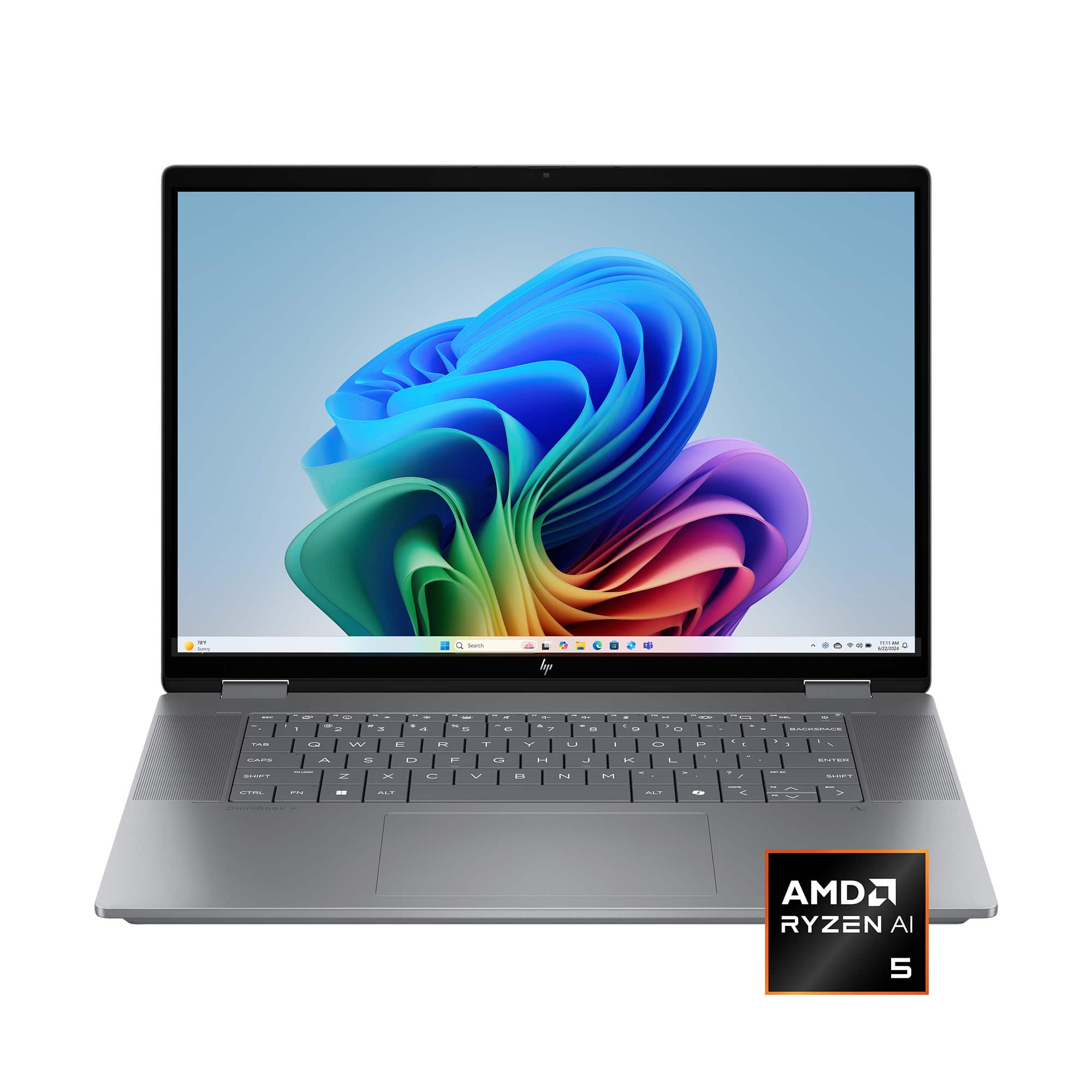
- A:Answer They are not "separate" - they are accessed by using "FN" key and arrow up and down keys
Answered by ebk02


 for registration status and tier levels by country. ENERGY STAR and the ENERGY STAR logo are registered trademarks of the US Environmental Protection Agency.](https://pisces.bbystatic.com/image2/BestBuy_US/images/products/528679fa-c5a1-4feb-bbc5-6eed3cb9cfad.jpg;maxHeight=54;maxWidth=54;format=webp)