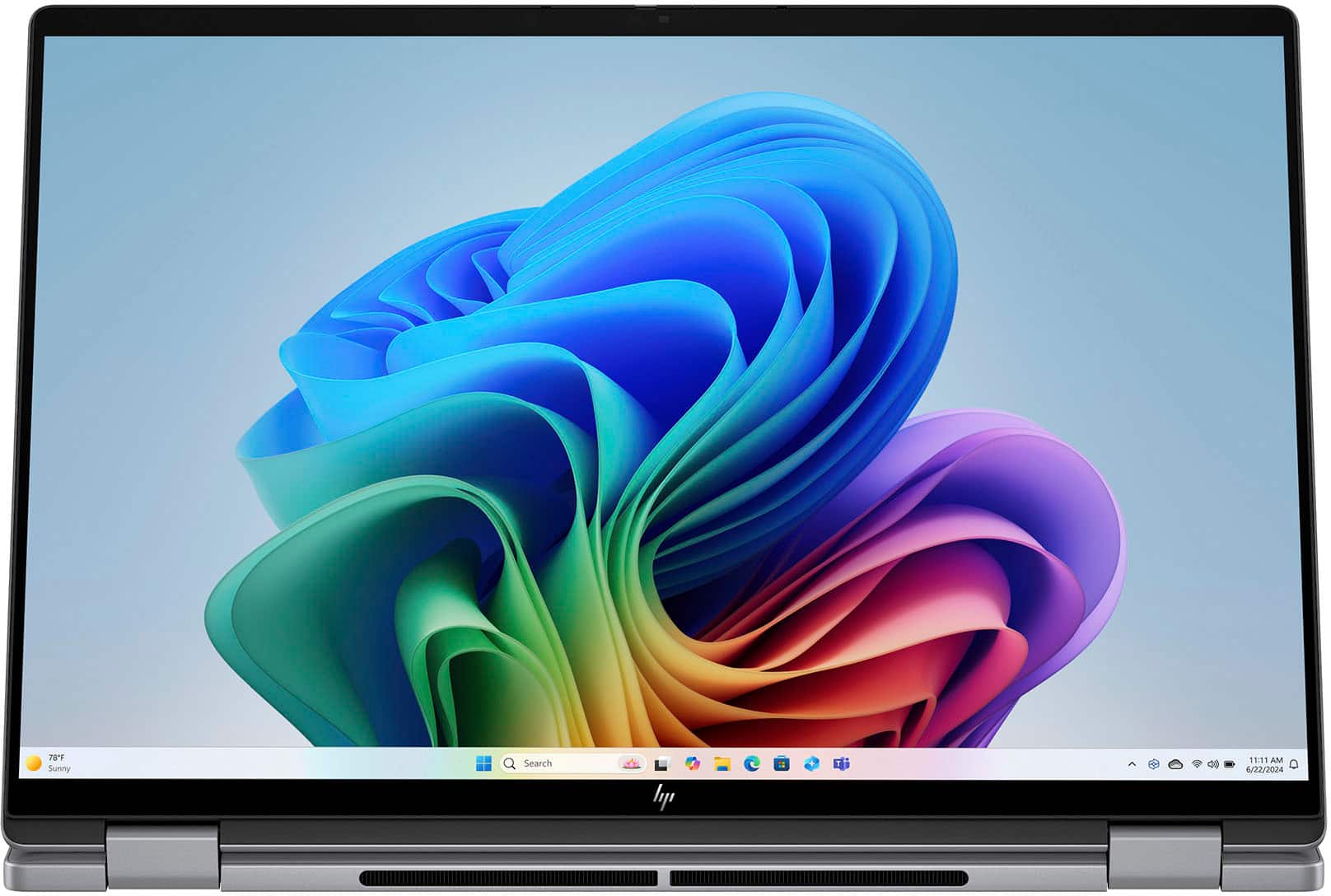
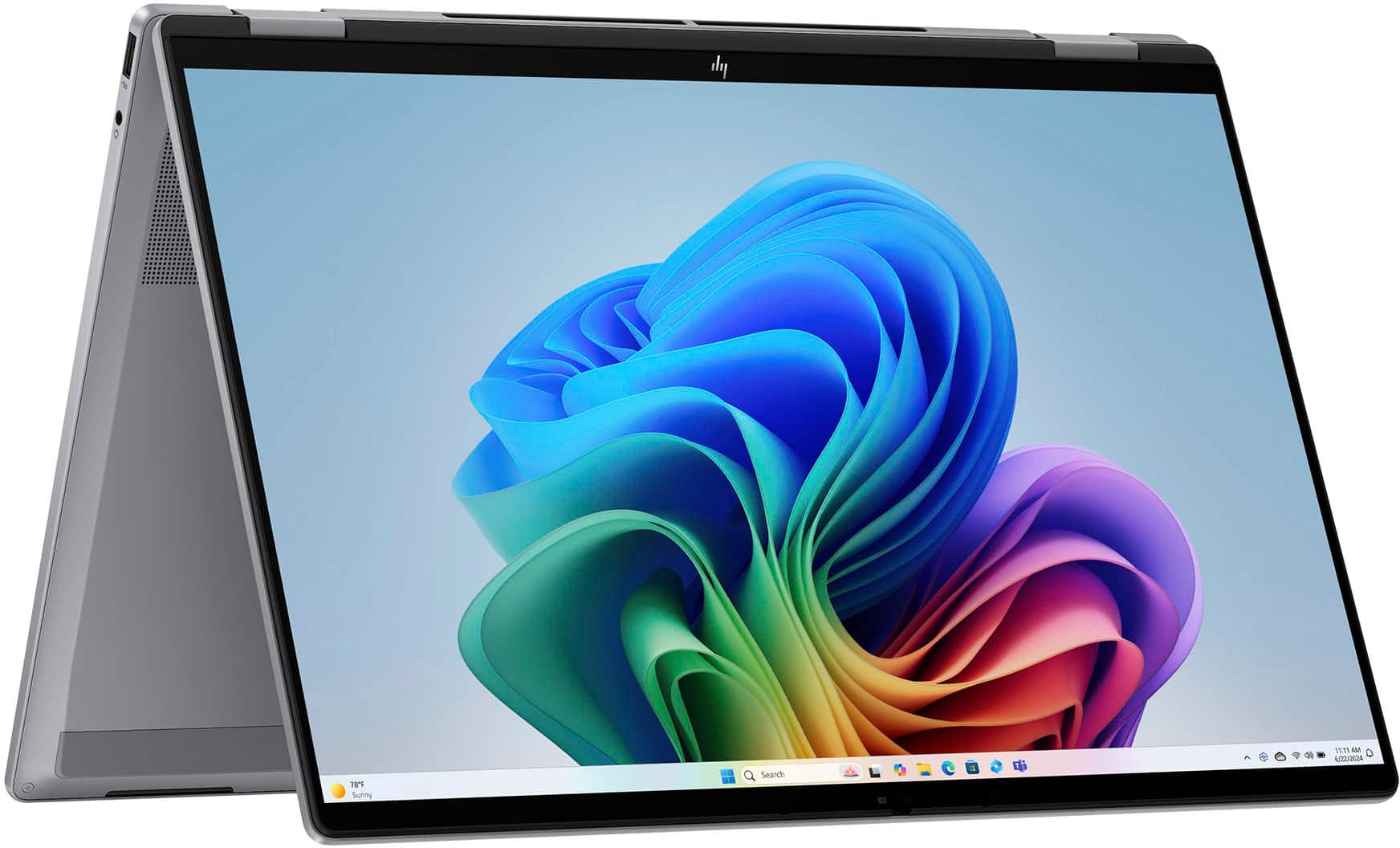
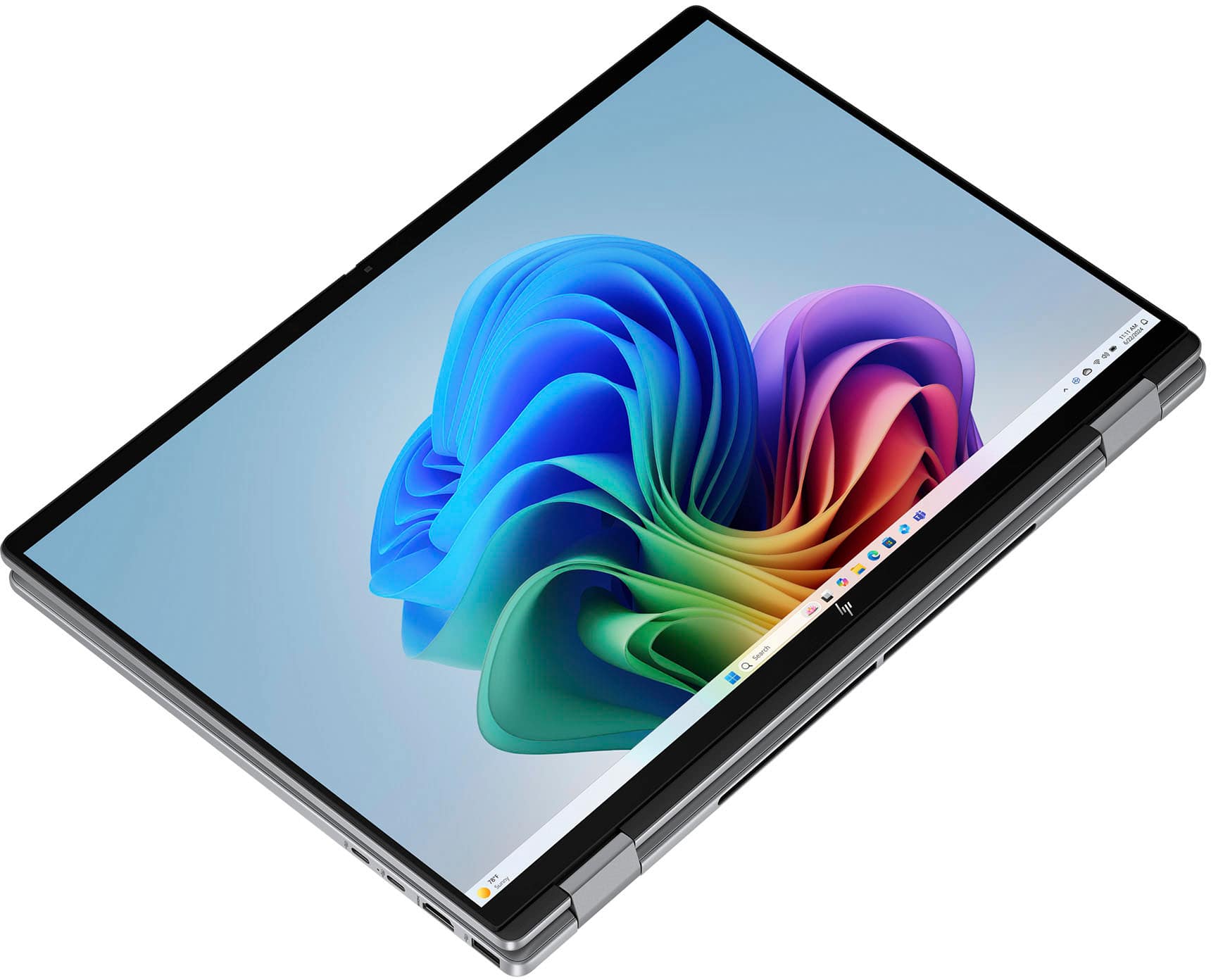
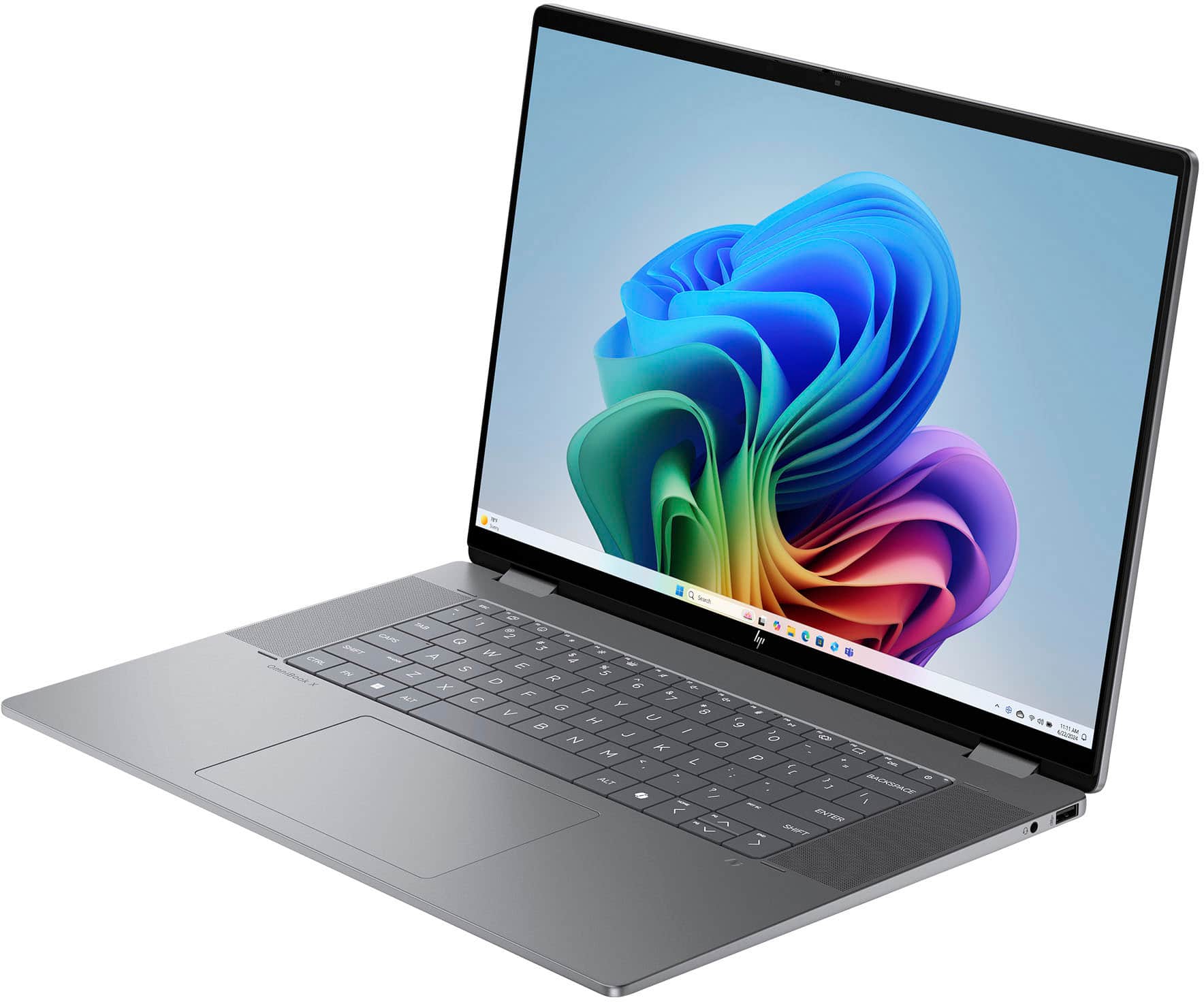
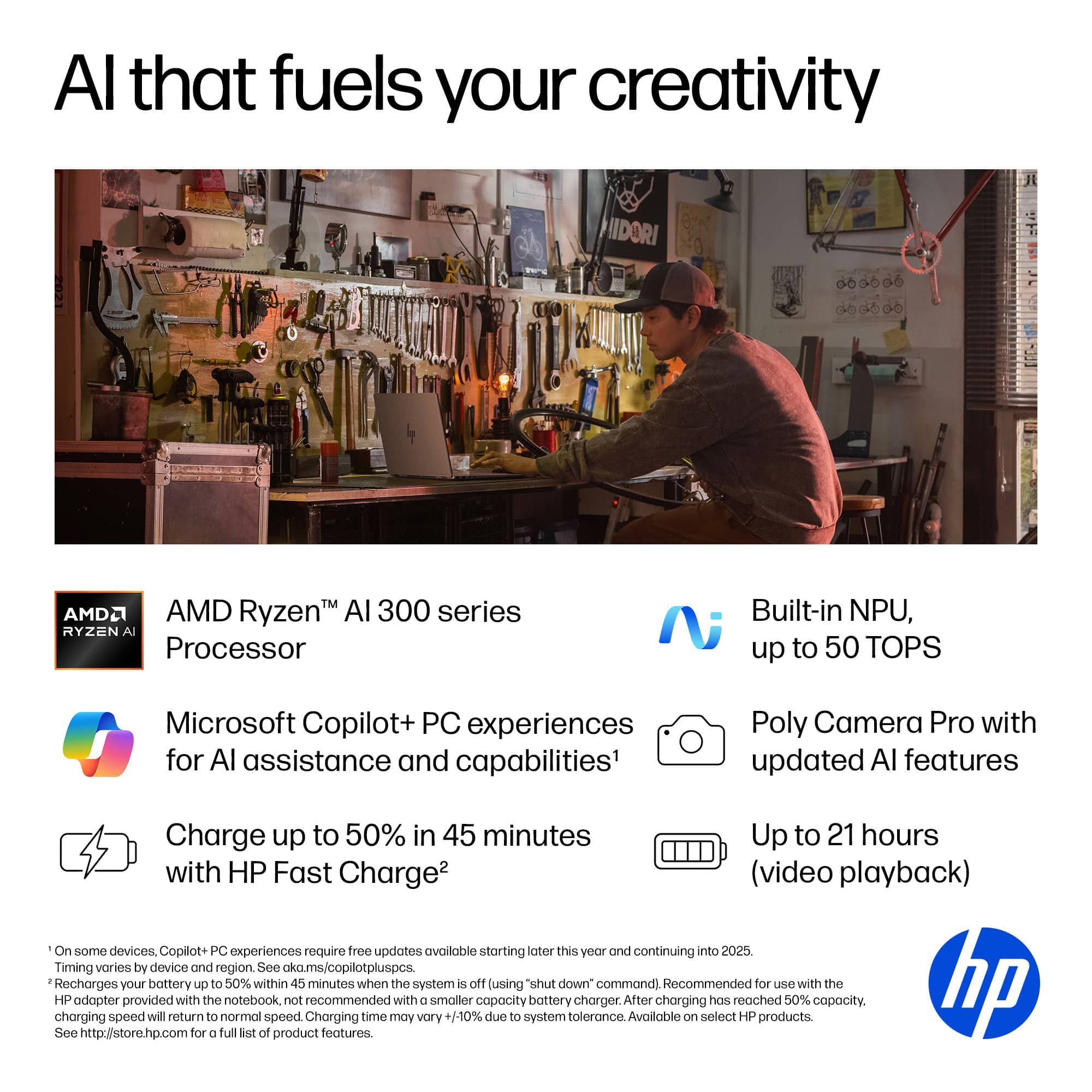
A:AnswerIm also really confused anda little mad n upset at best buy i bought this laptop because i liked that it had 8 cores but when i go to turn on my laptop its clearly says 6 cores ??! Whats going on
A:AnswerTry pressing and holding down the Power button for 10 seconds to turn it off. Then, turn it back on. If that doesn't clear the problem maybe contact the Geek squad for tech support. It comes with a 1 year parts and labor warranty.
A:AnswerThis answer I give here came from asking your question in Copilot +.
Copilot is Microsoft’s cloud AI assistant (the chatbot and in‑app helper), while Copilot+ refers to a class of Windows PCs with special AI hardware and extra on‑device AI features.
What Copilot is
Copilot is a generative AI assistant that runs mostly in the cloud and can answer questions, generate text, and create images from prompts, similar to ChatGPT.
It shows up in Edge, Windows, and Microsoft 365 apps, with a free tier and an optional Copilot Pro subscription for faster GPT‑4 access and more image generation boosts.
What Copilot+ is
Copilot+ (often “Copilot+ PCs”) is a marketing name for Windows laptops/desktops that include a powerful NPU capable of at least 40 TOPS for running AI tasks locally.
These devices unlock extra Windows‑level AI features like Recall, Cocreator image generation on‑device, Windows Studio Effects, and advanced Live Captions/translation that are not available on regular PCs.
Type of thing: service vs hardware
Aspect Copilot Copilot+ PCs
What it is AI assistant service/software Hardware category of AI‑capable PCs
Where it runs Mostly cloud (Azure) Mix of cloud + on‑device NPU
Key requirement Microsoft account / browser/app PC with NPU ≥ 40 TOPS and Windows 11
Extra features Chat, text/image generation Recall, Cocreator, Studio Effects, Live Captions
How they relate
You can use Copilot on almost any modern device via the web or apps, regardless of hardware, but without the Copilot+ extras.
A Copilot+ PC still uses Copilot as the assistant, but adds system‑wide, faster, and more private local AI processing thanks to the NPU and special Windows features.
Related
How does Copilot Pro differ from Copilot and Copilot
Which features run locally on Copilot+ PCs versus cloud Copilot
Do I need a Copilot+ certified PC to use Copilot features
How much does Microsoft 365 Copilot cost and how to subscribe
What are NPUs and why Copilot+ requires 40 TOPS performance
can I receive Copilot + with a microsoft 365 account?
You can use Copilot alongside a Microsoft 365 subscription, but Copilot+ is not included with Microsoft 365 Personal or Family plans. They are separate offerings.
Here’s the breakdown based on the latest information:
How Copilot and Microsoft 365 relate
Microsoft 365 Copilot is the AI built into apps like Word, Excel, PowerPoint, Outlook, and Teams.
This requires a Microsoft 365 subscription (Personal, Family, or business plans).
Copilot Chat (the free version you’re using now) works with any Microsoft account and does not require Microsoft 365.
Copilot+ (the premium Copilot subscription) is a separate upgrade and is not automatically included with Microsoft 365 Personal or Family.
So what do you get with Microsoft 365?
If you have Microsoft 365 Personal or Family, you get:
Copilot is integrated inside Word, Excel, PowerPoint, Outlook, and OneNote
AI features that work directly with your documents, emails, and files
But Copilot+ is still an additional paid tier, not bundled into Microsoft 365.
I hope this helps. The best thing is that whichever version of Copilot you use, you should just ask the question in Copilot and you will get back the same answer I brought up here> ASK COPILOT anything....You will be pleasantly surprised.
Merry Christmas!
John A.
A:AnswerIt is sold with Windows 11 Home installed. You upgrade Windows 11 Home to Pro by buying a Pro license (key) and entering it in Settings → System → Activation.
Option 1: Buy Pro directly in Windows
Open Settings → System → Activation.
Under “Upgrade your edition of Windows,” click “Upgrade in the Microsoft app” or “Open Store.”
The Microsoft Store page for “Windows 11 Pro” will open; buy the upgrade while signed in with your Microsoft account.
Follow the prompts; Windows will restart and switch to Pro automatically. Your files and apps stay in place.
or just call or chat with Microsoft Support.
I have office365 and it works well with that. I have as many as four to six windows open at the same time and I have not noticed any issues.
Hope that Helps! Merry Christmas!
John A.
 for registration status and tier levels by country. ENERGY STAR and the ENERGY STAR logo are registered trademarks of the US Environmental Protection Agency.](https://pisces.bbystatic.com/image2/BestBuy_US/images/products/528679fa-c5a1-4feb-bbc5-6eed3cb9cfad.jpg)