User rating, 4.5 out of 5 stars with 264 reviews.
Show only Answered Questions
Include AI Generated Q&A
Asked 2 months ago by bill.
Answered 1 month ago by MikePVerified Purchase
Asked 2 months ago by Mik.
Asked 2 months ago by Anonymous.
Asked 2 months ago by Cody.
Asked 3 months ago by Anonymous.
Answered 2 months ago by user654603Verified Purchase
Answered 1 month ago by AnonymousVerified Purchase
Asked 3 months ago by Eric.
Asked 3 months ago by Computer.
Asked 3 months ago by Linda.
Answered 3 months ago by LonHVerified Purchase
Answered 3 months ago by GaryPVerified Purchase
Asked 3 months ago by jd4010.
Answered 3 months ago by StephsVerified Purchase
Asked 4 months ago by geoman04.
Answered 3 months ago by AnonymousVerified Purchase
Asked 4 months ago by Lucy.
Asked 4 months ago by Tuppy.
Asked 4 months ago by Anonymous.
Answered 4 months ago by joesVerified Purchase
Asked 4 months ago by ClintonM.
Answered 4 months ago by TomFromSCVerified Purchase
User rating, 4.7 out of 5 stars with 544 reviews.
User rating, 4.7 out of 5 stars with 78 reviews.
User rating, 4.7 out of 5 stars with 413 reviews.
User rating, 4.6 out of 5 stars with 233 reviews.
User rating, 4.7 out of 5 stars with 357 reviews.
User rating, 4.6 out of 5 stars with 131 reviews.
User rating, 4.9 out of 5 stars with 21 reviews.
User rating, 4.7 out of 5 stars with 787 reviews.
User rating, 4.7 out of 5 stars with 63 reviews.
User rating, 3.9 out of 5 stars with 33 reviews.
User rating, 4.5 out of 5 stars with 102 reviews.
User rating, 4.6 out of 5 stars with 487 reviews.
User rating, 4.8 out of 5 stars with 23 reviews.
User rating, 4.6 out of 5 stars with 960 reviews.
User rating, 4.7 out of 5 stars with 21 reviews.
User rating, 4.6 out of 5 stars with 74 reviews.
User rating, 4.6 out of 5 stars with 119 reviews.
User rating, 5 out of 5 stars with 3 reviews.
User rating, 4.7 out of 5 stars with 72 reviews.
User rating, 4.4 out of 5 stars with 375 reviews.
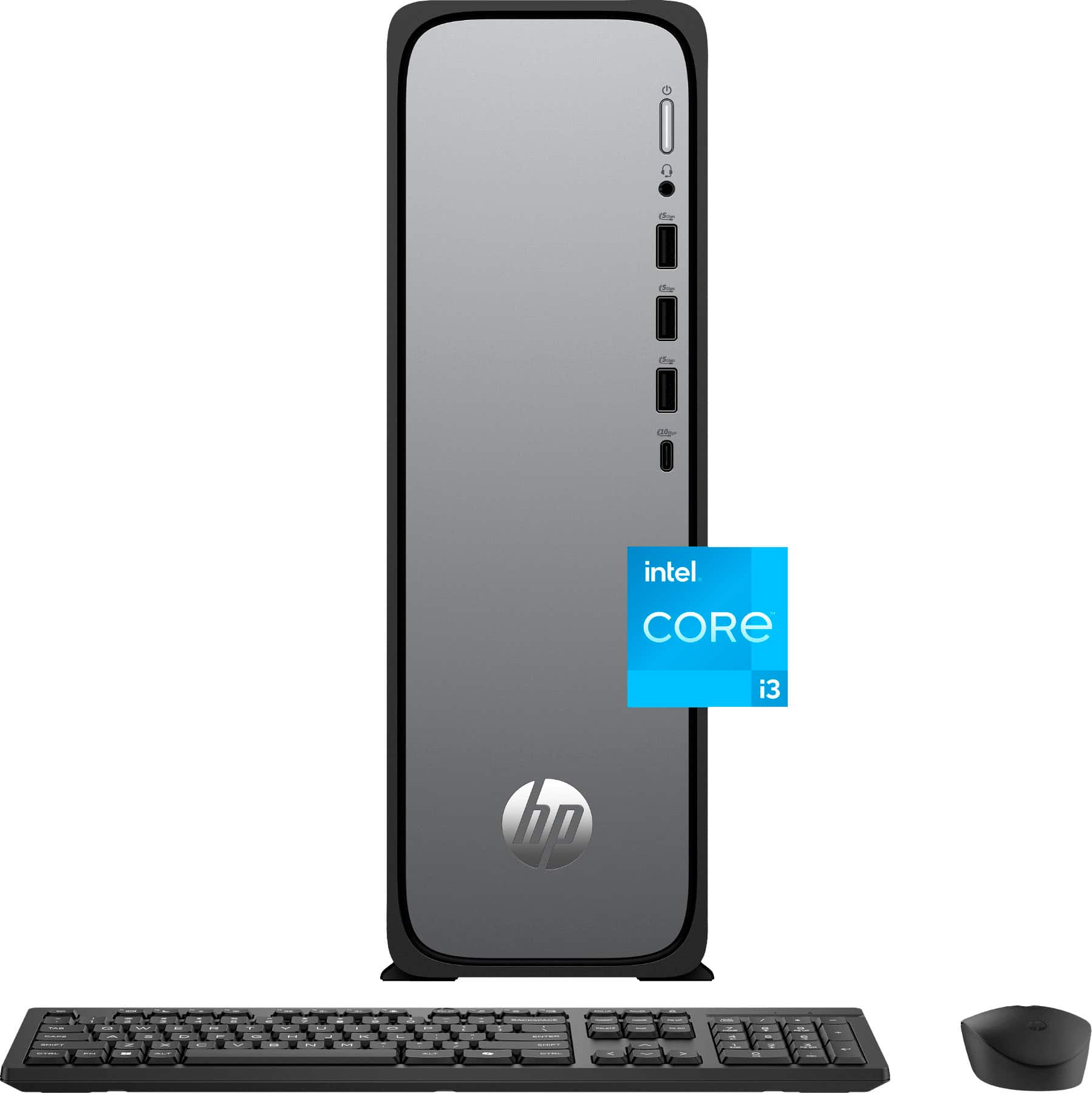


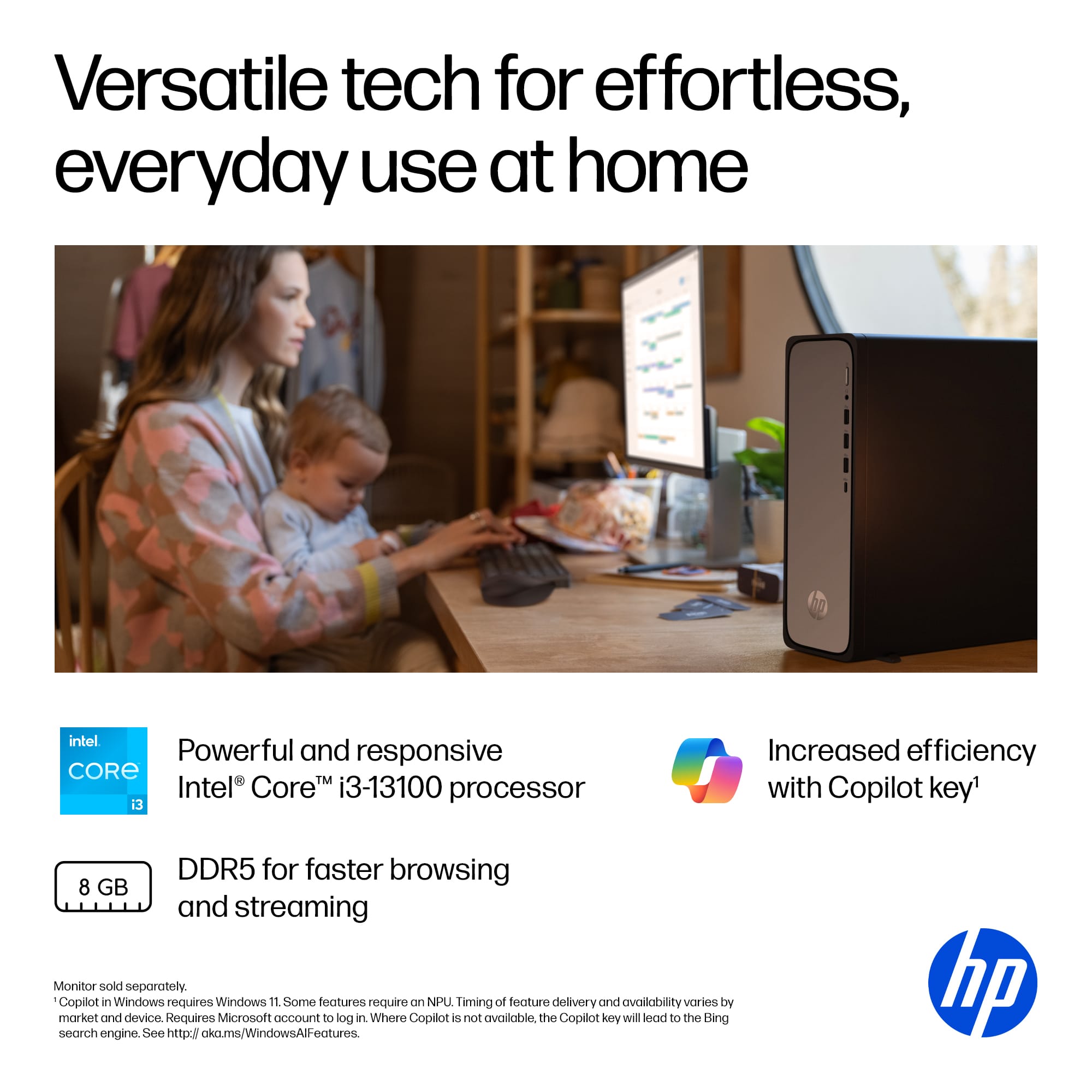


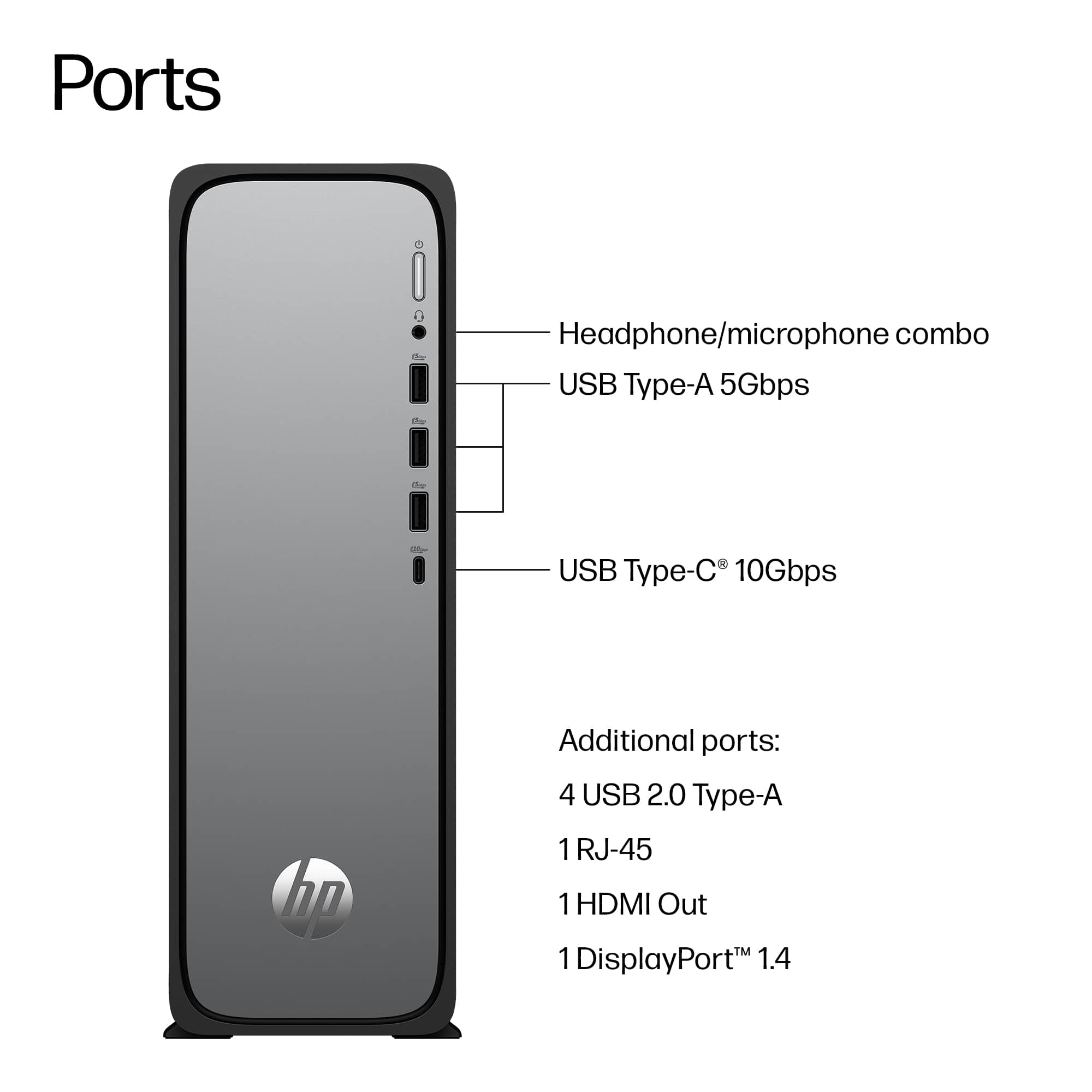
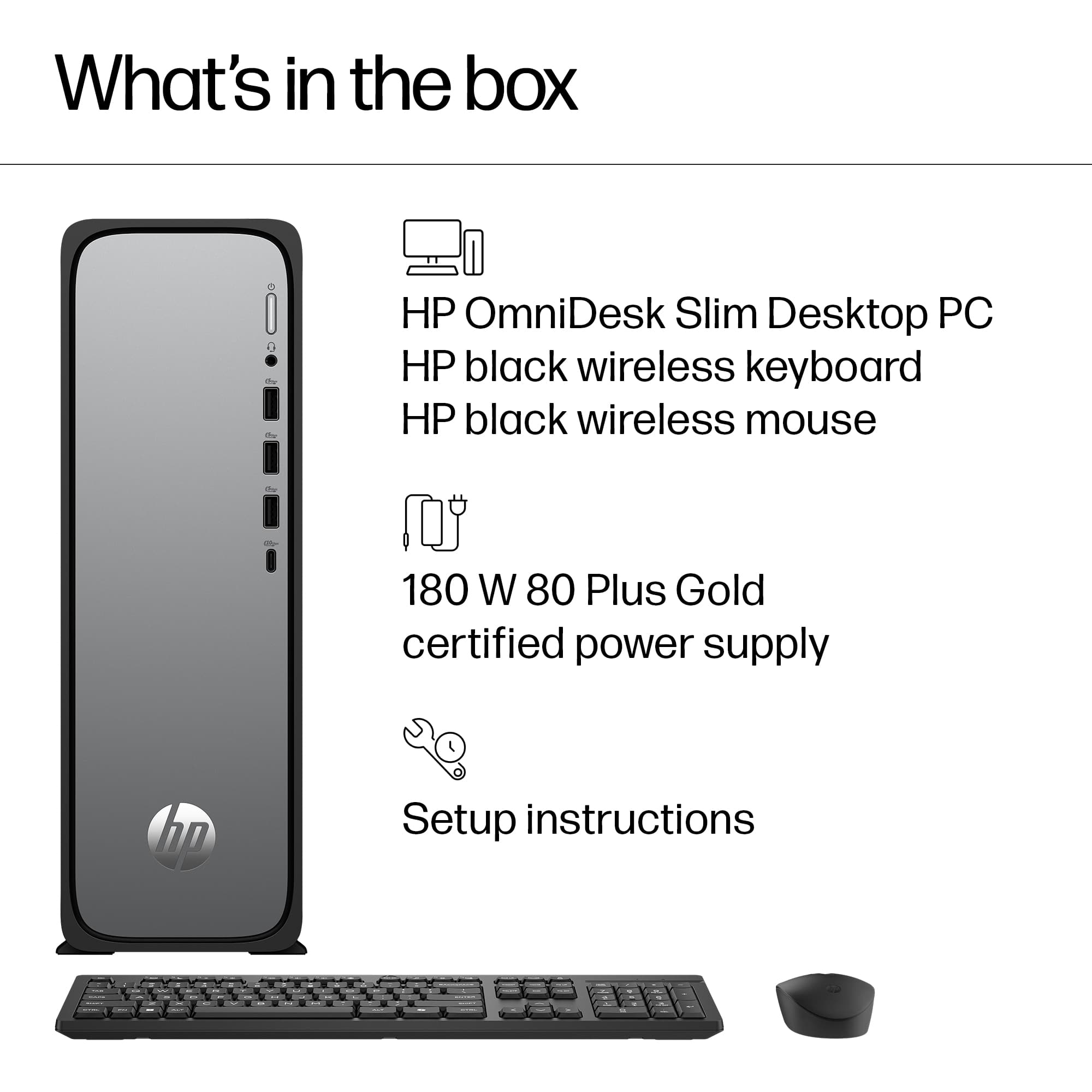
 for more information. ENERGY STAR and the ENERGY STAR logo are registered trademarks of the US Environmental Protection Agency. hp](https://pisces.bbystatic.com/image2/BestBuy_US/images/products/ee8266fb-7293-4585-bac7-37fbfff75d9b.jpg)