Questions & Answers
- Model:
- 27-d0044
- |
- SKU:
- 6454563
Highly rated by customers for: Screen Size, Speed, Ease of use
Page Showing 101-112 of 112 questions
Q: QuestionHow do you connect the keyboard and mouse?? It’s Bluetooth???
Asked by Anonymous.
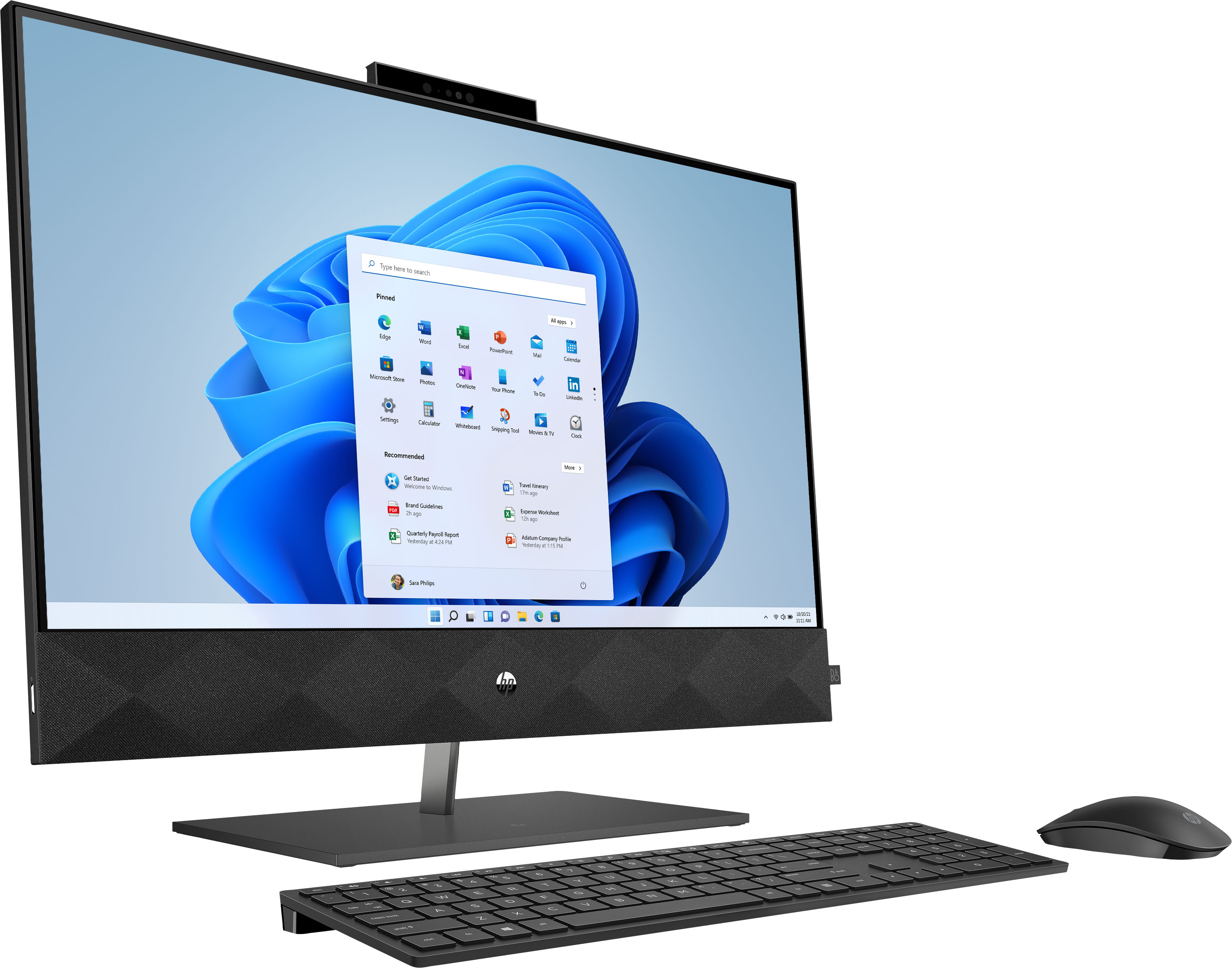
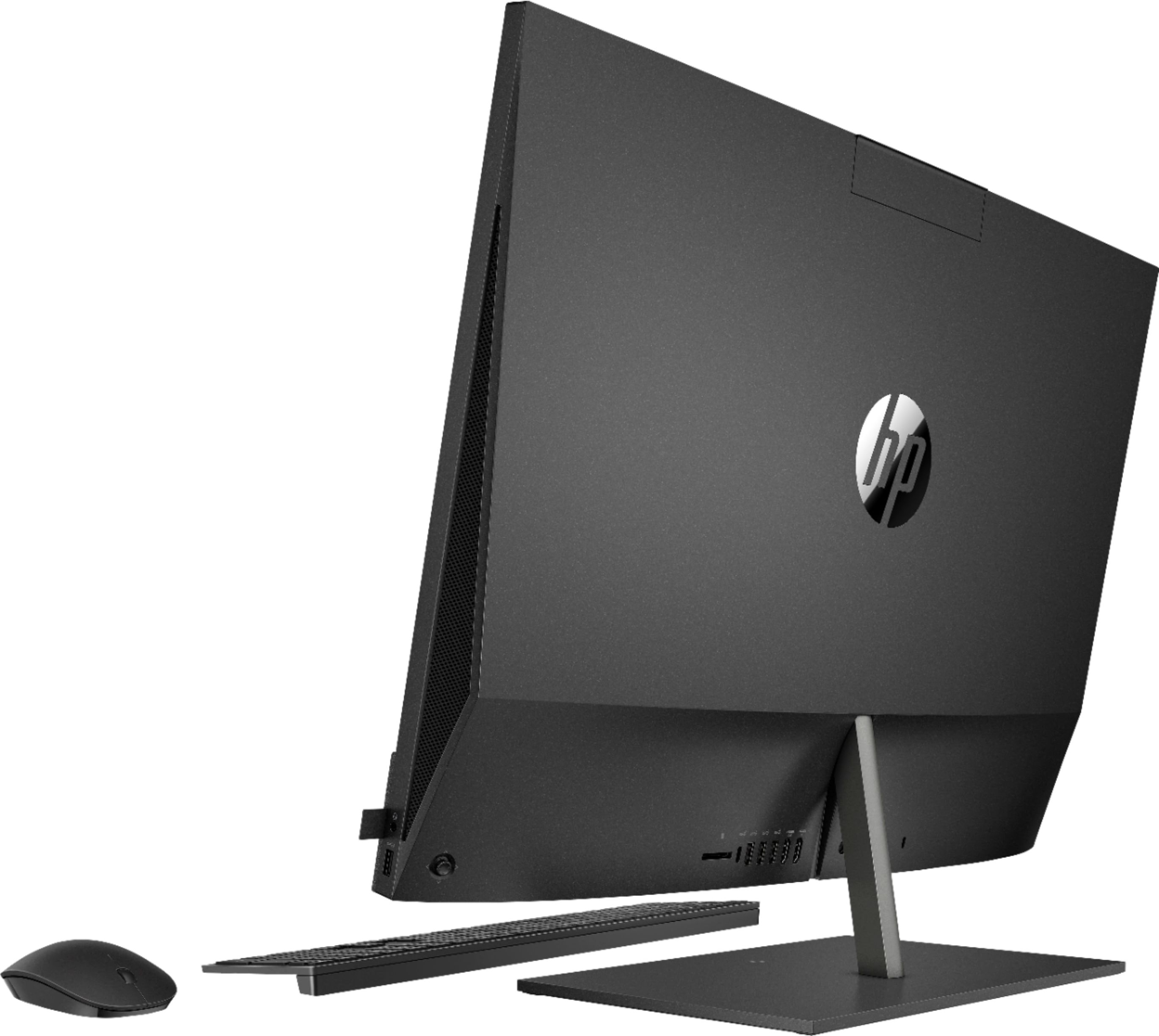
- A:Answer Hello, you would go to the start flag on the left-hand side of the computer and choose settings, then choose devices, Bluetooth, and add a device. It will sync the devices. Thank you for being an HP customer!
Answered by HP Team

Q: QuestionIs there a connection for external loudspeakers available at the PC?
Asked by Dirk.
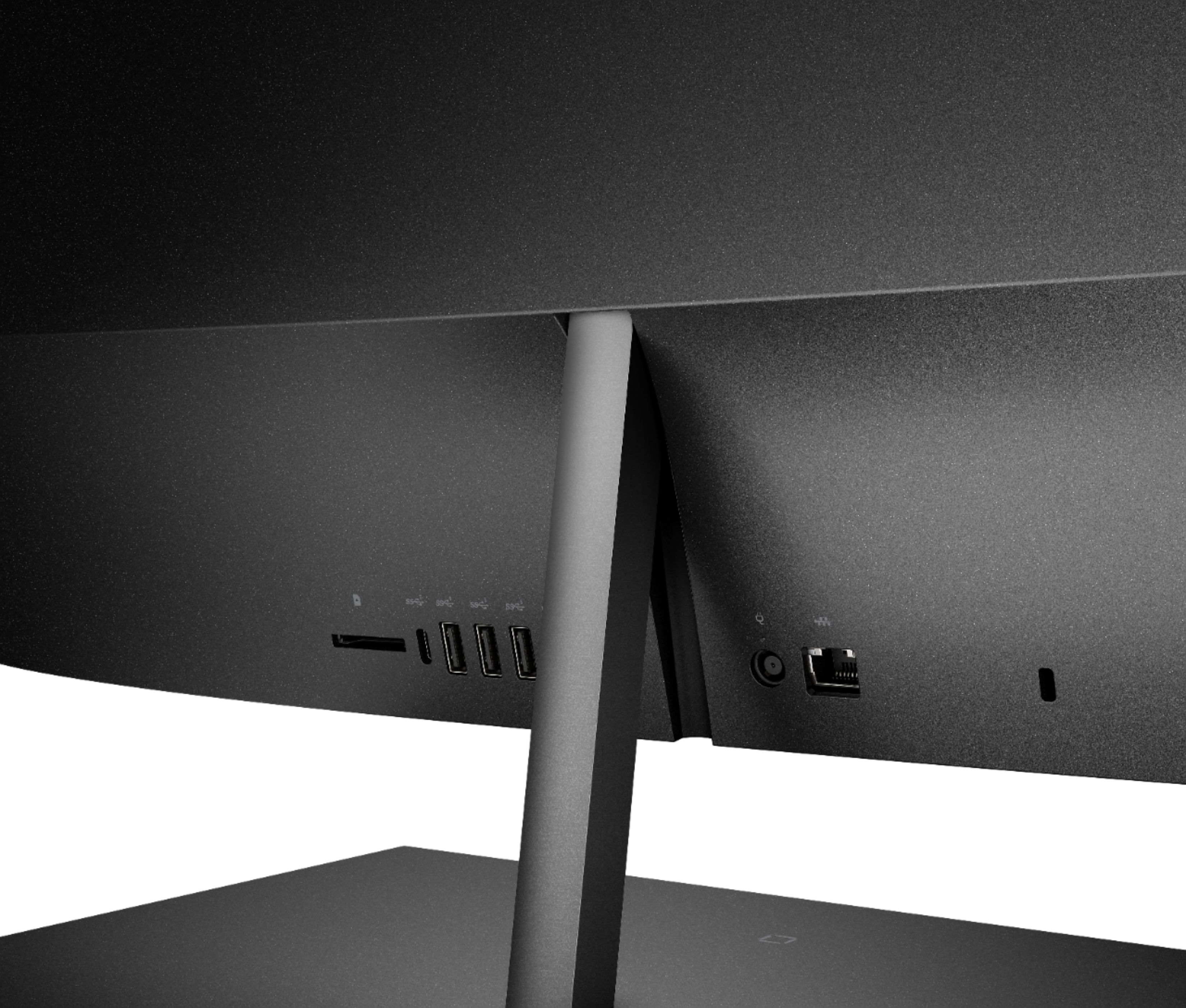
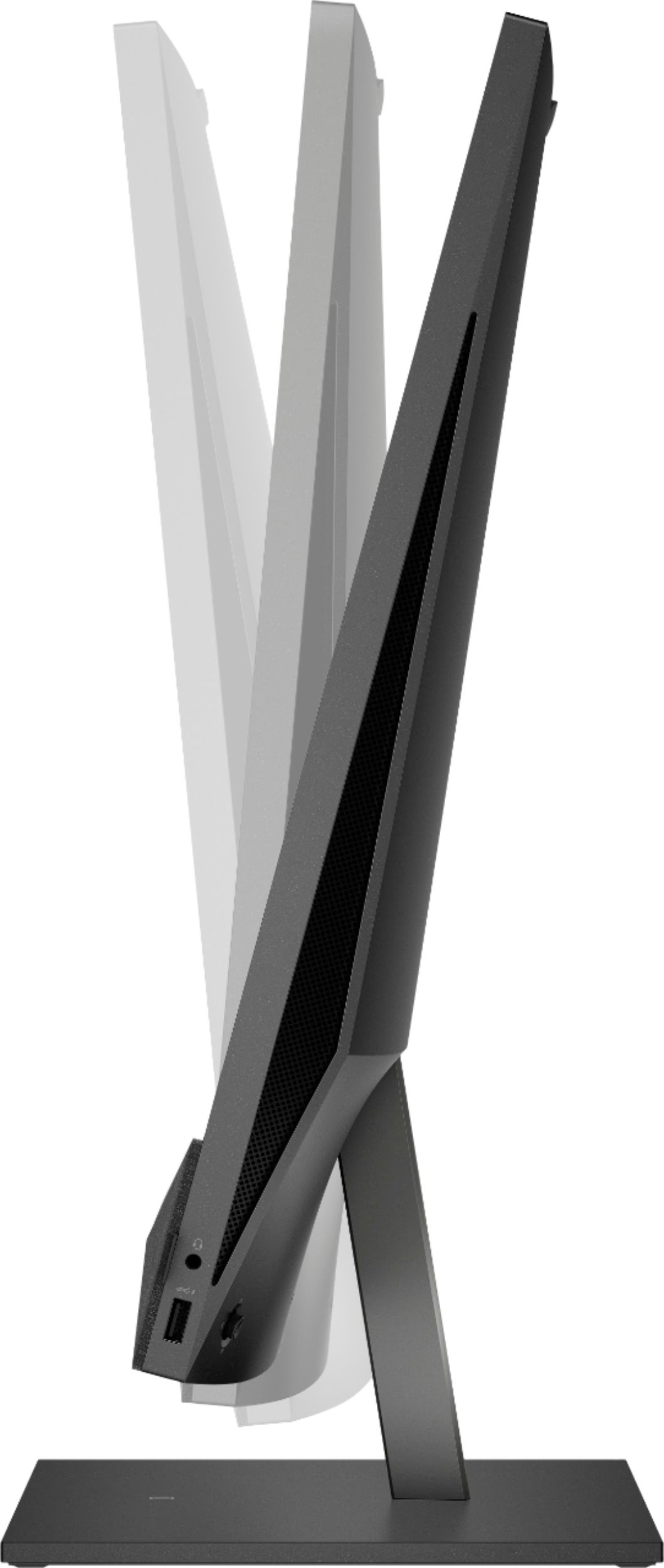
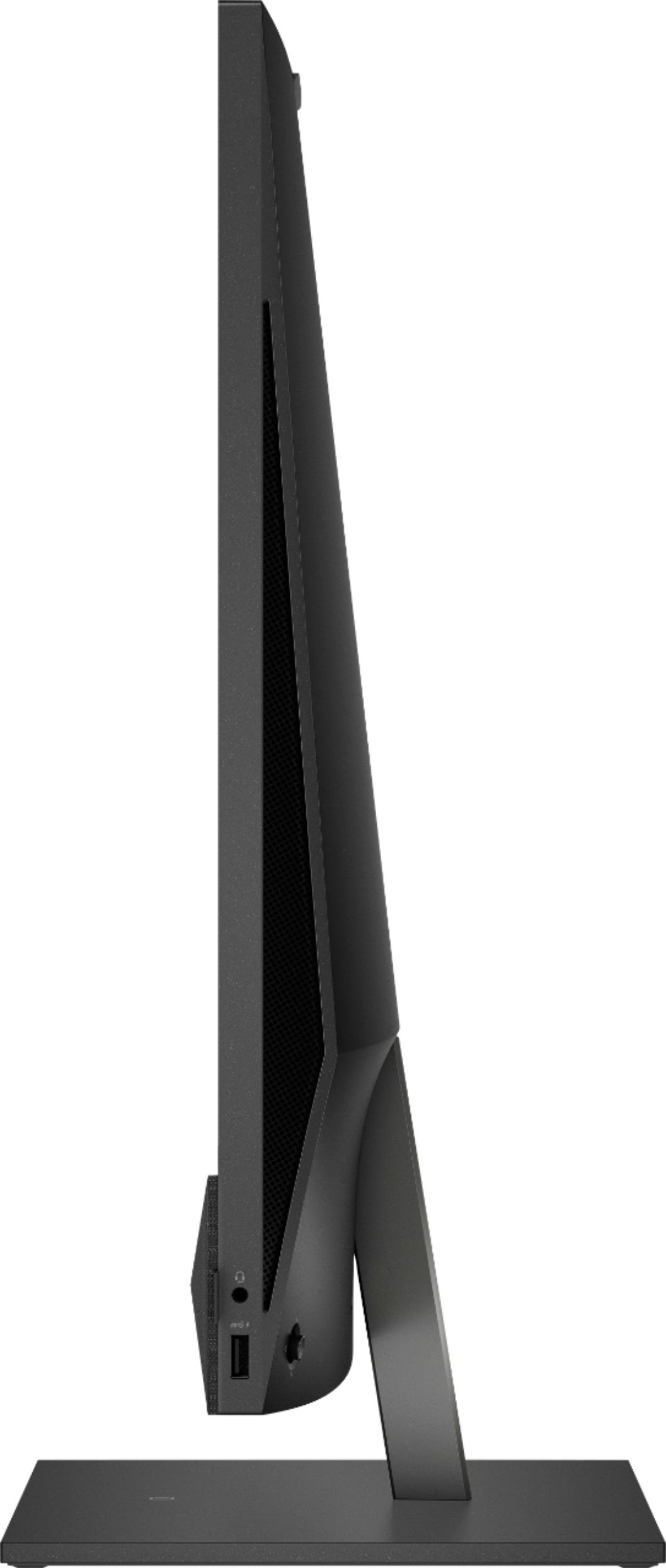
- A:Answer Hi, thank you for the question. The HP 27-d0044 All-In-One PC has a headphone jack port and a USB port that can be used to connect external speakers and headsets.
Answered by HP Team

Q: QuestionHello, can it be mounted to a wall on a swivel mount?
Asked by Crushkowitz.
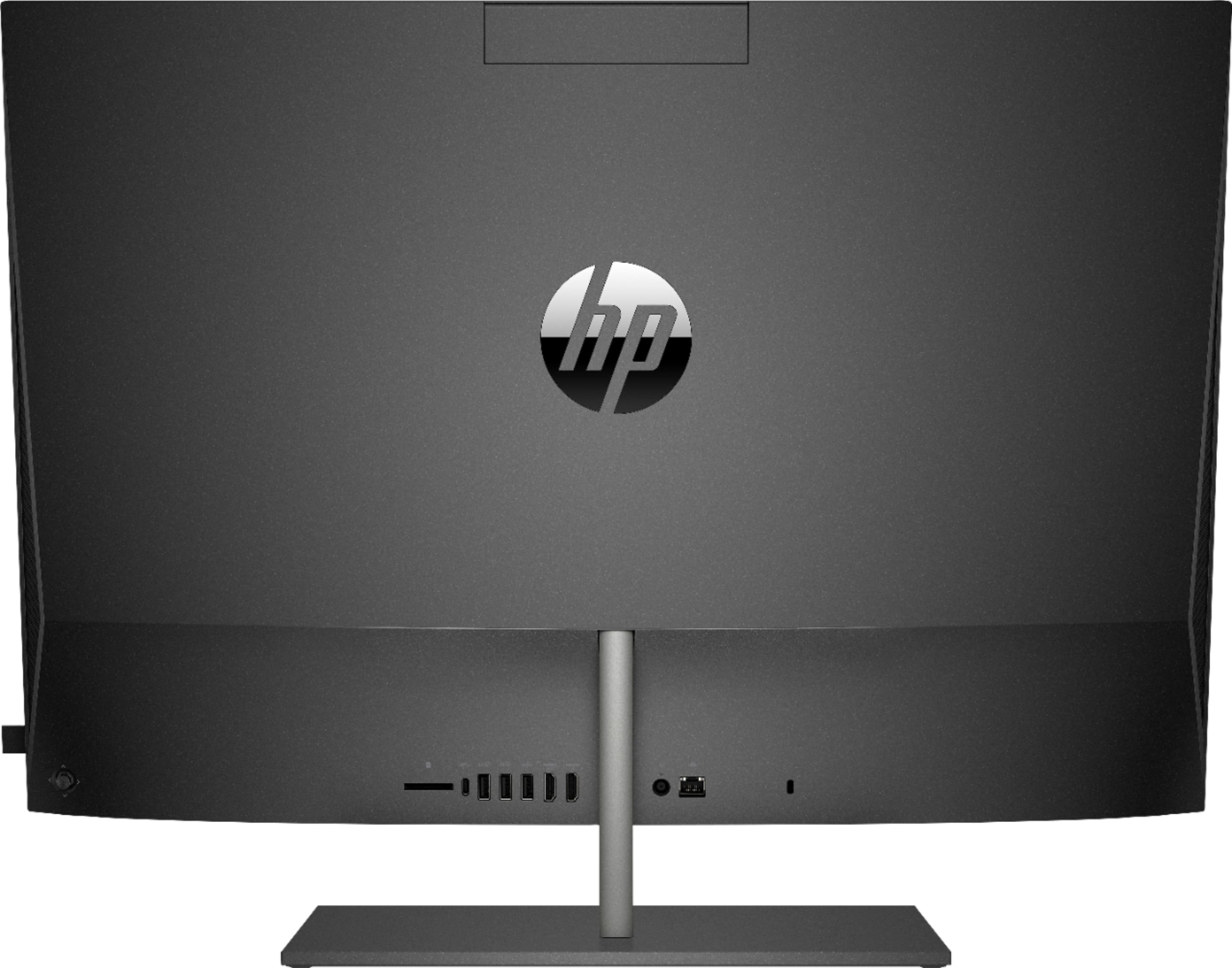
- A:Answer Thank you for the question. There are no fittings on the desktop, however, there is a variety of mounts on the market that could work. Note the location of ports on the rear when selecting a mount.
Answered by HP Team

Q: QuestionCan you add a dvd/cd reader/burner to this?
Asked by Ro.
- A:Answer You would only be able to add an external USB disk drive to this model.
Answered by HP Team

Q: QuestionDoes this model have a wireless charging base like the other options?
Asked by Nikki.
- A:Answer Thank you for asking. Yes the HP Pavilion 27-d0044 All-in-One Desktop PC has built-in wireless charging in the base.
Answered by HP Team

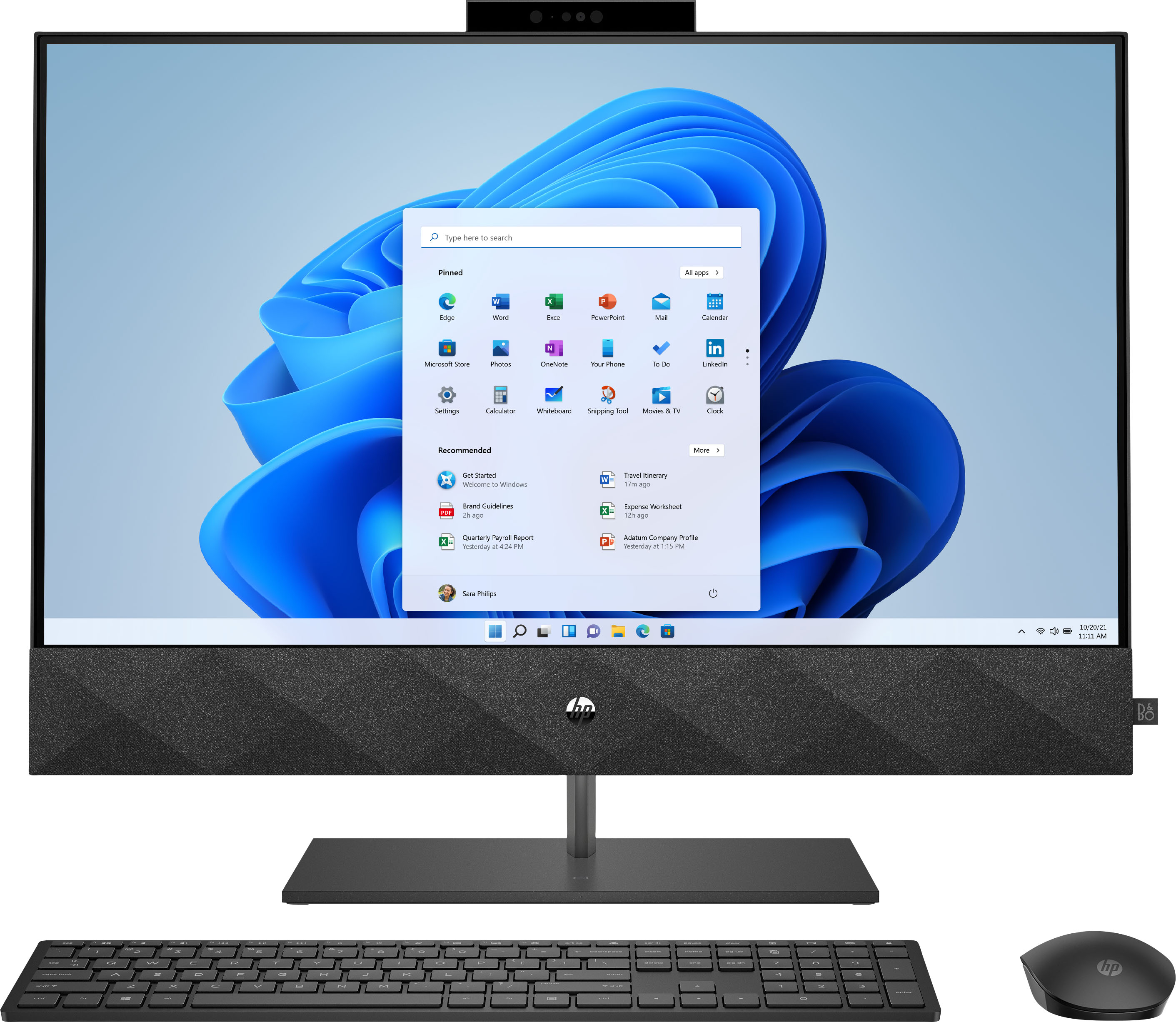
Q: QuestionHow do you hook up a second monitor to this device? Does have an insert port for the standard monitor cable?
Asked by SteveB.
- A:Answer Hi Steven, thank you for the question. The Pavilion 27-d0044 All-in-One Desktop has an HDMI port on the rear. Simply plug in your monitor, go to devices, then displays, to configure. If your monitor does not have an HDMI cable (maybe it's VGA), you'll need to use an adapter for the end going into the Pavilion.
Answered by HP Team

Q: QuestionDoes the Super Speed USB C port support "DisplayPort Alternate Mode" ?
Asked by Grant.
- A:Answer Great question! This computer does not have a USB-C port that supports DisplayPort. However, it does have an HDMI-out port for an additional display.
Answered by HP Team

Q: QuestionIs it 4 K display?
Asked by J.
- A:Answer Thanks for your question! This HP Pavilion has a screen resolution of 1920 x 1080. This will not be 4K resolution.
Answered by HP Team

Q: QuestionDoes this have DVD drive?
Asked by Frannie.
- A:Answer Great question! This model does not have a DVD drive.
Answered by HP Team

Q: QuestionCan additional RAM be added to this model down the road?
Asked by Nikki.
- A:Answer All of the information states clearly that there is a spare spot for another 16 megs of RAM, taking the comport to 32 megs....
Answered by Jack
Q: QuestionWill it run Windows 11?
Asked by GustavMahler.
- A:Answer Actually the specifications have been released, and, just because it runs Windows 10, that is no indication that it will run Windows 11. In fact, I have an earlier model of this computer and am considering buying a newer one simply because my current PC, which is running Windows 10 Pro (version 21H2) will NOT run Windows 11.
Answered by GustavMahler
Q: QuestionWhere is the USB chip for mouse and keyboard located in packaging? Cant find please help!!
Asked by Millie.
- A:Answer Can I plug in a lap top to this all in one HP Pavillion 27" in order to download info and make CD's?
Answered by JoAnne