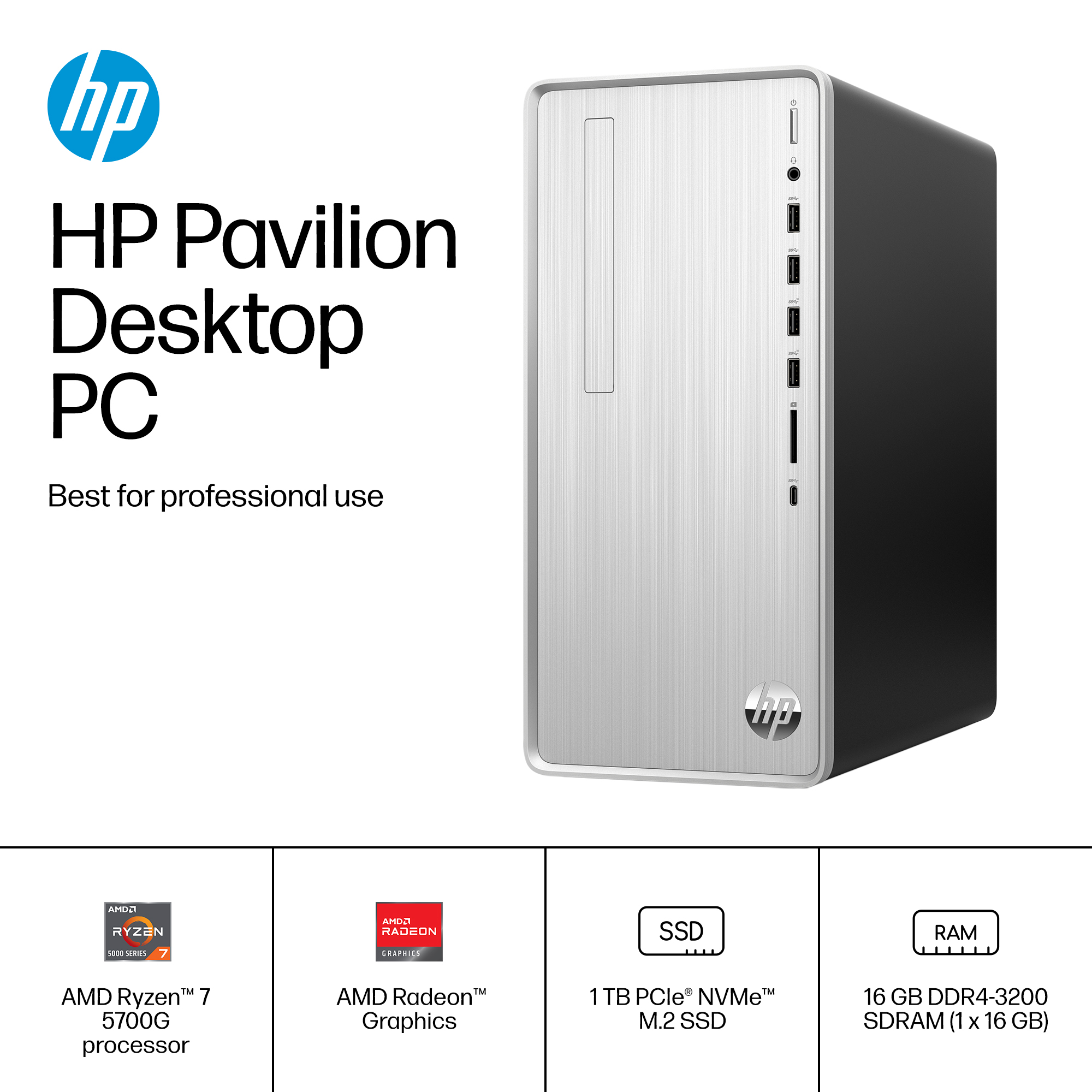
A:AnswerThank you for the question. Ryzen 7 will give better perfornace by virtue of its additional cores. The higher the value indicated on it, the better performance that chip line will deliver. For example, Ryzen 3 chips only have four cores, while Ryzen 7 has eight cores.
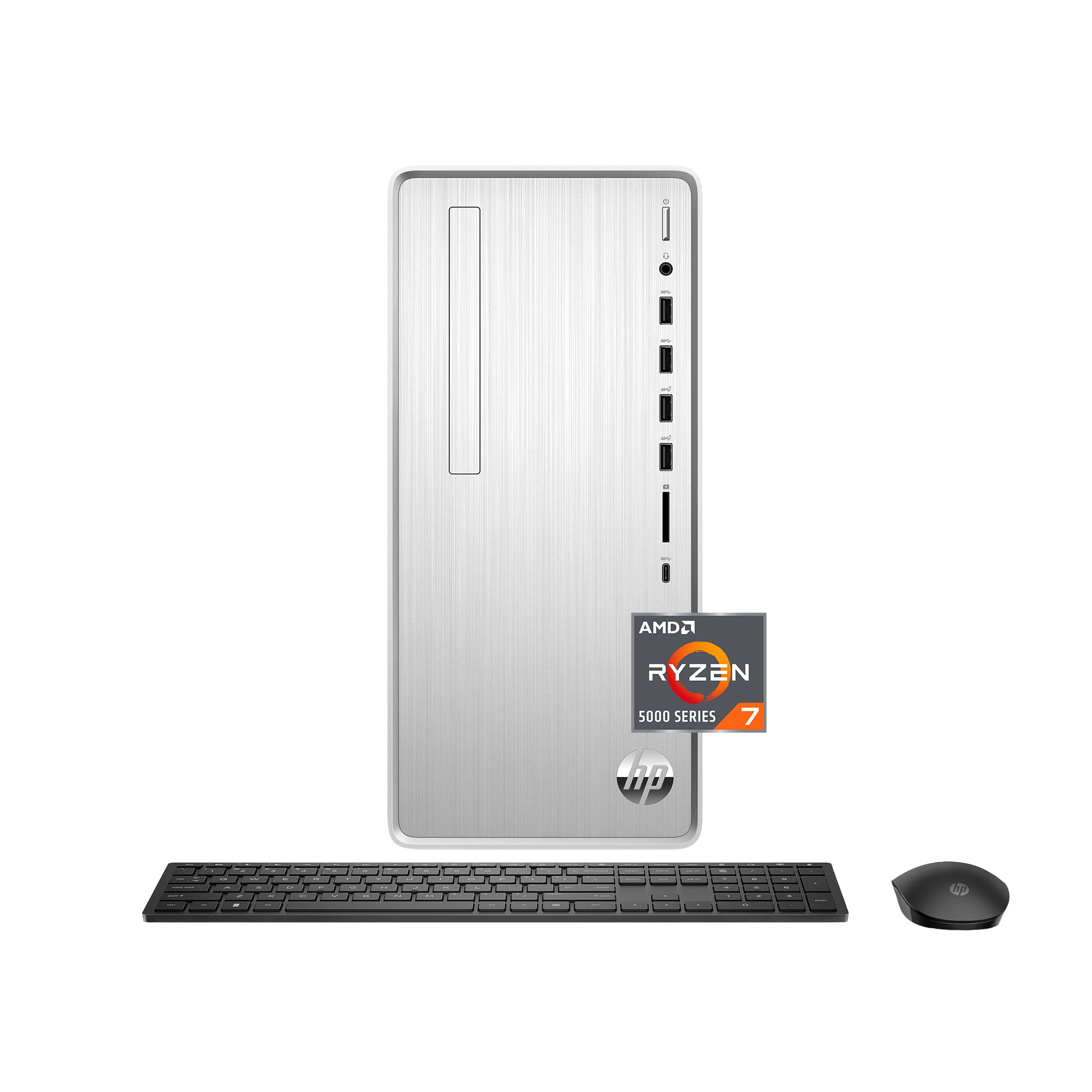
A:AnswerI have dual monitors with this computer. I used [1] VGA to VGA cable and one HDMI cable on the other and I have no issues. You will need to go into settings and setup the dual monitors. Make sure that the HDMI cable monitor is set as 1 and the VGA to VGA is set to 2, that way the mouse will flow from one screen to the other.
A:AnswerThank you for asking. The simplest and most economical solution would be an external CD drive, that connects to your PC's USB port. There are several choices under $40.00
A:AnswerIt sounds like the computer isn't able to find the printer drivers. Depending on how old the printer is, there may not be Windows 11 drivers available for it yet. Probably your best option is to go to the Canon website and download and install the driver manually.
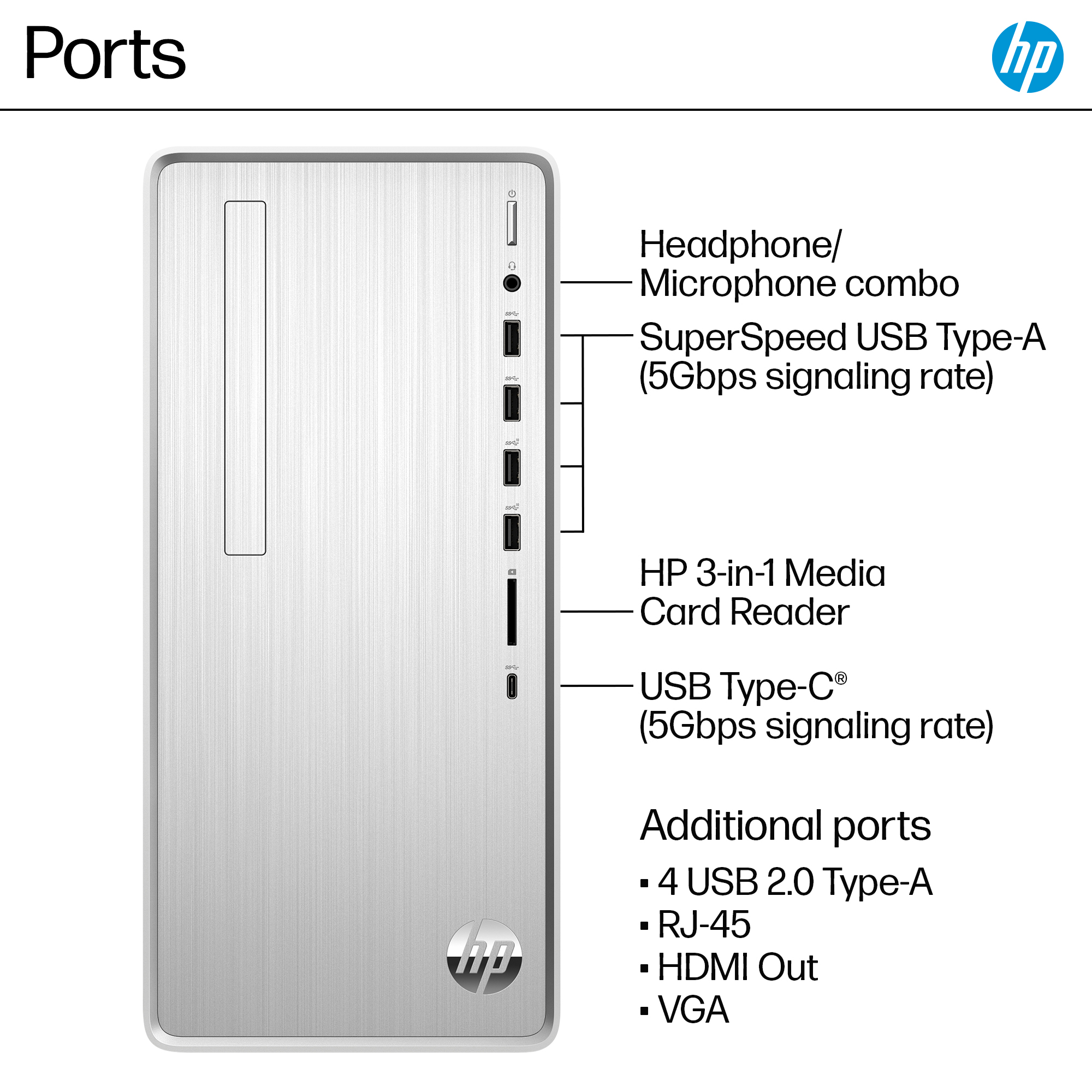
A:AnswerThank you for the question. The computer comes with an HDMI and a VGA port. you should be able to use the HDMI port to drive two VGA monitors with an HDMI splitter and a couple of HDMI to VGA adapters.
A:AnswerOculus Rift requires either an NVIDIA GTX 1050 Ti or AMD Radeon RX 470 video card, while this computer has the graphics integrated onto the motherboard, so you'd need to upgrade the video (and probably the PSU as well). I don't know enough about the situation with Windows 11 to offer any insight.
A:AnswerThank you for your question. The power supply is set and non-exchangeable. If you are looking for a larger power supply, I recommend looking at our Omen desktops and Z workstations which are designed for more resource-intensive applications.
A:AnswerI purchased the USB-C to HDMI adapter and it works but it is a lower resolution. My monitors are both 4k but I do not get that quality when using 2 monitors.
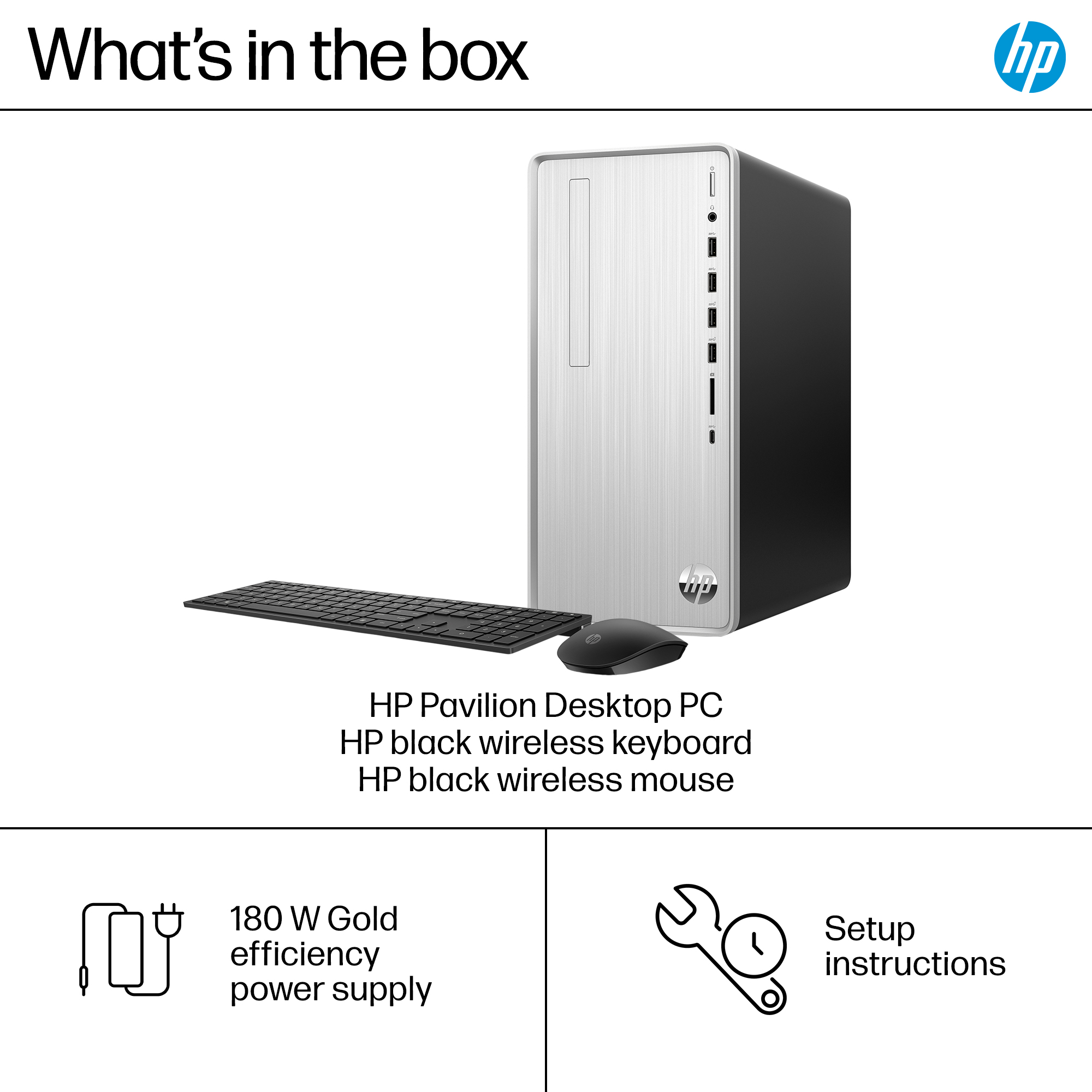
A:AnswerYes, 180 watts is enough to power the computer as it's configured. To check on upgrading the power supply, your best option would be to contact the HP support team to see about compatible power supplies.