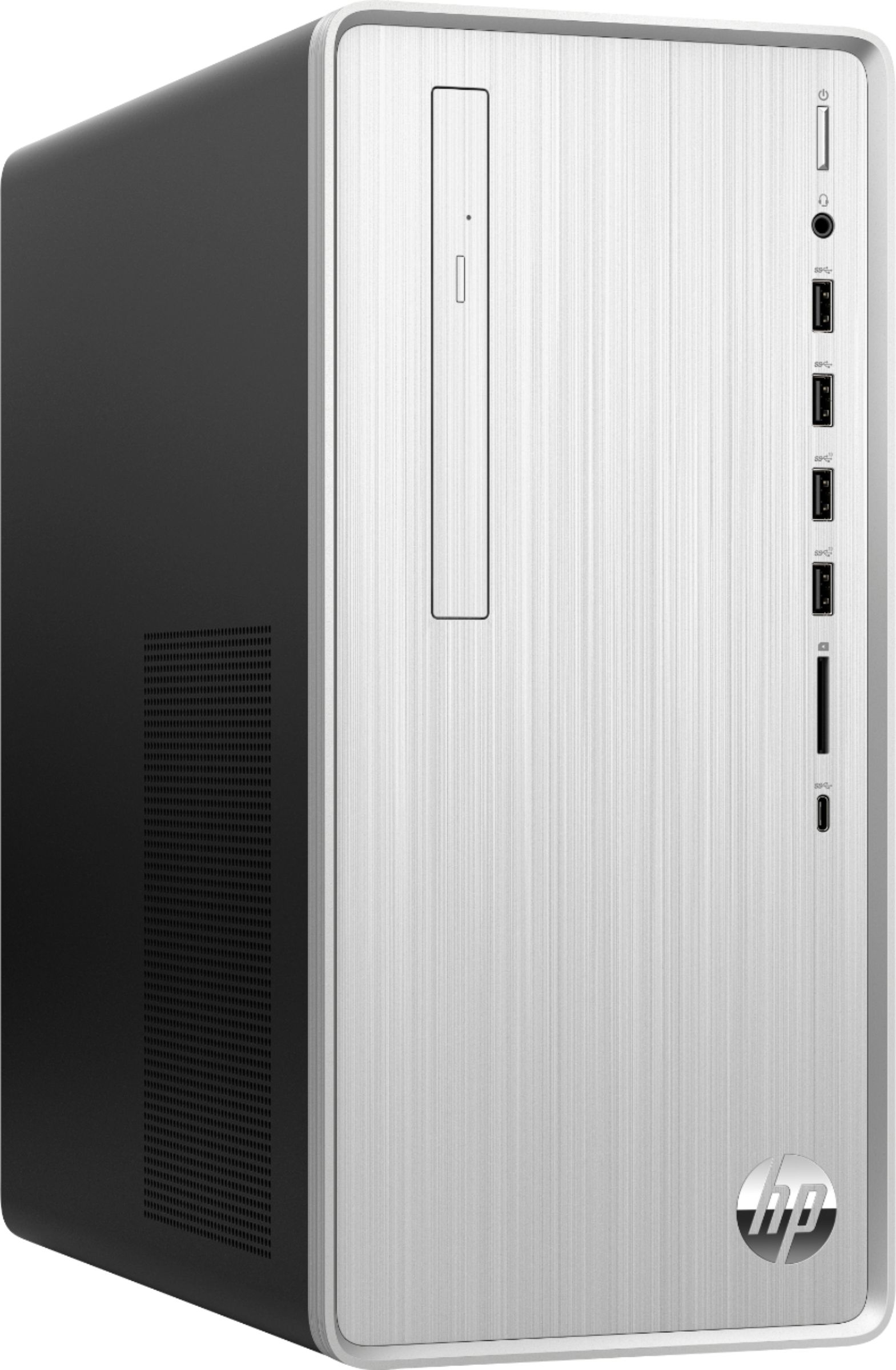
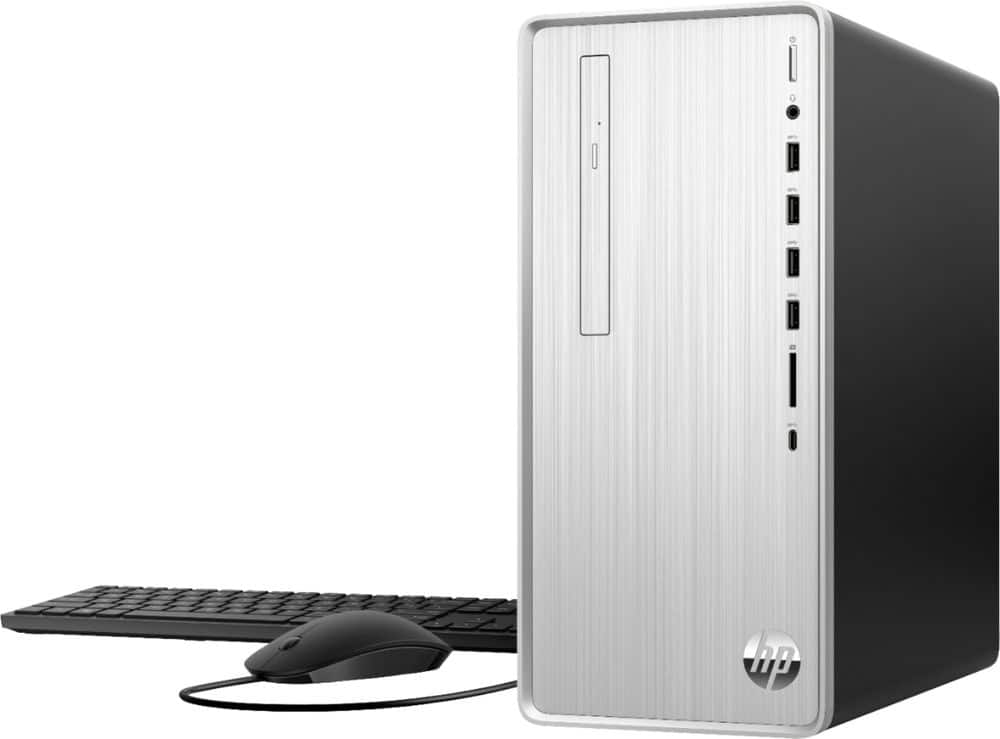
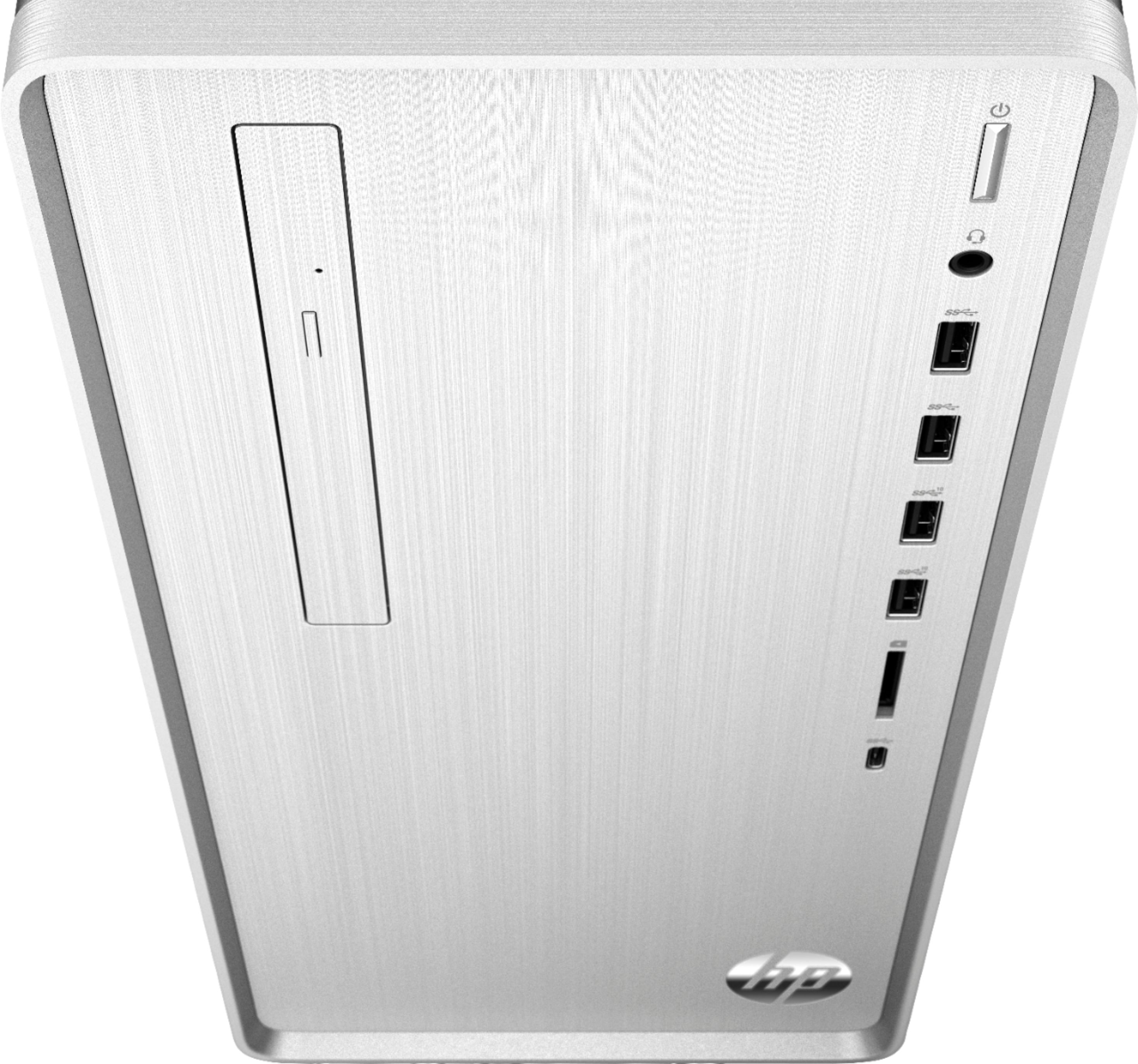
A:AnswerTo add a graphics card will involve replacing the power supply. The original power supply is 12V only and 180W capacity, and not ATX format. You'll need more wattage and connectors to run an added graphics.
The original Intel graphics will do up to 4K just fine, just not at fast gaming framerates. The desktop and video imaging are adequate for business or home theater applications.
A:AnswerIt is very easy to install RAM. All you do is open up the case and put the card into the slot and it locks in place. RAM has gotten a lot cheaper so you should be able to find 4gb for cheap. HP website states it has 8gb of DDR4-2666 SDRAM. Through best buy you can get 4gb of DDR4-2666 SDRAM for about 25 dollars or 36 dollars for 8gb. I'm sure it would be cheaper elsewhere.
A:AnswerYou can add graphics cards only if they use power only from the PCIe bus directly. Higher-end graphics cards that have separate jumpers for 12V power will not work; there are no jumpers provided in the stock system, and no spare power supply wattage available beyond what the PCIe bus can provide directly.
A:Answerthe PC has HDMI and VGA. If you monitor doesn't have VGA or HDMI it has a digital input called DVI. There are a couple of different DVI ports so google it and see if you have the single or the dual dvi input on your monitor. You can buy an adapter to hook the monitor up to the HDMI port on the computer - just make sure you know which DVI port your monitor has.
A:AnswerThis system (HP Pavilion TP01-0034) provides Intel HD Graphics 630 onboard, so it is HDMI 1.4 which goes up to 4K 60p.
I confirmed this works on my system with the included Windows 10, and with Linux Mint 19.2 that I installed myself, using an LG 43UM7300PUA 4K TV.
Here are the Intel graphics details:
https://www.intel.com/content/www/us/en/support/products/98909/graphics-drivers/graphics-for-7th-generation-intel-processors/intel-hd-graphics-630.html
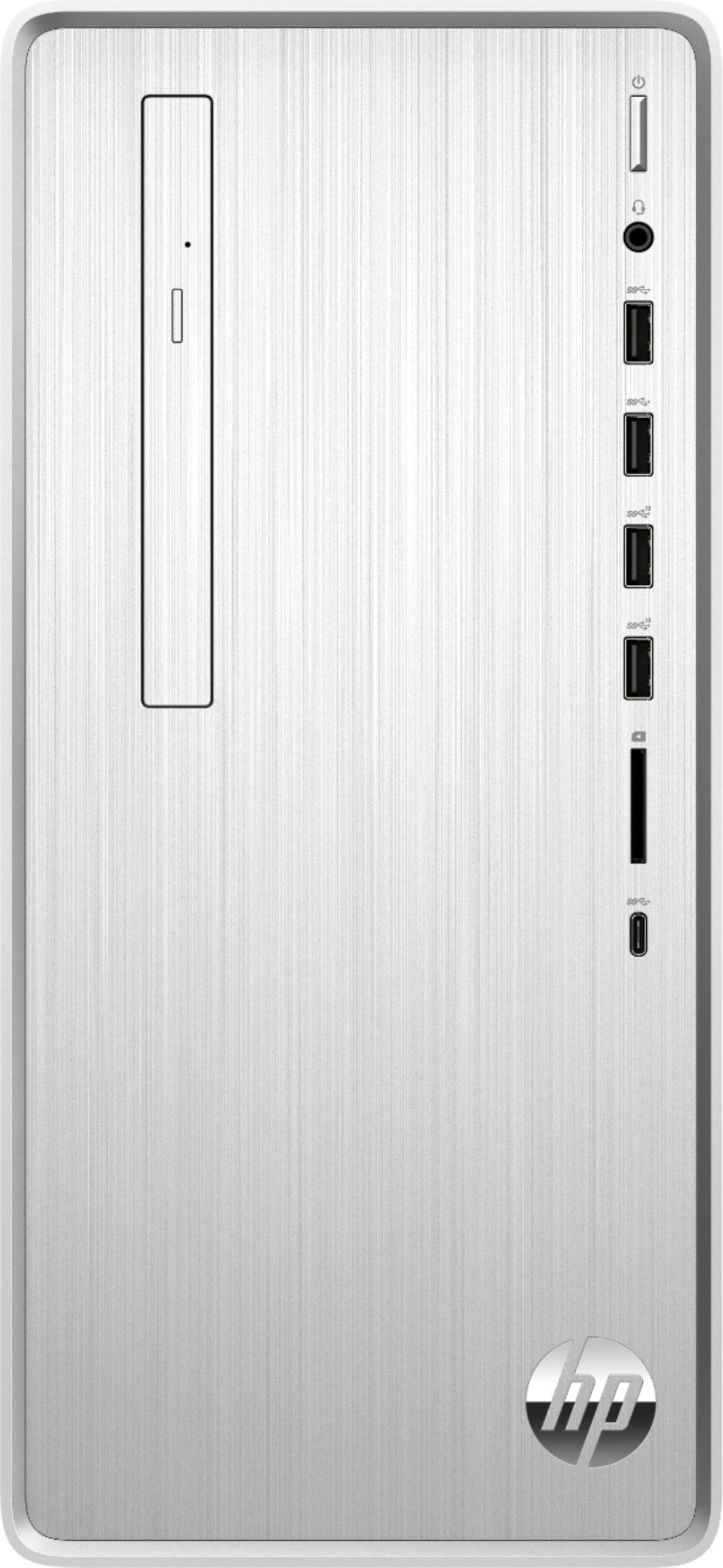
A:AnswerYou can add wired speakers, theres a connection in the back or bluetooth wireless speakers. Just pair with computer’s bluetooth and boom! You get sound.
A:AnswerYes, this motherboard accepts 2666 MHz DDR4 synchronous RAM modules, with two slots provided. The original 8GB configuration populates one of the two slots.
A:AnswerThis new i7 processor will definitely be an improvement for you. The AMD Phenom III 945 processor is 10 years old. This desktop also has the solid state drive which will also help since there are no moving parts. That means it will start up faster and find your files faster.
A:AnswerThe hard drive on this computer is a 256 gigabyte solid state drive, which means it will load and save data much faster than a conventional hard drive.
A:AnswerThis computer is going to be a huge upgrade from what you have at the moment. It's got a much faster processor and storage, and probably much more RAM, although that will depend on the particular model you have.
A:AnswerHi Bobby909. Here is a link to the specifications for this Desktop. You can click on the Motherboard Specifications link to get more information:
https://support.hp.com/us-en/document/c06469139