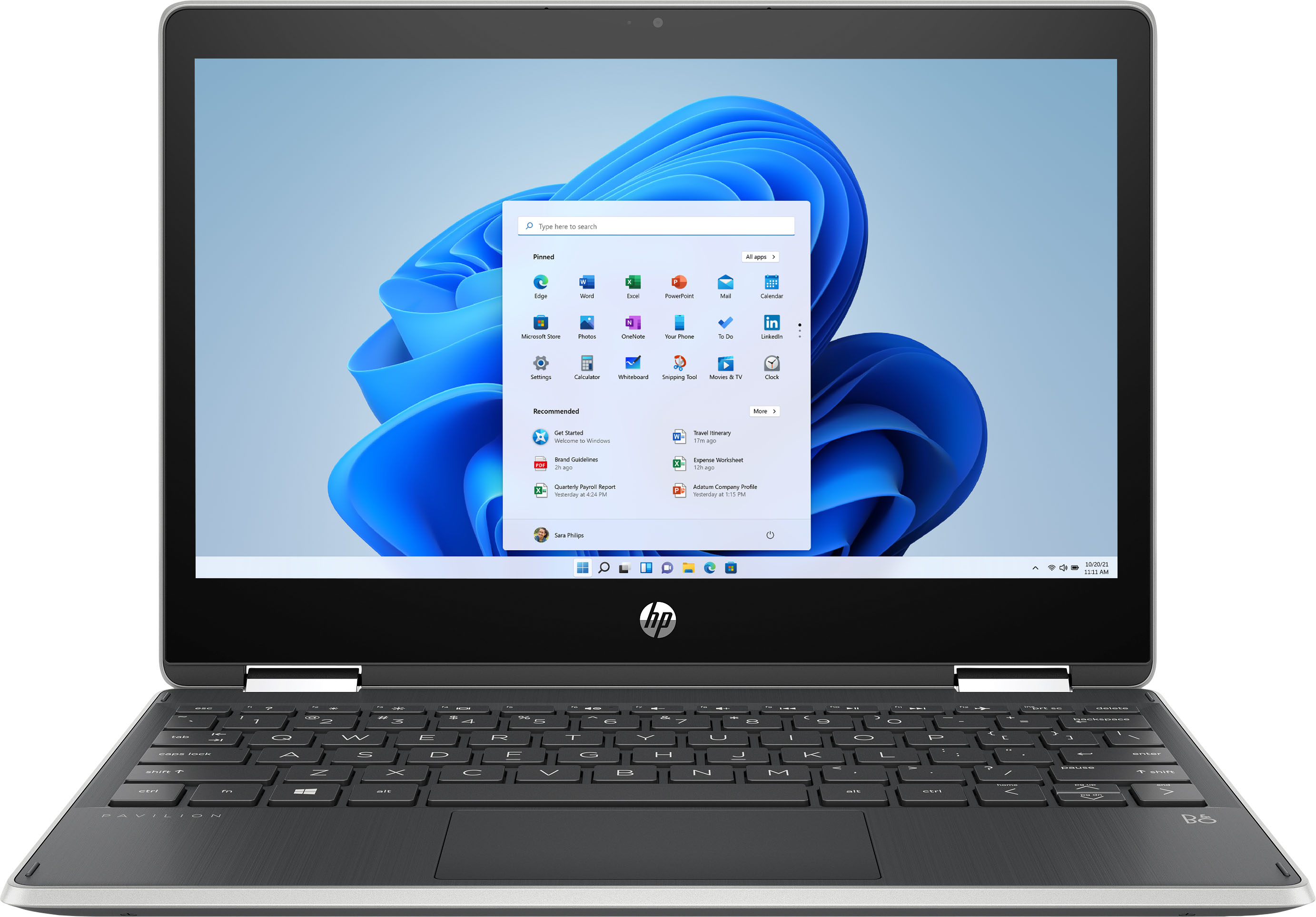
A:Answer Yes, if you click start, Then click settings ( the little gear looking thing), Then click Update and Security, In left column, click activation. You should see activation in S mode. below that You will see that it says, Switch to Windows 10 Home. Click go to store. A window will open with info on S mode and from here you can click get. and this will switch You out of S mode (Remember this, You can not go back to S mode after this). Hope this helps every one.