A:AnswerThere is a 30 day trial of Microsoft Office on this laptop, which includes Word, Excel, and PowerPoint. We recommend purchasing Microsoft Office with this laptop to save $20 on Microsoft Office.
A:AnswerHi Byron! Yes. Here is a similar model with the x360 hinge, 14" screen, an i5 processor, 8GB of Memory, and a 256GB SSD!
https://www.bestbuy.com/site/hp-pavilion-x360-2-in-1-14-touch-screen-laptop-intel-core-i5-8gb-memory-256gb-ssd-natural-silver-vertical-brushed-pattern/6410358.p?skuId=6410358
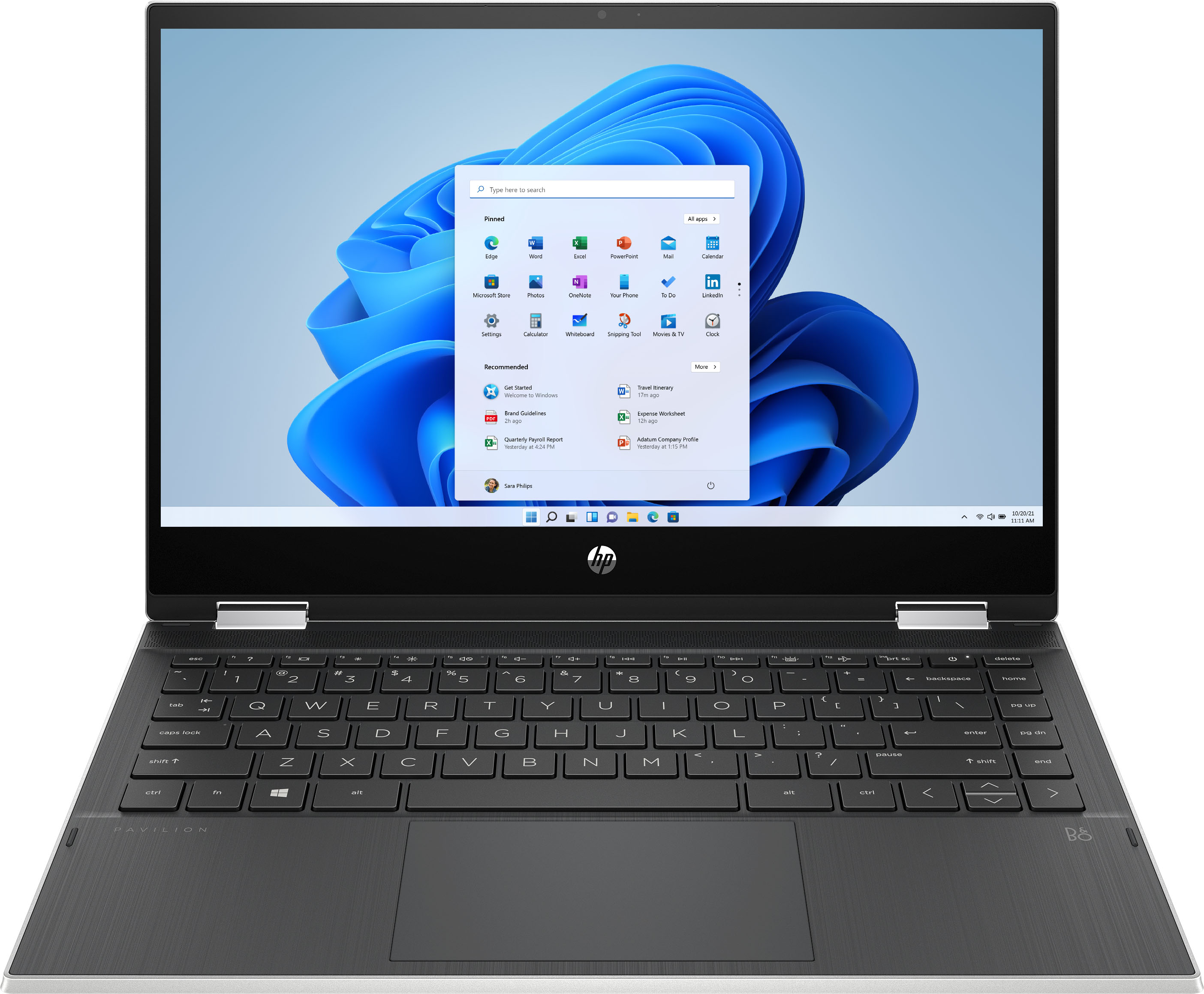
A:AnswerHi Galaxy! Yes the current memory module is an 8 GB DDR4-3200 SDRAM (1 x 8 GB) SODIMM. The processor in this laptop is an Intel® Core™ i3-1115G4 (up to 4.1 GHz with Intel® Turbo Boost Technology, 6 MB L3 cache, 2 cores).
A:AnswerTo use the Trend Micro software, you would need to switch out of the S Mode. Then you can install the Trend Micro software. Here are some instructions: https://support.microsoft.com/en-us/help/4456067/windows-10-switch-out-of-s-mode
A:AnswerSome older versions of many software programs won't run on Windows 10. I would check with Microsoft about Office 2007 as it is a 14-year-old software program.
A:AnswerTy for the info but that's not helpful.
The last HP Pav desktop I bought had that option removed from BIOS, I'm assuming by HP. I could not disable the FN keys.
So before I purchase the above laptop, I'd like to know that I can disable the FN keys.
A:AnswerWhile you can play some games on any computer, modern games like Minecraft, Fortnite and most other popular titles require a lot of power. For this reason, I would recommend a model with a dedicated Graphics Processing Unit (GPU) which this does not have. This computer meets the minimum system requirements of some games like Fortnite and Minecraft at the lowest settings, but it does not meet the recommended settings. You would not be able to get high frame rates.