A:AnswerYou will need to buy an activation code for the version of Office you want to use. The laptop will come with the Microsoft Office apps installed, but it is just a trial unless you buy Office.
A:AnswerThank you for the question. Any MPP 2.0 pen will work with the Pavilion 14m-dw1013dx laptop. The Rechargeable HP MPP 2.0 Tilt Pen is a good choice, as is the Wacom Pen.
A:AnswerThis laptop will not work for AutoCAD. Here is a link to the recommended specs for AutoCAD 2020. https://knowledge.autodesk.com/support/autocad/troubleshooting/caas/sfdcarticles/sfdcarticles/System-requirements-for-AutoCAD-2020-including-Specialized-Toolsets.html
A:AnswerYou can easily switch out of S mode and download google chrome. Also, the new Microsoft Edge is now based on Chromium like the Chrome browser. Here is a link explaining how to switch out of S mode: https://support.microsoft.com/en-us/windows/switching-out-of-s-mode-in-windows-10-4f56d9be-99ec-6983-119f-031bfb28a307
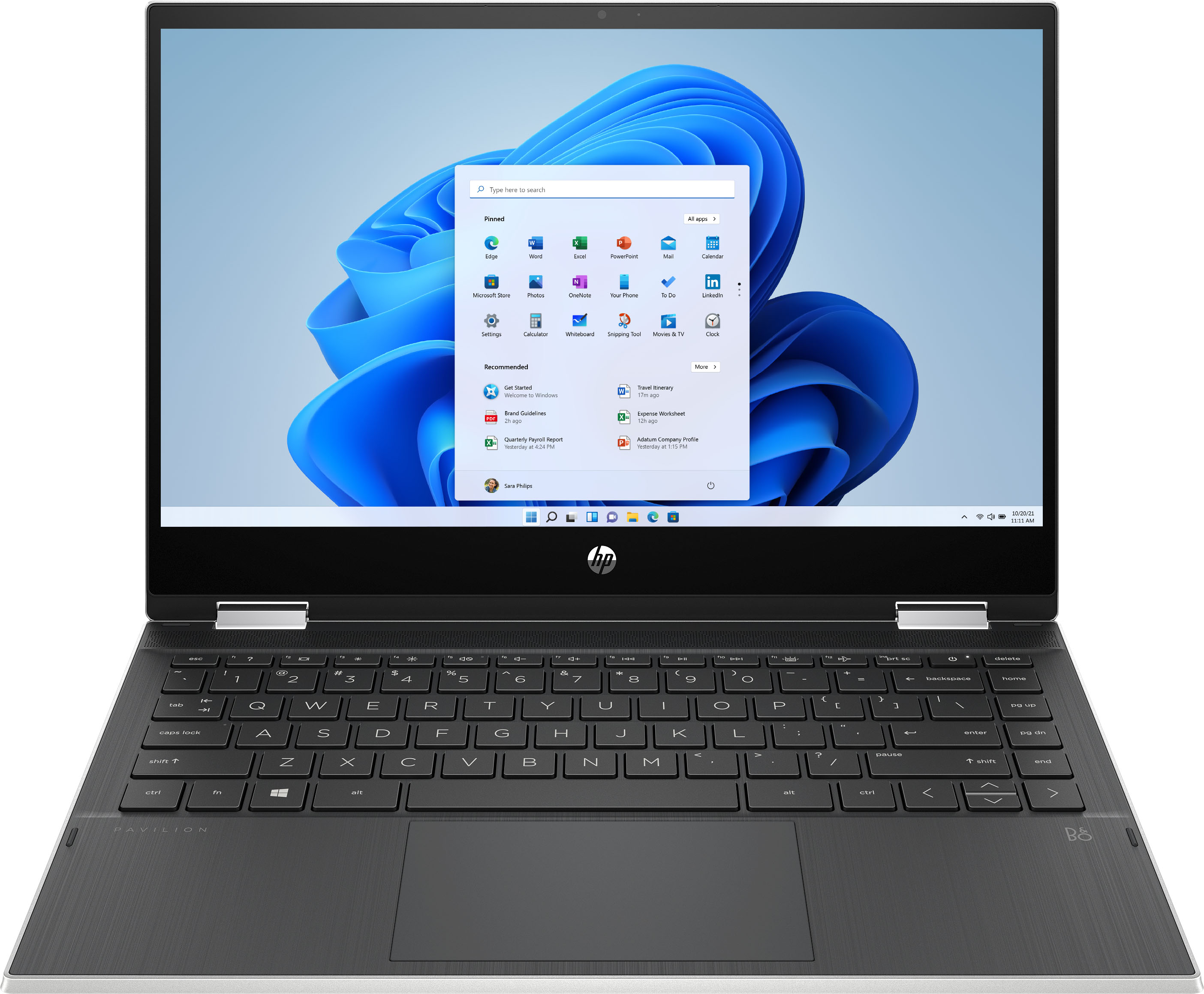
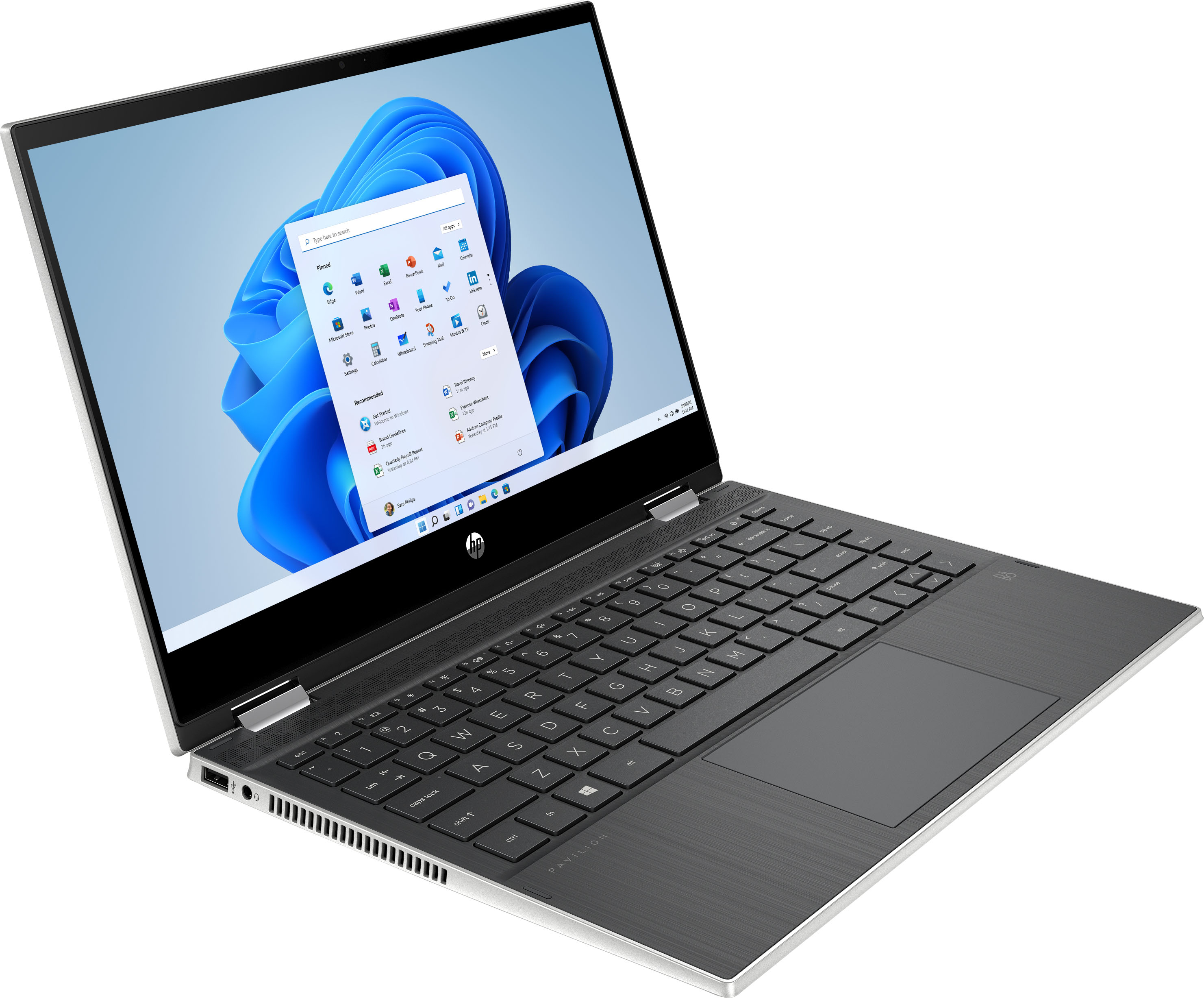
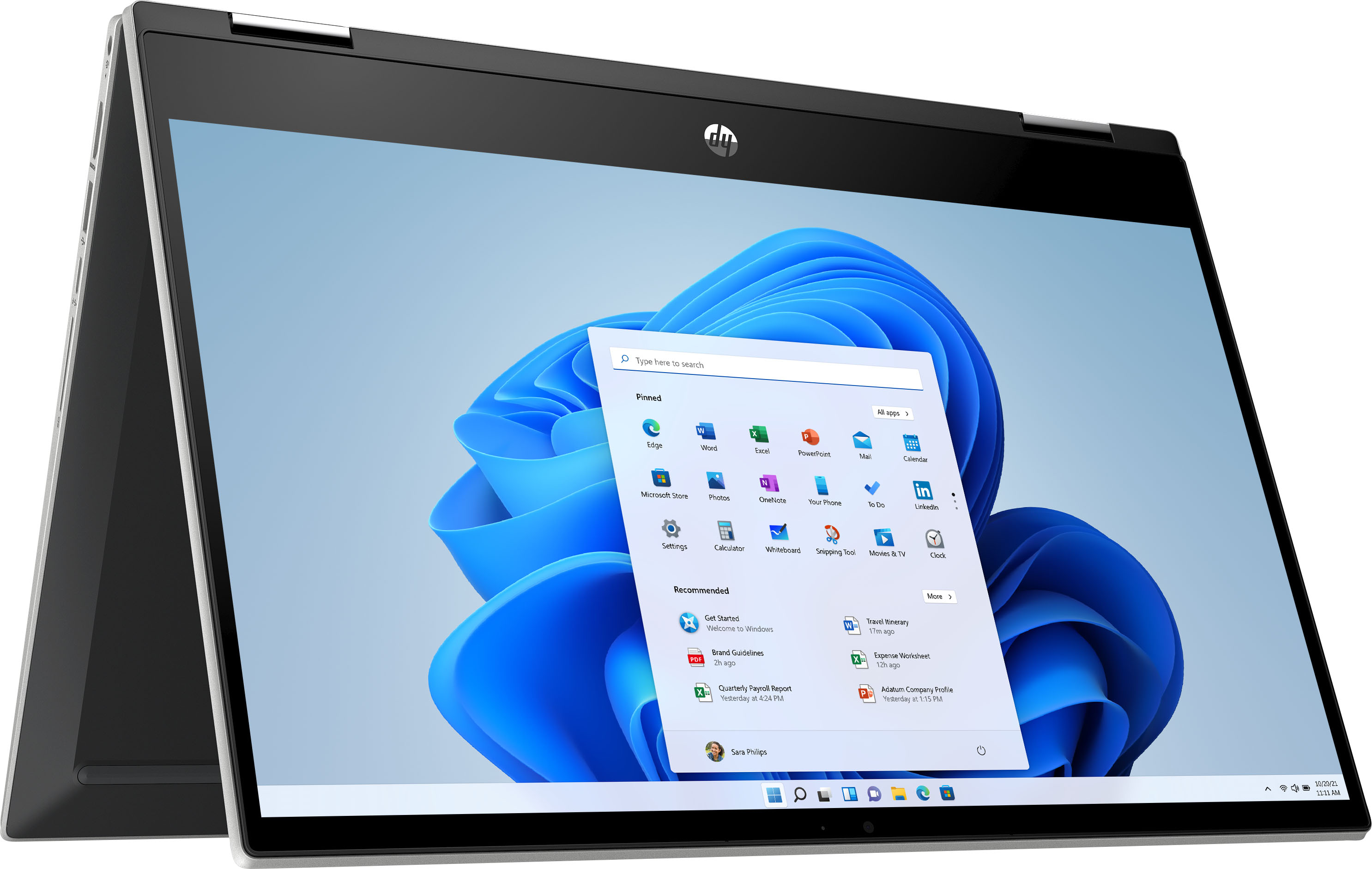
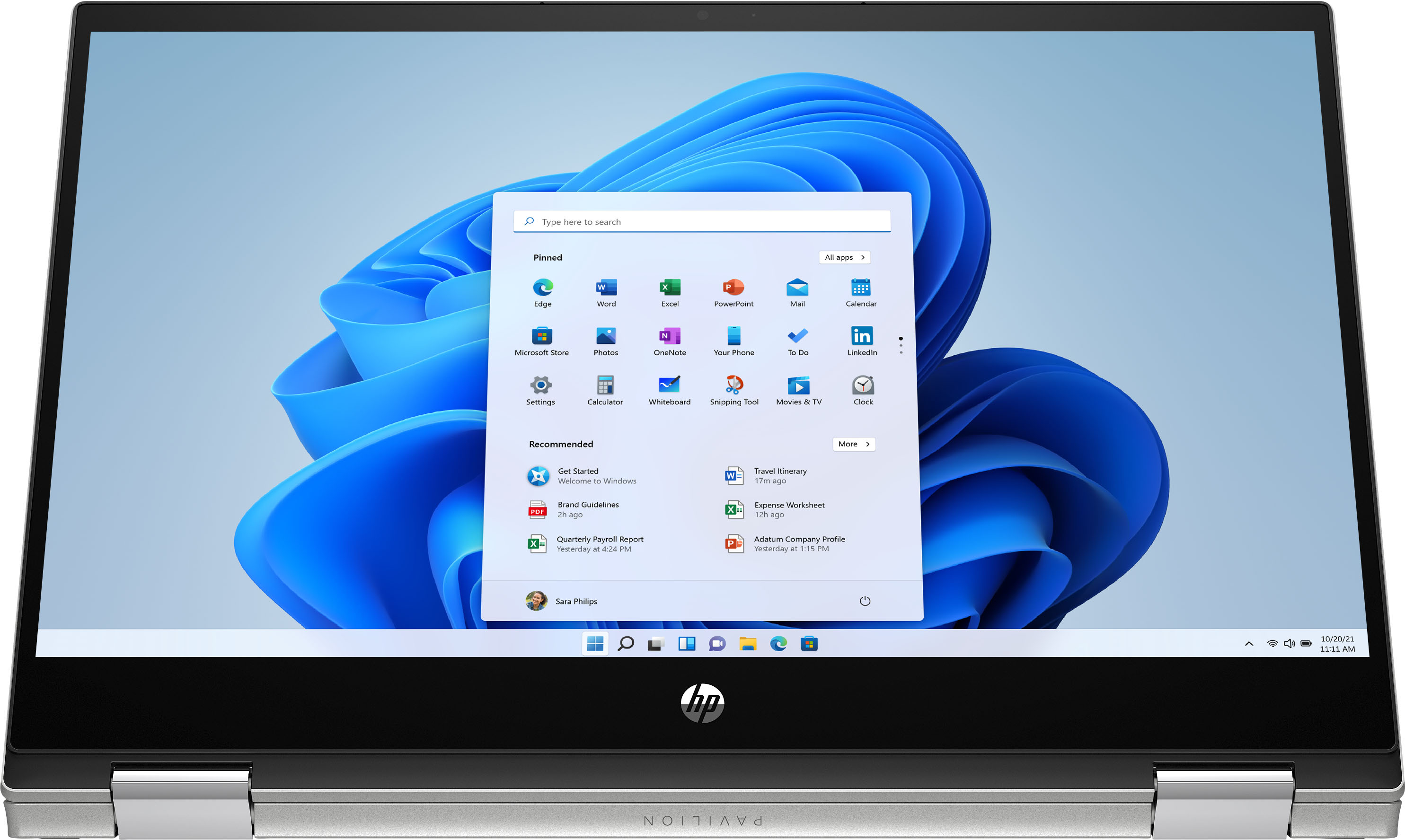
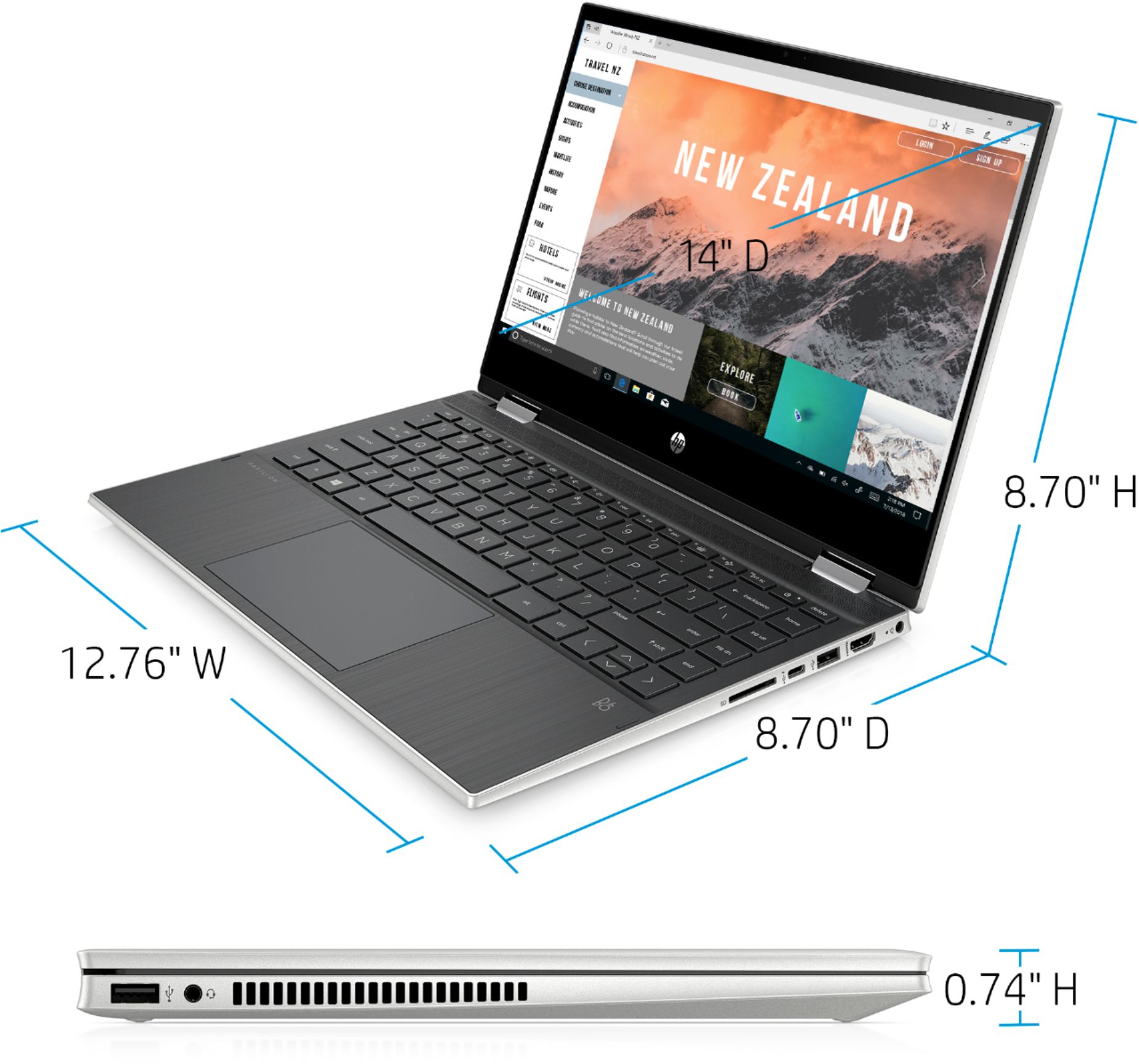
A:AnswerHi. Here are the specs for the display:
14-inch diagonal, HD (1366 x 768), multitouch-enabled, edge-to-edge glass, micro-edge, 250 nits, 45% NTSC.
A:AnswerI don't play xbox or games like that, so can't help with that. I do enjoy Pogo gaming and it is perfect for that type. Hope this helps! I love this computer!