A:AnswerThis laptop will come with a one-year manufacturer's warranty for the hardware and 90-day phone tech support for the software. This does not cover accidental damage or damage as a result of a power outage/surge. For further details, this link covers the Warranty and Support guidelines: http://h10032.www1.hp.com/ctg/Manual/c00747726.pdf
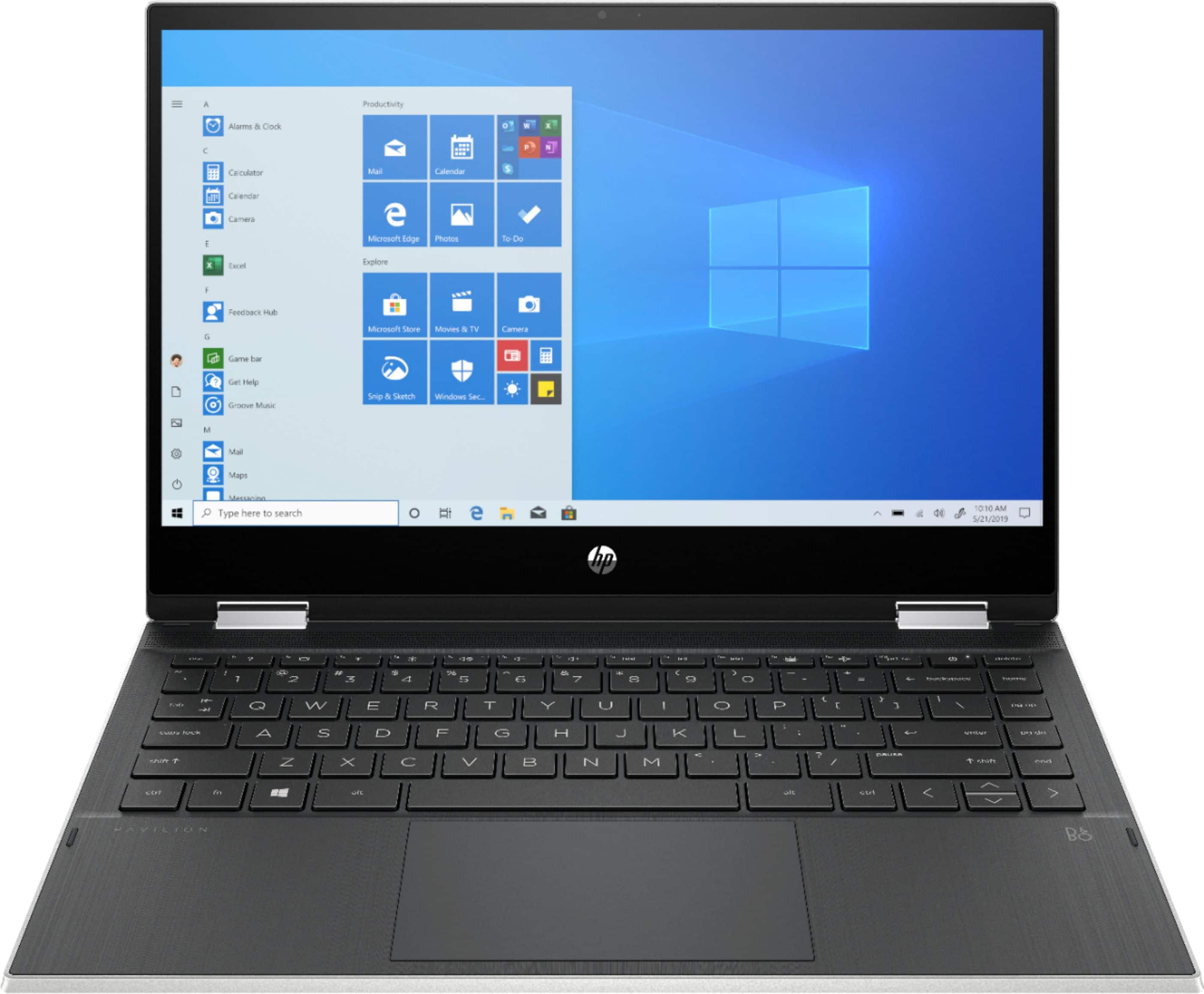
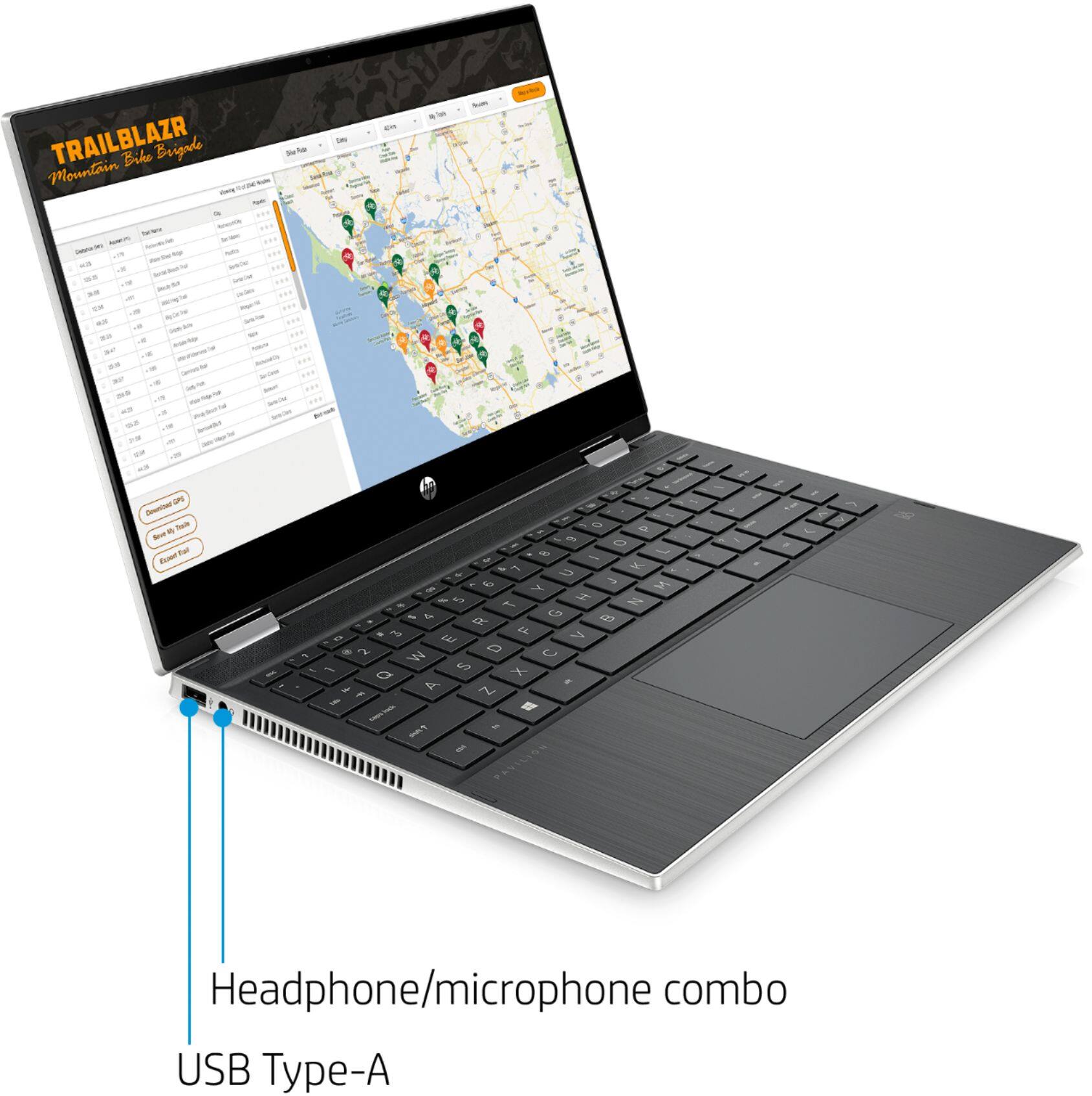
A:AnswerNo, this is a laptop so it doesn't come with an external USB mouse and keyboard. Instead it has a touchpad and the built in keyboard that is part of the laptop.
A:AnswerIf you go online at best buy you should be able to purchase it and get it delivered to your house or your nearest best buy location. You can also go to a best buy store and they can help you purchase one and get it delivered to you (to either your house or to the store for pick-up).
A:AnswerYou can use the same sites. You will want to make sure you are signed in on the web browser you use, so all your bookmarks and logins can be moved to the new computer. You will sign in to the web browser you are using on the new computer That will give you access to everything.
A:AnswerNo, the default installed browser for Windows 10 is the Microsoft Edge browser. You would need to download and install the Google Chrome browser to use it instead.
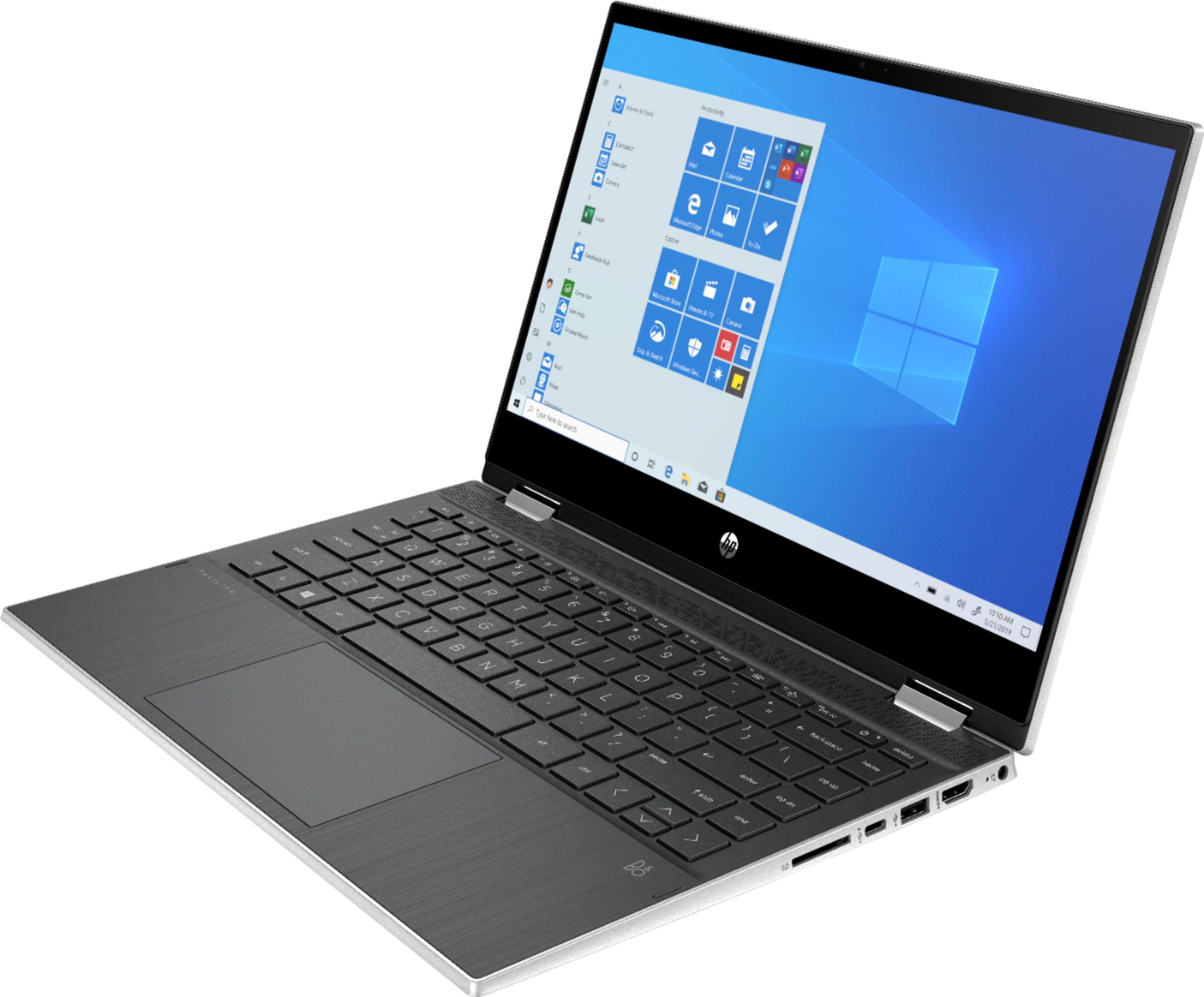
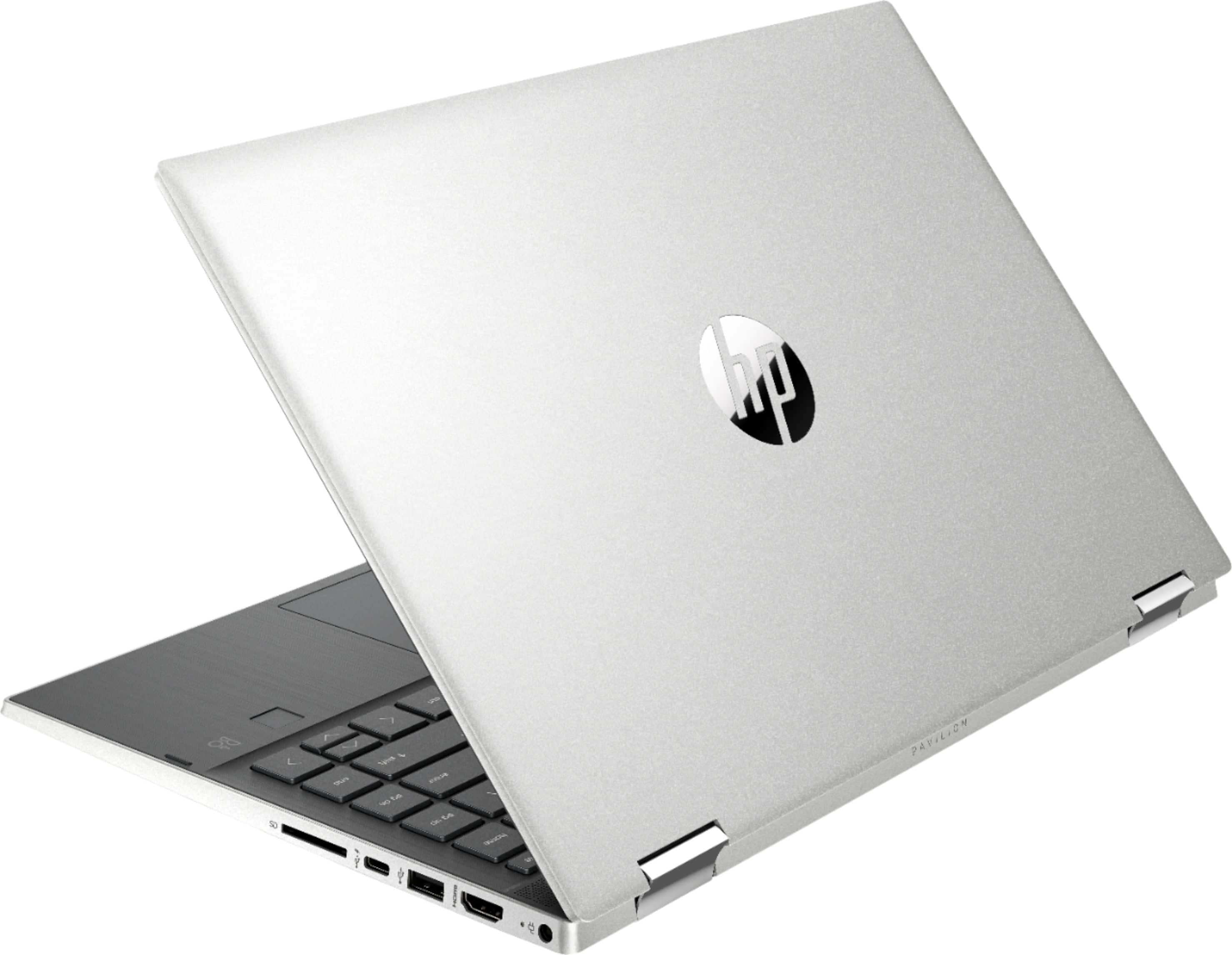
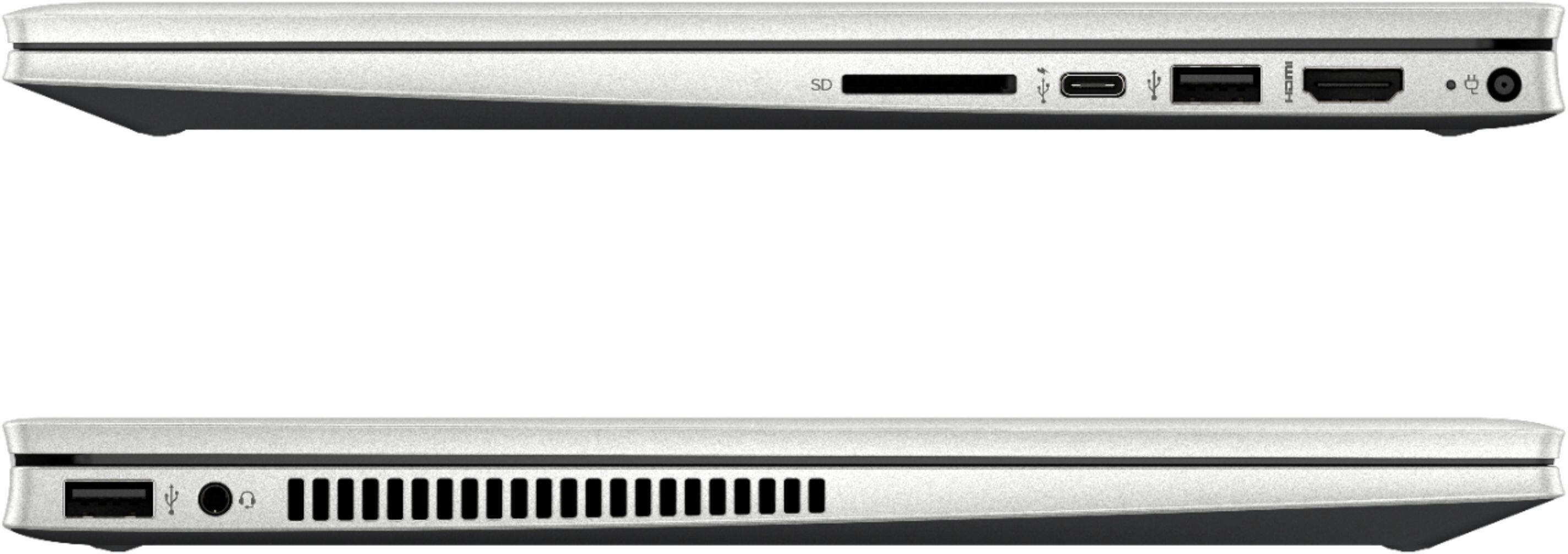
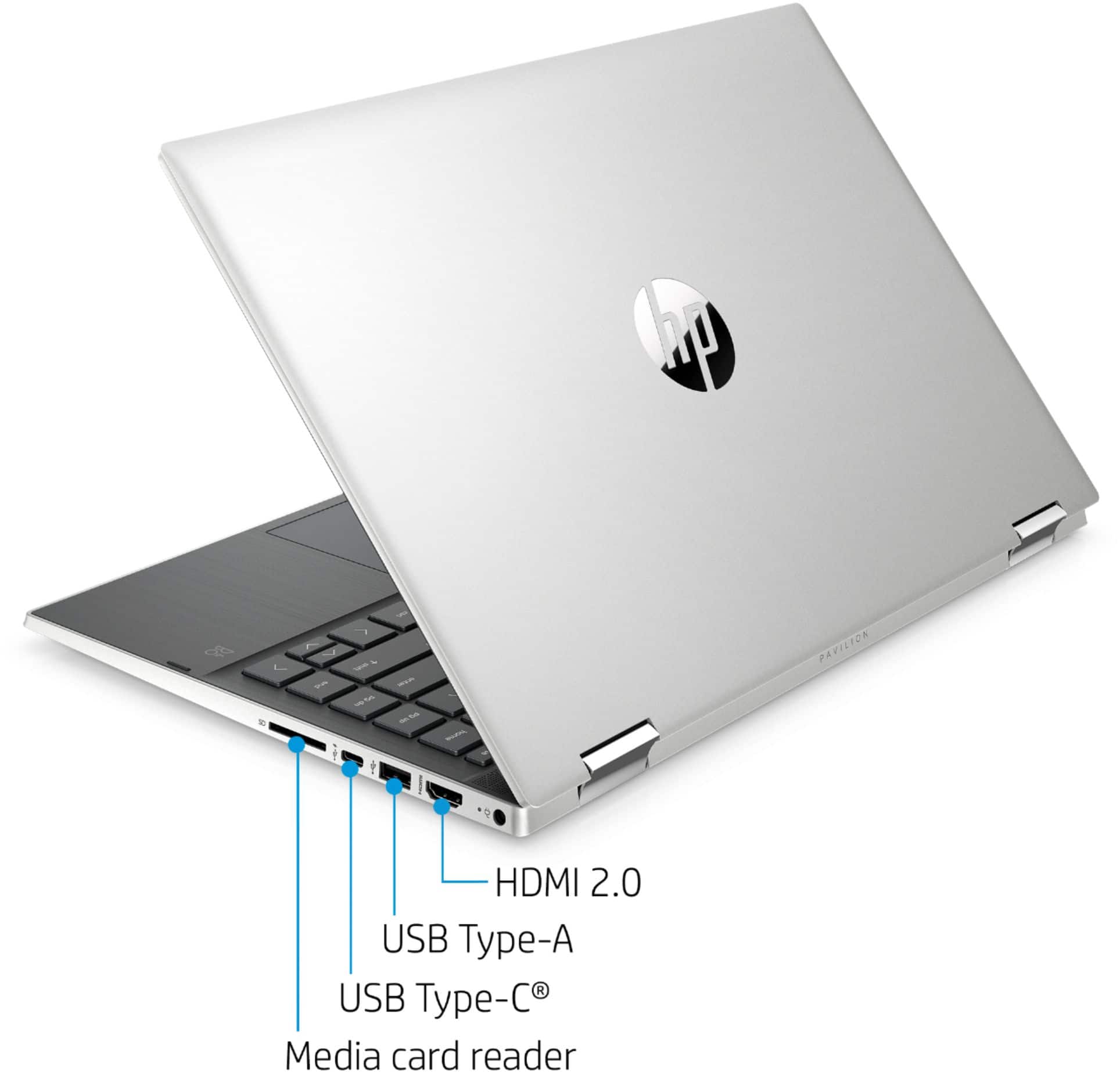
A:AnswerThe laptop has an HDMI output, so you'd need an HDMI splitter to drive two monitors. I don't believe that the video subsytem will drive those monitors and the built in laptop screen at the same time.