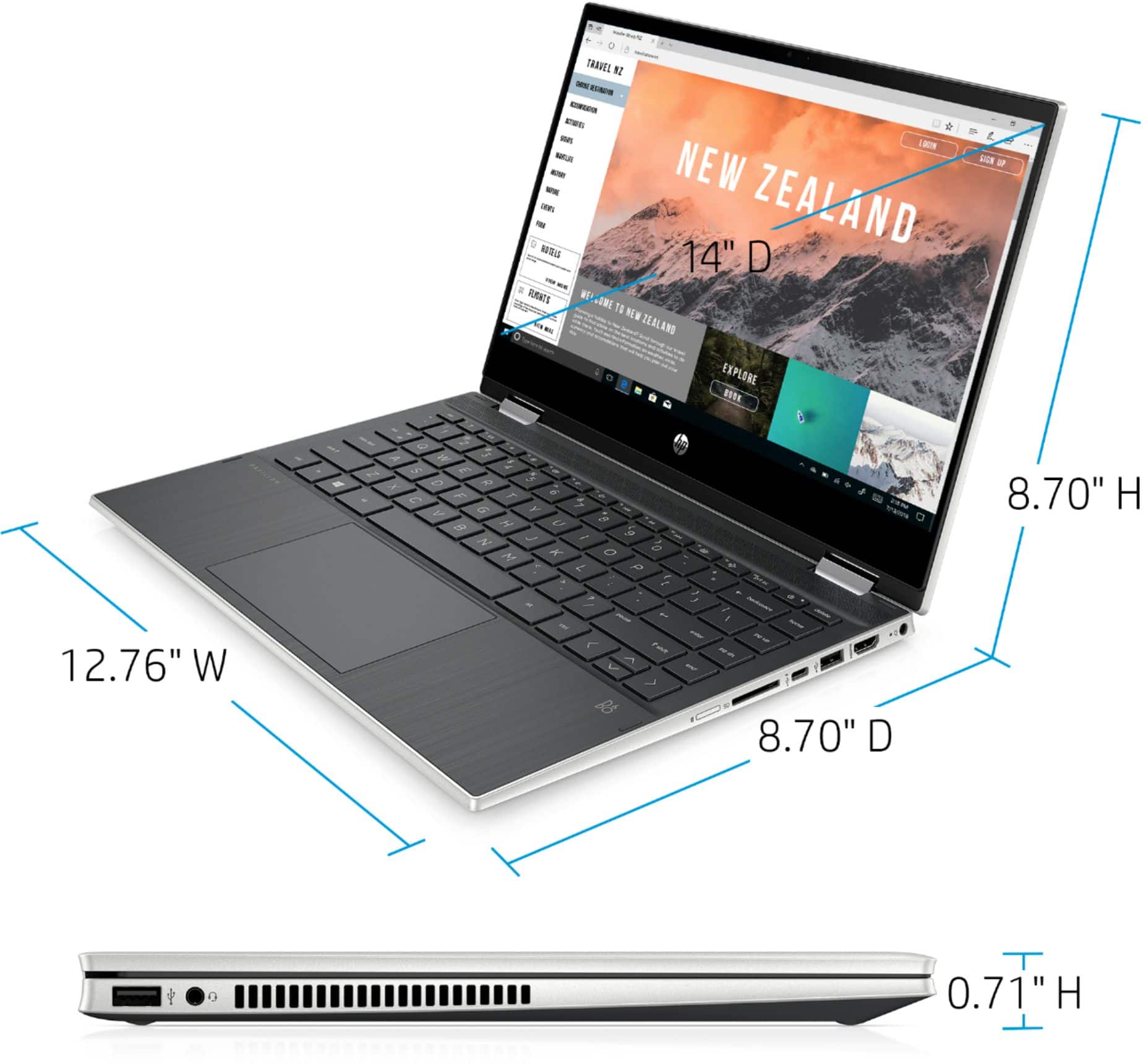
A:AnswerUnless you purchased an extended warranty, the computer is out of the warranty period. You can have the Best Buy Geek Squad quote you a price on replacing the screen with a new one.
A:AnswerI am so sorry you had issues with your HP. I got my first HP (Hewlett-Packard back in the day) in 1999 or 2000, and I've never looked back. At this point I've had laptops, netbooks, desktops, and even the mouse. I got an HP envy last year, and still works like the day I first got it and I just got two laptops for my kids and no issues either. I would say always make sure you have some sort of anti-virus on it. I did have a problem once, took it to best buy and turns out I had accidentally downloaded a virus. I would say you get a good 5 to 6yrs before the technology is just too old to keep up. Good luck with your next computer.
A:AnswerAs a fellow aficionado of getting audio feedback from the keyboard, I absolutely understand. It does make a clicking noise as you type, but it's relatively quiet.
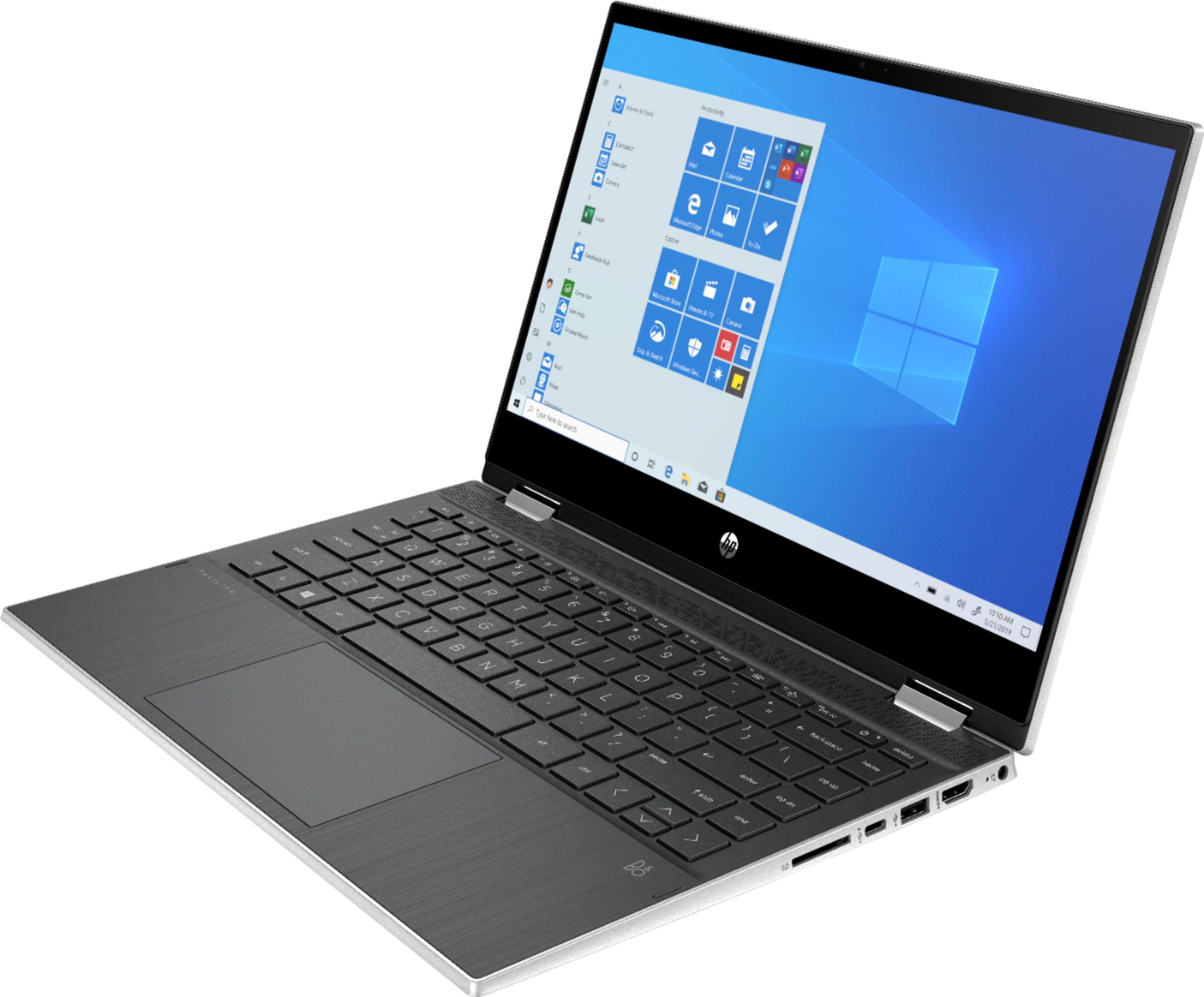
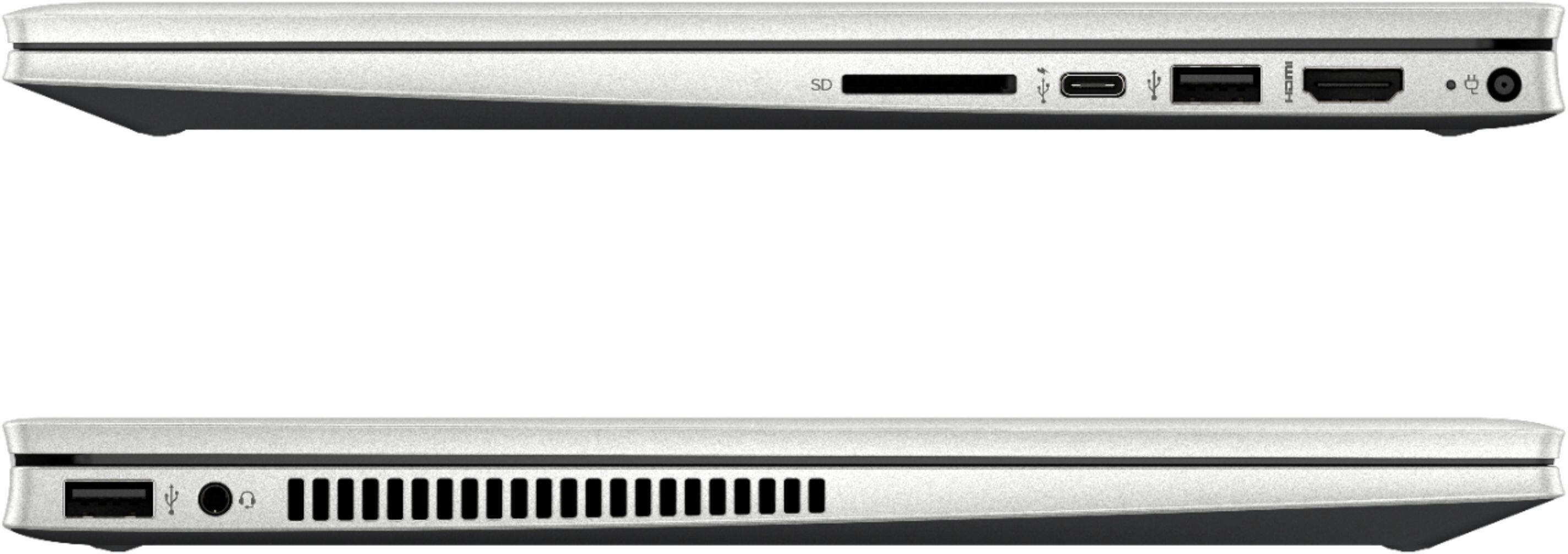
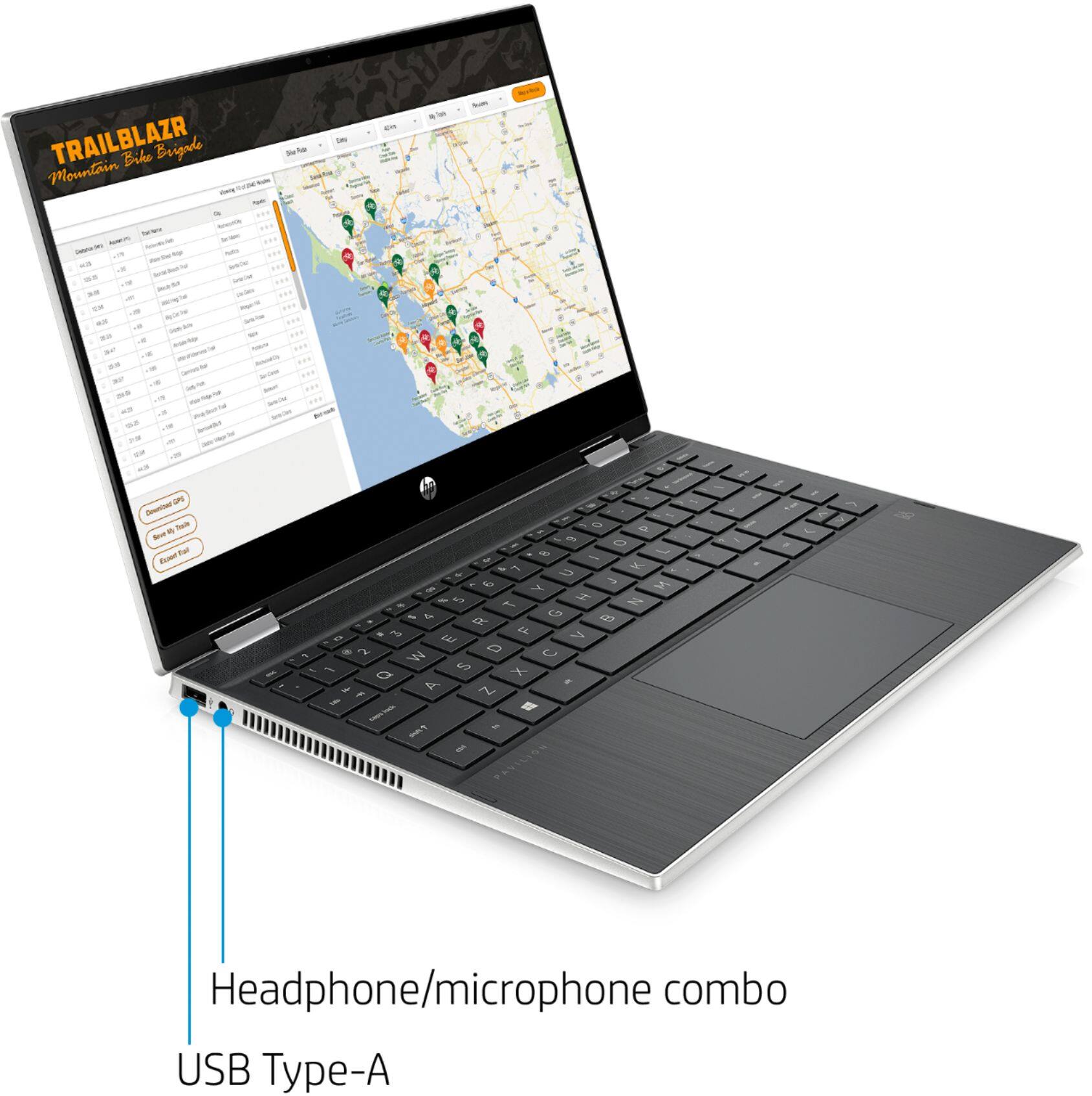
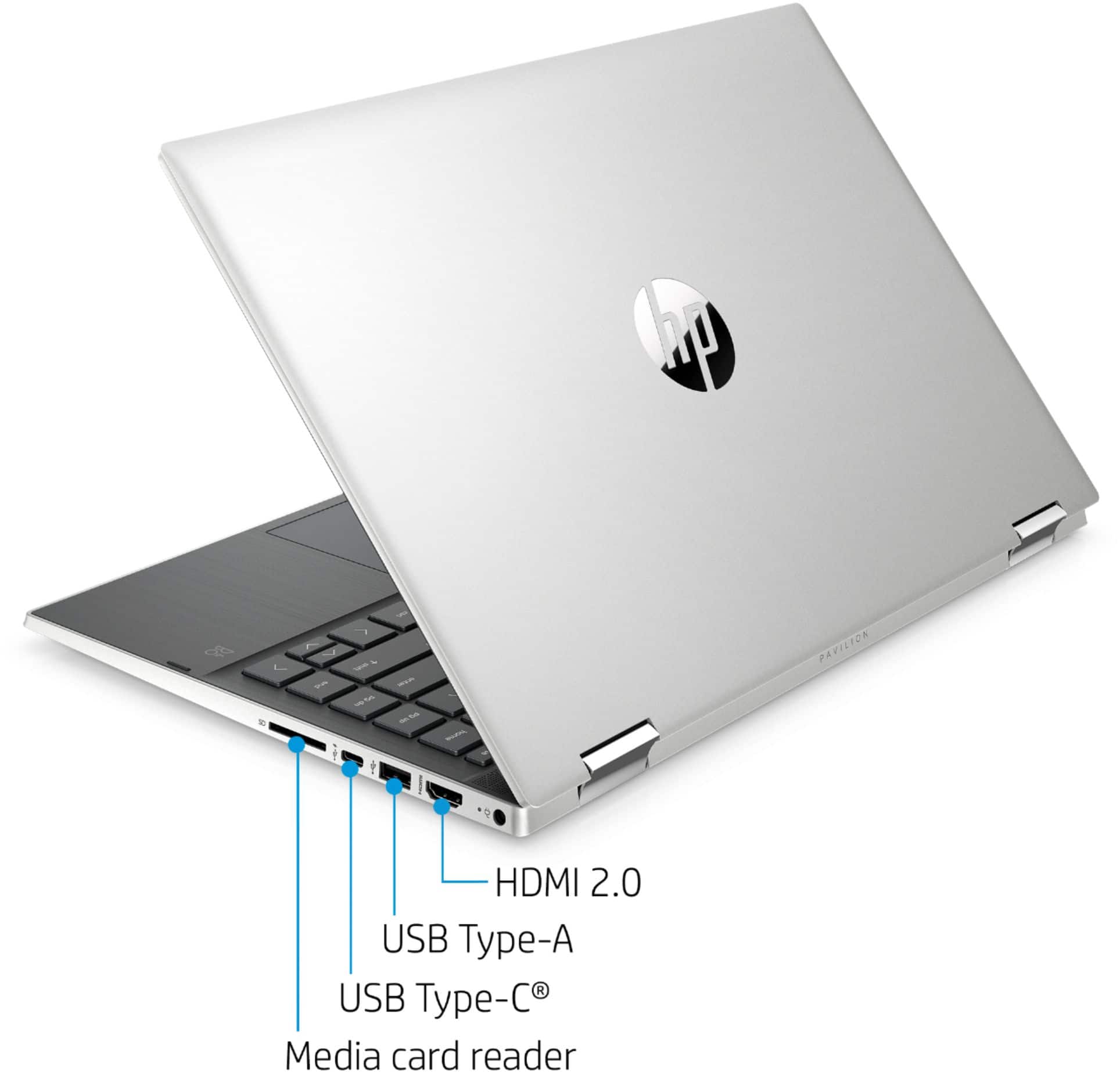
A:AnswerIf you save the audio as a 192 Kpbs mp3, you will be able to fit a single hour on the SSD and still leave room for Windows, Audacity, and a couple of other programs, so if you're looking to do several hours, you'll need additional storage. You can install iTunes, the computer does have a headphone jack, and the sound quality is going to depend on how much you compress the sound to fit it on the computer. It has an HDMI output, but not an HDMI input.
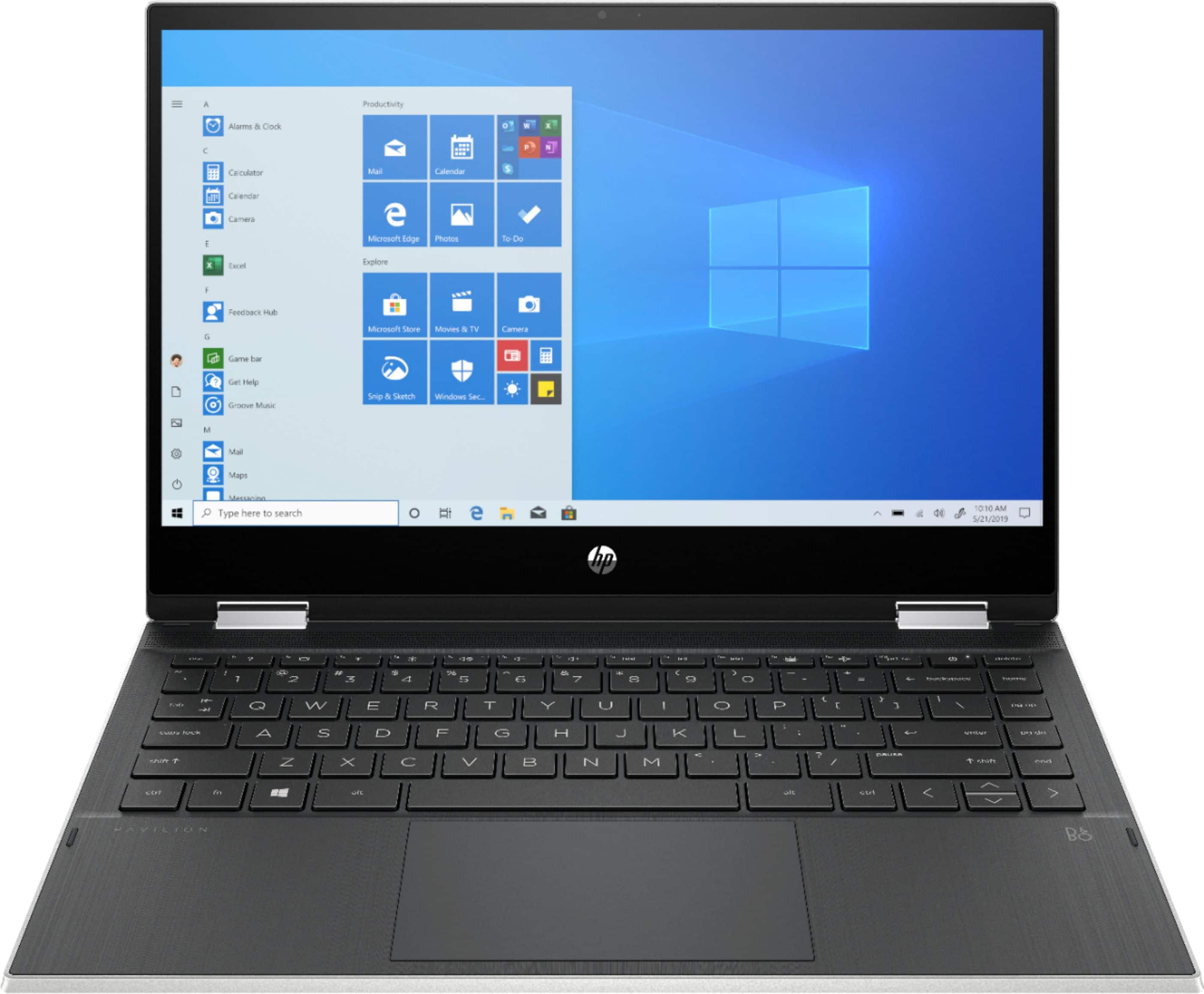
A:AnswerIf you save the audio as a 192 Kpbs mp3, you will be able to fit a single hour on the SSD and still leave room for Windows, Audacity, and a couple of other programs, so if you're looking to do several hours, you'll need additional storage. You can install iTunes, the computer does have a headphone jack, and the sound quality is going to depend on how much you compress the sound to fit it on the computer.